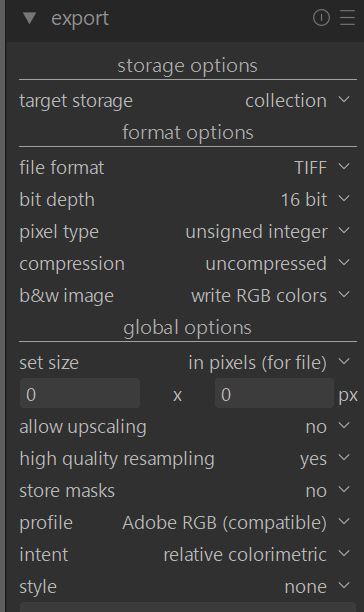
I’ve been using DT again recently, it seems to have come on leaps and bounds since I last tried it a few years ago, is there a way to automatically export a sidecar file into the same folder as the image is exported to? something I rely on in rawtherapee to keep myself organised
Unless you turn these features off:
- sidecars are created next to the input image, in the source folder;
- output images contain the development history in the EXIF info, and can be used to apply that history to any image, just like an XMP sidecar could be used.
You may be able to create (or even find?) a Lua script that copies the sidecar to the output folder.
thanks, the exif sounds useful, it looked like the xmp in the source folder would get overwritten by the latest edits each time
Yes, the XMP is always overwritten. You can turn off writing the XMP, and use write sidecar files to create them manually; or you can get into the habit of using duplicates.
thanks, I’ll take a look 
By default, my xmp and RAW are always in the same folder.
I am curious about this “collection” option in the “Export” Module. It always puts the exported image in the same folder as the original RAW which is great. Is anything else happening to the exported file other than that?