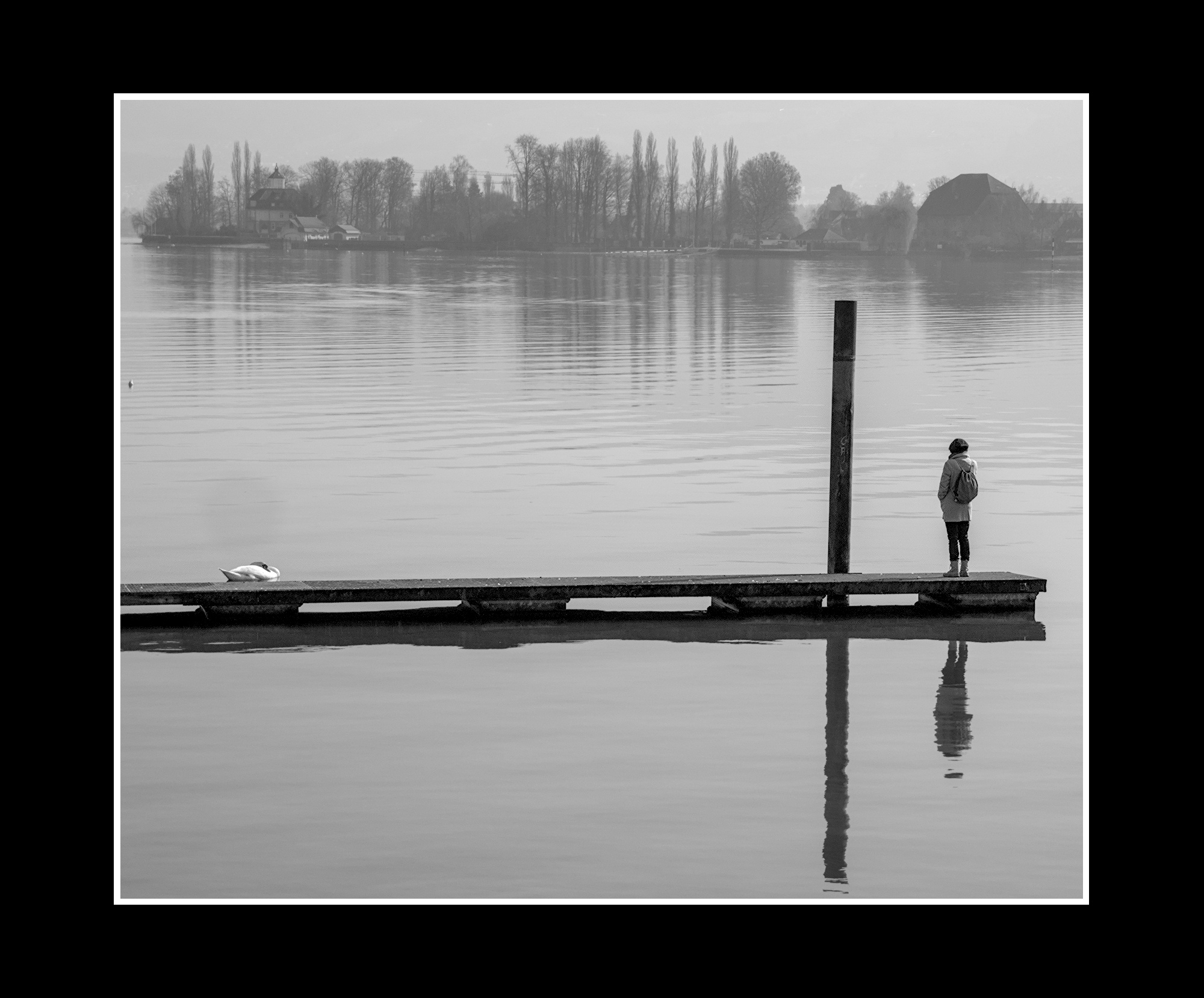
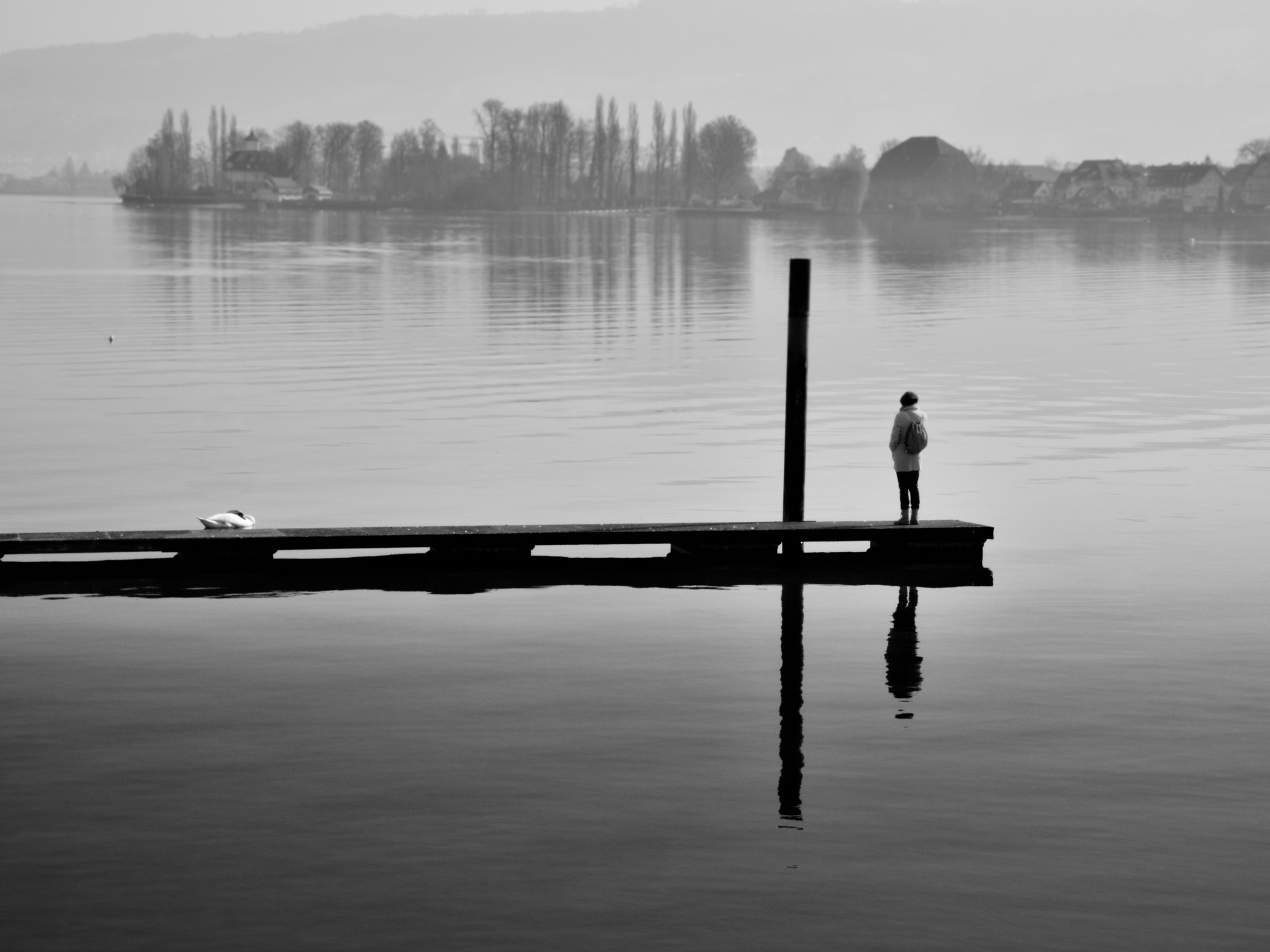
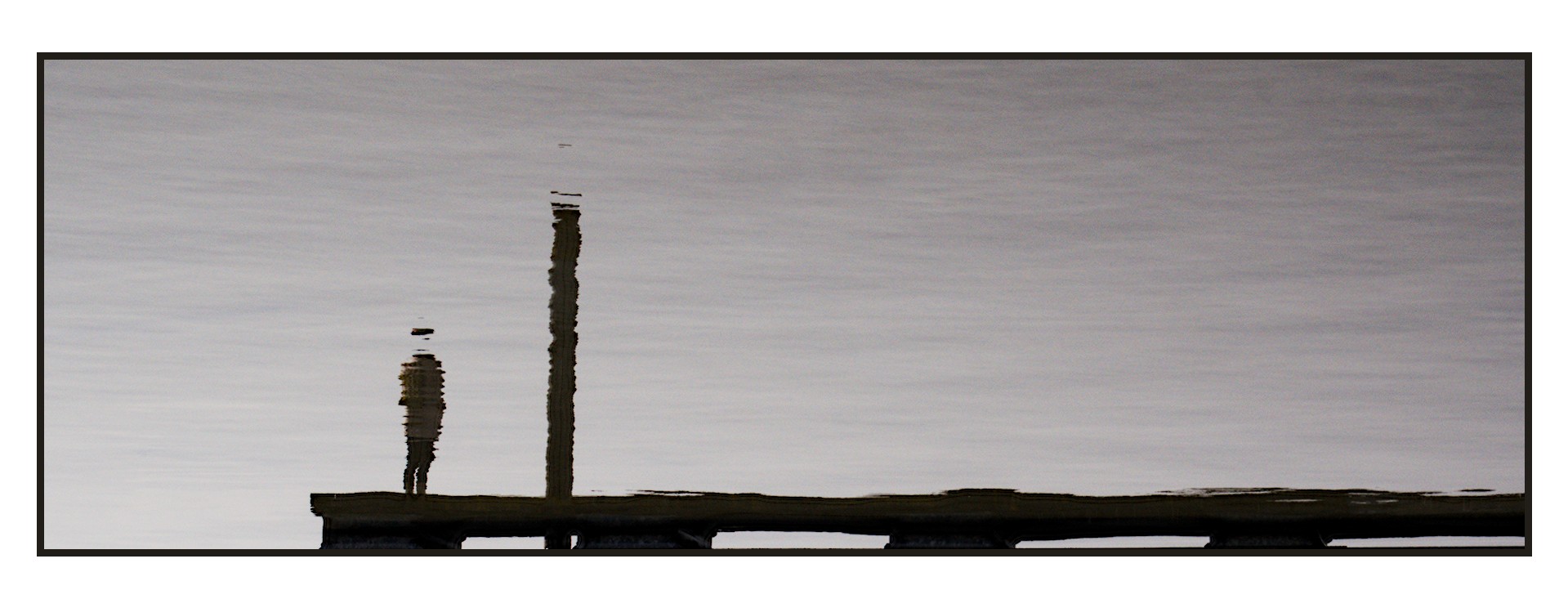
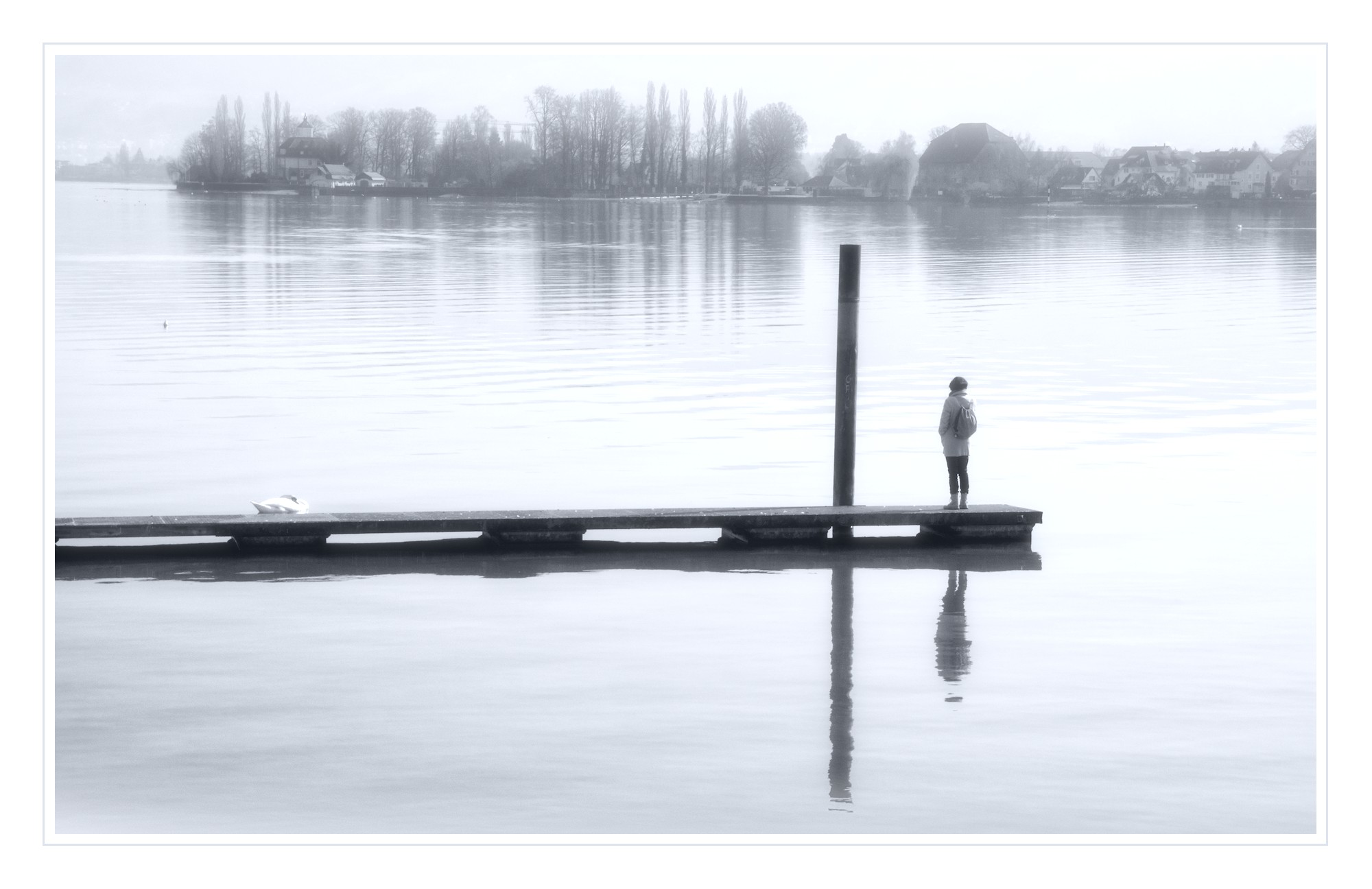
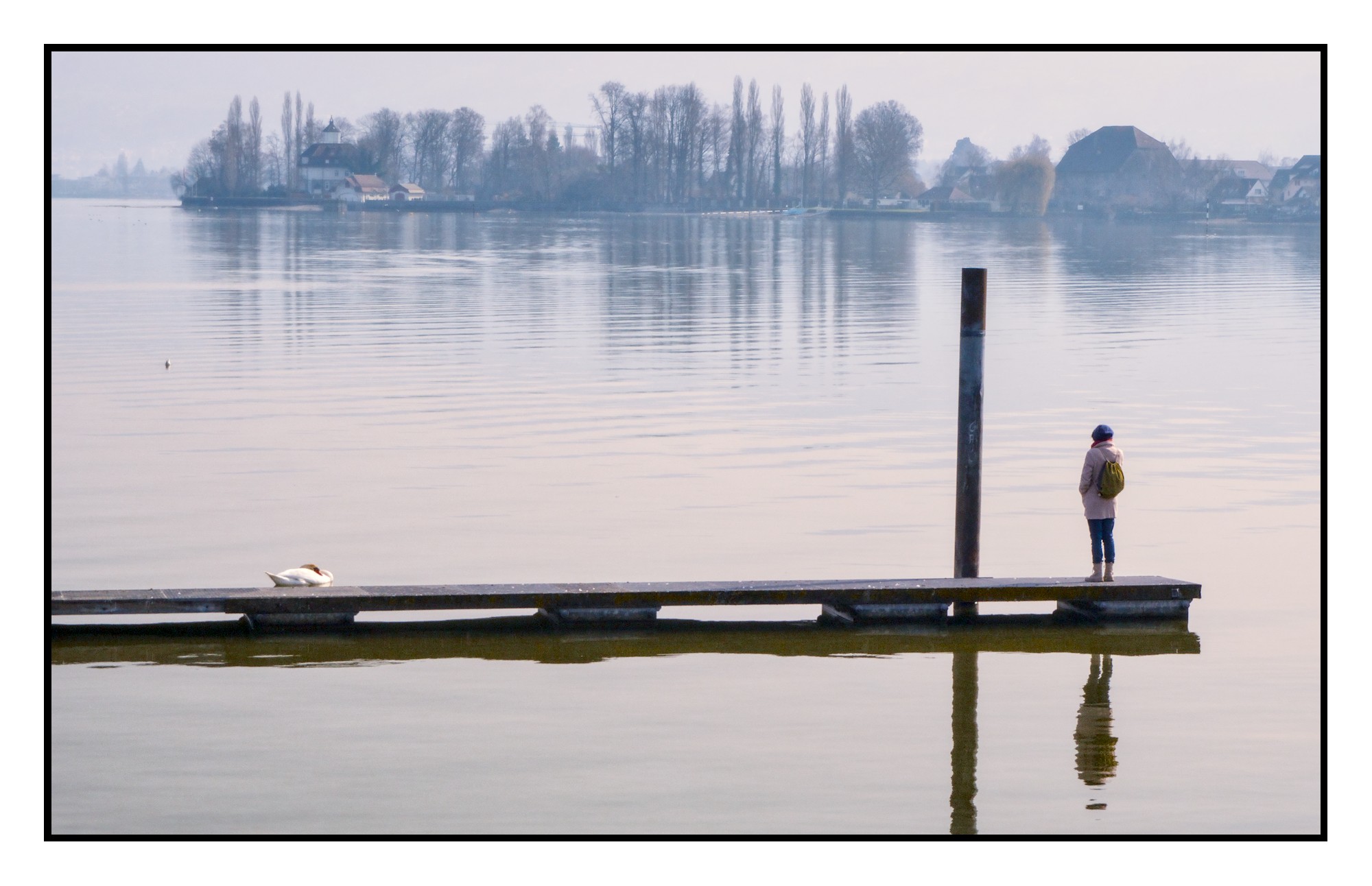
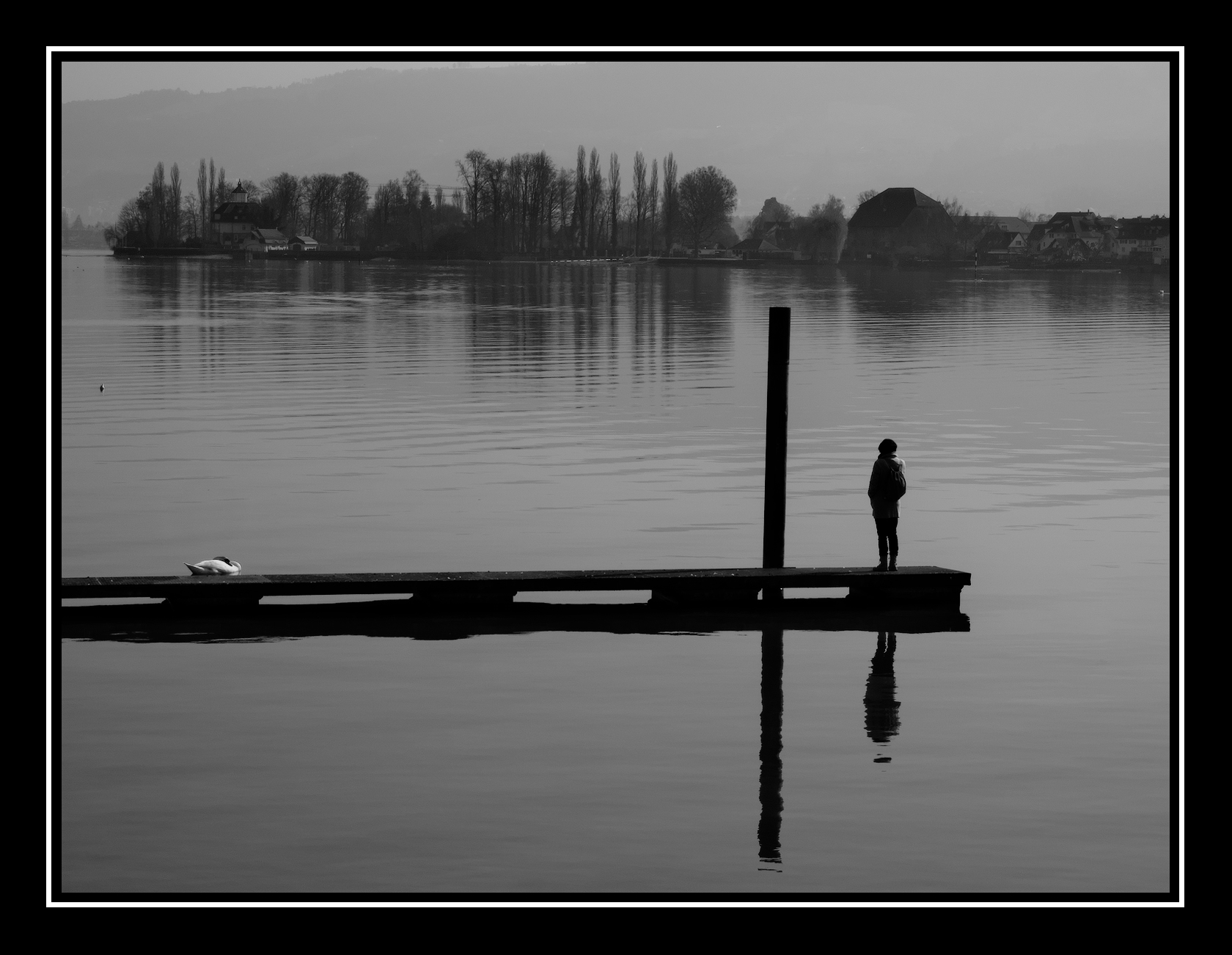
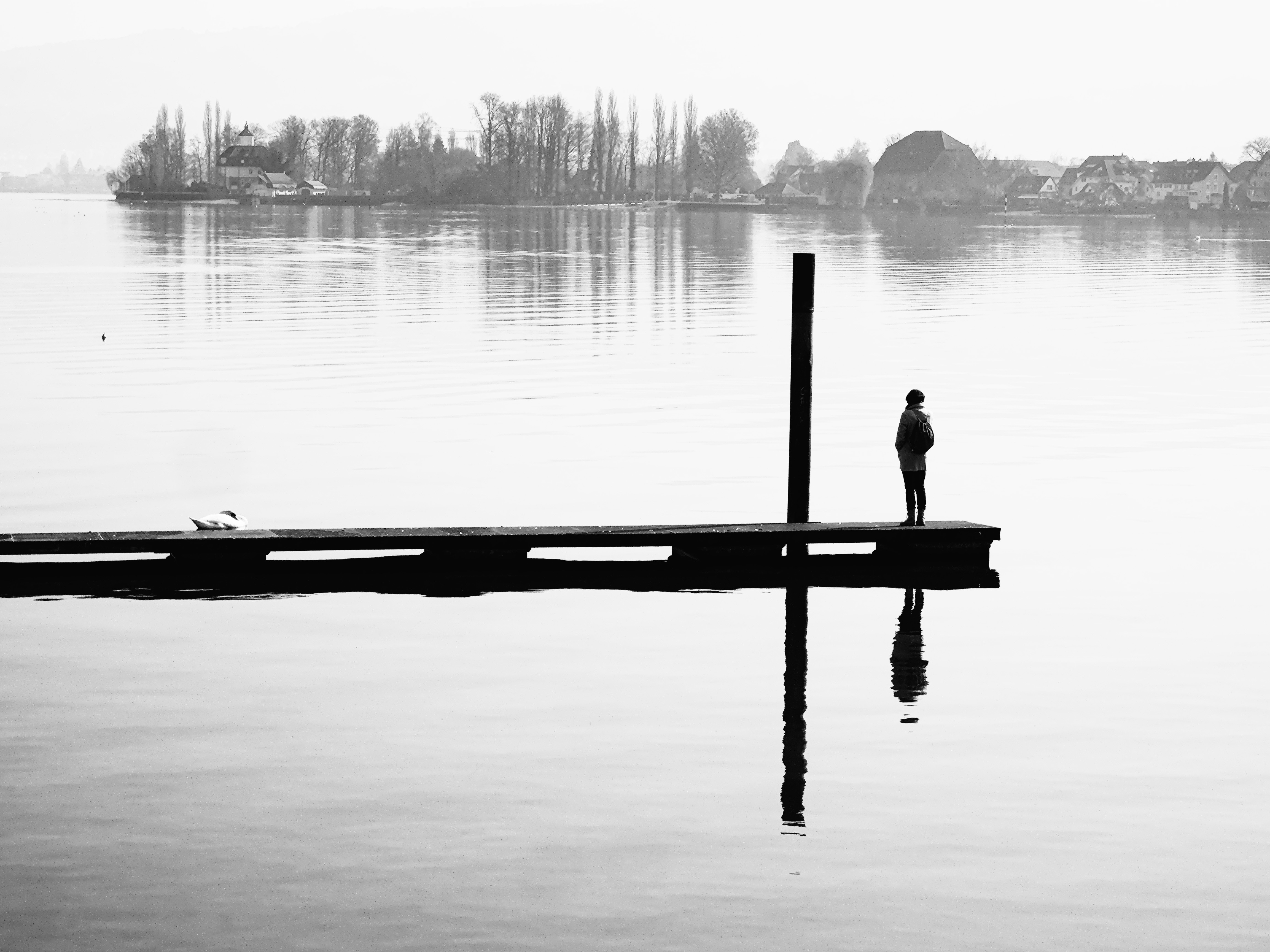
Thank you for showing me how to develop that blurry photo into a black-and-white image
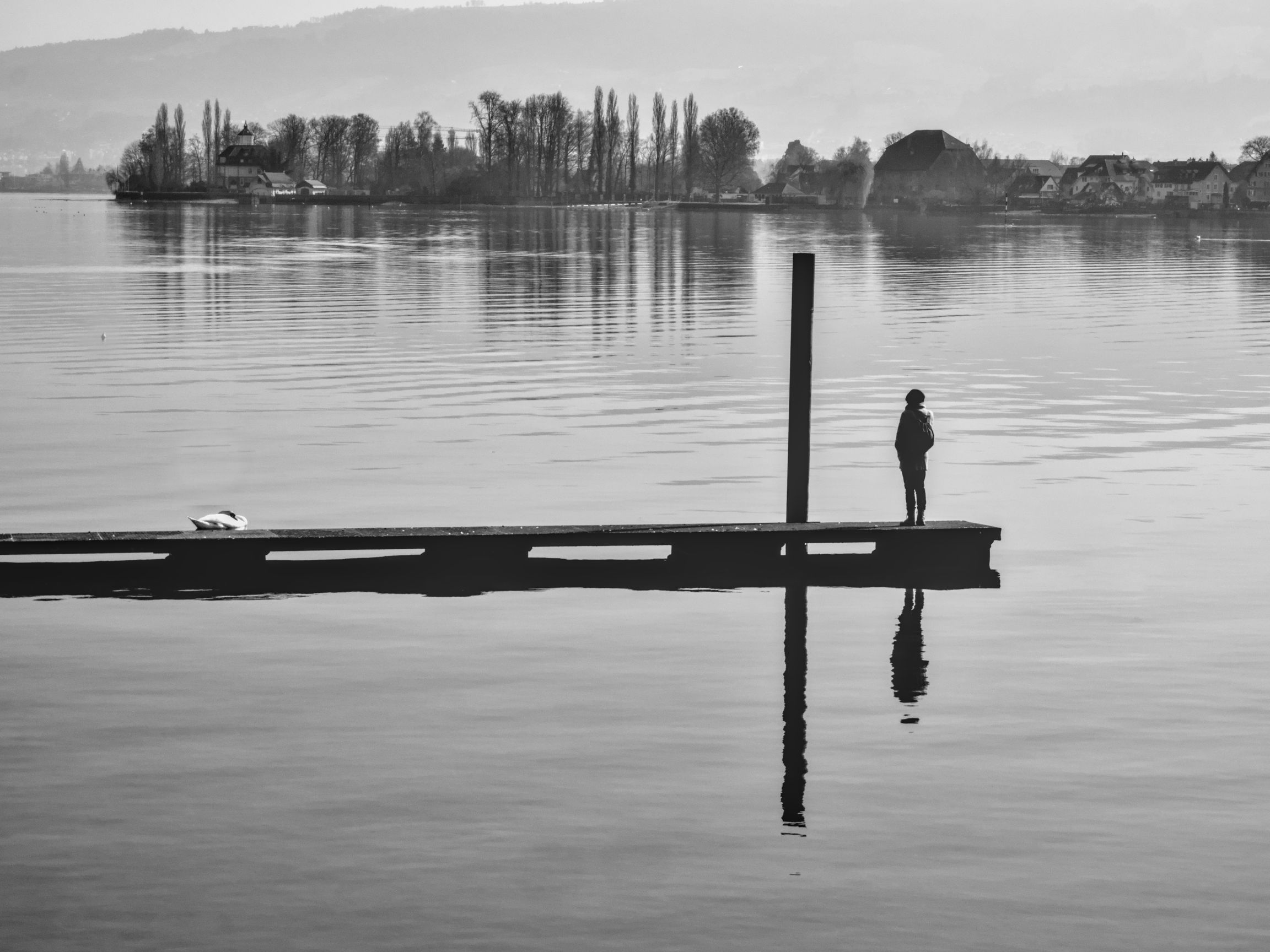
20260308_130132_006.ORF (13.3 MB)
This file is licensed Creative Commons, By-Attribution, Share-Alike.
Thank you for showing me how to develop that blurry photo into a black-and-white image
This file is licensed Creative Commons, By-Attribution, Share-Alike.
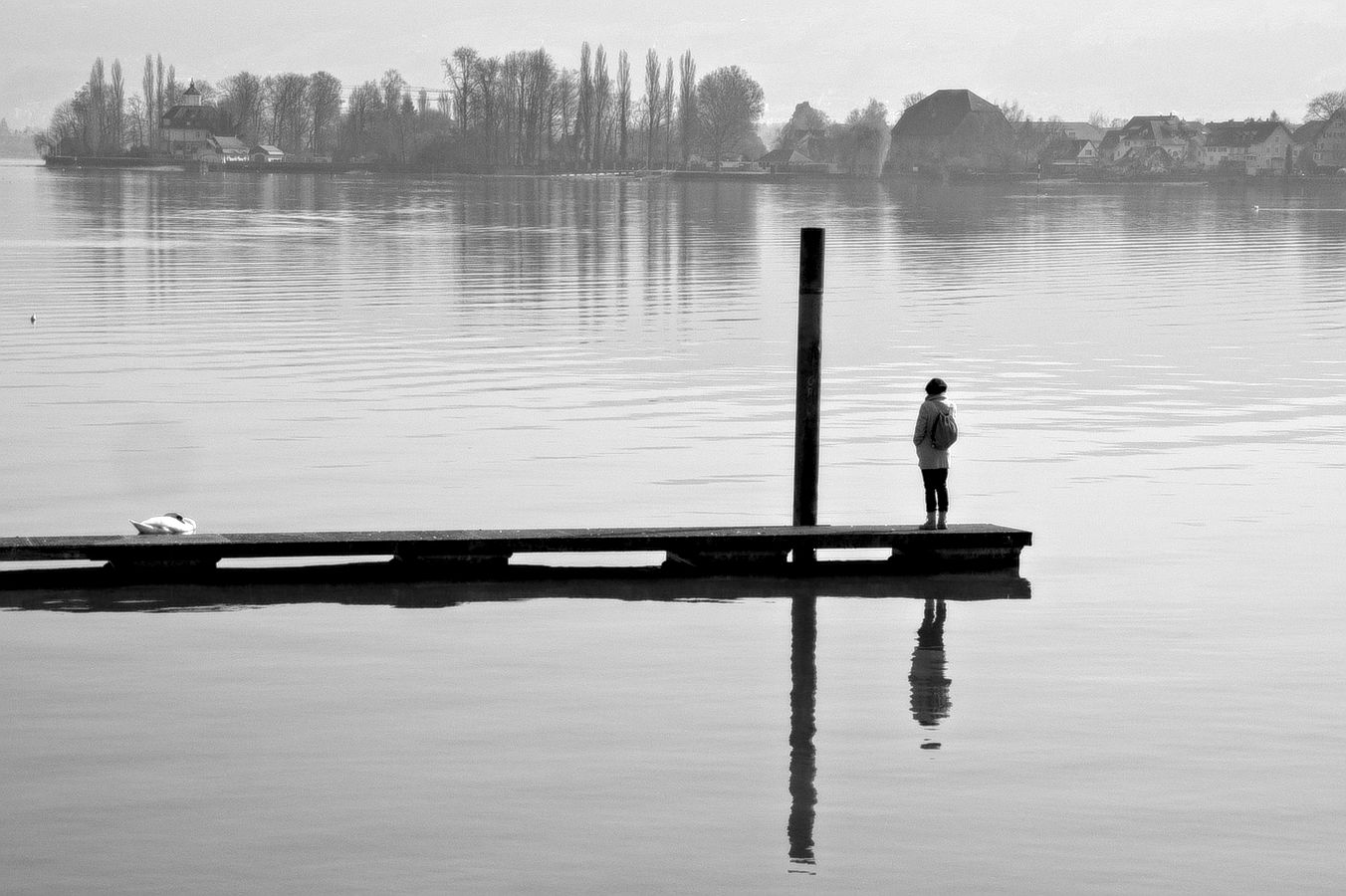
My quick edit. I don’t do a lot of B/W. I wanted to keep the background misty looking.
20260308_130132_006.ORF.xmp (17.4 KB)
Same opinion as my colleague, @Terry
20260308_130132_006.ORF.xmp (15,2 KB)
Thx!
thx!
Why does it have to be monochrome?
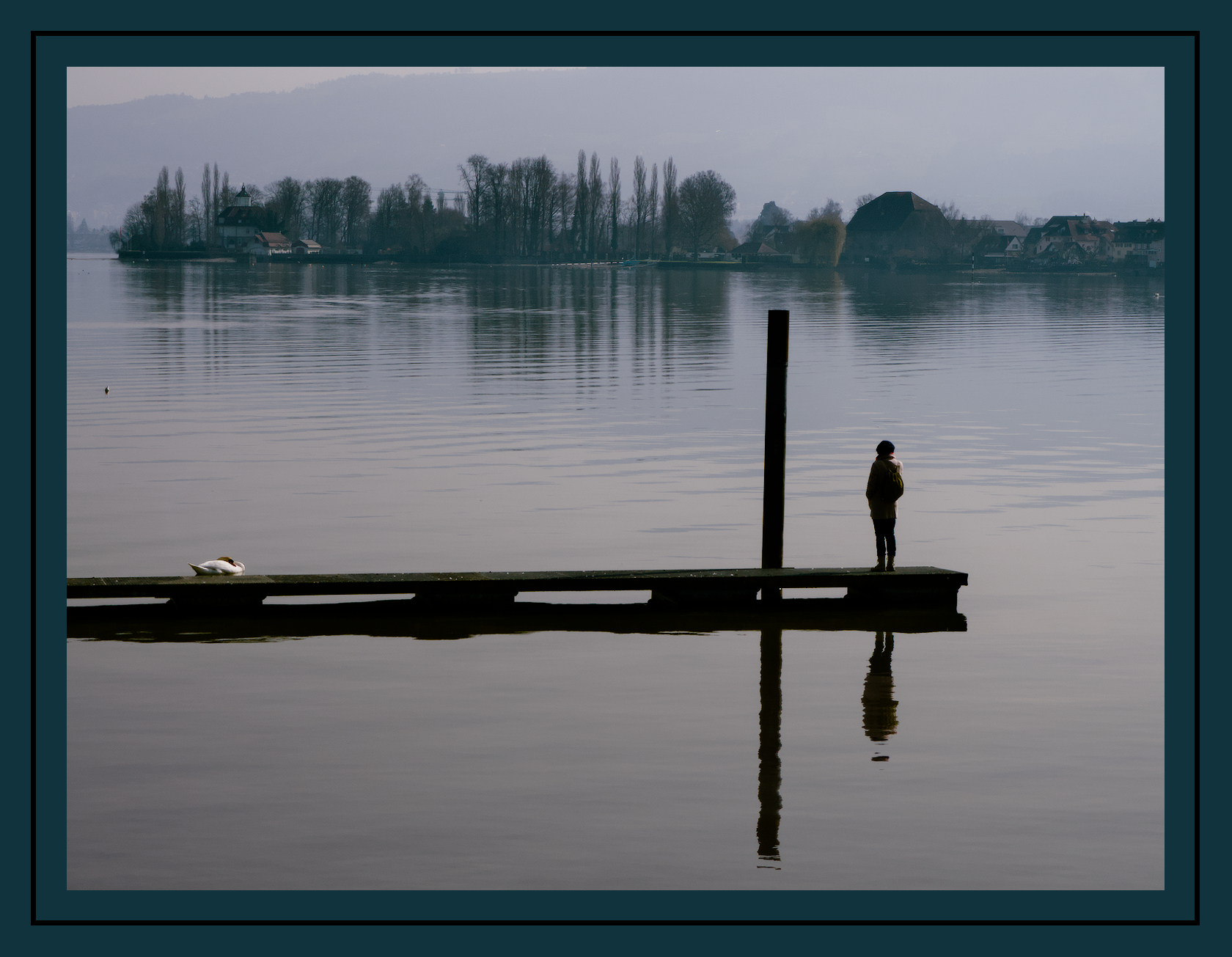
I find a dimmed palette quite nice on this pic.
Yes, you are wright, it is nice and possible. But i am a fan of monochrome and want learn this sort of exploration
Thx anyway
Hi,
I don’t use darktable, I use ART instead. And I develop in NB fairly regularly.
Here is my proposal.
Thx
Yes, that’s one option, especially cropping out the mountains in the background.
I’ve just spotted a blemish above the swan
Yeah, that really brings out the contrast and highlights the two creatures on the shared platform. Thanks!
Could you please attach the XML file so I can see how you’re doing it?
Used G’MIC’s dehaze and some additional cleanup work for the result. Usually only use DT to convert the raw file to png. 
A couple of interpretations:
20260308_130132_006_08.ORF.xmp (24.6 KB)
20260308_130132_006_09.ORF.xmp (27.2 KB)
Thx a lot, very helpful
P
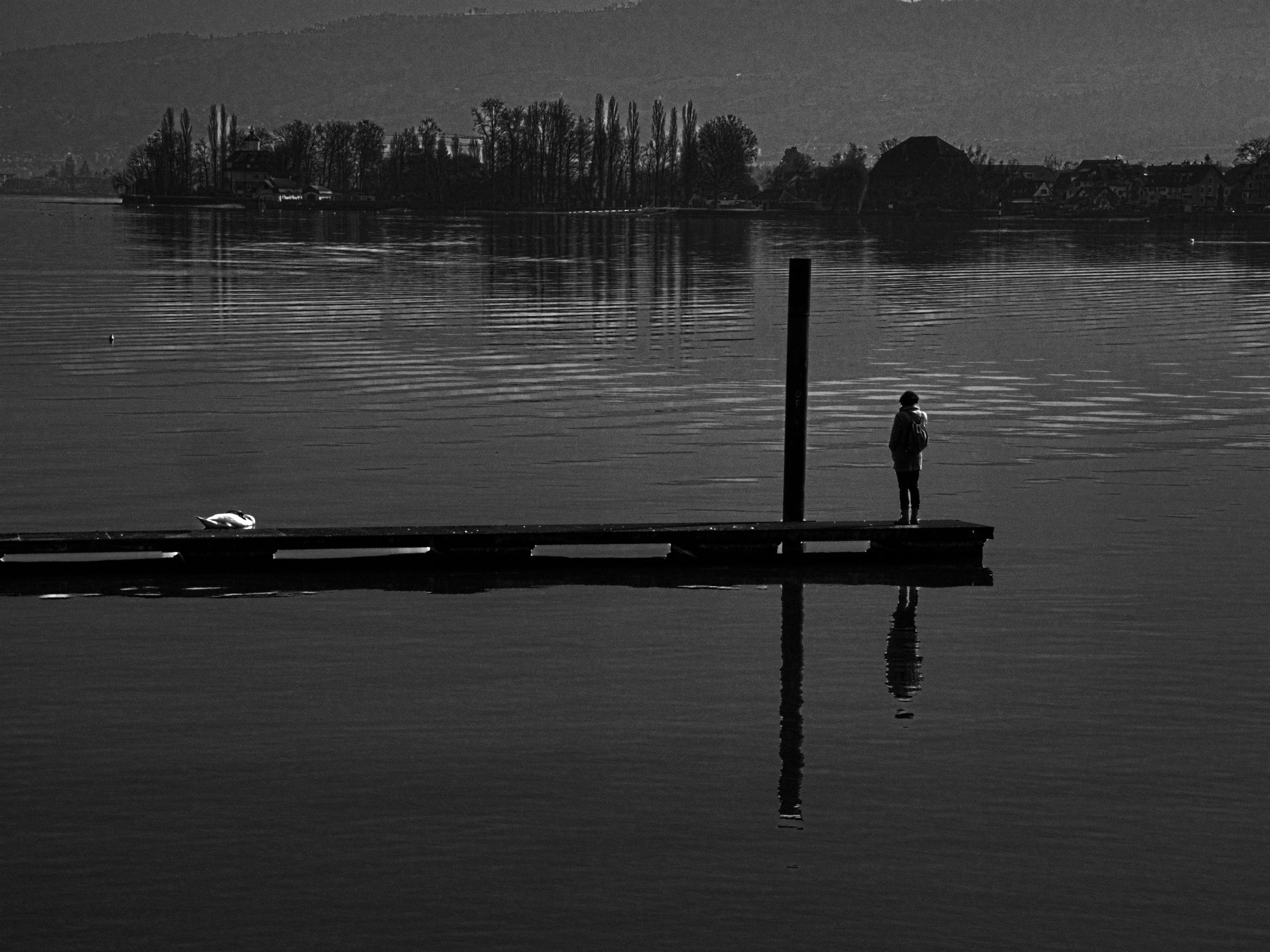
I like how each element ended up with its own distinct tonal lidentity (if such a thing exists) in my edit.
To reproduce it you will need the Tri-X400 LUT from t3mujinpack