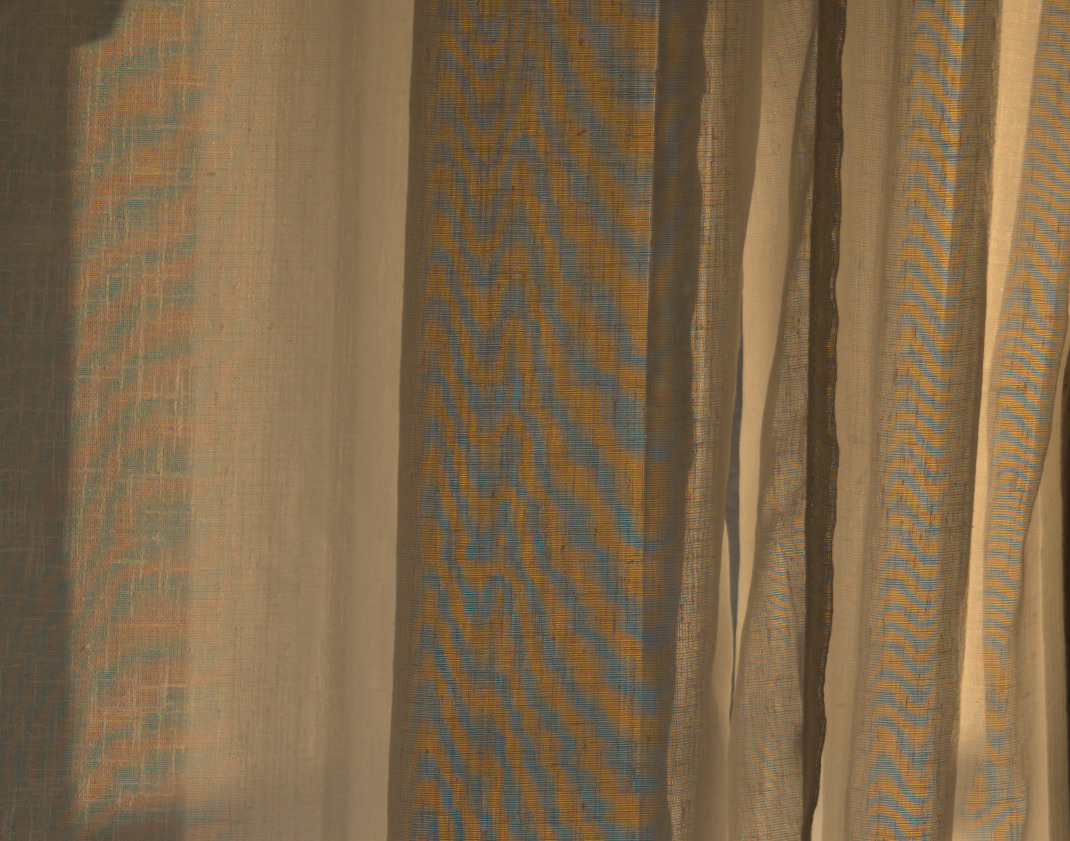
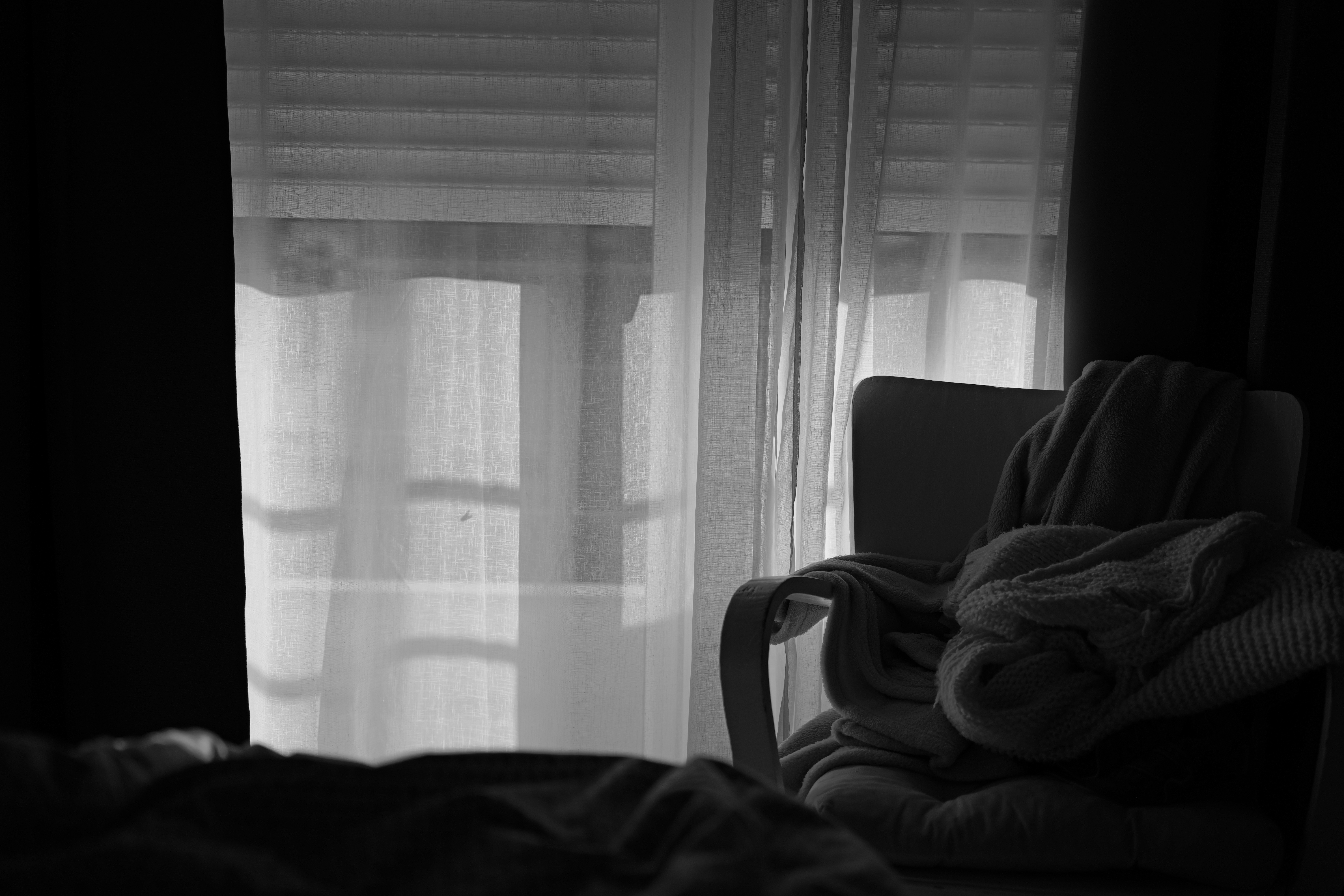
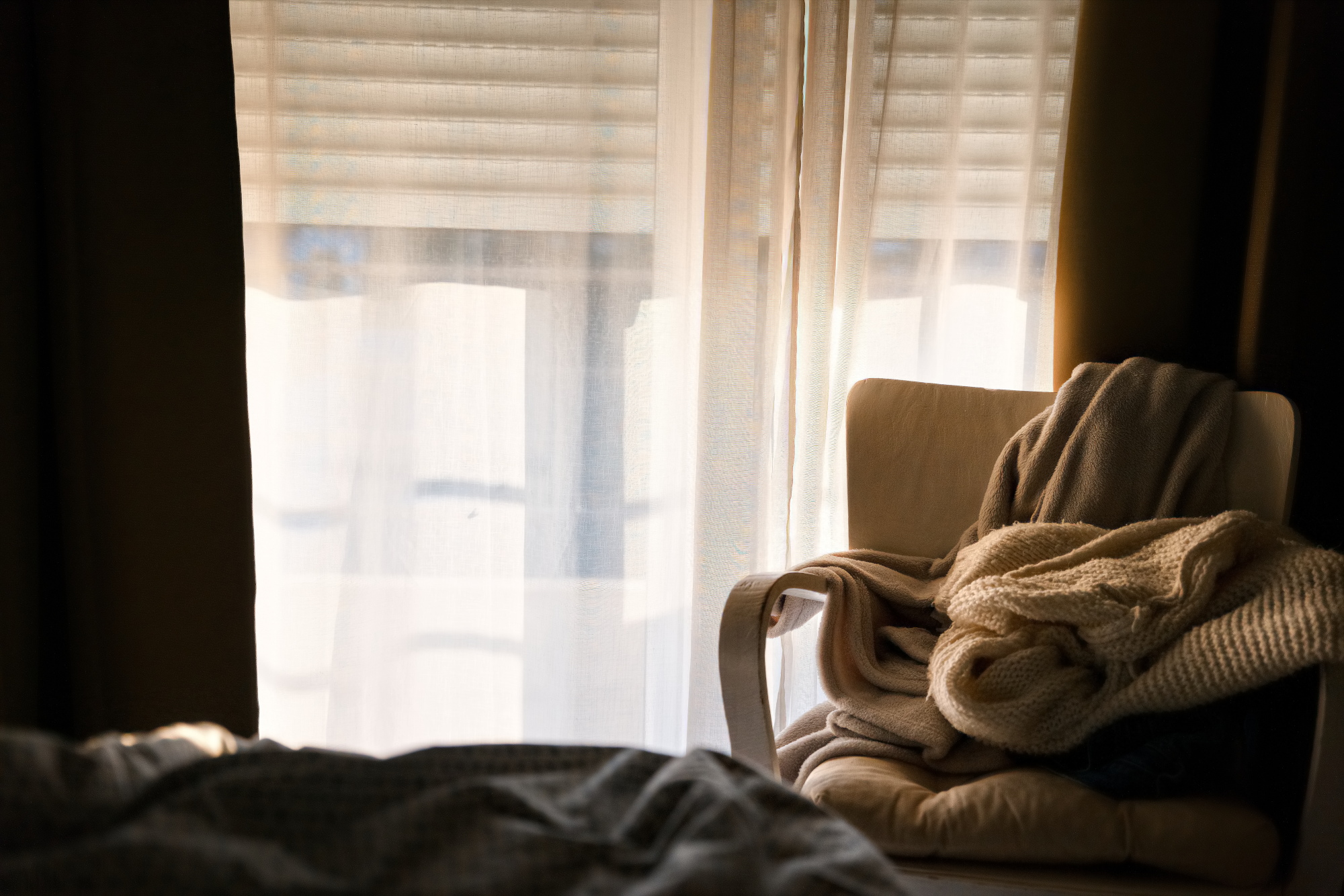
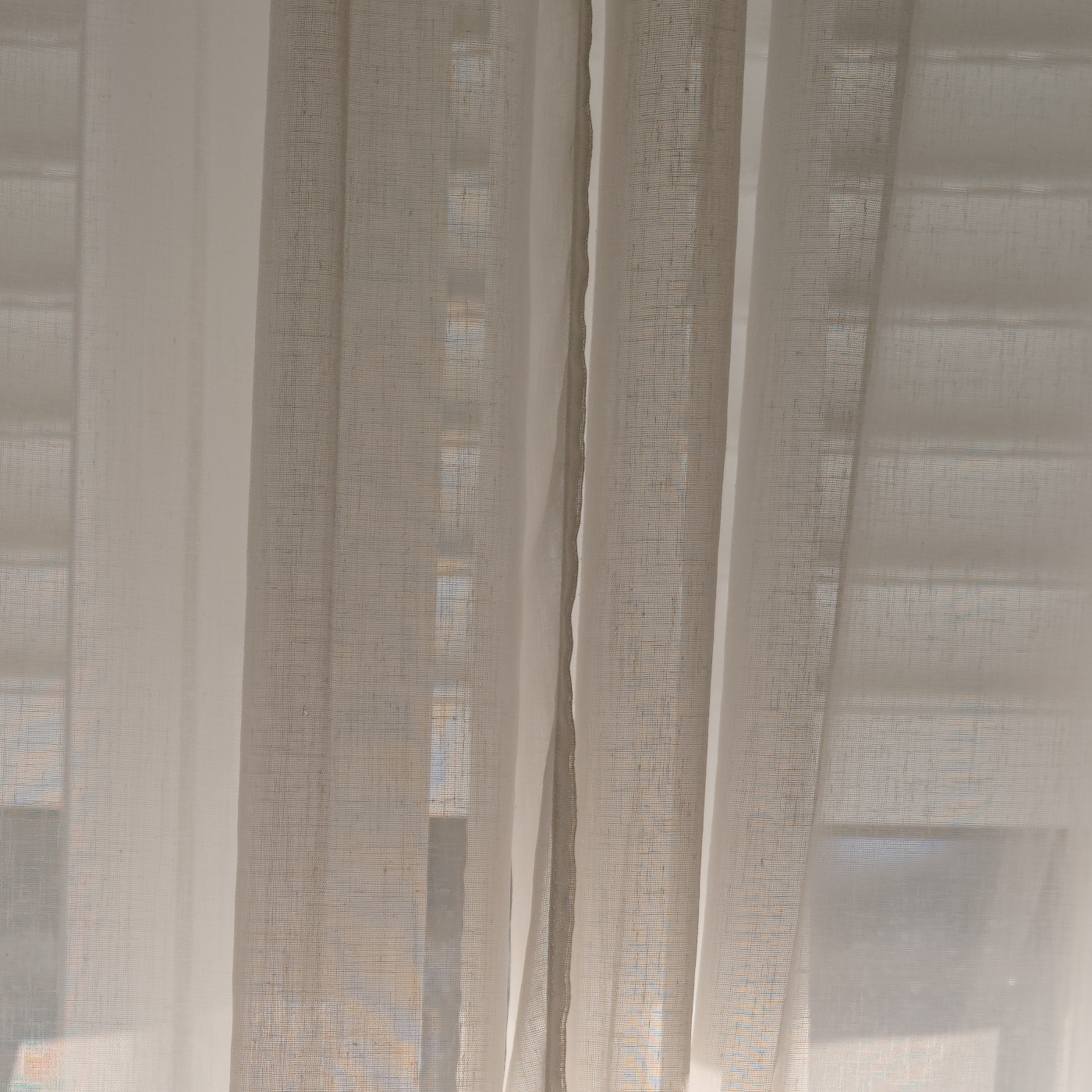
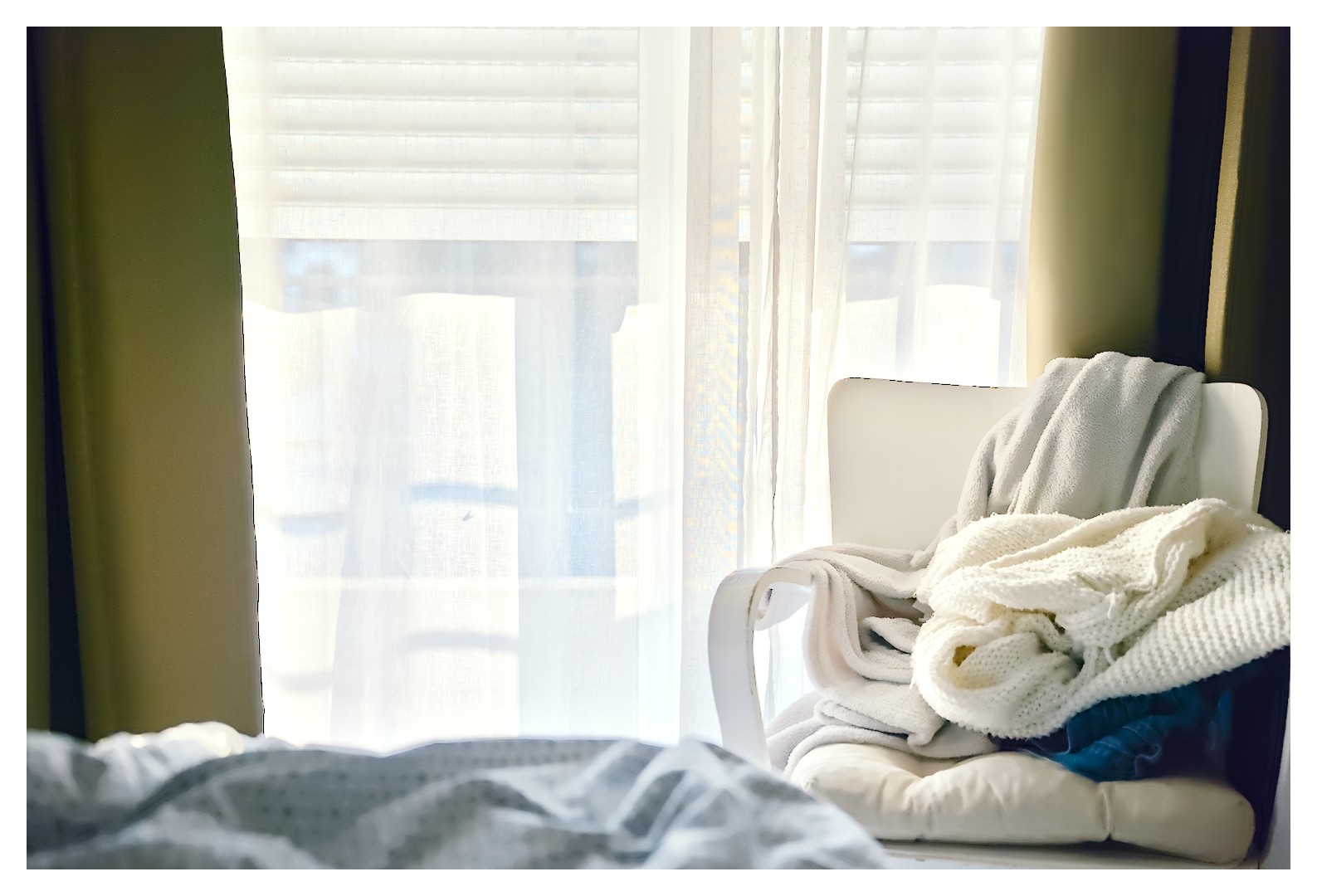
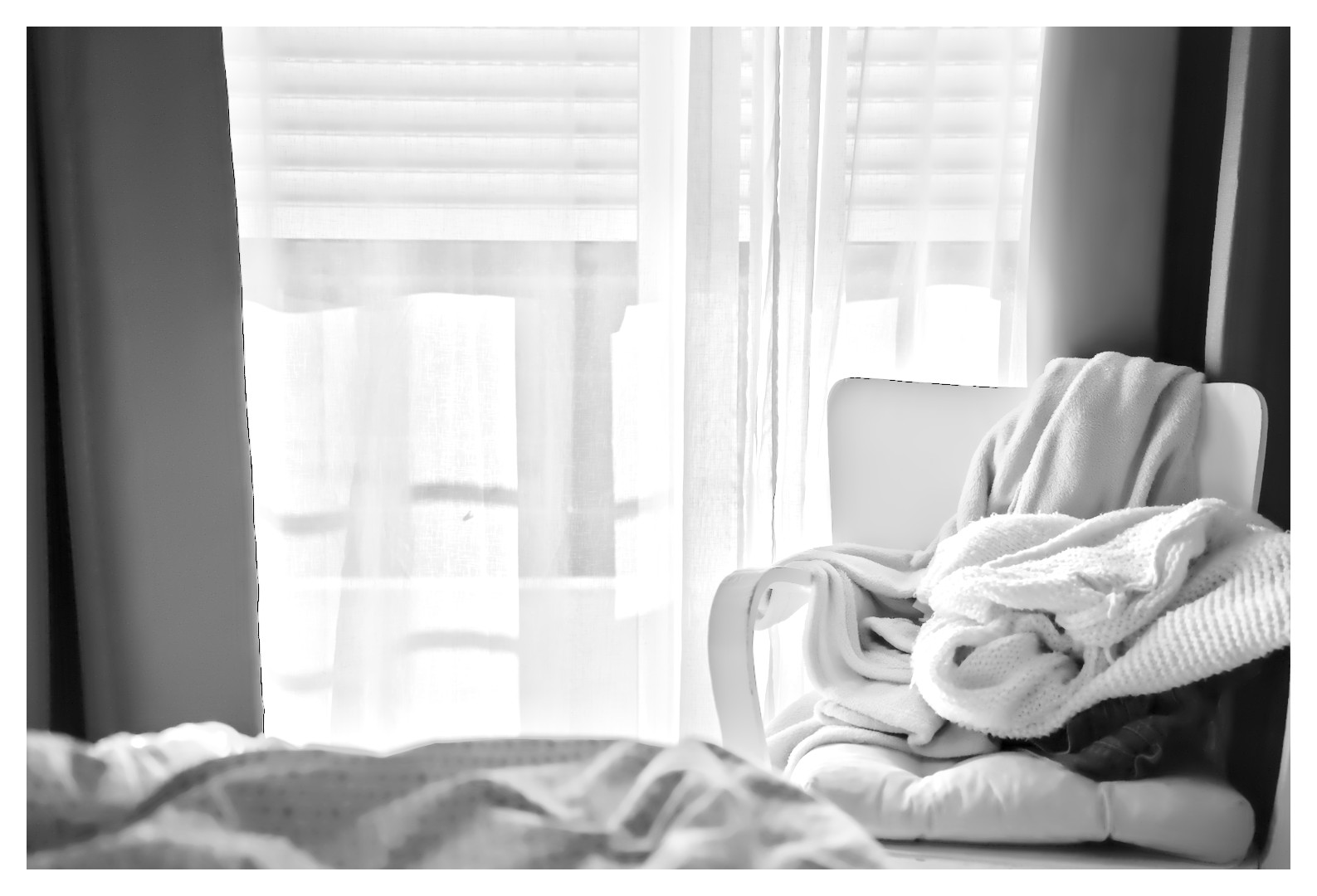
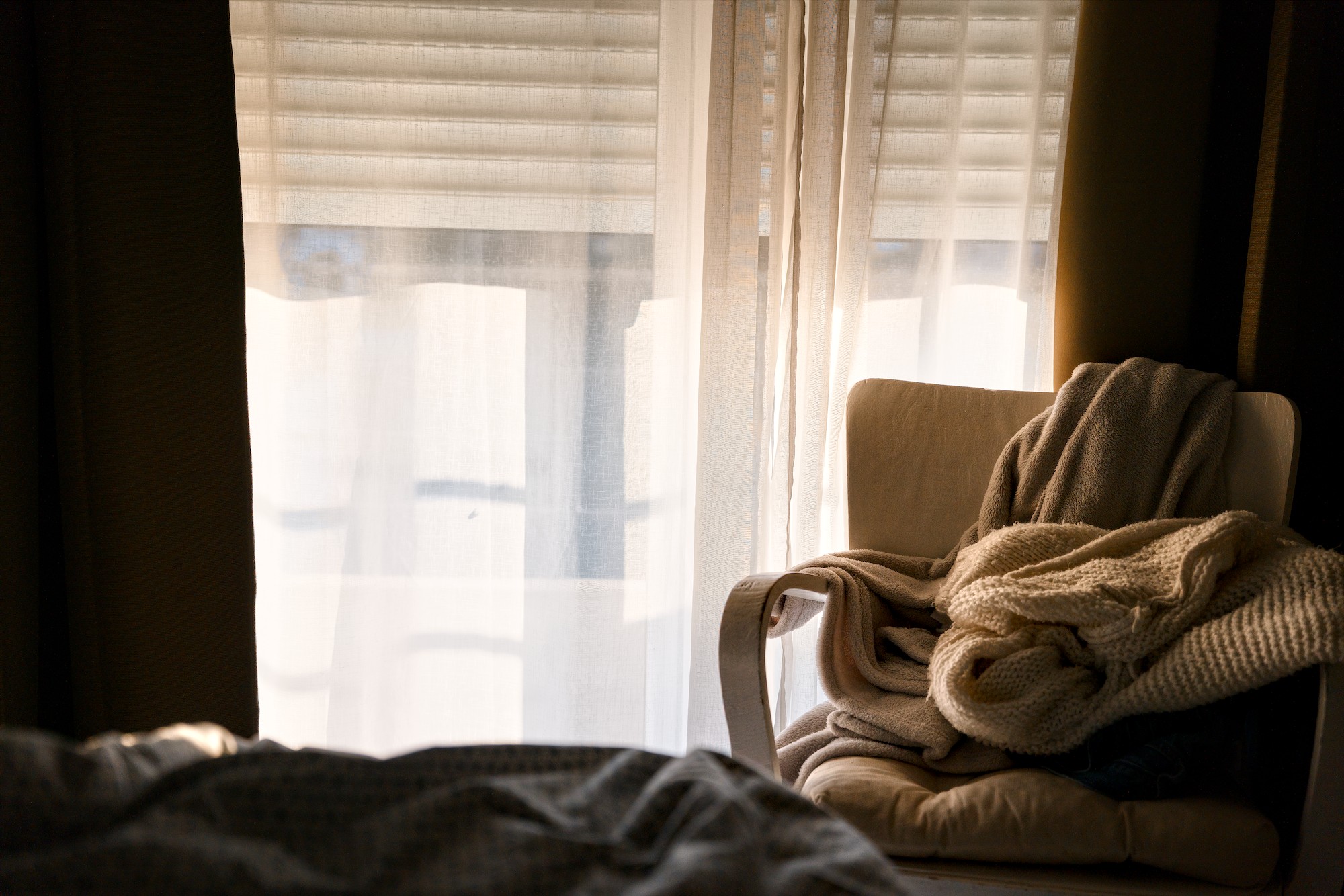
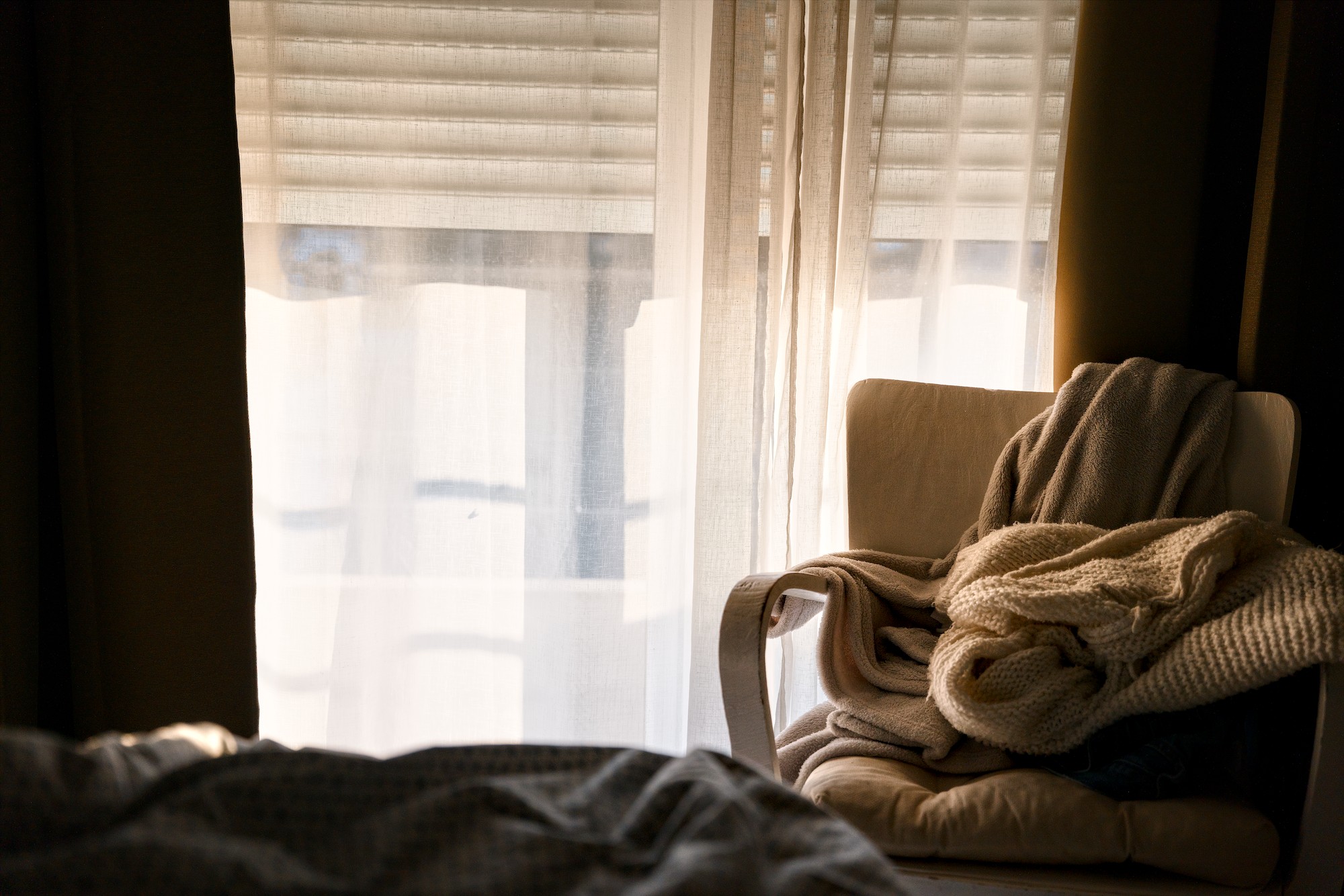
I’ve attached the SOOC JPG for comparison. I don’t use any software other than darktable, so I can’t say whether this is a fault with the camera, the software, or something else.
I’ve attached the files here in Play Raw for anyone who’d like to test them and perhaps explain what’s going on!
That’s a moiré pattern on the fabric caused by interference of the fabric pattern with the pixel grid. The best way to deal with this is some strong local desaturation
That is a moiré effect. Many cameras have an anti-aliasing filter to minimize this. Some new cameras don’t have the AA filter to produce sharper images and moiré effect can be the cost that is paid. I presume your new camera doesn’t have the AA filter.
A few years ago, I had a moiré problem with a distant tiled roof. At the time, I was advised to increase the chroma noise filter, and it helped a lot.
Since my camera has an X-Trans sensor, I couldn’t try out different demosaicing algorithms. In this case, however, that is possible, and IGV showed a significant reduction in the pattern. I also set Chroma Denoise to maximum. Unfortunately, there is still a slight moiré effect, which is why @Popanz ’s approach is better.
Certainly, these two settings have a negative impact on overall image quality.
Great! Didn’t know that you can control it this way. I made a mask just for the brighter parts and did some Chroma denoising you are right, the result is quite good:
Looks nice! Did you try different demosaicing algorithms?
Just found this in Rawpedia: LMMSE and IGV
These are recommended when working with very noisy, high ISO images, in conjunction with the Noise Reduction tool. They will prevent false maze patterns from appearing, and prevent the image from looking washed-out due to heavy noise reduction. IGV is also quite effective at mitigating moiré patterns.
For 4 years now, darktable has supported the methods VNG, Markesteijn (1-pass and 3-pass), as well as frequency domain chroma for X-Trans (and lately also dual demosaicing), so you may want to check again.
I’m sorry, I did not realise you use RawTherapee. (Thanks, @Popanz, for pointing that out.) My post was not to advocate darktable or to try and ‘convert’ you.