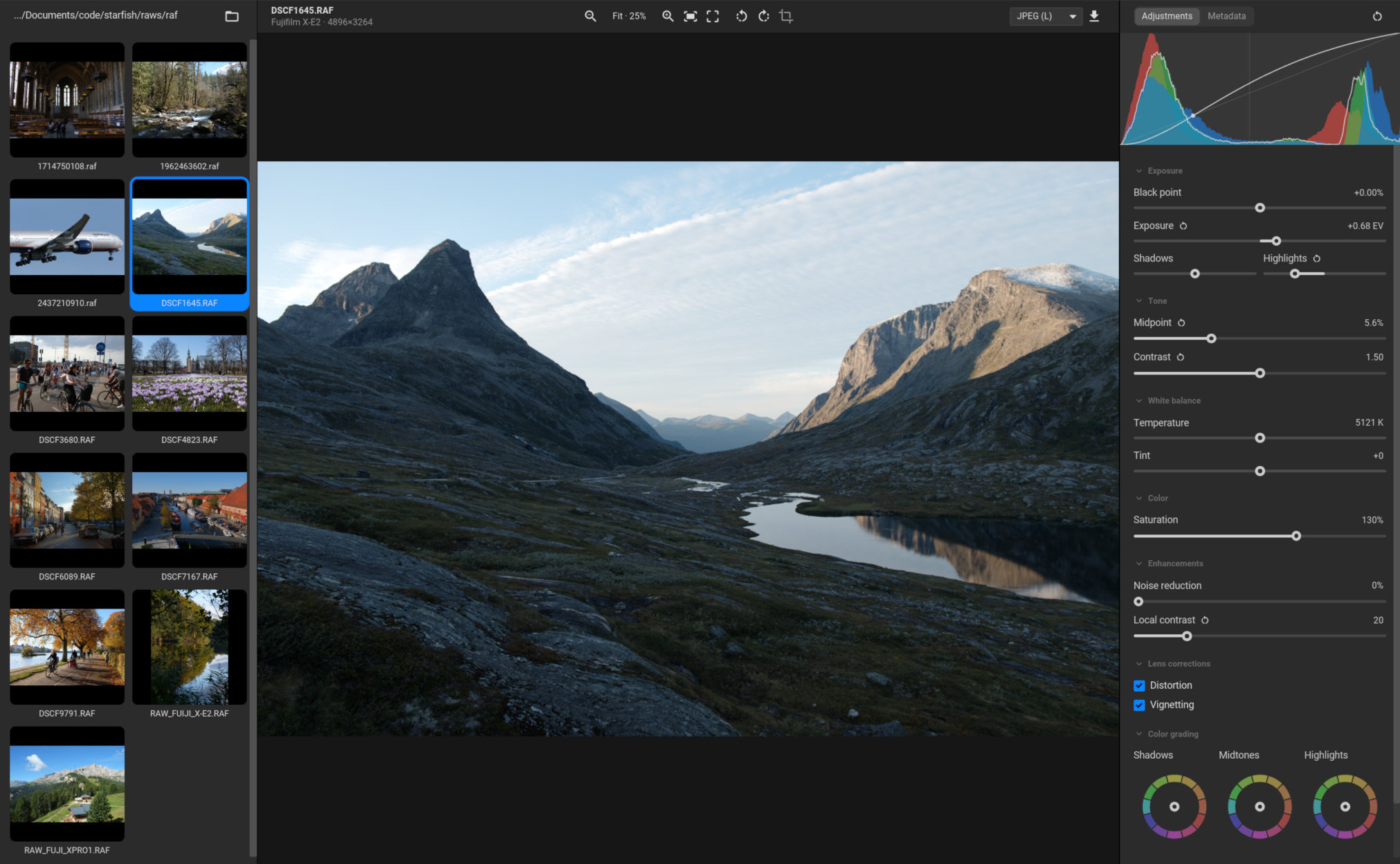
I created a basic raw photo editor to test combined neural demosaicing and denoising. I did this after spending a long time trying to improve existing traditional demosaicing techniques with only little success.
It handles Bayer and X-Trans raw files of several formats. The model is based on the 2016 paper “Deep joint demosaicking and denoising” by Gharbi et al. with some minor alterations.
I noticed several others have been posting about similar projects and I was hoping to reach out and connect.
The goal is to improve the neural models over time and land in a joint demosaicing + denoising + CA correction framework that would be easy to train and deploy on a variety of systems.
The app runs on Windows, macOS and Linux. I could only sign it for macOS for now, so installing on windows gives the usual warnings. The macOS version is untested, I don’t have access to a mac.
Let me know if you try it out. The focus is on the demosaicing rather than building yet another raw editor but I will do my best to fix any issues that pop up.
The downloadable installers and technical details are available on the GitHub page.
It depends on what you mean. Technically speaking it’s 100% AI. That being said, some parts I will have to do over by hand just to keep it readable.
The focus right now is on the demosaicing part. The Pytorch training setup is probably the first thing that I will go over and clean up.
I spent a lot of time trying different model architectures, performance tradeoffs and what works and what doesn’t. Using AI coding tools really helped cut the overhead on that by a lot.
I have never tried Adobe or any other commercial photo editor, but I’m guessing all of them have top notch demosaicing and denoising implementations at this point.
You can think of this more as an amateurish implementation of the most basic kind of joint neural demosaicing and denoising.
In my opinion this method compares favorably to Markesteijn. It does not have the worms issue that comes from heavy directional interpolation. It also has basically no color zippering unlike Markesteijn.
But it is not blemish free either. Most notably the X-Trans version suffer from luma zippering along high contrast edges. I’m hoping it can be fixed model tuning and better training data in the future.
It is hard to tell from the information on the linked page. It is the same basic idea but based on a different class of model.
I can’t seem to get it to work in the app even using the nightly build so the only chance to judge it would be to look at the pytorch code. I will have a look when I have the time.
I (or rather the industrious AI coding agent) have created a web demo version that runs the demosaicing model in your browser if it is set up to use WebGPU.
 Have they fixed that already?