On my first edits, I just concentrated on masking and forgot completely about the over all impression.
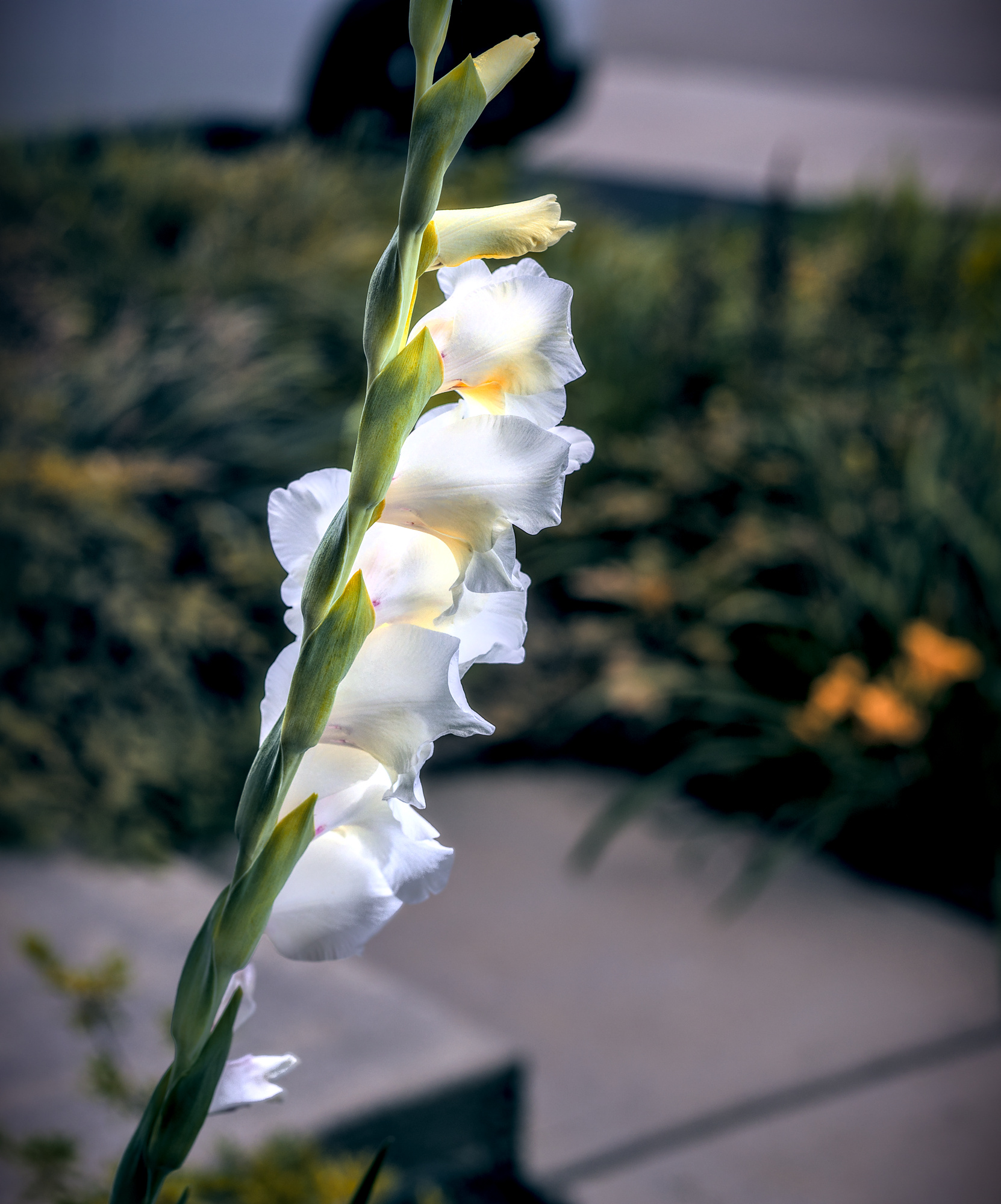
_6I_8540_01.CR3.xmp (30,7 KB)
On my first edits, I just concentrated on masking and forgot completely about the over all impression.
I guess we’re talking about the way Boris uses the brush in episode 54 from about 31:00, https://www.youtube.com/watch?v=hFIWUo0Dauc
I don’t know, of wasn’t clear to me.
I also didn’t put it together that you could edit each point’s width and feather after the fact. Always learning, thanks @s7habo
Yes that is what I was trying to do but I had wrongly thought it was done with a modifier of the path to leave it open and not the brush… thanks for sharing… I did find that changing the smoothing to high allows it to be drawn as it really cuts down the number of points and then you can just move them rather than have to add them as Boris did…but either way works… and I got a really nice mask with the flower this way but what I did find is that this relies on a good setting for feathering which didn’t work so well in this case as you needed to invert the mask to get the background and the result was not the complete inversion…the feathering must get applied after the inversion or something in the calculation as the mask result was not the initial unmasked part as you might suspect…in any case it can be a nice way to do a mask in some cases… thanks for digging up that link for the reminder…that I wasn’t totally making it up… 
I totally agree that masks don’t usually need to be super accurate. I grew up in a darkroom doing dodging and burning with my hands and we never used accurate masking. I like the paths tool in DT because I can draw around the region and then using the feathering and blur sliders to get an invisible transition.
As for the brush tool in DT I don’t like it as much as LR’s. In LR you set a hardness for the brush and paint in the the areas you want masked. If you make a mistake then the same brush can be inverted to erase the mask. But overall the masking experience in DT leaves LR for dead.
I don’t know how it exactly works in LR but in darktable you can correct mistakes in my opinion very easyly by just moving or deleting the knots which are misplaced. So a negative brush isn’t necessary in my opinion.
But are those LR brush masks paths or pixel maps? In dt, a brush mask is stored as a path with nodes, which you can edit. This is a lot harder with a pixel map, hence the inverted brush. The negative point with a path-based brushed maks is the large number of nodes the brush can create.
I would presume LR’s brush mask is pixel based and works similar to using a brush in gimp to paint a mask. While it is convenient I do feel that the paths method in DT is superior. I like that nodes can be move, deleted and angles adjusted. Even the feathering nodes can be individually moved. I guess I don’t use the brush masking tool in DT much because I am already doing the same using the paths tool in DT to draw the mask. It is the great masking of DT that has made it my #1 editor.
That was my issue but editing the setting for brush smoothing to high in the darktablerc file significantly reduces the number of nodes which can be more manageable.