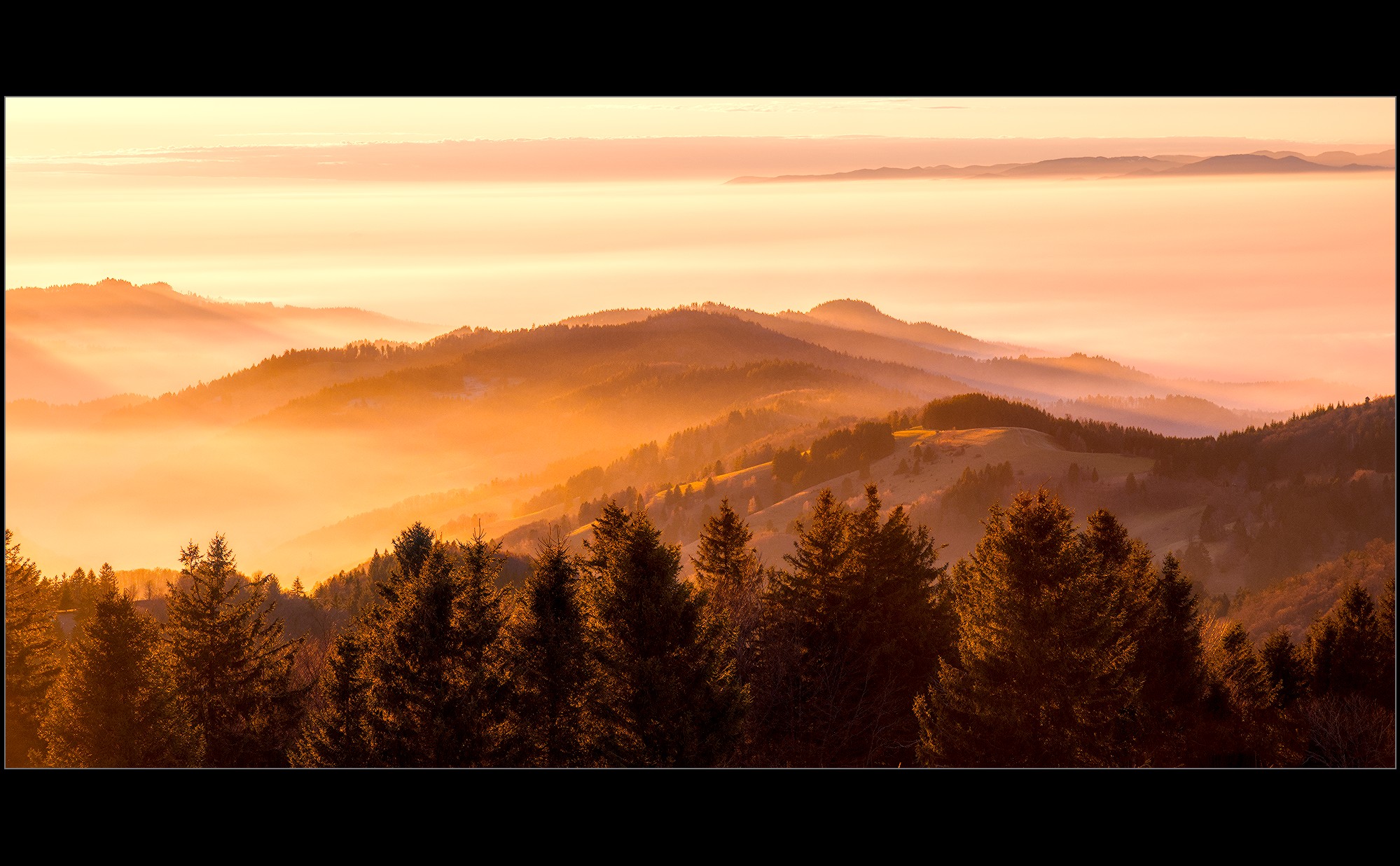
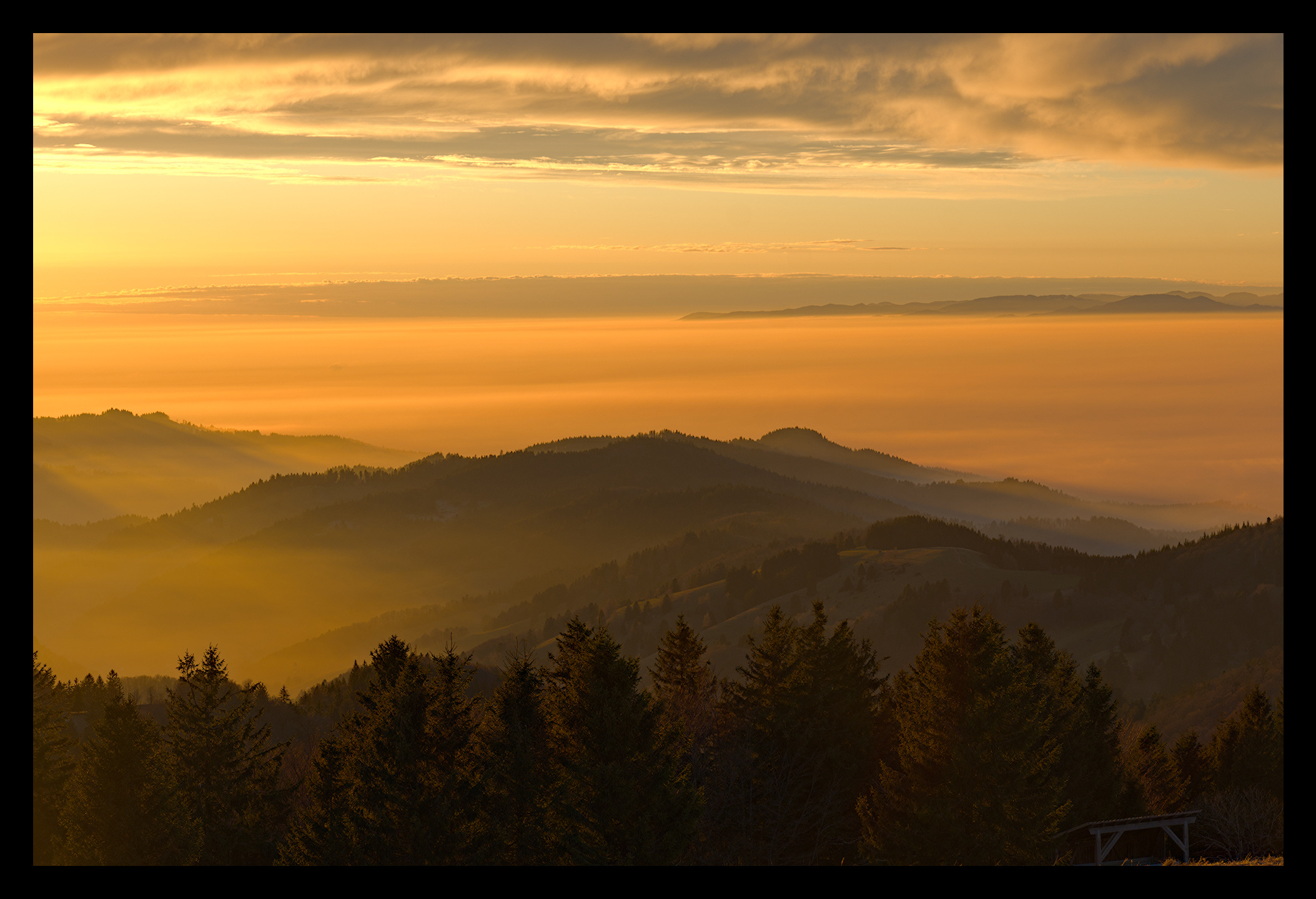
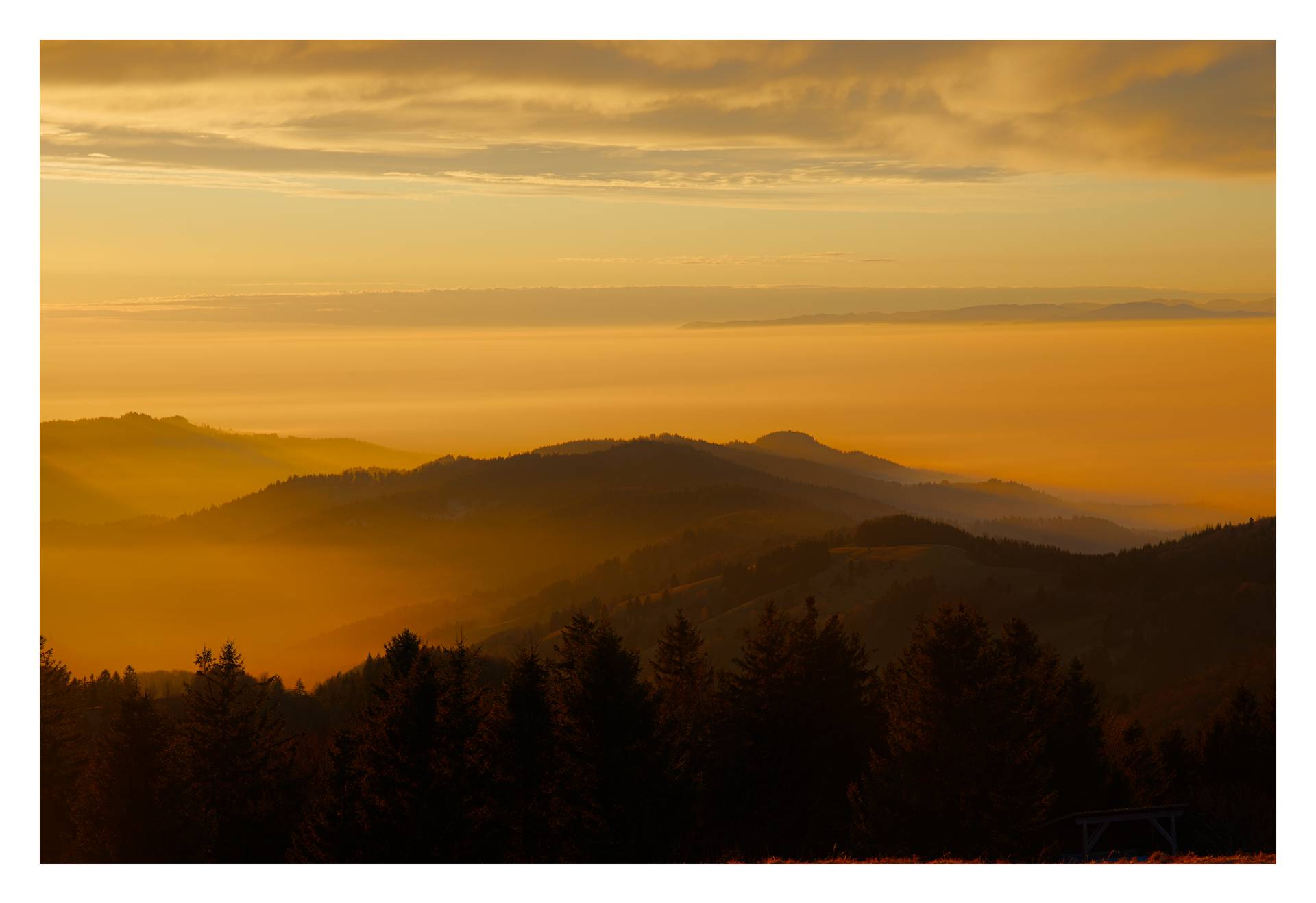
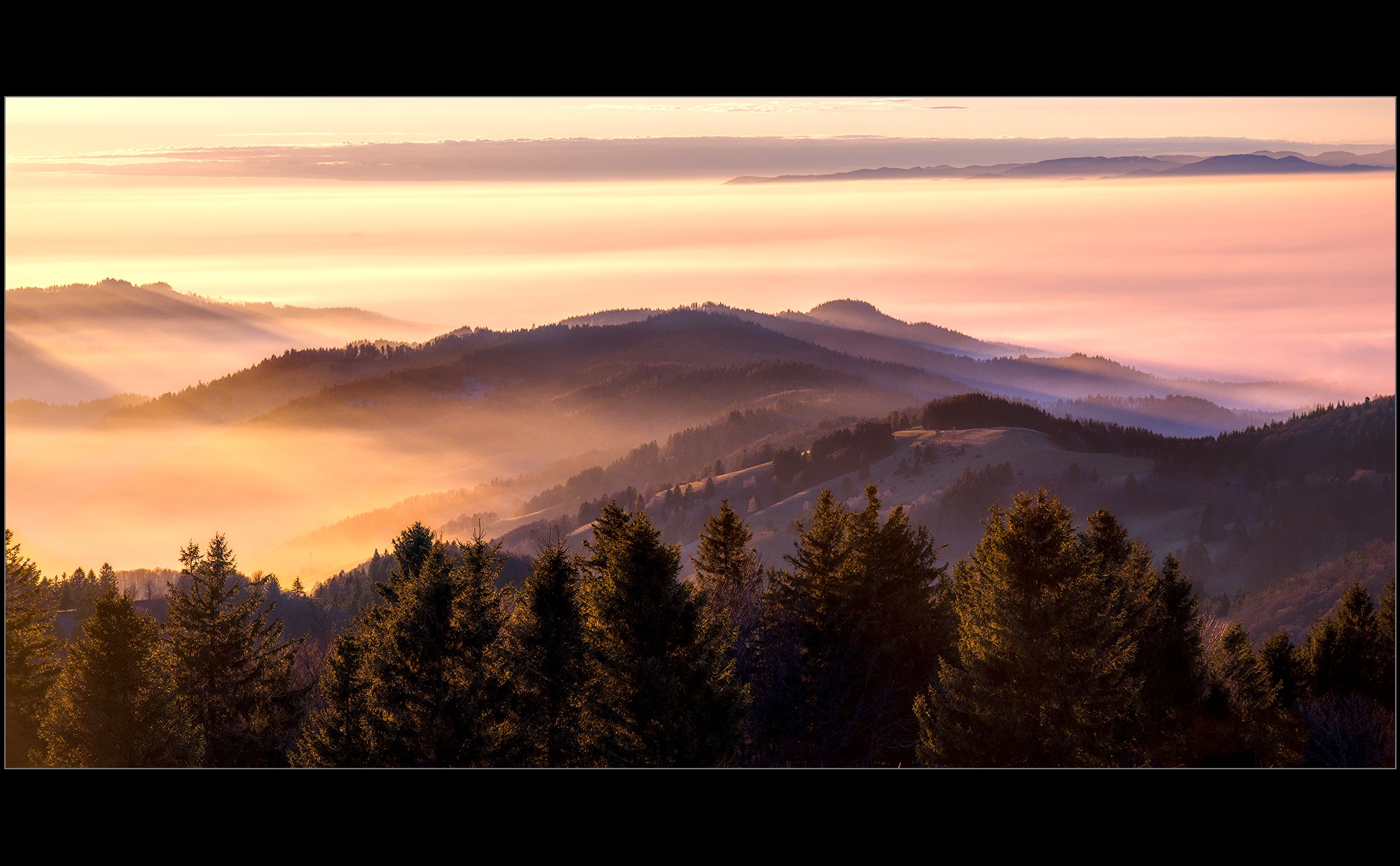
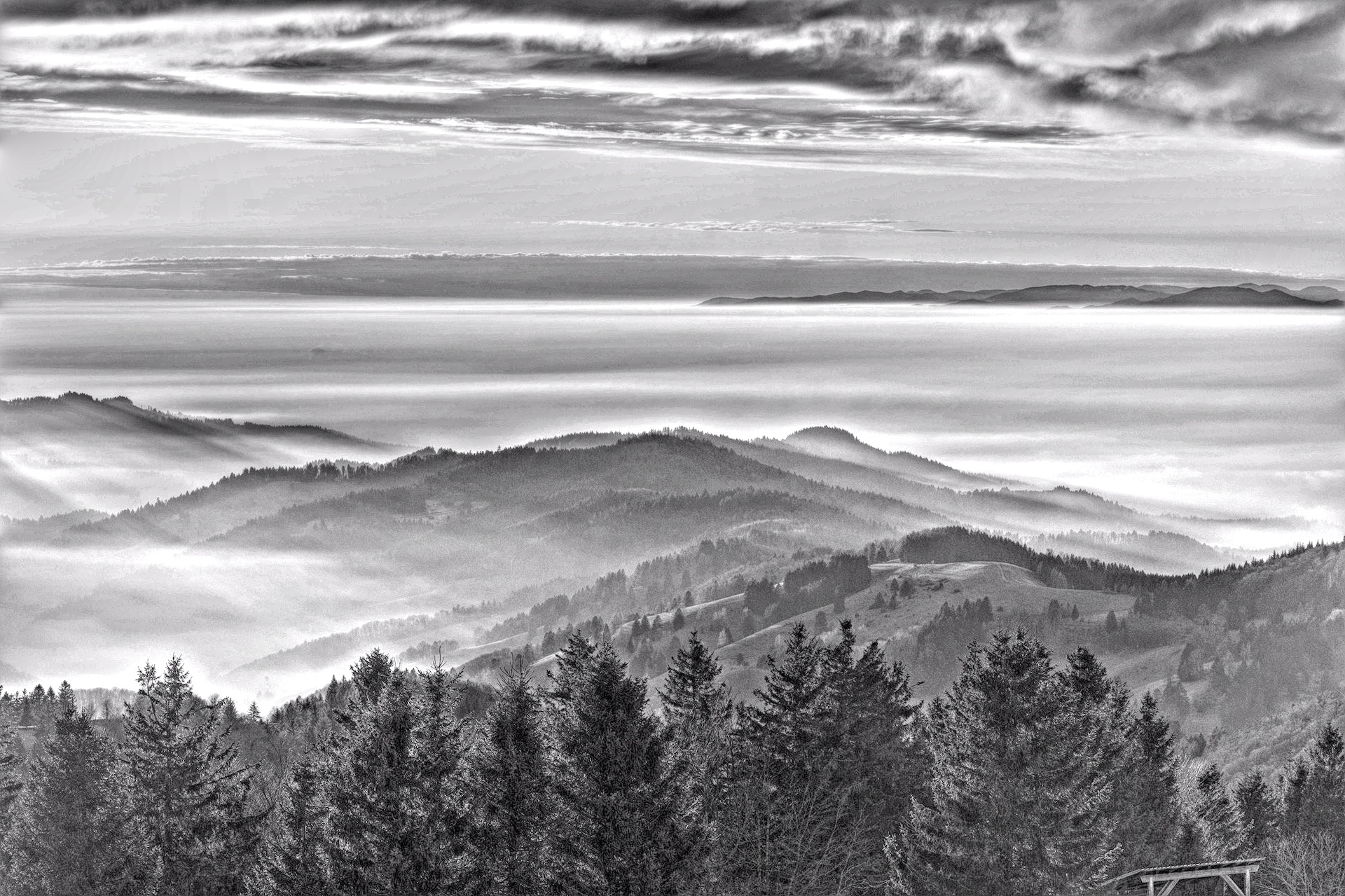
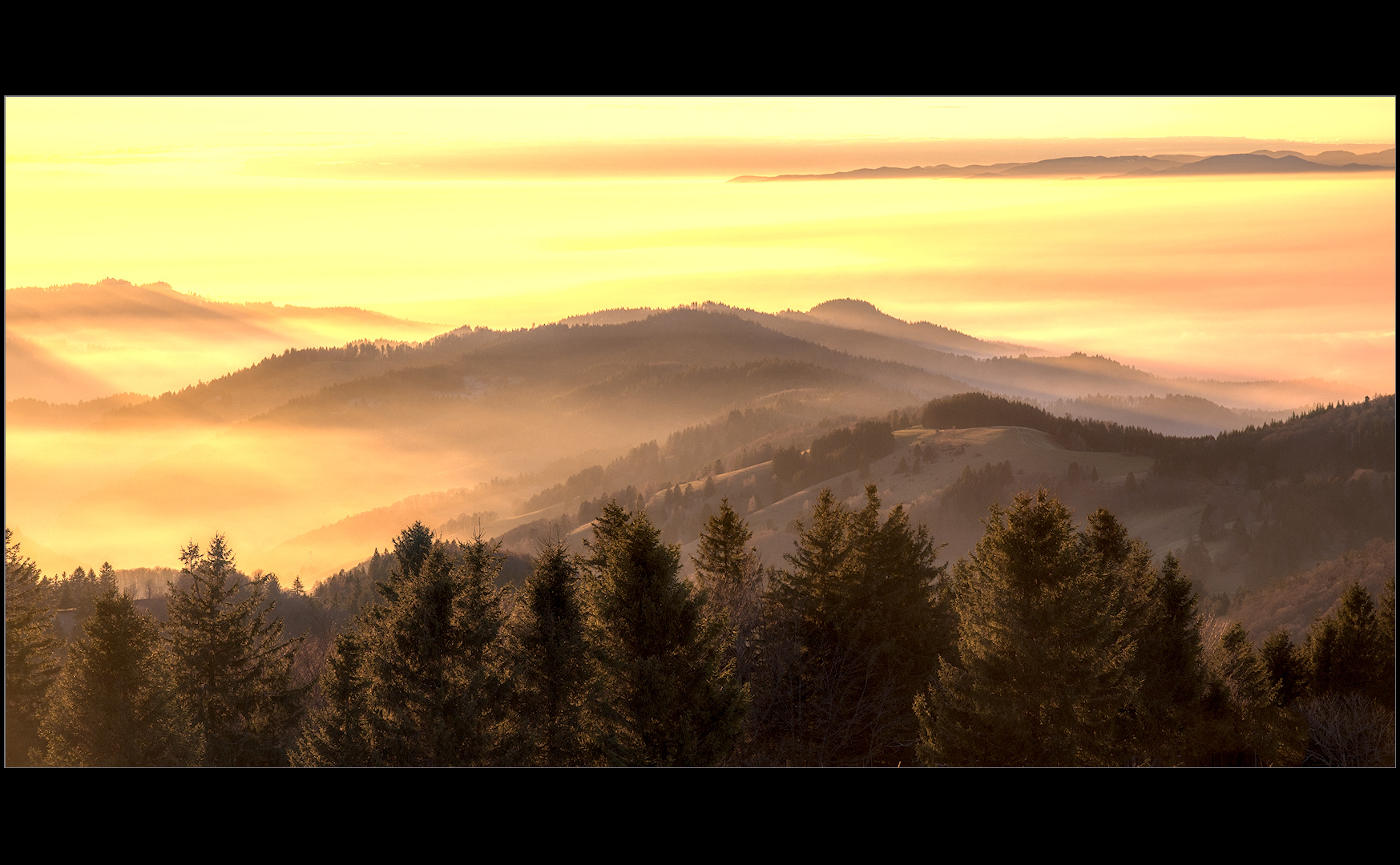
Hello everyone,
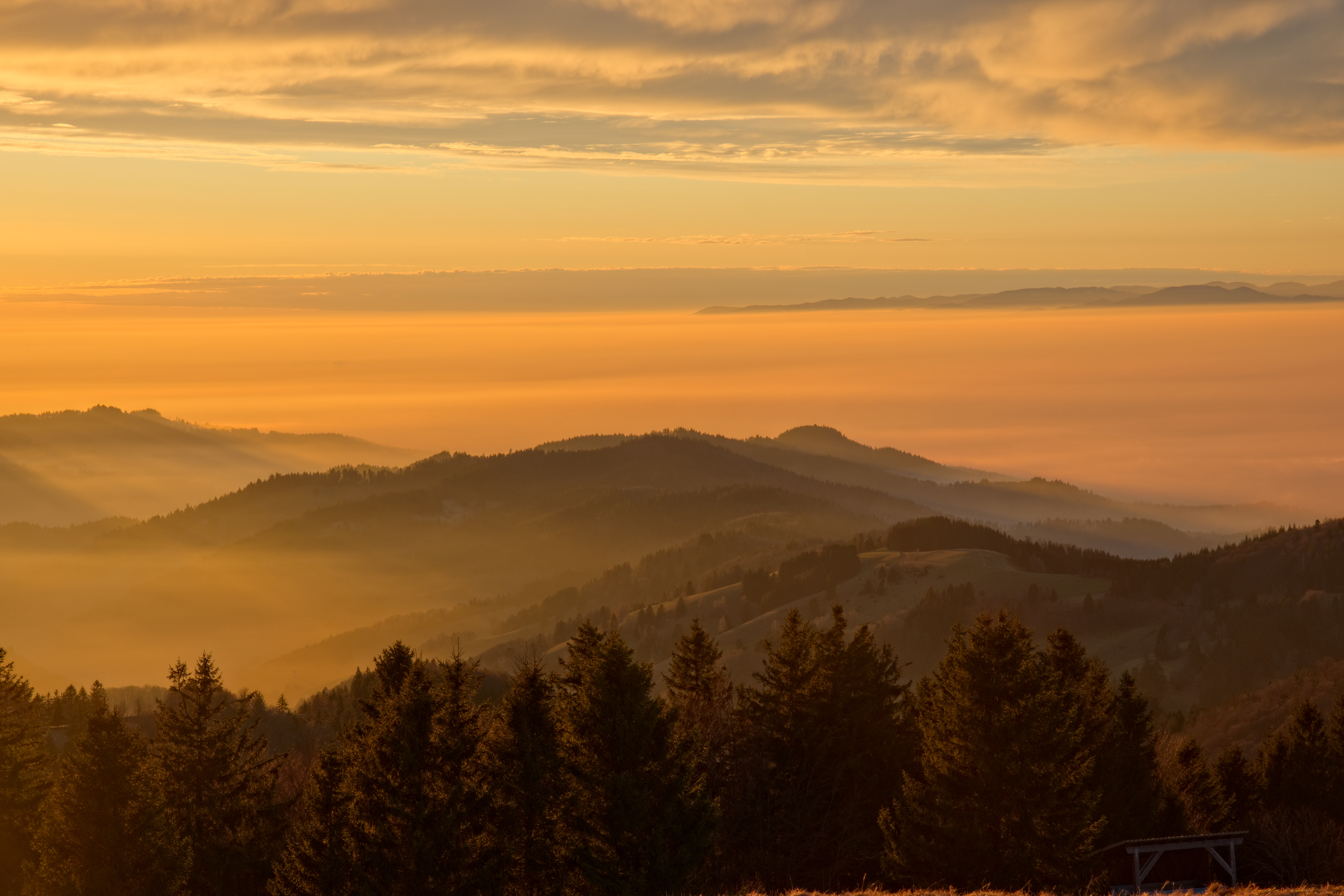
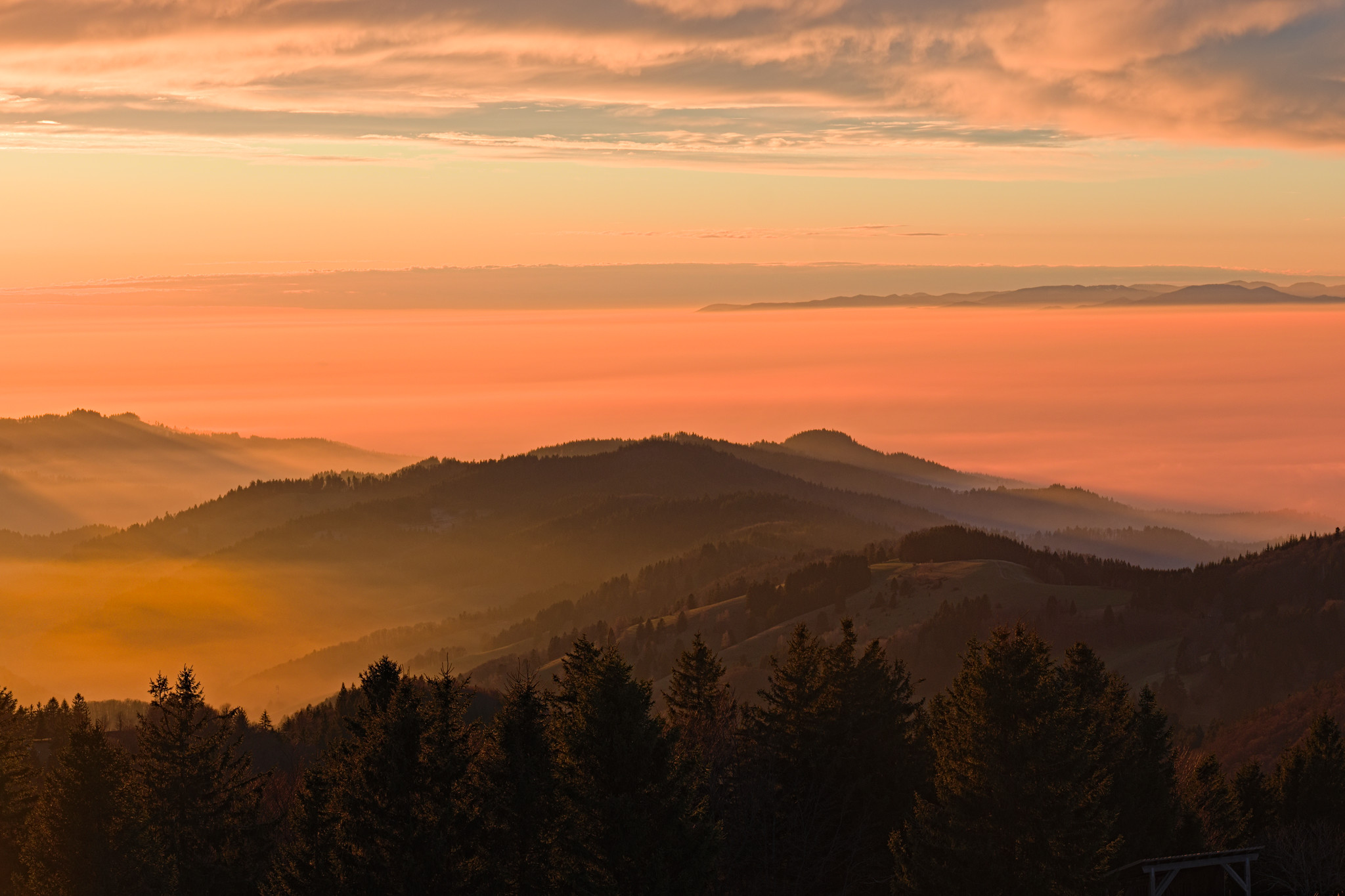
I would love to see how you process this one.
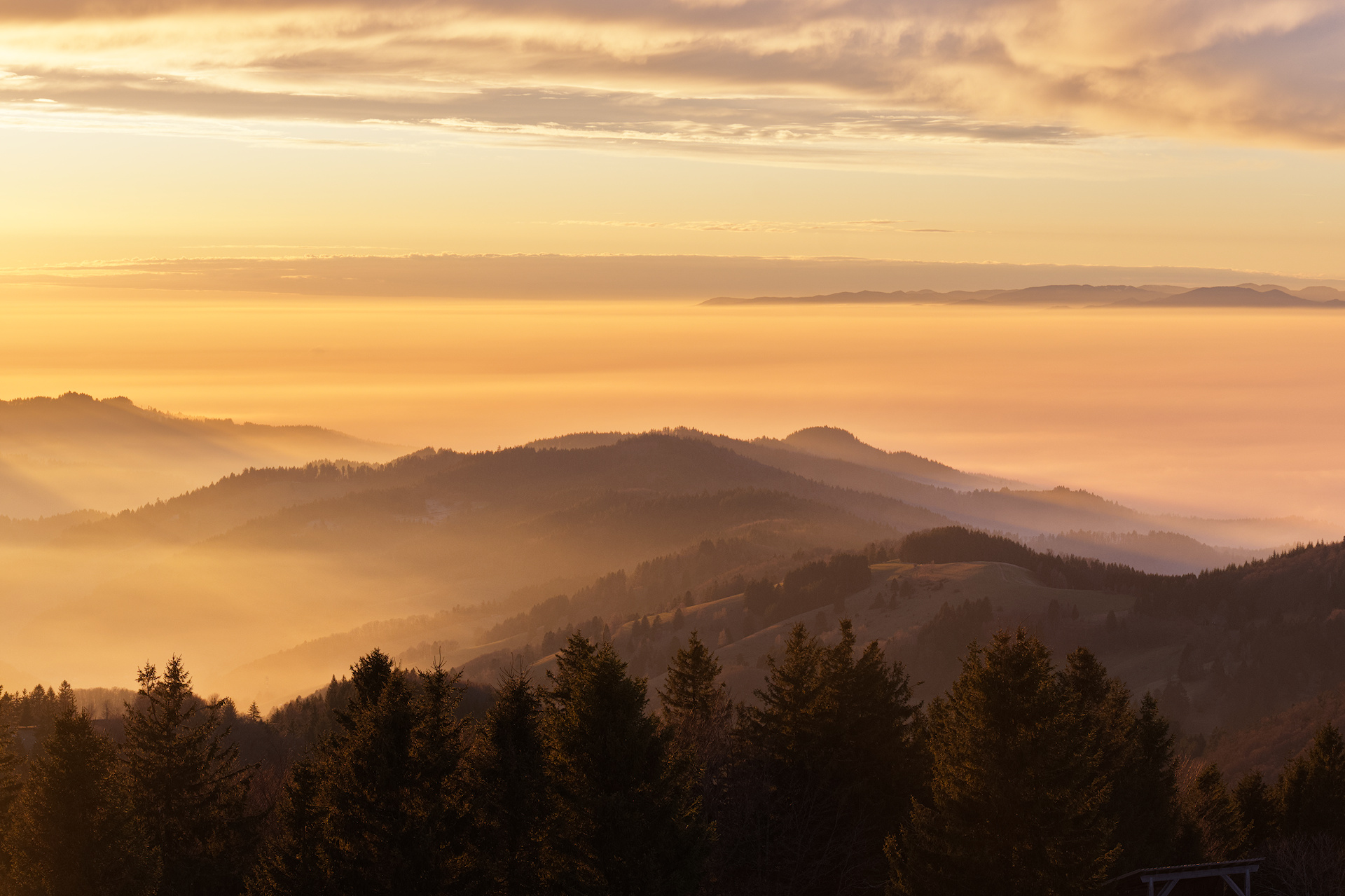
_DSF0553.RAF (24.4 MB)
_DSF0553.RAF.xmp (11.7 KB)
This file is licensed Creative Commons, By-Attribution, Share-Alike.
Hello everyone,
I would love to see how you process this one.
_DSF0553.RAF (24.4 MB)
_DSF0553.RAF.xmp (11.7 KB)
This file is licensed Creative Commons, By-Attribution, Share-Alike.
A superb photo!
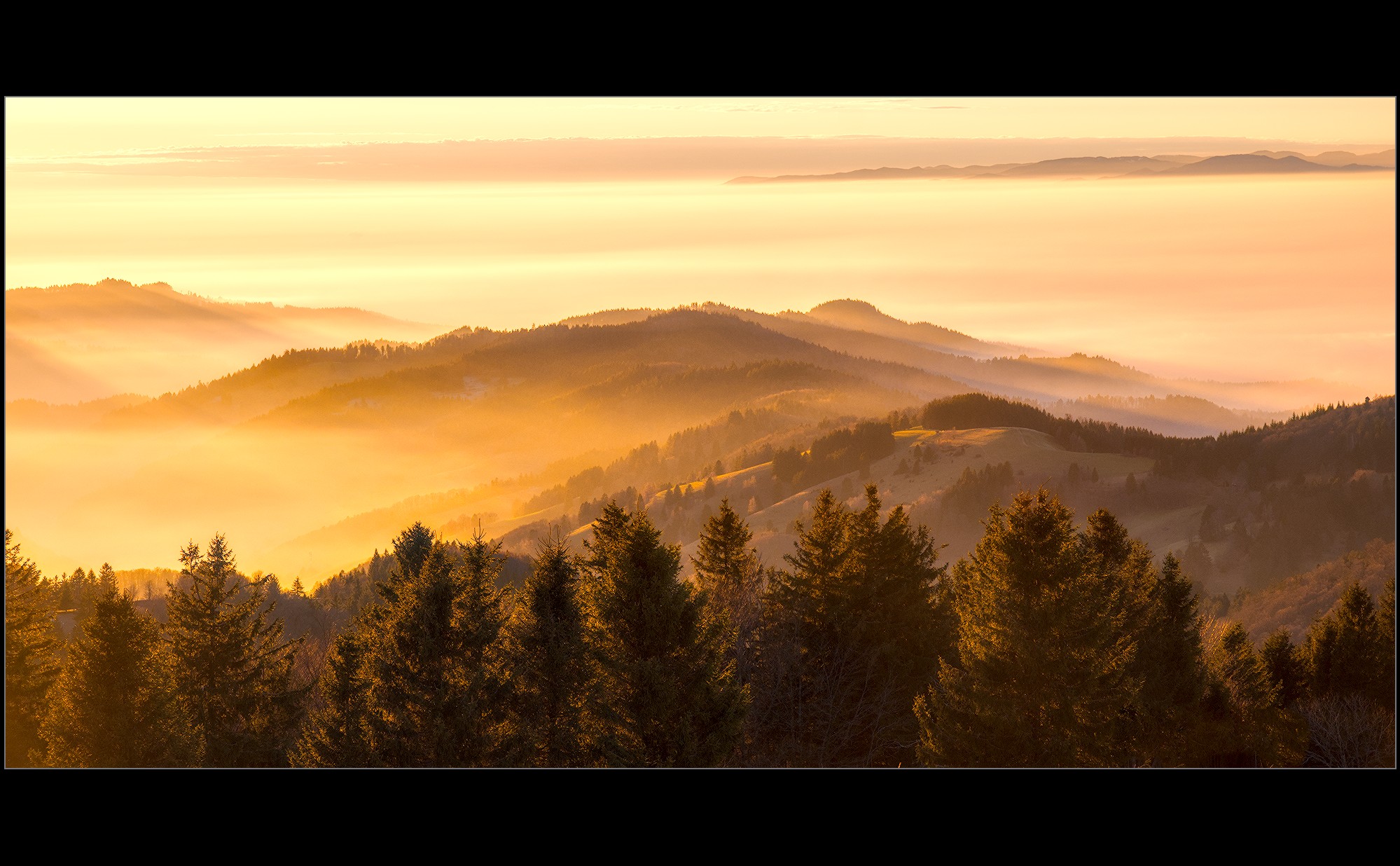
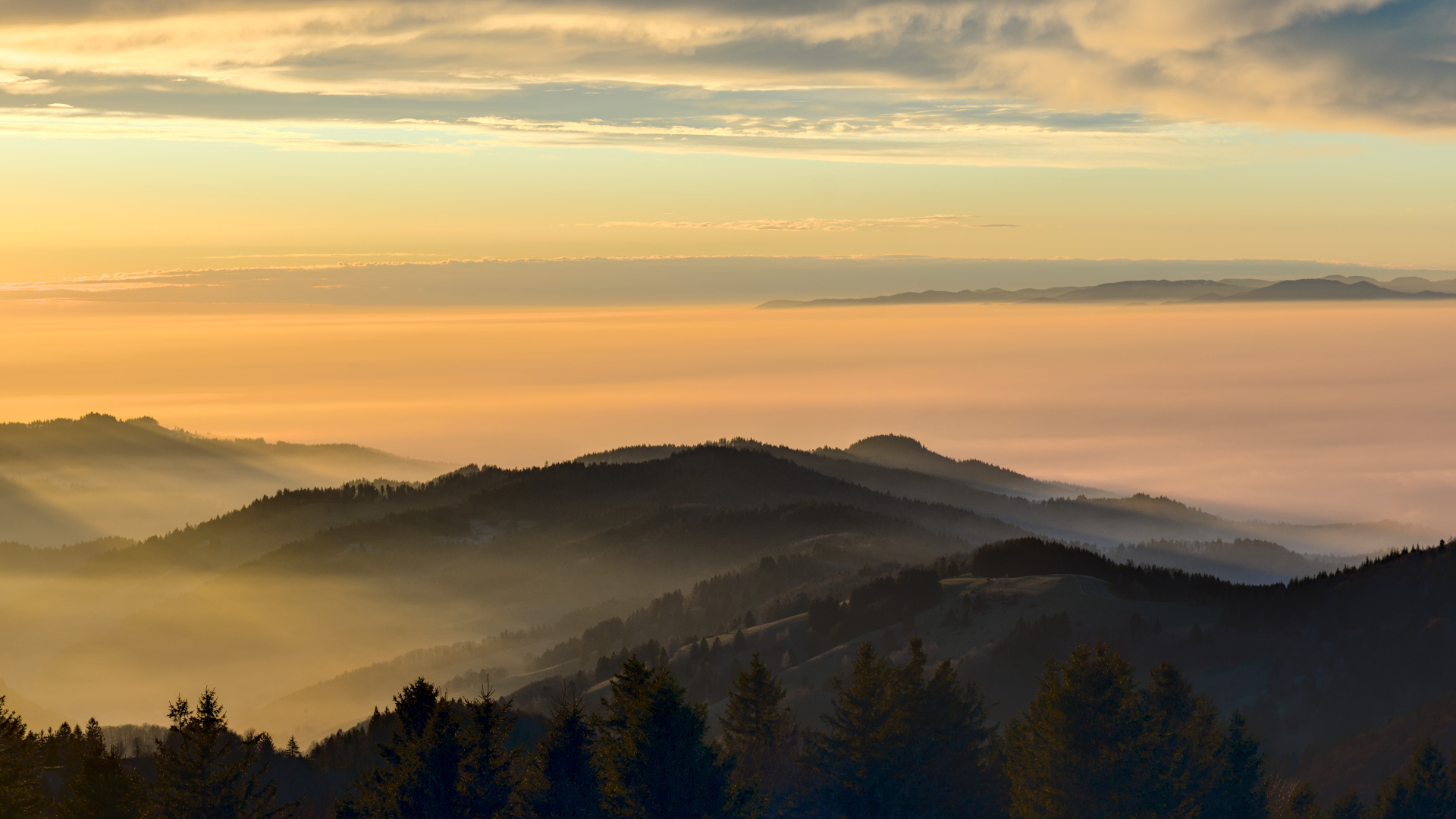
After a few attempts decided that ART with Automatched curve gives the best colors:
_DSF0553.RAF.arp (47.3 KB)
Oh wow, you pulled some amazing colors out of the photo 
What a beautiful landscape in wonderful light!
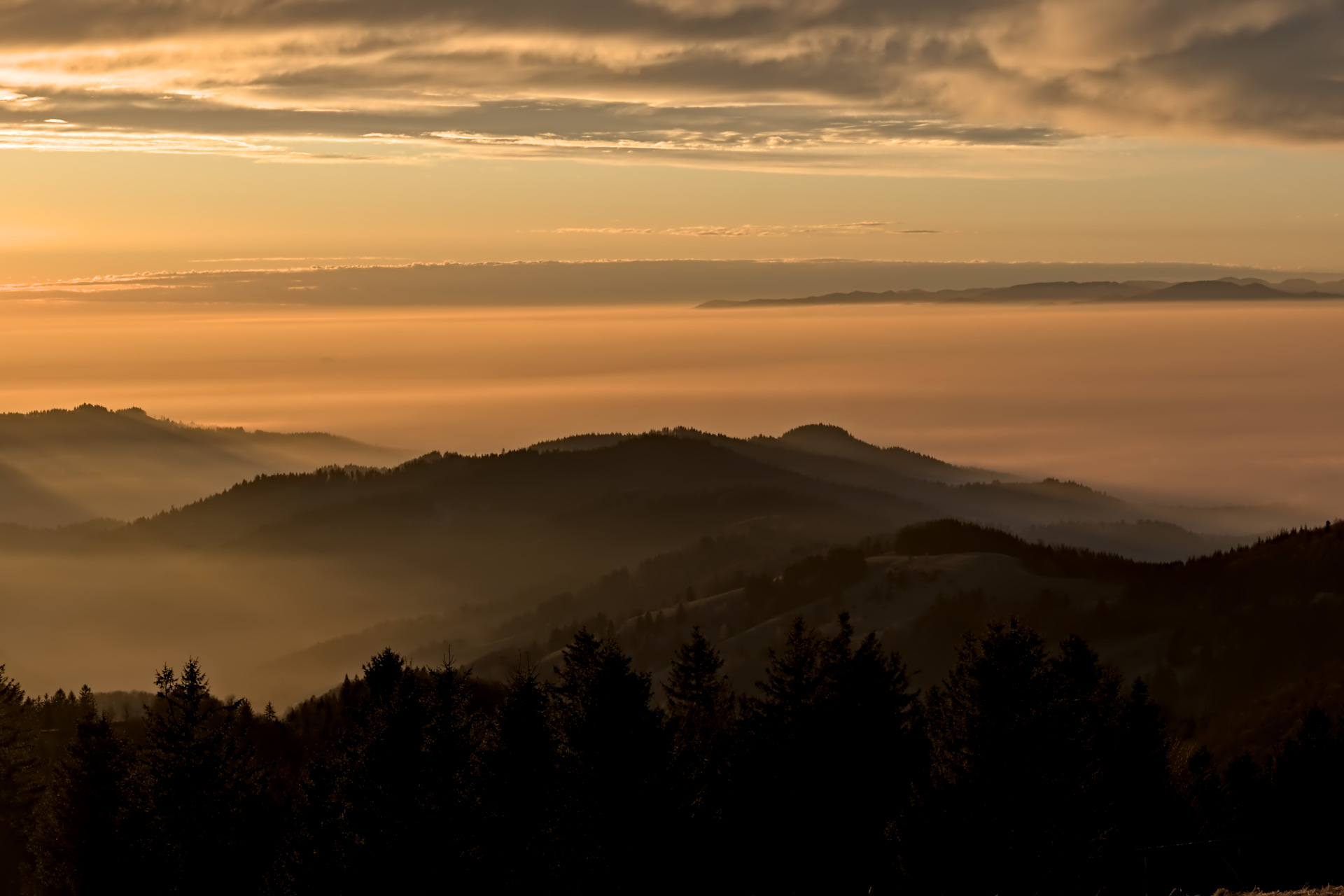
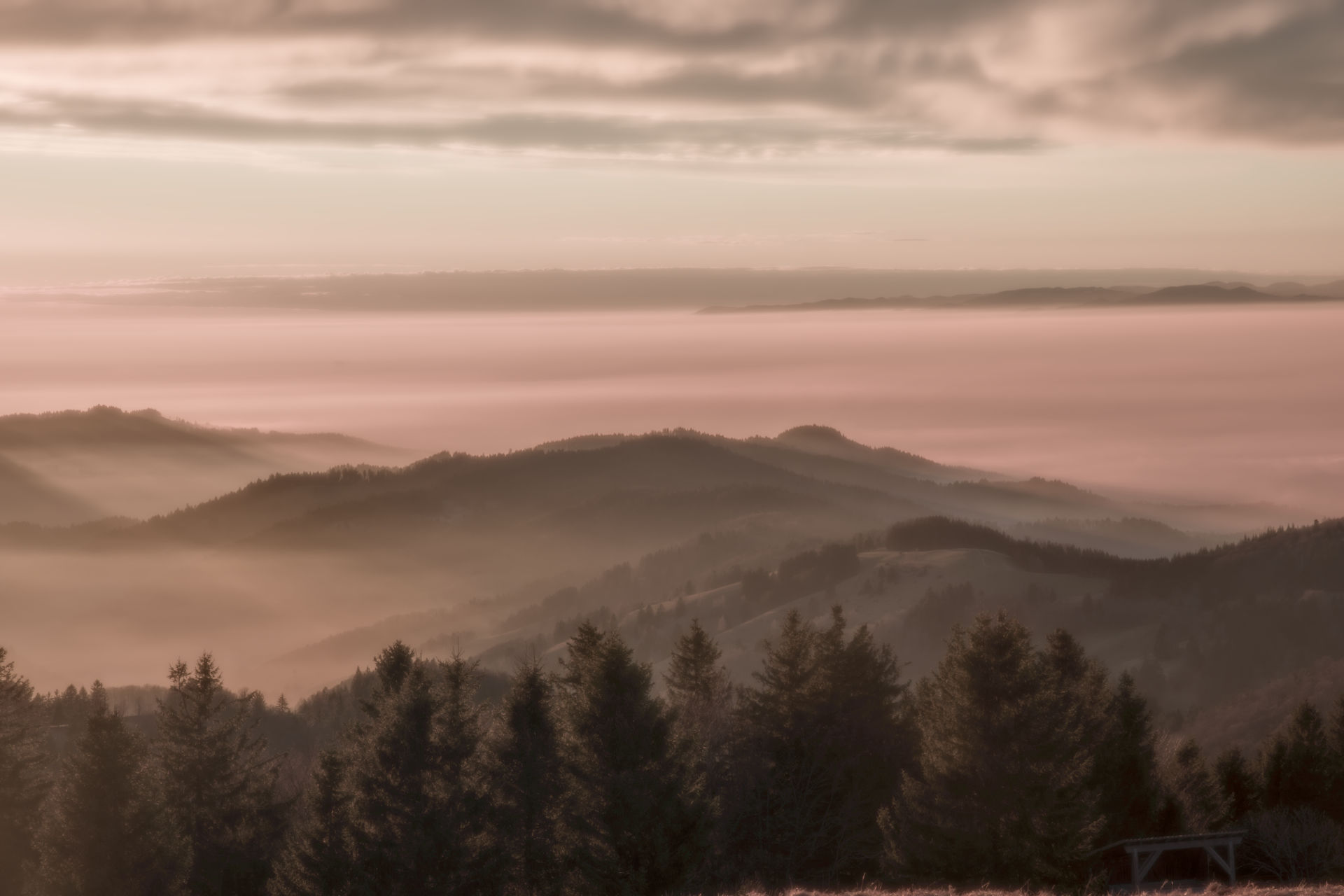
I struggled to get the silhouettes of the firs a bit more out… tried it with tone equalizer and a soft brush in red and blue channel… Was my first time trying this - thanks again to Boris’ video’s. The first I did was switch off filmic rgb. The rest I did is nothing special to mention.
Hope you like it, regards, Jetze
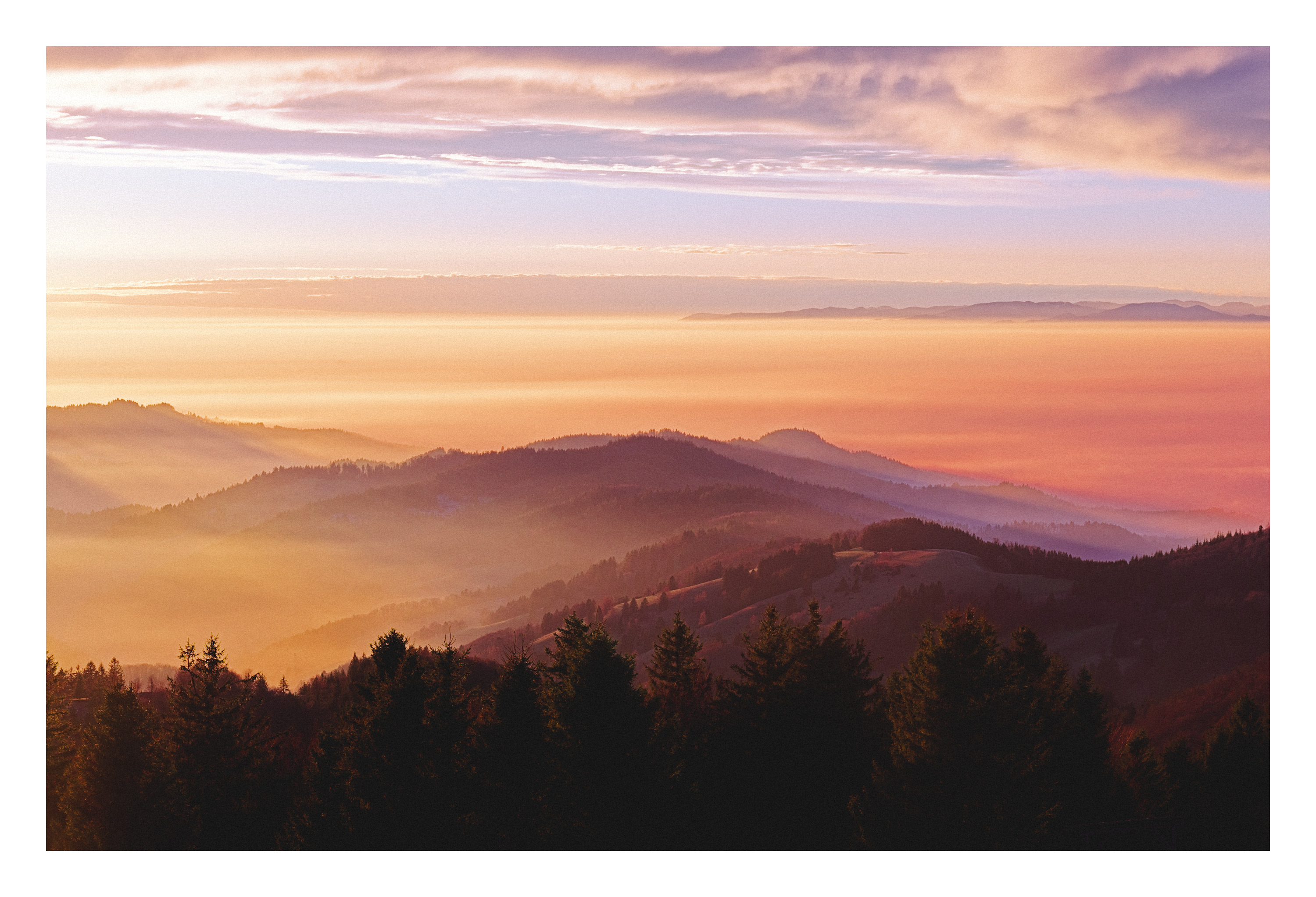
Messing about in darktable. I wanted to bring back a tiny bit of little blue sky.
_DSF0553.RAF.xmp (22.5 KB)
So disappointed!!! I was expecting cake!
No really it is a lovely photo.
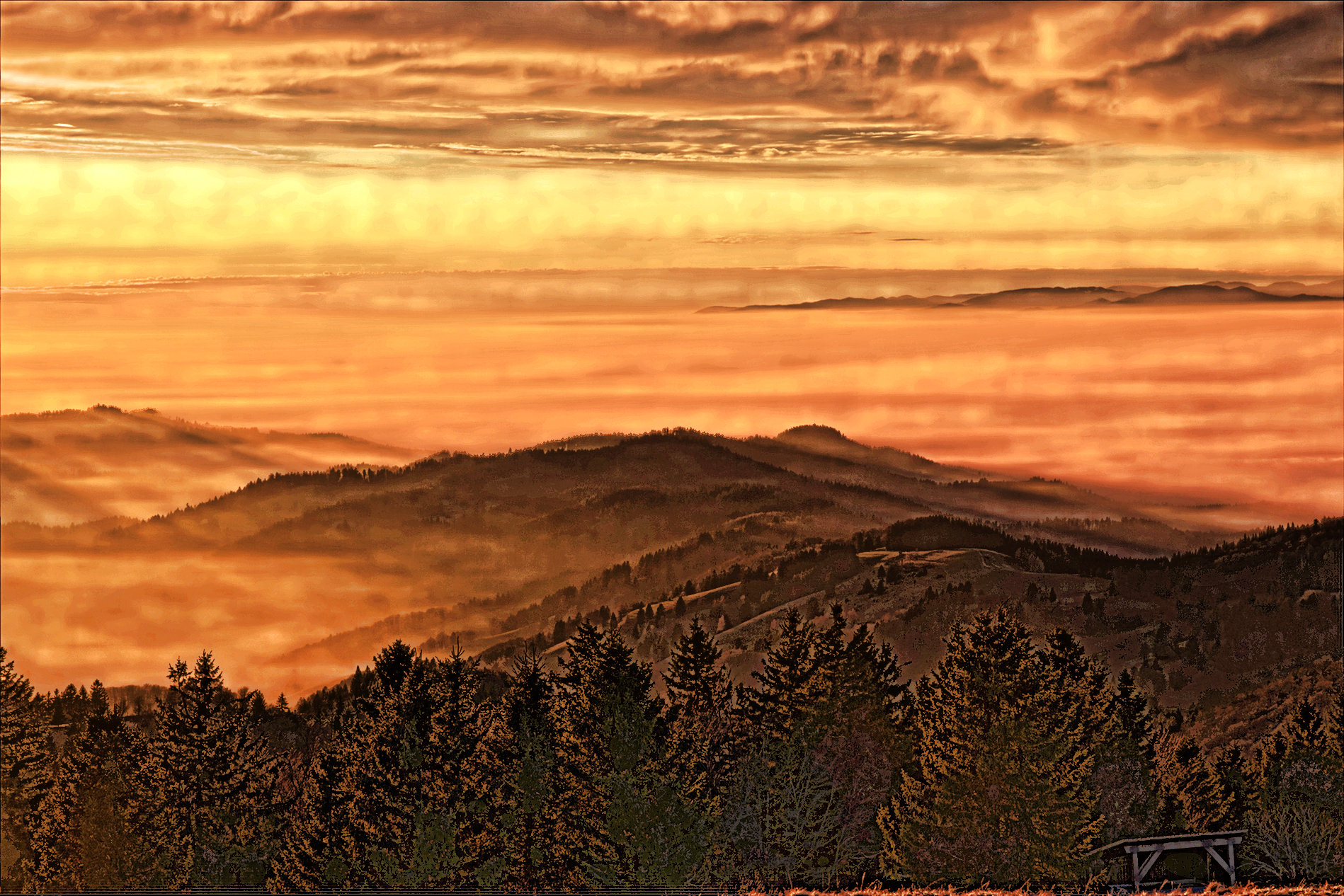
Admit, not pretty, but wanted to see if I can pull details out of the shadows. Haven’t taken Retinex out for a spin in quite a while; worked great for pulling out these details. Of course it worked, well, too great so blended back the original and did some G’MIC tricks to keep it more clean if you will. 
Manifesting your inner Ansel I see, Sallyanne.
I really like your edit, but your xmp looks entirely different if I open it up in darktable.
The highlights are blown out and the colors are different.
Any idea as to why?
Which version of darktable are you using (I’m on 5.2.0)?
Wow, I need to check how you did that.
Not into the grainy look, but the colors are great!
I use this version with the AgX module from @kofa: