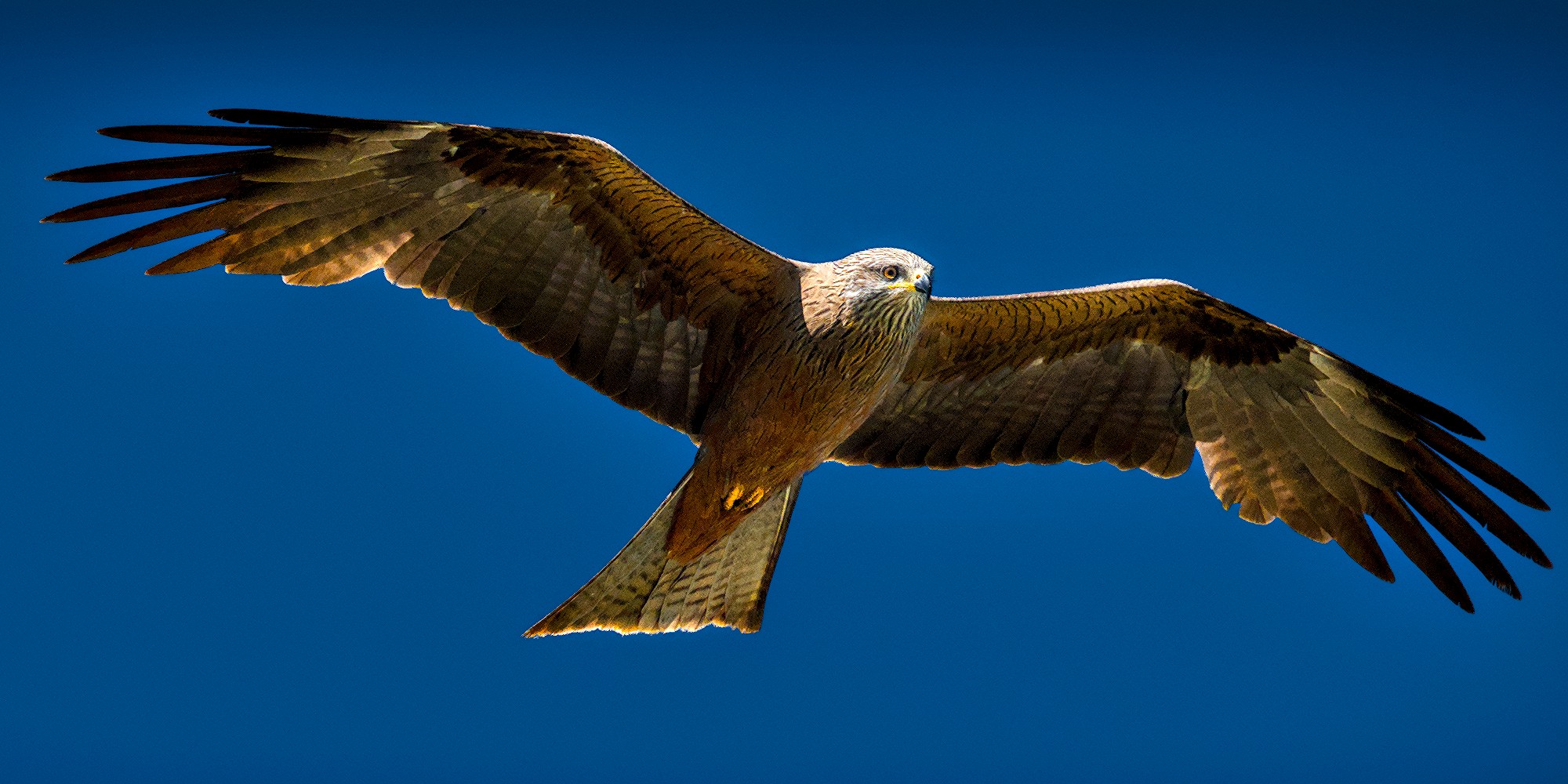
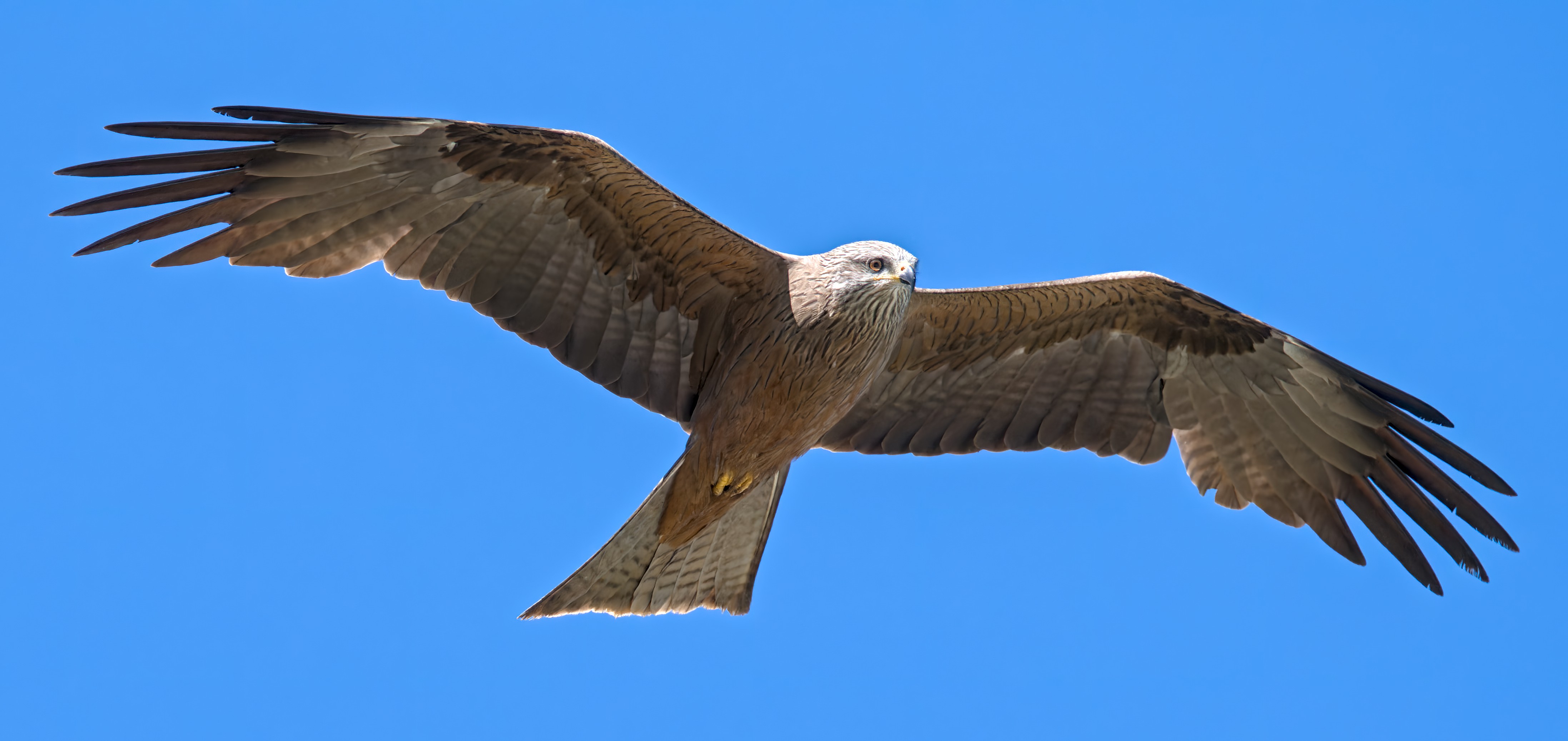
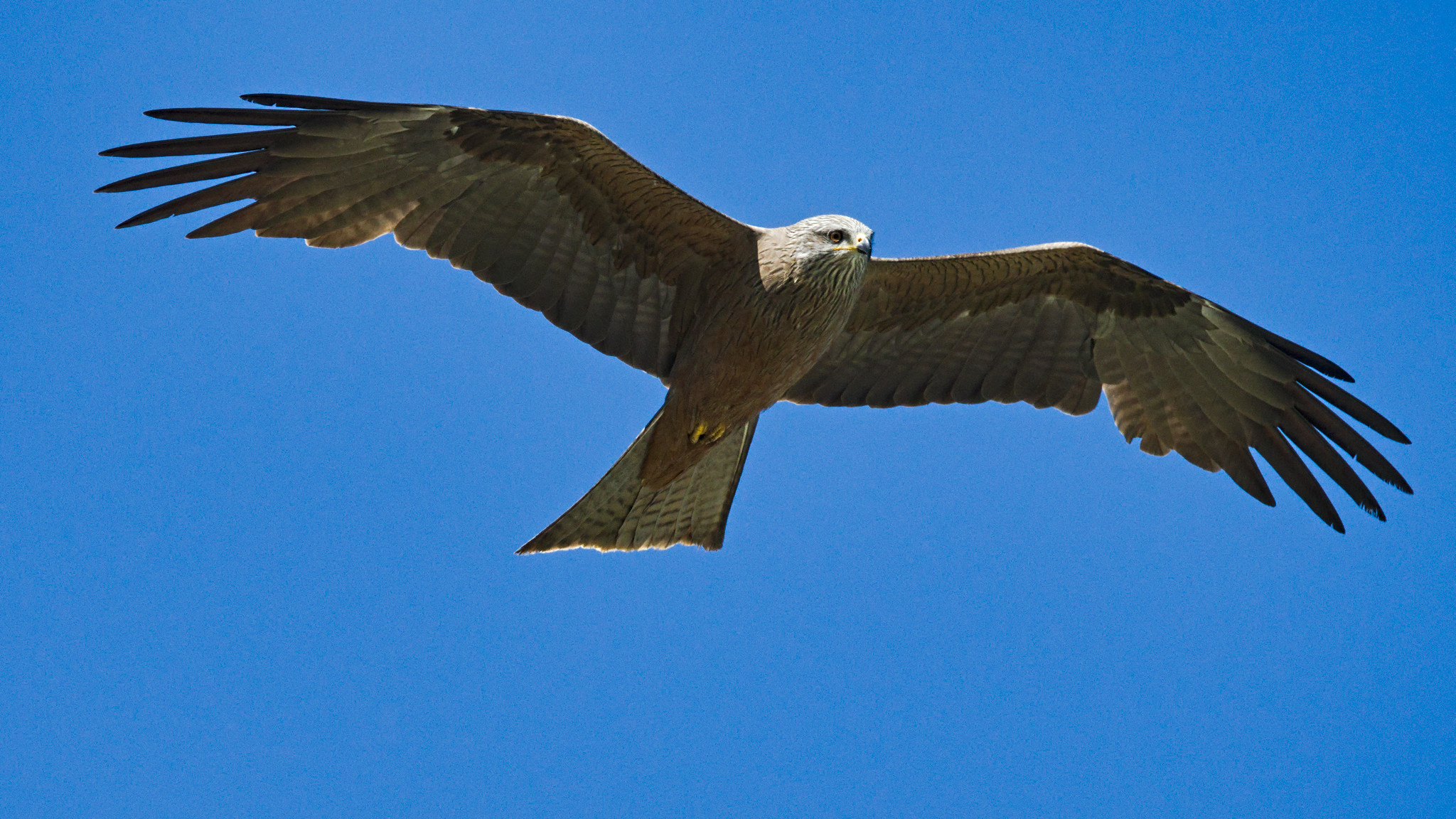
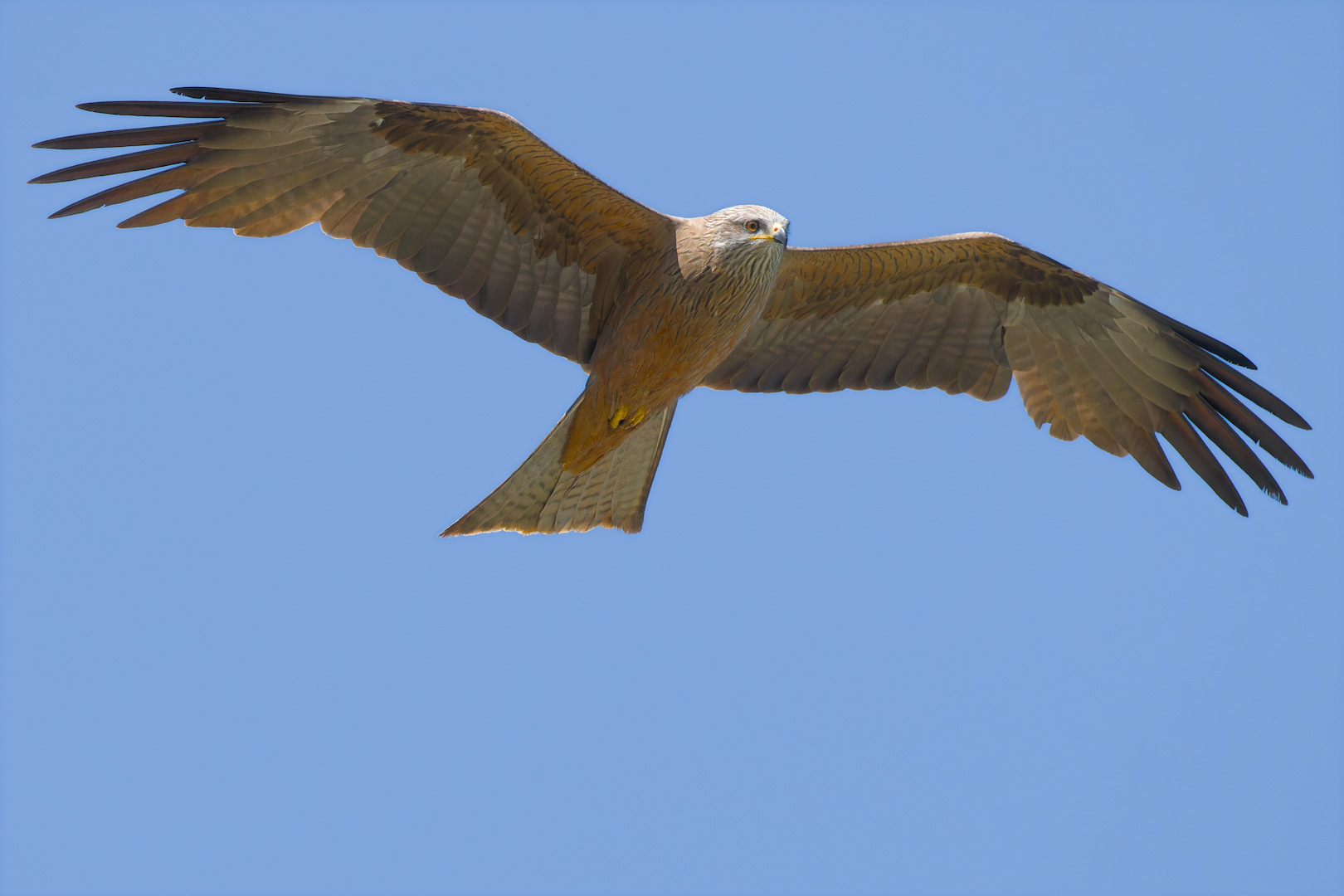
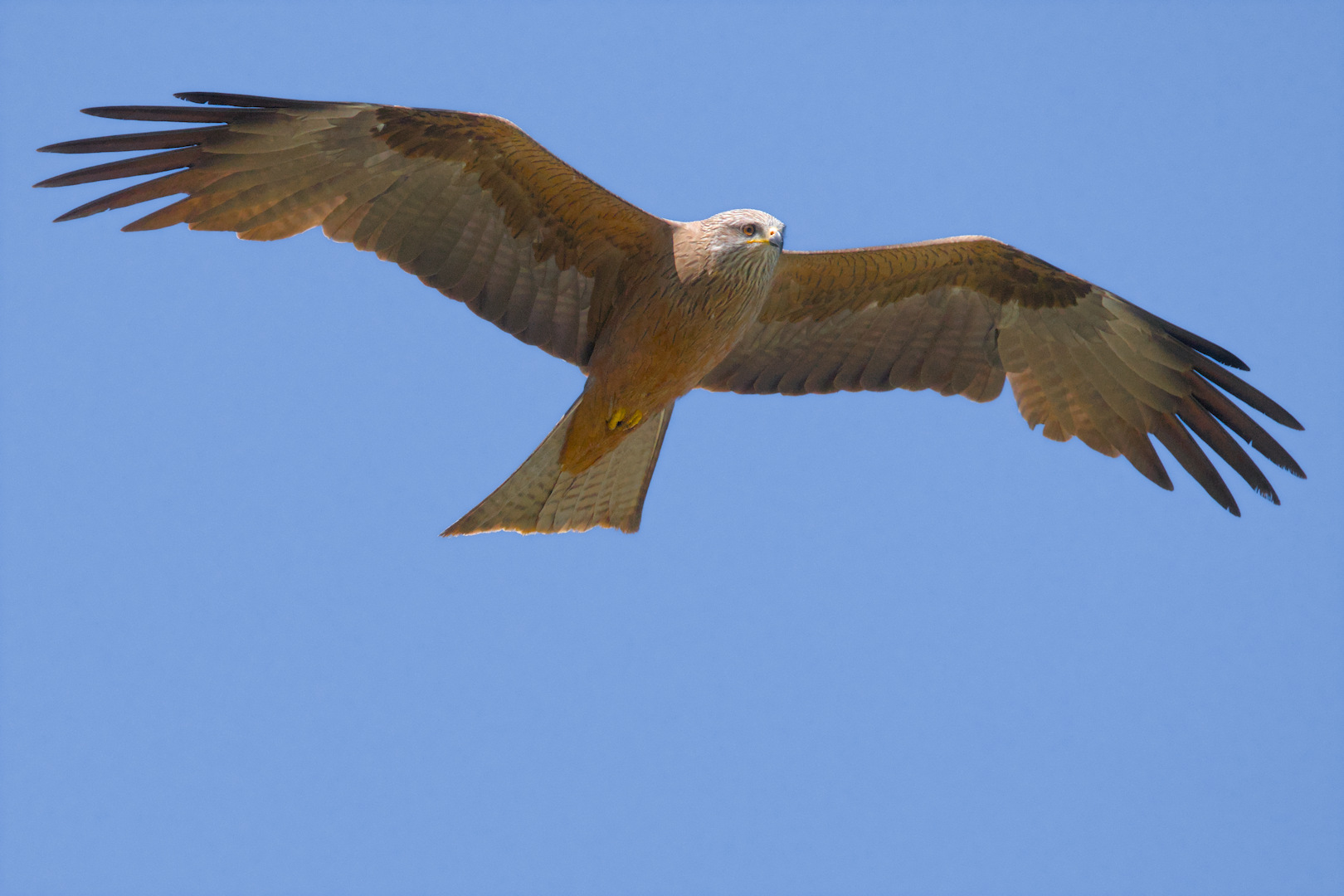
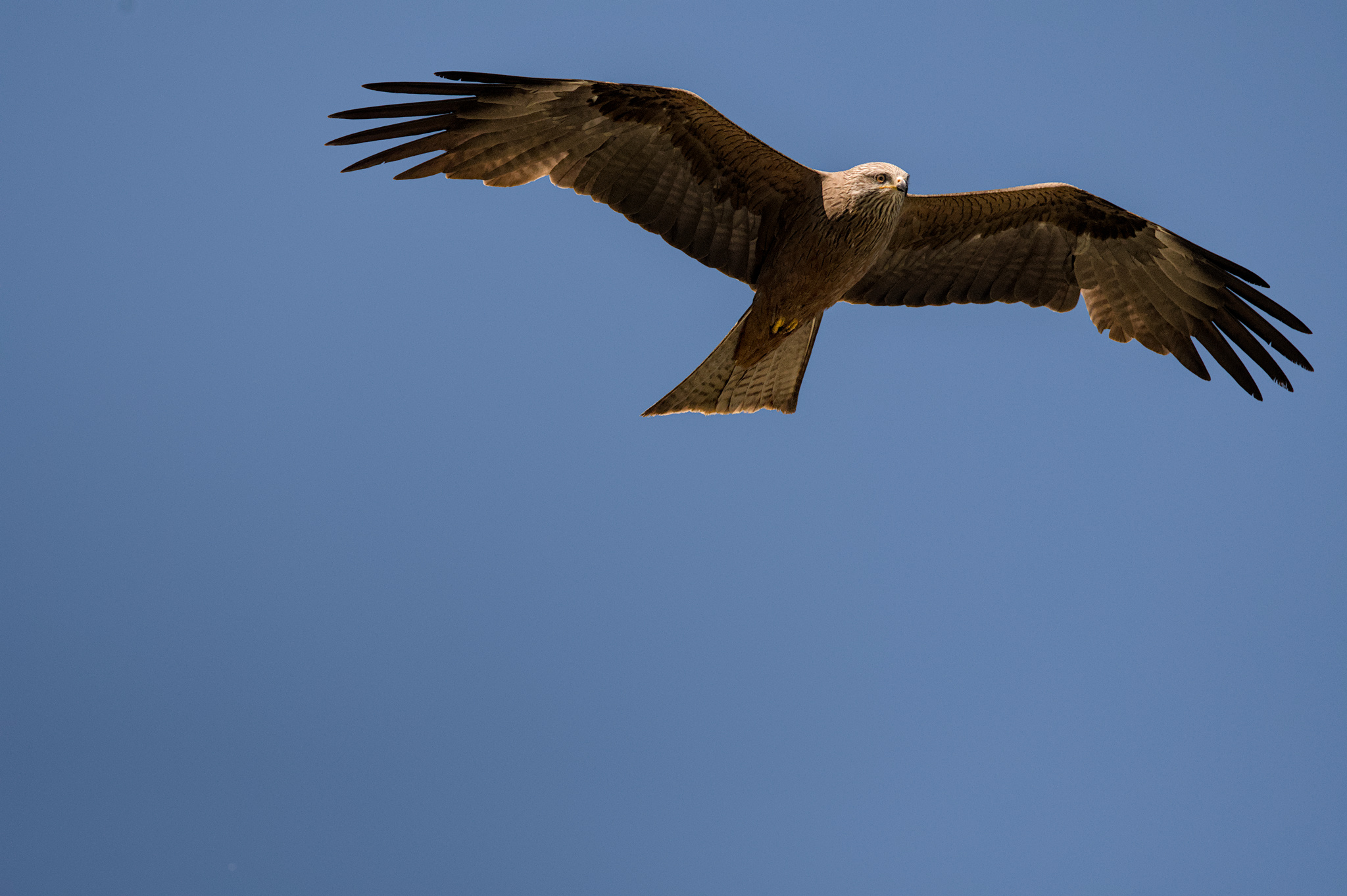
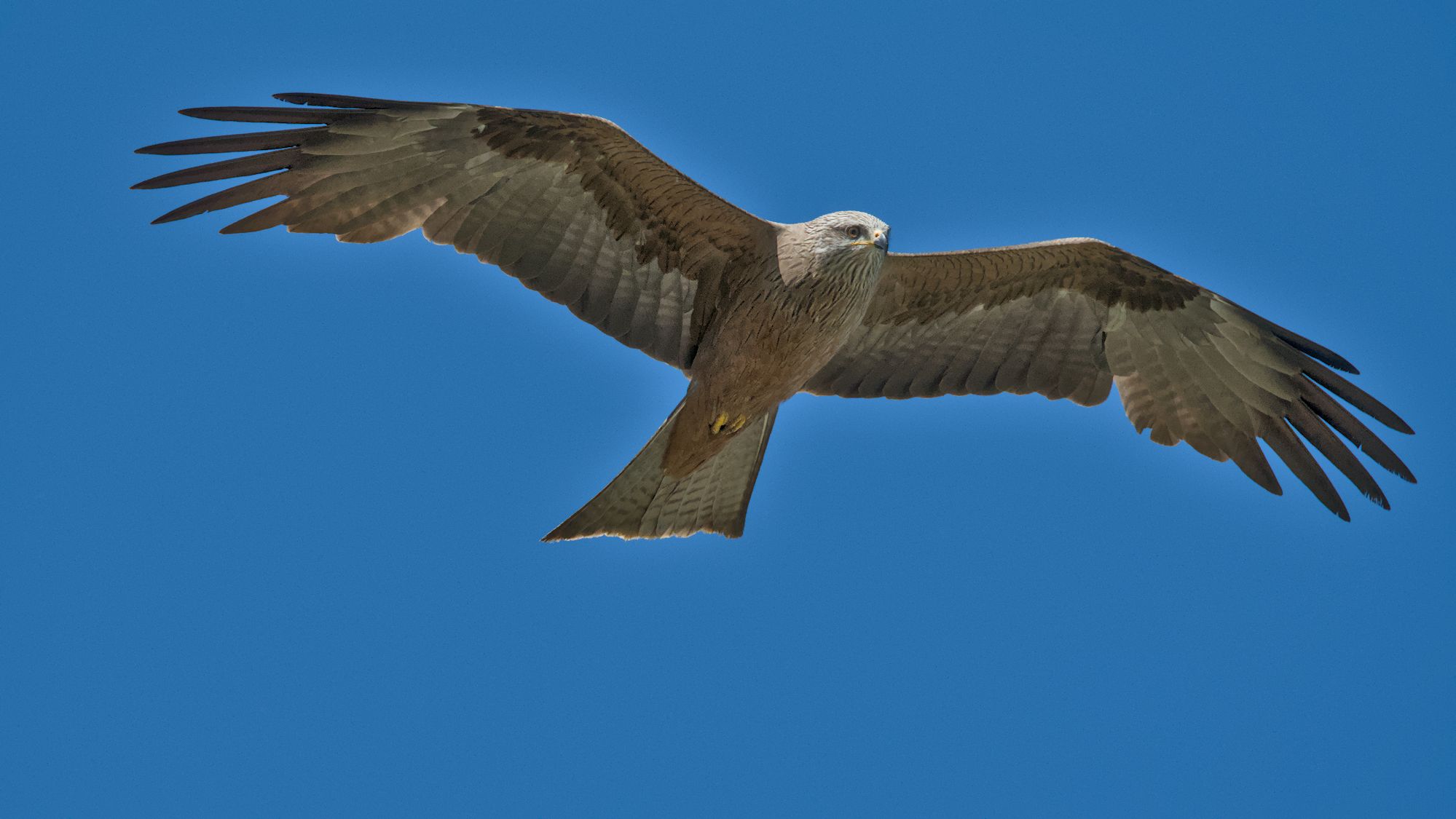
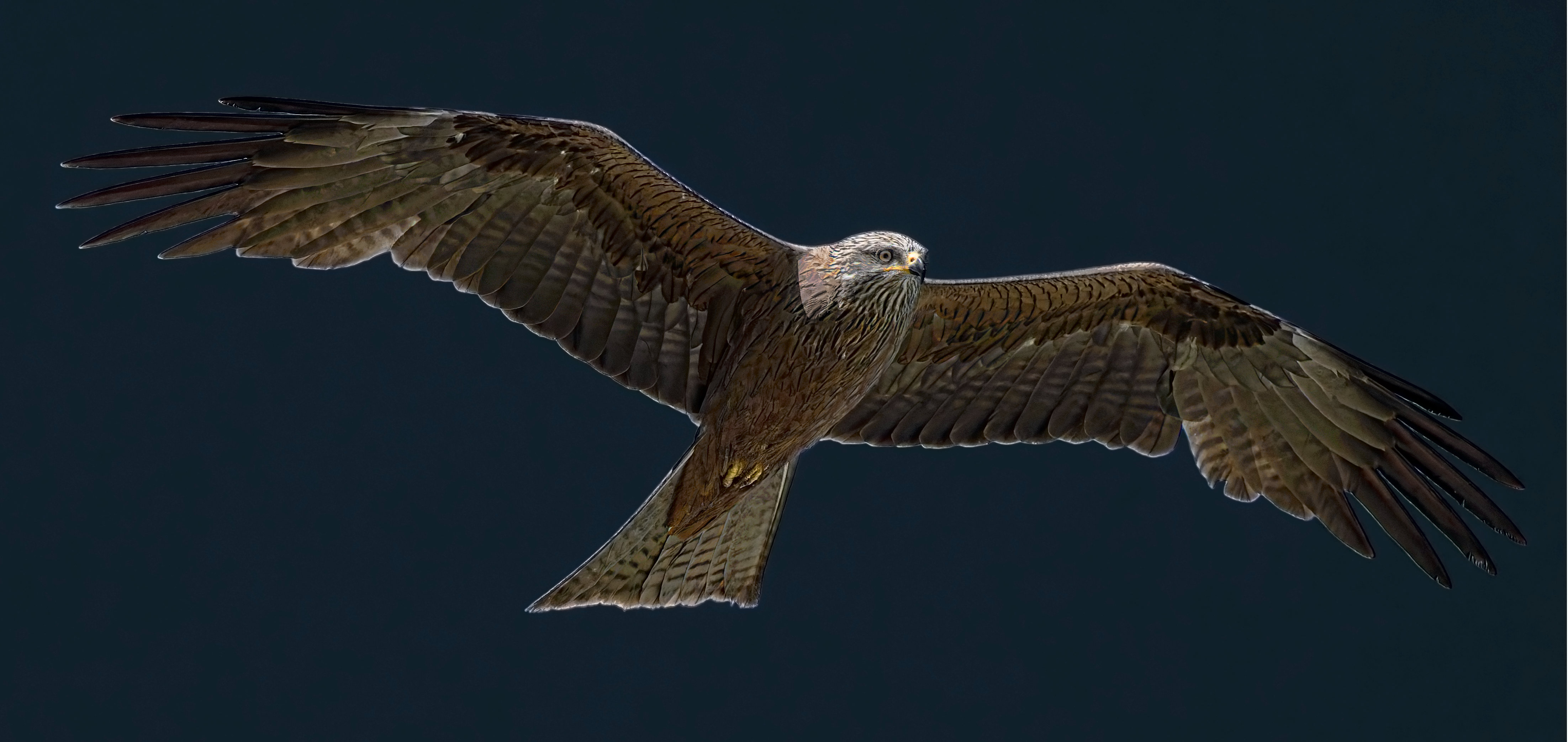
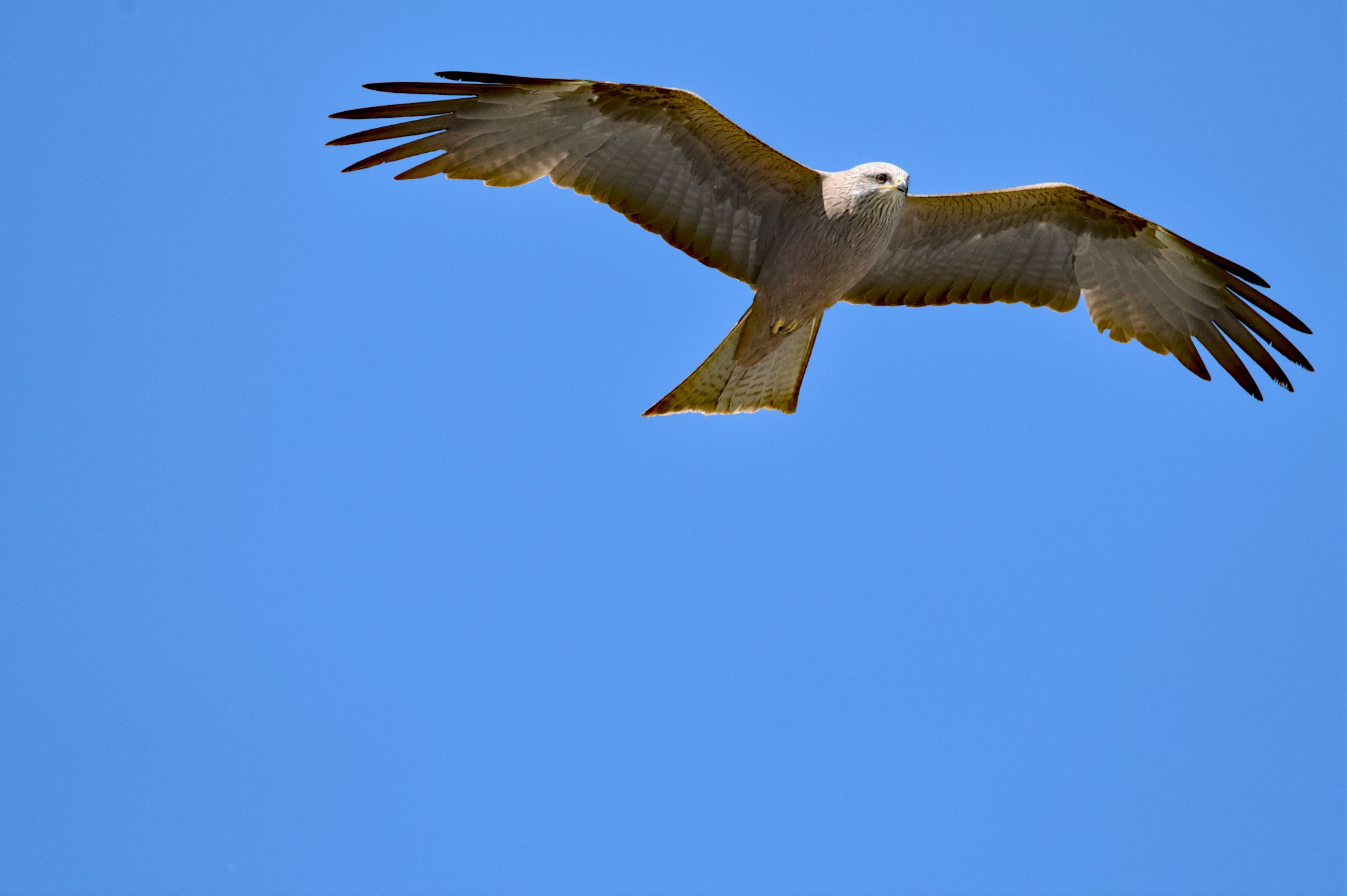
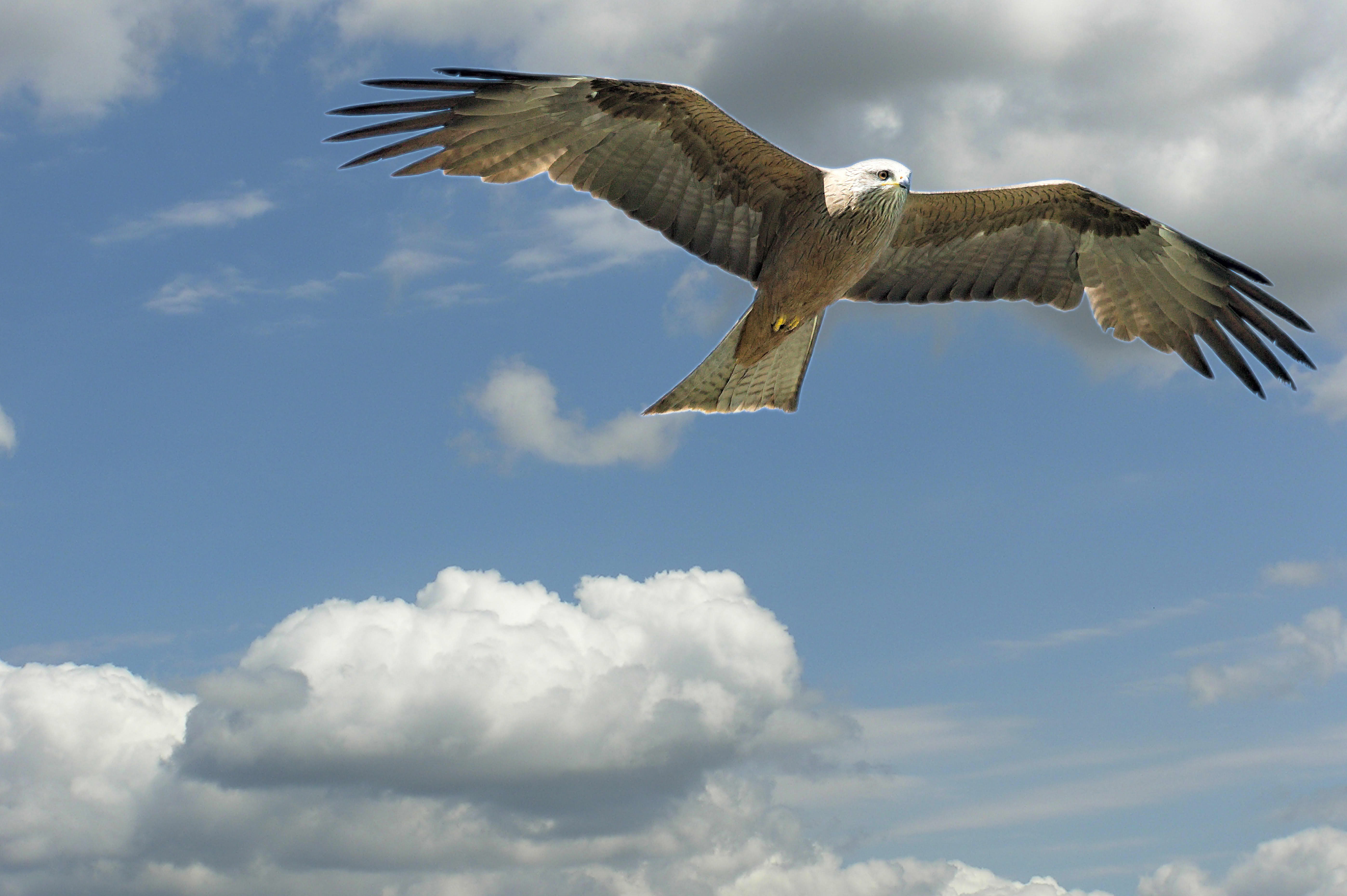
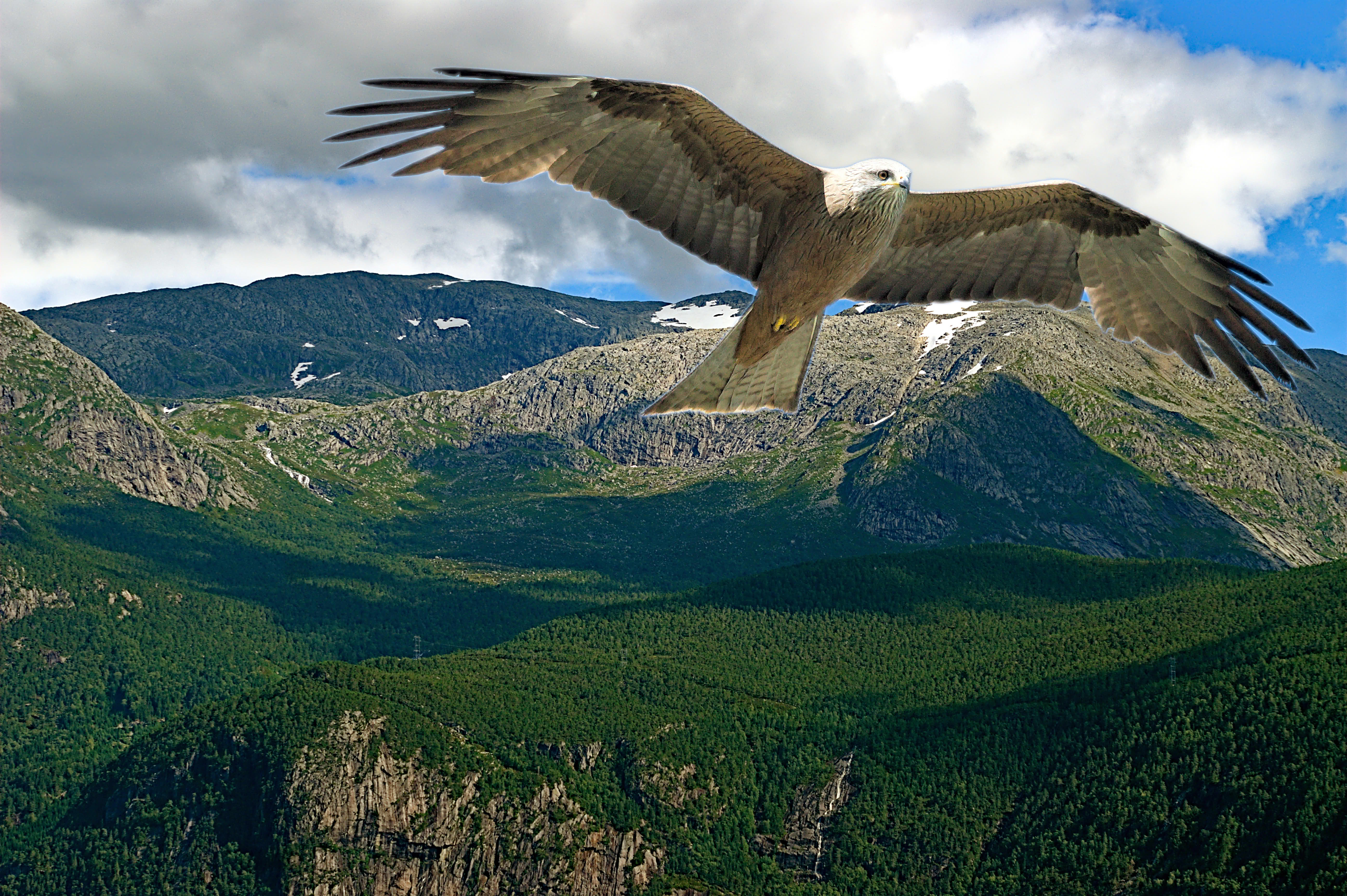
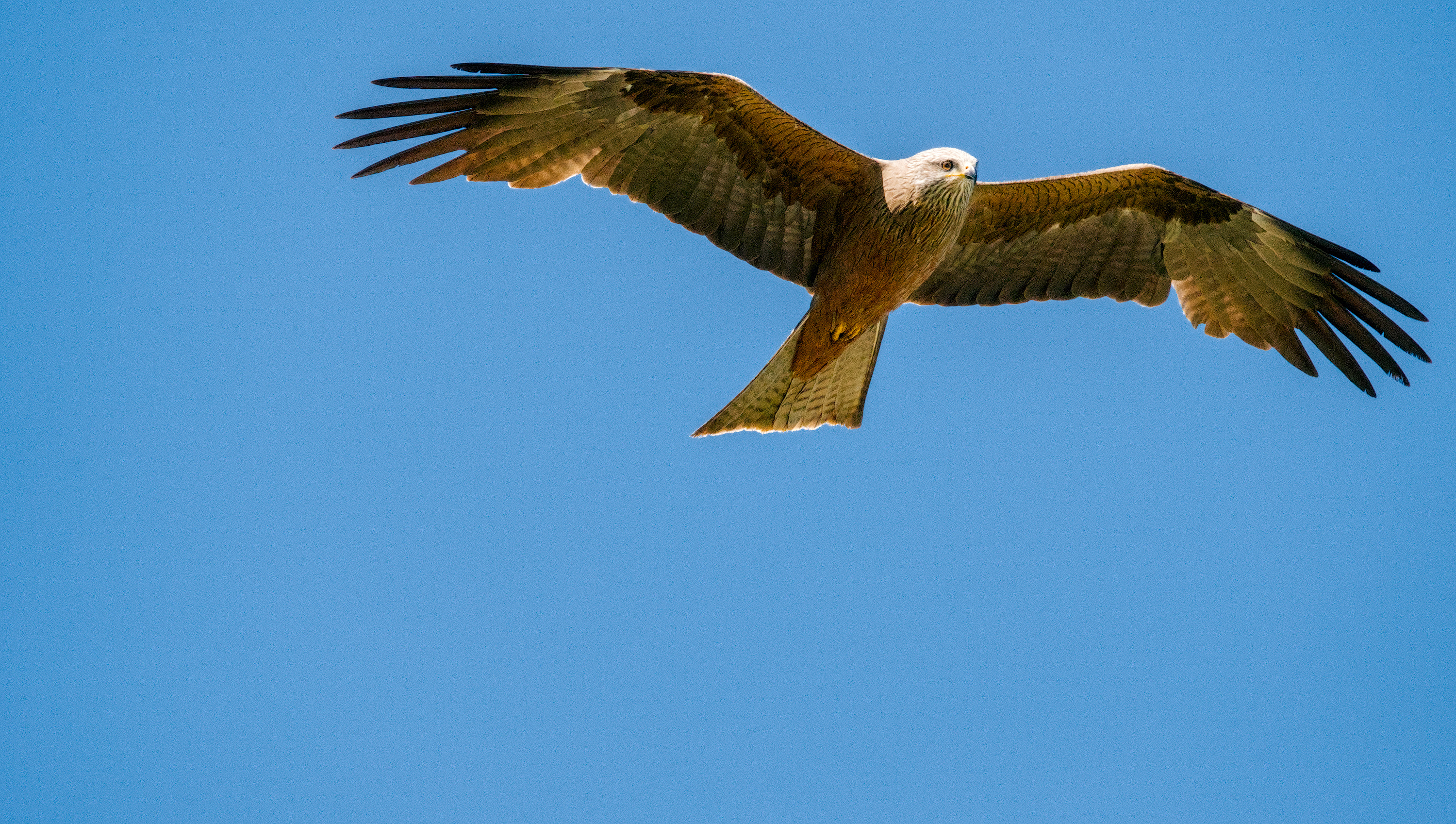
I didn’t add any grain, it’s just what was there that I didn’t want to clean up because I thought it needed a bit anyhow.
Here’s a more detailed head.
_DSC9059_01.NEF.xmp (13.6 KB)
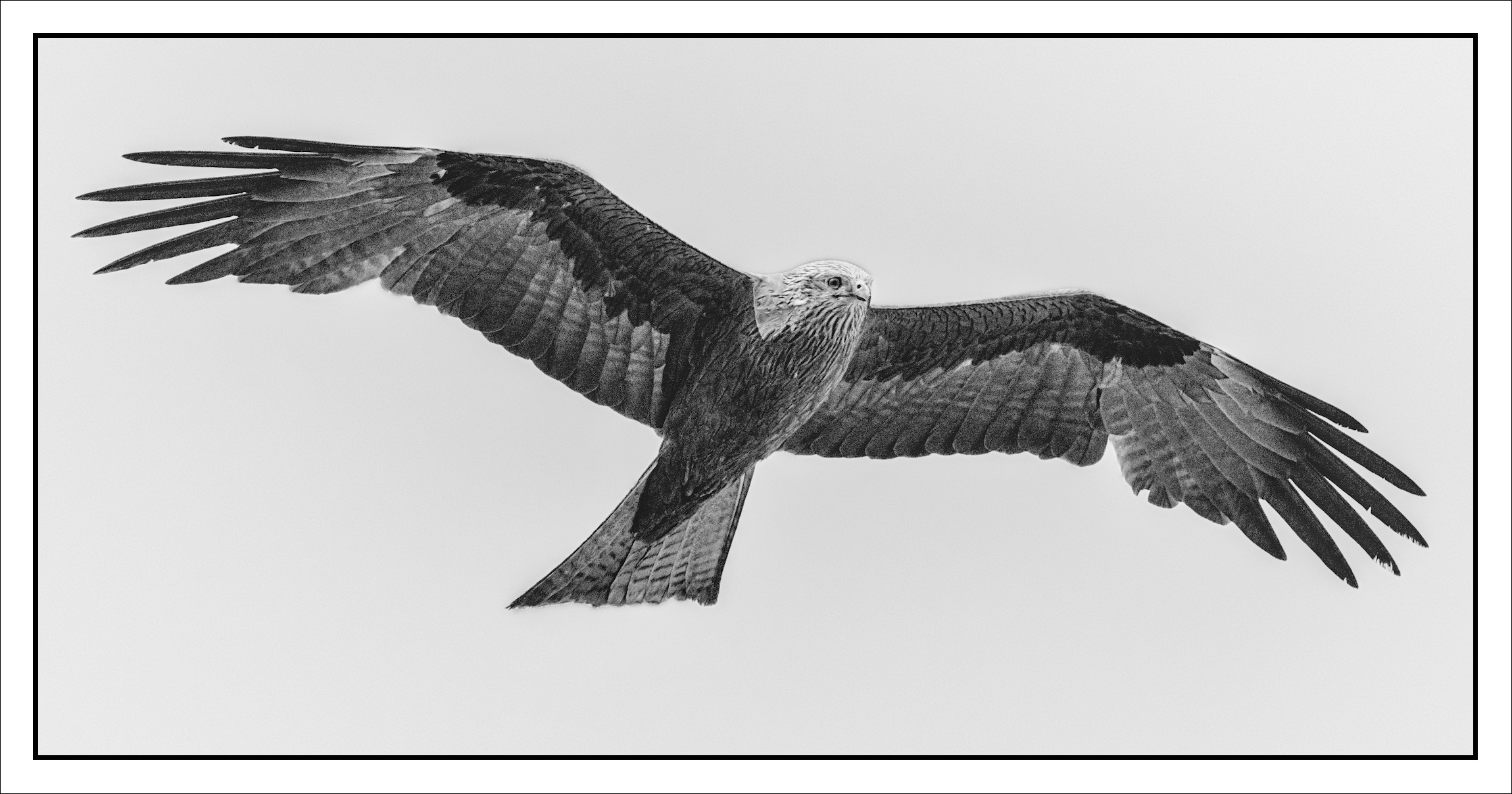
I didn’t add any grain, it’s just what was there that I didn’t want to clean up because I thought it needed a bit anyhow.
Here’s a more detailed head.
_DSC9059_01.NEF.xmp (13.6 KB)
Back on my Desktop and using the NEF - I don’t know why you have chosen to process it with PureRAW - it is not really critical regarding noise.
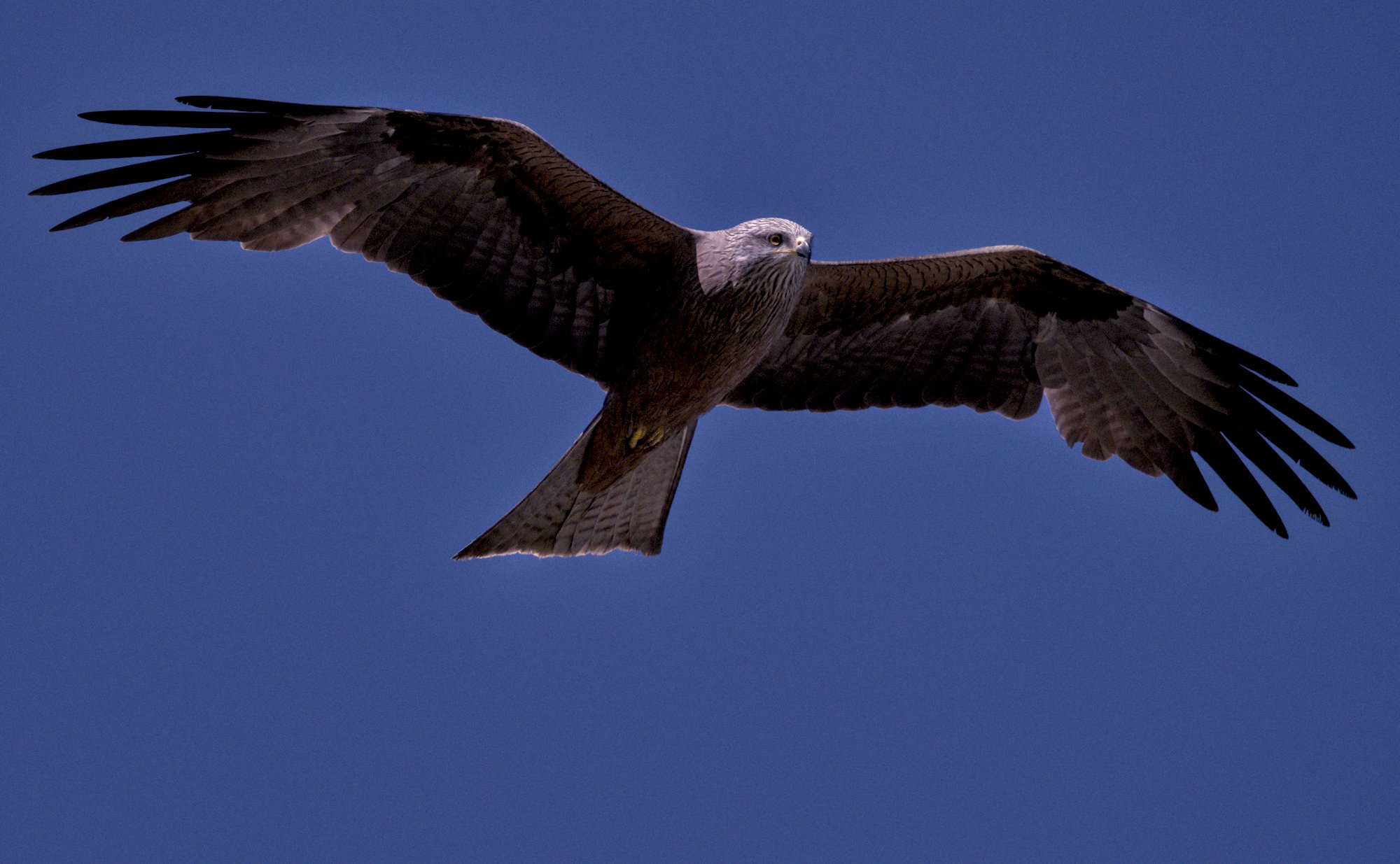
However, I have tried to darken the sky…
All the plays so far put the bird dead in the middle - whereas conventional placement for moving subjects leaves some empty area in the direction of motion.
I tried to move the NEF-framed bird in the GIMP but have forgotten how.
I have mine toward the right side, but I’m constrained by the left wing stretching out there.
Thanks much!
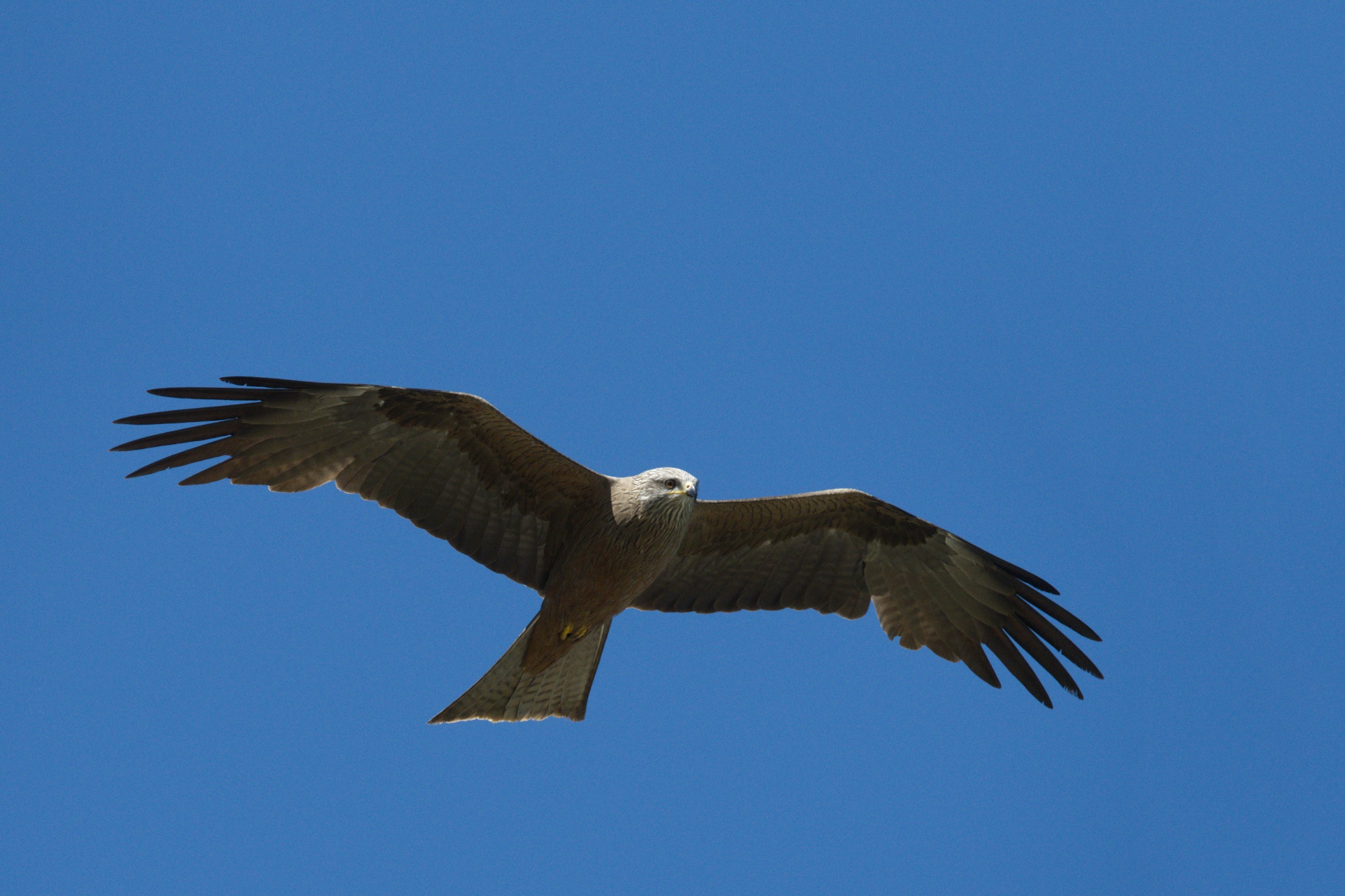
Here’s a version using my usual dt-nind-denoise workflow from your NEF file.
Here is the denoised TIFF-32 file using nind-denoise from your NEF file (I cropped it to keep the file size small)
What I meant was that I would have moved the bird down and to the left, leaving some empty sky in it’s direction of motion. I would have placed the bird’s center of area (centroid) below and to the left of the middle, probably using the Golden Ratio …
Great shot! Playing with this has given me some new ideas for some of my bird shots 
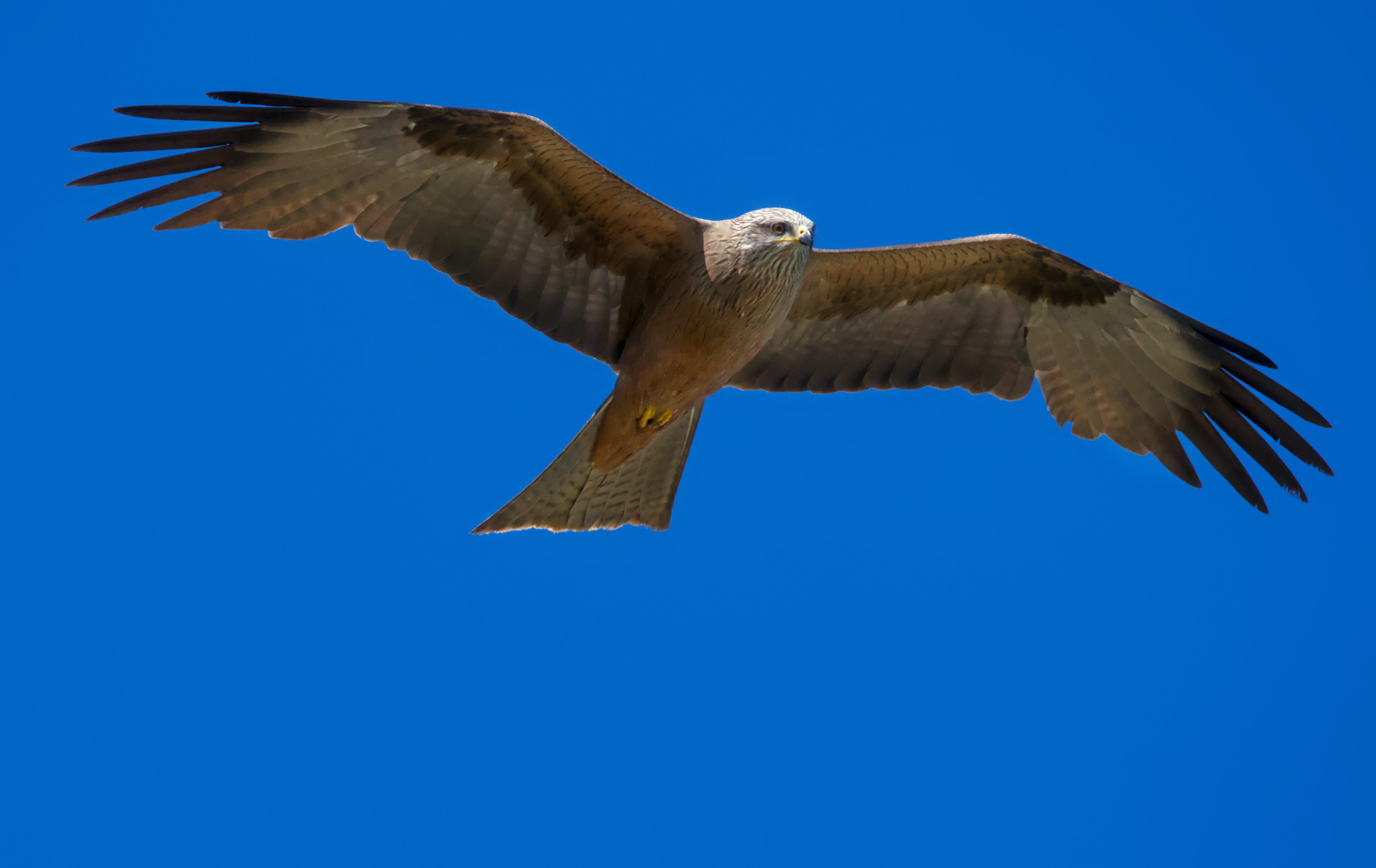
This is with DT5.2.0 - I went for a slightly softer look, using an additional mask to lift the exposure on the shadowed parts and add some red back into them.
I used another mask to both brighten and de-saturate the sky. I couldn’t really darken it much without the bird edges starting to look flared and unrealistic.
I use PureRaw myself, too. I know what @Popanz is talking about with the somewhat plastic look it can create. I have an X2D preset that leaves a little luma noise in place for that reason.
I copied the xmp to the NEF and added some DT Chroma denoise for comparison. I still prefer the PureRaw one in this case.
Thanks for the capture. Worked on increasing the contrast around the head. Ended up with some halo but could be tweaked.
ART, GIMP, and the G’MIC plugin for GIMP.
I used the multi-scale in-painting filter of G’MIC to expand the sky so that the kite has some space where to fly.
Well this was more like out-painting than in-painting, but the filter still did a pretty good job.
Harri
I’ve respected the original framing. It almost resembles a golden spiral. And I think the enormous negative space emphasizes the importance of this bird in those endless skies. I’ve given it a slight vignette to focus the eye on the main subject.
Cheers
In my view not every picture has to be as smooth as a baby’s bum. The noise didn’t worry me too much on this.
_DSC9059.NEF.xmp (19.3 KB)
I think that is an appropriate way to think about it.
I thought I would share this edit using base curve fusion to salvage a backlit shot. Base curve still has its uses for me with this type of image. This edit was one click for base curve and one click for (denoised profiled) and task complete.
_DSC9059.NEF.xmp (7.7 KB)
#2 makes it look normal, like the kite just launched. Nice work.
Definitely the better way to present this bird for sure. Like Fred, I like #2 as well.