Commenting on AgX – Darktable.info – Alles für Darktable Anleitungen, Themes & Shortcut (see [DE] darktable.info – A new resource for the German-speaking community (Modern Workflow & AgX)) - but let’s not start yet another AgX thread, I won’t be able to keep track.
@Qor thanks for the site and the description.
I’m afraid there’s some confusion regarding the Notorious 6. It’s a problem of per-channel curves; filmic does not have this issue.
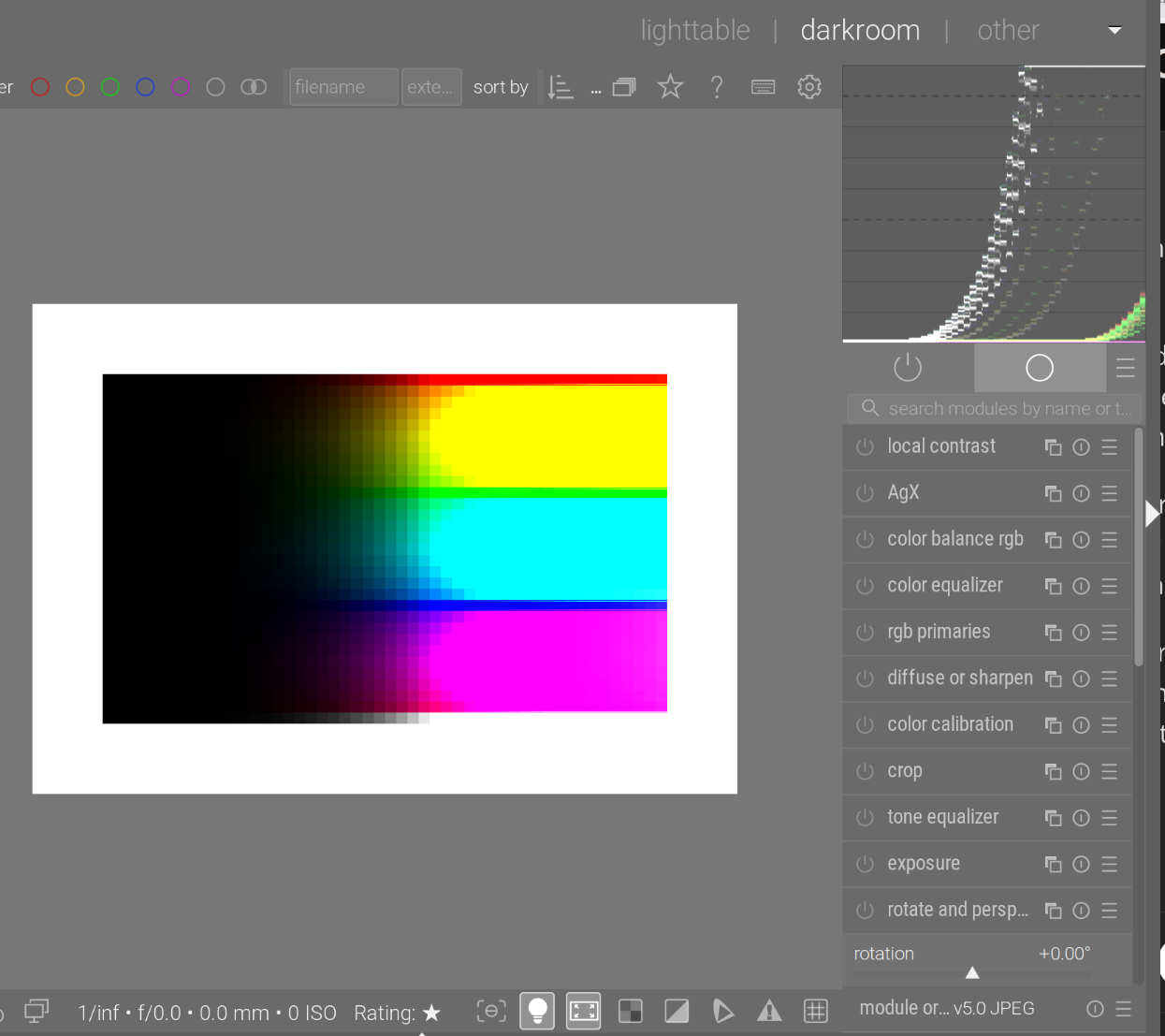
This is pure clipping (no curves, no tone mapper). We see the N6 ‘beautifully’:
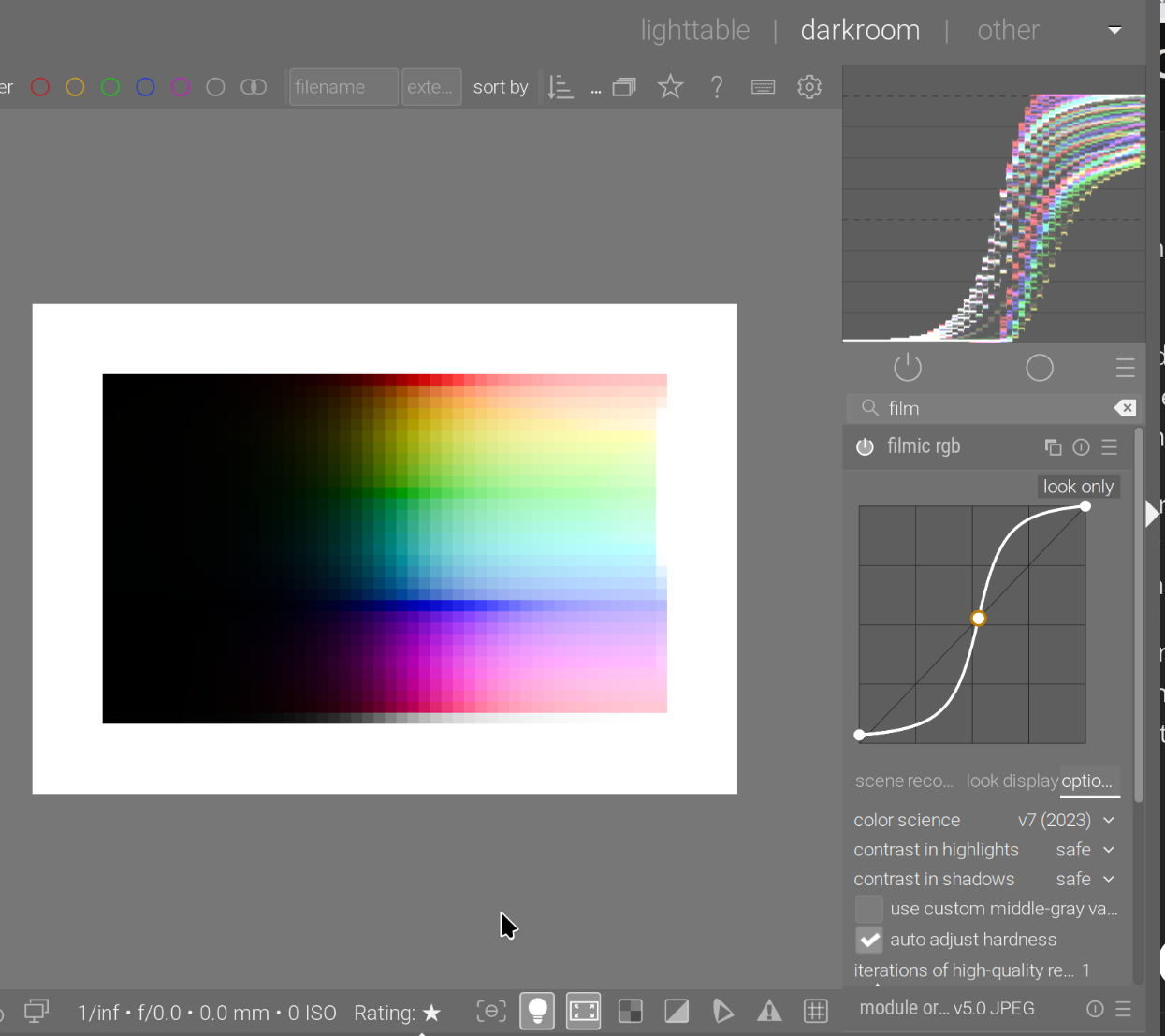
filmic rgb makes sure to avoid the N6:
This is AgX without primaries adjustment, and without preserve hue:
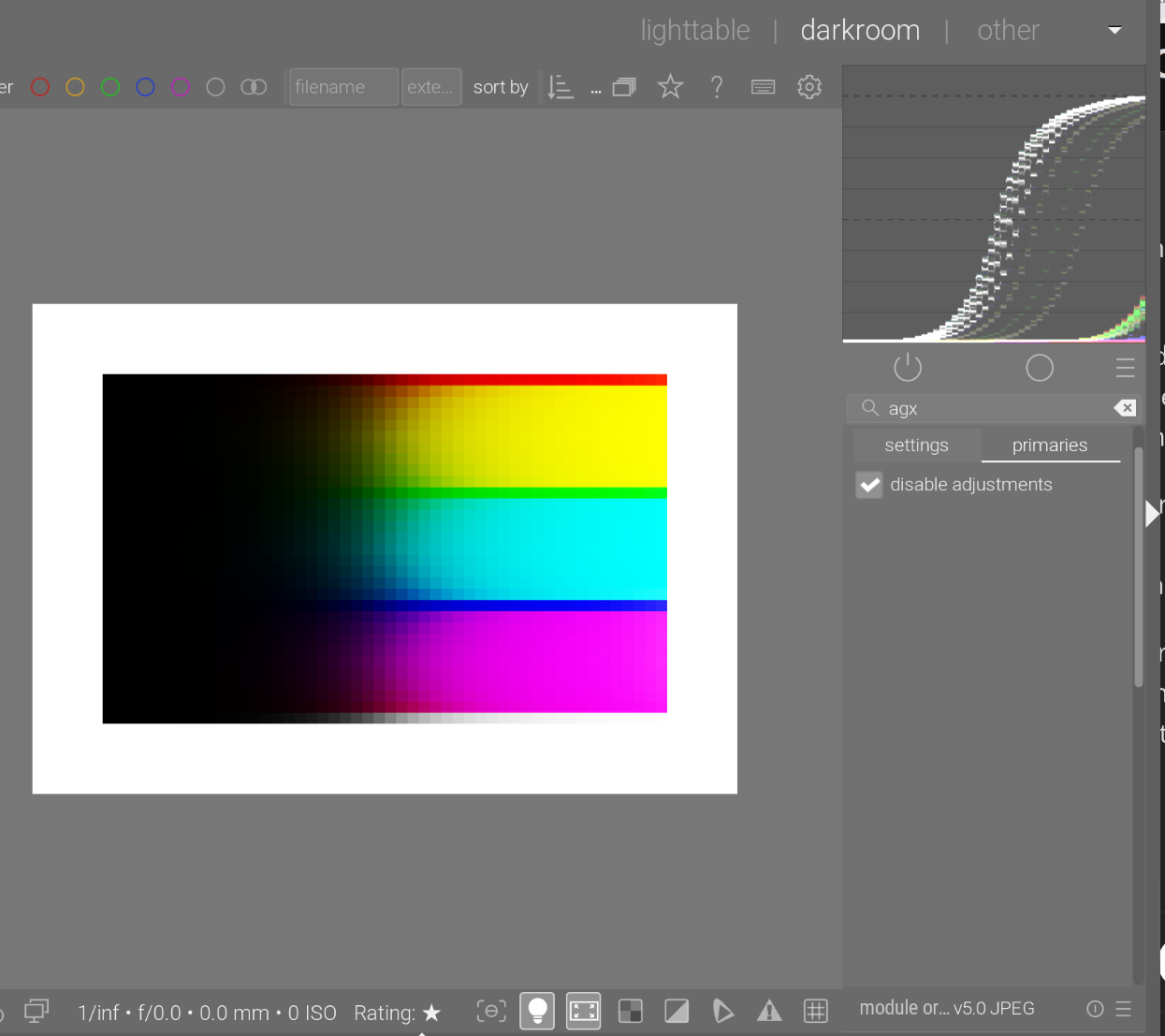
We no longer have the sudden clipping, but the N6 is there.
AgX without primaries adjustments, with preserve hue = 100%:
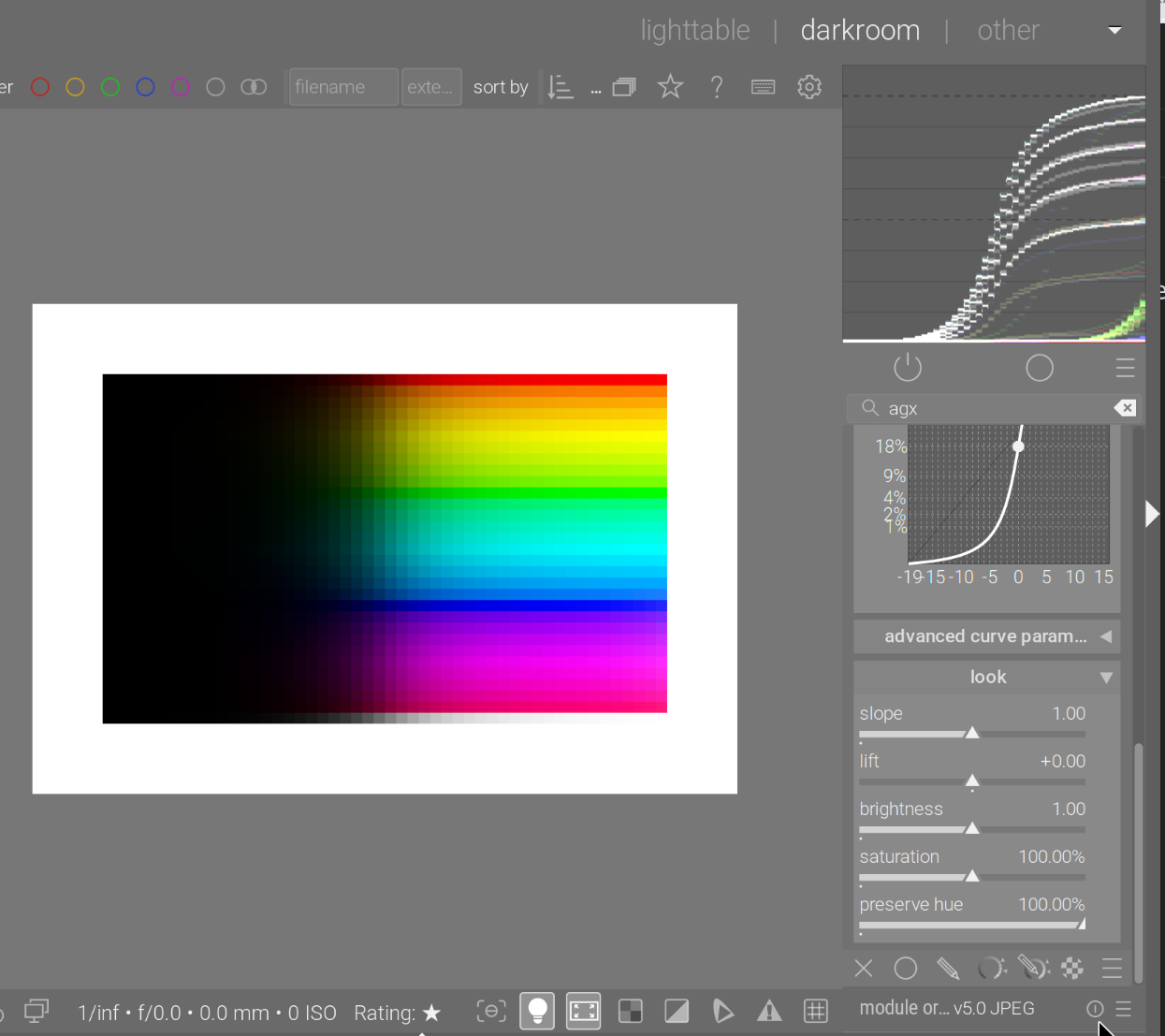
The problem is, brighter and brighter colours are not mapped to brighter and brighter pixels, as when the curves saturate, brightness tops out. Curve ratios are preserved, so growth of all curves is blocked.
AgX, with a bit of attenuation:
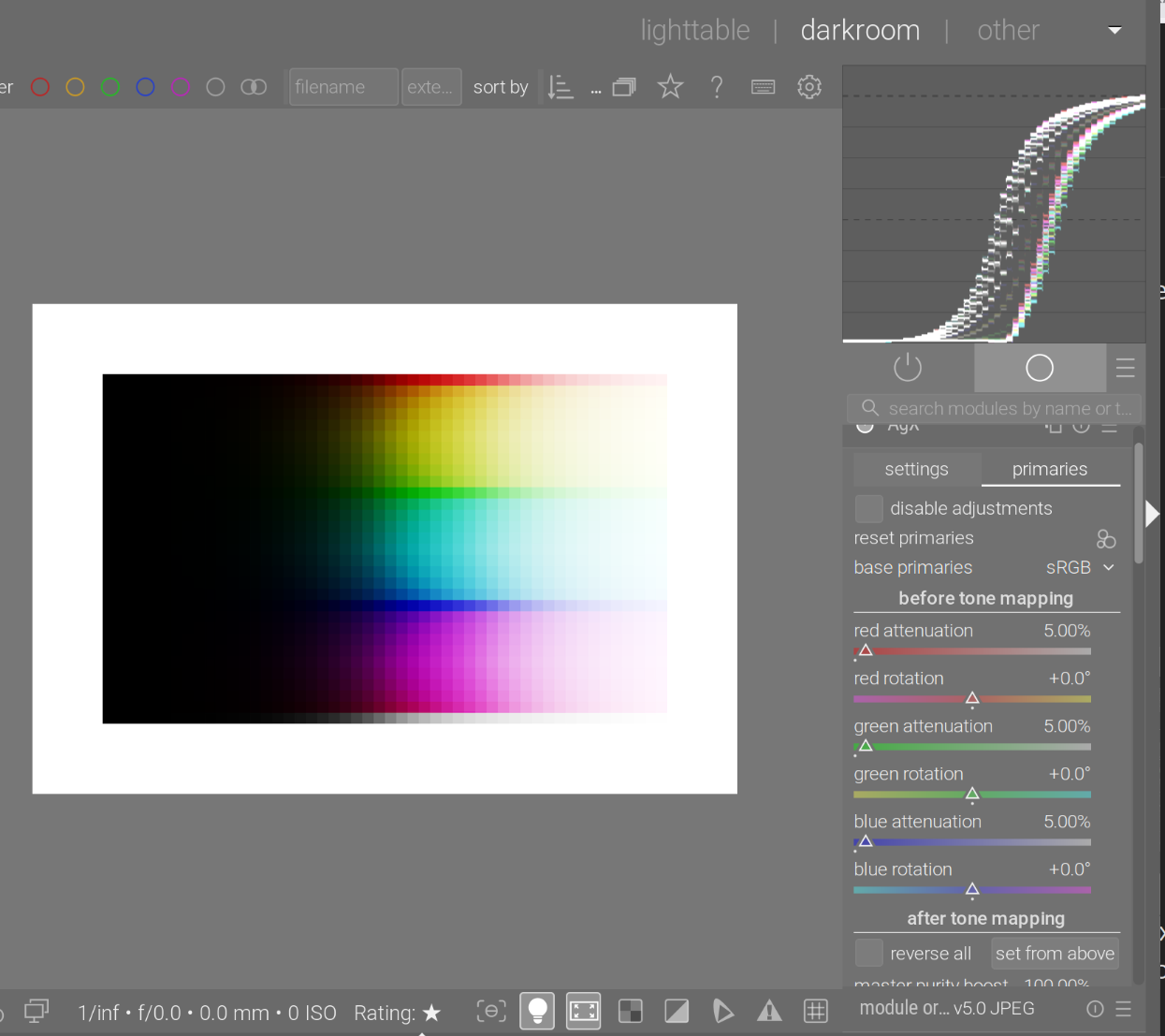
See are beginning to see a bit of the ‘path to white’: since (e.g.) a pure red is desaturated, the value of the red channel will drop a bit, and (more importantly) the green and blue channels will no longer be 0. For high brightness (e.g. original input red 500%, green = blue = 0), we may get something like red = 450%, green = blue = 50%. That 450% will be log-mapped + curve-mapped to something like 95%, but the green and blue will be strongly boosted, to (for example) 80%. The end result is a red-tinted, light grey (or a bright, desaturated red).
However, we still see the N6 clearly.
Then, twisting the primaries does not eliminate the N6. This is with the Blender-like primaries, this is still a per-channel curve application. We desaturated and rotated the primaries, so the colours change, but the phenomenon does not. Twisting the primaries is important to e.g. shift reds slightly towards red-orange (more yellowish), because such shifts are also present in human vision.
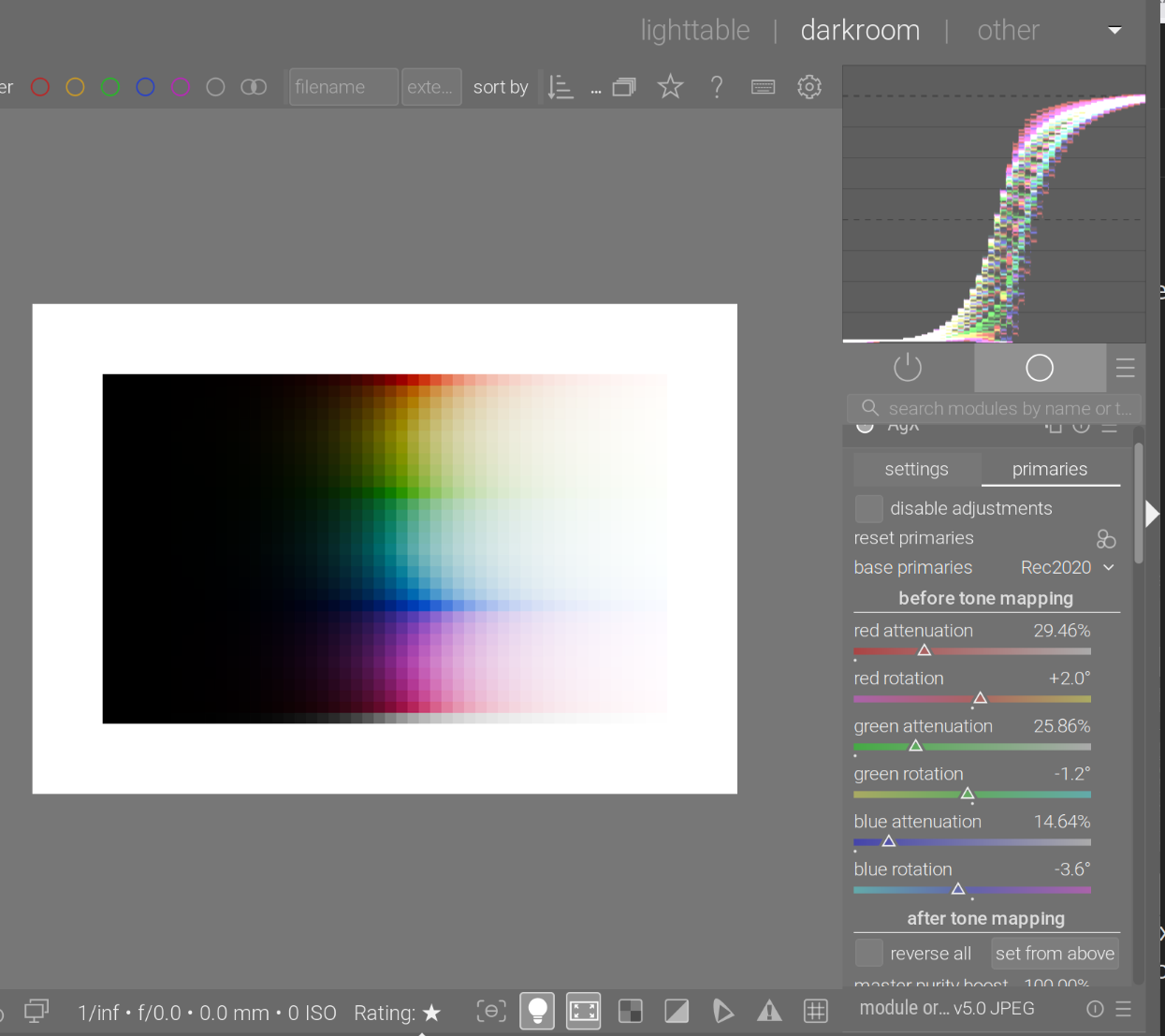
Turning on hue preservation fully:
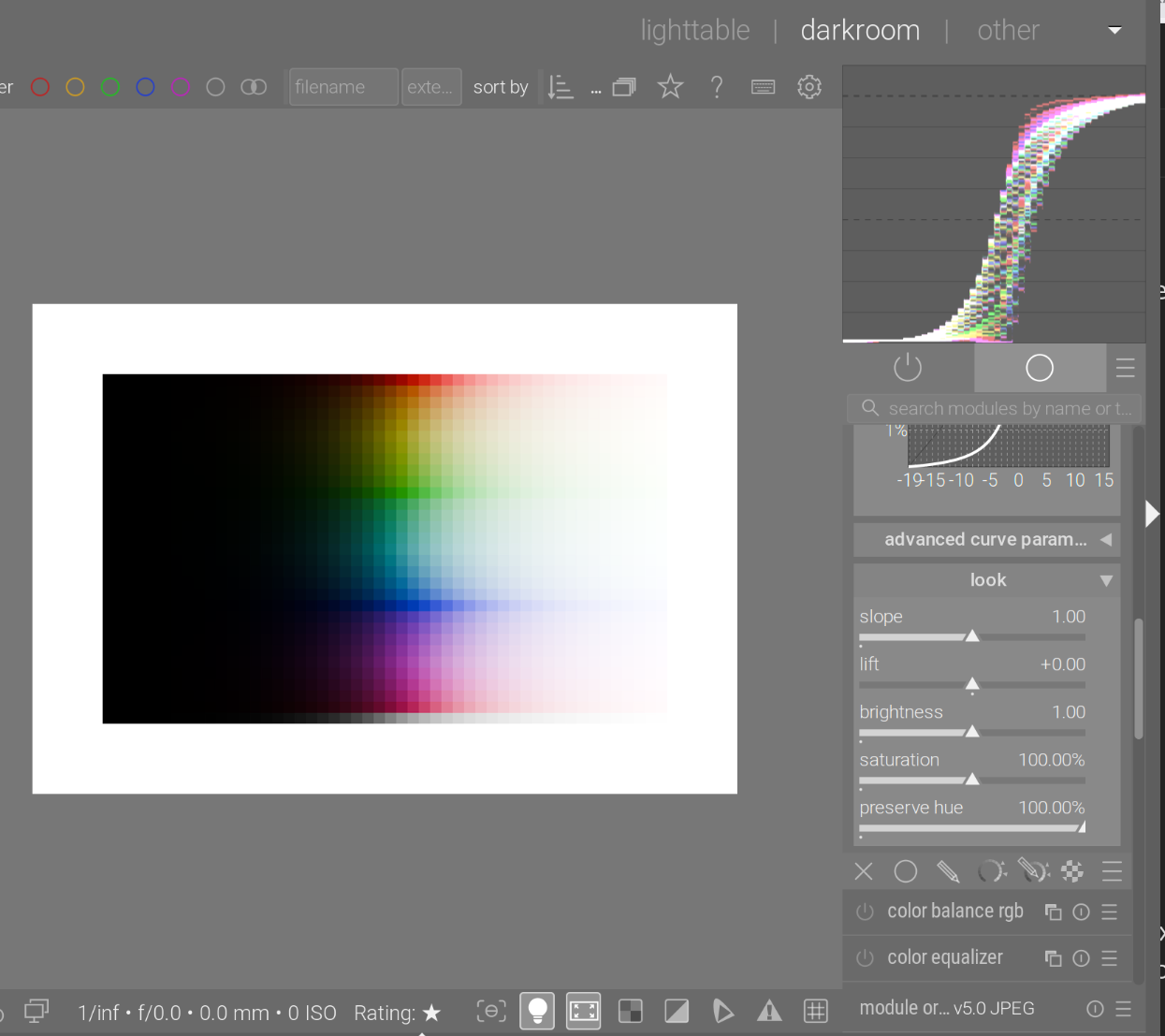
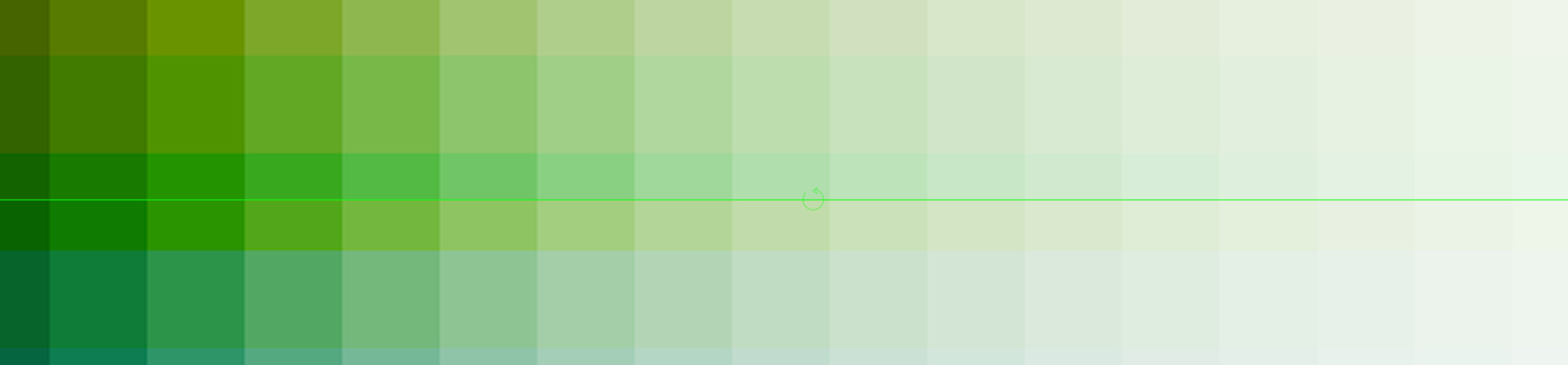
A close-up shows the difference. Top: hue preservation = 100%, the yellowish green is kept; below, the yellow of the N6 is visible (hue preservation = 0%).
Test image: https://github.com/sobotka/Testing_Imagery/raw/refs/heads/main/RGB_sweep_smooth_31x50.exr