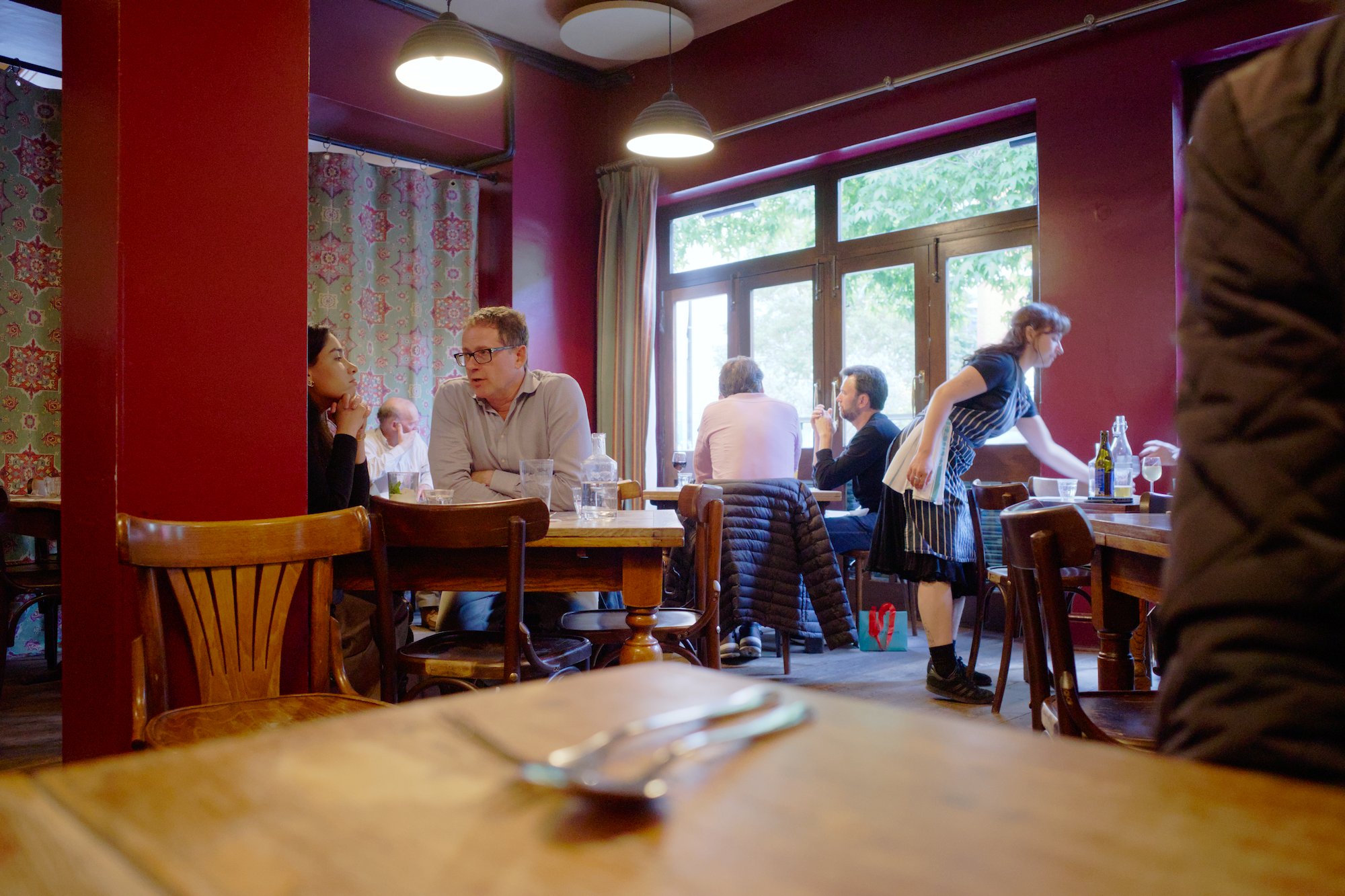
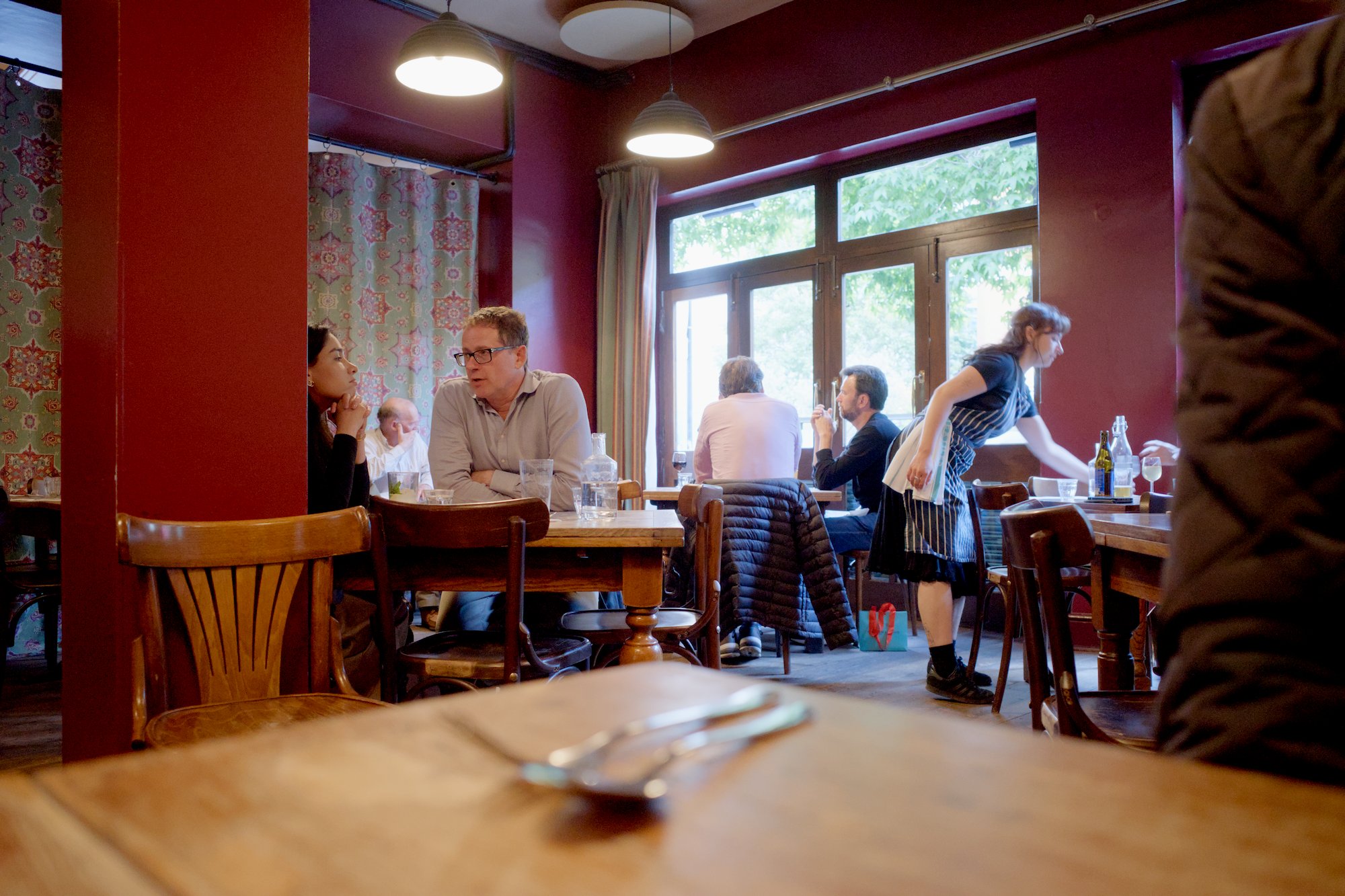
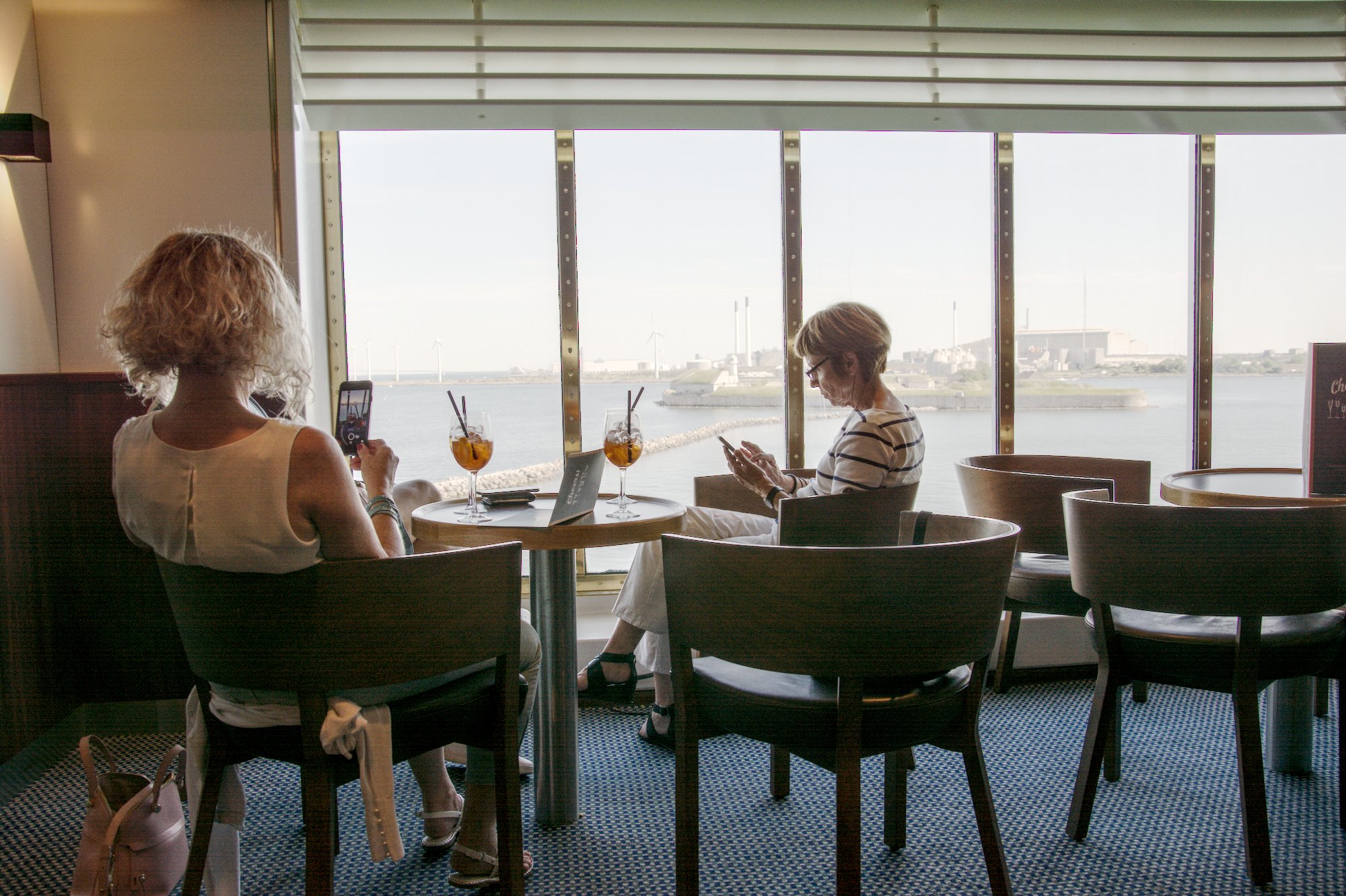
I have often also for fun tried the basecurve on playraw images and within the contraints mentioned by @kofa it actually does a nice job…I think in the legacy module order it was a true display referred pipeline because the basecurve I believe was in front of the input profile…but now it sits in the same position as the other tonemappers so its not impacting editing the way it once might have…
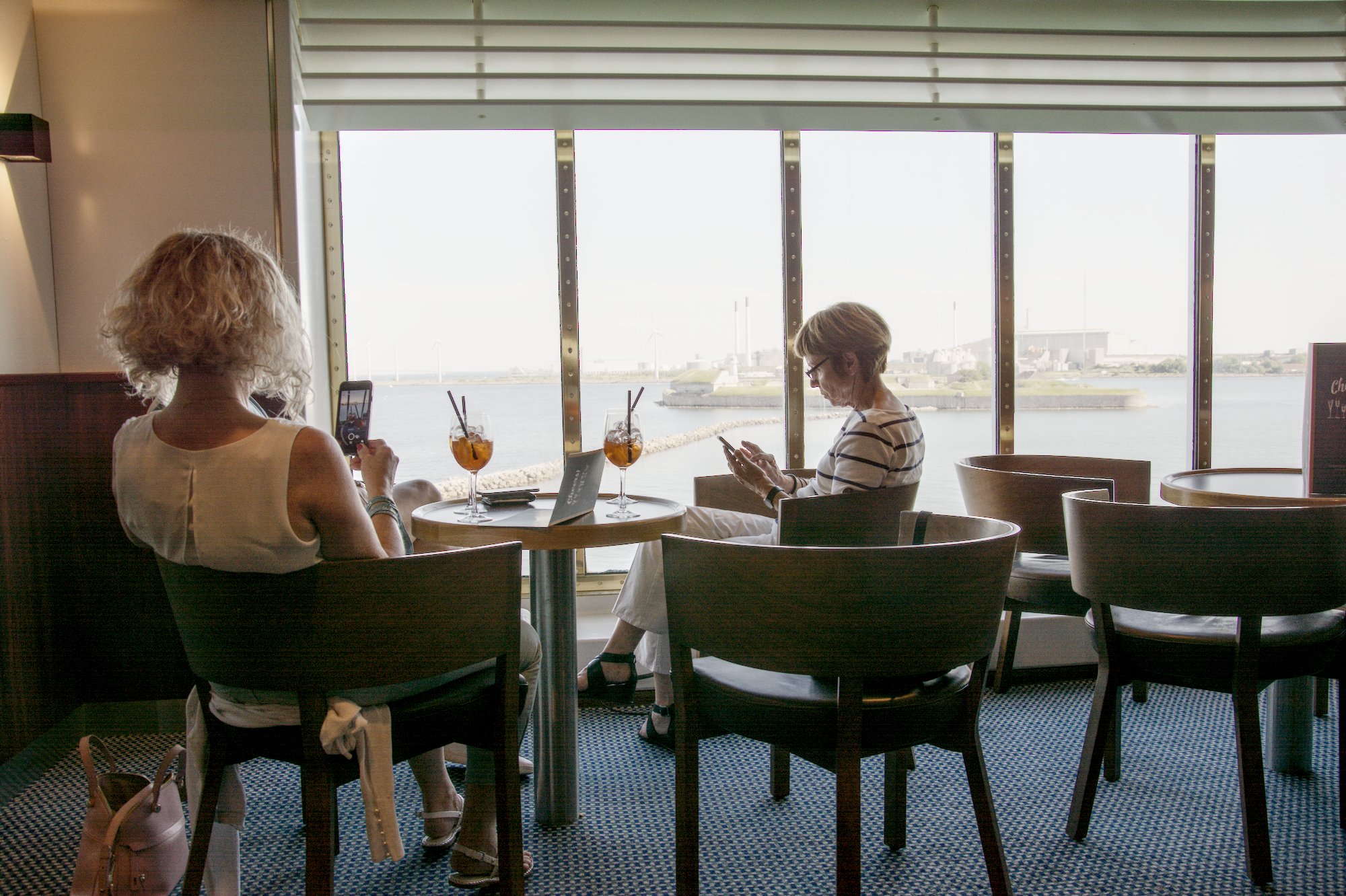
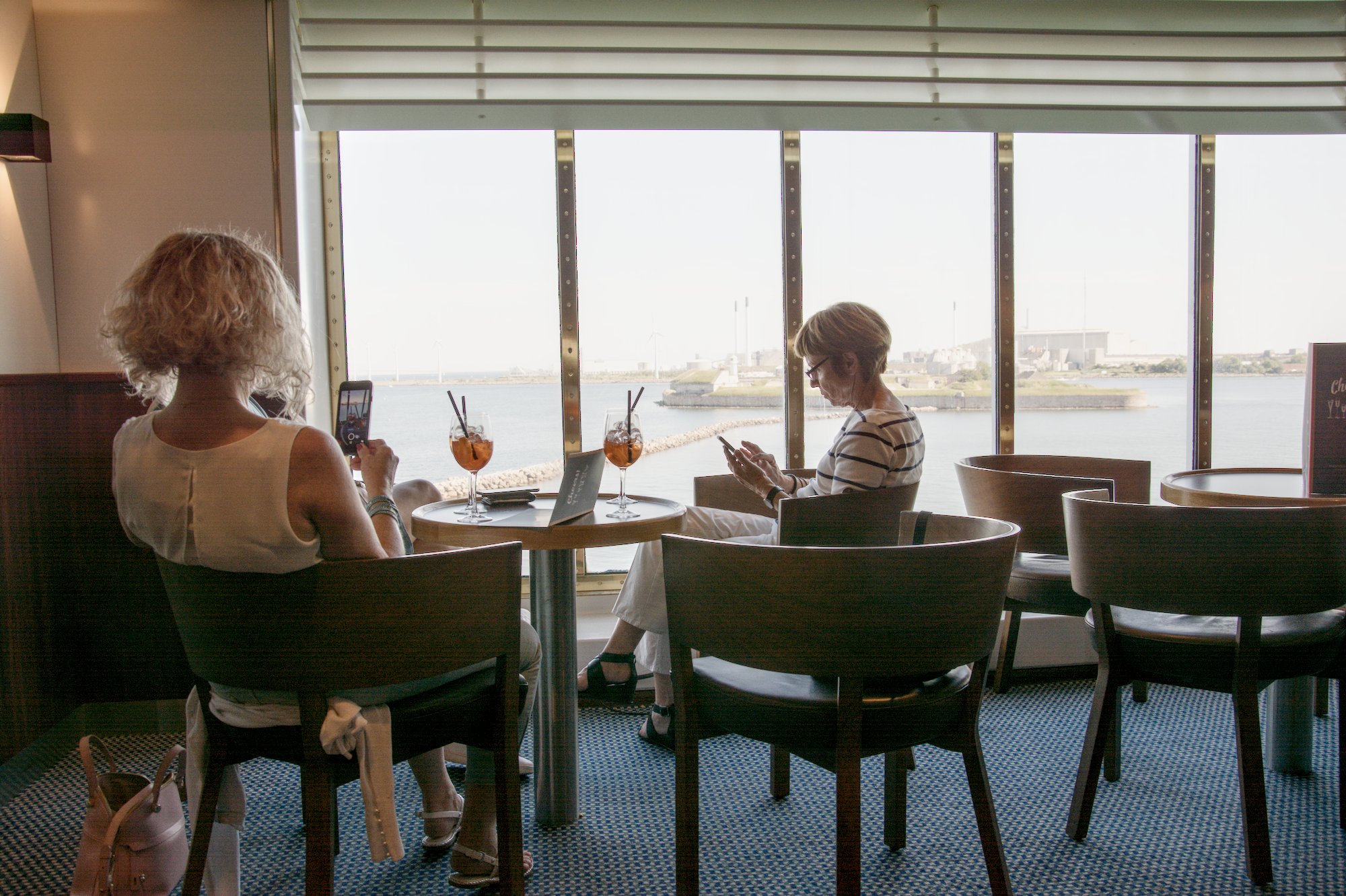
Yes, here you get the from @kofa described problem (at least if you want a quite bright indoor area), that the base curve is getting very steep. So here it was much easier and faster with AgX to get this result:
Yes, this is the dance I was speaking of, and to be honest, I’m not a fan. Maybe I need to get used to it more, but generally I want to set a slider and not have to return to it after adjusting another one. I can already hear legions of new users complaining about a module like this if they are used to simple exposure and contrast sliders.
I’m liking the results of AgX but I’m still not yet convinced about the slider functionality for my workflow. As @Popanz noted, all the tone mappers have their pros and cons, and I think my ideal would somehow be a merger of them. These are just my preferences though, and I’ll keep playing to improve my understanding of it!
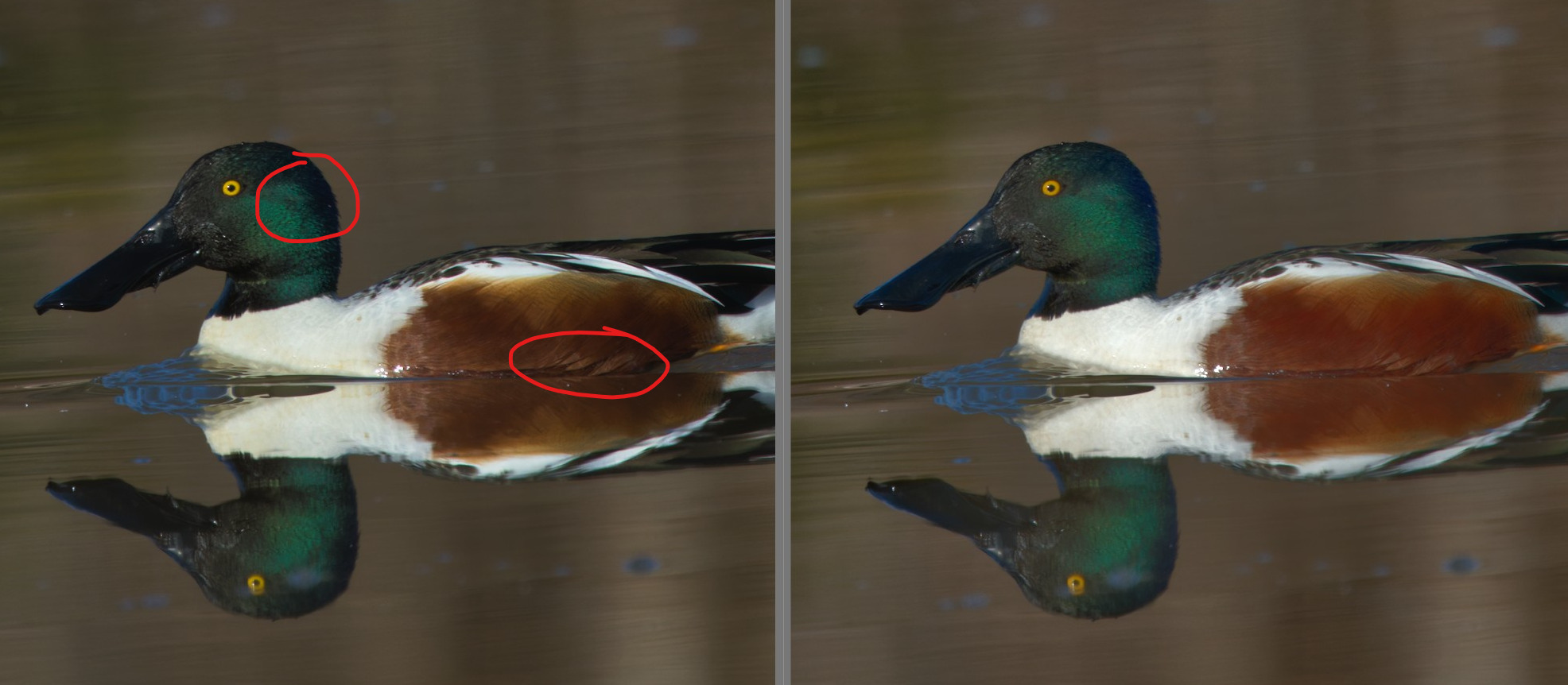
I see what you mean about the shadows in the bill. On further inspection, it might just be the midtones where Sigmoid shows more contrast. But I think the blacks are just a little more lifted in the AgX version, which may account for the reduced crushing. These are the areas where I found Sigmoid showing more contrast, certainly a steeper dropoff:
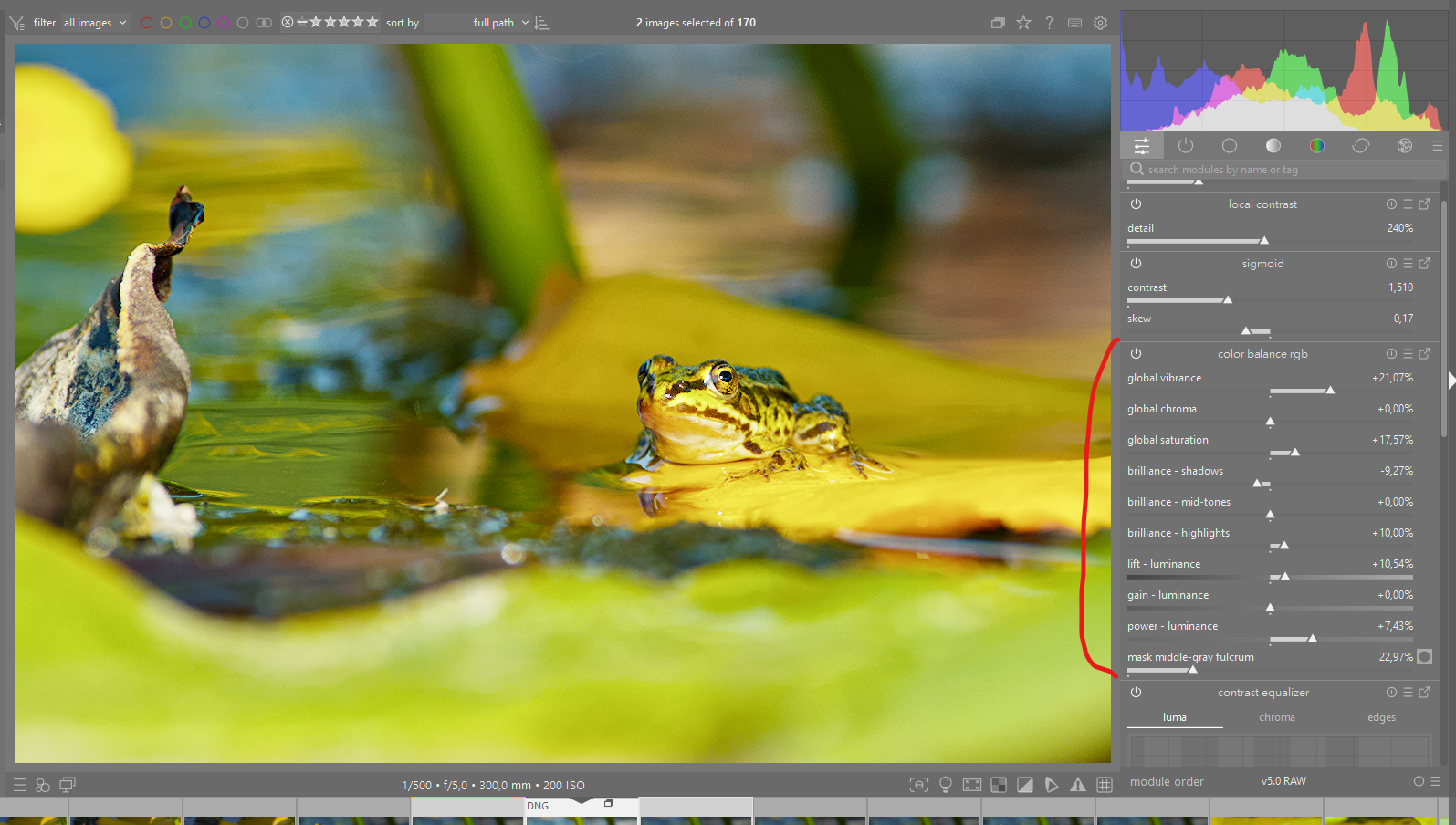
The Color Balance module has similar lift/offset/gain/power sliders as AgX. I recently discovered that they’re incredibly useful for just the reasons stated here.
Have you tried comparing CB+Sigmoid to AgX? I wonder how the sliders behave differently.
As the title highlights, this is a proof of concept. There will need to be a lot of steps before it can be finalized (read the post above) and merged into master. I dont think you should hold off editing waiting for this implementation and I think you should keep your xmp/database separate.
Yes, I know. My backlog only tends to get bigger, too! But it’s fun to play around with, I find it really flexible and surprisingly workable even as a proof of concept.
Thanx @europlatus for linking the Thread with this picture.
This one was real challenging. I compared Base Curve, Sigmoid and AgX.
This time for me the easiest and quickest edit was sigmoid.
Base curve was especially tricky, because I did the edits on my Laptop. My touchpad is far from being as precise as my mouse at my desktop.
I needed a lot of fiddling with AgX.
DSC_0856.NEF.xmp (7,1 KB)
It took a while with this pic. Maybe it’s because of lacking experience, but I agree with europlatus. The slider dance can be a little bit exhausting.
Conclusion:
Every picture is different. I still like AgX but I hate that on different pictures different tone mappers work differently good.
I’ve tried to limit the effect of offset (it’s a simple linear decay, full strength at 0, no effect at 1). I’m not sure if this won’t create weird gradient reversals; I’m rather wary of this idea. But you can try it.
I’ve rearranged the sliders to the order Boris recommended.
I’ve added a slider to mix the original hue with the result of the mapping.
I’ve added a checkbox to select between EaryChow’s ‘outsetting’ matrix (which was used in the previous version I made available) and the proper inverse of the ‘insetting’ matrix (restores insetting and rotating the primaries).
If someone knows how to fix that, please let me know. I built this following the steps from darktable/packaging/windows at master · darktable-org/darktable · GitHub.
As I build, I get a weird pop-up to select which application should be used to open a .sh shell script; I don’t know if that has anything to do with the version number (I don’t think so, it seems to be documentation / i10n related).
script
#!/bin/bash
STYLE_DIR=$1
OUT=$2
# Get the l10n strings from styles. Such strings are prefixed by _l10n_
function get-l10n()
{
# 1. Get the "name" node value using xsltproc
#
# 2. Cut substrings separated with | and keep only those
# with _l10n_ prefix.
#
# 3. Remove all _l10n_ sentinel with sed
#
# 4. Finaly generates into the while loop the pseudo C code for
# the strings to be translated.
xsltproc <( echo '<?xml version="1.0"?>
<xsl:stylesheet version="1.0"
xmlns:xsl="http://www.w3.org/1999/XSL/Transform">
<xsl:output indent="yes" omit-xml-declaration="yes"/>
<xsl:template match="info">
<xsl:value-of select="name"/>
<xsl:text> </xsl:text>
<xsl:value-of select="description"/>
</xsl:template>
<xsl:template match="style"/>
</xsl:stylesheet>' ) $1 |
tr '|' '\n' | grep _l10n_ | sed 's/_l10n_//g' |
while read line; do
echo "_(\"$line\")"
done
}
export IFS=$'\n'
{
echo "// Not to be compiled, generated for translation only"
echo
# Ensure that we remove the duplicate strings
ls $STYLE_DIR/*.dtstyle | while read file; do
get-l10n $file
done | sort | uniq
} > $OUT
Many thanks for your work on this @kofa, I’m really enjoying playing with it and I see lots of potential.
This might be against the whole idea of Slope, Offset, Power, but could there be a way to lock the white and black points once they’re set? This would help to eliminate the “dance of the sliders” where you move a slider exactly where you want it, then move another slider only for your previous adjustment to be thrown off.
I realize that the whole system (CDL?) is based on the interplay of the sliders, so any “lock” might break the module, but I’m just throwing it out there as a question…
I don’t know. The current maths behind that is very simple. Maybe there’s some way to tweak it. I’ll try to look into it, unless someone has a better idea.
It works very well on my laptop, for my tests, I installed it in a different directory (darktable-test) and to avoid creating problems I launch it with a small bat file.
@echo off
REM Change to the Program Files directory if necessary
cd /d "%ProgramFiles%"

REM Navigate to the darktable installation directory
cd darktable-test

REM Run darktable with the specified configuration directory
start "" "darktable.exe" --configdir "%APPDATA%\darktable-test"
Thank you and congratulations for your work,
Christian
Just tried the new slider order, and I like it even more. It feels more natural to me now, and I’m really starting to enjoy the manipulation of the tone curve.