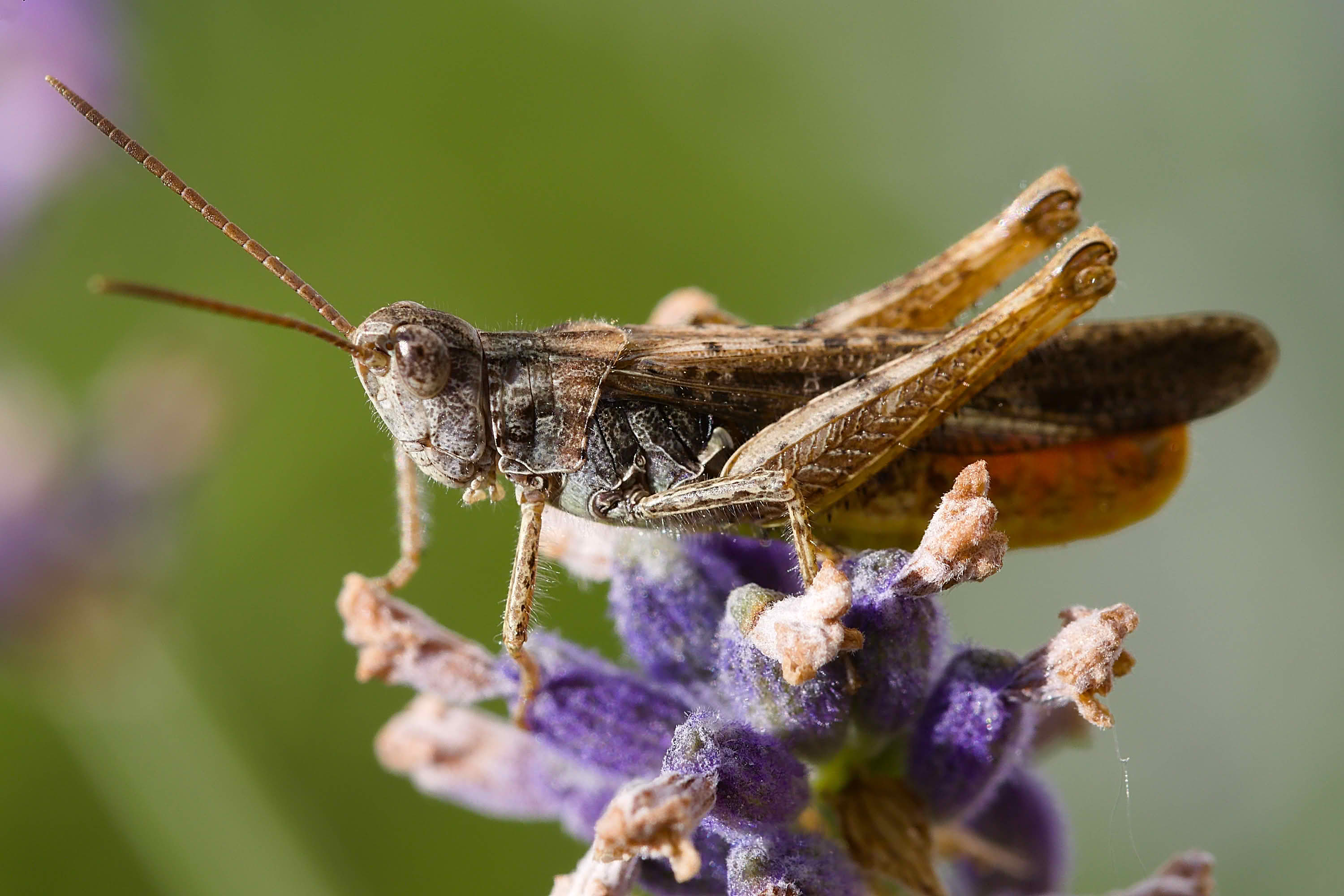
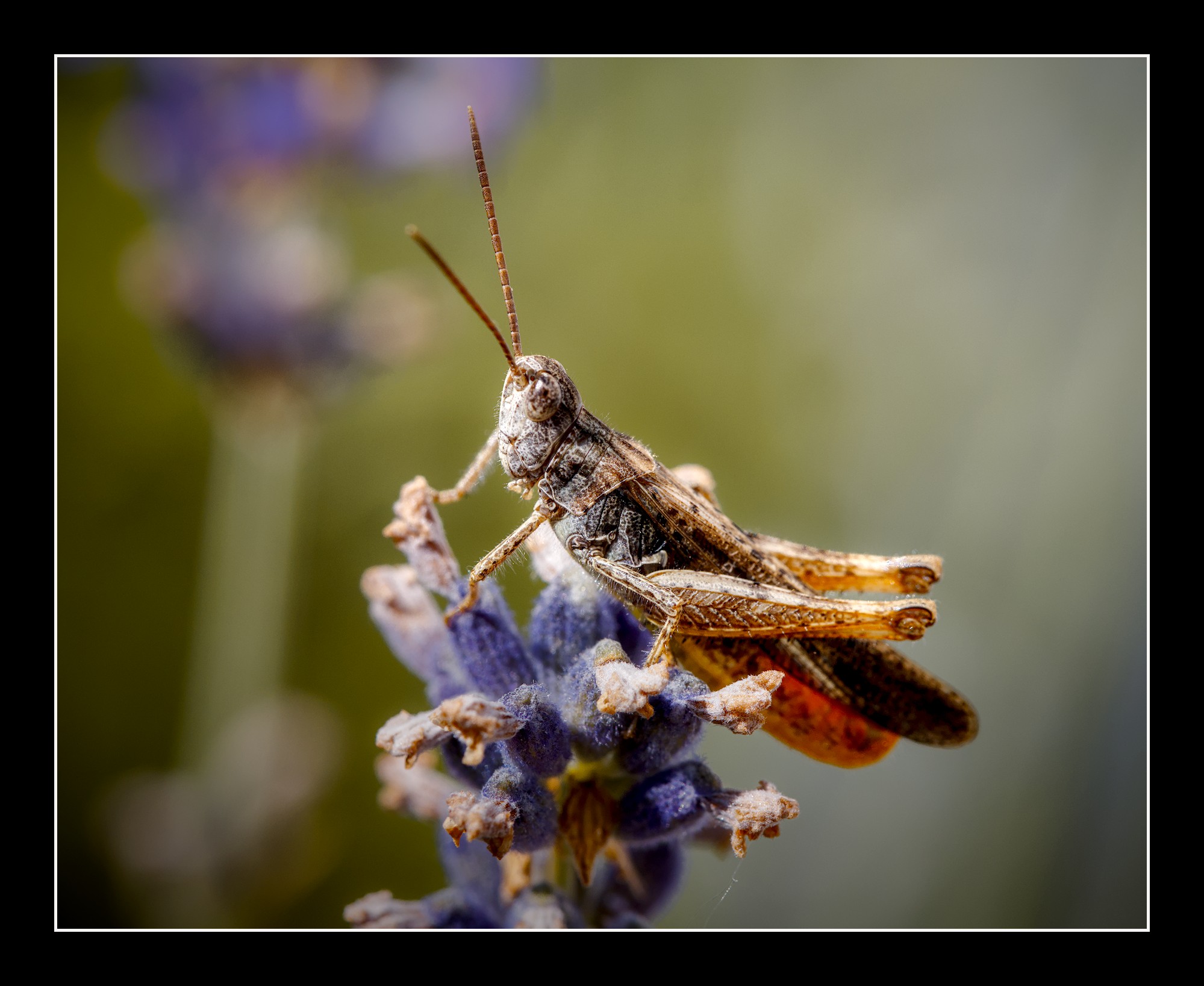
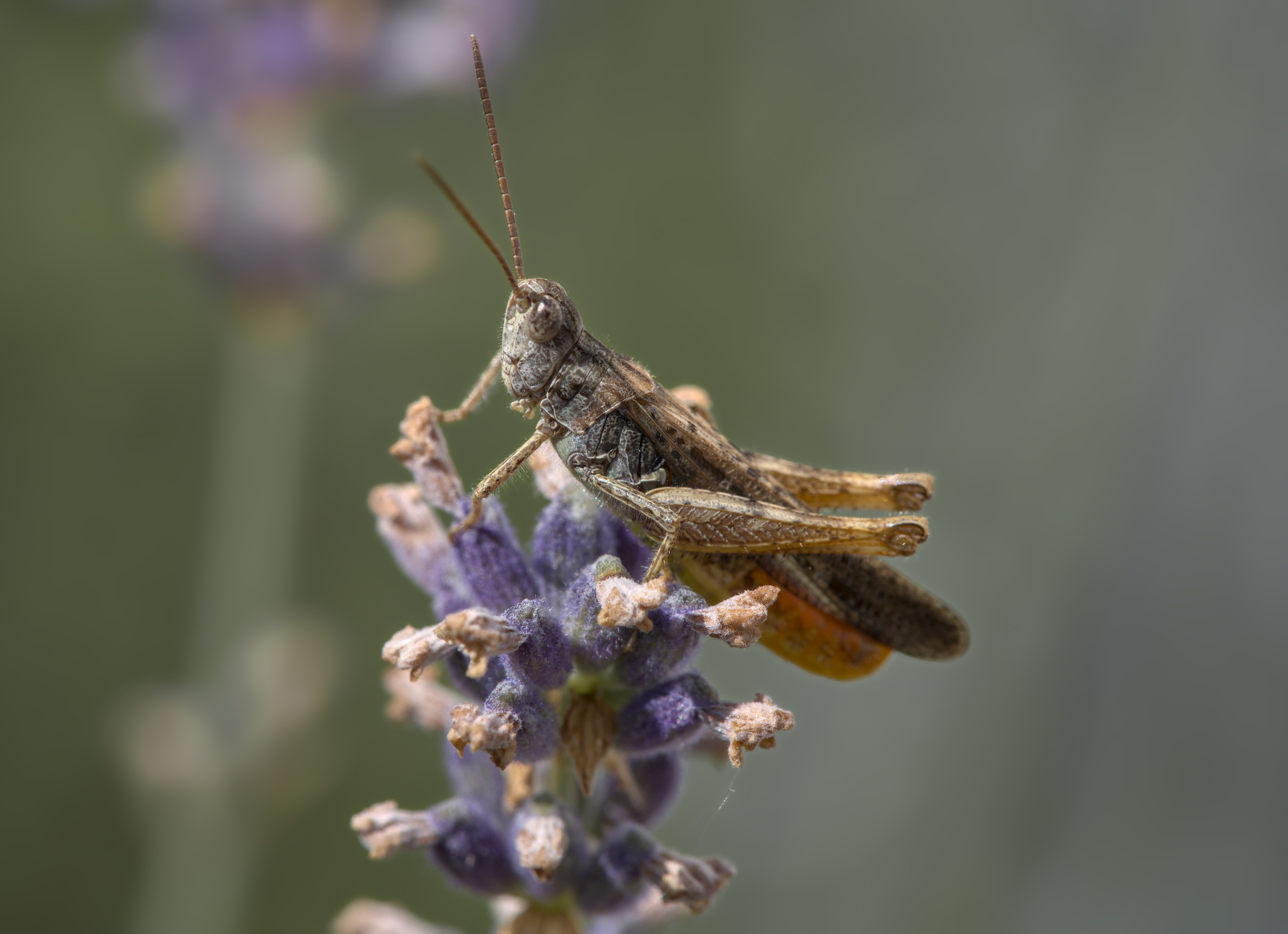
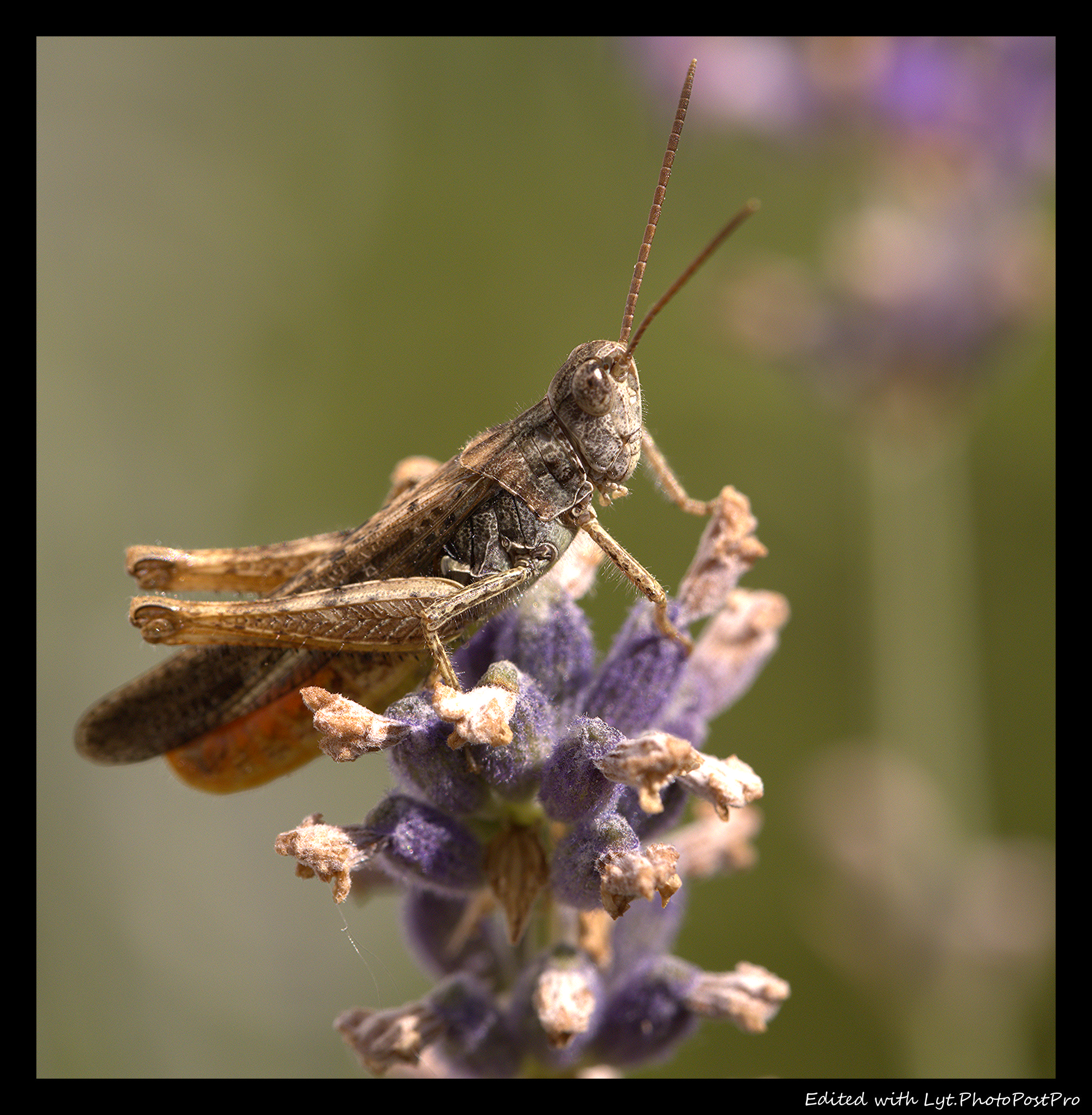
Not too hard to separate background and foreground with masks, so I added more blur and decreased contrast in the background. Vice-versa for the subject. Didn’t rotate hues, didn’t use a tonemapper either. Only tone curve (Lab lightness) to tame some clipped highlights.
dt 5.6.0.
background blurr with DorS
vignette
bit tone equalizer (pulled up shadows, down highlights)
sharpening & local contrast
slightly higher color temp
no tone mapper
col bal rgb
frame
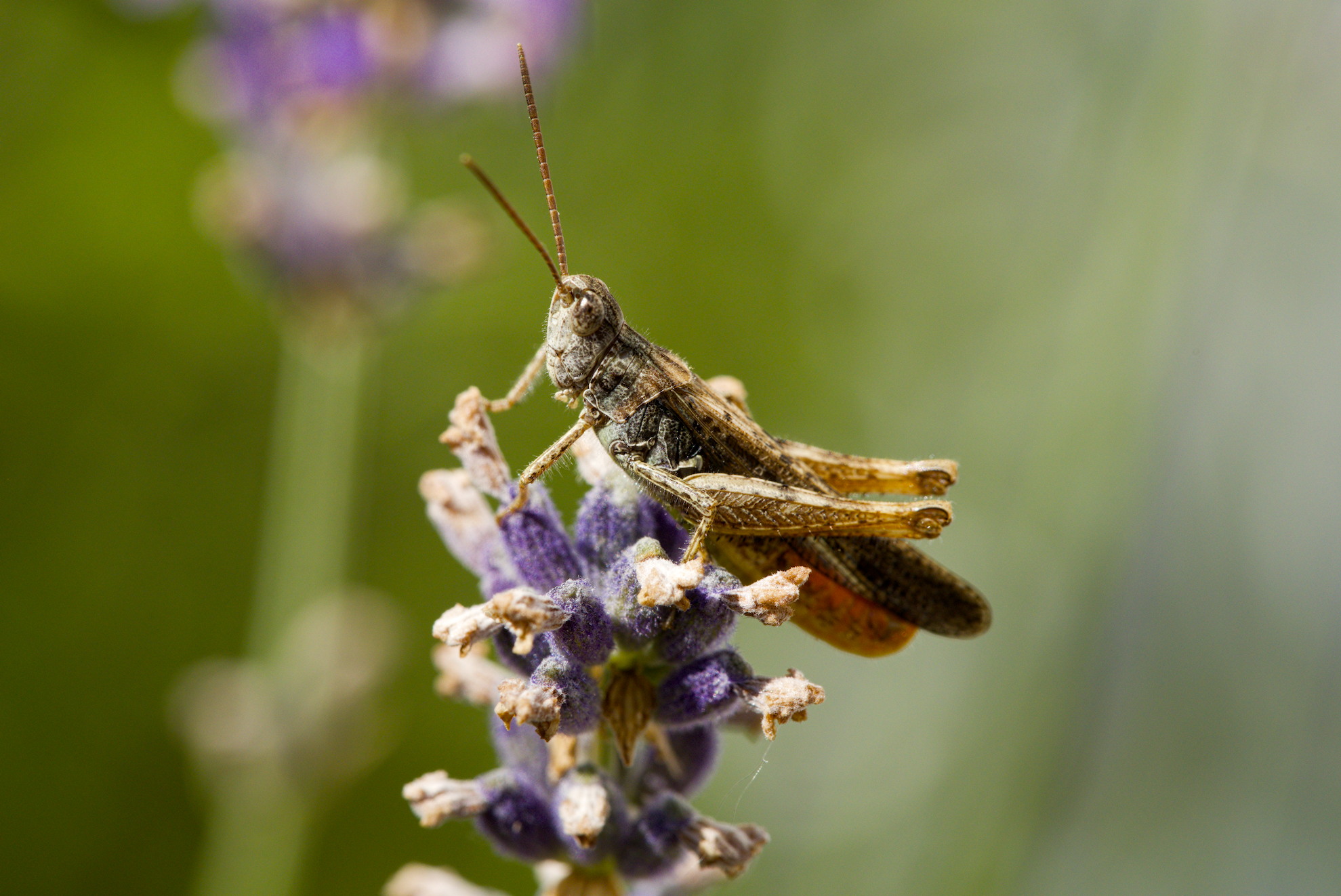
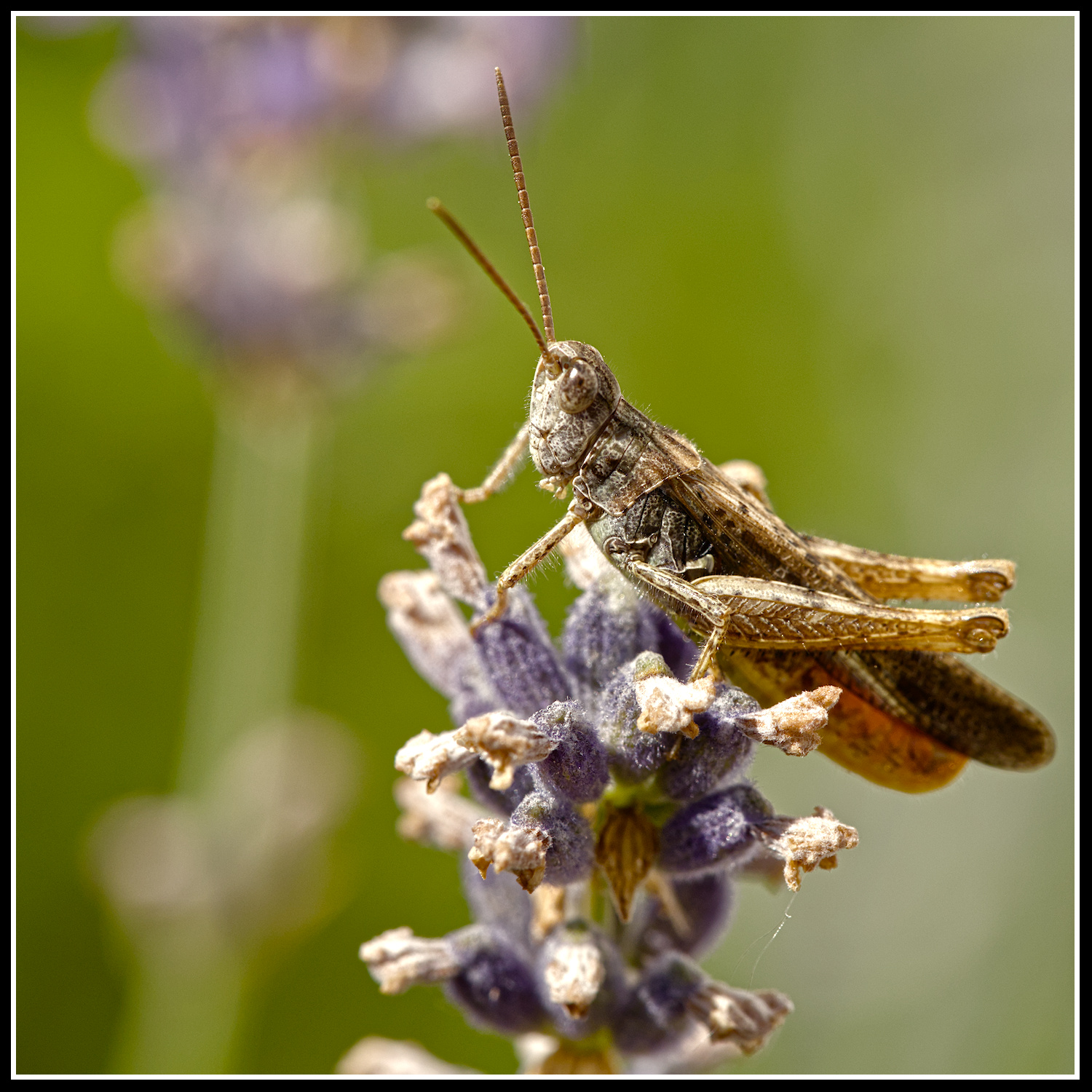
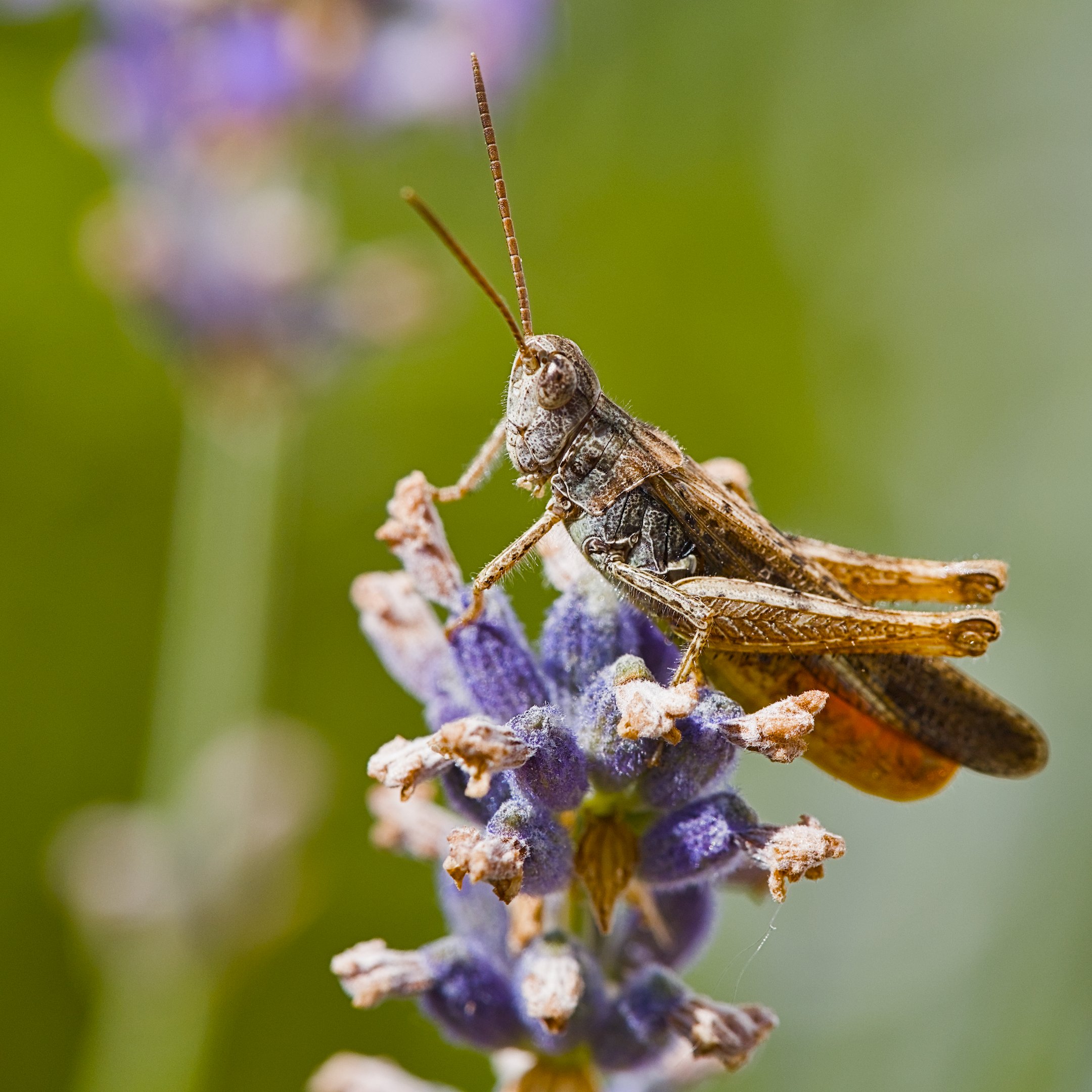
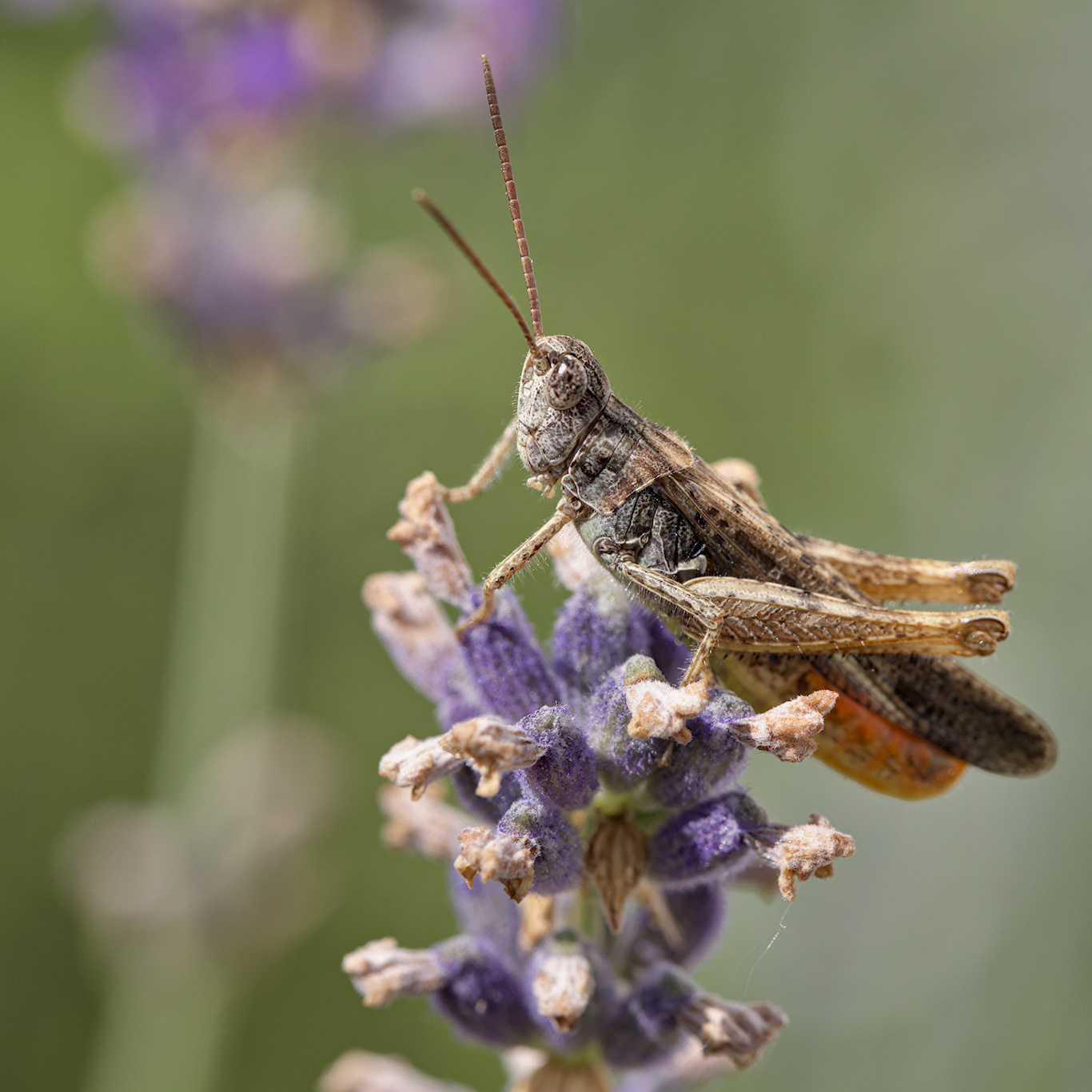
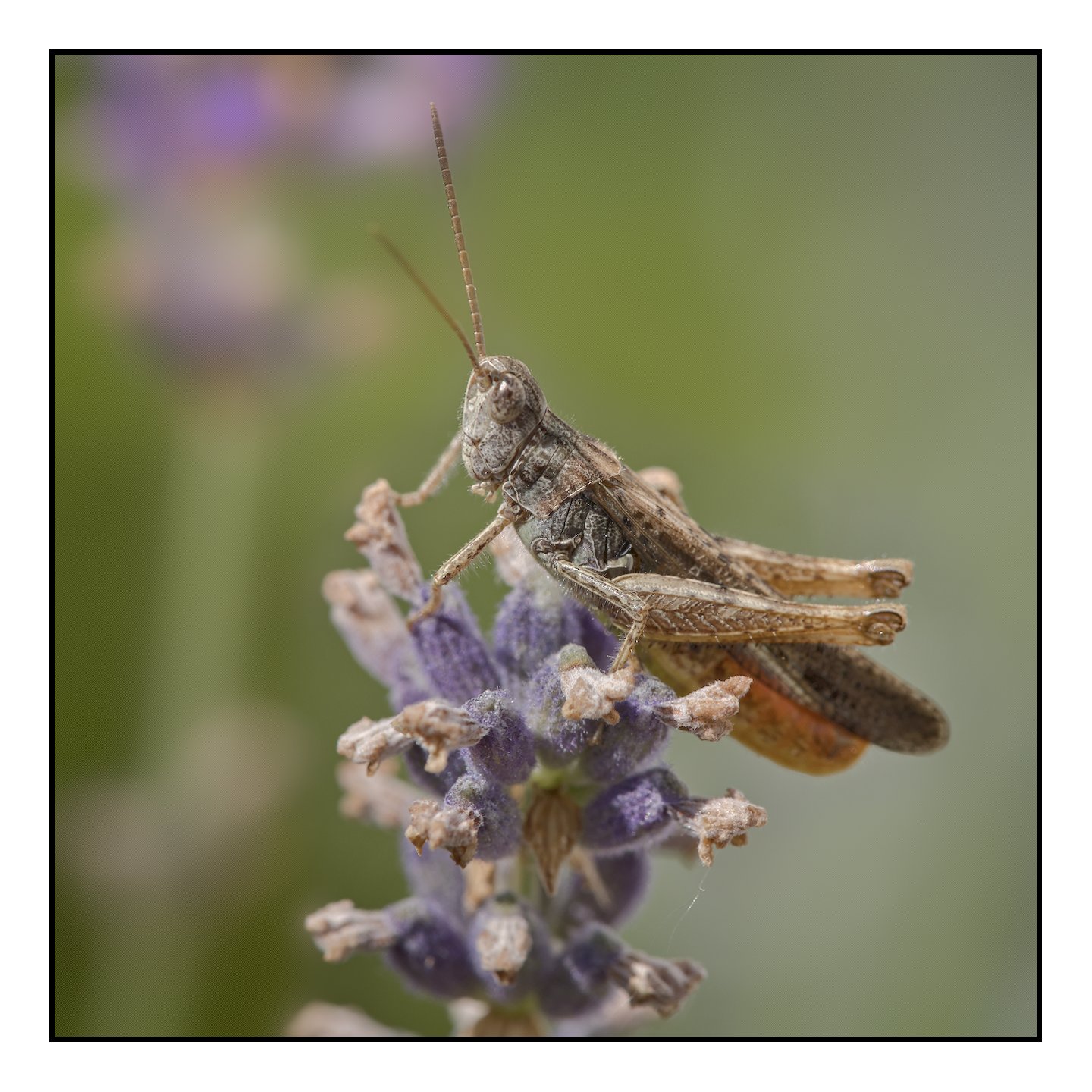
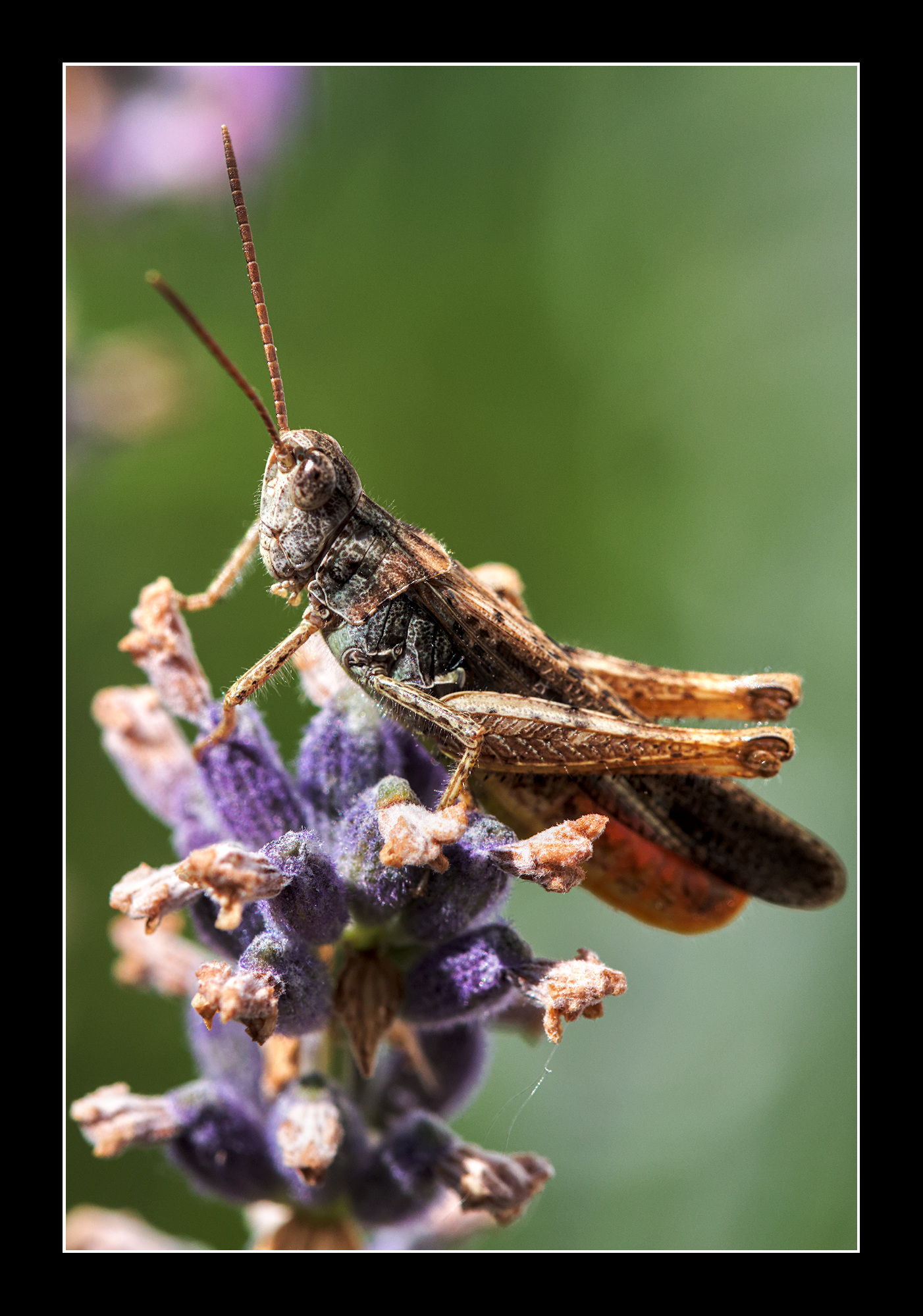
I rotated it to “diagonalize” the insect body, then mirrored it, cropped to square, then white balance, and some sharpening to reveal the strange ‘hair’ this dude has on his legs…
Controversial I know, but I have been told many times that photos should be “read” left to right… Hence the mirror.
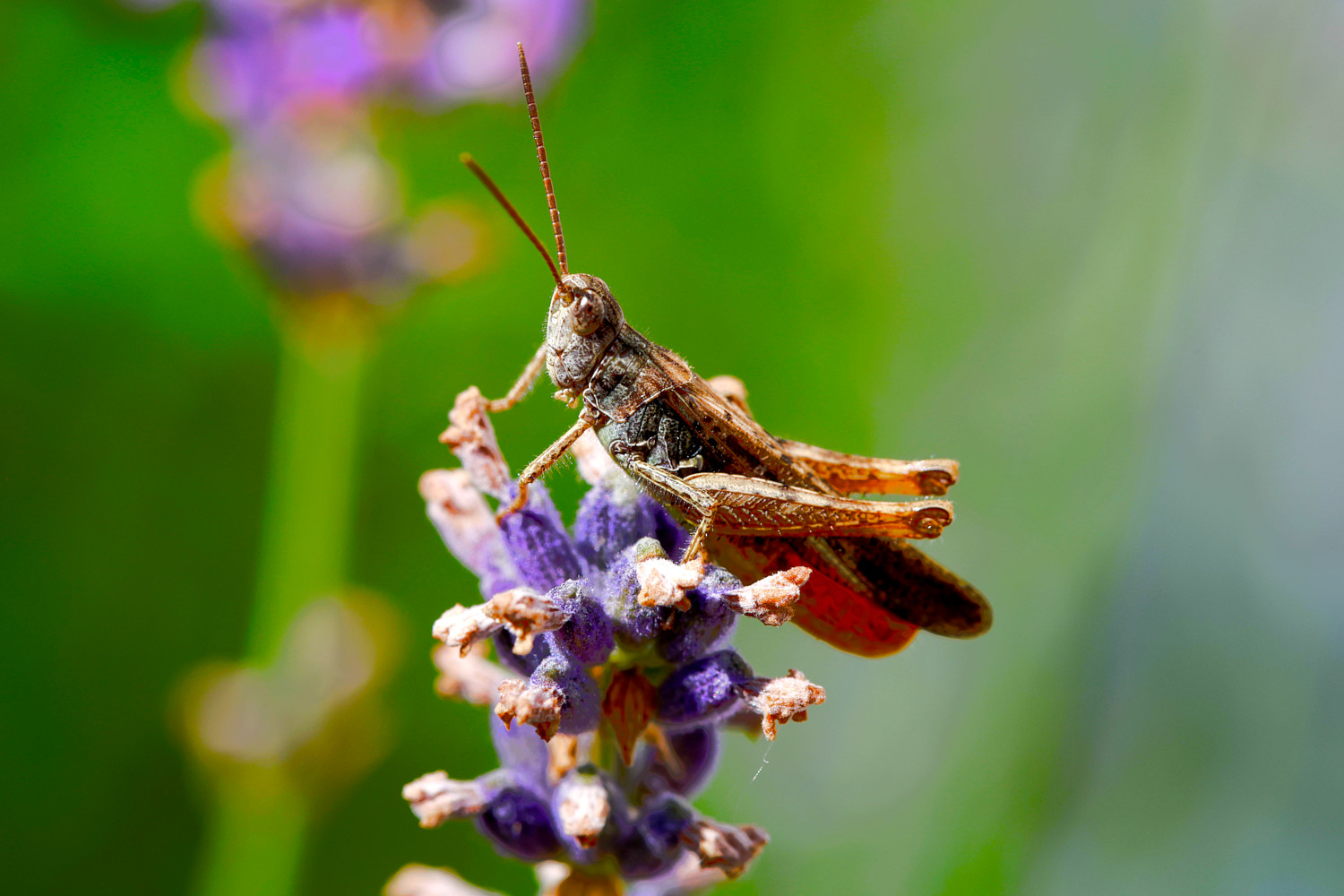
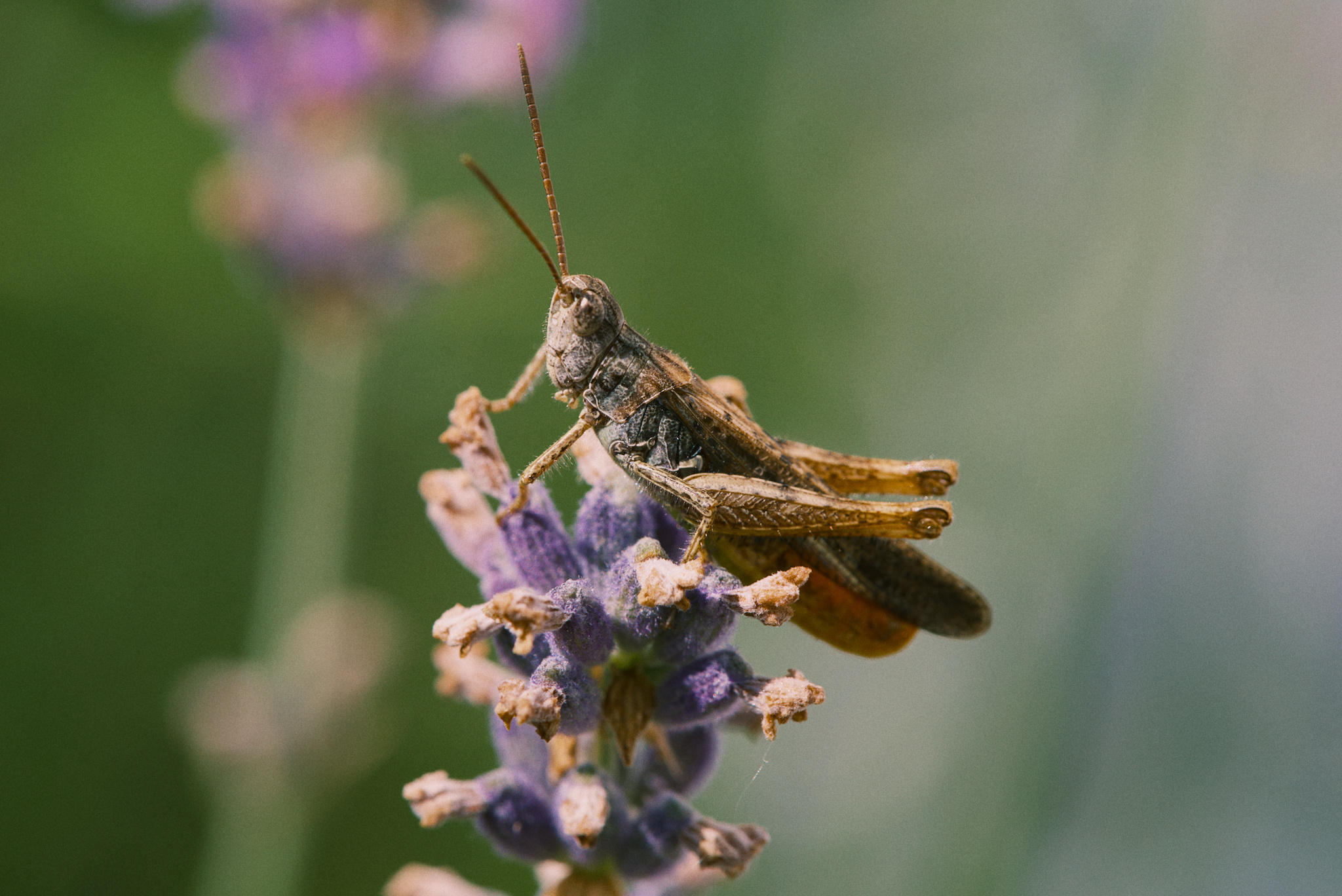
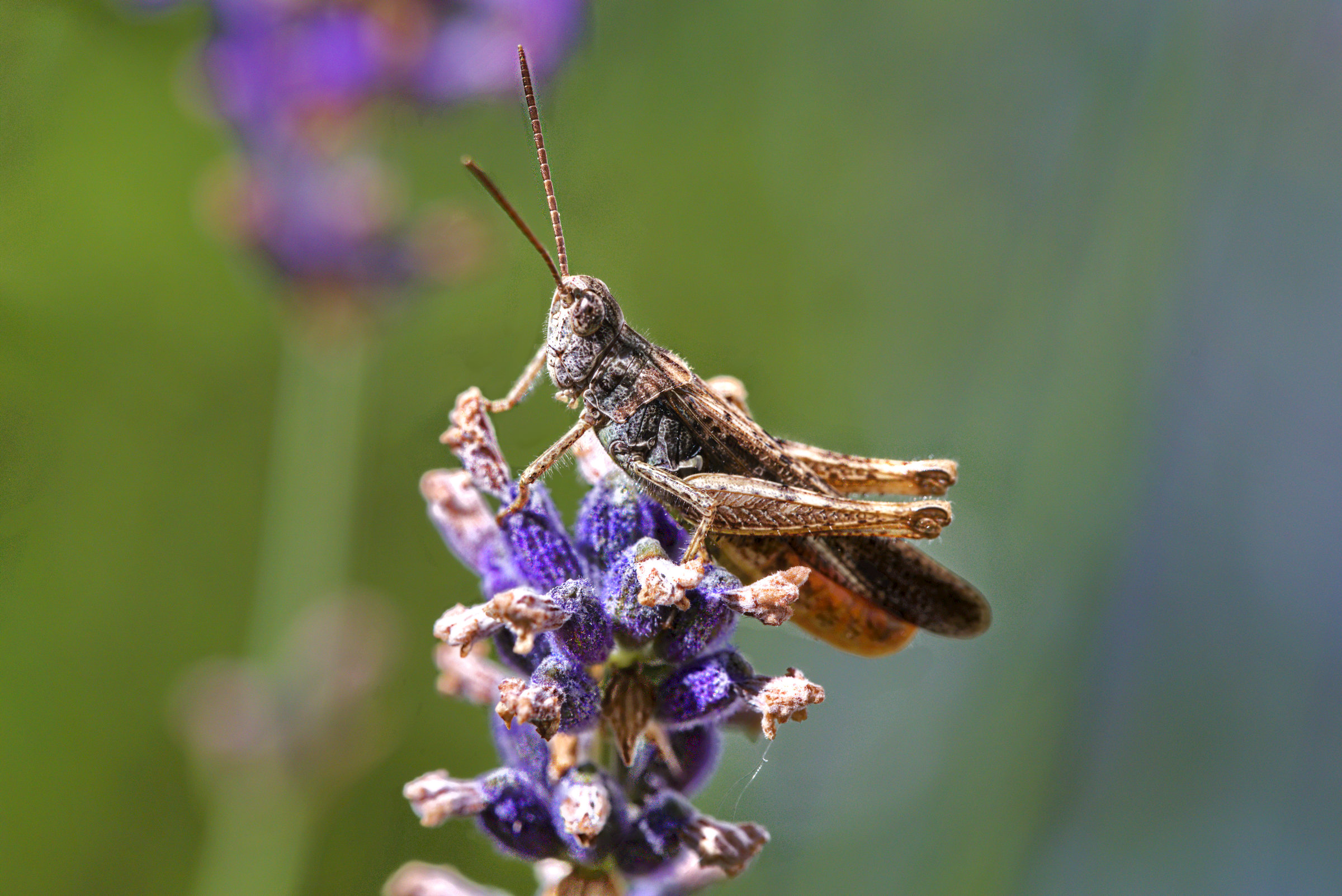
Dt 5.6. I deliberately increased contrast sider in AgX as this also adds saturation and not just contrast. I wanted to bring out the colors and the nice green. I25A4460.CR3.xmp (16.4 KB)
But if you come from a country that reads right to left does the same apply I seriously do wonder about how we scan an image from left to right and is this the same for all cultures?
Good question. I would guess, that it’s all mannerism. So, if you are used to reading text from right to left, you will probably read a picture as well this way. But we are luckily an international forum with people from very different cultures. So we have a chance to get this question answered at first hand.
For some reason photos left to right bother me a bit, I am much more used to right to left, even if I I use the latin alphabet and things in my culture function left to right, it’s a weird feel and hard to explain
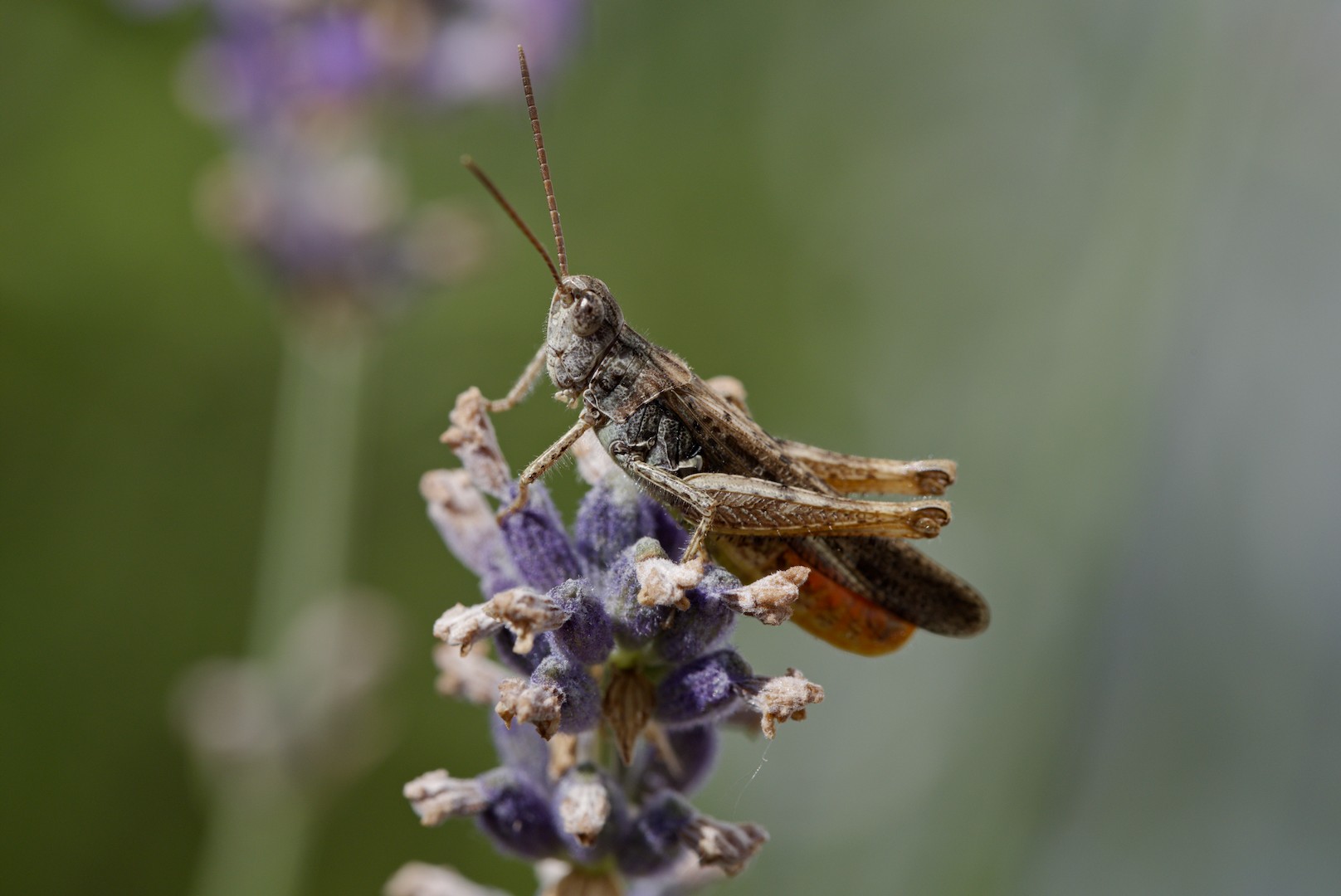
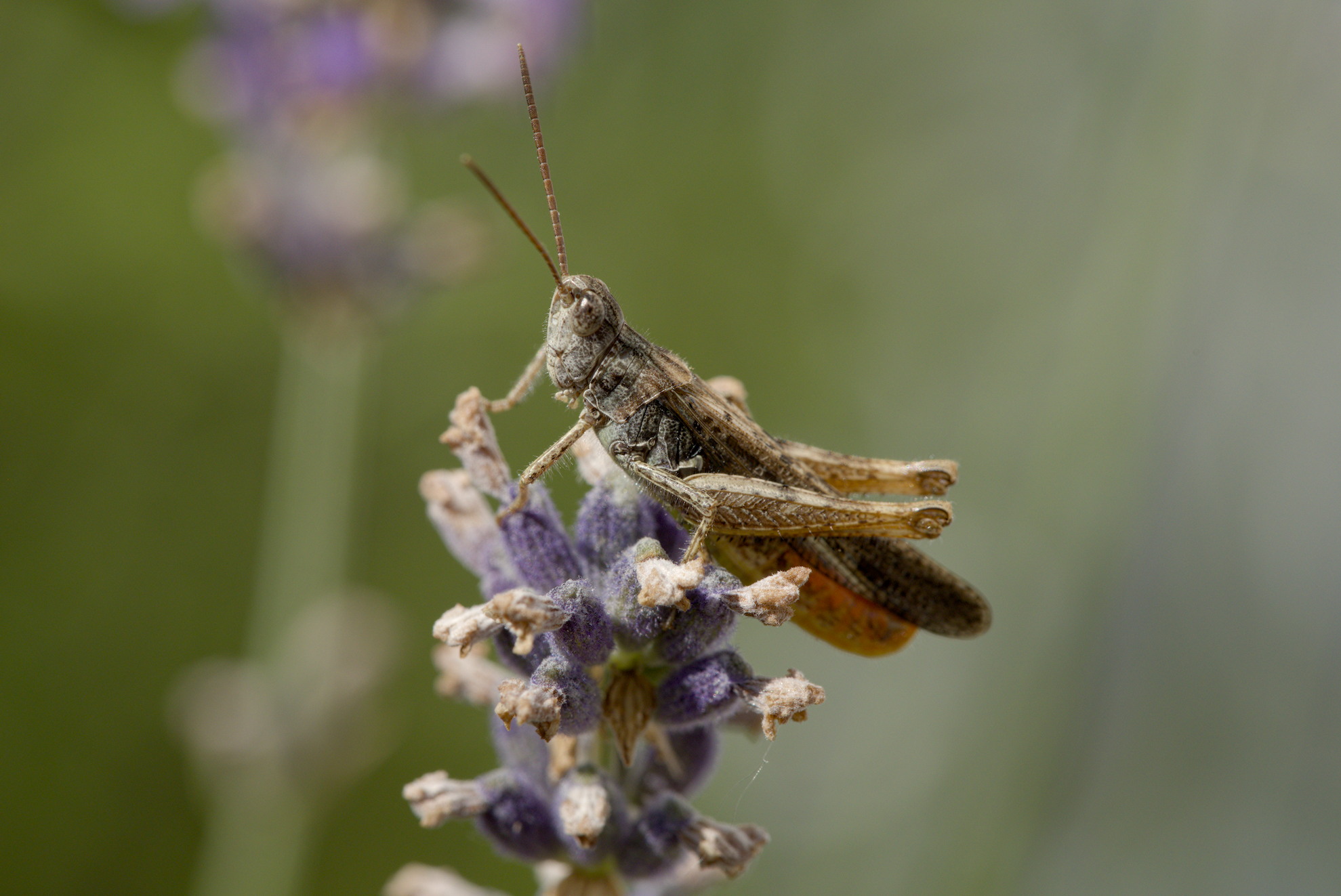


 I seriously do wonder about how we scan an image from left to right and is this the same for all cultures?