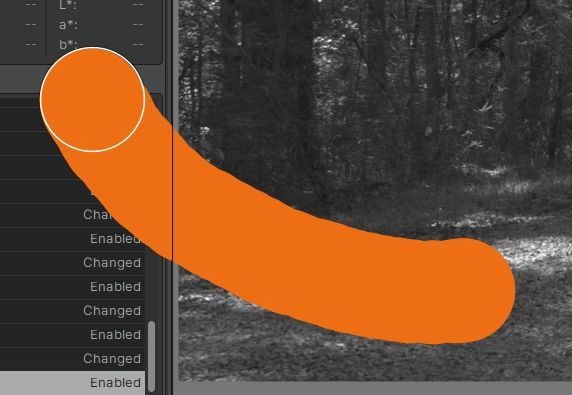
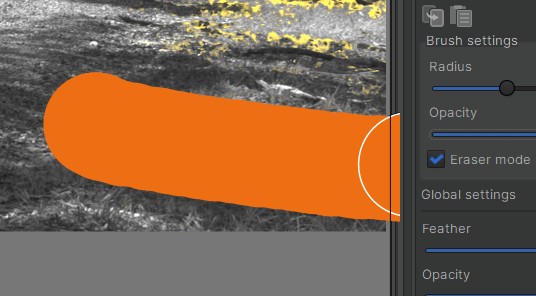
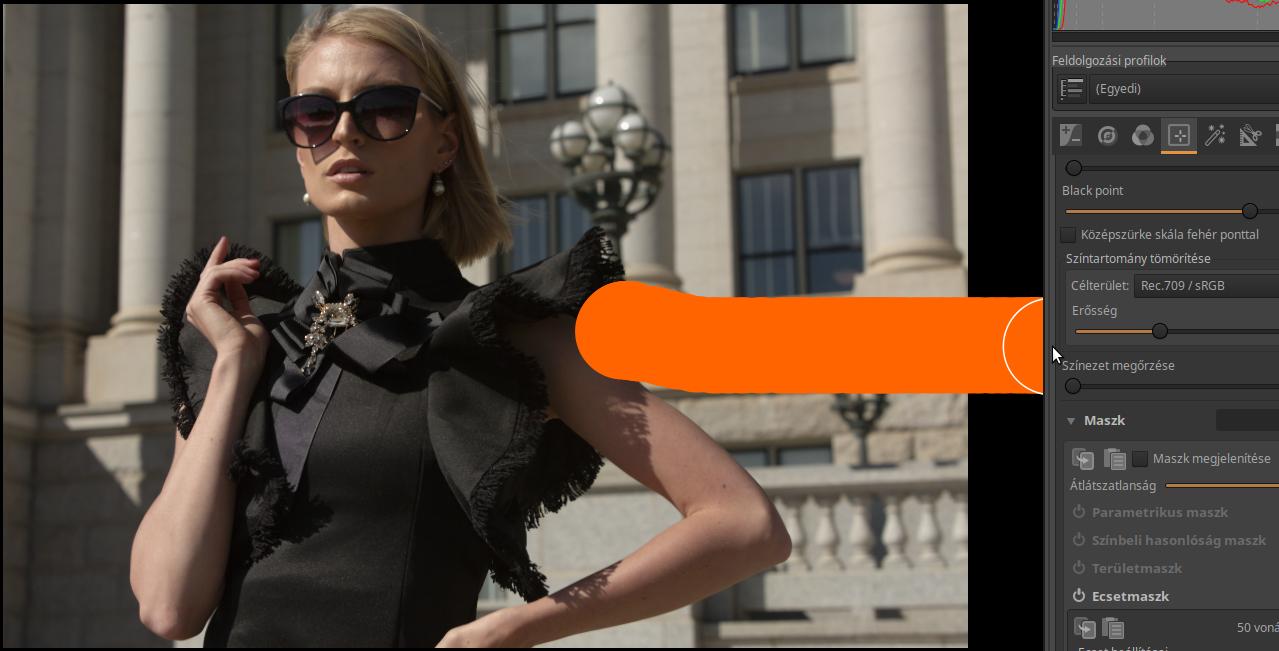
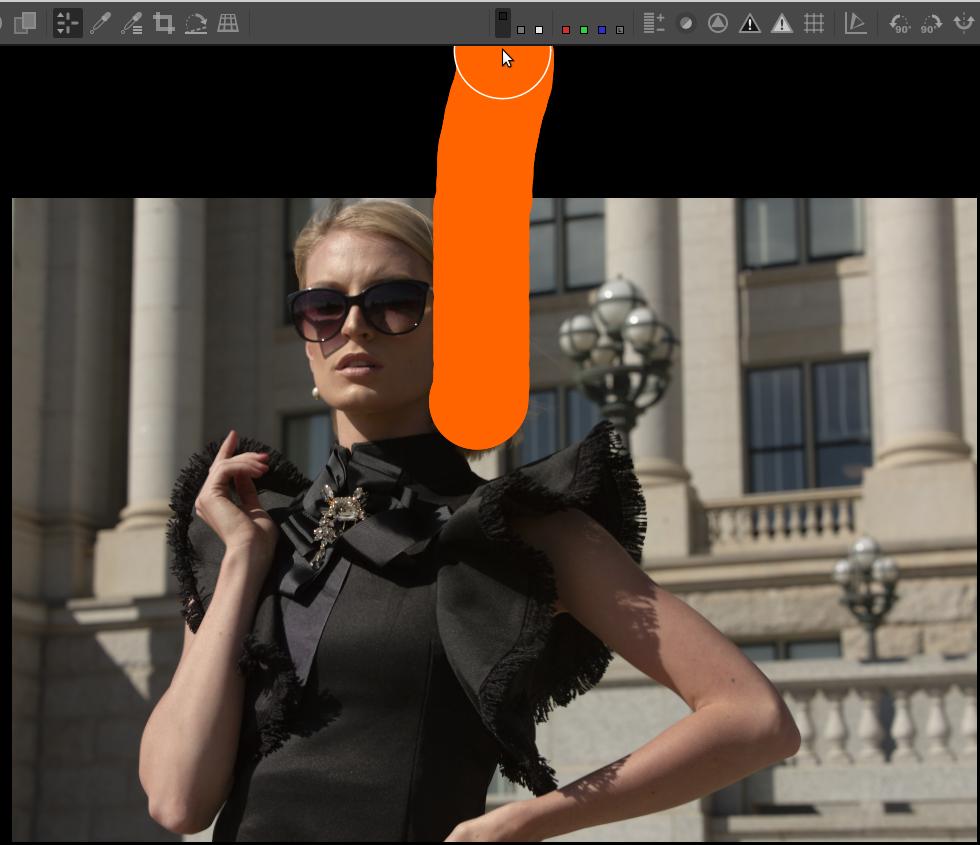
This is just a cosmetic thing that has no impact on the image, but I’m curious. Note the visual differences in interaction between the brush and the left / right panels:
When the button is released there’s no lingering “paint” on the UI in either case, but it does look a bit “wrong” to even temporarily overwrite (overpaint?) anything outside the photo when editing. Even on the right side, a bit of the image border is overwritten.
Something in the relative Z order? Or is this something unique to the Windows version?