Fair warning : english isn’t my first language and I’m not very good with computers. Still, I’ve been using gimp on a regular basis for years, and it’s the first time I’ve had to ask for help.
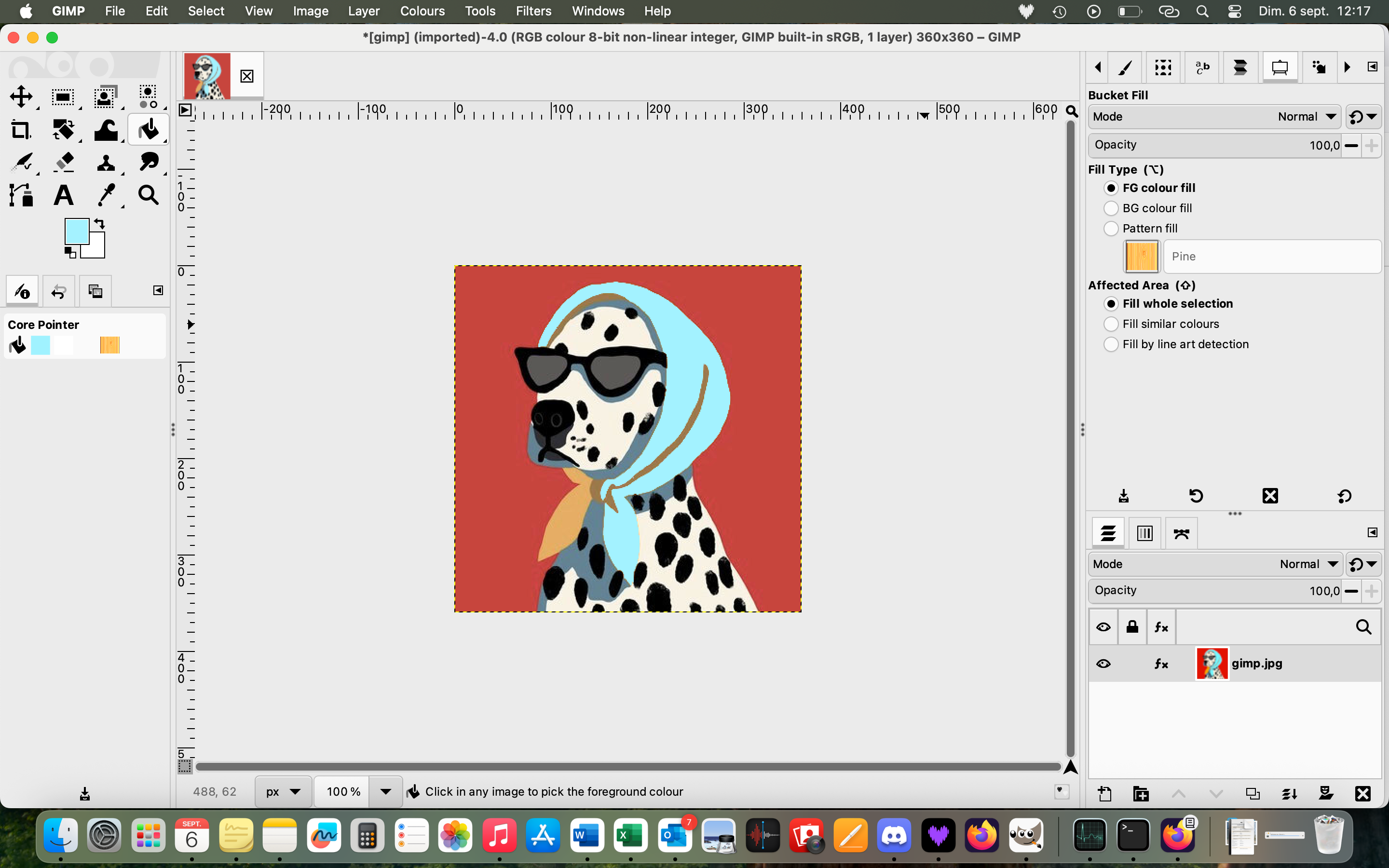
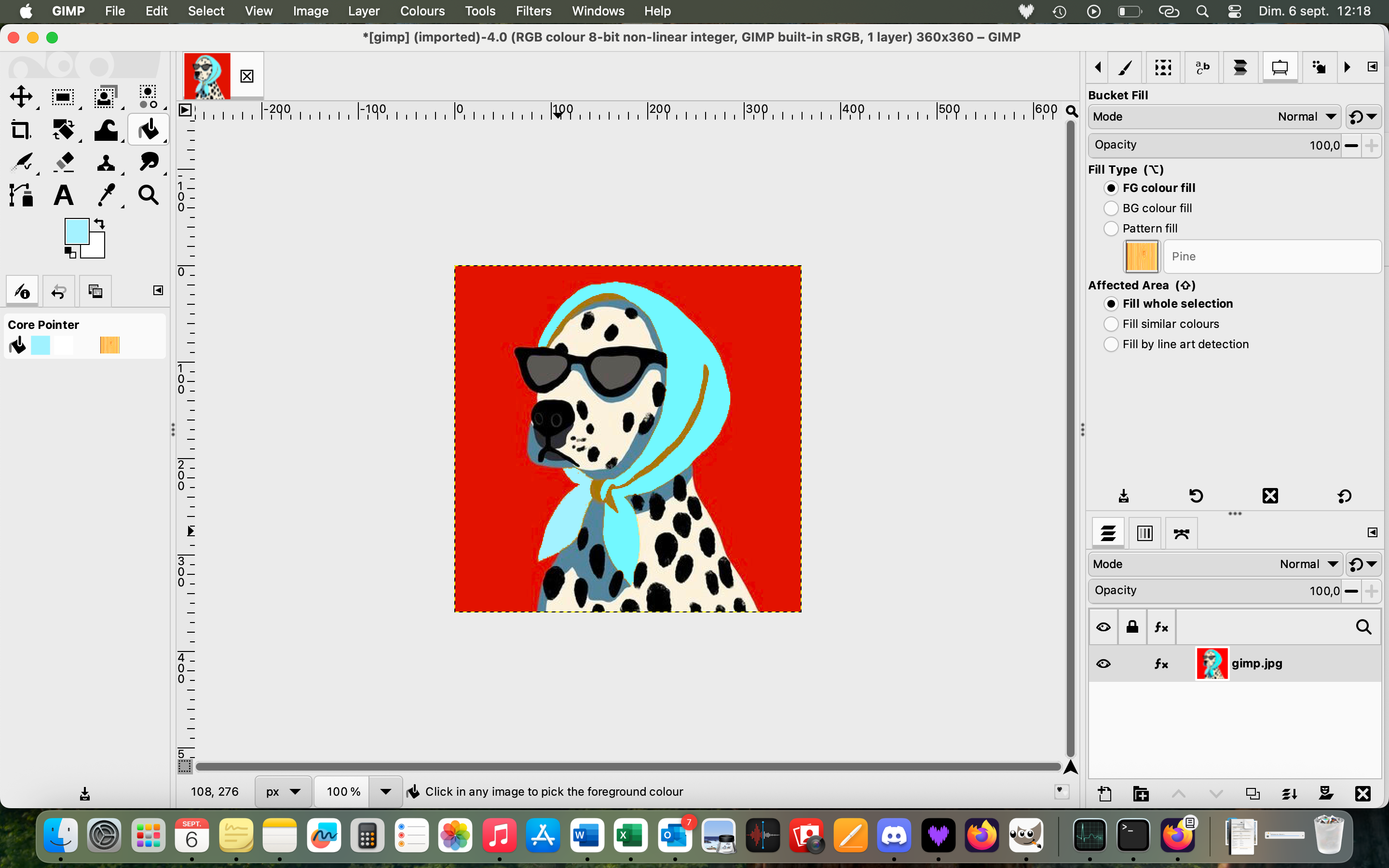
With the new version of Gimp (3.2, on a Mac), the bucket fill creates saturation in the image. For exemple, if I want to fill one / many objets with any colour, each time I click on an area using the bucket fill tool, it saturates the all image degree by degree. The saturation isn’t only in the spectrum of the color choosen for the bucket fill (for exemple, if my bucket fill is in green, it won’t only saturate the rest of the image in green, it will just generaly be saturated).
It never happened with the previous versions, and changing settings and reiniting settings didn’t change a thing. I’m at a loss.
Thank you for your answers. I’ll post a few screenshots.
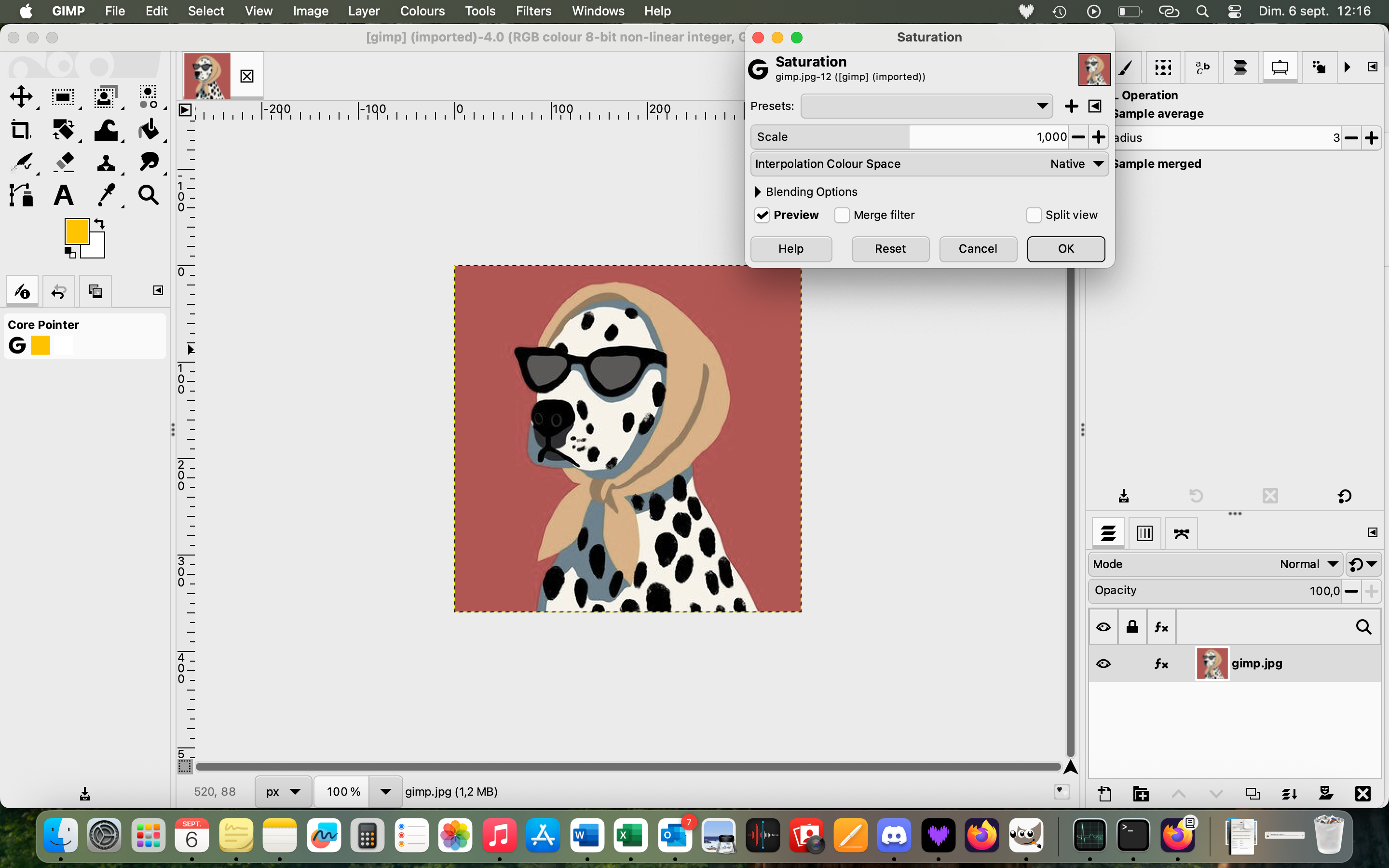
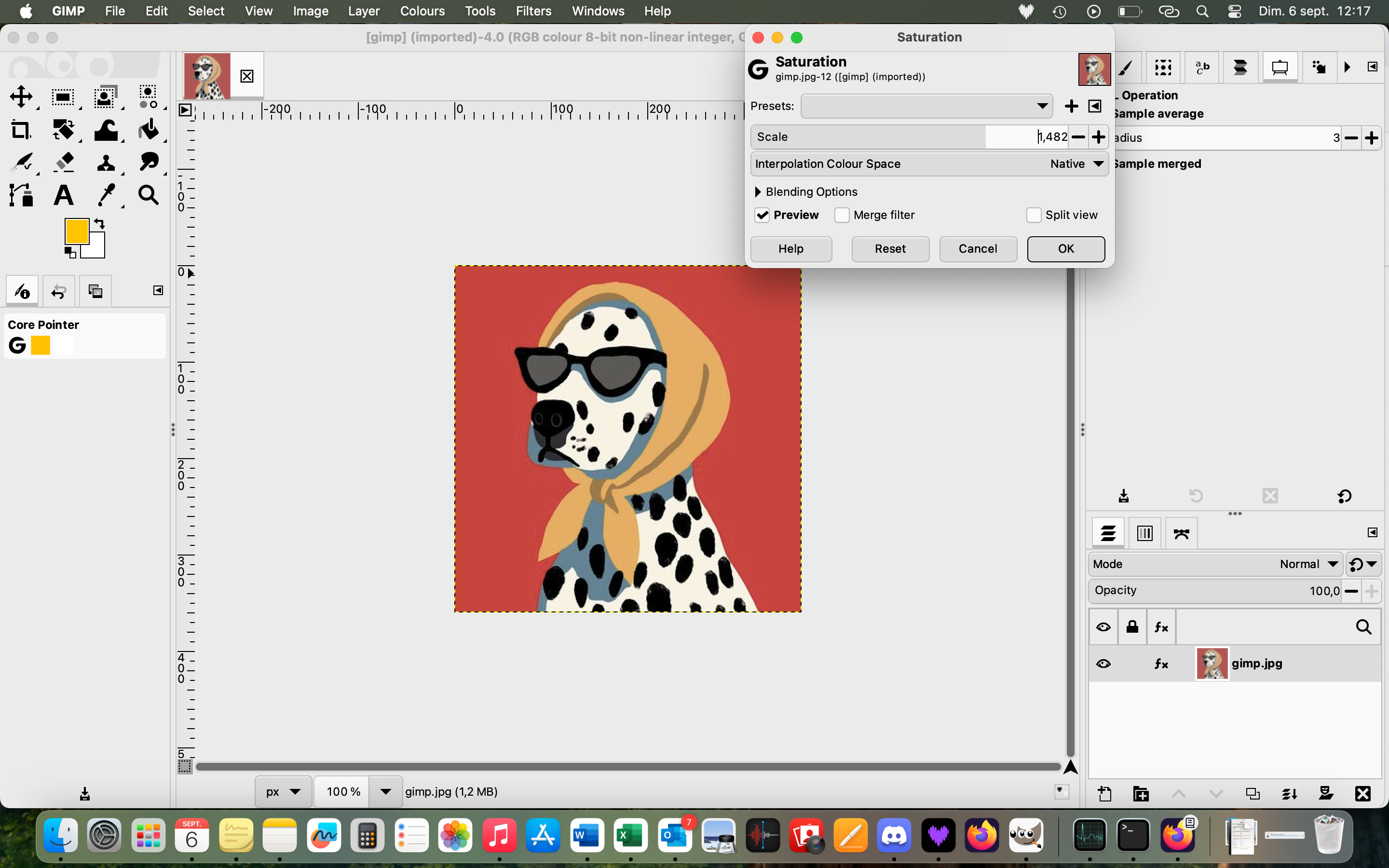
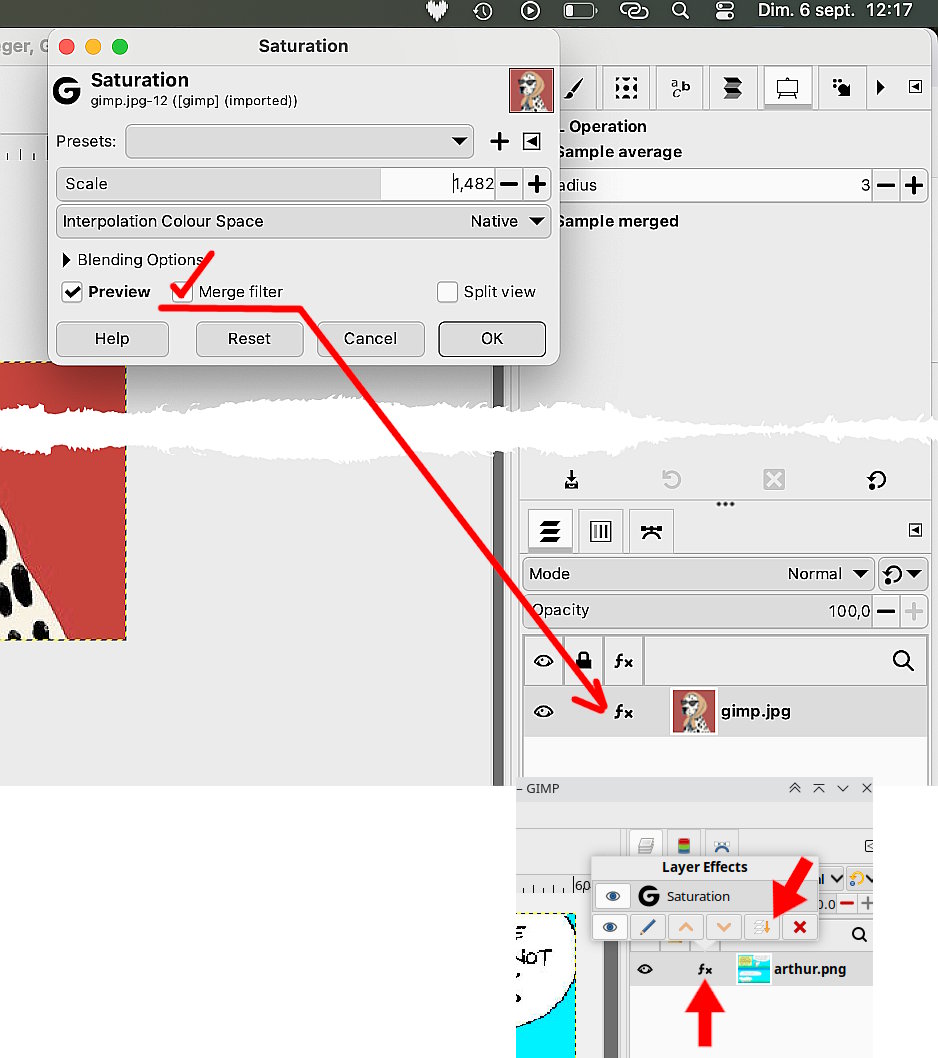
I’ve just realised, whilst giving it another go this morning, that the problem I encounter only happens when i’ve used the saturation tool on the image I’ve been working on. So if I haven’t saturated anything, the bucket fill works just fine, but as soon as I use a bit of saturation, the bucket fill (and, as I’ve just realised, the airbrush) also adds saturation to the image, as explained before .
Enable the Merge Filter option and the filter applies same as Gimp 2.10
If it is in effect then click on the (fx) and apply the merge option.
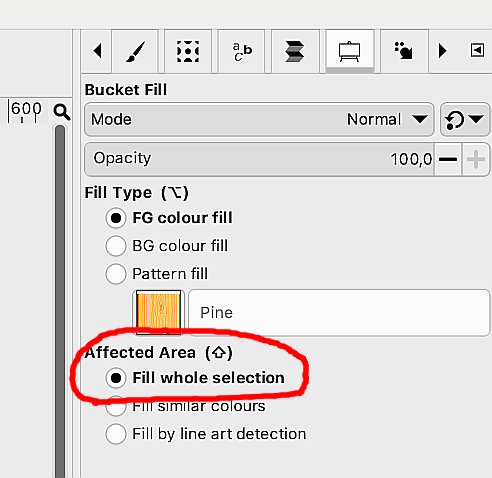
I can not see any active selection (visibility might be turned off) Using “Fill Whole Selection” will fill the whole layer where there is no selection.
 ?
?