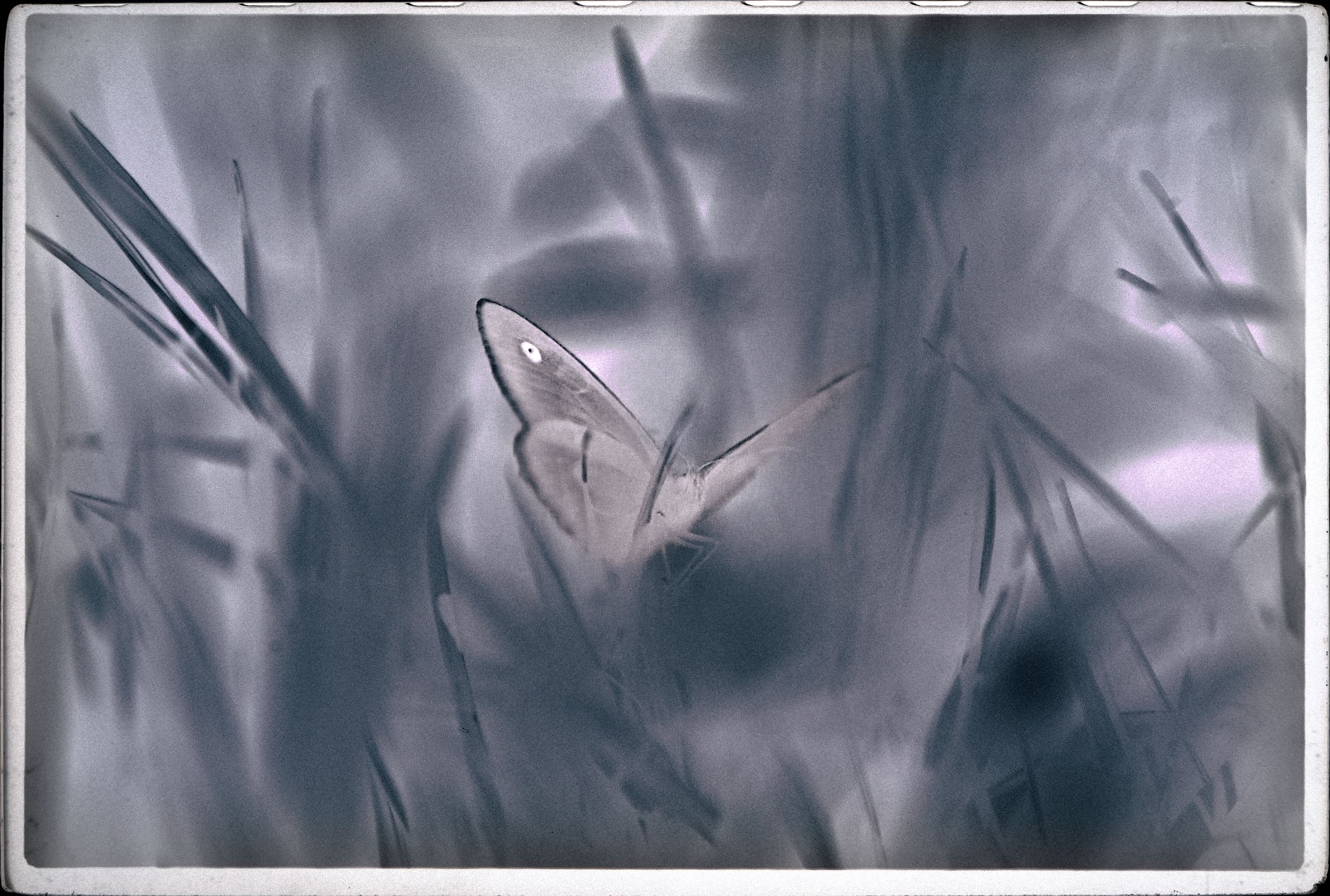
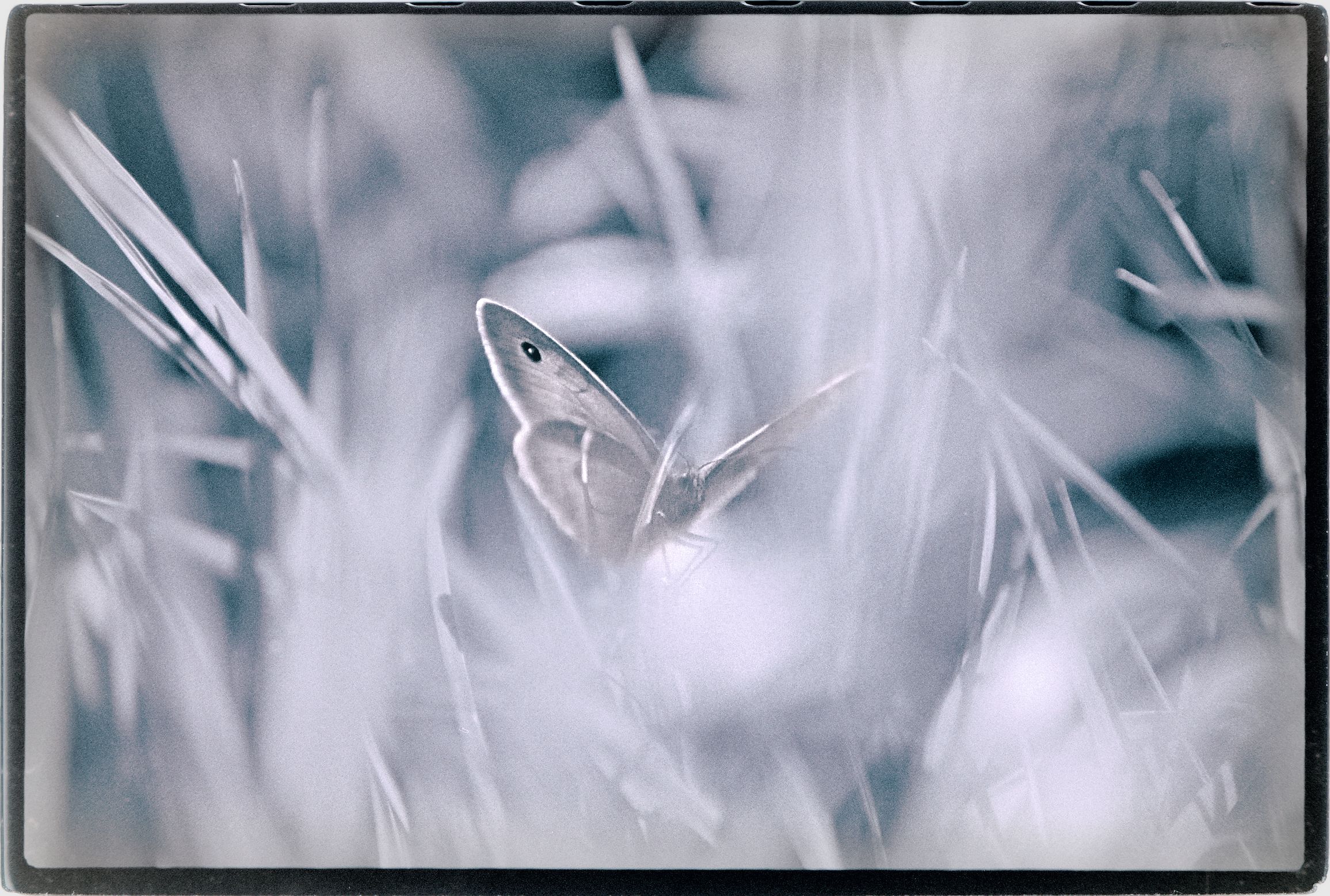
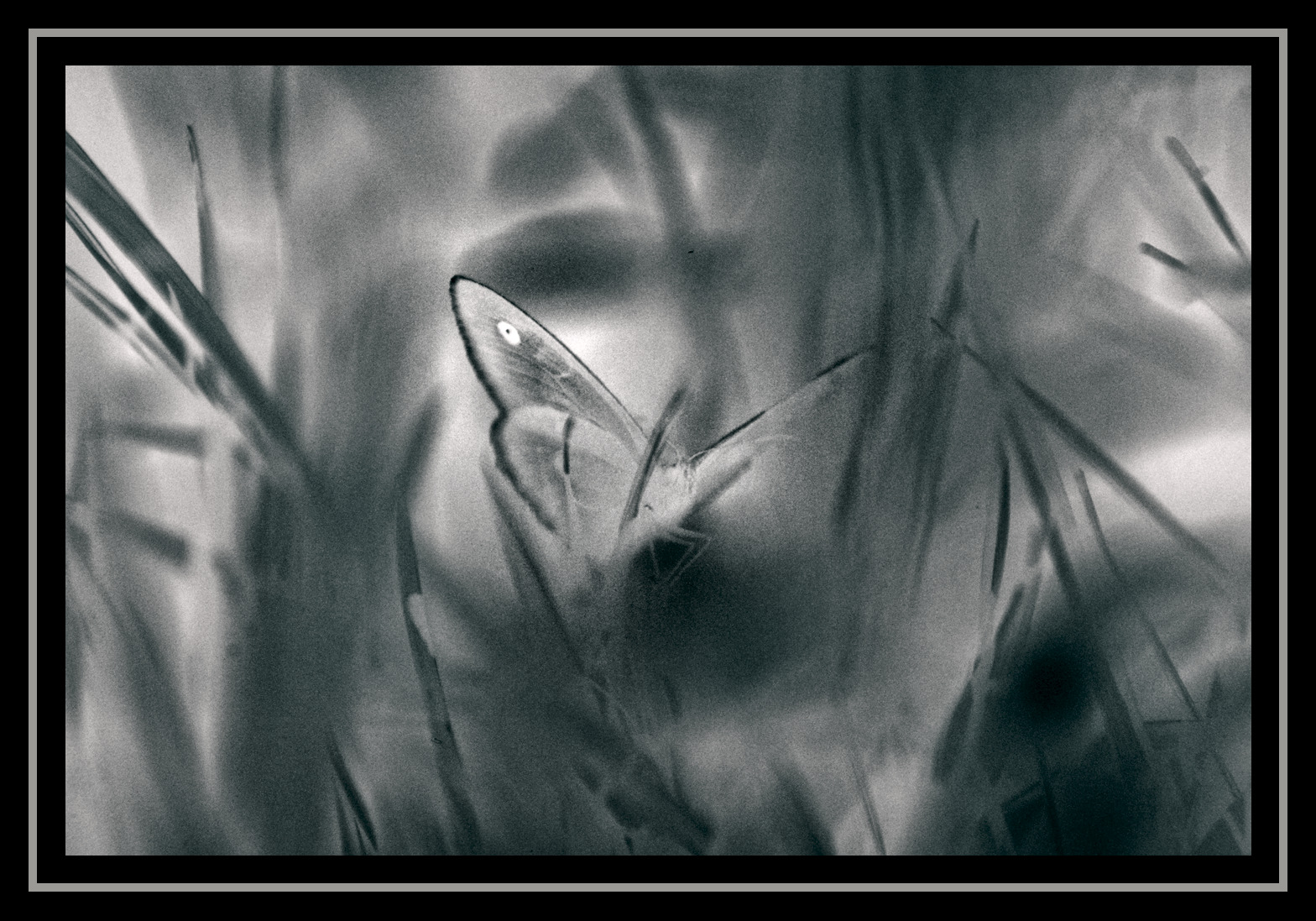
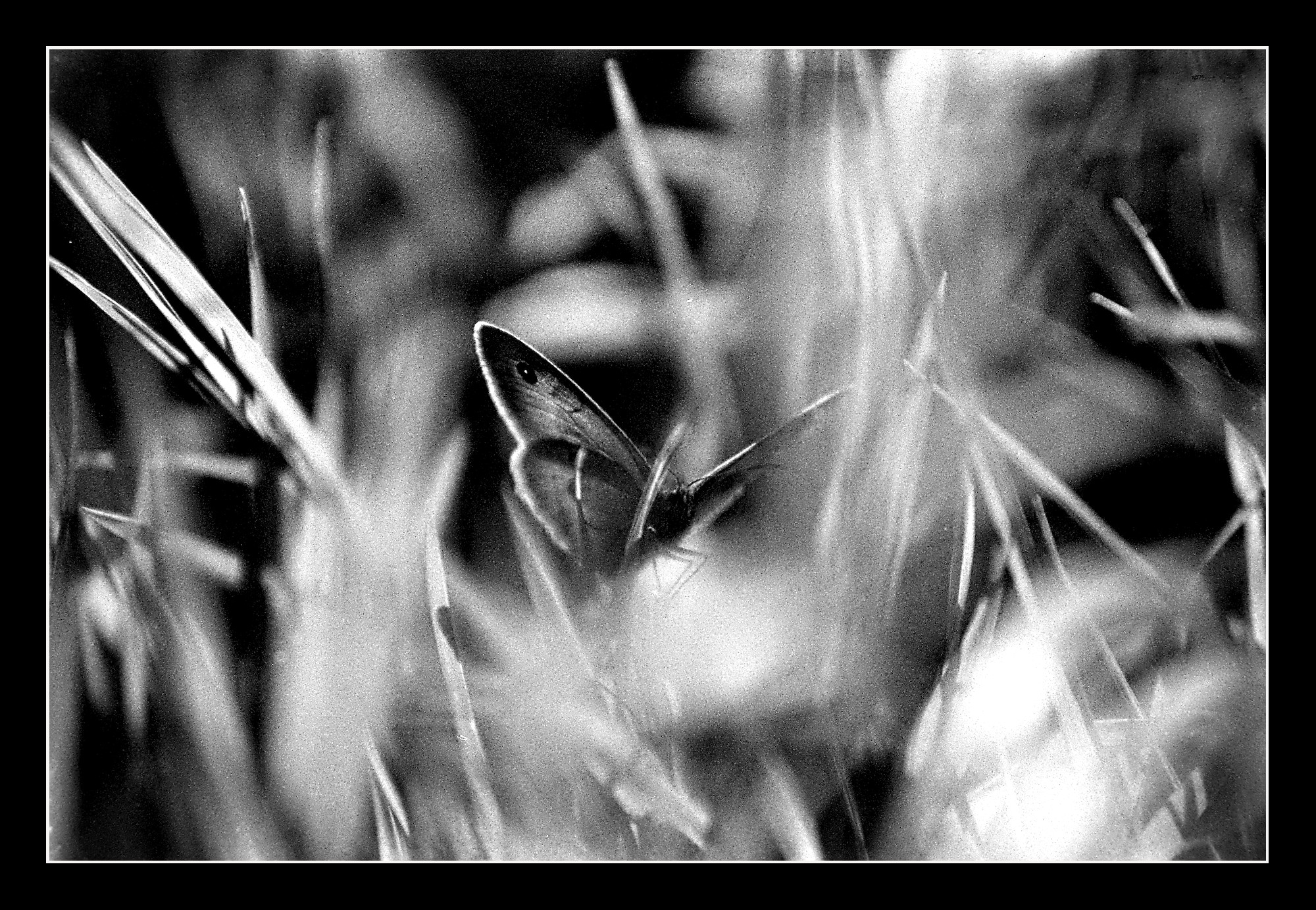
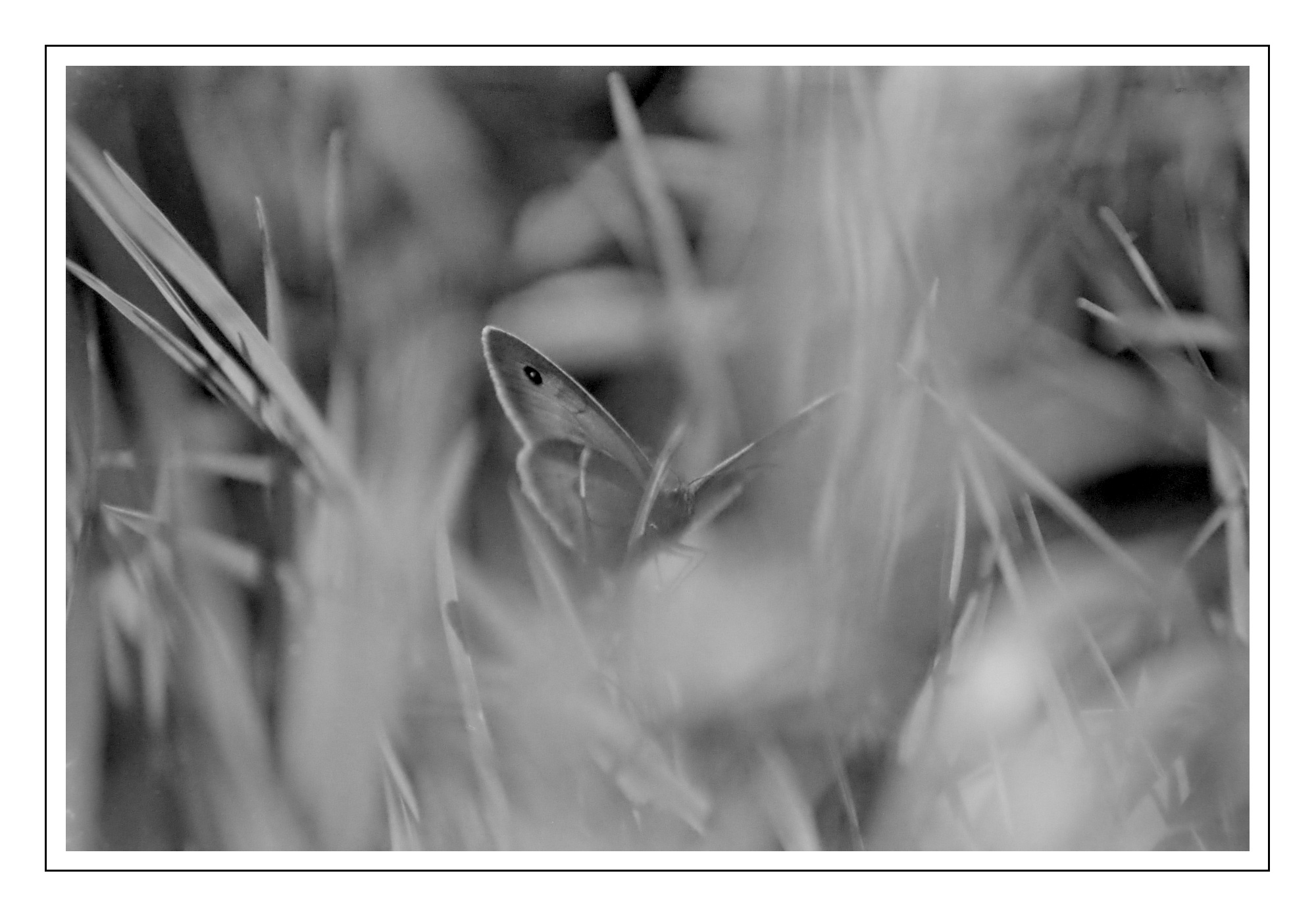
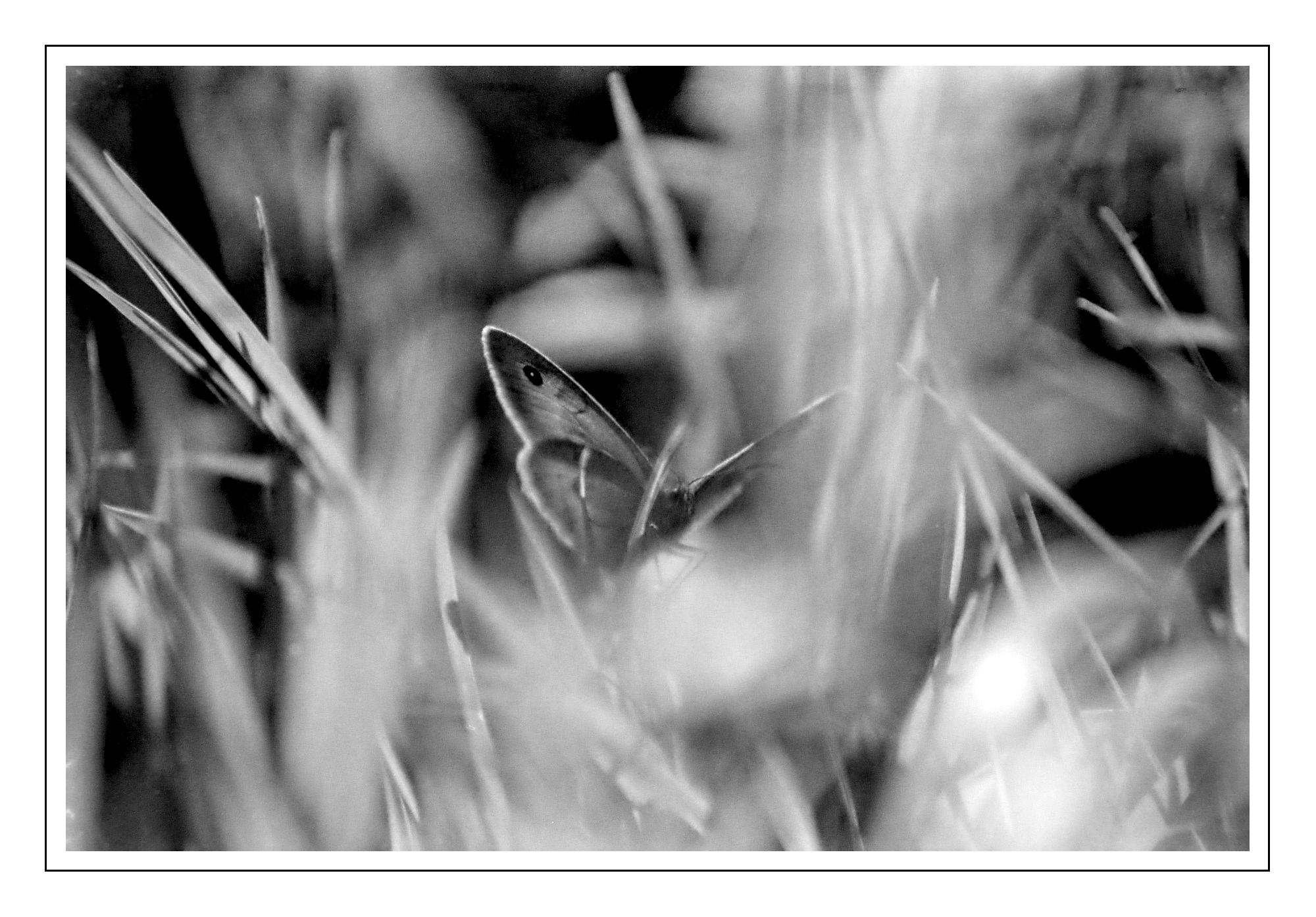
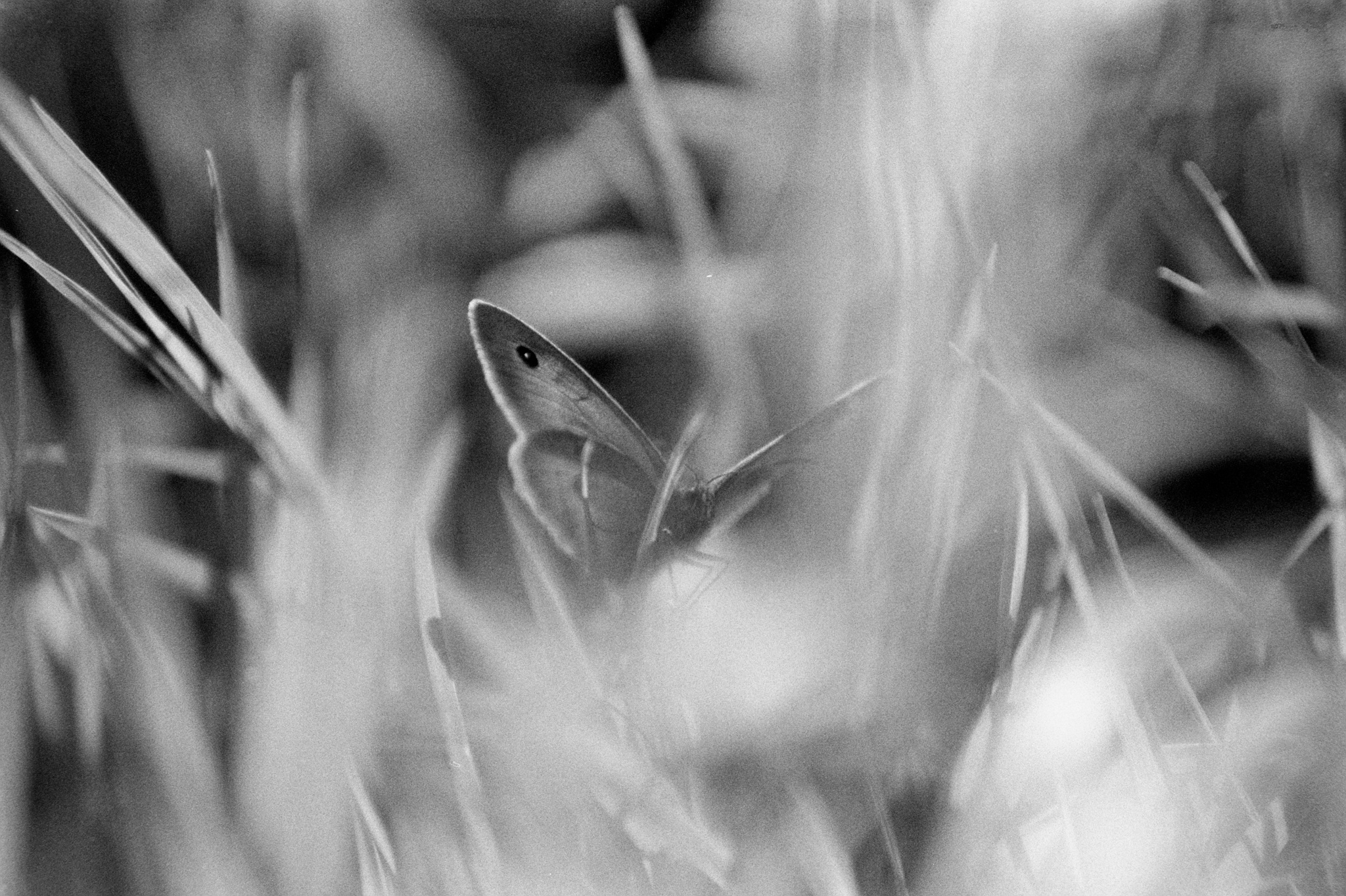
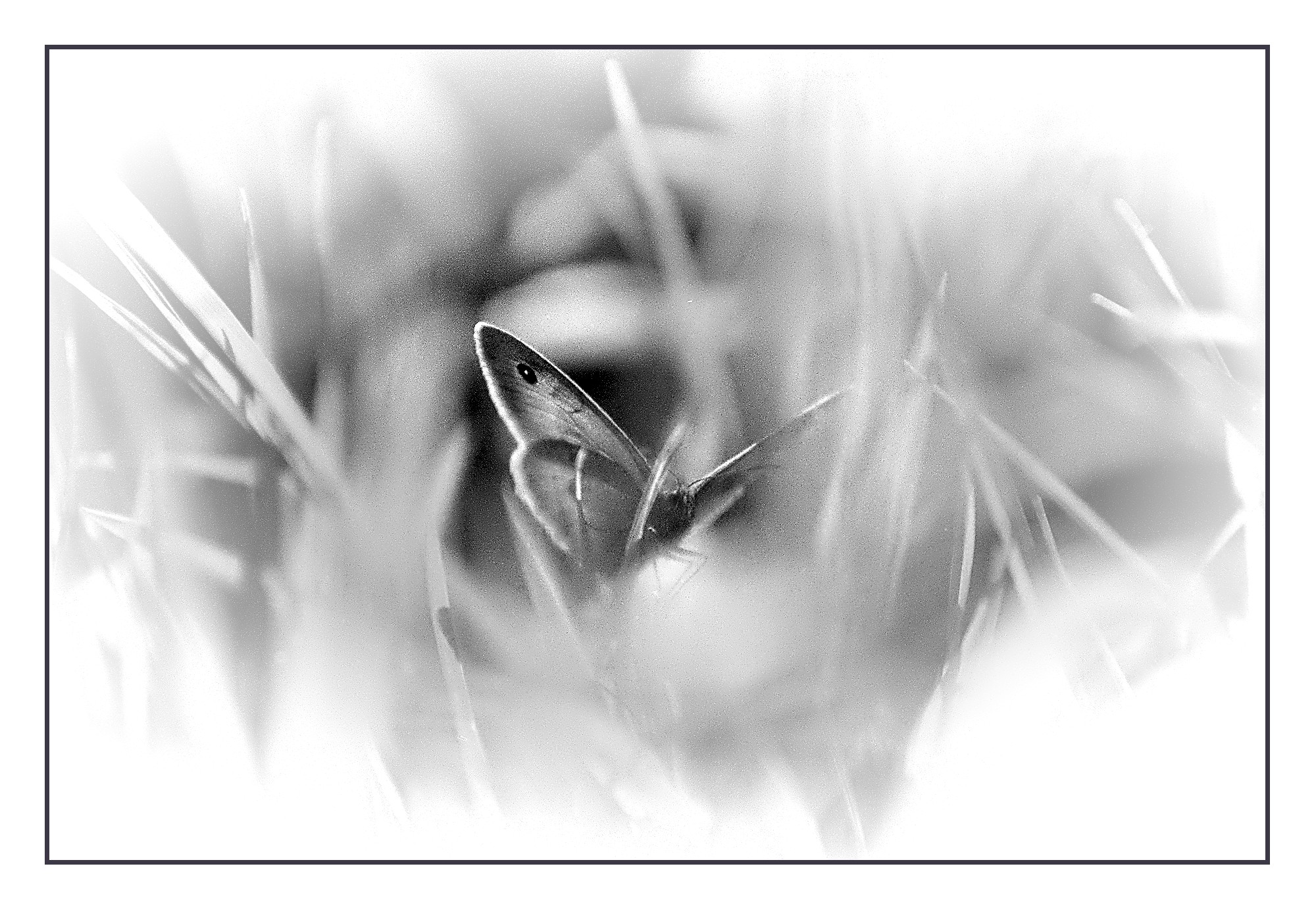
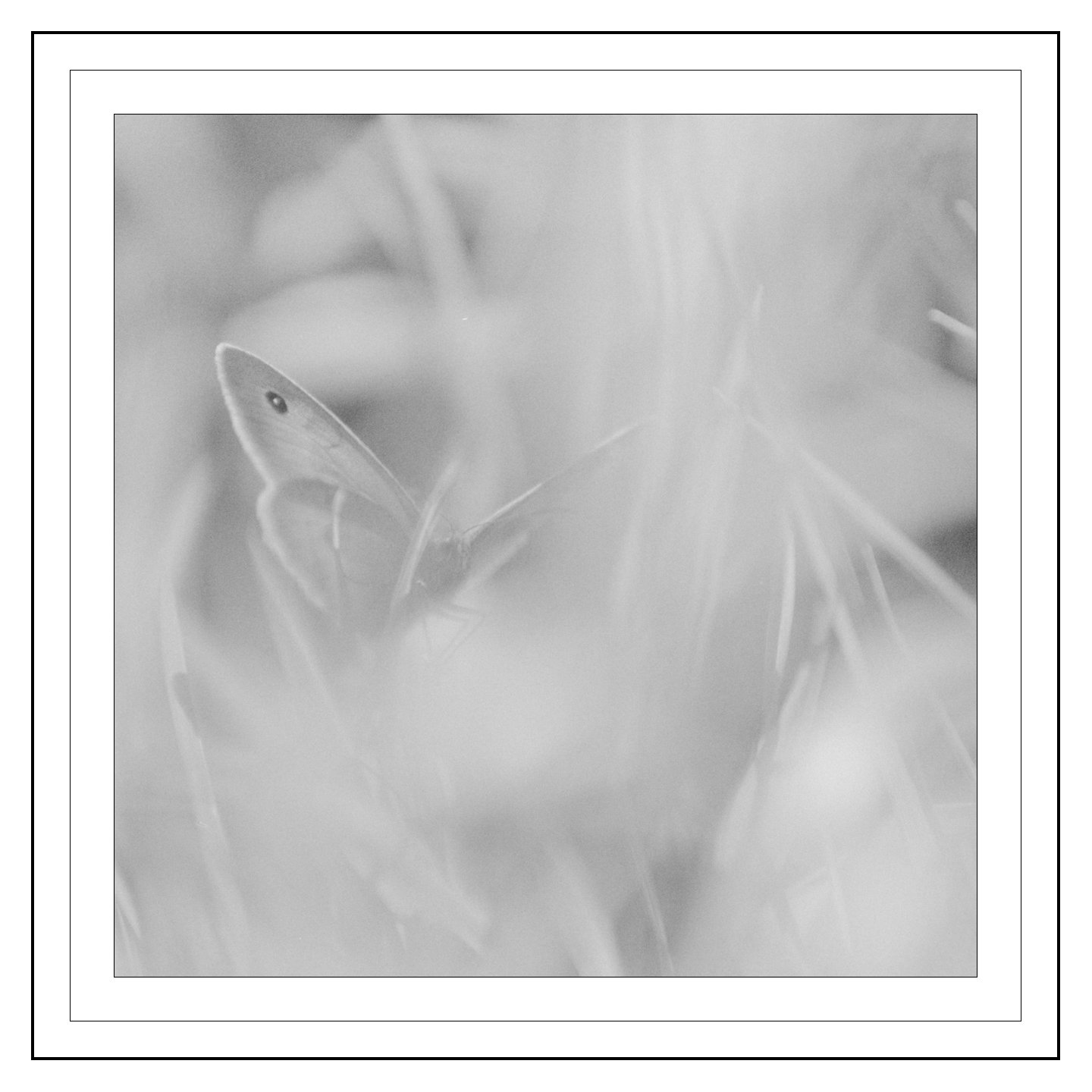
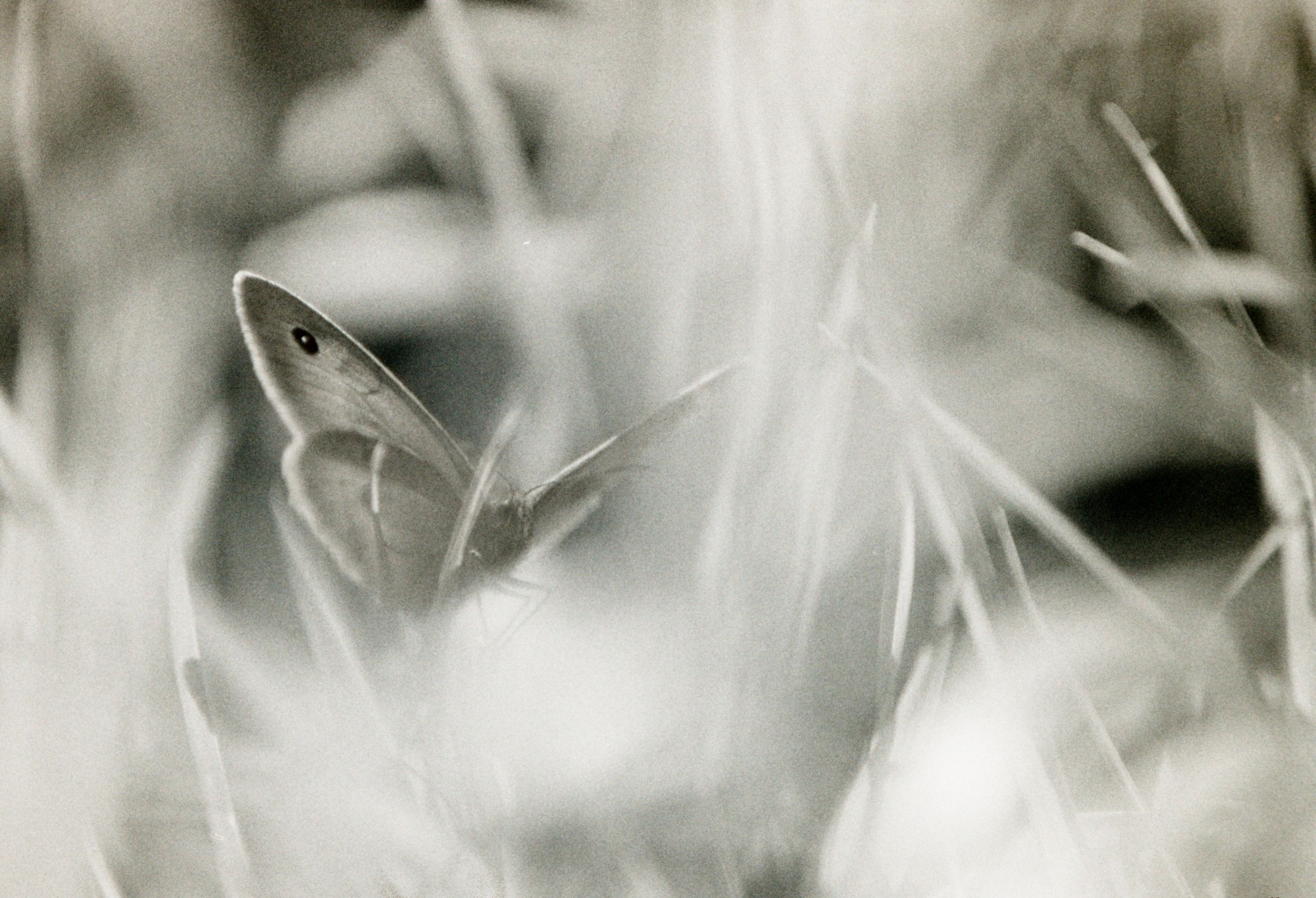
As requested by @Terry, here is one of the shots I shared here.
There’s not much to the editing really, and I’m not sure how much room there is to play, but give it a go!
Apologies for the dust specks - I realized after scanning that some of it is on the diffuser behind the film, so may need to re-scan one day. But not right now!
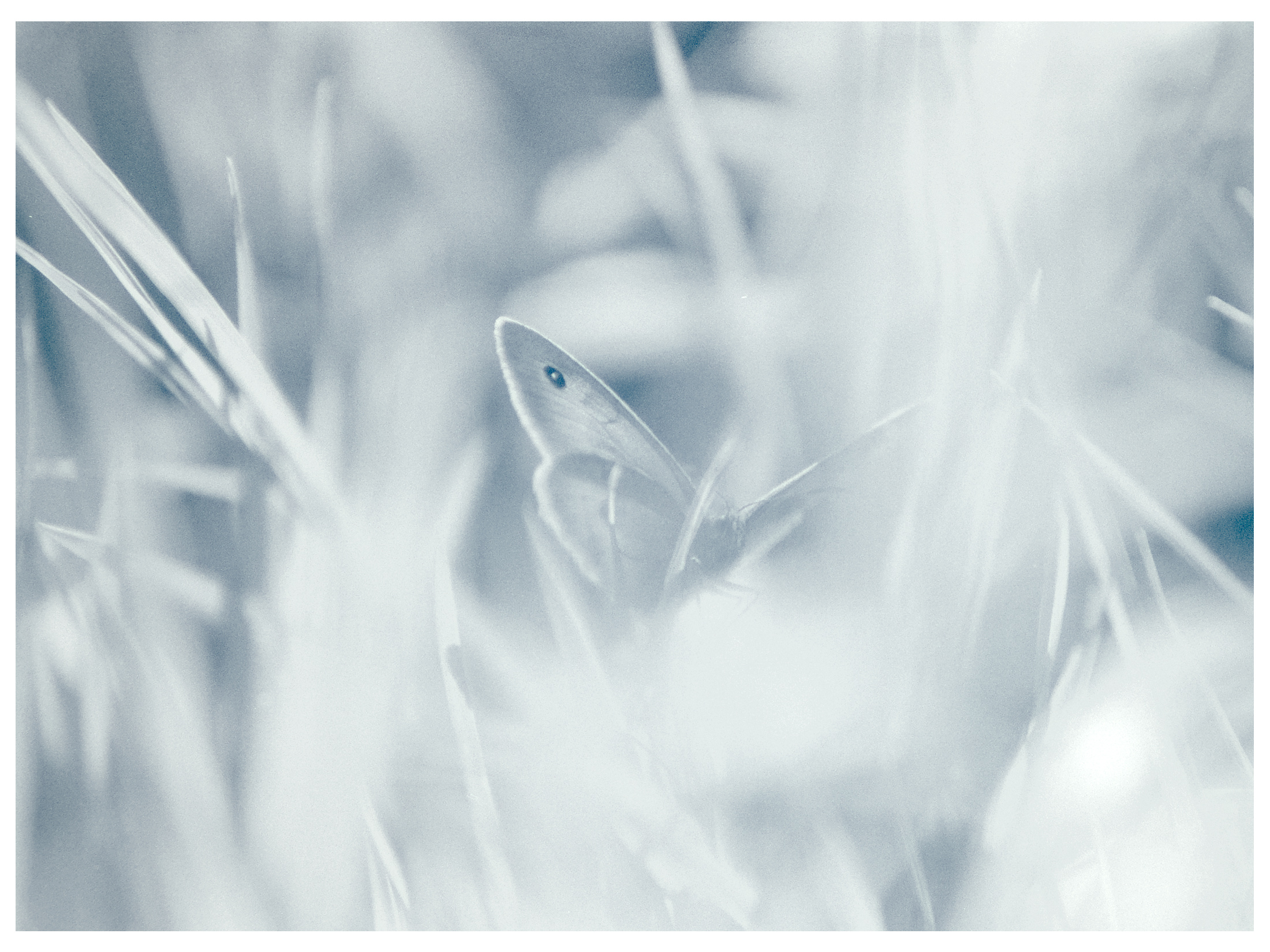
I never tried using the colorize module before. I think your use looks really good. I experimented, but ended up toning my down to the point it doesn’t really show…
Thankyou! I like this pic. Wanted to play with adding colour to B&W. Split toning module on top of two colourise instances is even more experimentation.
The colour added in your edit does make a difference, even if it’s very subtle. You have some colour cast before the colourise module (blue around the butterfly, yellow everywhere else) so you have a similar environment to what I gave myself with my first instance.
Edit: That blue+yellow cast is present on mine too, I just didn’t catch it, even knowing about the backlight comments from the original showcase post.
Now I’m not sure about my graduated density instance, as it doesn’t seem to be correcting anything; I just perceived a little gradient going left to right in the waveform view.