The new website export module is now part of the official lua-scripts repository. One of the features I want to add is selection of a CSS style in the export dialog, making it possible to give the exported gallery an individual look.
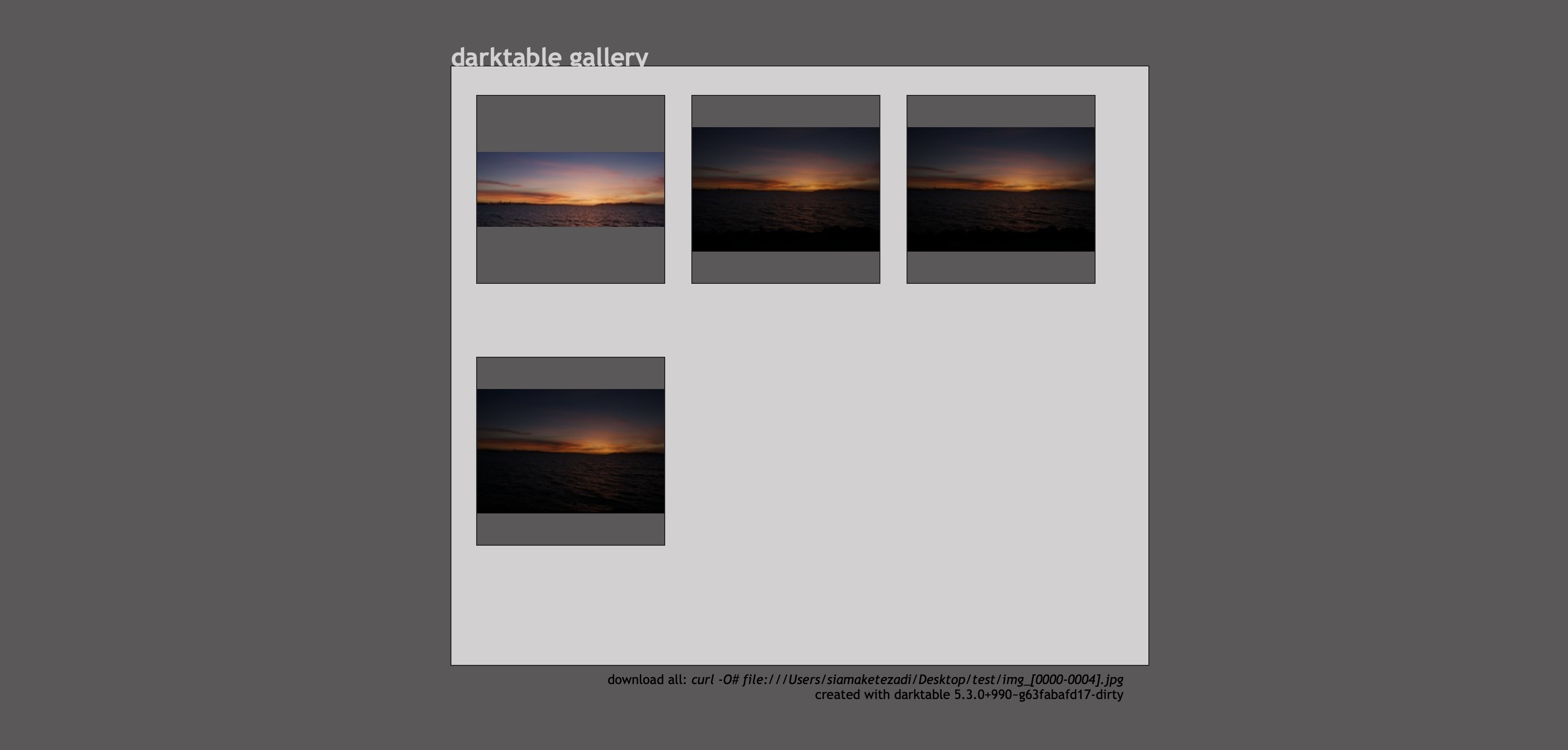
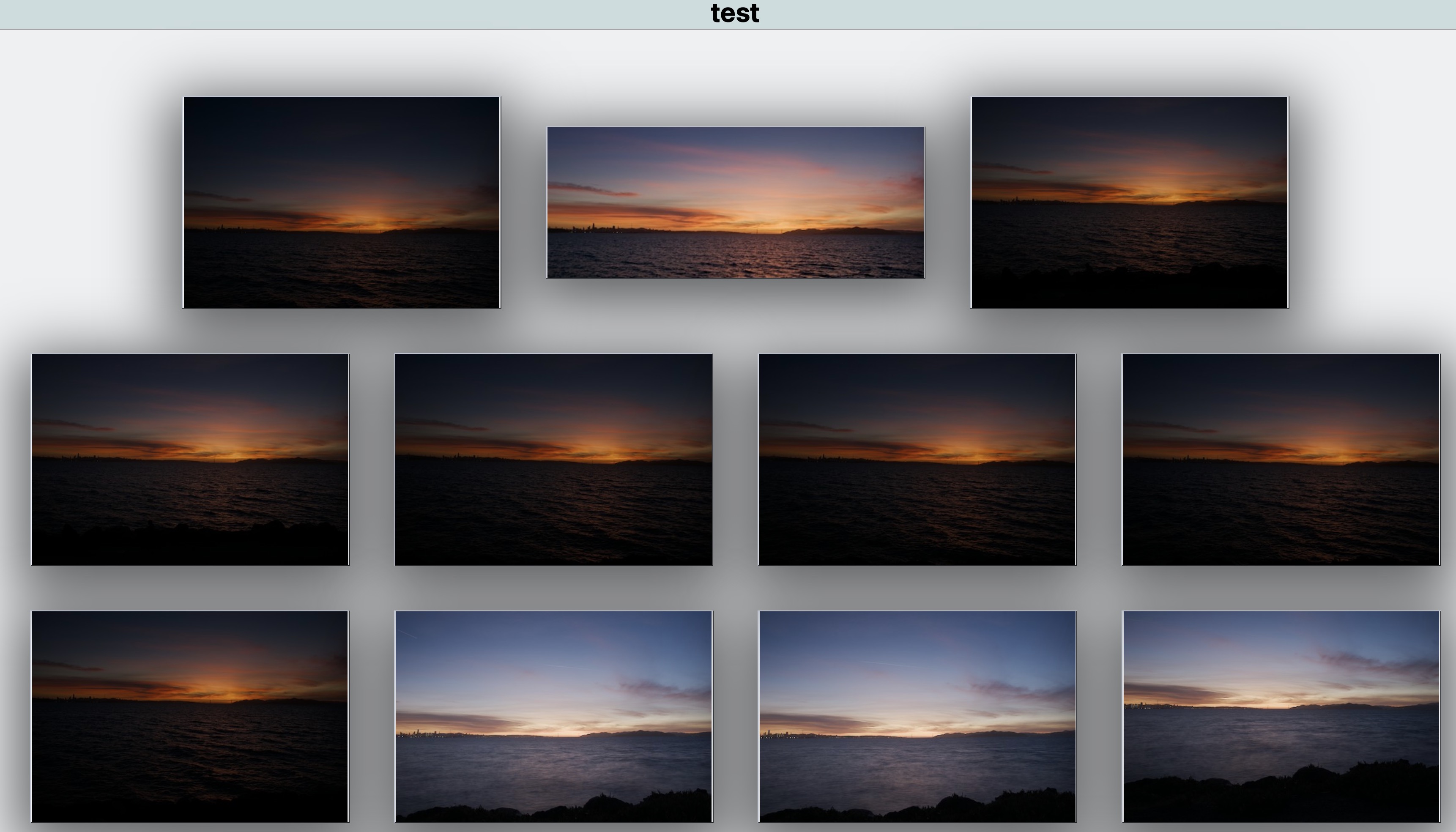
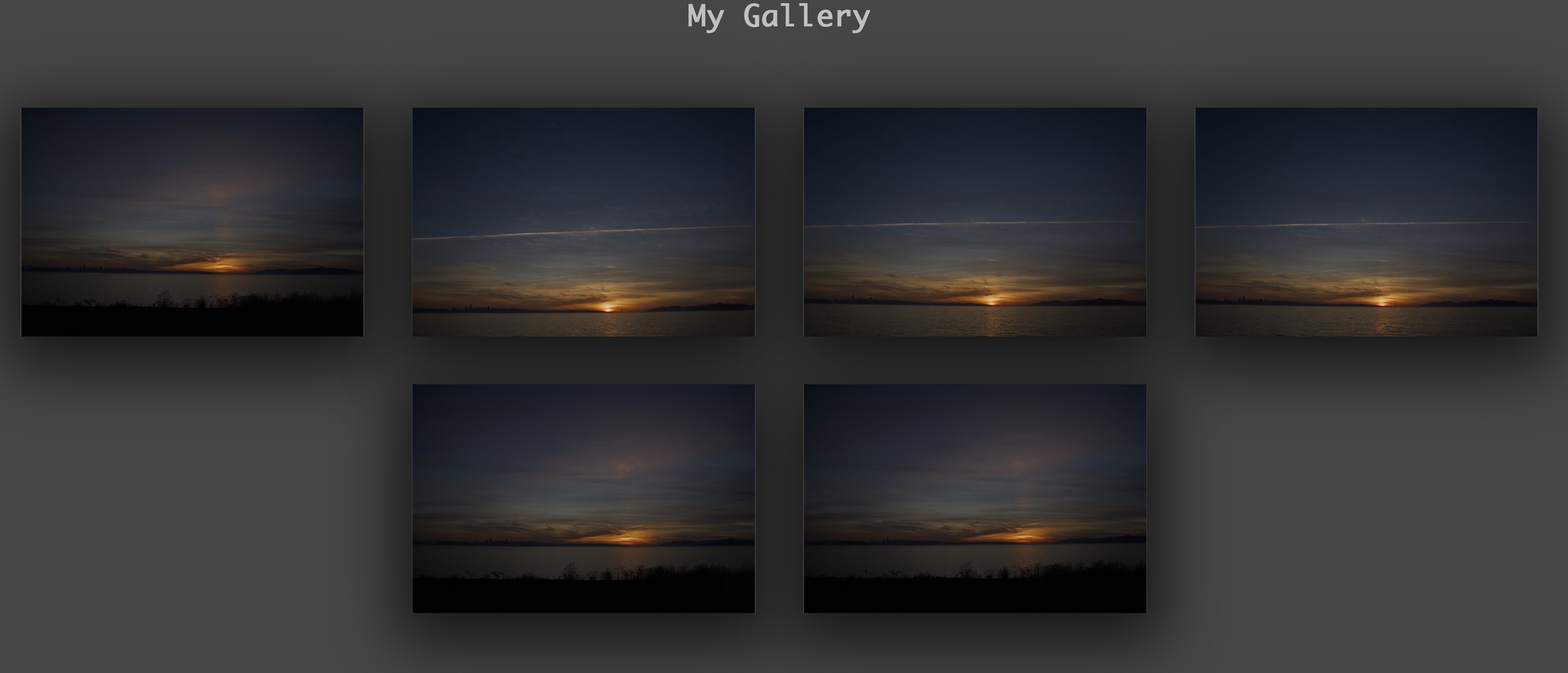
An example gallery can be found at the following link. I’m not a web developer or graphics designer, so the style may look a bit unfinished.
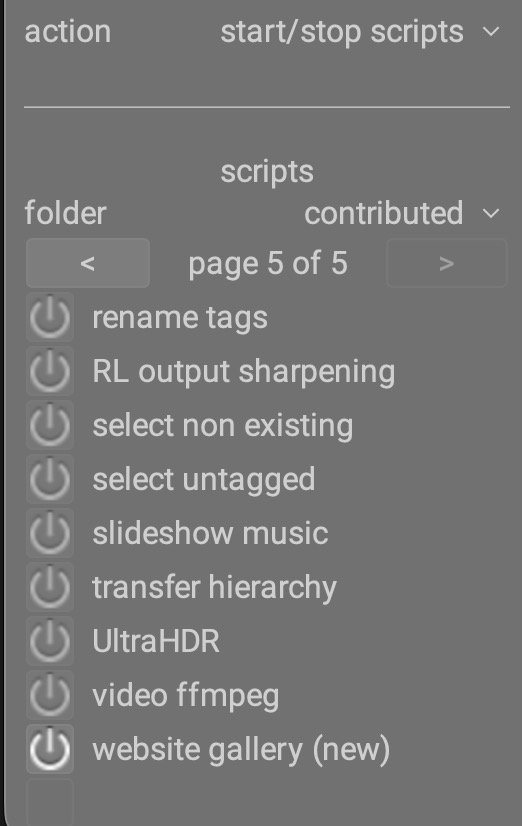
Some brief instructions how to use it: after updating the lua-scripts, you need to run (or restart) darktable and enable the module in the Lua script manager (bottom left corner in the light table). It is located in the “contrib” collection. If you don’t have the Lua script manager enabled yet, follow the instructions at darktable lua documentation - installation
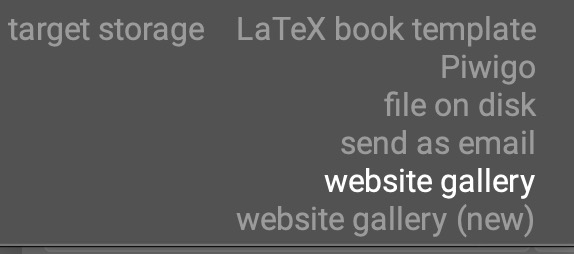
Now you can select select some images. After setting “target storage” in the “export options” section to “website gallery (new)”, select a destination folder and start the export.
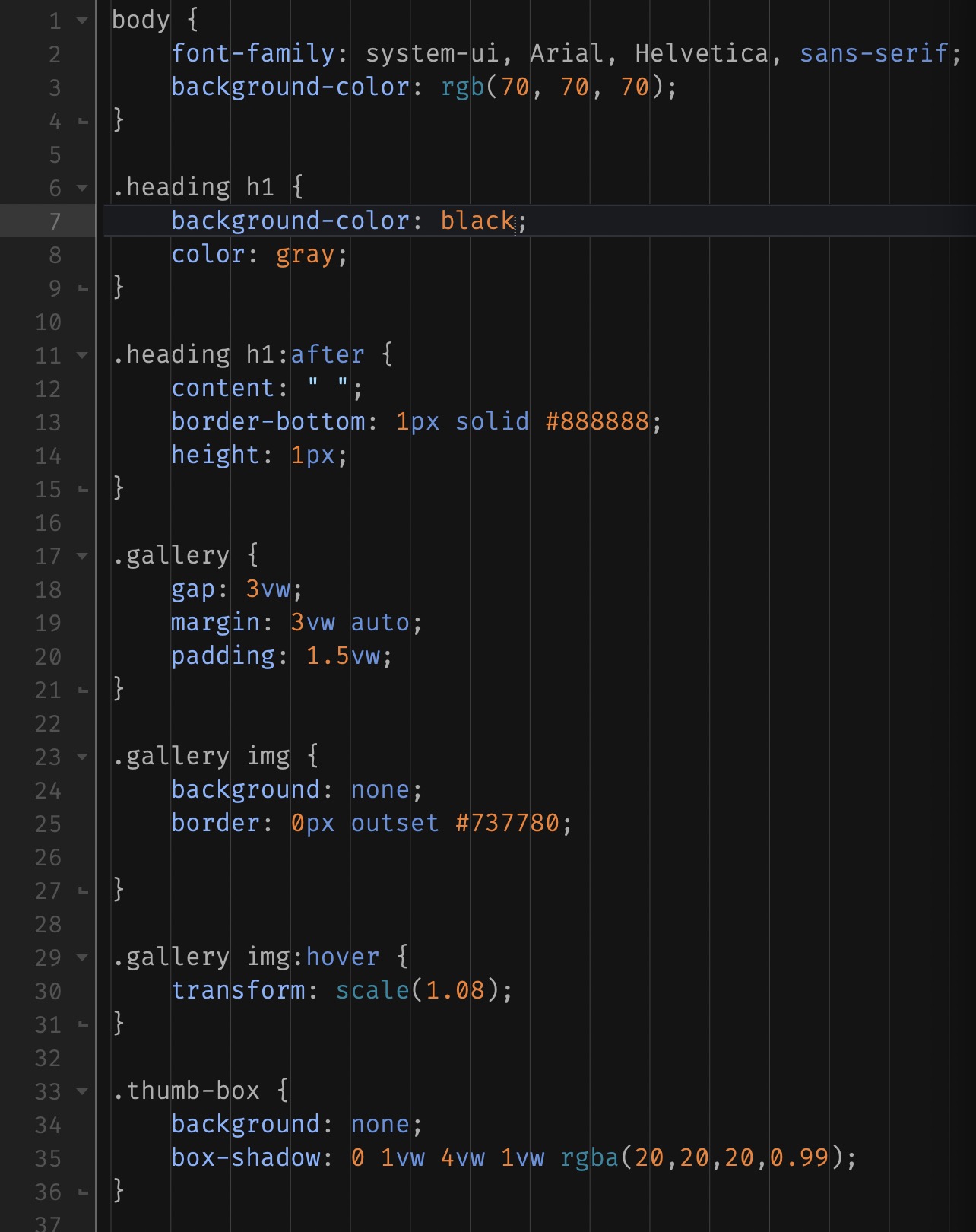
In one of the last changes, I made it easier to adjust the visual style of the gallery (colors, font, frames around the thumbnails etc.). The relevant bits are now in style.css, the functional stuff was left in gallery.css and modal.css. They can be accessed using the link below.
If you have the skills to create your own CSS style and want to provide custom looks for exported galleries, it would be nice if you reply to this thread and attach your CSS file(s).
If there are any ideas or feature requests, please let me know. I had the idea to split the CSS style selection into 2 or 3 options, to select a color scheme, a look of the gallery view (fonts, thumbnail frames) and a visual style of the modal view (look and behaviour of the navigation elements). What do you think about it?
I gave up on it. Never worked.
I activated website gallery(new) in script manager. Yet do not see the option for it in the export module. I am on osx x86
now I can see four folders are created on destination folder.
css, images, js, and thumbnails.
css and js folder are empty. the welded image is in images and thumbnails folder. but no webpage is created.
update:
I see two options:
1st one seem to work creates index.html
the website gallery(new) does as I said earlier creates the four folders with no index.html.
may be my lua folder is corrupted?
The “website gallery” export option is the old one, which I want to replace. The “website gallery (new)” is my Lua implementation.
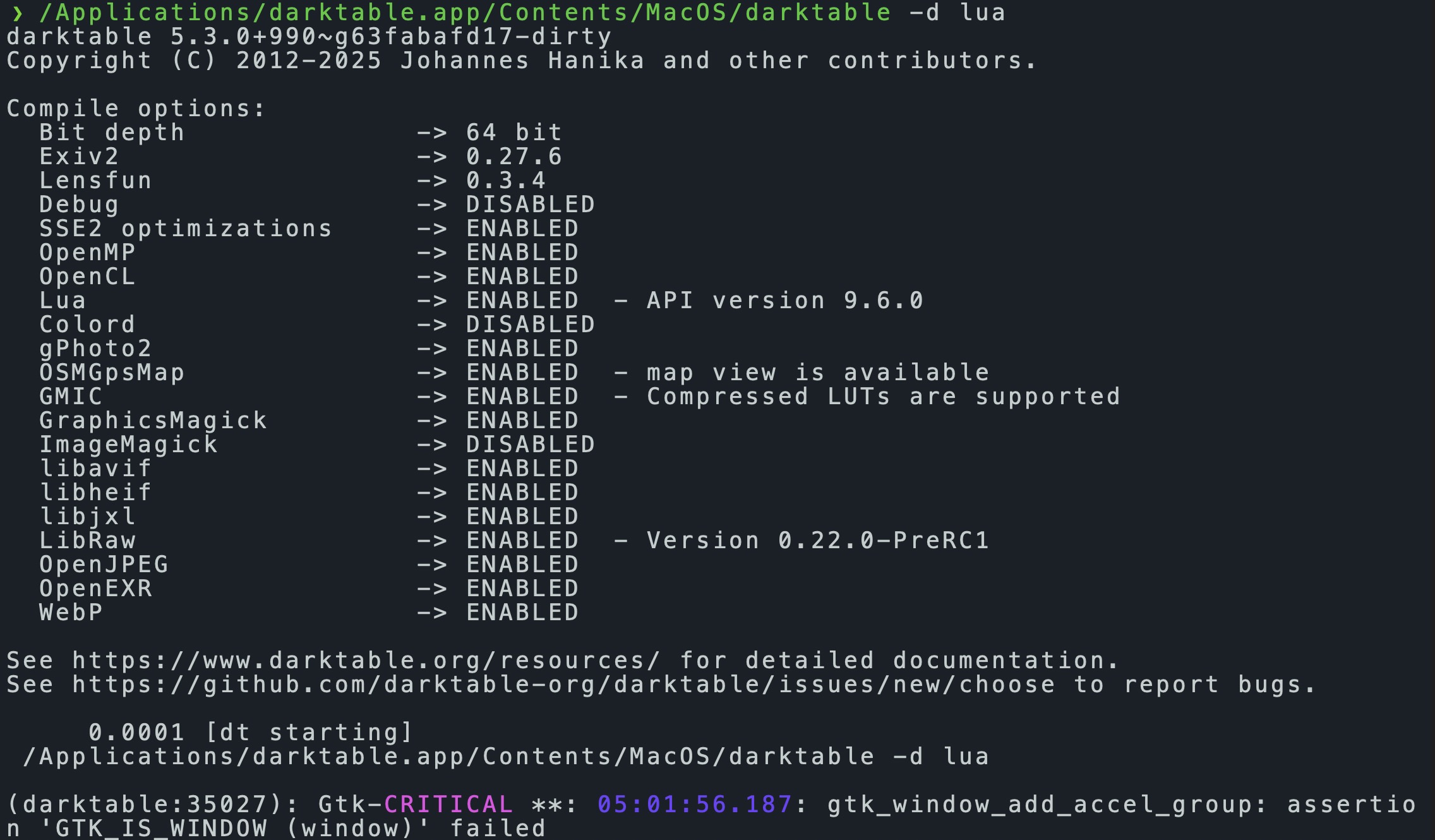
Do you see any error messages when you start darktable with the -d lua option? In macOS, you can open a terminal and start darktable with the following command:
I tried this in macOS. It looks like the check for exiftool does not work correctly. Can you change line 132 in the Lua script contrib/website_gallery_export.lua to this?
if exiftool == true then
Or apply this patch:
--- a/contrib/website_gallery_export.lua
+++ b/contrib/website_gallery_export.lua
@@ -129,7 +129,7 @@ local function fill_gallery_table(images_ordered, images_table, title, dest_dir,
         dt.print(_("export thumbnail image ") .. index .. "/" .. #images_ordered)
         write_image(image, dest_dir, filename)

-        if exiftool then
+        if exiftool == true then
             width, height = exiftool_get_image_dimensions(df.sanitize_filename(dest_dir .. PS .. "images" .. PS .. get_file_name(filename)))
         else
             width = sizes[index].width
After this change, the export works fine here using darktable 5.2.1 on macOS.
BTW, I like to change background gray and white and page color gray to something darker. I know must be done in css files. I am willing to experiment. I am not fluent in css but managed by try and error the theme of my dt.
Let me know, if you would the lines that need changing.
Thx.
Your screenshot shows the output of the old PhotoSwipe gallery (“website gallery” in the export menu), not the new one from the Lua script called “website gallery (new)”.
The background colors of the gallery view are in style.css line 3 and 7. The color of the gallery title is in line 8.
I just checked this in Linux, and it works with and without exiftool installed. So this bug is macOS specific.
I also noted that in macOS there is no option to create a new directory in the output folder requester. Therefore you have to create the destination folder in another way. I don’t know if this can be fixed somehow.
Thanks. Can you attach your style.css as a file or include it as preformatted text? The latter can be done using the symbol with the arrow under the green arrow the attached image.
@Scorpi Last night I did install a Nightly for osx_intel. and created isolated darktable folder for it in .config folder.
It seems you changed the name of lua and the structure of the supporting file and folder. That is ok, but took me a while trying to figure out what was going on.
The issue have is nothing to do with these changes.
The problem is lua runs and creates thumbnail images and images same as before. Except I do not get the html file anymore. The old version on my dt54 works as it should and html is created with the changed theme that I shown earlier here. Off course once we figure out what is wrong I have to revise style.css again and not sure yet if it would be simple as copy my themed style.css over this new version or not.
The name of the web_gallery_export in old version to website_gallery_export and not sure if I bring the old lua and its supporting folder over to Nightly will work or not.
I did not really understand the actual problem. What do you mean with “It seems you changed the name of lua and the structure of the supporting file and folder”? The gallery module did not change after it was merged to the official lua-scripts repository.
You just need to check out the official lua-scripts repository and then apply the fix from above to fix the exiftool check.
It works on my DT for Linux in my VirtualBox. It works on other DT for osx-86 built by MStraeten
However on DT-Nightly for osx-86 has issues.
It runs the script but does not produces the index.html file
I cleaned out the my DT-Nightly for osx-86 and started fresh still issue persist.
the name issue thing was when I was trying to figure out what the issue was and could see the script would duplicated. Since then I deleted DT-Nighty for osx_86 and started fresh and that issue was resolved. The only issue now is no index.html.