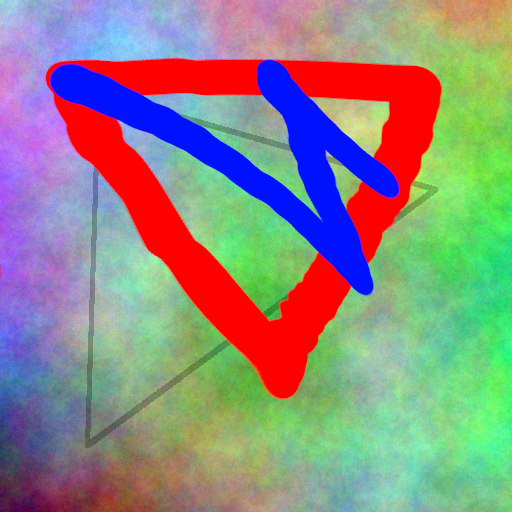
For example, I want to deform the red-blue shape to fit the gray triangle underneath, they are located on different layers. But when I use Q’MIC, I can only see the selected layer. Is there a way to add an additional layer or image as a reference?