Hey there. I want to try Natron, it sounds awesome, though I cannot open it. I tried running it via flatpak, installable and the portable. I’m on Debian Testing.
If it try to run it through the shortcut, nothing happens. If I try running it through the command line I get this:
xxxx@debian ~> flatpak run fr.natron.Natron
Natron Version 2.5
(C) 2018-2022 The Natron developers
(C) 2013-2018 INRIA and Alexandre Gauthier-Foichat
Use the --help or -h option to print usage.<<<
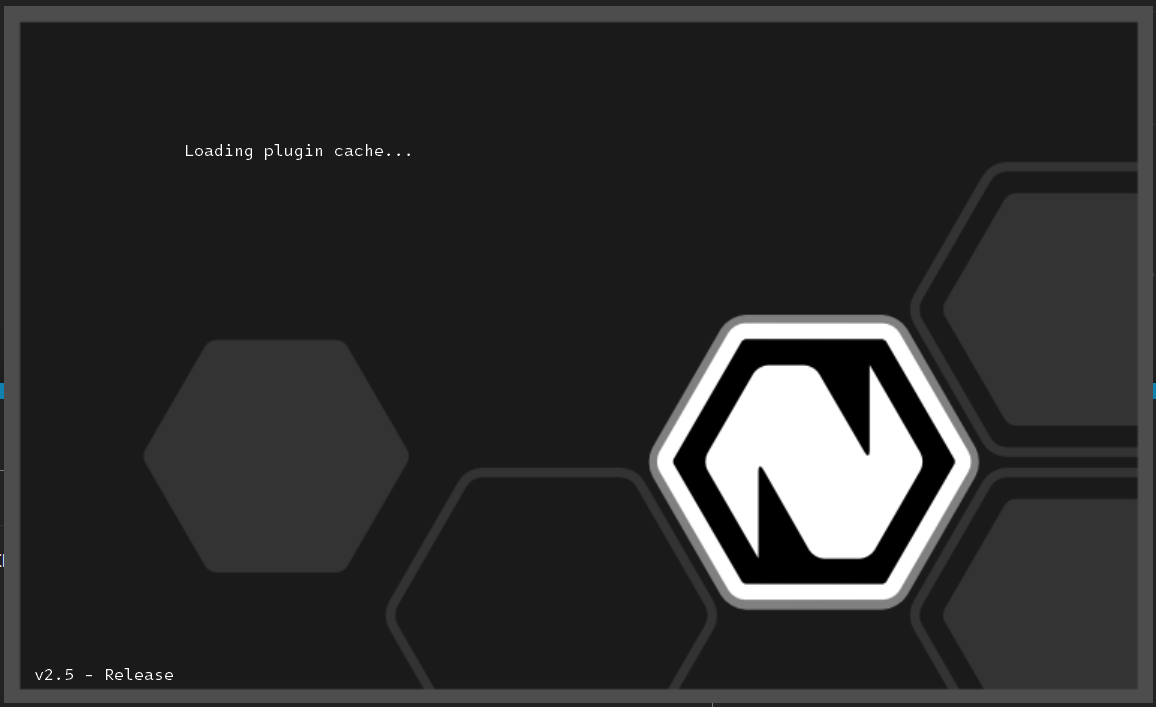
If you see this splash screen and then nothing happens, you could be experiencing a startup crash for some reason(s). Usually this happens because Natron fails to load certain PuPlugs/Scripts (although this should not happen on fresh installs). If you are not getting the splash screen at all, there might be something else going on. Could be OS/hardware related.
I recommend going through the GitHub issues, and filing a new one if nobody has reported this before.
Something else that might be causing this: There may be a bad file in the Natron user directory. No matter where you install and launch Natron from, if a .natron folder is already present in the User directory, Natron will use it instead of creating a new one. Stuff like user preferences, startup scripts, etc. are stored in that folder, so deleting it will get rid of any bad files in it, and potentially “reset” Natron. The next time you launch Natron, it should recreate that folder.
No, there’s no splash, nothing. If the only response I get is from when I try to run it in the terminal, and it behaves as if I should use parameters to run it.
Try deleting the .natron folder from the user directory if it exists. If you have run Natron once (even partially), it should exist. Else, since you are able to get some output in terminal, you can try to run Natron in CLI as instructed in this post.