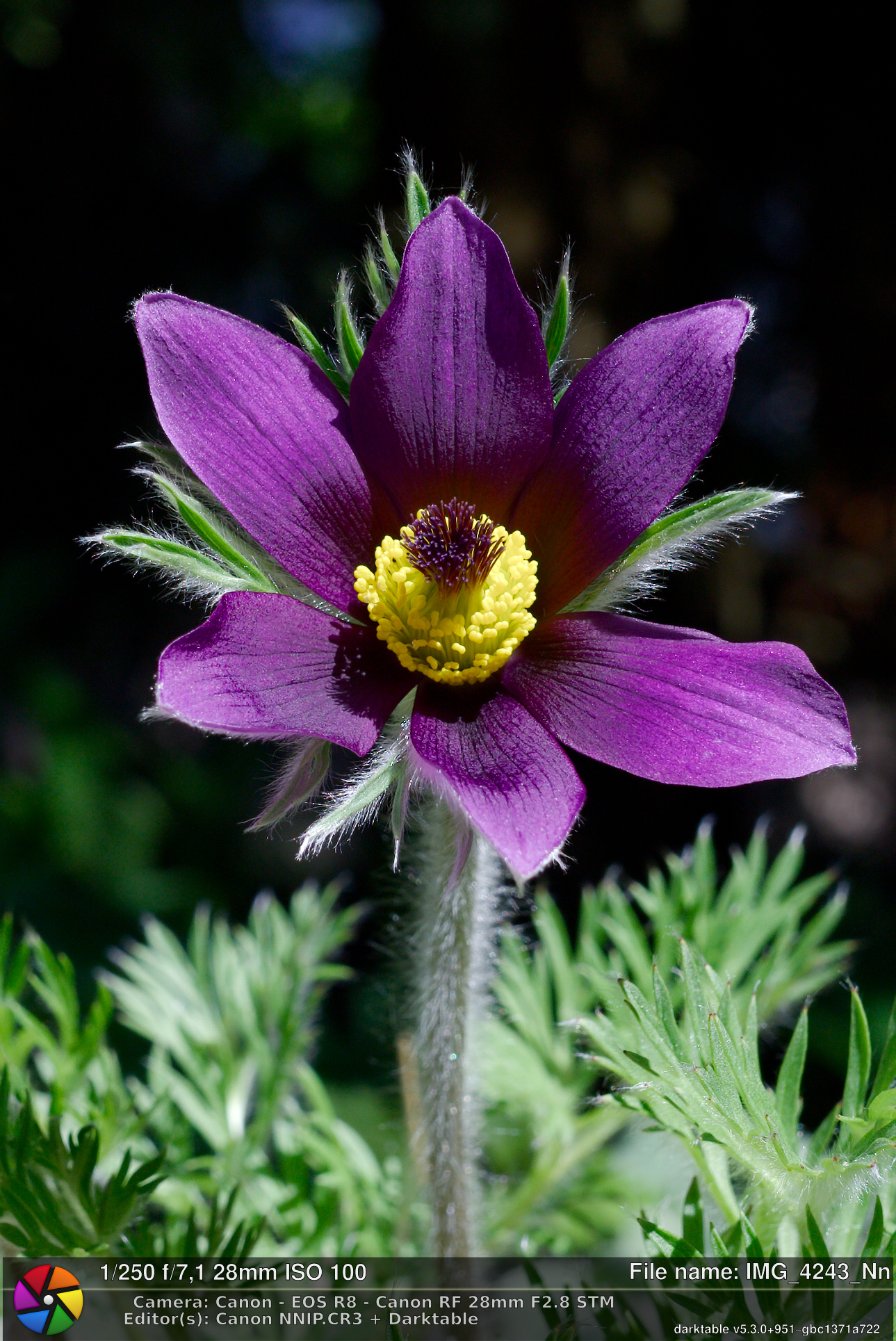
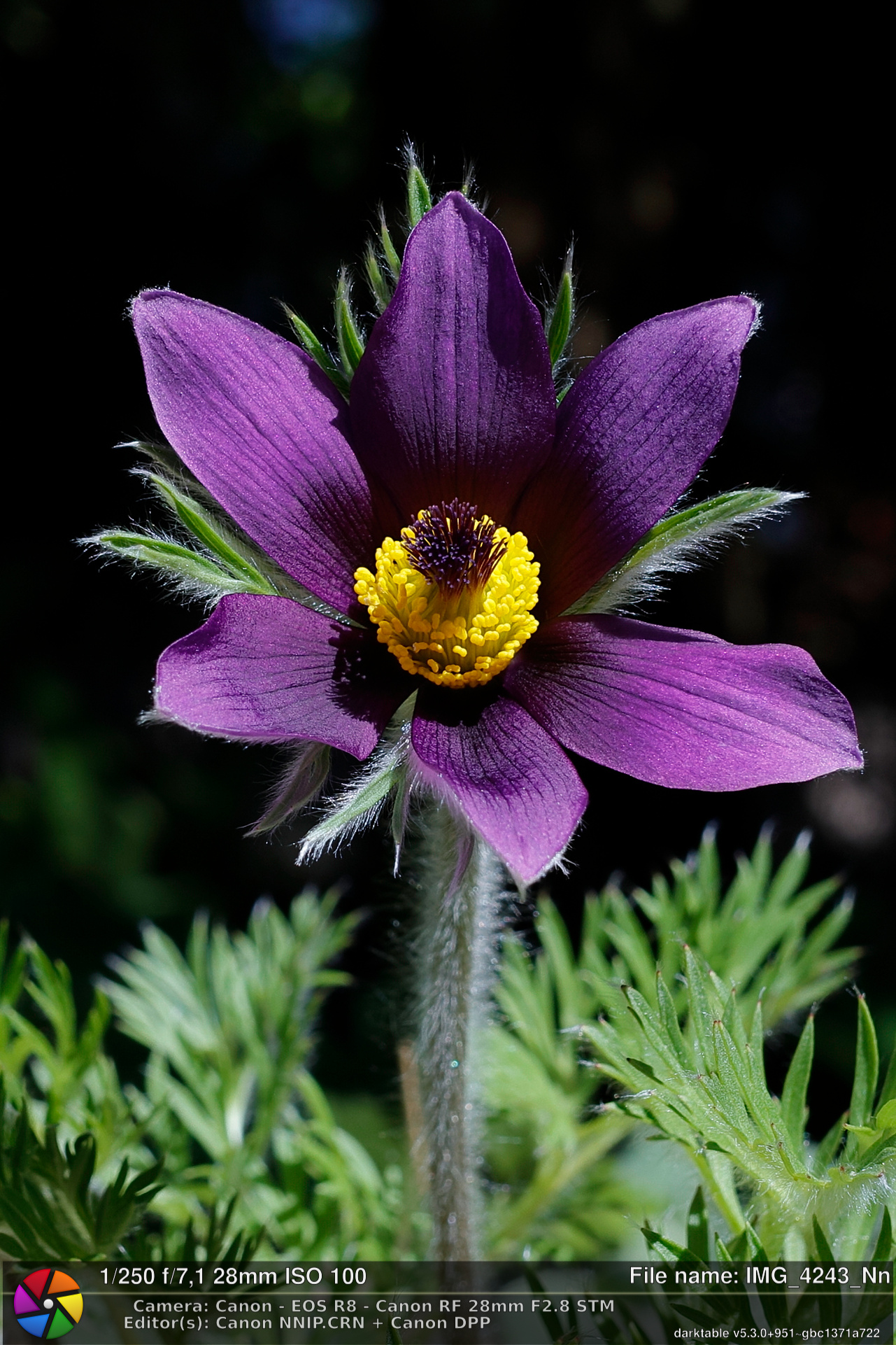
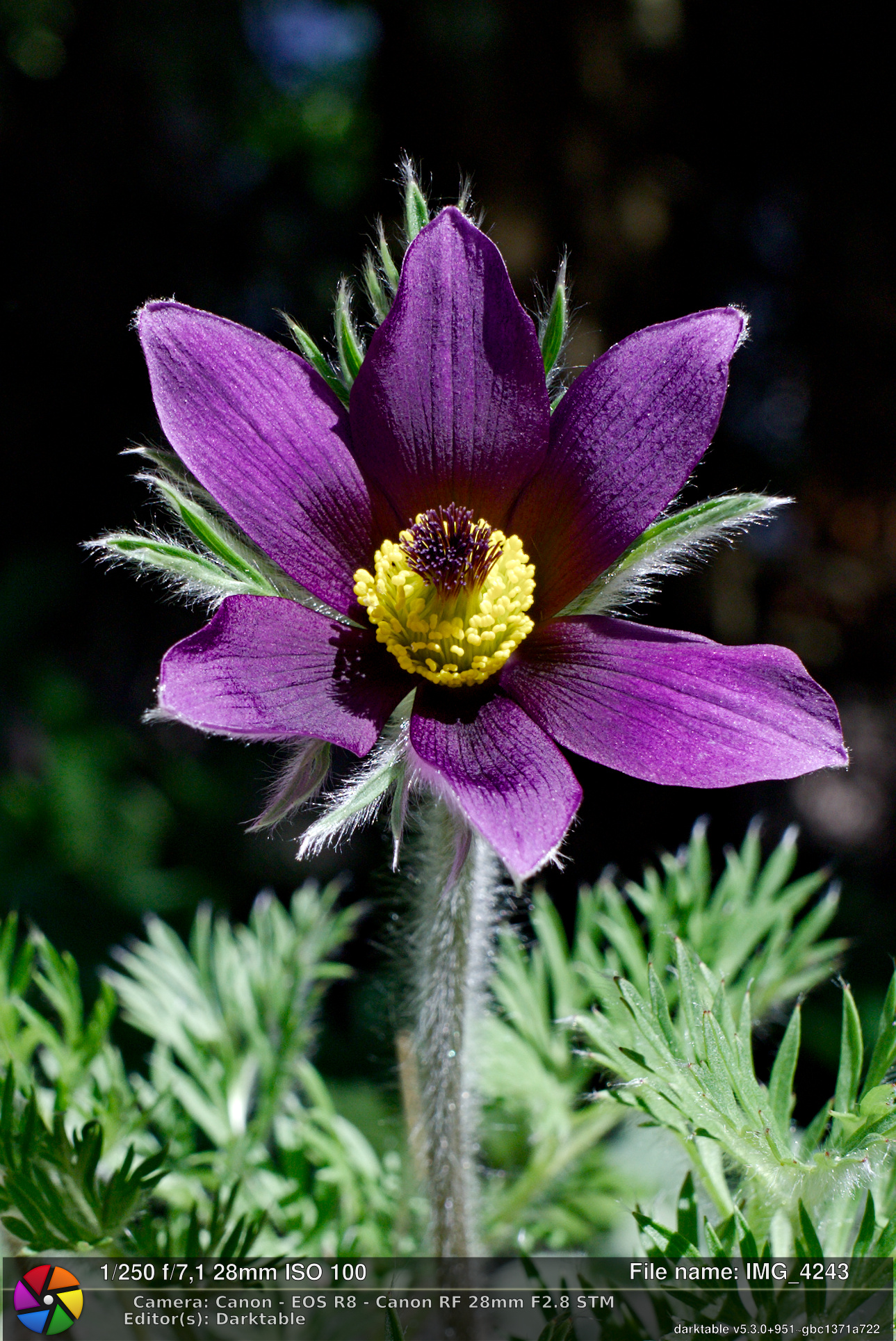
Canon NNIP is paid software (Mac, Windows) for images from Canon RF cameras and lenses. In my experience it does fantastic job for optical correction and noise reduction. NR is practically as good as Lightroom’s AI feature and optical correction is better than any other software I have tried. Main features are:
Neural network Demosaic : Only for Canon DPP users
Advanced reduction of jagged lines, moire, and false colors
New version of it can make also new CR3 file which you can edit further e.g. by using darktable.
I have a fast computer with Nvidia 5090 GPU and it takes about 20-30s per image to get new XXX_Nn.CR3 file. It has also mode which creates CRN file, which you can edit using Canon DPP software (Mac, Windows). These differs so that CRN file will have also Neural Network demosaic, which can fix e.g. moire better than CR3 mode.
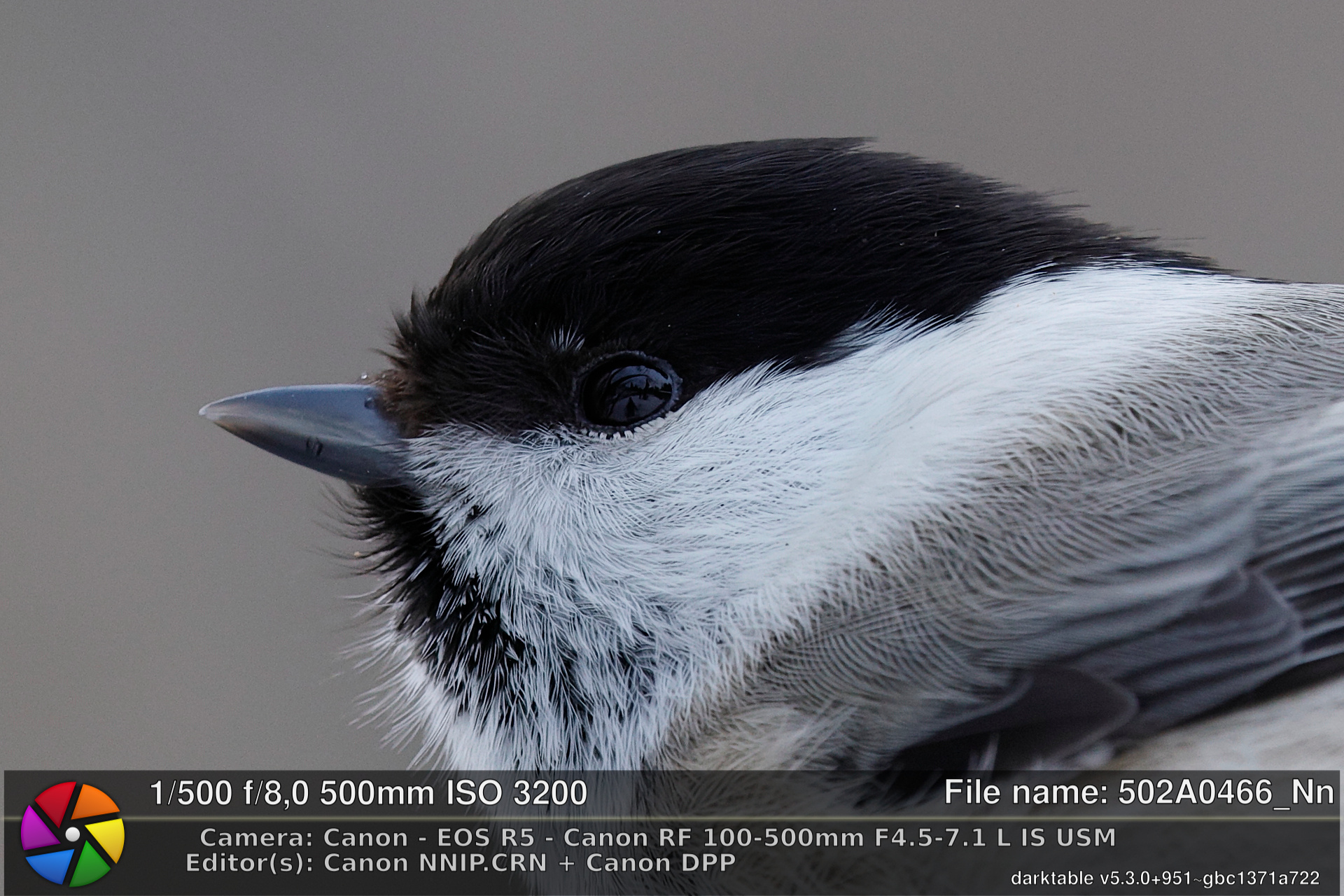
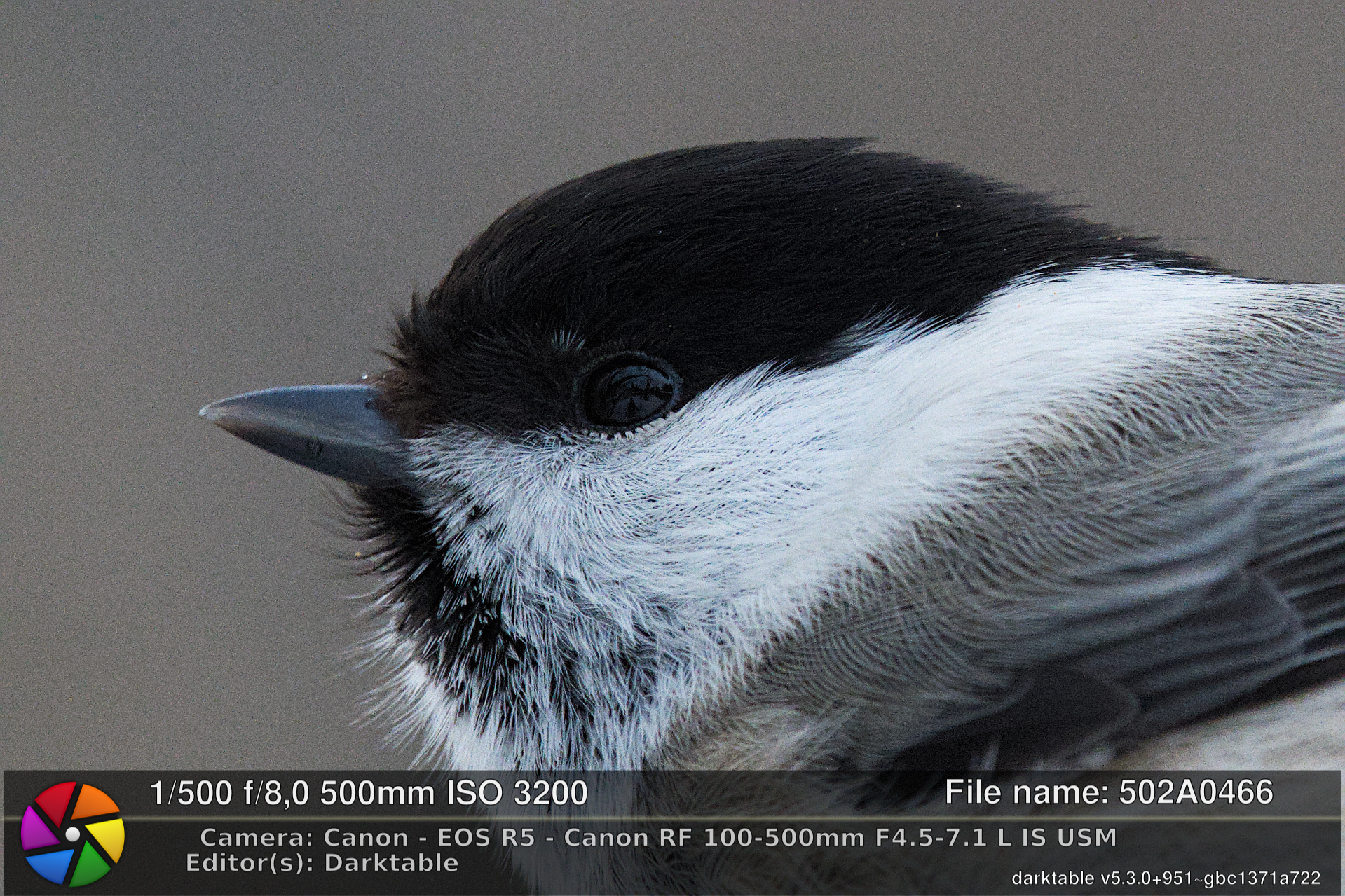
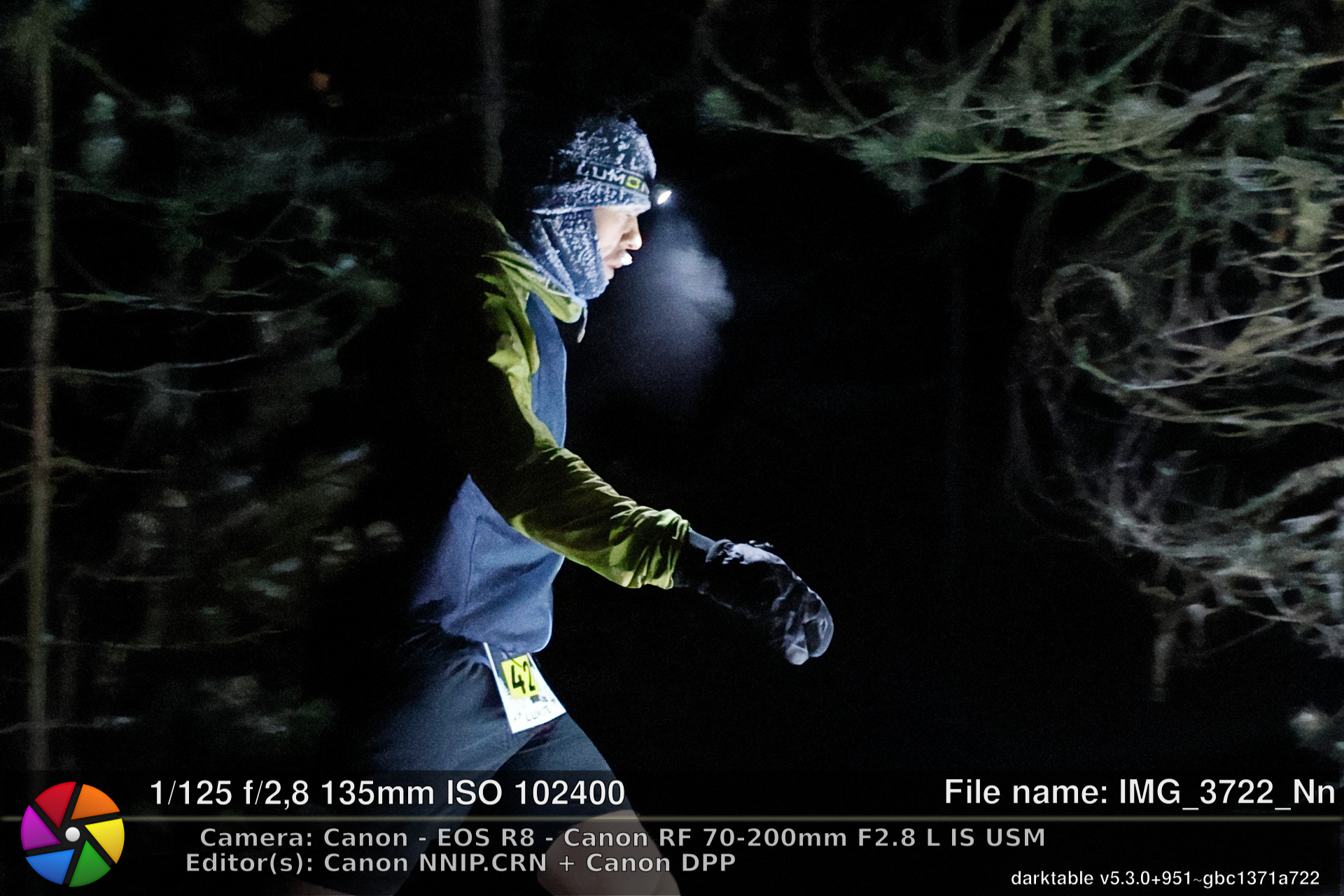
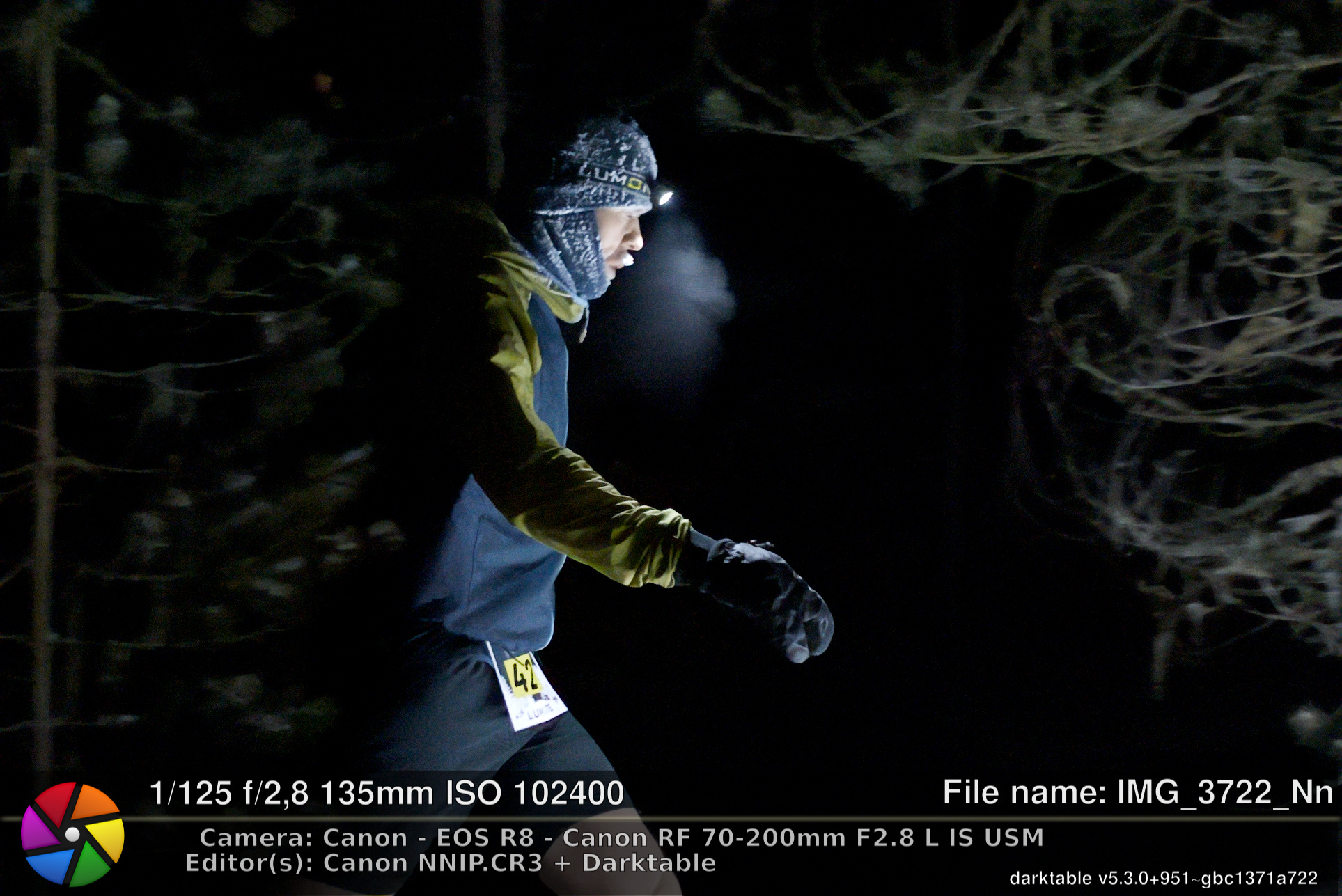
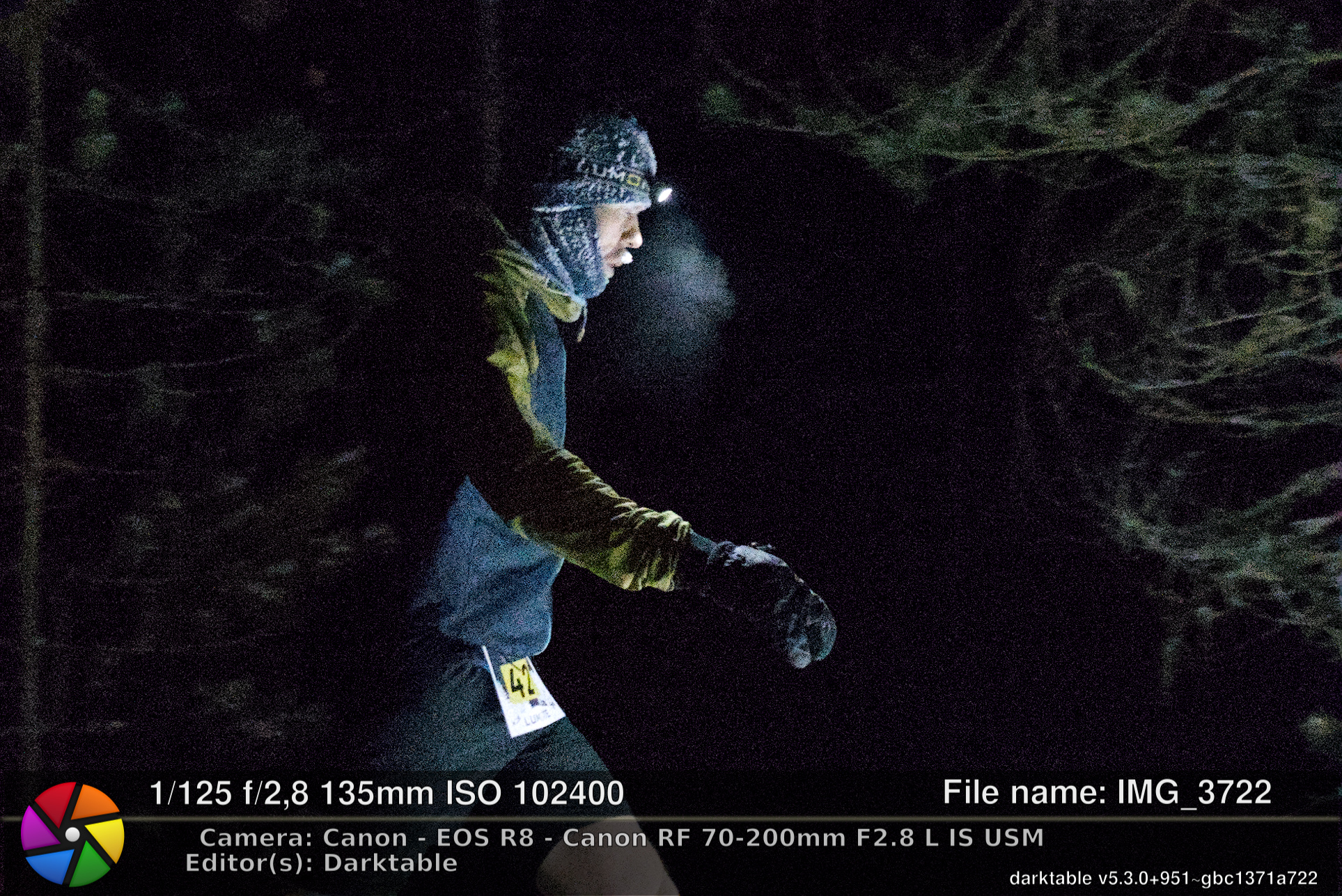
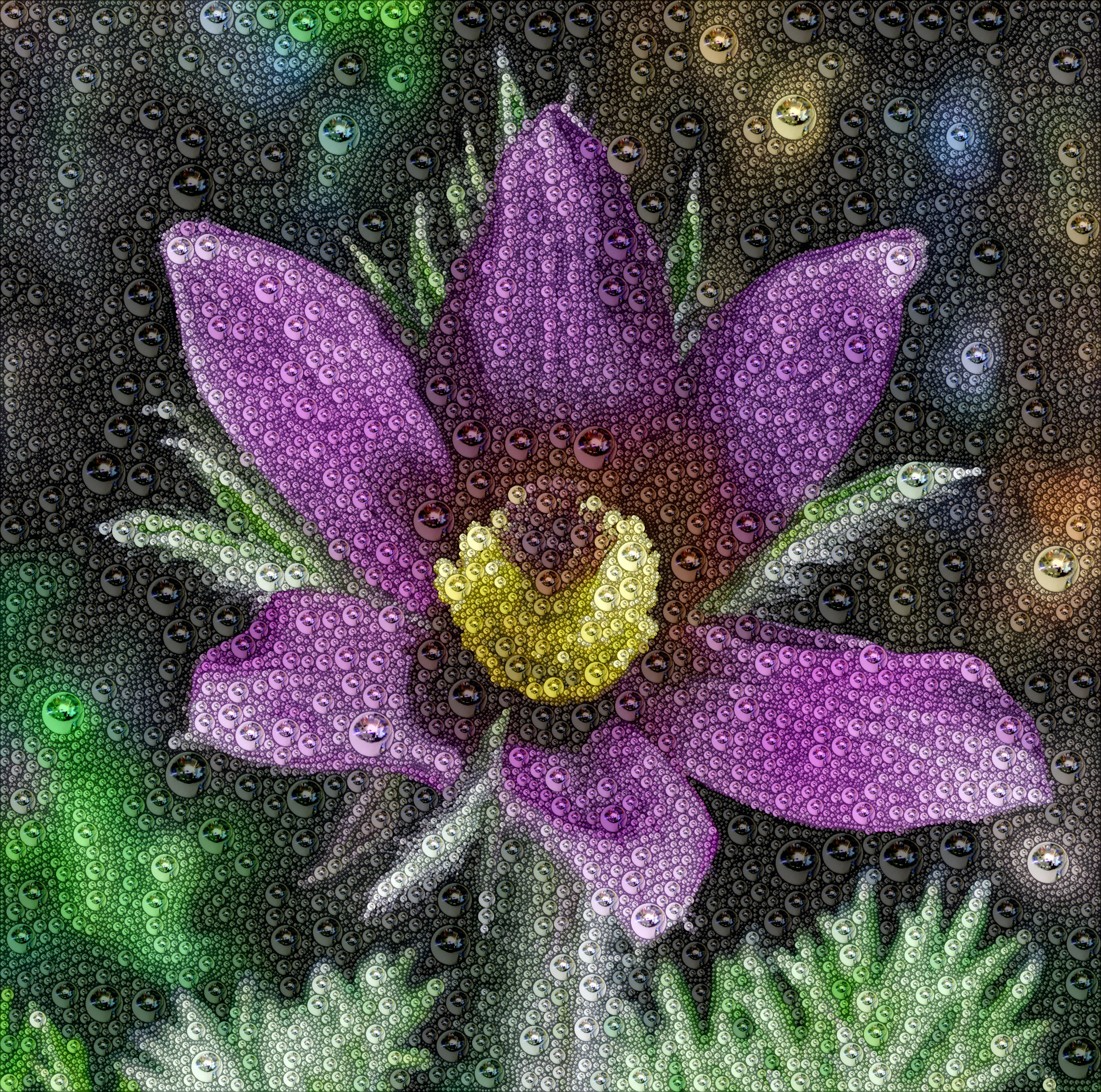
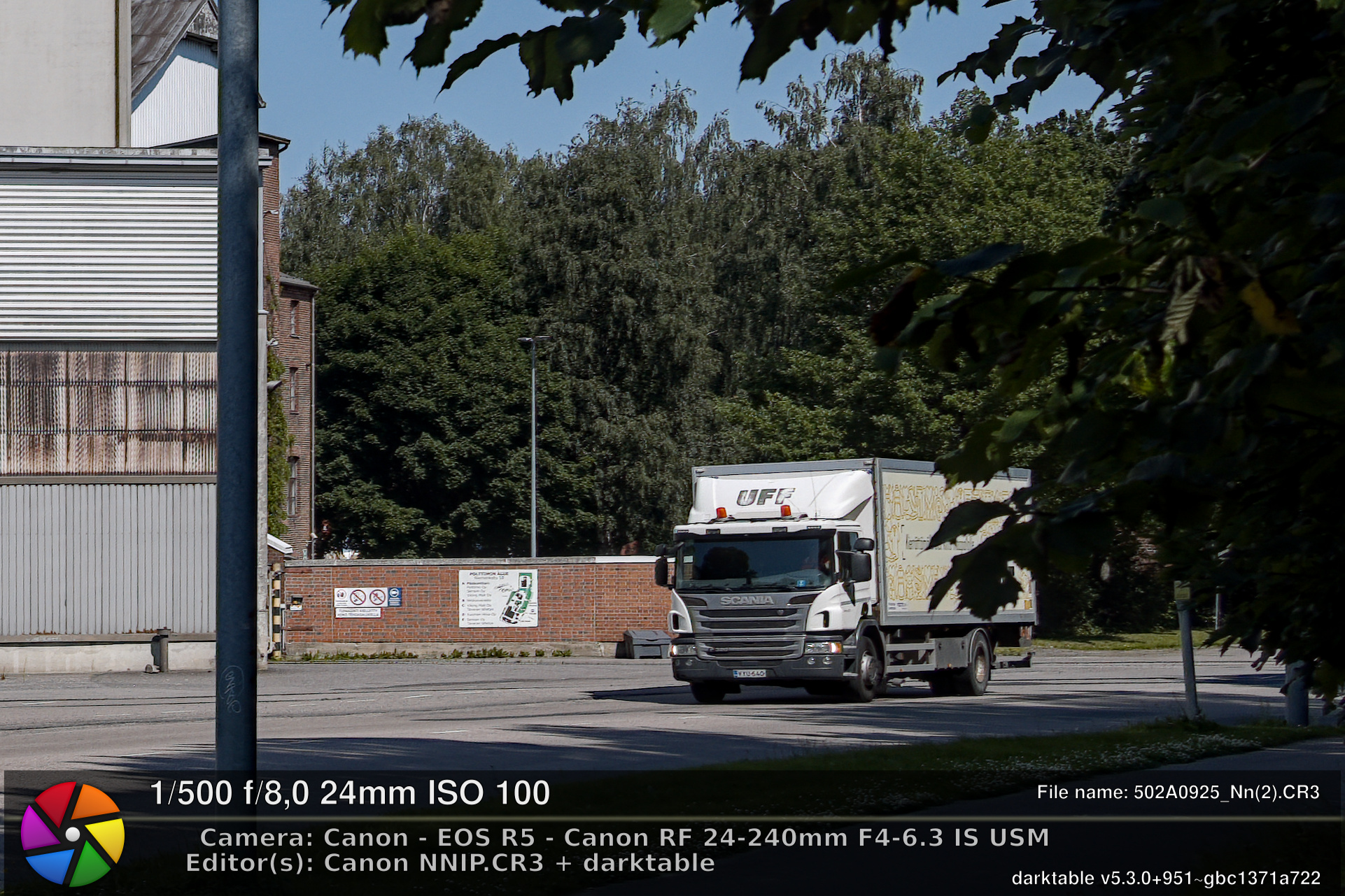
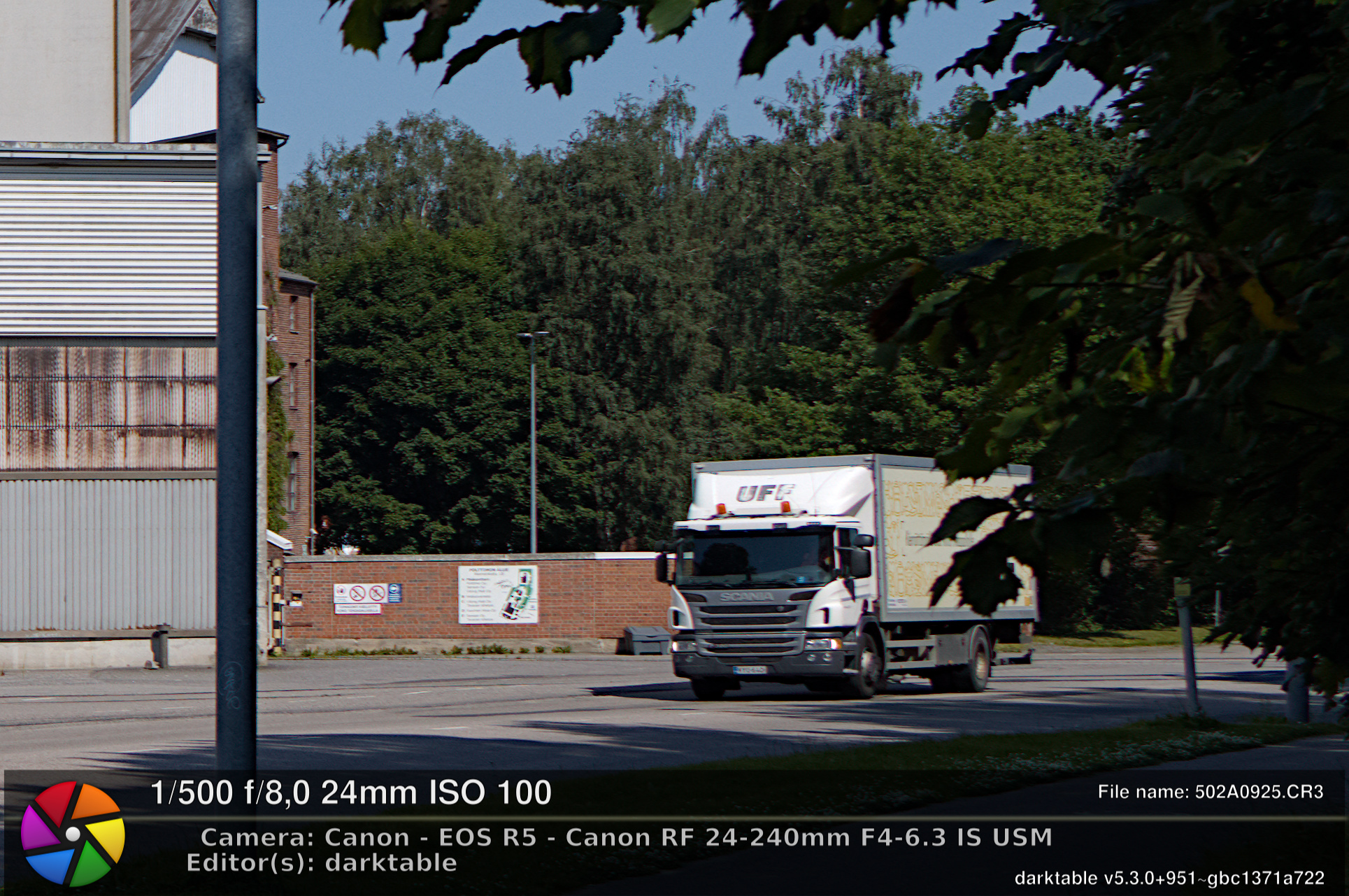
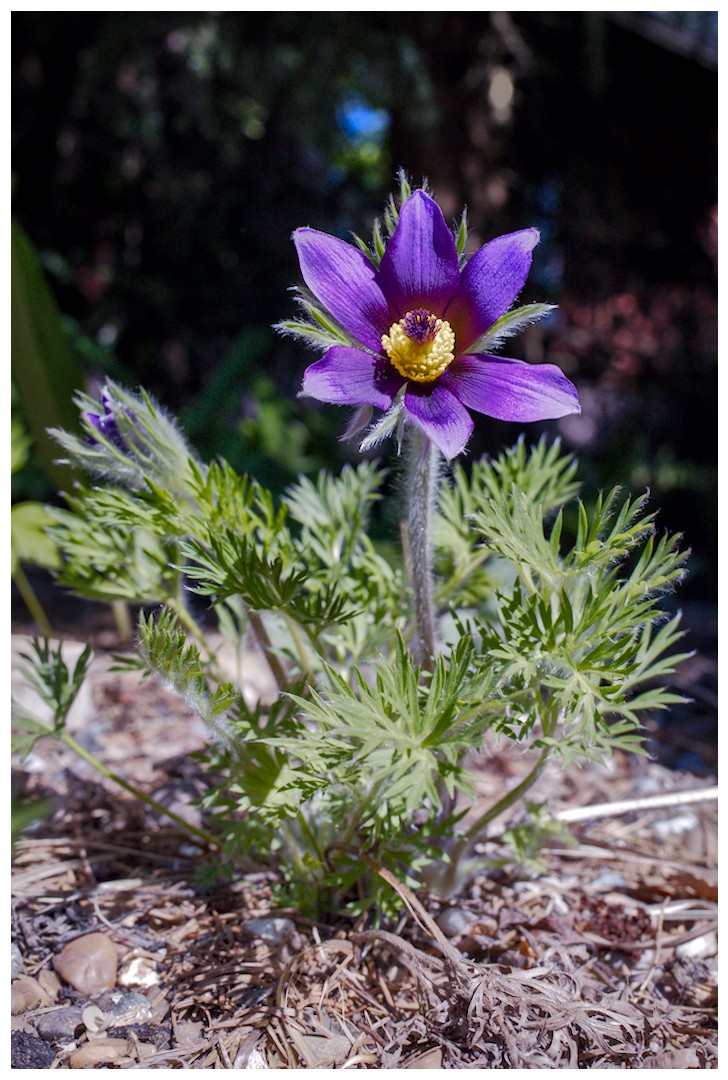
Below are some examples from quick edits. Banner has details about editors used and I will add xxx.CR3 and xxx_Nn.CR3 files here so interested can look RAW files closer.
Thanks for posting this. I feel this thread would interest many Canon owners. I like the fact that the program produces a new CR3 file which can then be edited in DT, RT and other programs. This encourages me to look closely at the benefits of Canon’s NNIP as I really want to stick to DT as my main editing tool, but if NNIP can help with certain images so DT can have an even better file to work with that would be great.
I will download and test the image files myself. Thanks for supplying.
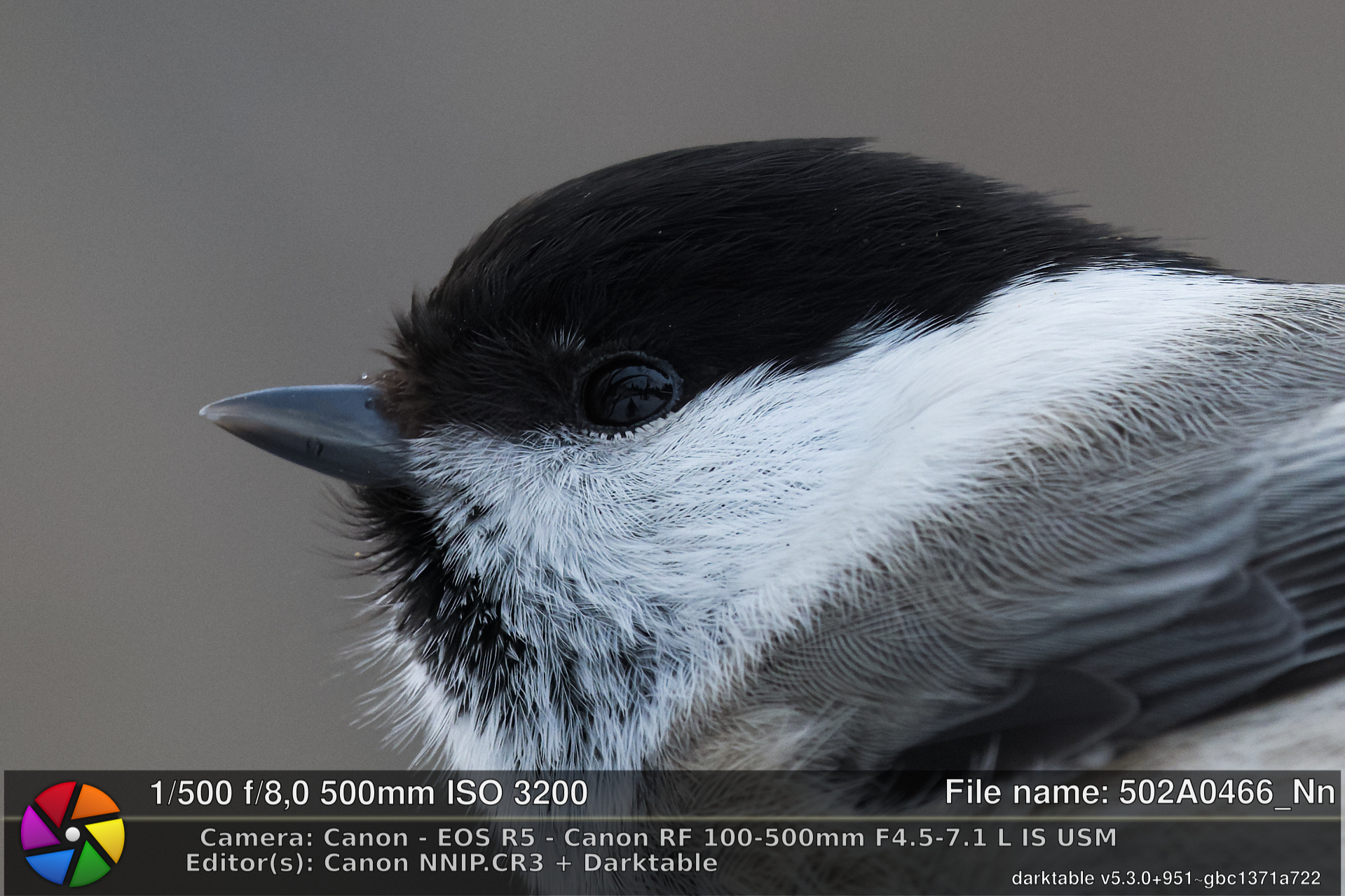
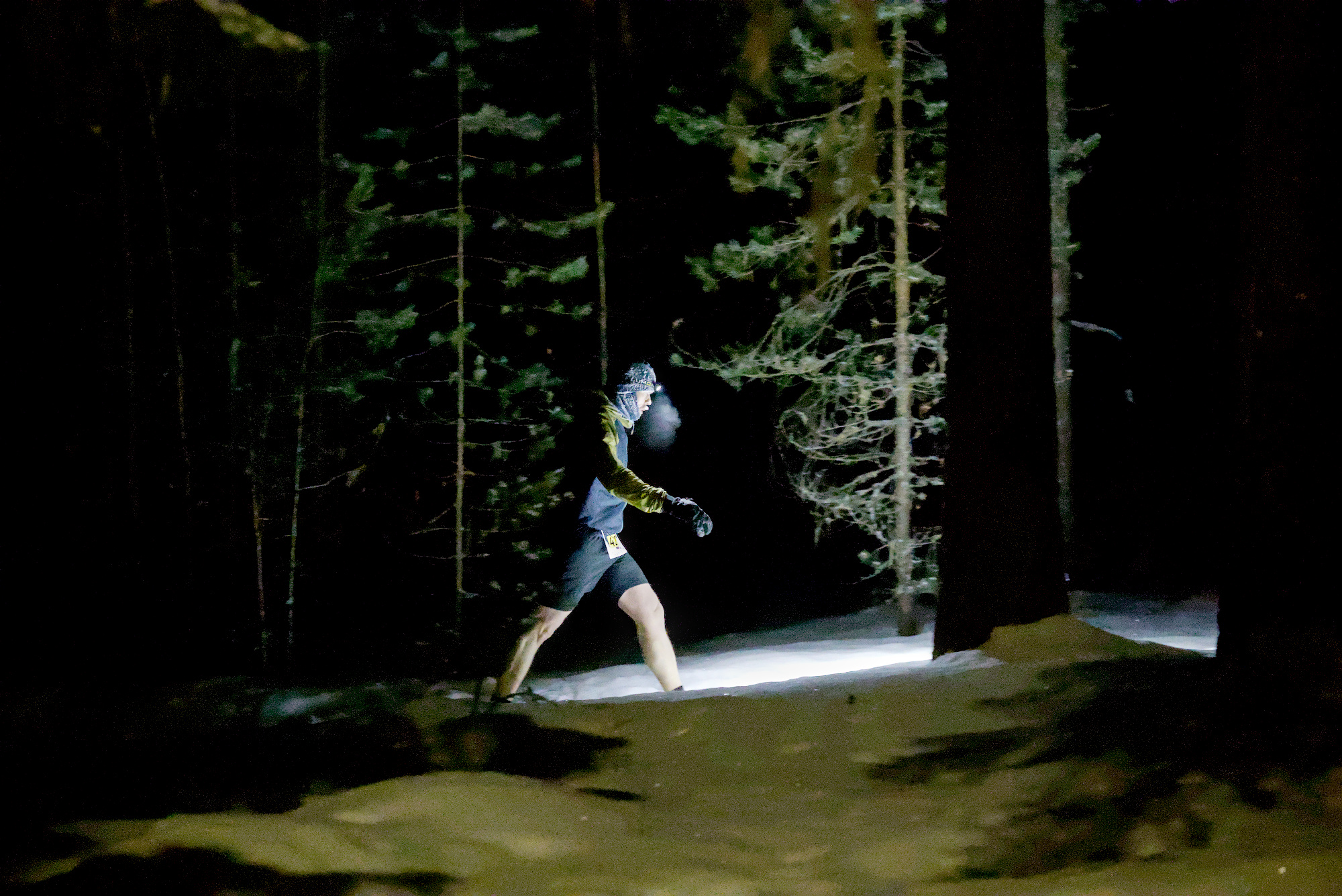
My Honest opinion. Sorry Canon you are not getting my $$$$. The really high ISO is impressive if everything needs to be as smooth as a baby’s bum. Hmmm…are baby’s bums really smooth. Epstein is dead so I don’t know who to ask
Most of the time I don’t use it either. Only if I want to process some image as good as possible, then I might run it and this is because I forgot to cancel my yearly subscription
NNIP optical corrections are best for consumer lenses, e.g. 24-240mm zoom. Using only better RF L-lenses it will help mainly with NR.
I will add one example taken with RF 10x super zoom here also. It will require some pixel peeping to notice those differences. And when looking a whole image these differences are hard to see.
This example is processed with NNIP +1 optical corrections. I tried to match that edit with using only darktable, but did not use lot of time for that edit. Please note that you still need to activate lens correction module and only distortion & vignetting setting here. If all corrections are active, lens correction module will introduce color fringing which NNIP processing removed.
BTW, for the previous low ISO images I felt I could do as good or better in DT…well better to my taste. The really high ISO image was way too smooth especially considering the high ISO so a little bit of noise remaining would have still been acceptable to me. Maybe a merge of DT’s effort and the Canon effort would give a nice compromise. I might see if that is possible to do.
I have same feeling for most of the low iso images especially when using better RF L lenses. These lower end lenses are a different thing. I can get them look almost as good as RF L lenses when using this NNIP.
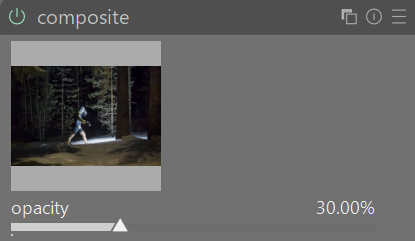
Not claiming to have done the greatest job here, but using the composite module I could combine the Canon over smooth image with the DT too noisy image to find a better compromise. The images appeared perfectly aligned which was a bonus. Drawn or parametric masks could potentially be used as well but weren’t in this case.
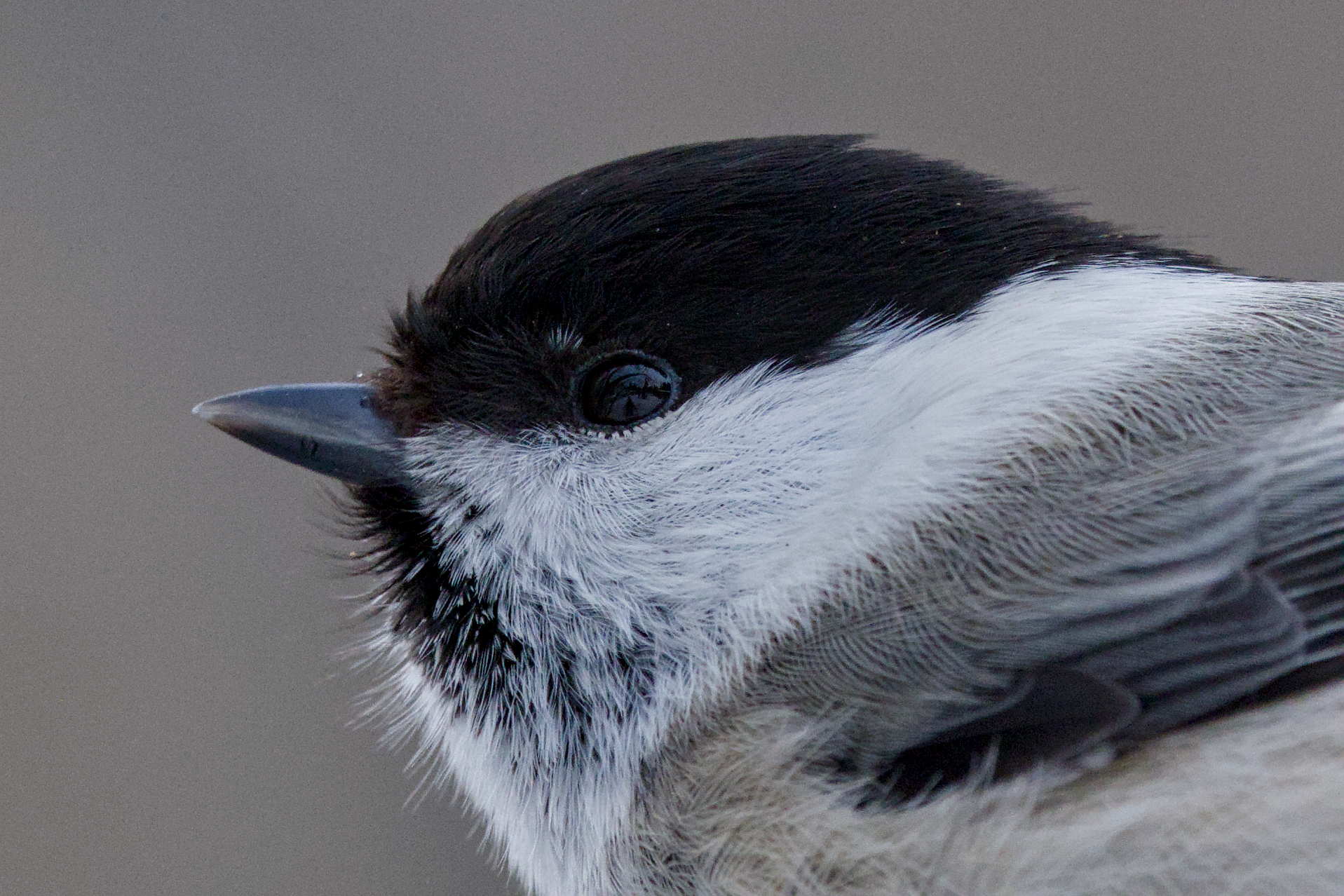
Thanks so much for sharing! Very nice and clean shot of the marsh tit.
I noticed you had sigmoid and agx activated simultanuosly. I deacticated Agx and in capture sharpening I increased contrast sensivity a tiny bit to avoid “sharpening” of the background. I also altered the profile denoise parameters a bit.
As the original file contains a lot of detail and is imho sharp enough I don’t think Canon’s tool makes it a lot better.
Anyway, here is my try (dt alone). Compare the details in the darker parts.