Hi, I will try to change my posts later today with smaller crops of the images.
1 Like
I didn’t know it existed! Thanks for the tip!
Later on in this thread, someone mentions that this is available in newer Darktable versions? I could look into using a newer version of course
I might try 5.6
Hi, thanks for these instructions! I tried it myself, and it at least generates an image with less noise. Also thanks very much for the demosiac mask/sensitivity instructions. Very clear! Learned a lot
I will do that, thanks
@Elian_Van_den_Eynde You can reply to multiple posts in a thread by using quotes, like this
which produces:
It makes the thread less cluttered with replies 
2 Likes
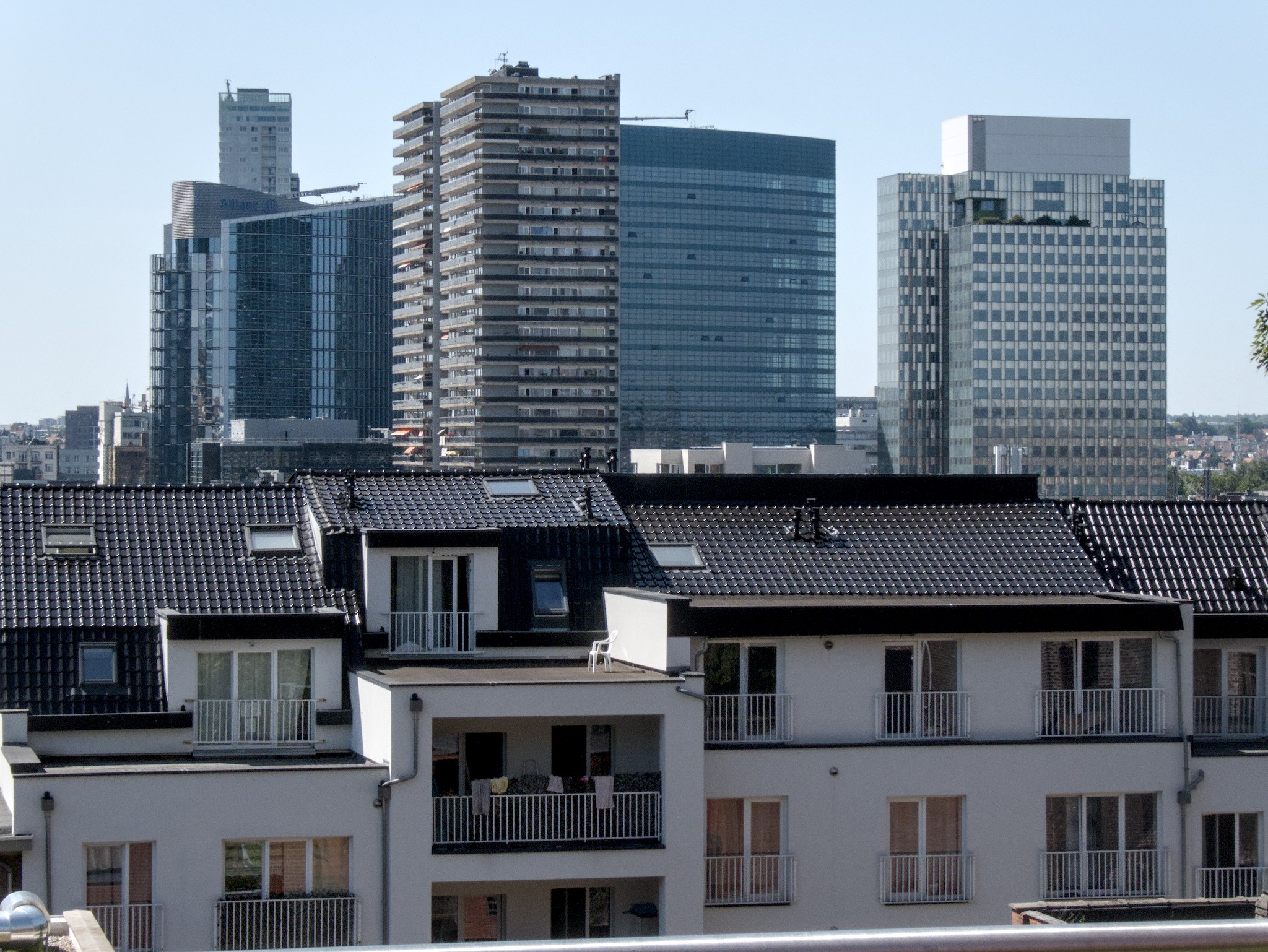
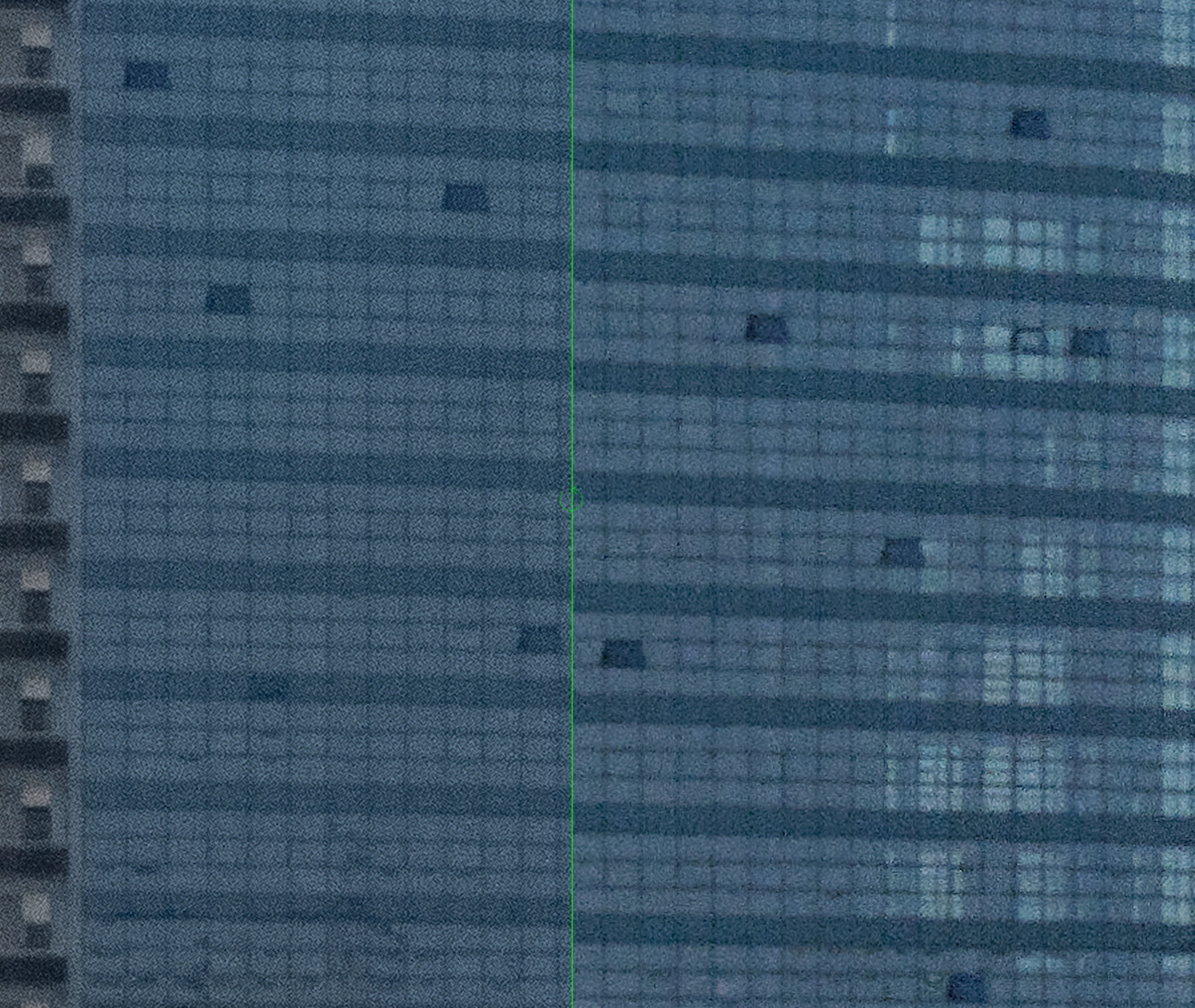
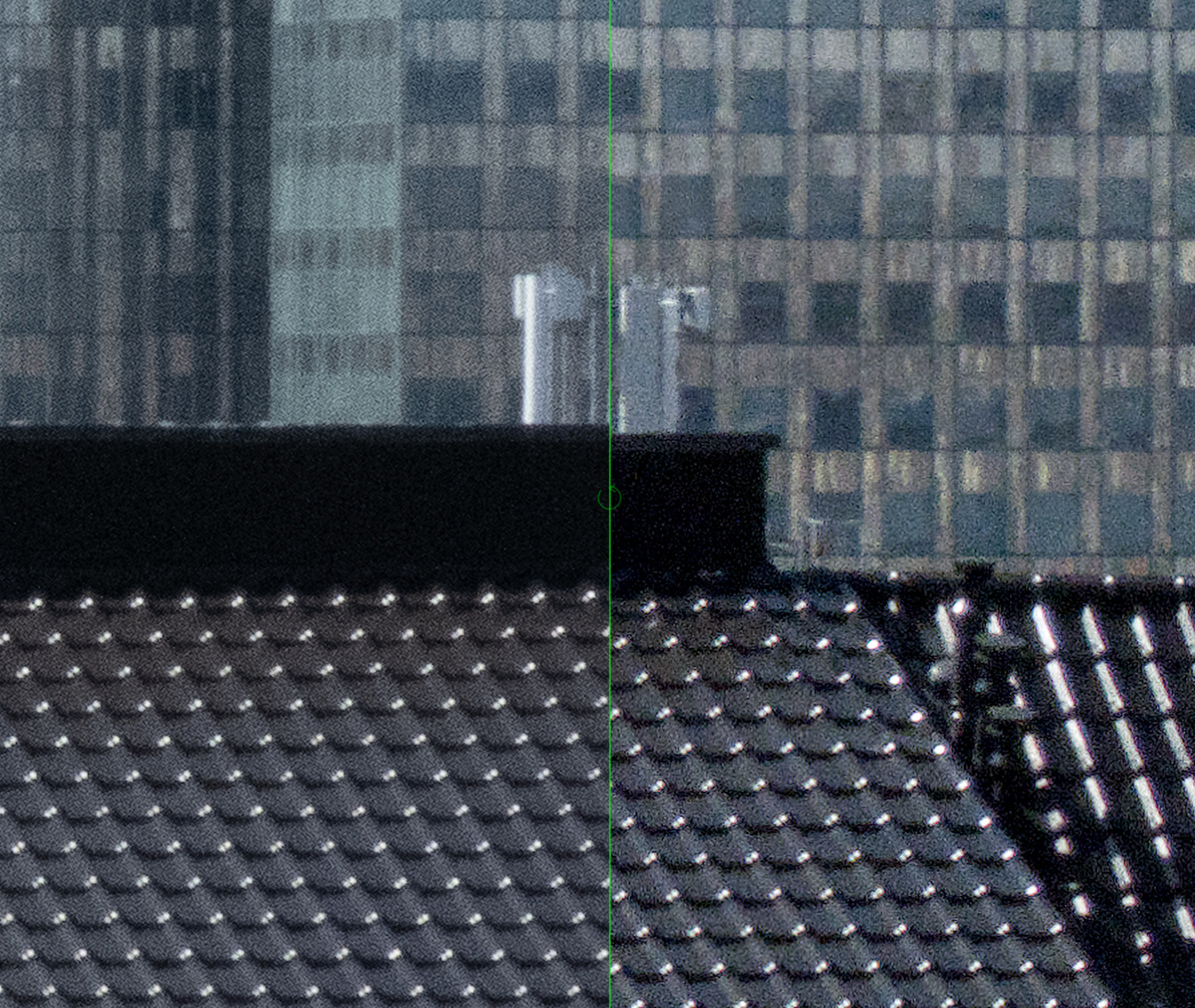
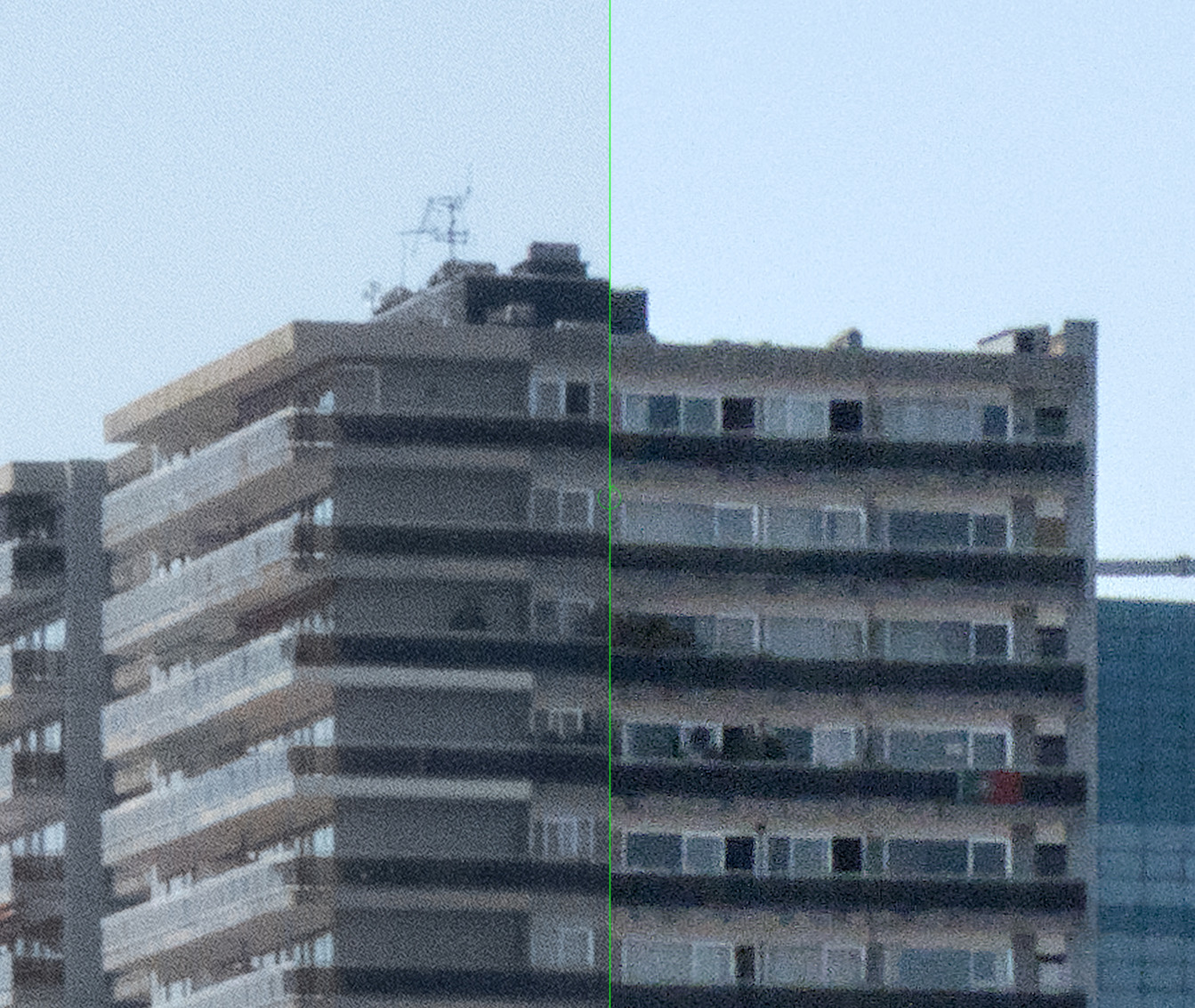
Left: Lightroom JPG; right: darktable. Screenshots from darkroom, so colours are not going to be exact here (colour space is my display’s space, not sRGB).
P1014373.RW2.xmp (25.6 KB)
Note: this XMP will most likely crash darktable 5.6 and the current development version. 5.4.1, and, in a day or two, the development versions should be OK.
1 Like
the nind-denoise script I use is a Python script that injects nind-denoise to the XMP stack (using darktable-cli to export), so it doesn’t depend on the darktable version much. However, since it’s Python, installing might take some effort.