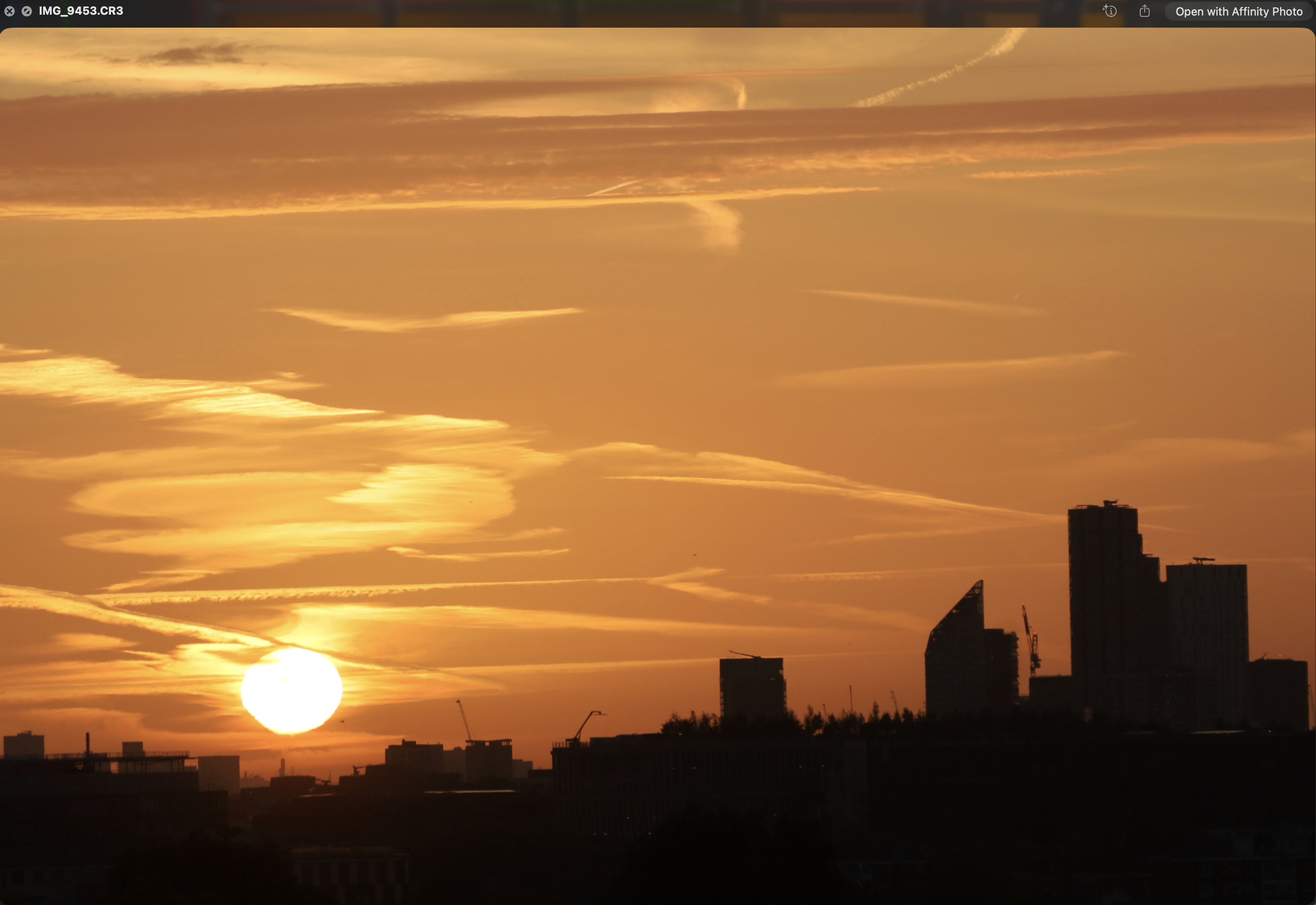
I’m new to RawTherapee and every time I import my RAW CR3 files untouched photos it appears washed out compared to how it naturally looks in camera and also in my Macbooks quick view it appears all washed out and the colours have changed to a more a magenta please see screenshots, please see photos attached, please can someone tell me how I can make it appear naturally like it looks in my camera and on my laptop.
The top one is the RawTherapee washed out screenshot and the below is how it’s supposed to look please be aware both pf these are the RAW files and both are not edited at all by me this is what happens purely when i import photos and double click in rawtherapee to get the image into the main viewer.
What you see on the back of the camera and in the Preview app is the camera’s JPEG render, which is embedded in the raw file, and is based on the chosen picture style. The raw data itself doesn’t have a “look” and must be processed, which is why it looks flat. For performance reasons RawTherapee shows the JPEG when the file hasn’t been edited.
I don’t use RawTherapee, so I don’t really know the details, but you should be able to select a profile that gets closer the camera JPEG look.
Indeed, the preview is the raw data processed internally by the camera. Rawtherapee does not rely on this processing but rather give you the data untouched ready to work on.
Read this: Editor - RawPedia
If you want to get profiles that will mimic the look of the Out of Camera jpeg, you can use DCP profiles grabbed from Adobe Camera Raw that provide such profiles: How to get LCP and DCP profiles - RawPedia