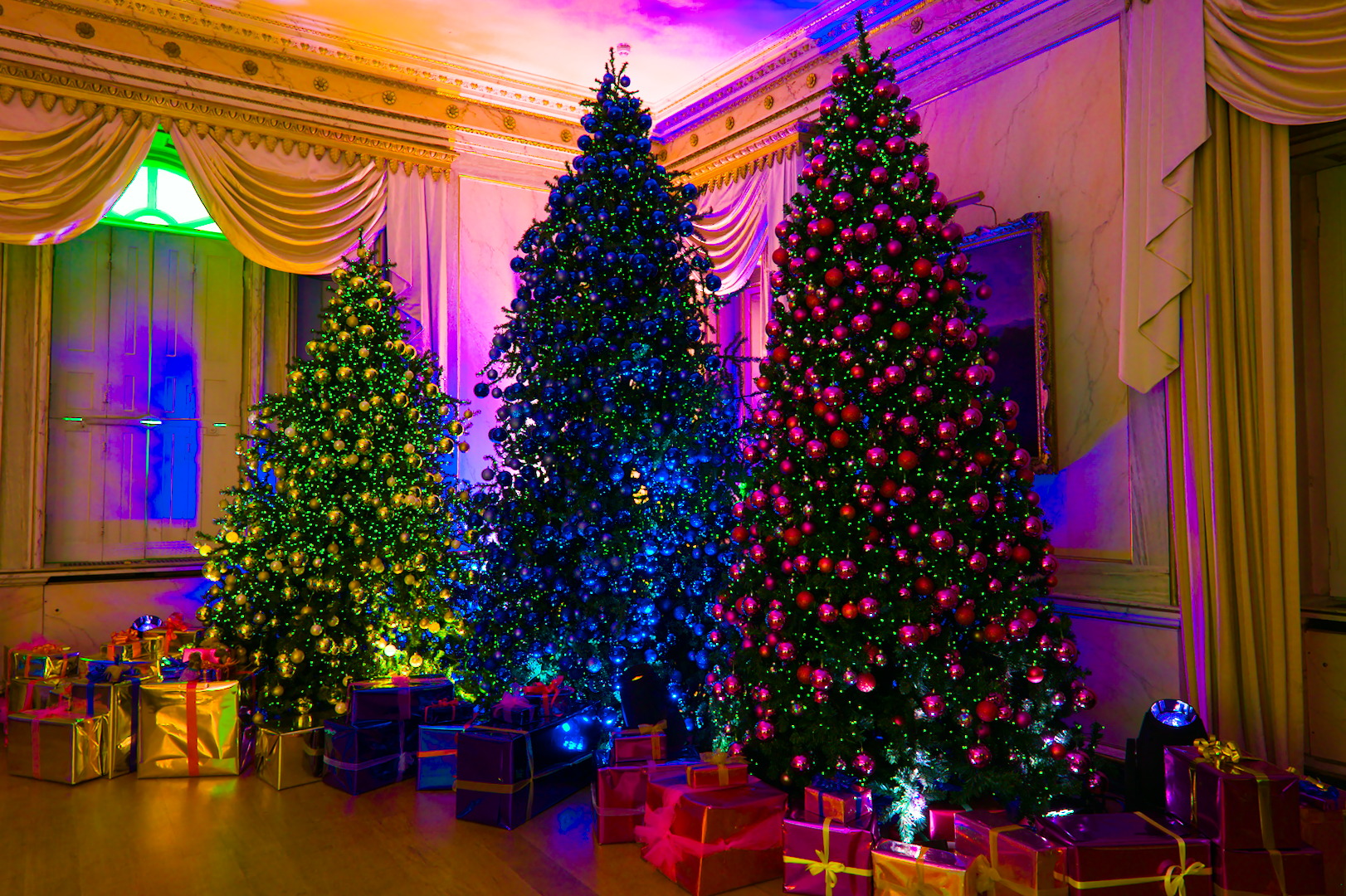
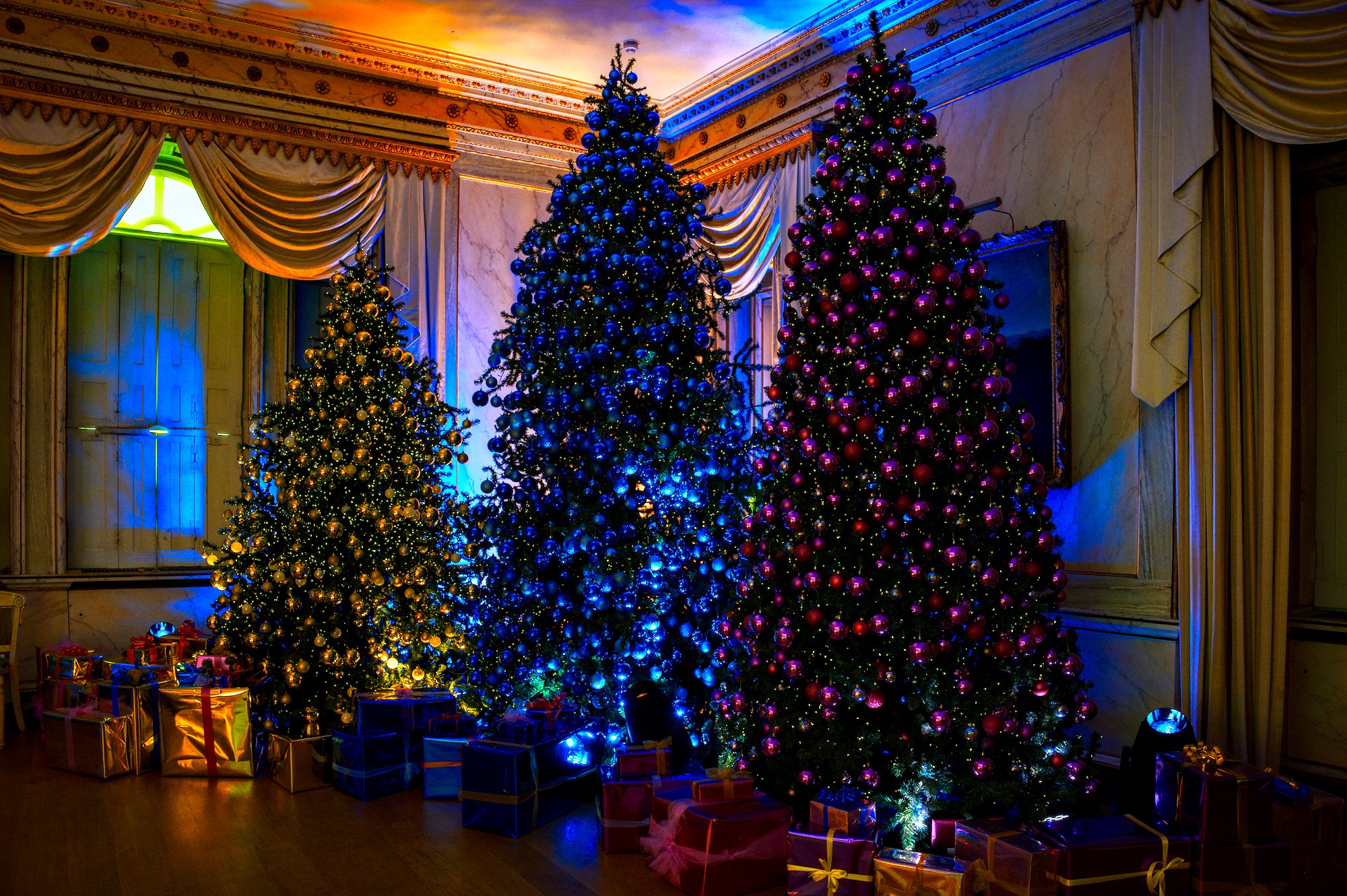
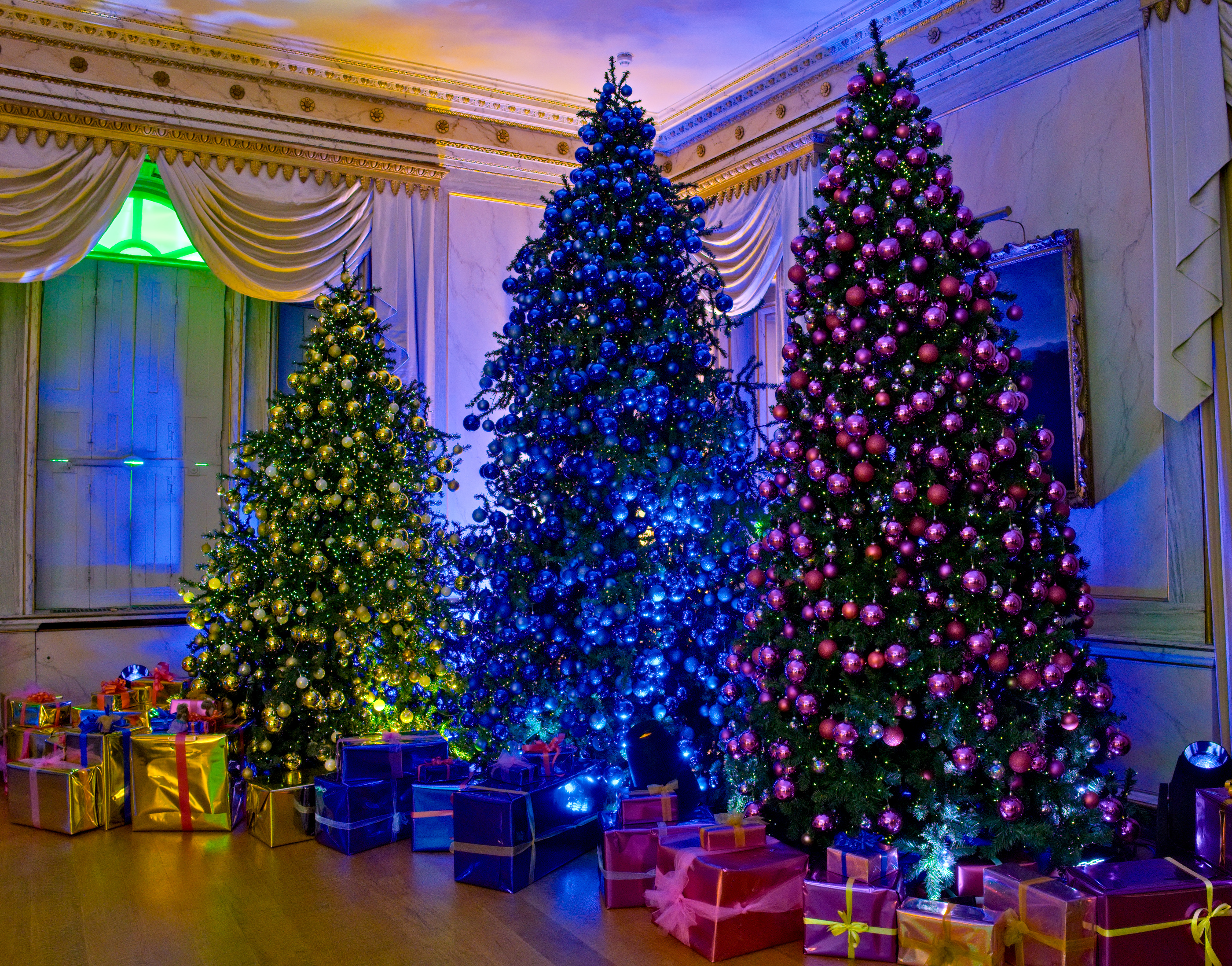
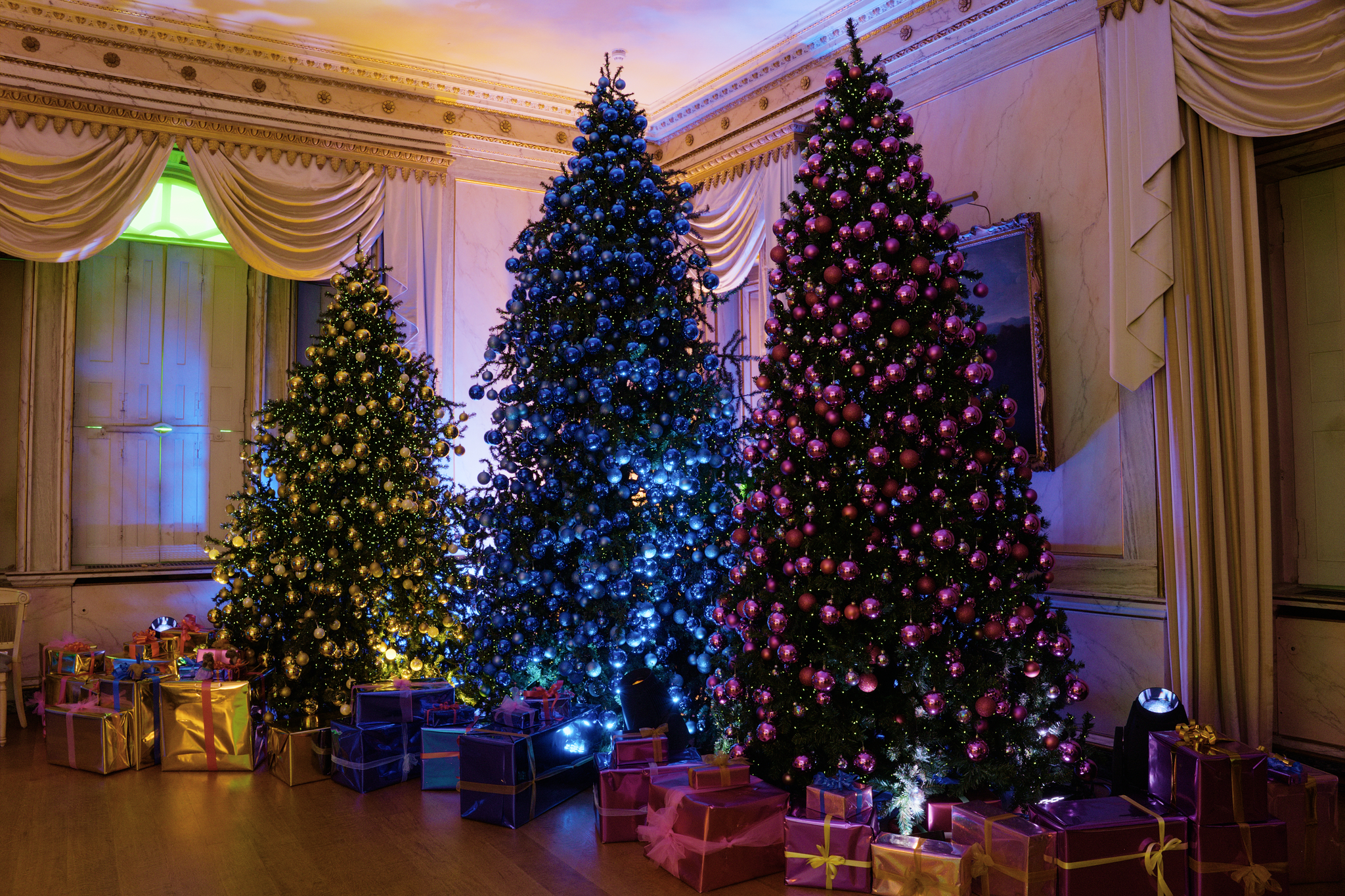
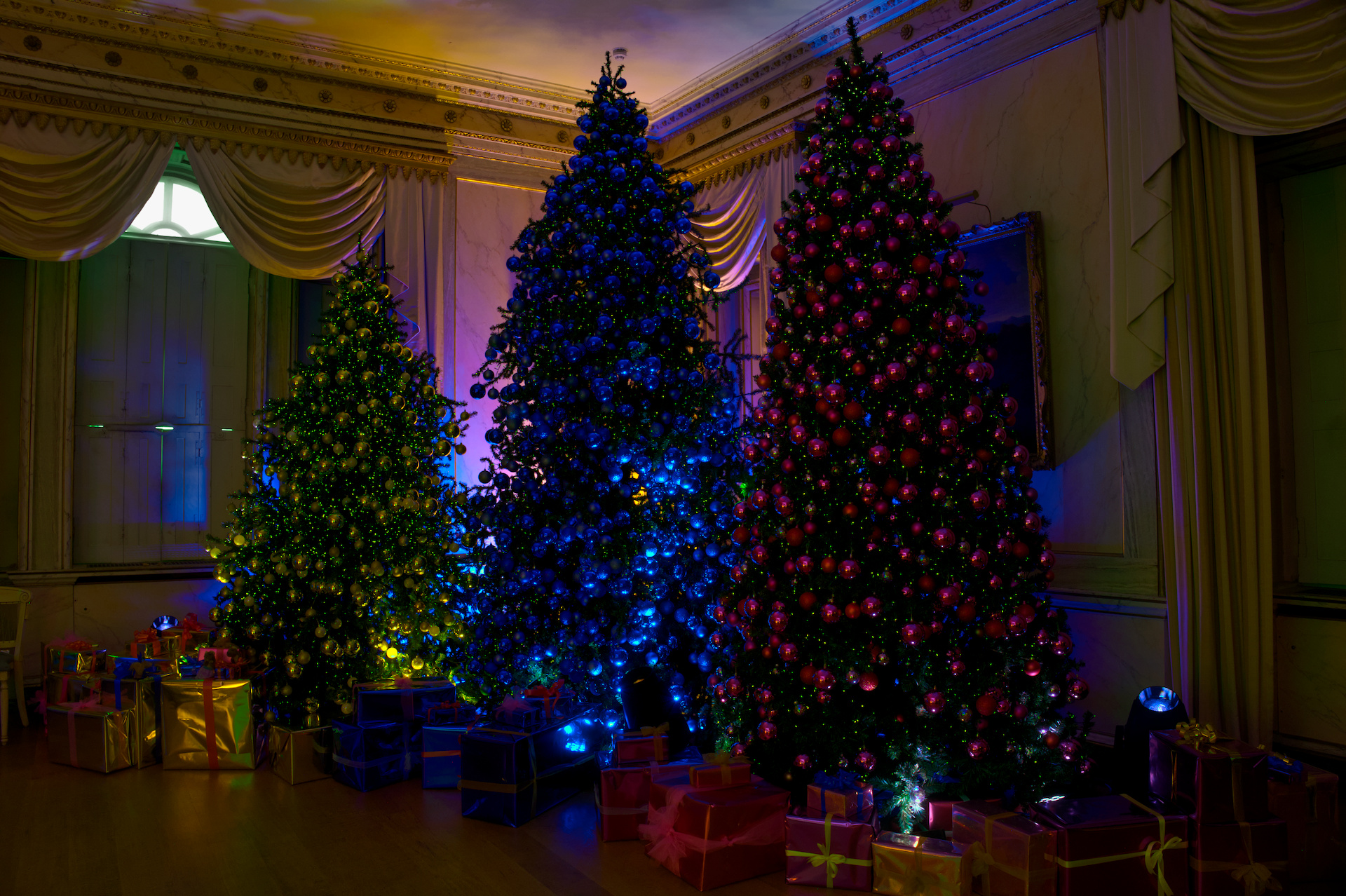
The old house at Mottisfont is now managed by the National Trust (UK). They like to go a bit OTT at Christmas.
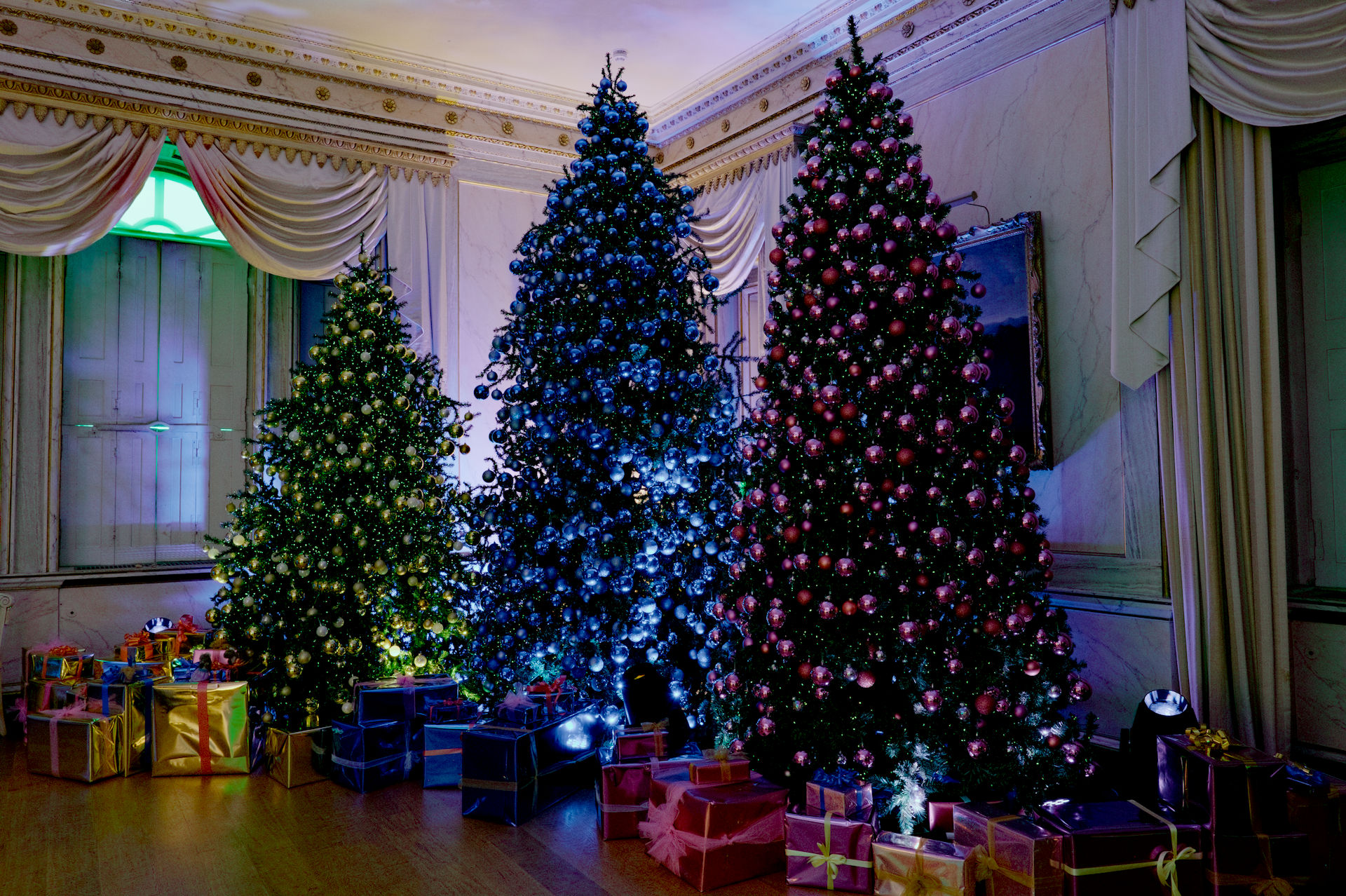
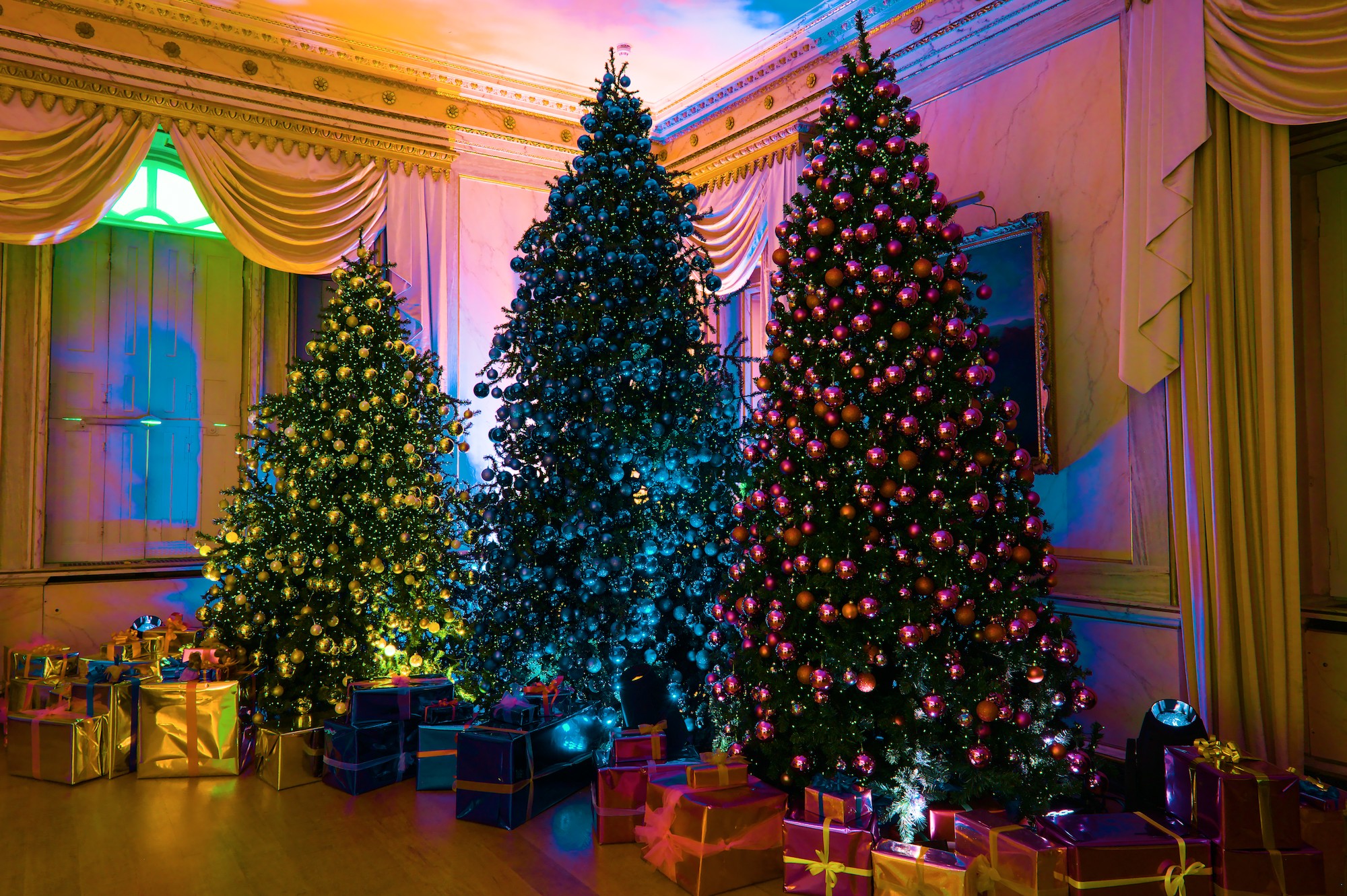
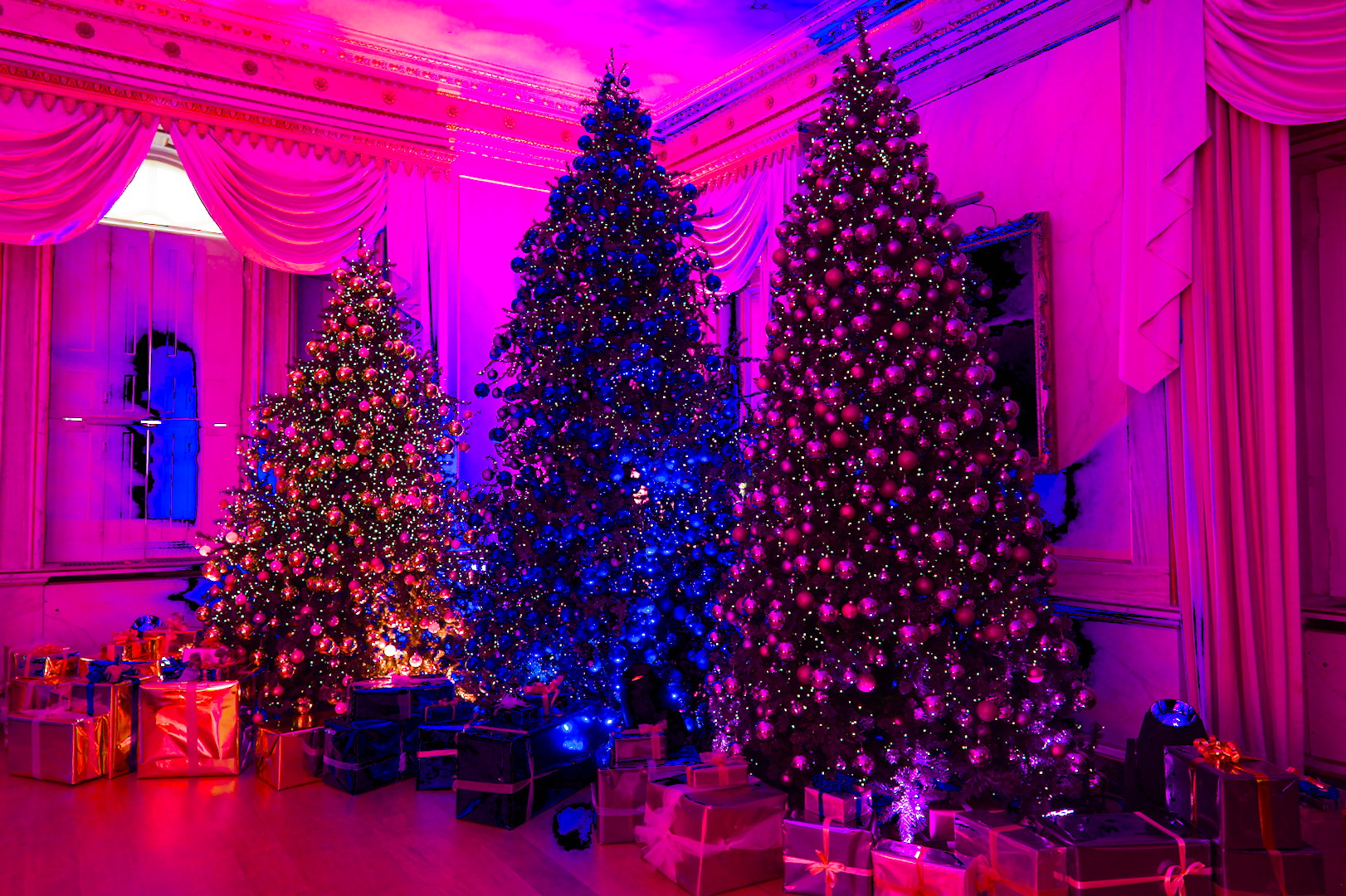
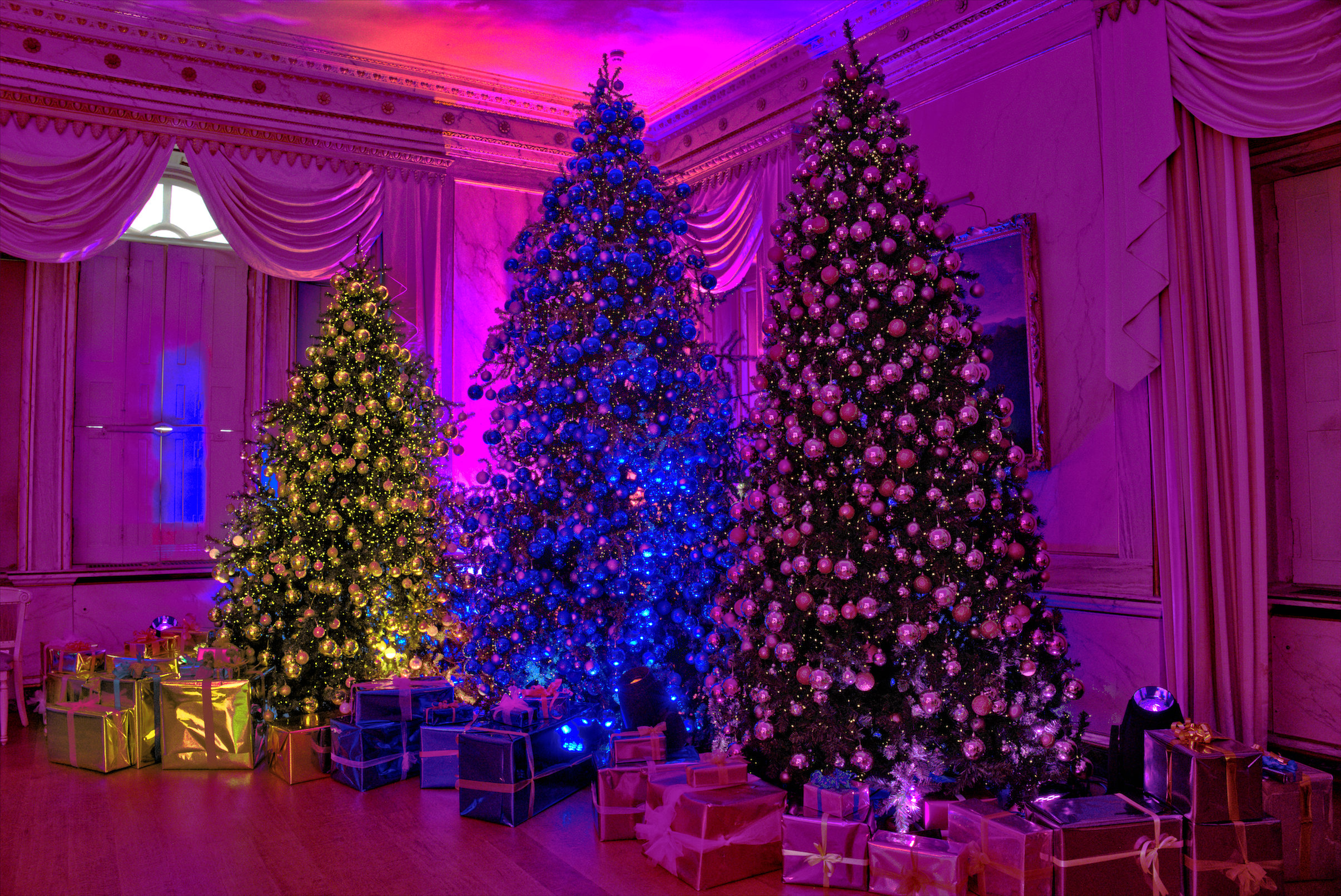
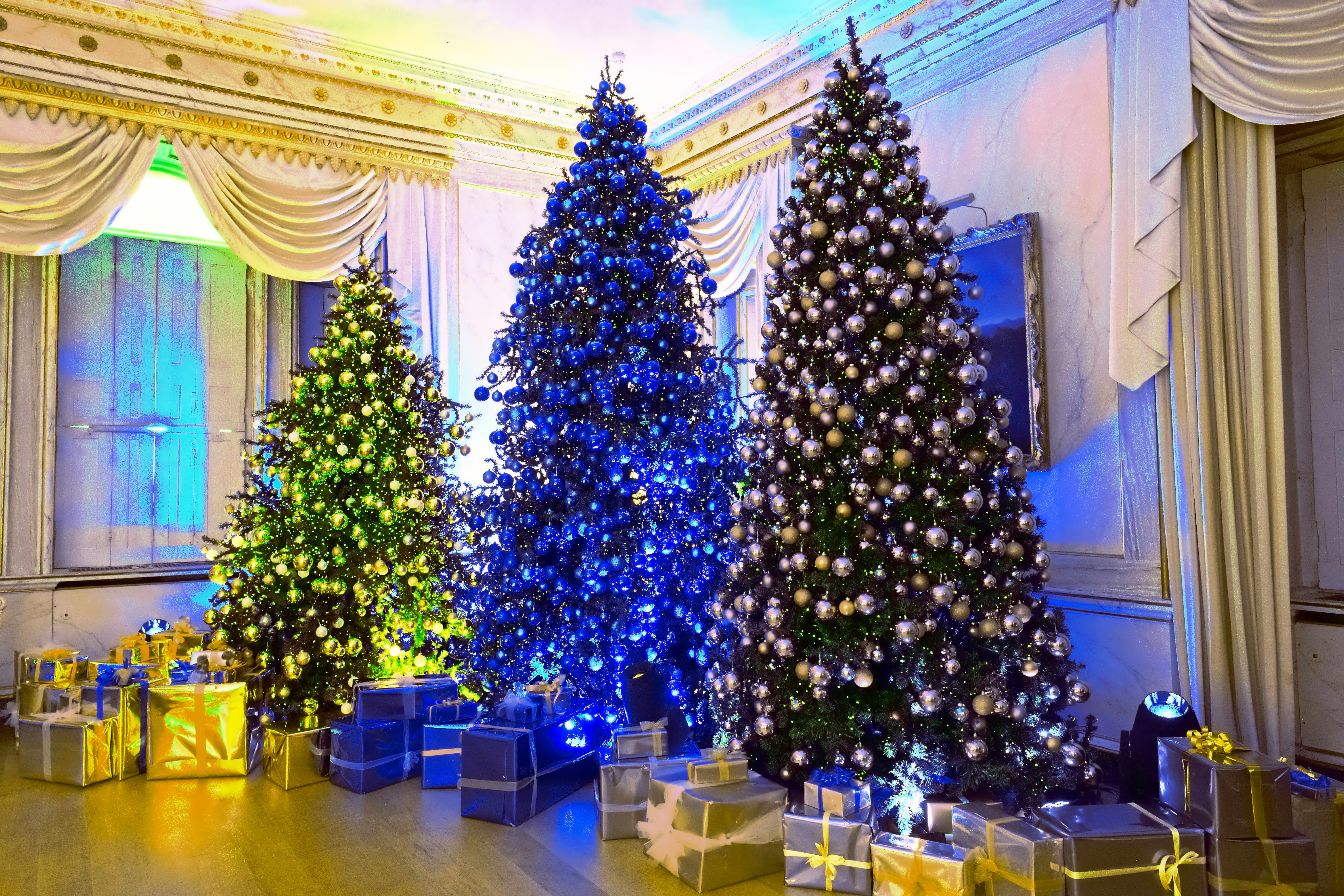
Do what you like with this one. Out of gamut? Who cares . In my offering the colours are about right except that the blue tree could be blue-er and everything even more saturated.
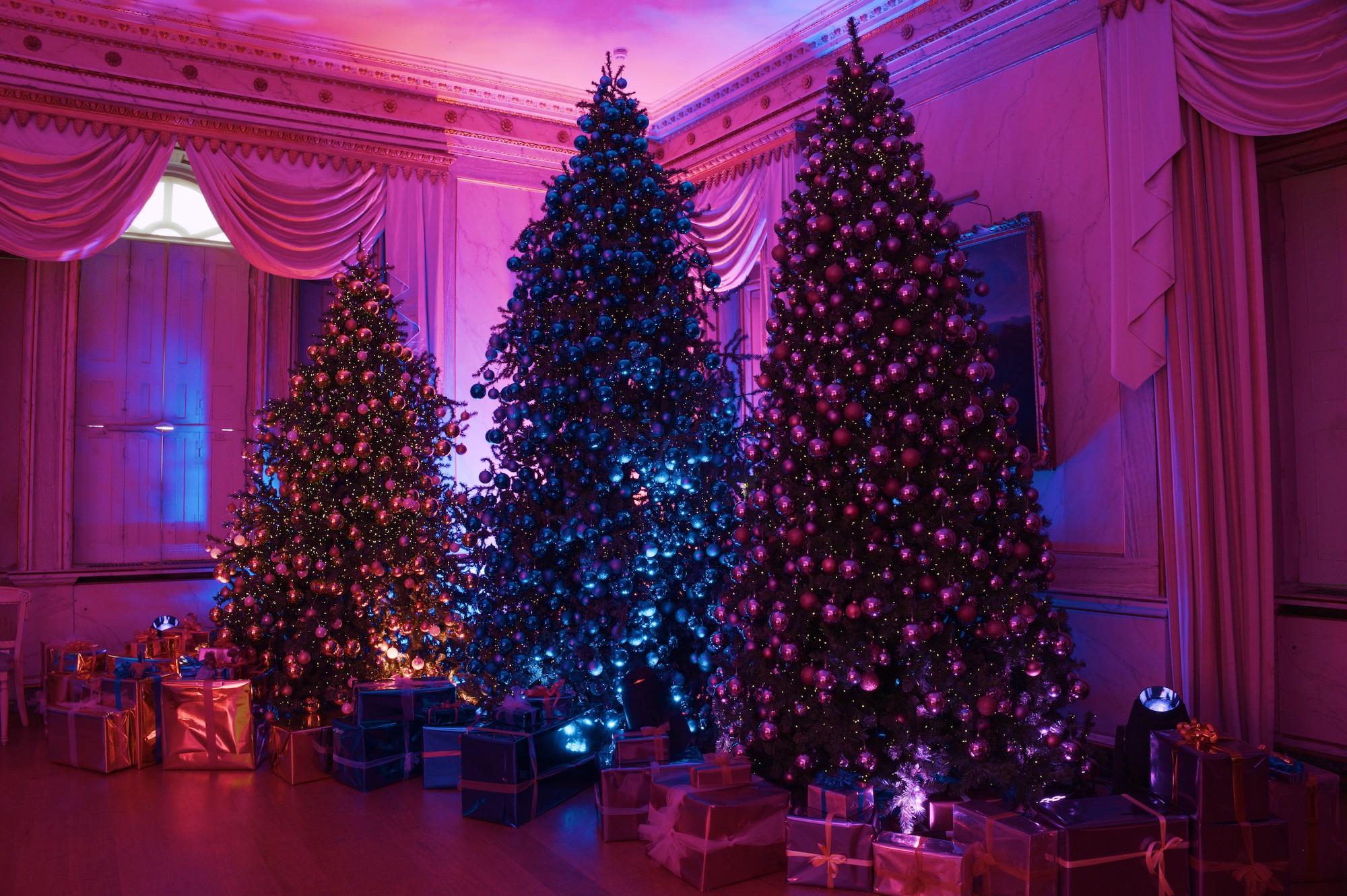
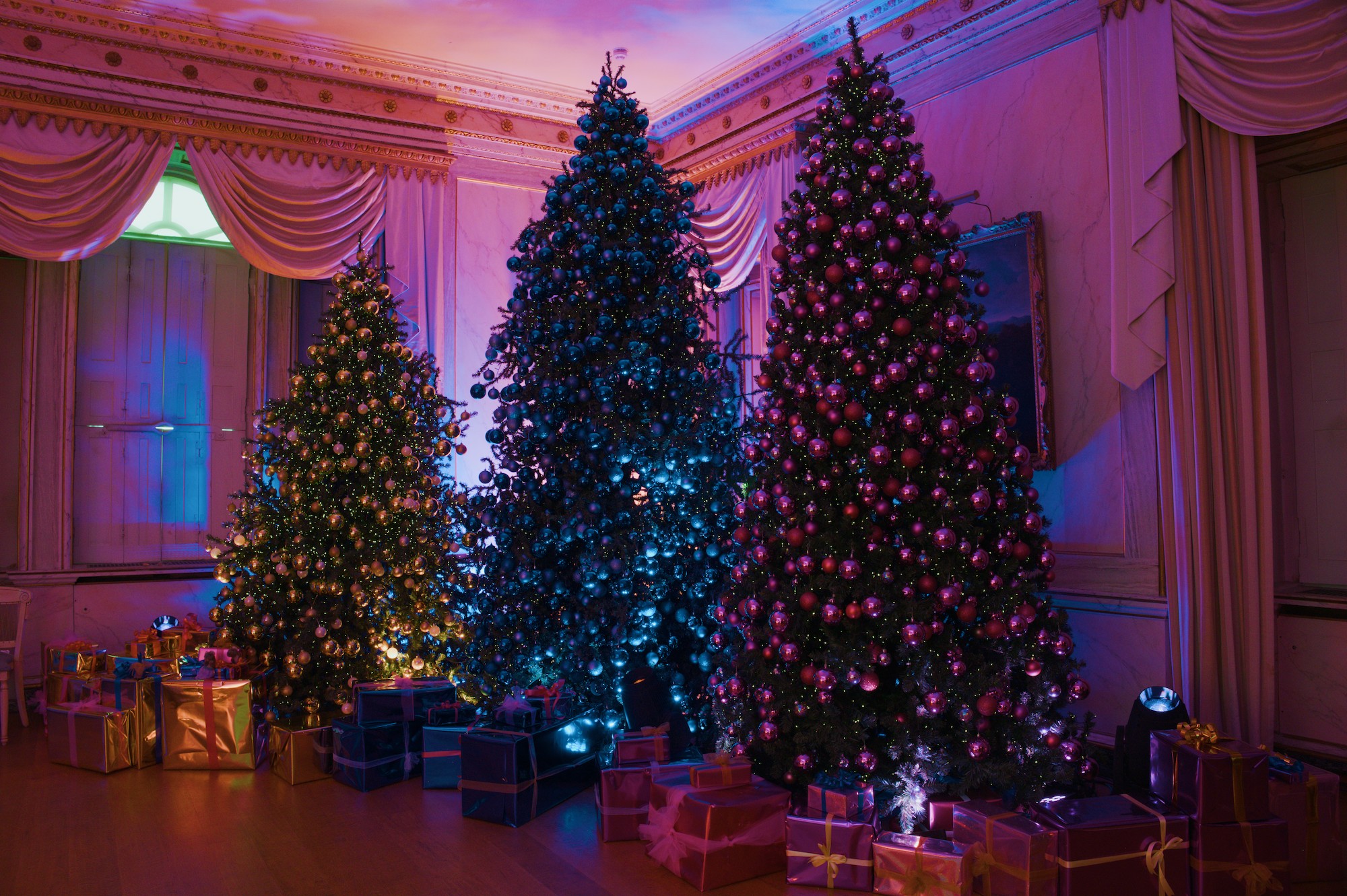
Two versions: AgX defaults and with boosted saturation (color balance rgb), with the WIP gamut-compression in action, so I’m not posting sidecars (but you can probably extract them from the images if you really want).
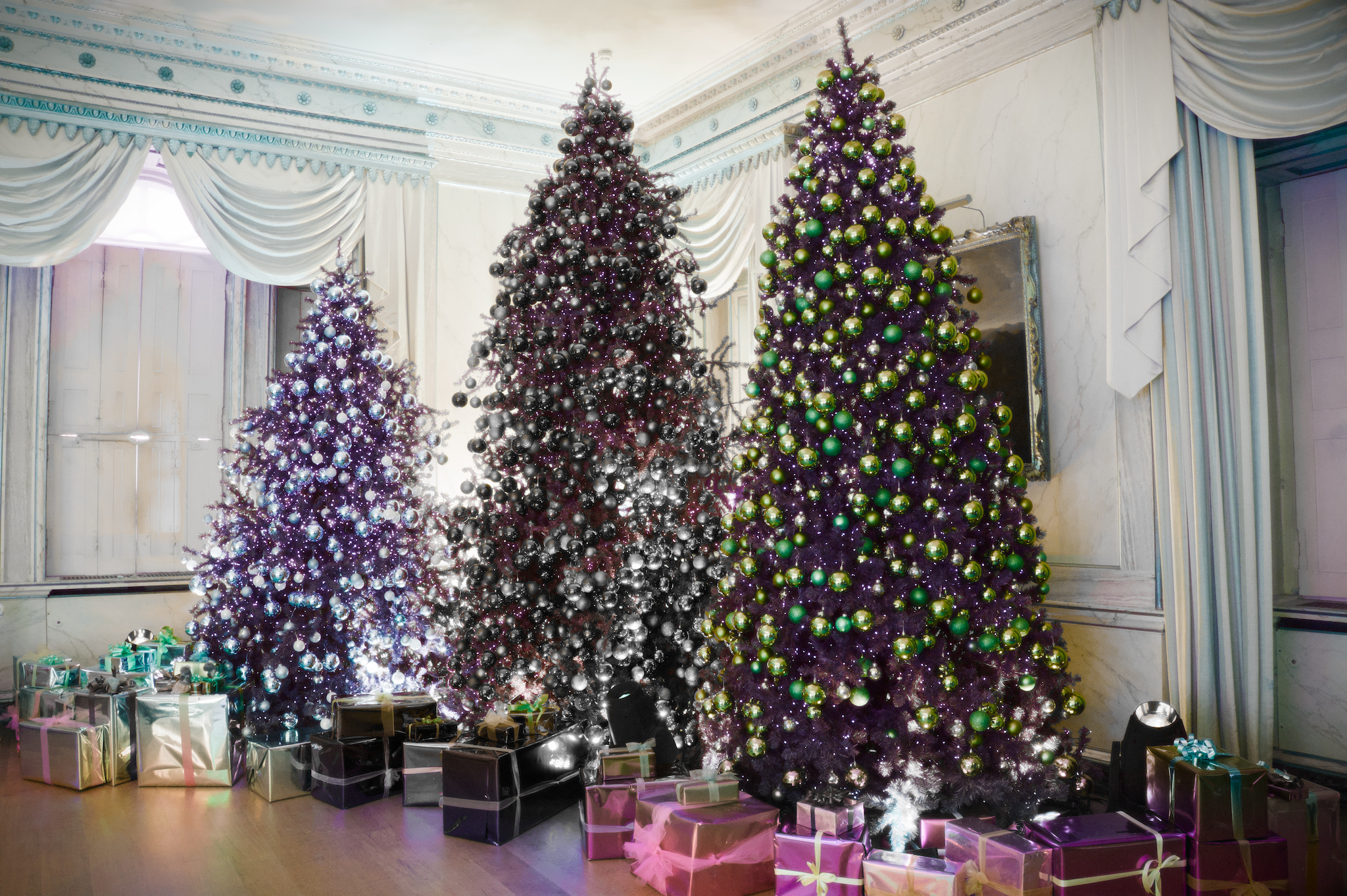
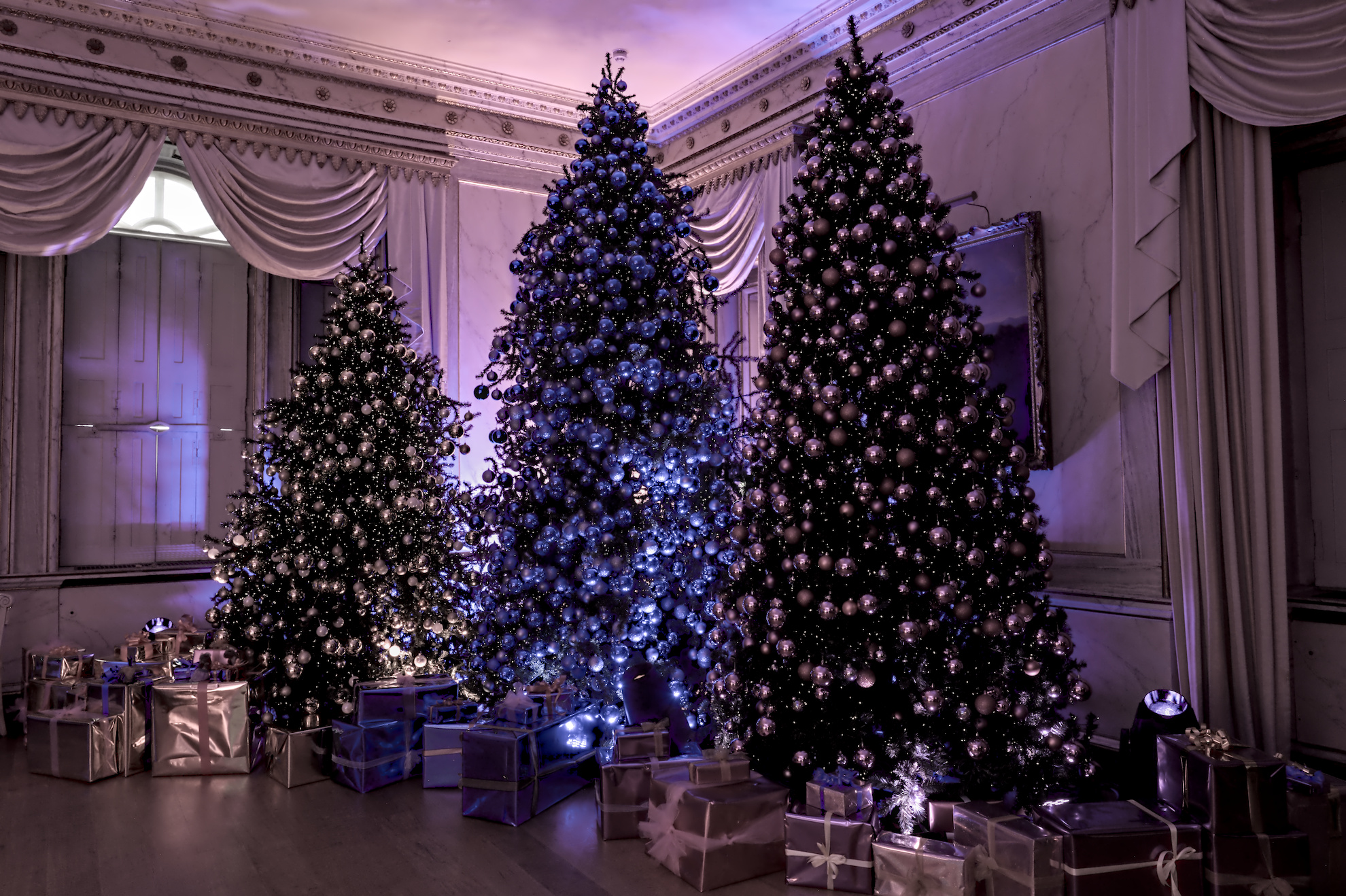
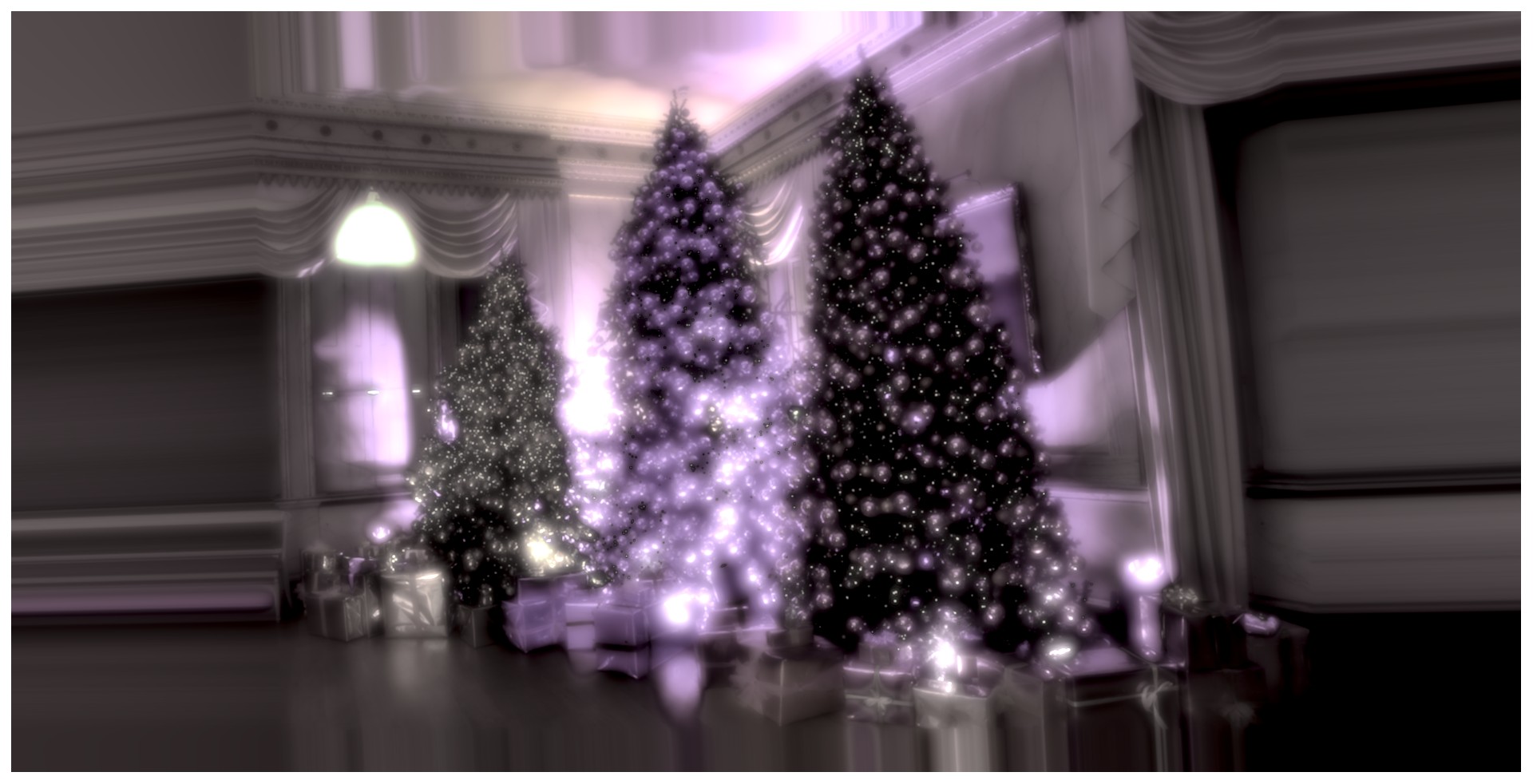
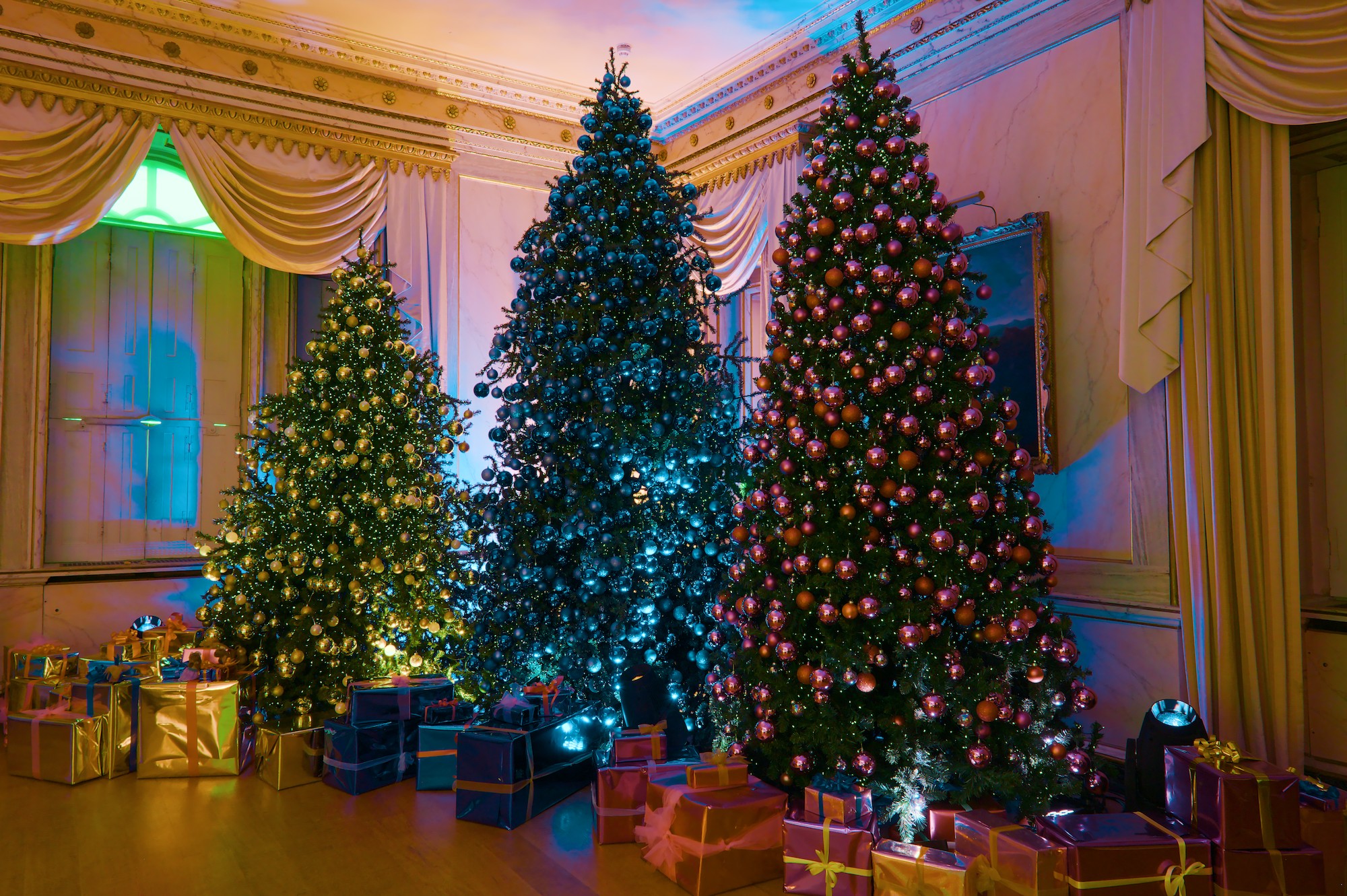
I wonder if that green window is real, or an artefact of colour propagation in highlight reconstruction, as without any colour magic and tone mapping, the darkened image looks like this:
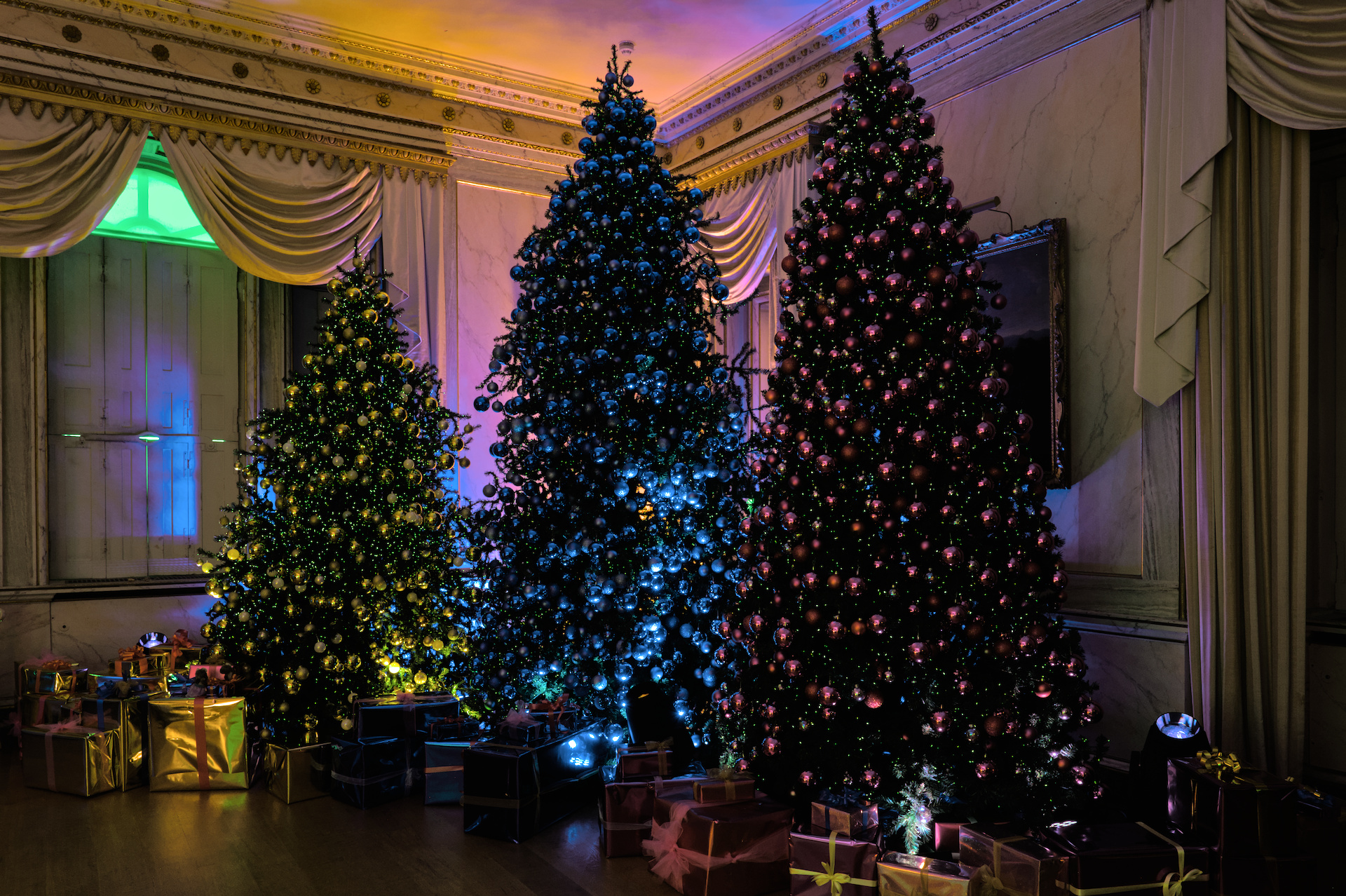
Hmmm, I hadn’t really notice the green window, so thanks for pointing it out. It wasn’t in the SOOC jpeg, but was introduced by color calibration when I selected the matt black spotlight (lower right) with the CC color picker. Similar if I turned off CC and used the color picker inthe WB module. Returning CC to “as shot” and changing no other edit on my original offering gave me this…which is closer to the camera jpg (WB set to auto) but not to my recollection of the scene (but then my eyes are approaching 70 years old) :-).
 . In my offering the colours are about right except that the blue tree could be blue-er and everything even more saturated.