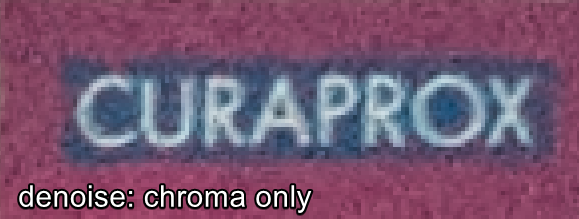
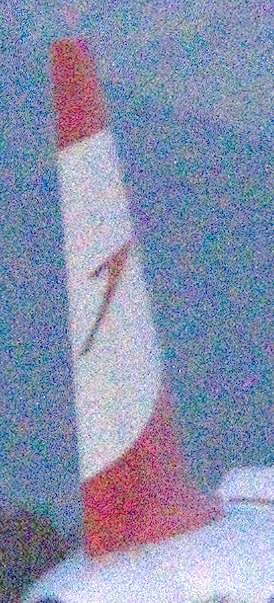
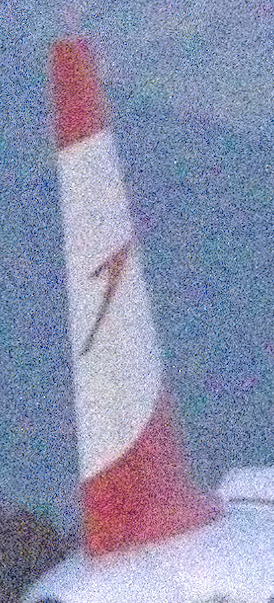
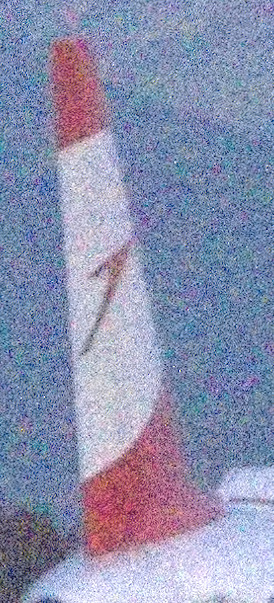
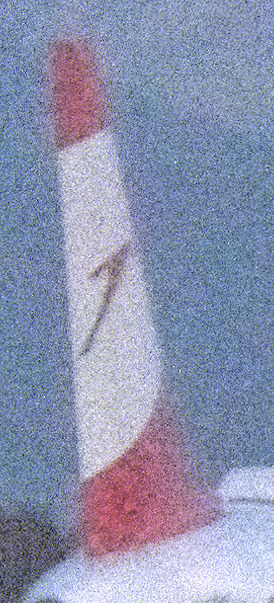
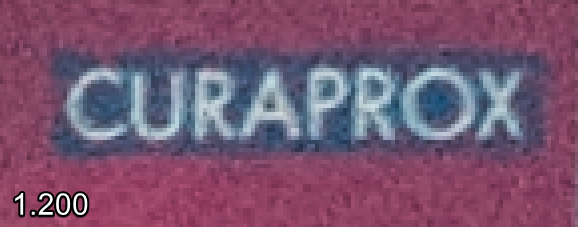
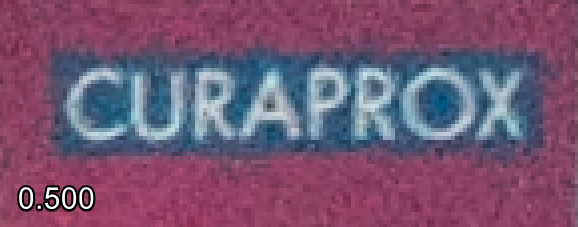
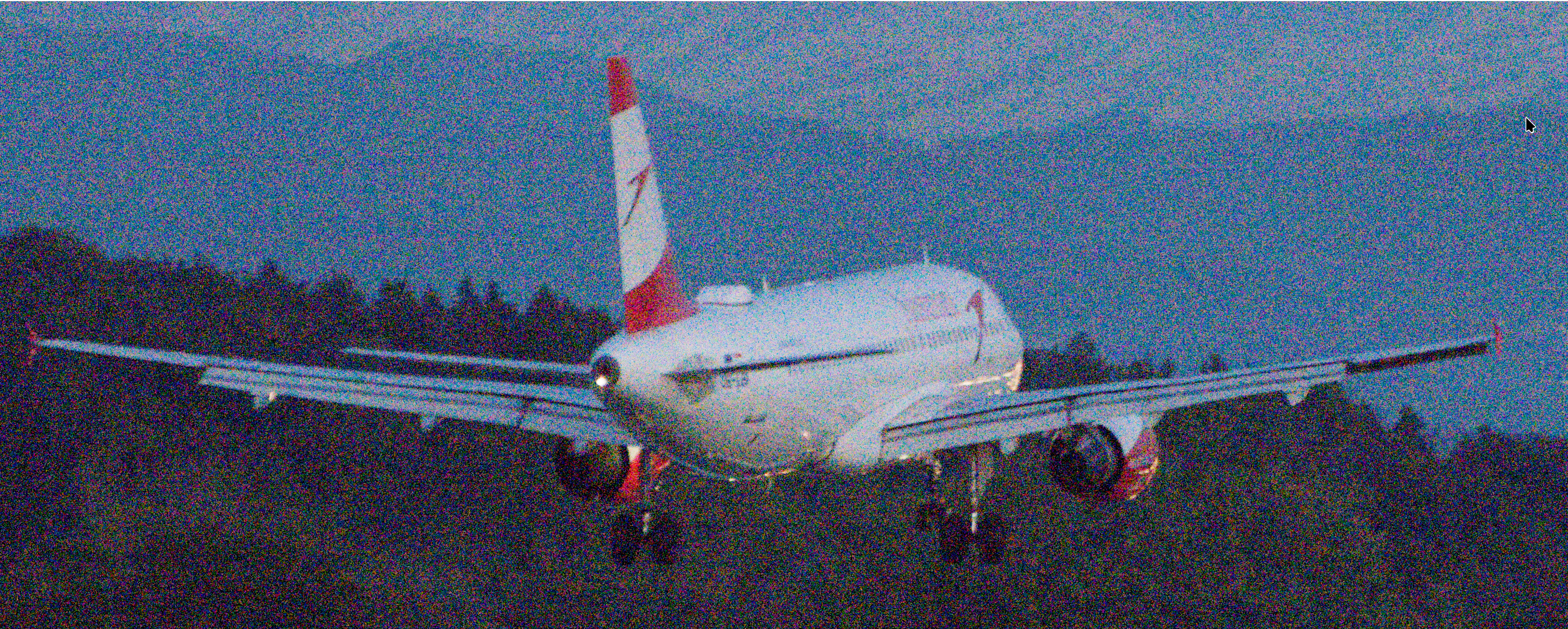
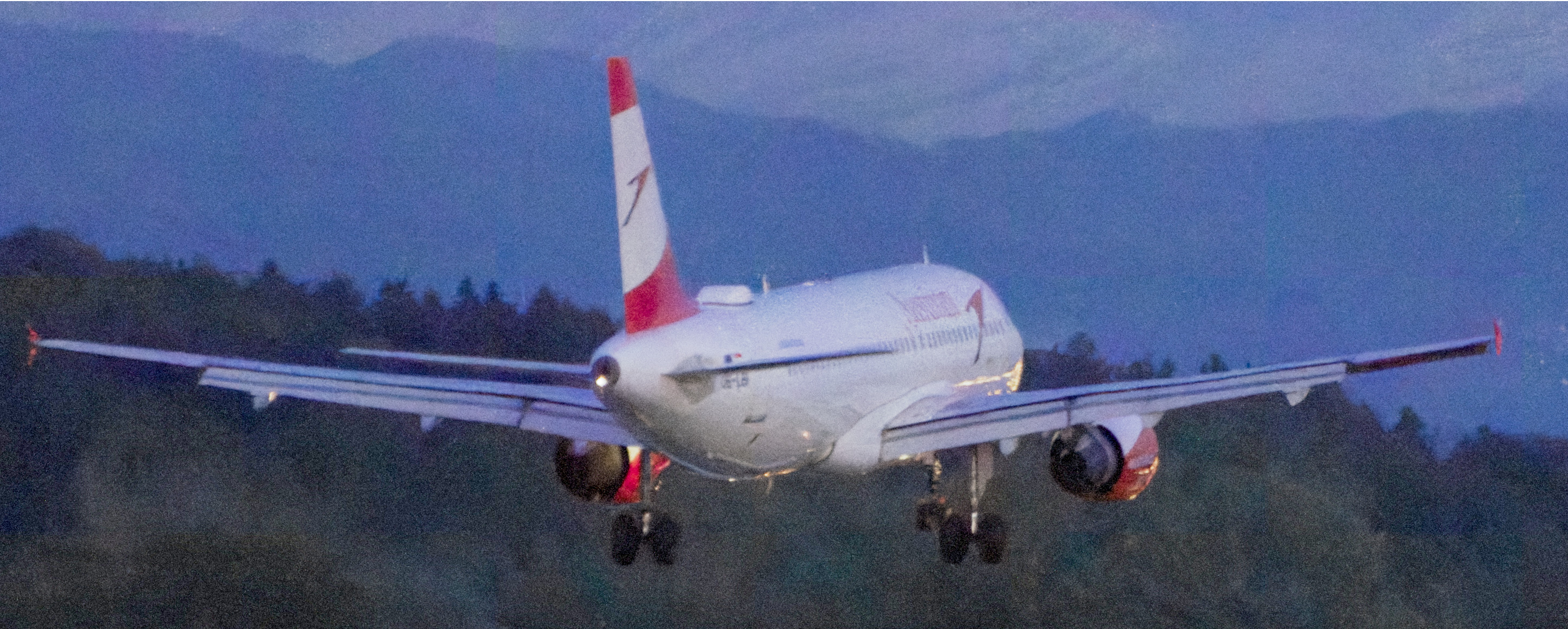
Hi, I started to ease-off my denoising strength and often omit the luminance denoising at all. So I tried the chroma-only preset in denoise (profiled), but that has a major side effect: It smooths color details in a fairly extreme way, as I wrote here:
You can see that the flowers look completely washed out if chroma-only preset is used. It seems to happen regardless of the image and the type of camera used (i.e. independent of the profiles).
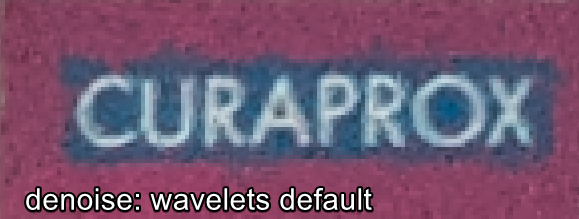
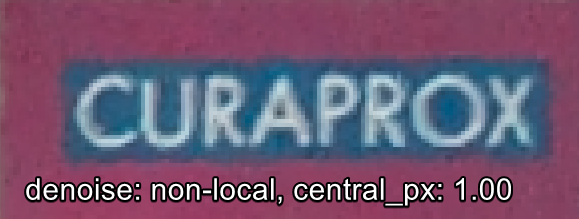
If I use the default denoise (profiled) using wavelets mode, then some sharp edges have shape-related artifacts (straight lines are no longer straight and edges are often very harsh (compared to non-local mode, not this Curaprox sign example tho)
astrophoto denoise in chroma-only is too weak even at 1000% and i can’t get contrast-equalizer chroma-only to be optimally strong either. What other alternatives are there?
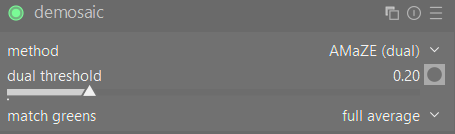
What kinda helps is changes in demosaicing, but only very slightly:
With contrast equalizer added to the mix (LMMSE + denoise (profiled) with my preset, then same with contrast equalizer, and finally only LMMSE + contrast equalizer):
The optimal strength of chroma-only seems to be dependent on the ISO, like for 100 I only need like 0.100, but for 900 I need 0.500… I guess it depends and I’ll have to check for each image. I mean, the default wavelets do good enough job, so I think it’s not that big of a problem