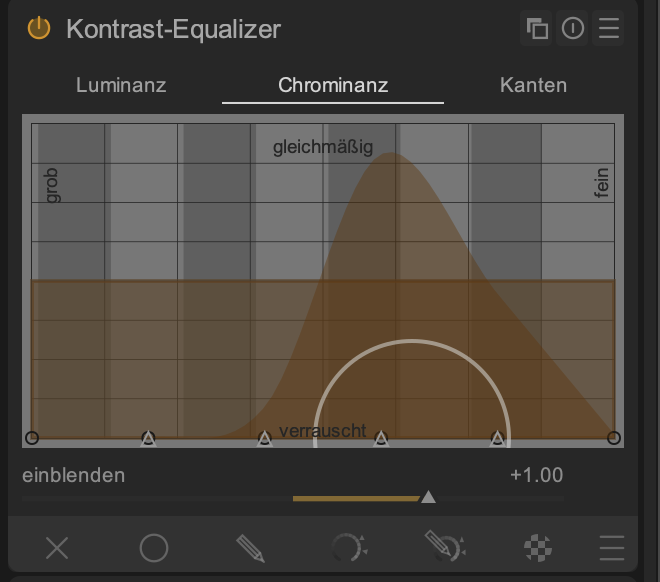
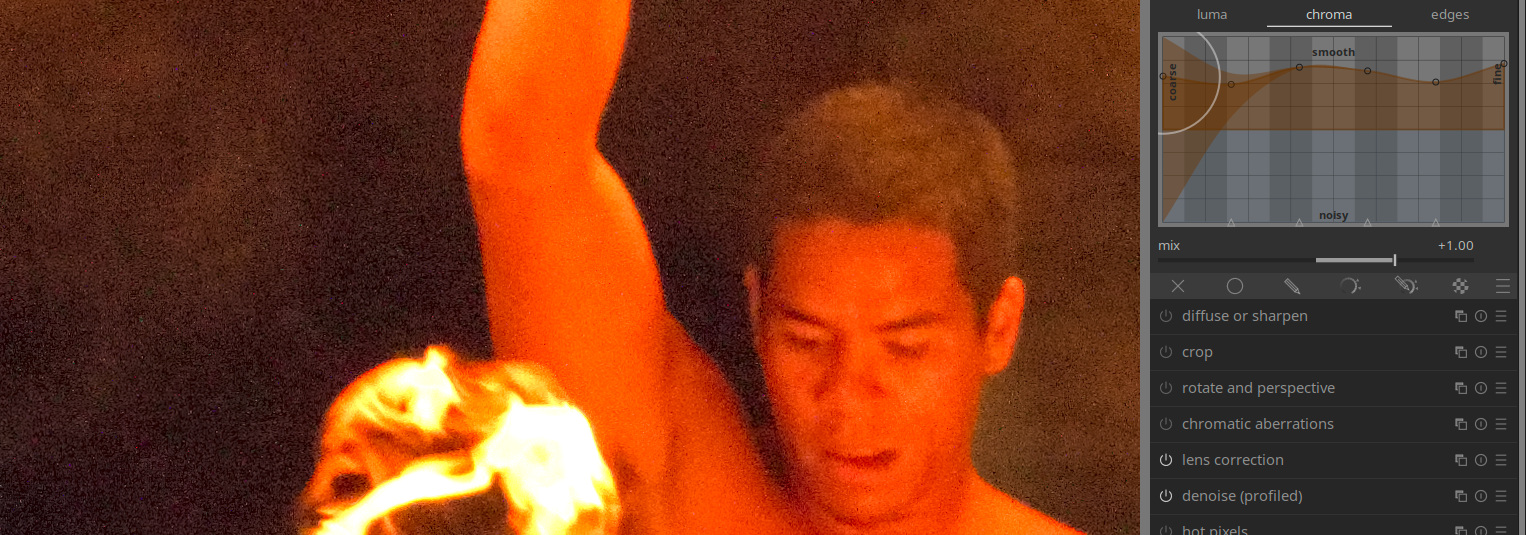
What is the range of the chrominance tab?
From left to right: shadow chrominance to highlight chrominance?
Or from coarse chroma to fine chroma?
Luminance is ok but I dont fully understand chrominance.
What is the range of the chrominance tab?
From left to right: shadow chrominance to highlight chrominance?
Or from coarse chroma to fine chroma?
Luminance is ok but I dont fully understand chrominance.
From my understanding, luminance refers only to brightness (light level) and chrominance is the color information (hue and saturation).
So this module works in Lab colour, where lightness and colour are separated. This tab just does the same thing as the lightness tab, but it amplifies colour differences on each scale if you go upwards. (yes, coarse to fine)
You’ll usually see more saturation when dragging the nodes up, and less saturation when dragging them down. Keep an eye on the vectorscope when doing this, because that makes the changes very clear.
I like it for enhancing colour, but just like the lightness tab, you can get haloing or similar artefacts.
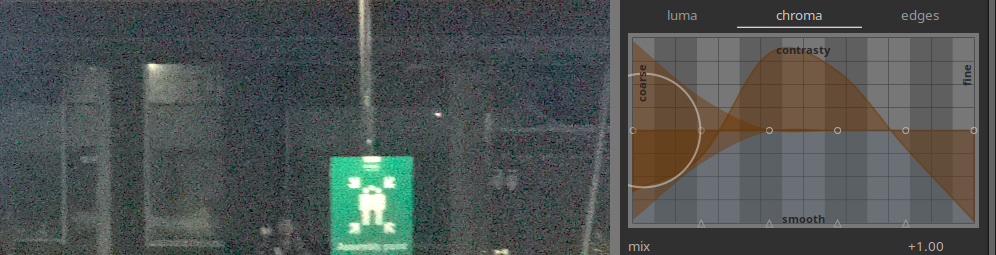
I find use in the denoise nodes in this tab as well, sometimes. Very good for removing chroma noise.
Thanks , I could verify that. The vectorscope was really helpful.
I think it is also explained fairly well in the manual.
After reading the manual I had the question about the chroma tab. The Luma was clear in the manual.
How could we improve the explanation?
I think the text from @gwbarn above about the chroma tab is helpful. The text under chroma tab in the manual is more confusing why the greens are can be controlled with the third control point, at least for me.
Perhaps because they explicitly mention the colours.
What’s important is the scale (the size) of the features: the petals are large, the anthers are small, so using the nodes for the smaller scales will influence the anthers more than the petals, because of the size difference.
Of course, now I know it after the friendly explanation from @gwbarn …
PS: simple the meaning of the size of the chroma patches was missing.
More info will be appreciated. Maybe also some example? Thanks!
Luminance is the linear, physically measurable light output, luma is the encoded signal and brightness is the perceived value
Similarly for chrominance, chroma and colourfulness. (Any word ending in -ness is a description of the perception)
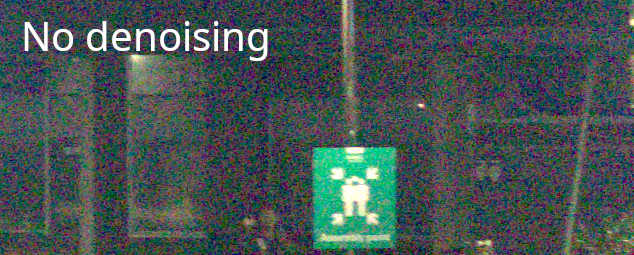
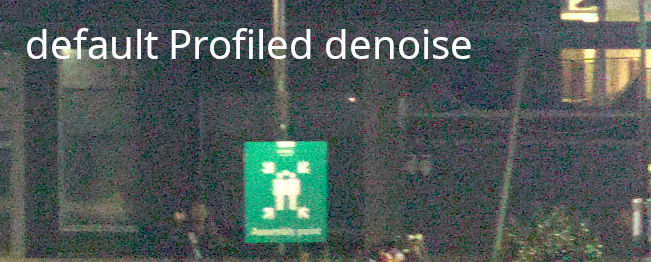
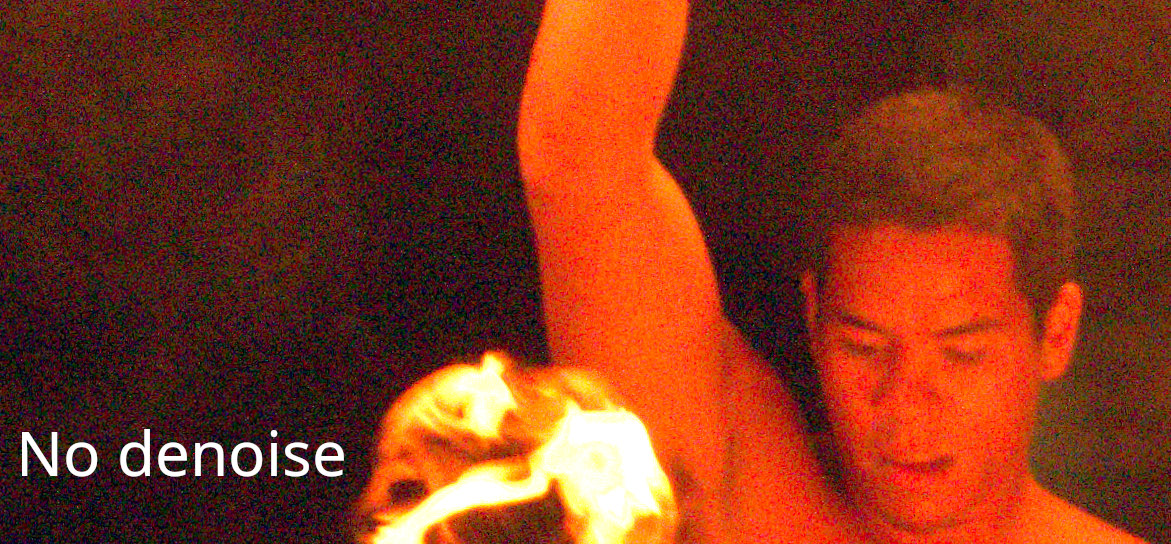
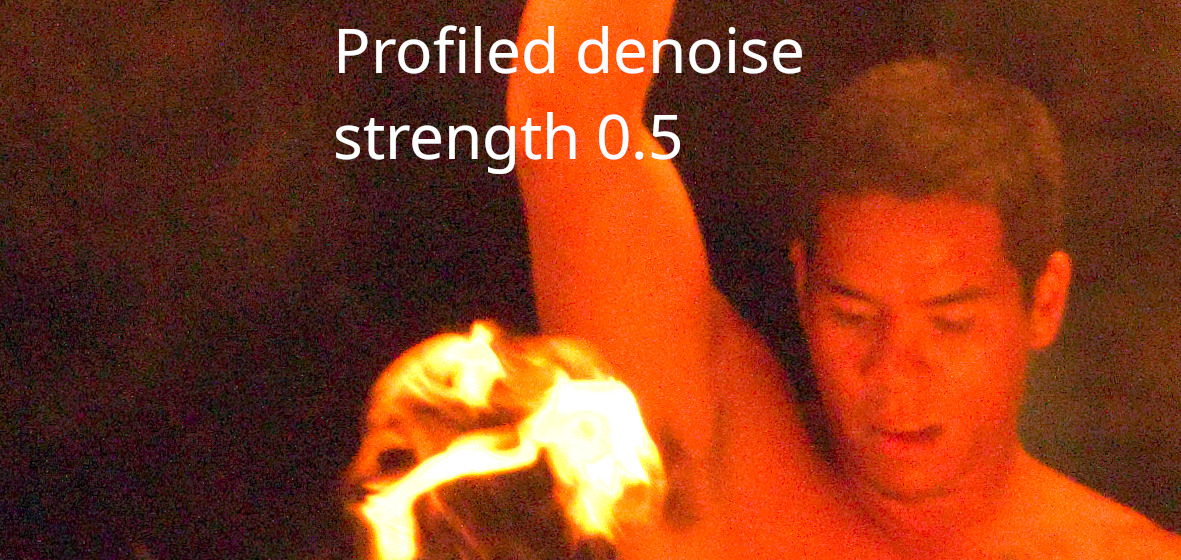
Honestly, profiled denoise module does all you need most of the time, but I have attempted to demonstrate:
Look for the pinkish/green patches with the default profiled denoise. No luma denoise in CE used in these examples
The dark bars are a key UI element as well…They change with zoom level. They can indicate if any changes that you make are visible at that zoom level.
If for example there are only 3 bars on the left of the graph then dragging the curve at points past that will show no visible change in the image…
This video about the original version is still one of the best ever about this module https://youtu.be/zzVXK4eAM5E?si=g385S7Sdd9_MpjYw