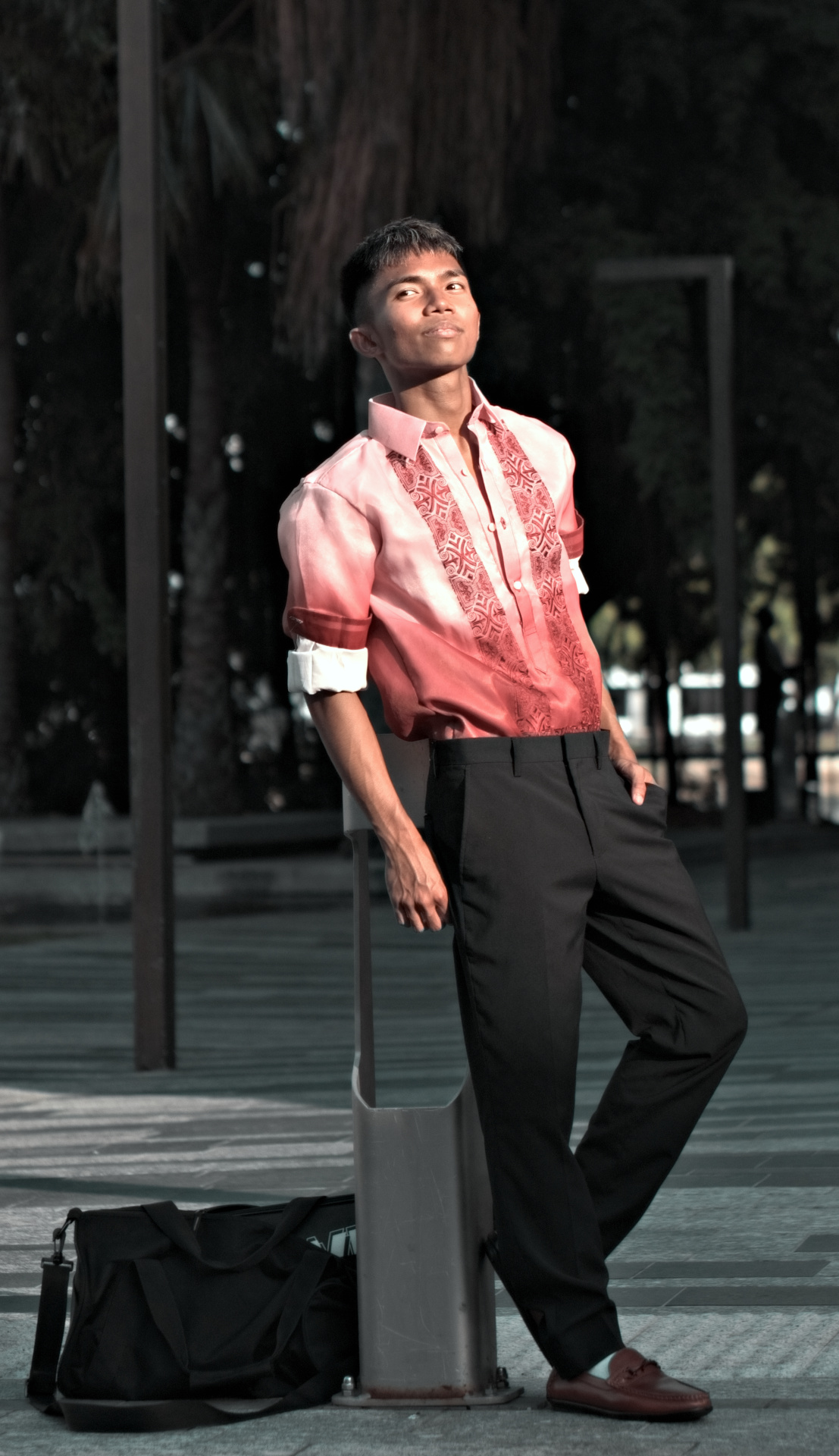
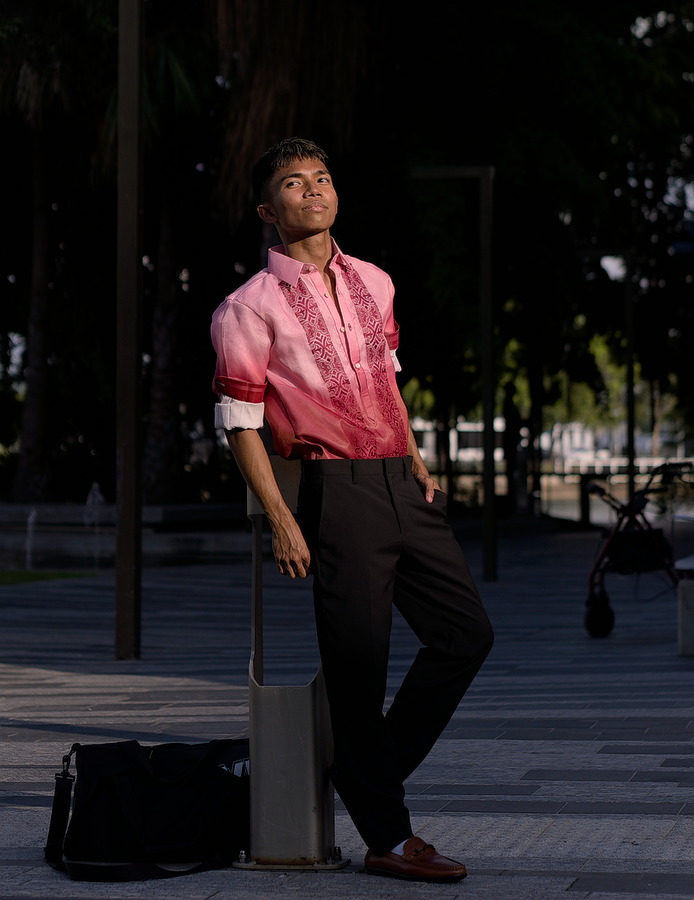
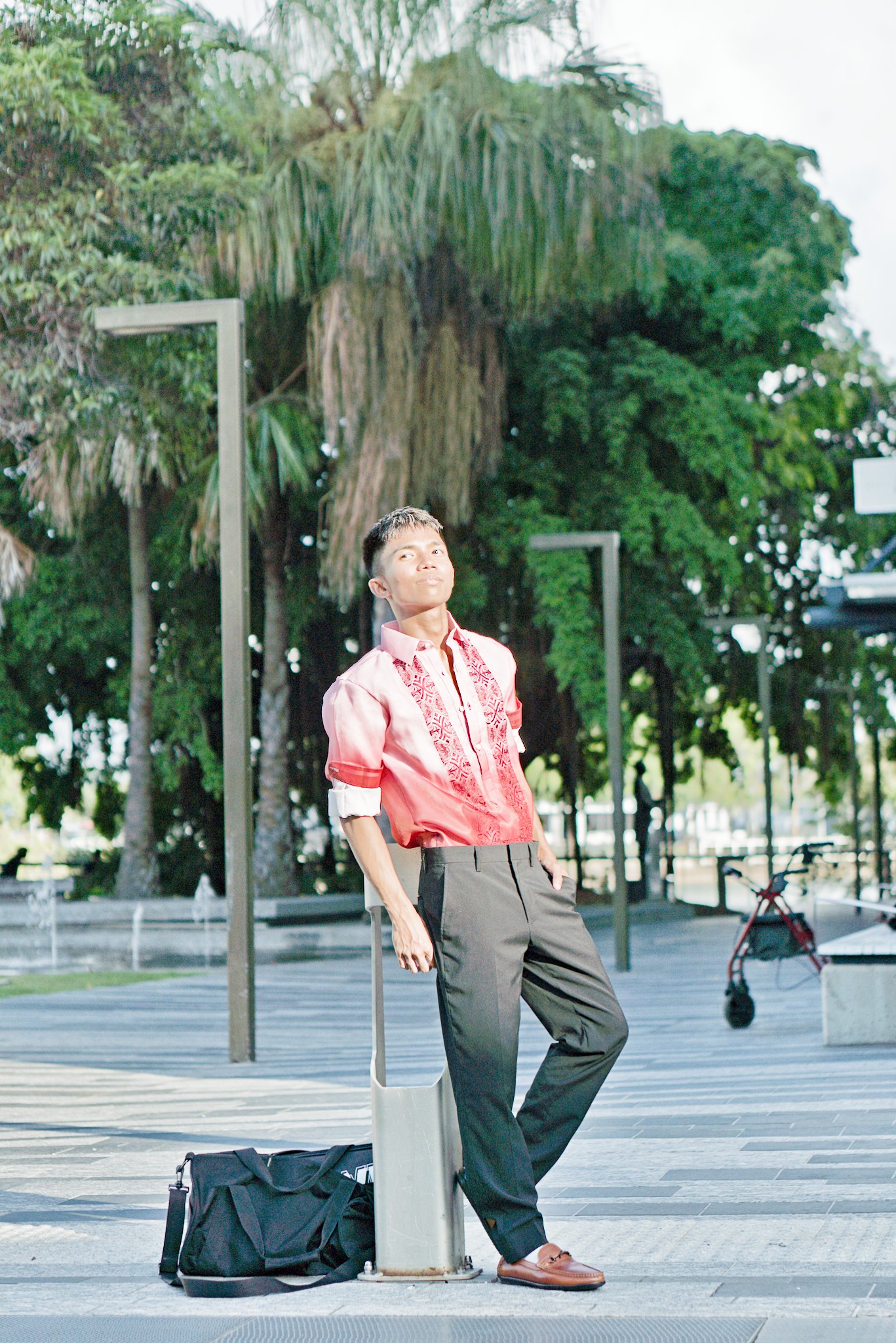
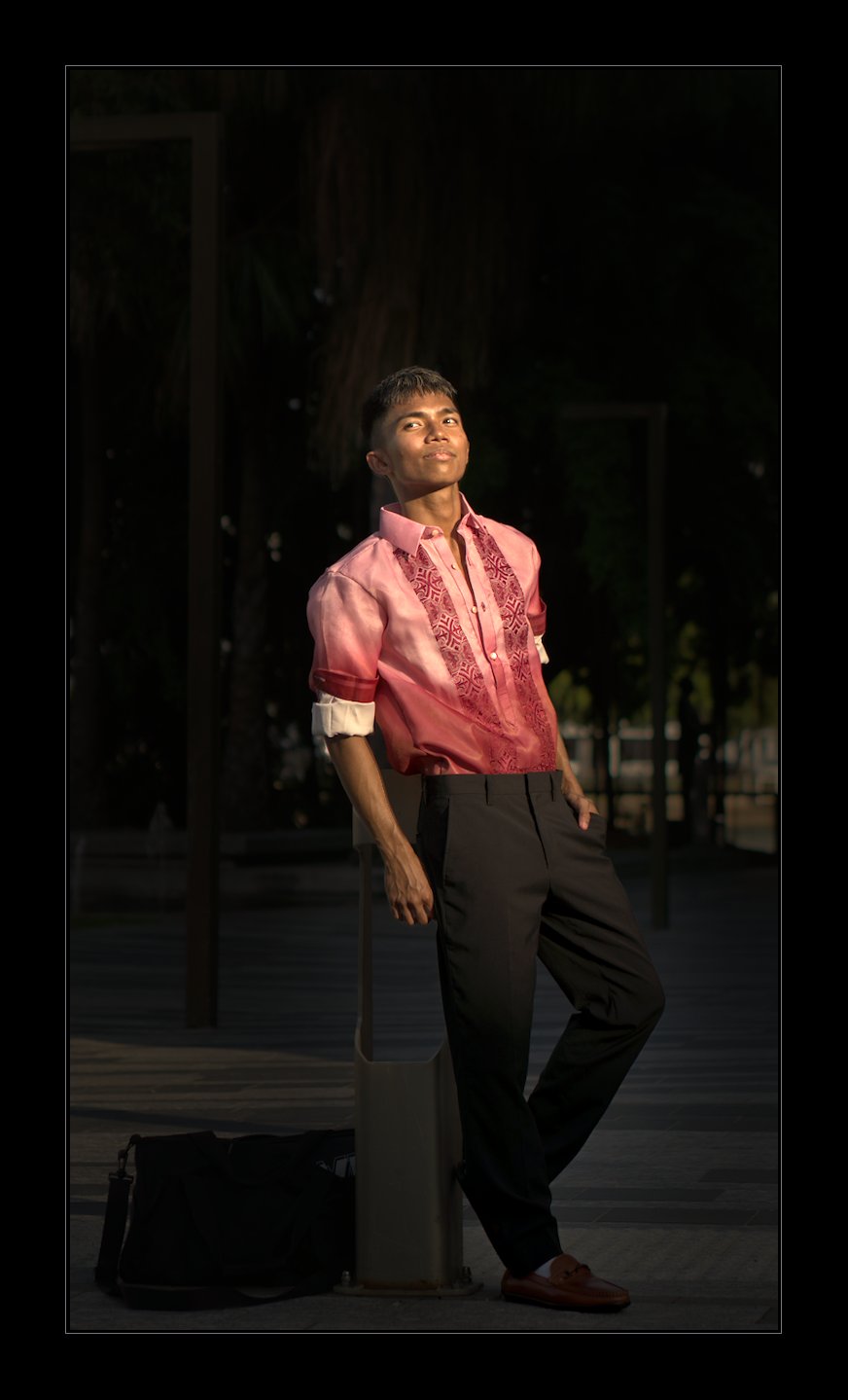
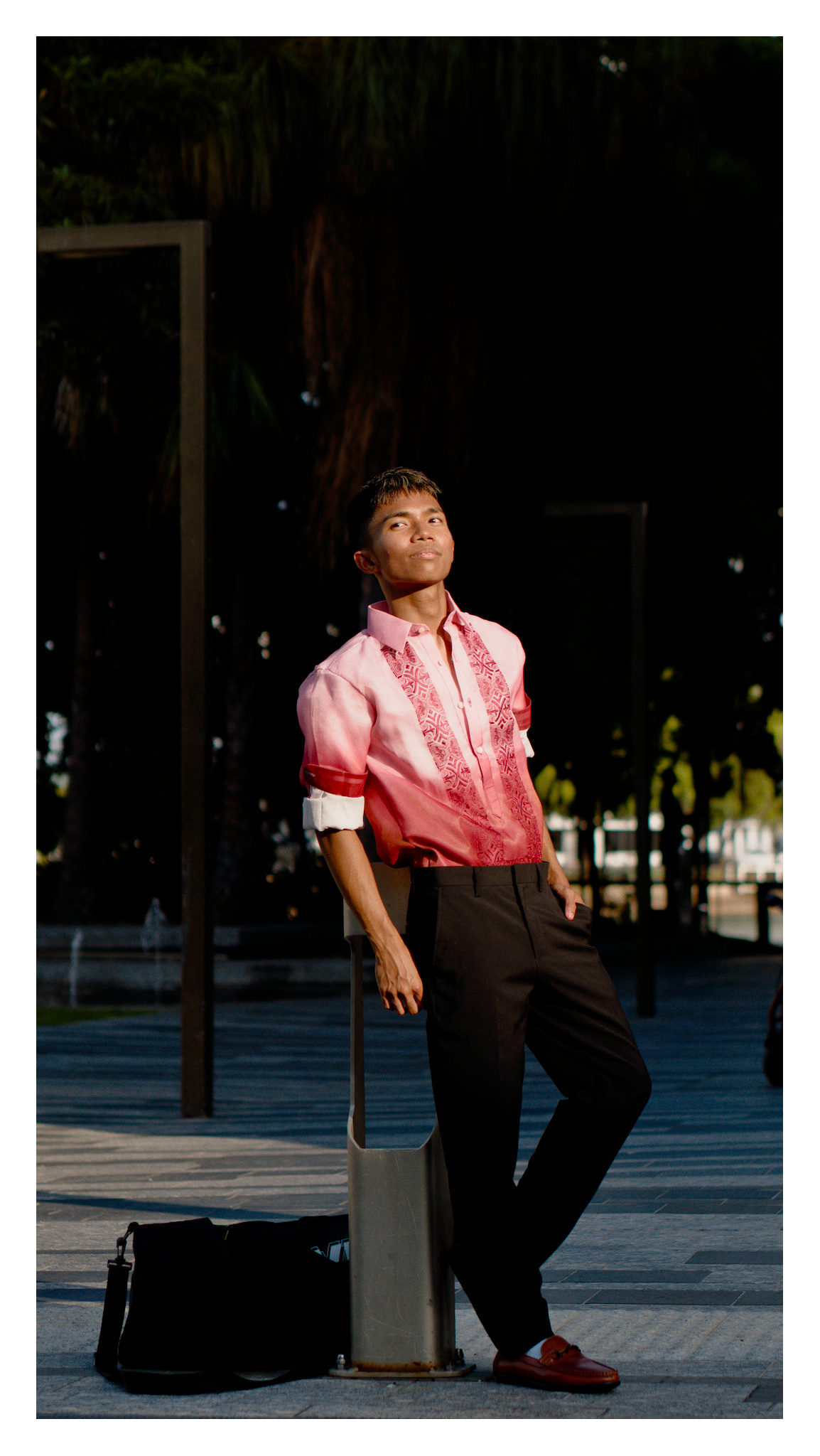
Took this photo for a friend’s formal shot, can you do better?
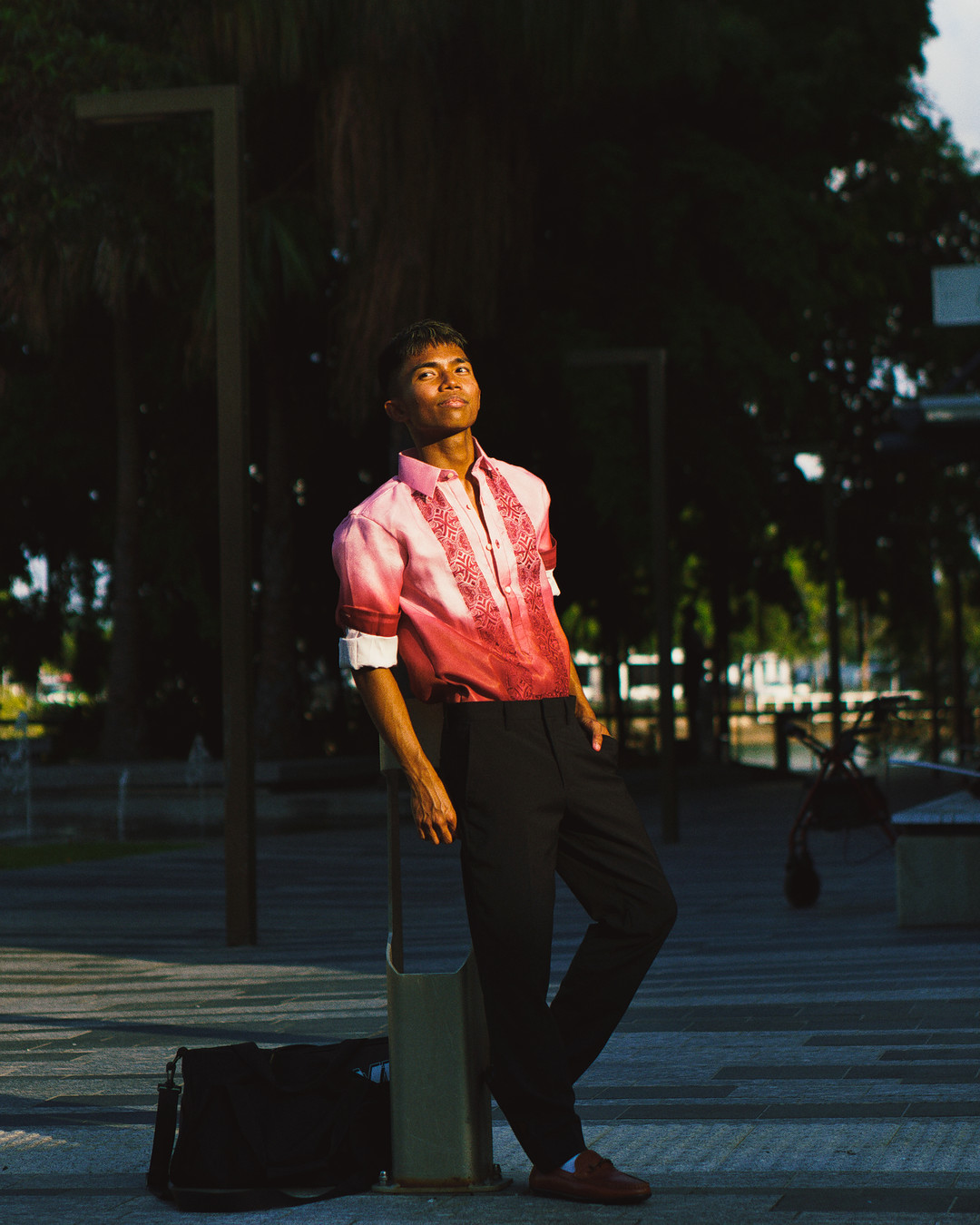
Raw:
DSC05065.ARW (23.7 MB)
This file is licensed Creative Commons, By-Attribution, Share-Alike.
Took this photo for a friend’s formal shot, can you do better?
Raw:
DSC05065.ARW (23.7 MB)
This file is licensed Creative Commons, By-Attribution, Share-Alike.
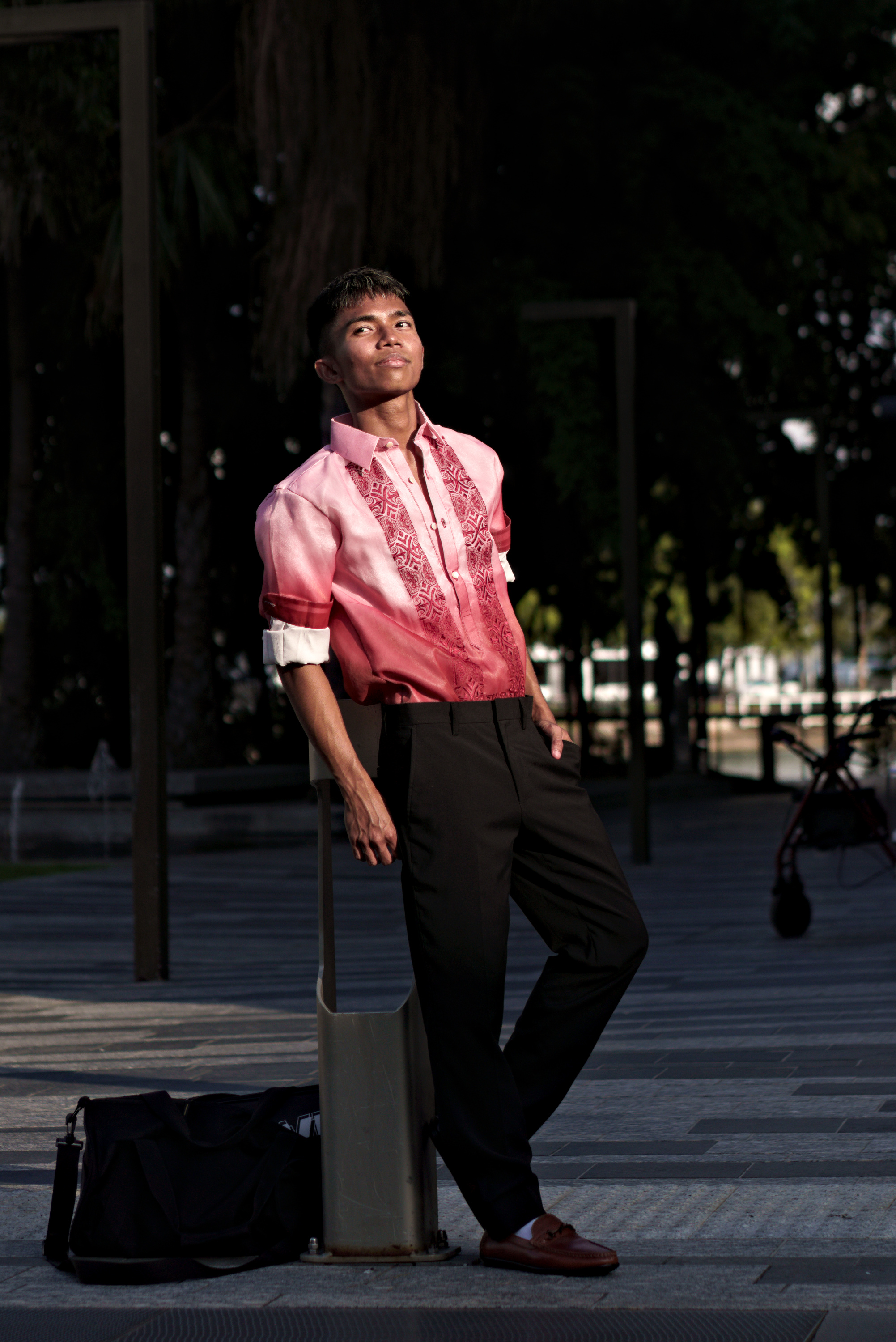
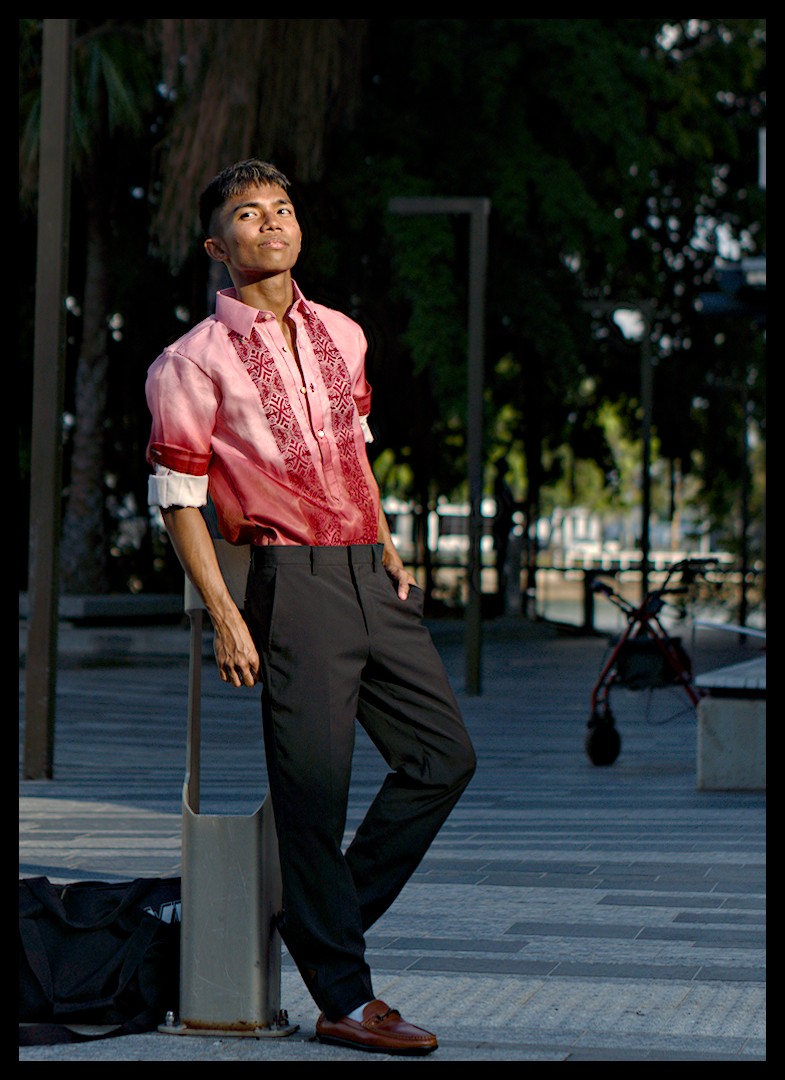
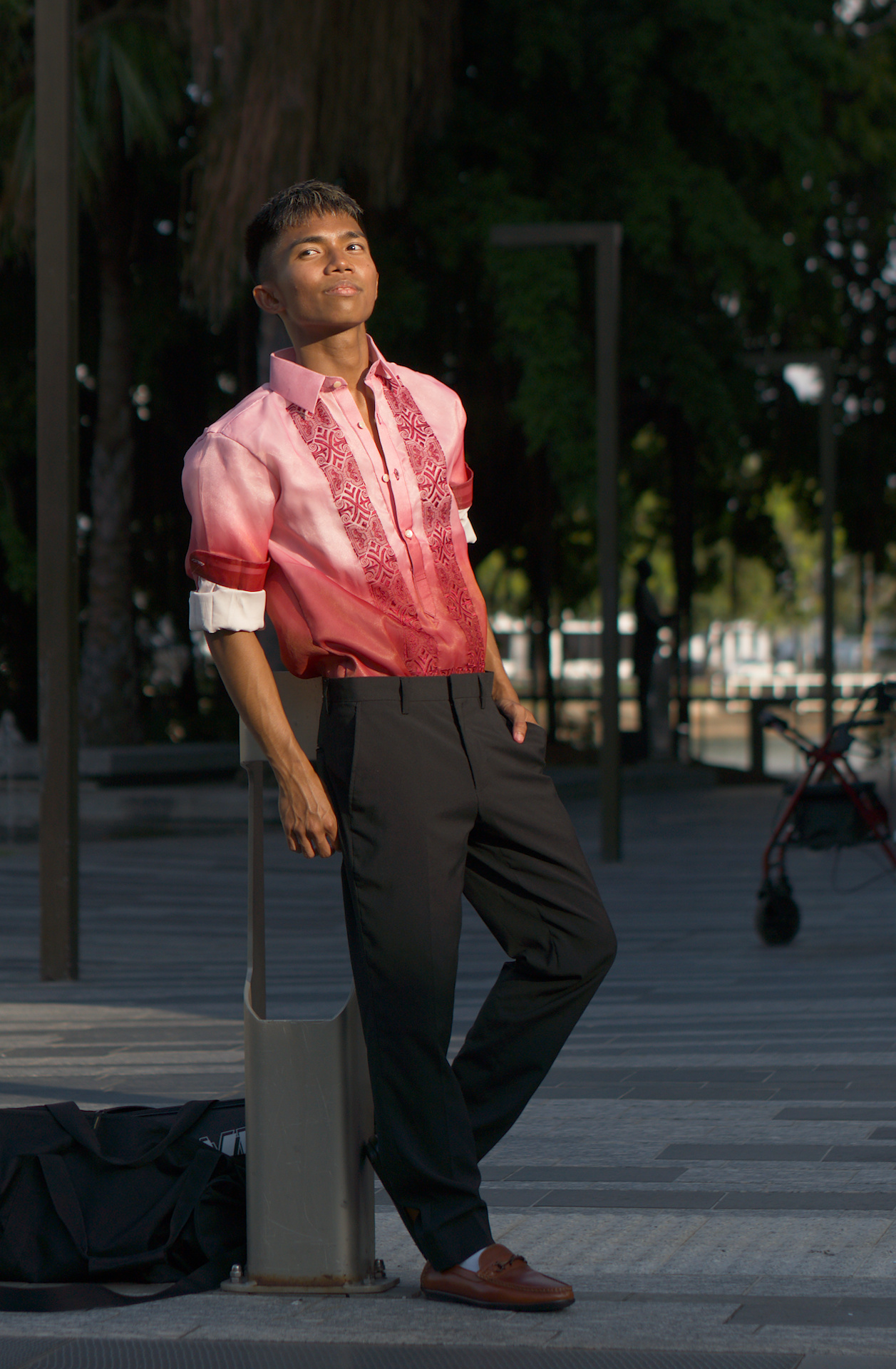
DT 5.3 AgX module. I cropped his wheelie walker out  .
.
DSC05065.ARW.xmp (12.0 KB)
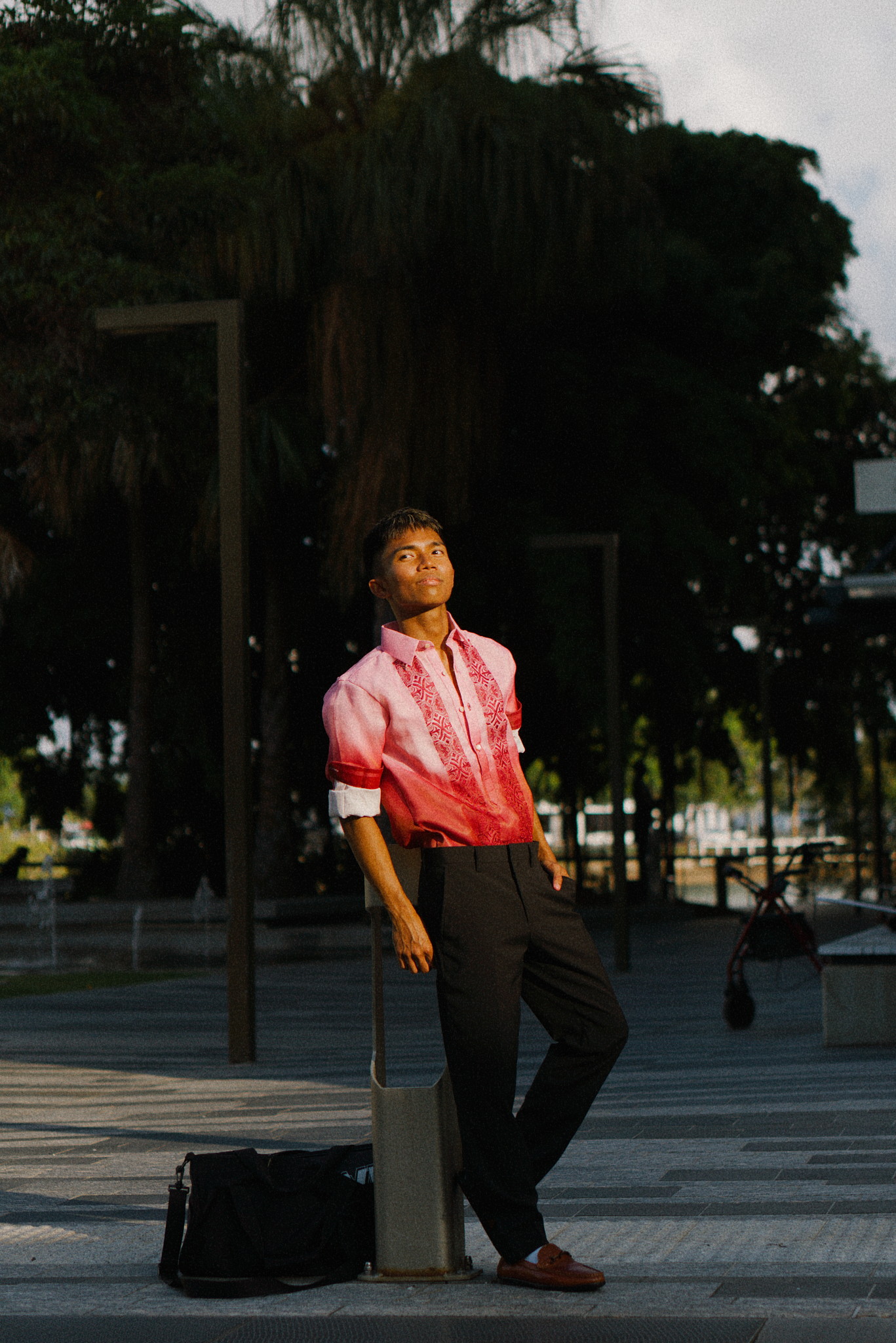
With a kodak portra 400 lut (the same lut inside G’MIC)
DSC05065.ARW.xmp (13.5 KB)
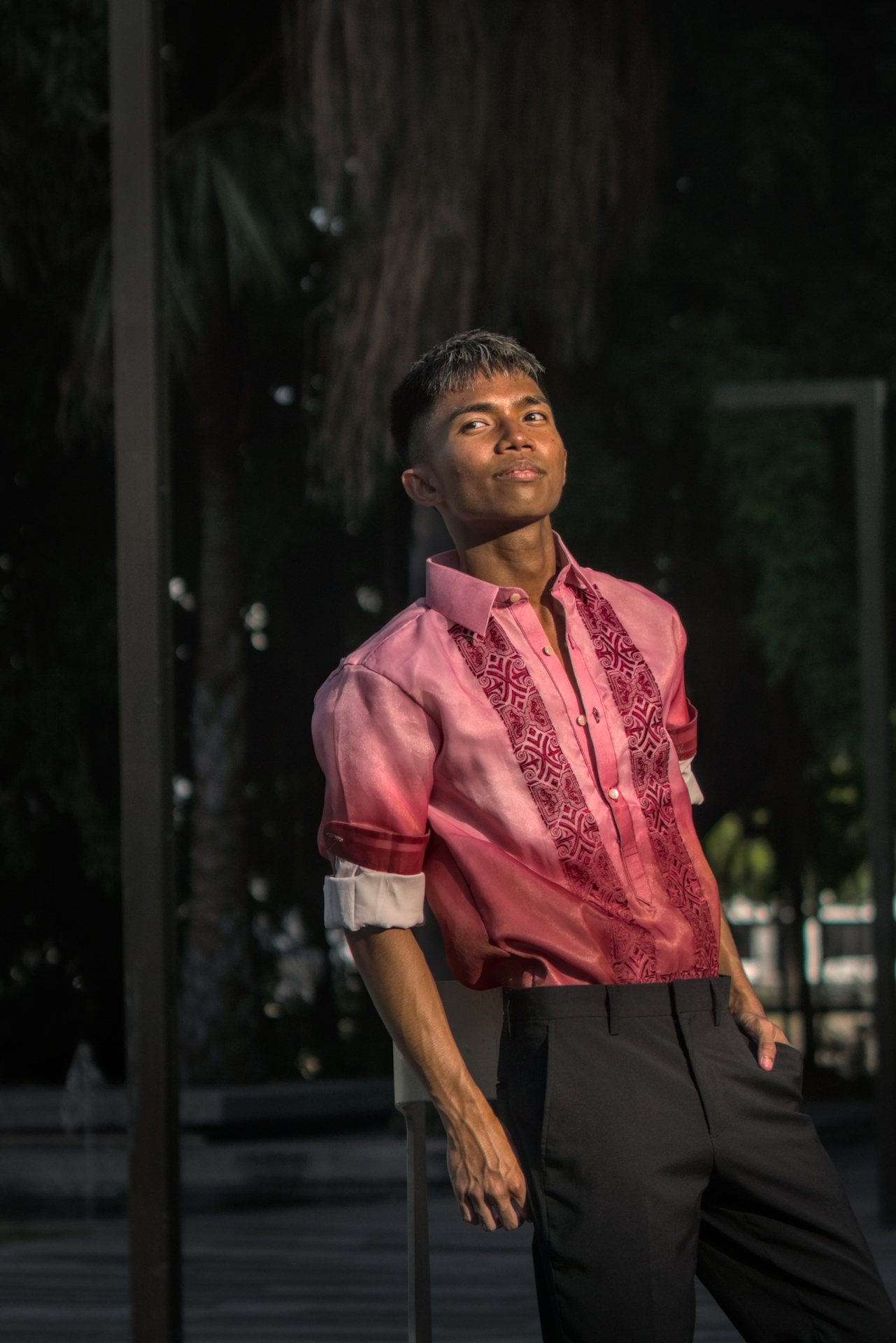
I have to admit, I had massive problems editing this photo.
First, I personally do no peoples’ photography, so I’m not used to edit portrait shots. Rendering landscape is a completely different task.
Second, I prefer portraits which go nearer. I have tried to crop it in any way I could think of, but I always gave up, because when I went near the position of the guy looked unnatural because he is leaning against an object that is ending right in height of his back and wasn’t visible to an extent, justifying his posture.
Then I’m European and I struggled to estimate the right colour of the skin.
Anyway, this is my edit, I hope it is not completely off.
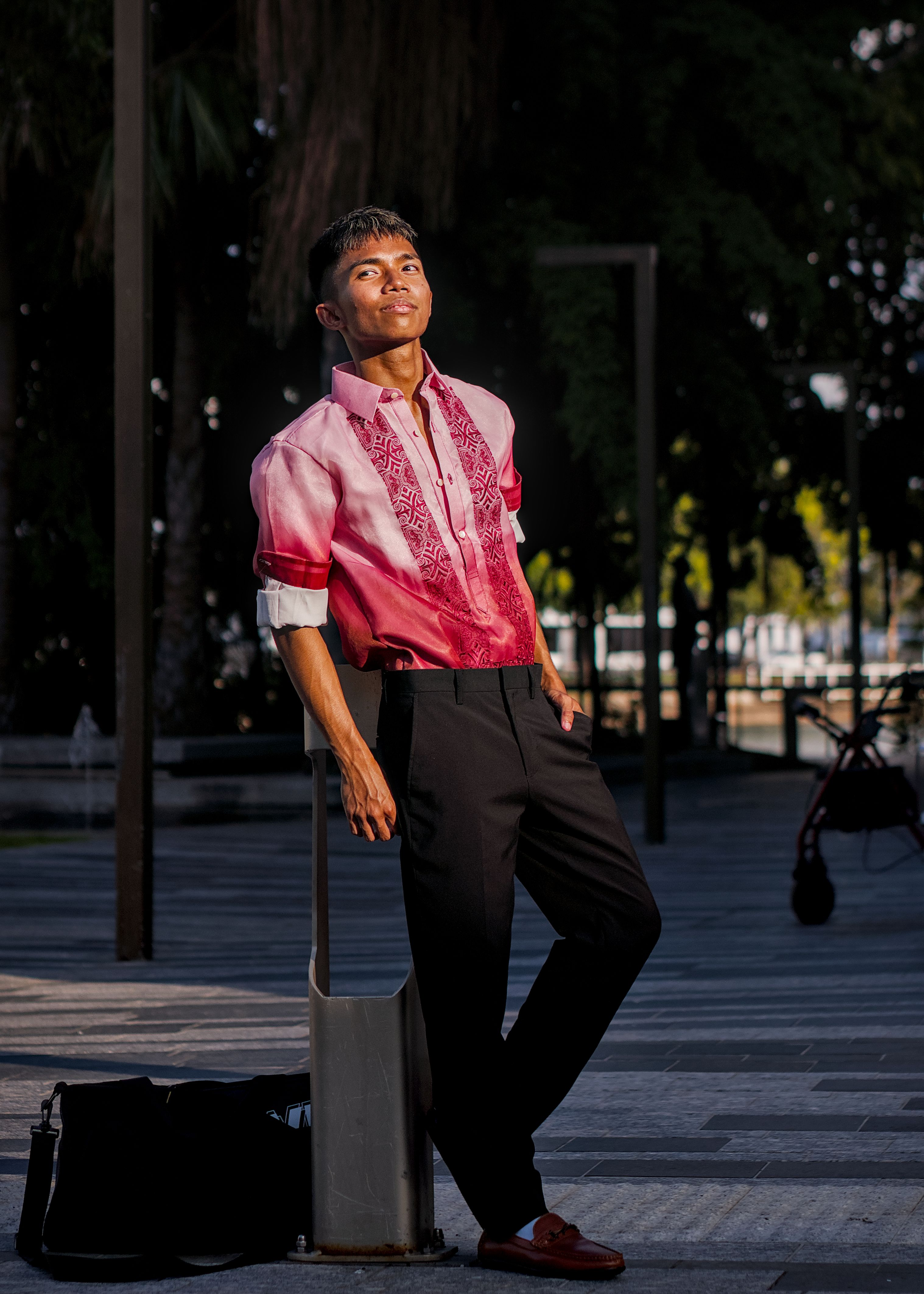
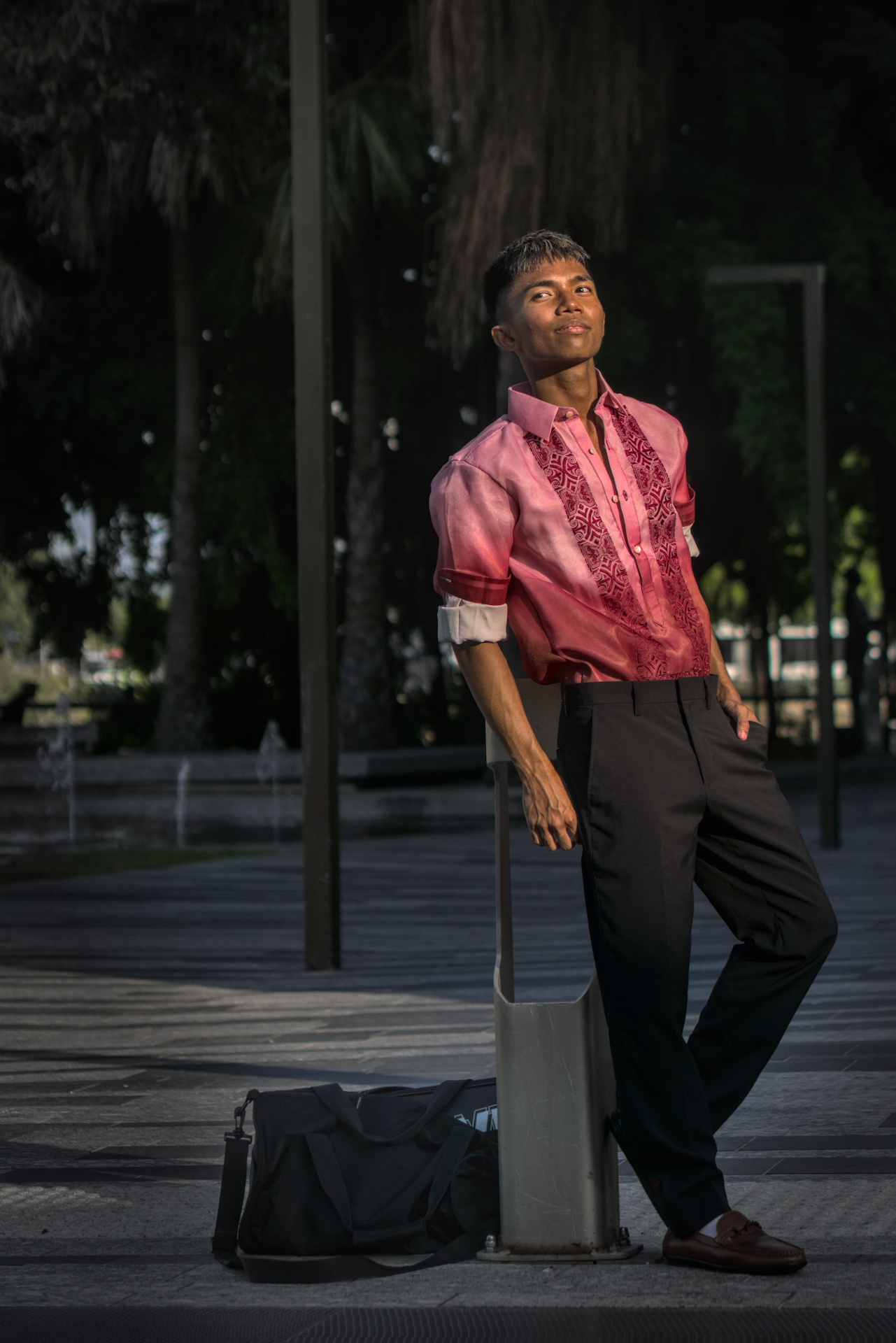
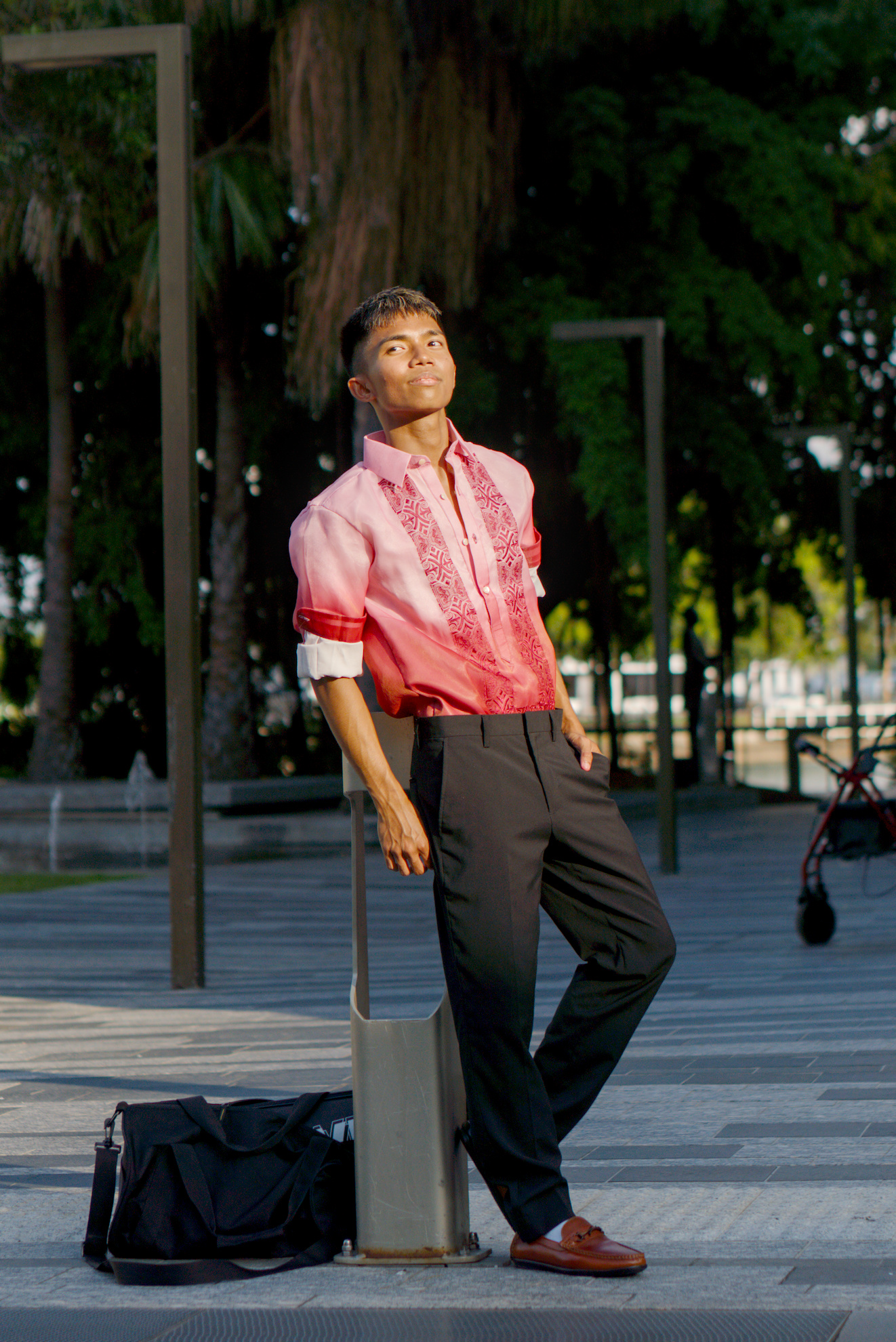
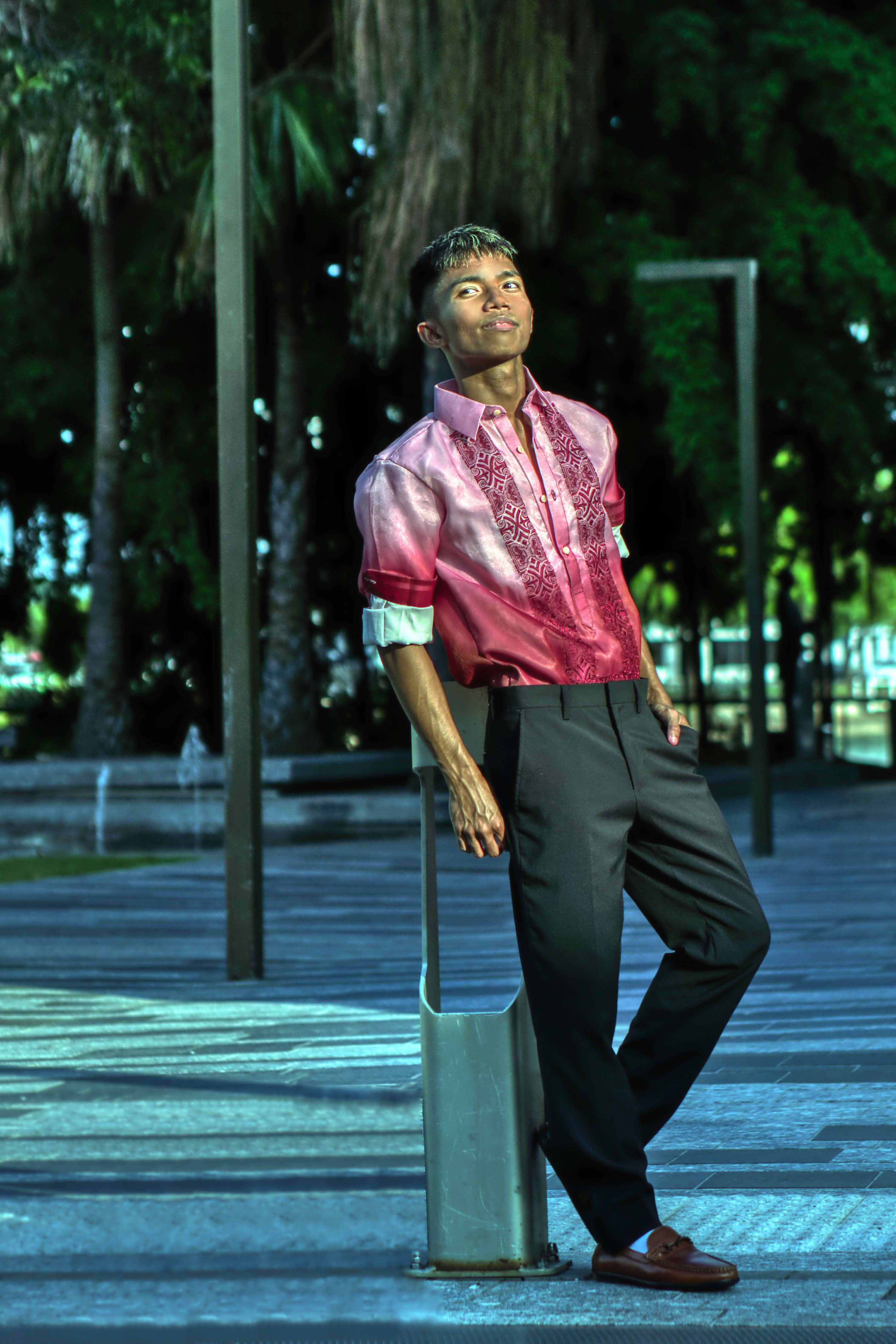
This one is fun. I wanted to tame the glare on his face and noticed color balance rgb with perceptual saturation highlights bumped up gave almost exactly the same result as reducing the red attenuation in AgX. And this is the first image I’ve seen where capture sharpen had a noticeable effect without bumping up the settings.
DSC05065 portrait in golden hour.ARW.xmp (14.7 KB)
Nice portrait,
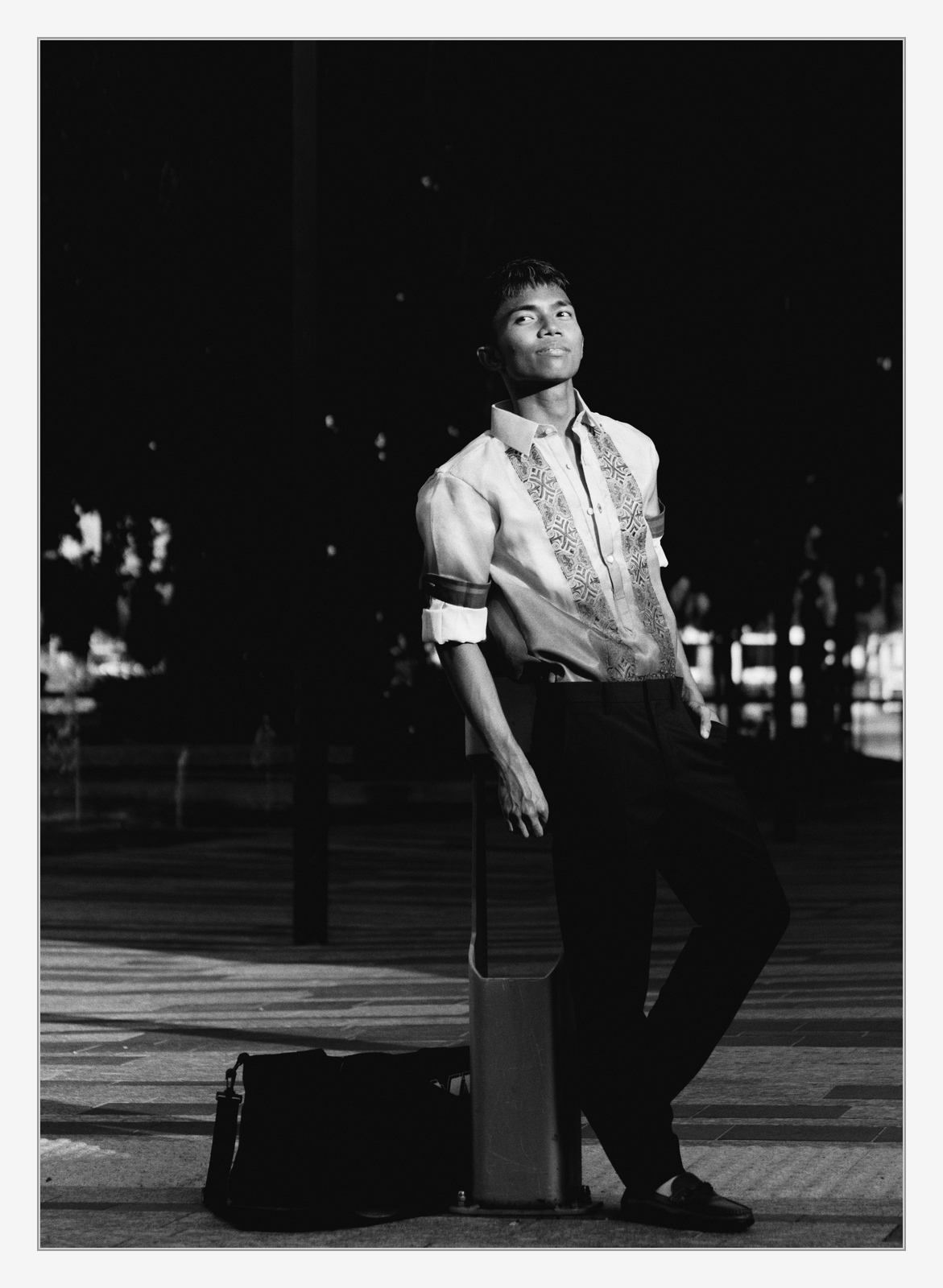
Missed this play, glad it was resurrected… and just as @Popanz above stated I feel a bit handicapped here. That said, it was fun to play.
Switched of nearly everything and found out I liked the whitebalance resulting from that. Quite warm as your title suggested. So no tone mapper and no color calib used here.
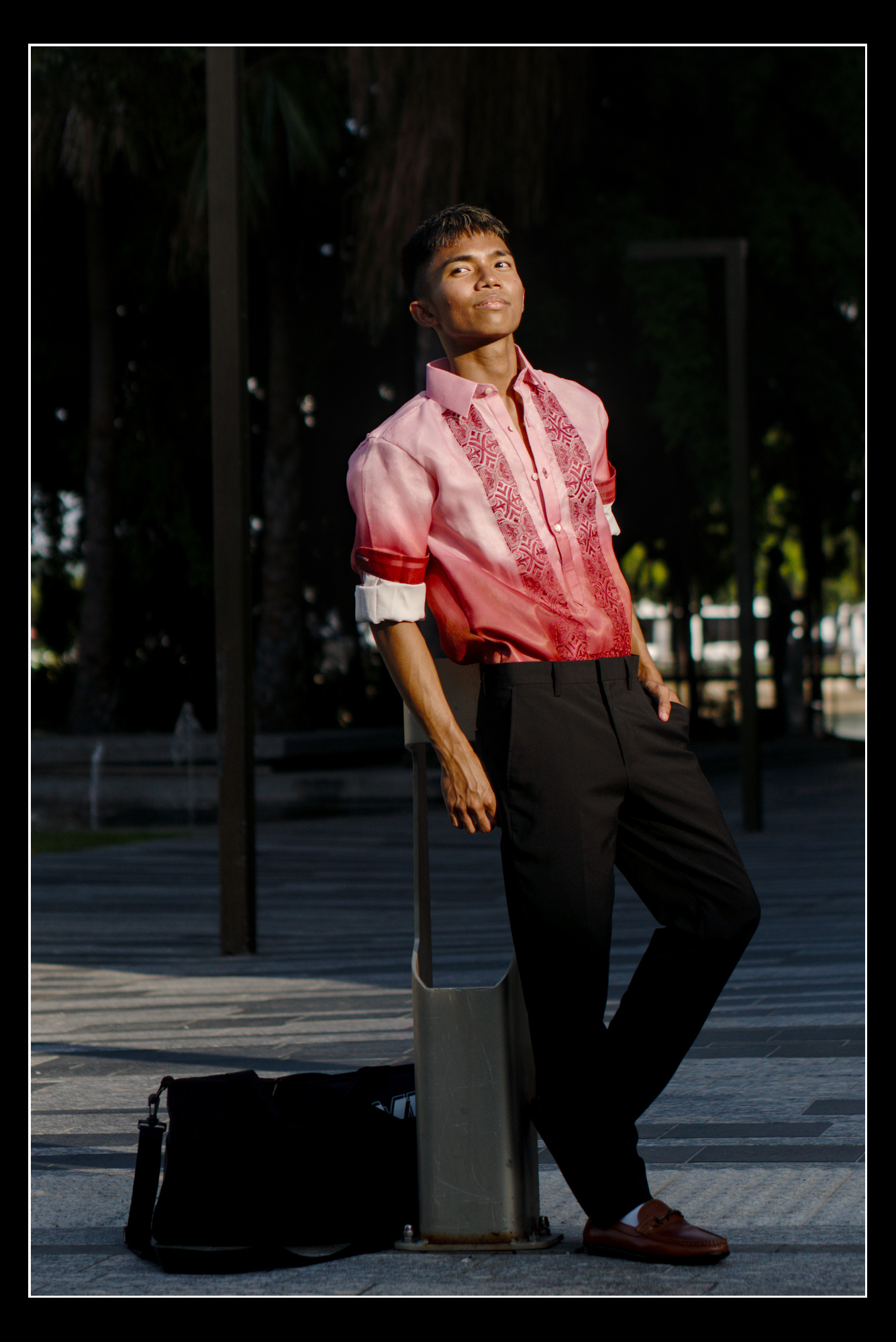
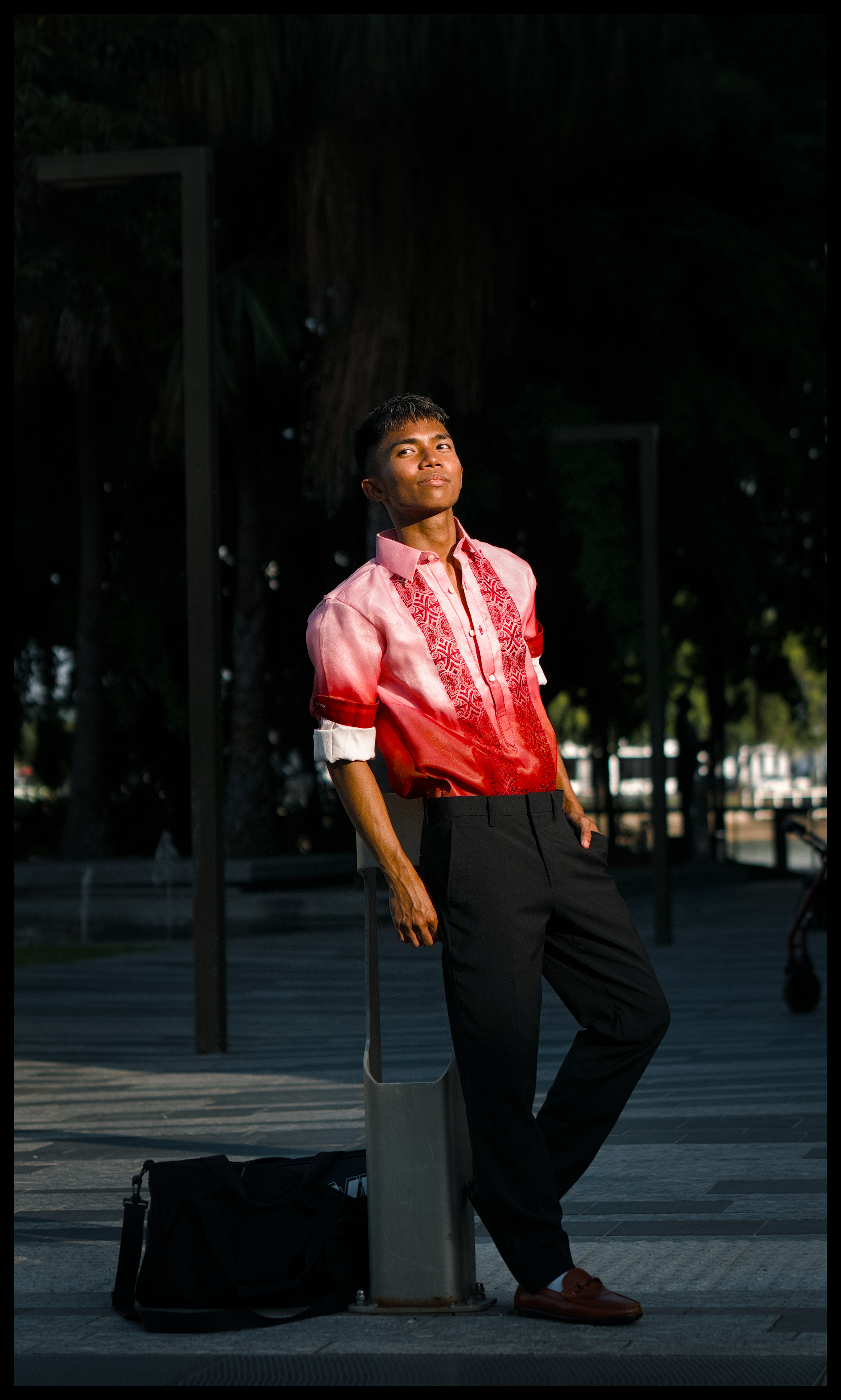
Bits of sharpen, local contrast, bits of playing with light and toning down what could be toned down. Tight crop and frame with thin dark grey line not to attract too much attention.
Hope you like it.