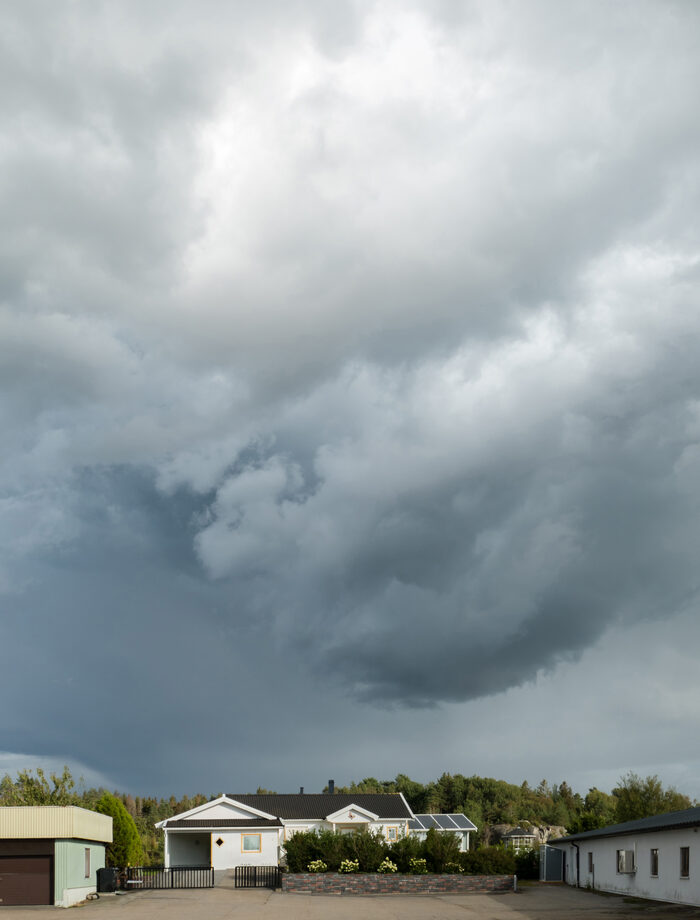
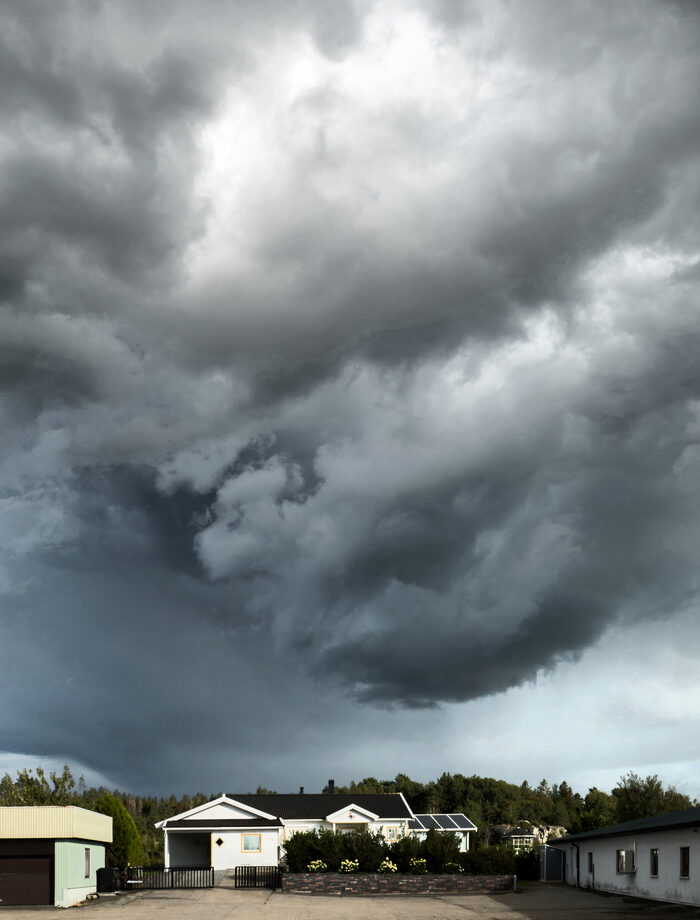
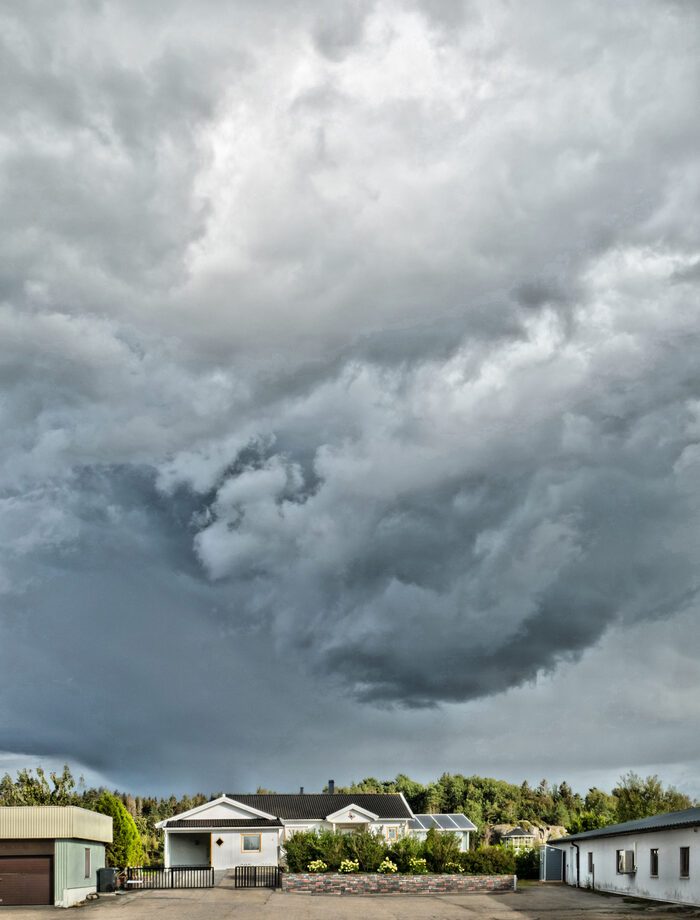
@Nicolas Welcome to the forum and thanks for sharing. I know there are some multiscale CLAHE papers out there. Maybe you could consider, experiment with and implement some of their findings.
I have been using CLAHE in medical imagery thanks to its ability to “reveal” potential bad stuff. I did not know that it could be also interesting in digital photography… TIL
For the curious folks, here is my implementation (with plenty of room for improvements and some limitations)
Thank you. It is working in GIMP 3.2.Windows. Installing NumPy was a bit tricky. But with instructions from chatGPT, I managed to do it. Thank you.
There might be some room for an additional feature: namely running CLAHE separately for each color channel. This way, you can also perform color correction at the same time.
To be perfectly honest, I’m a little put off by the fact that you have to install NumPy and Python (which together easily weigh in at 200 Mb) just to get a local histogram equalization filter in GIMP. We’re really in the era of software bloat…
Having gotten my start in computer science by creating like 4KB demos on the Amstrad CPC in Z80 assembly language, I have to admit that it still strikes me as odd to see the monstrosities (in terms of size) resulting from the use of Python nowadays.