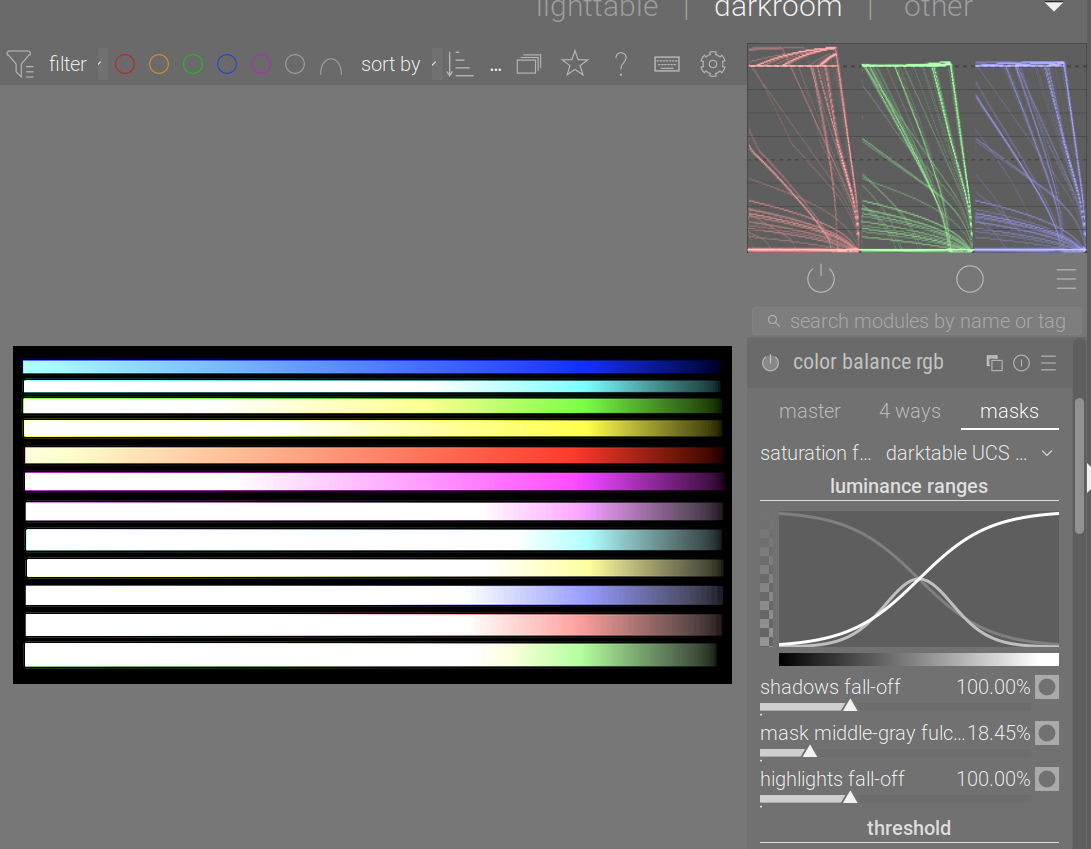
I’m wondering if this is a feature or a bug; if a bug, I’ll report it on github, but wanted to ask here first.
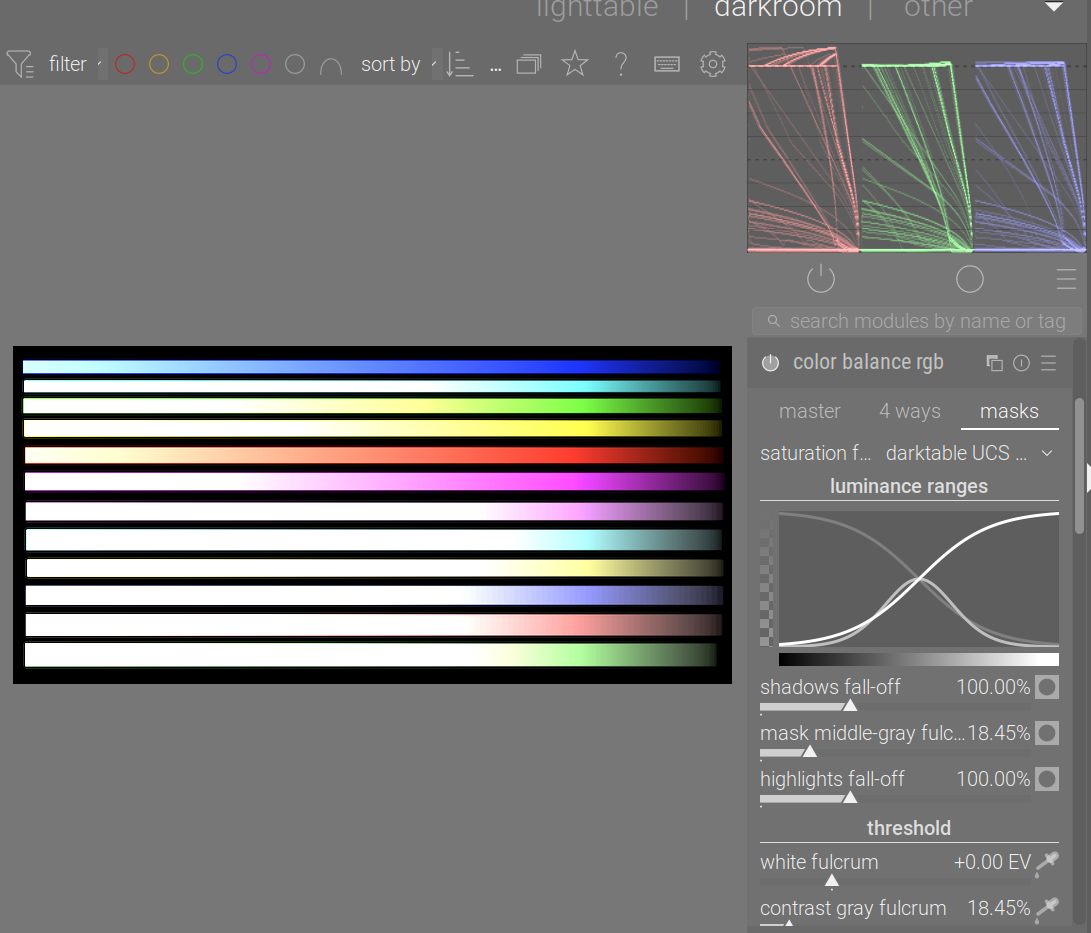
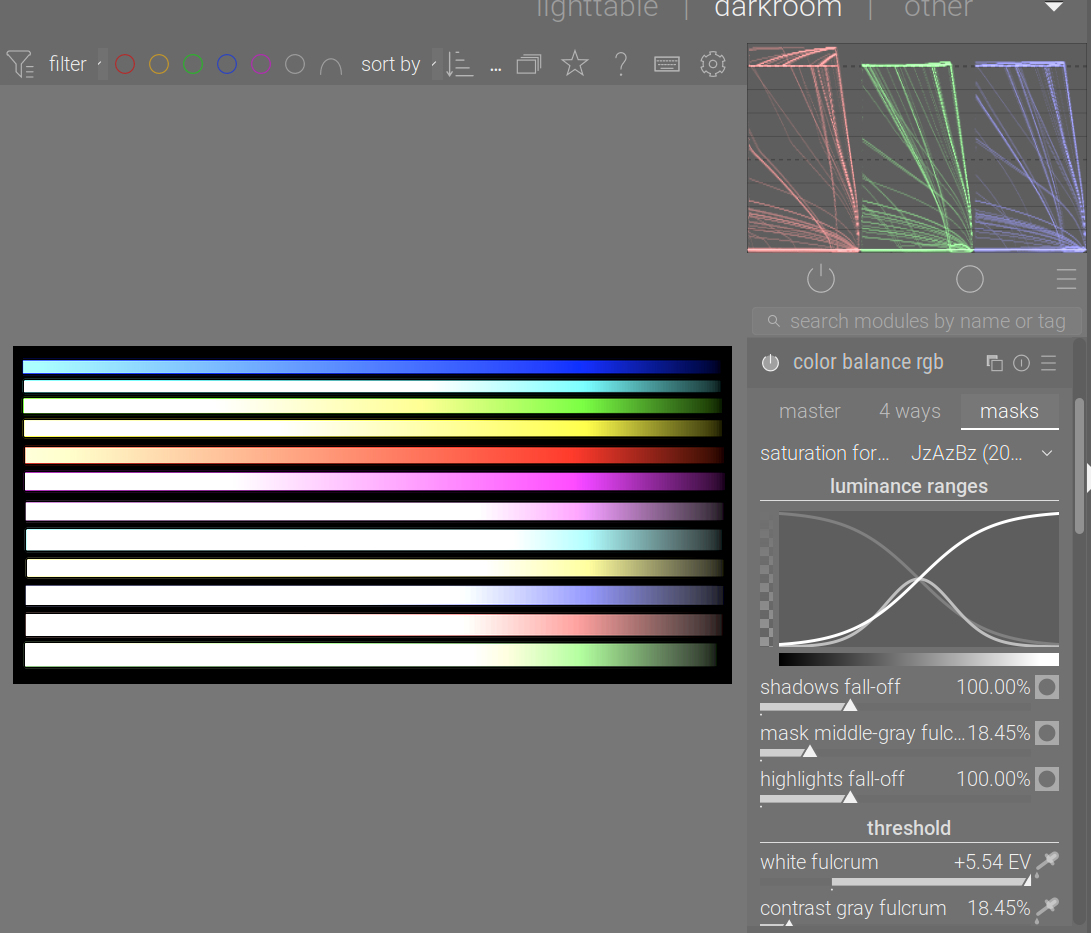
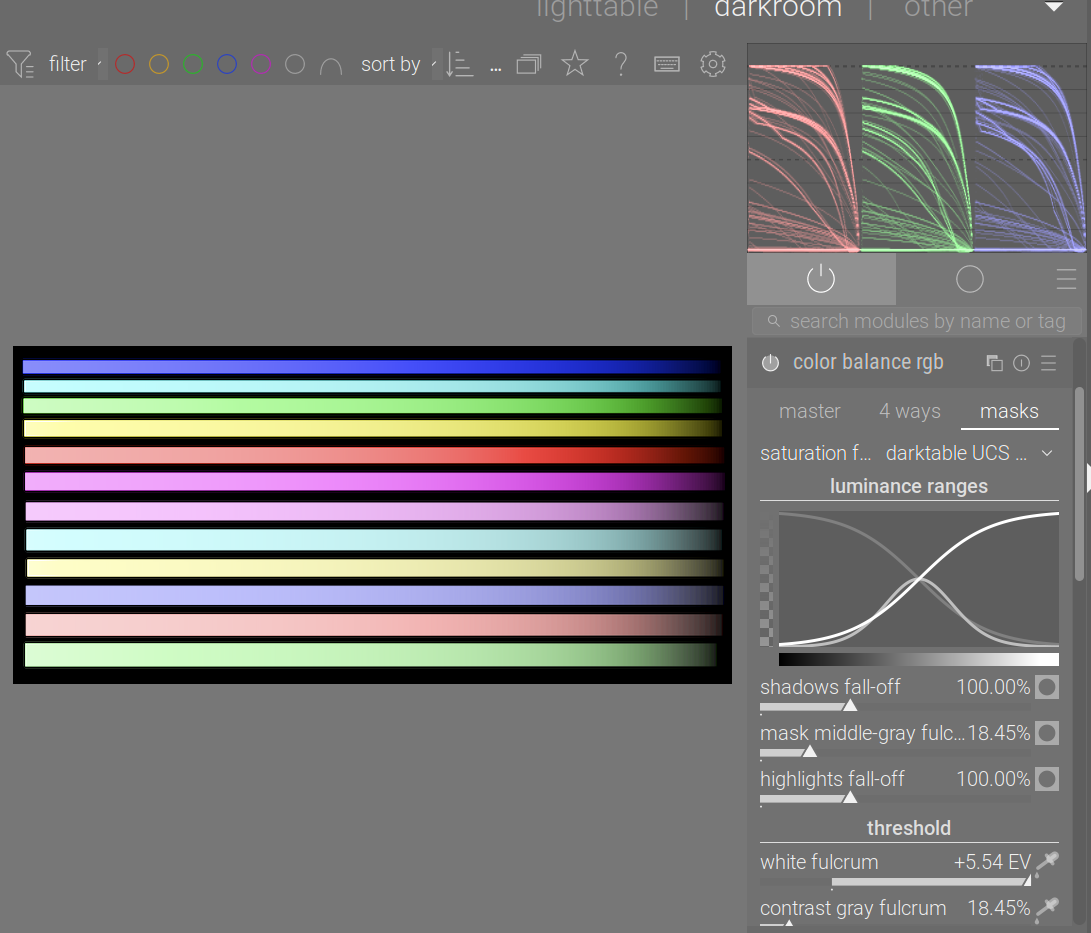
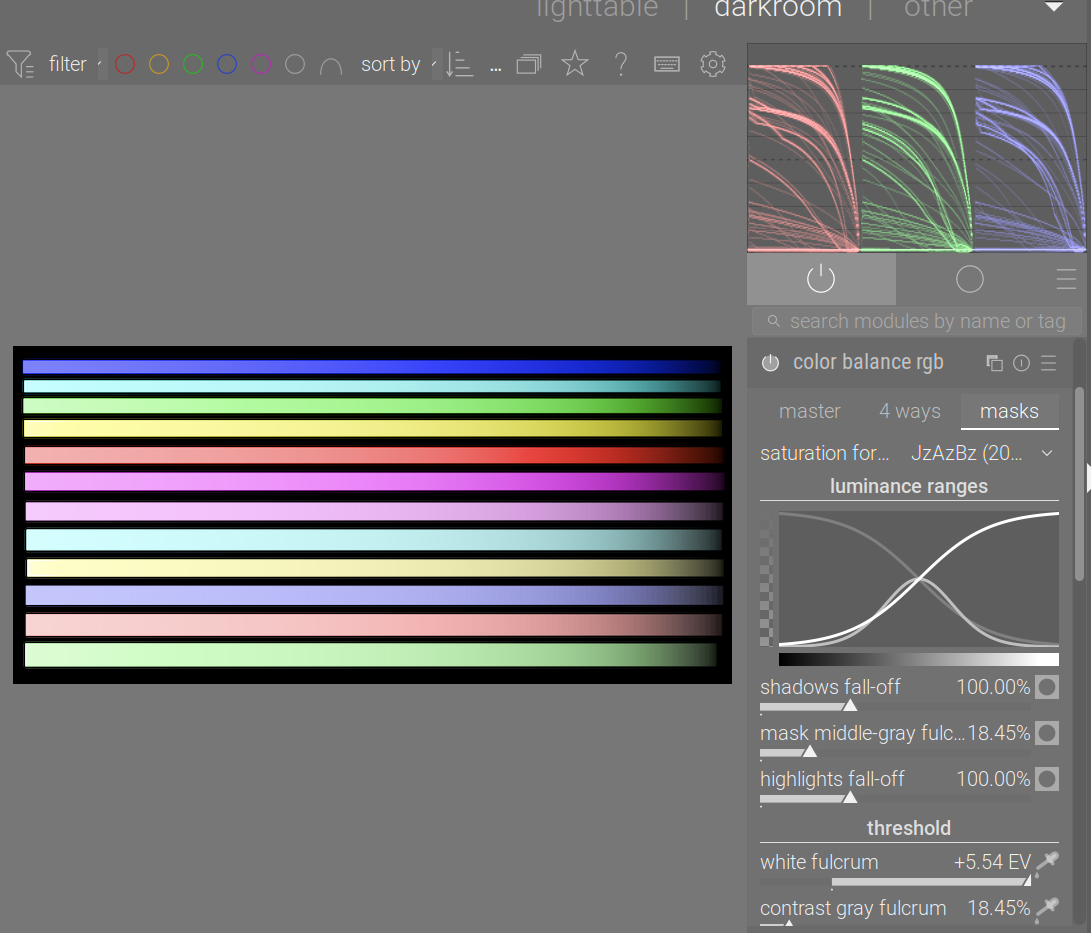
Given a synthetic test image with boosted exposure, it’s easy to show that when darktable UCS is used, colours are changed even with neutral settings. Check the histogram (I use sRGB as the histogram space):
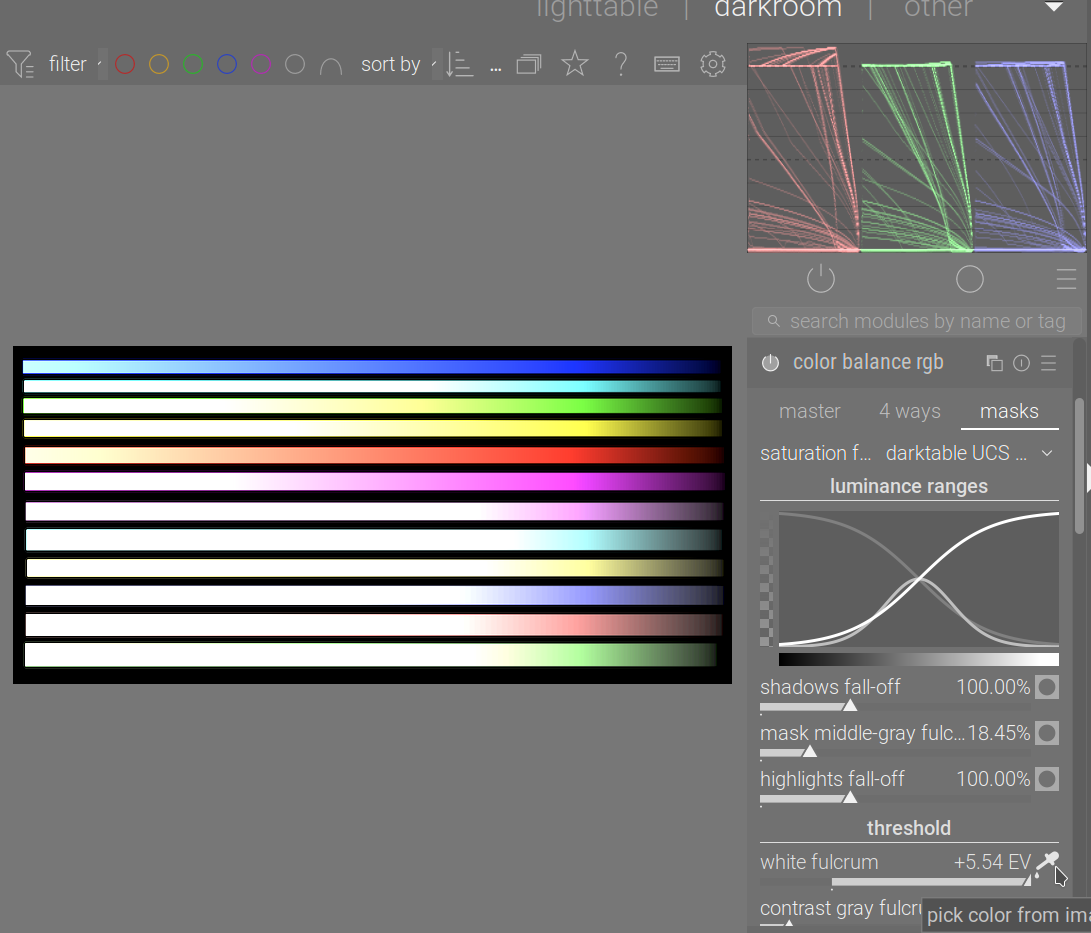
If I turn on filmic (just to keep using Aurélien’s modules) and auto-pick the black and white relative exposures, some difference is visible with JzAzBz, too.
Its the end of the day so be kind… What is truly neutral, ie how can you evaluate a UCS change… So with no sliders altered there is nothing applied by the module but toggling the saturation control will give a different look based likely on which is active…
And there is the UCS thesis that AP wrote… I had noted the difference in the module a long time ago…it very generically looked like UCS was like a perceptual render of an image and JzAzBz would often be more contrasted and look like more of a relative render of an image… (just a comparison in a visual sense not the math)
I guess I am missing what is the reference point from where USC is changing it …
But I am pretty wiped from a long day so I may have just missed a detail…
EDIT
I guess maybe you just mean that enabling it with no adjustments should be neutral but for the fact I am guessing this might be the point in the pipeline that first introduces UCS?? So maybe then its like doing a CS transform with gamut mapping so even with no adjustments and there is no true neutral effect possible??
At its output, color balance RGB checks that the graded colors fit inside the pipeline RGB color space (Rec 2020 by default) and applies a soft saturation clipping at constant hue, aiming to retarget out-of-gamut color to the nearest in-gamut color by scaling both chroma and lightness. This prevents the chroma and saturation settings from pushing colors outside of the valid range and allows more drastic adjustments to be safely used.
I suppose but after @kofa posted I tried this on some images not the synthetic one and did it with difference blend mode and there wasn’t much to seen in a normal image… I think if gamut is out of whack it will kick in but much less so if the image is within bounds… at least in the few images I saw…
Basically switching between the two saturation models I think will show the sort of difference demonstrated and explained here by AP… (beast of a document)
On the first page you can see UCS is more diffuse and spread out visually compared to the gradient for Jzbzaz
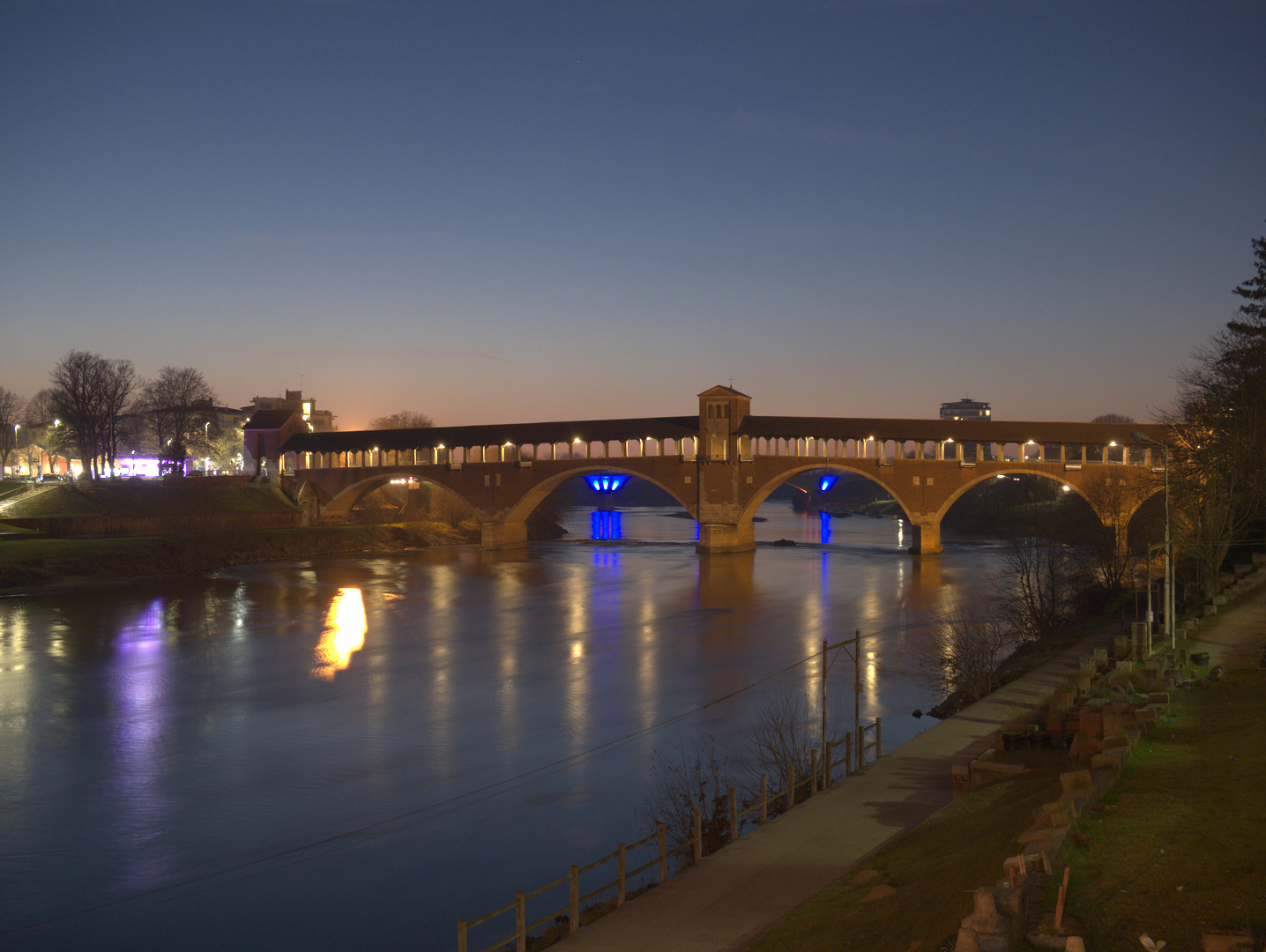
Yes. In this edit, I only did Lens Correction, Exposure, and ColorBalanceRGB (with no setting changes). I could easily see changes in the out-of-gamut areas, especially the blue lights over the water.