If I have crop and rotate module activated, it will look like this.
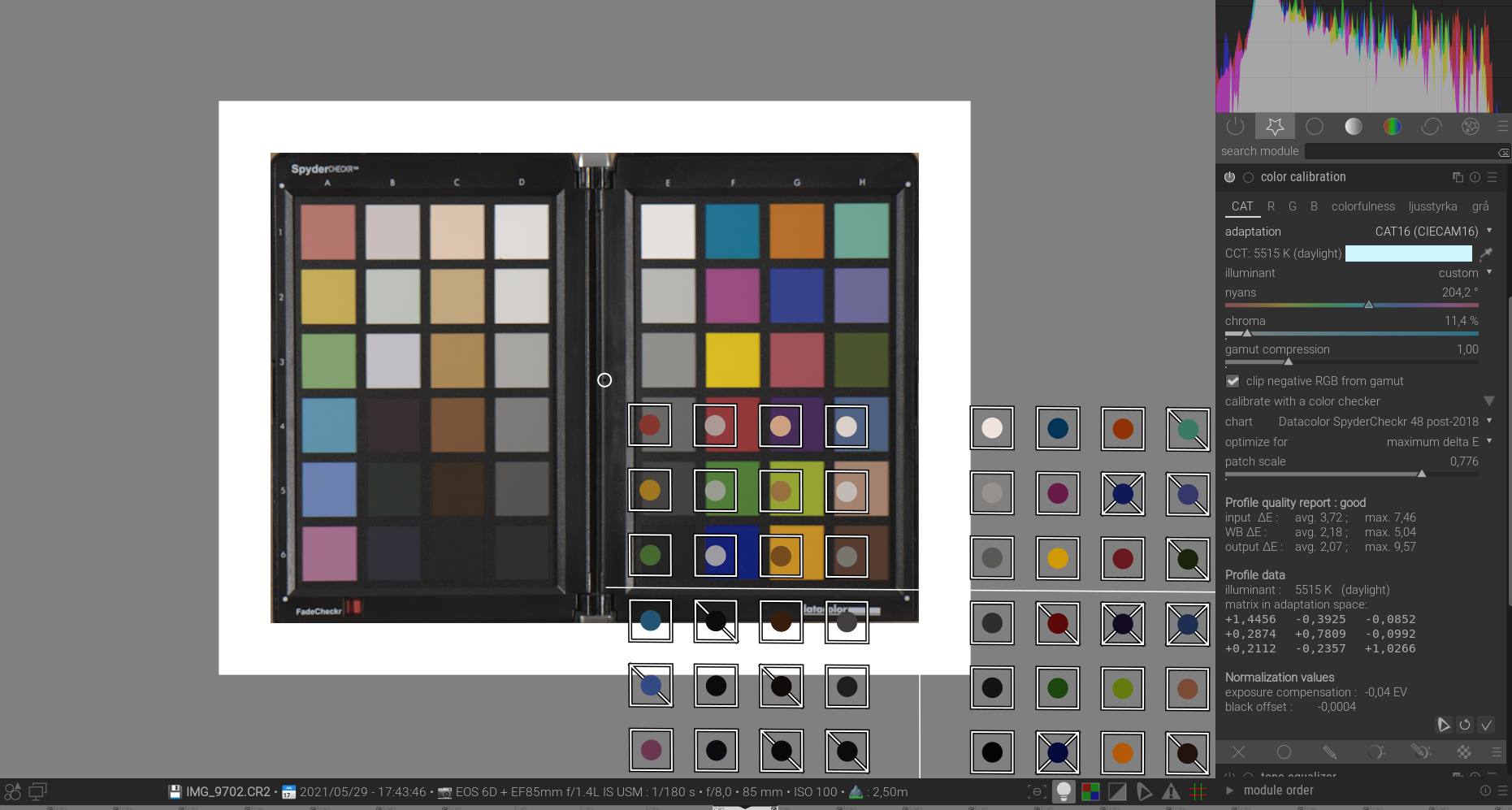
If I turn off crop and rotate module I am able to work with color calibration module and my Spydercheckr.
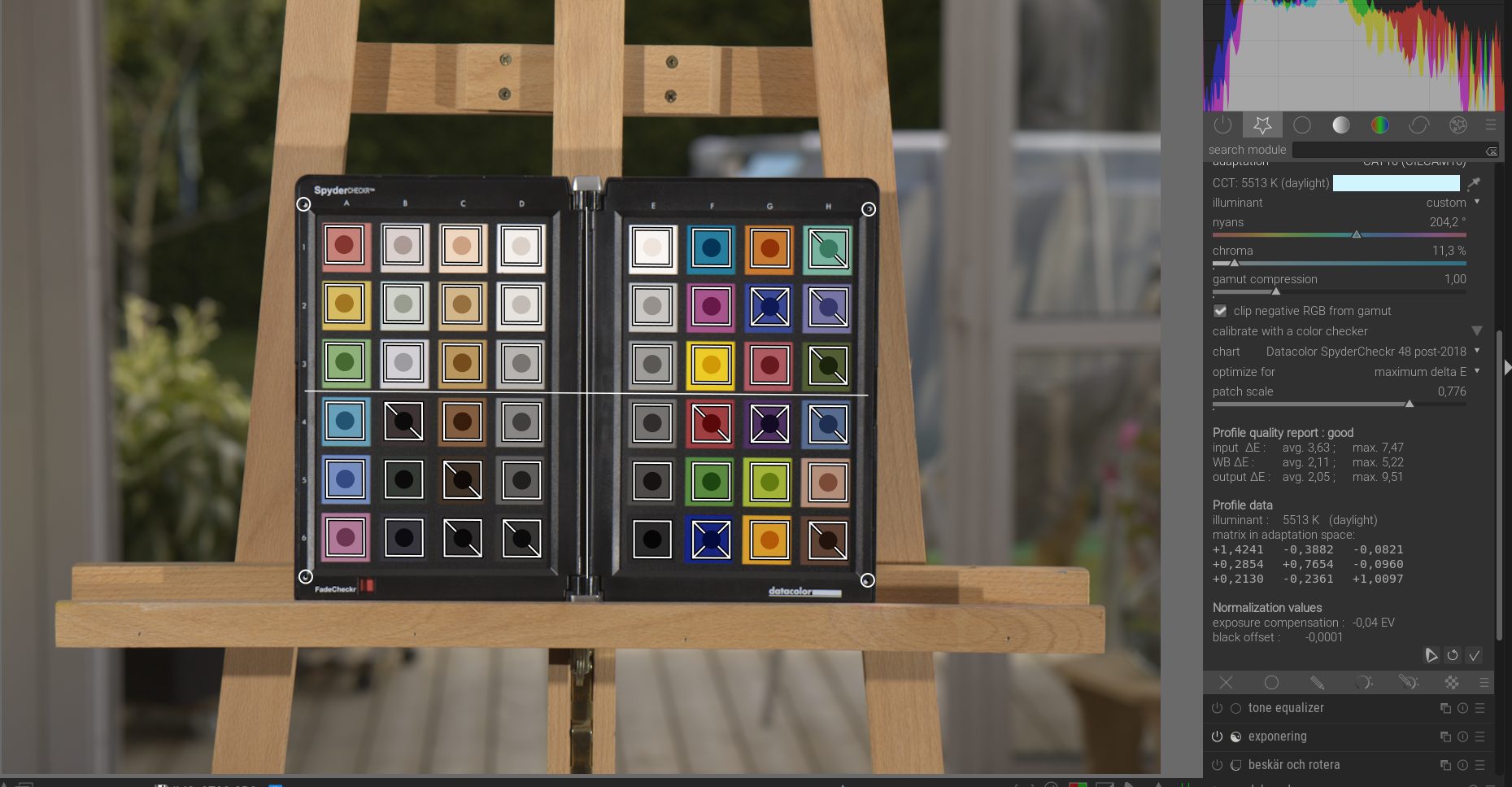
Is it a bug, user error och should it be like this?
If I have crop and rotate module activated, it will look like this.
If I turn off crop and rotate module I am able to work with color calibration module and my Spydercheckr.
Is it a bug, user error och should it be like this?
Maybe it’s because of ISO viewing conditions turned on (the Light bulb icon) 
This, the overlay being initially “off”, isn’t a bug. I also see this if I crop.
To be able to get access to the full overlay just decrease the view until the overlay is fully visible (ctrl + mouse-wheel down), roughly place it and go back to a maximal view to do the fine-tuning.
There are some prerequisites that might invalidate the use of a colour checker if not met, though. Do read the extracting settings using a color checker in the dtdocs - color calibration section.
simply double click to resize the picker matrix
Double click works great!
Aurelien just did a nice video on this yesterday…check out his YT channel…plus tip to check your WB coefficients if you have a calibrated monitor
Checked it yesterday thanks to you.
Oh good…also just to note and i am sure you have …recent changes in the color picker to allow it to maintain focus in certain situations, ie to give you the restricted histogram values etc sometimes lead to this sort of thing …for example if you leave the autopicker selected in color calibration you can’t activate the color picker until you unselect it…there are a few other combinations like this …I suspect crop is similar…when you first activate it the selection is available and so has the focus so until you commit it you can’t access another overlay function…like the colorchecker grid…