Dear All,
This morning my PR colorcalibration also for manual wb - #20304 has been merged. I’d like to thank everyone for their patience and support. User manual update will follow - your feedback would be important.
The PR was created to solve two issues: technical and usability.
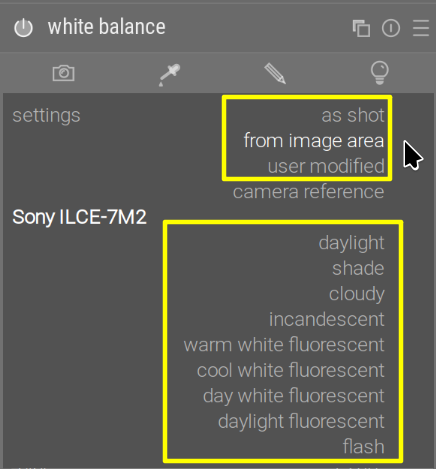
Usability is probably more important, and that is what you are actually going to see immediately, so let’s start with that. As you know, in darktable the scene-referred mode splits the handling of white balance between two modules: white balance and color calibration. This is surely confusing for newcomers, but also veterans sometimes asked to have the “temperature” and “tint” controls, which are used almost universally, but so far have been unavailable with the scene-referred flow. For the scene-referred flow, white balance had to be in one of two modes: the older ‘camera reference’ (using initial ‘reference’ white balance coefficients generated from the camera matrix), or ‘as-shot to reference’ (using the camera’s as-shot multipliers up to input color profile, then switching to ‘reference’); the correct white balance would be achieved later, in color calibration, by using ‘as shot in camera’ or some other mode.
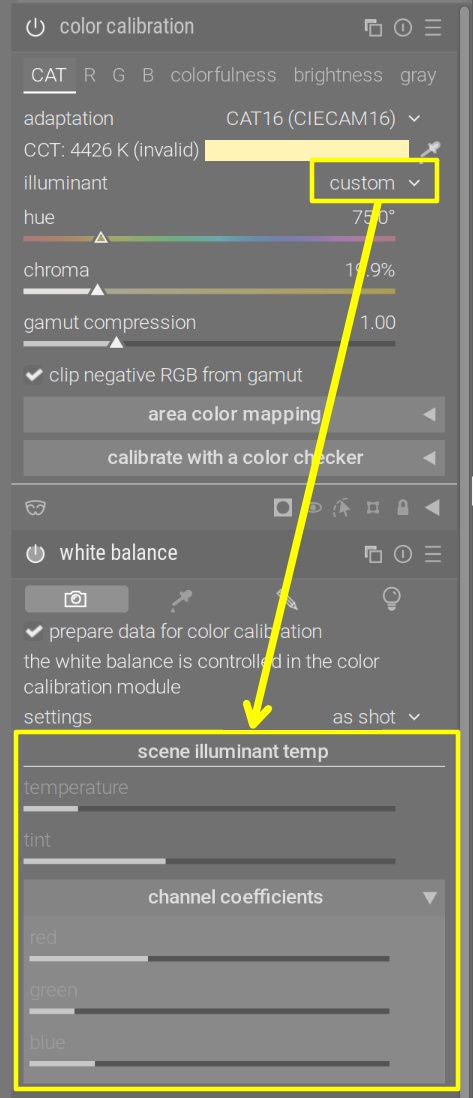
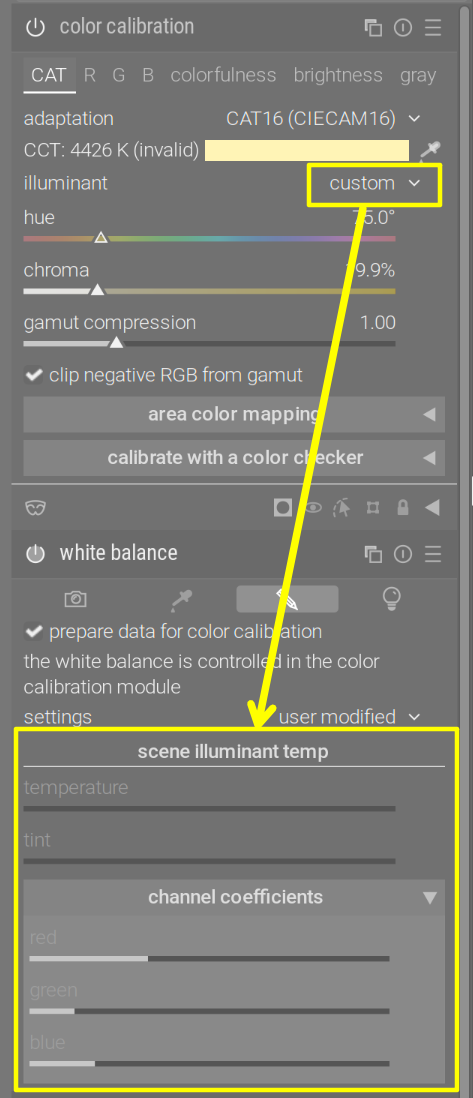
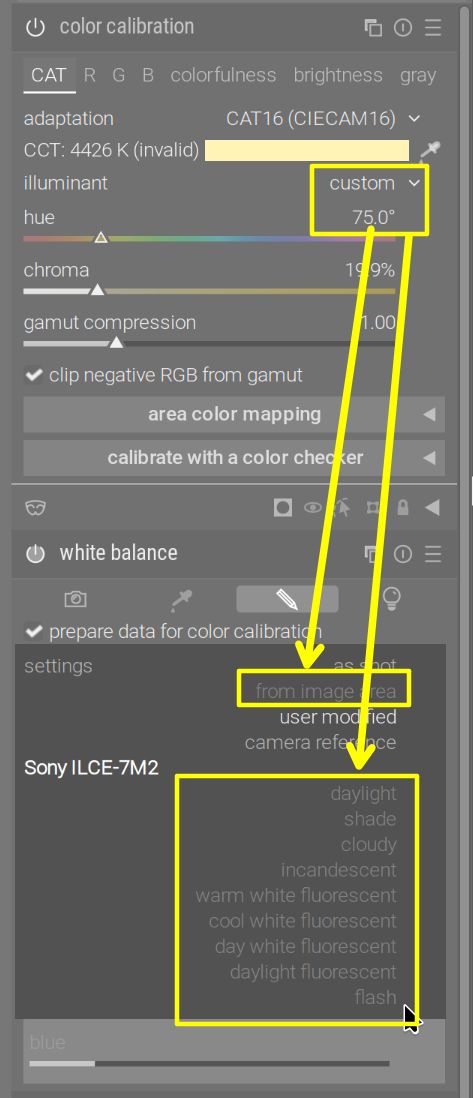
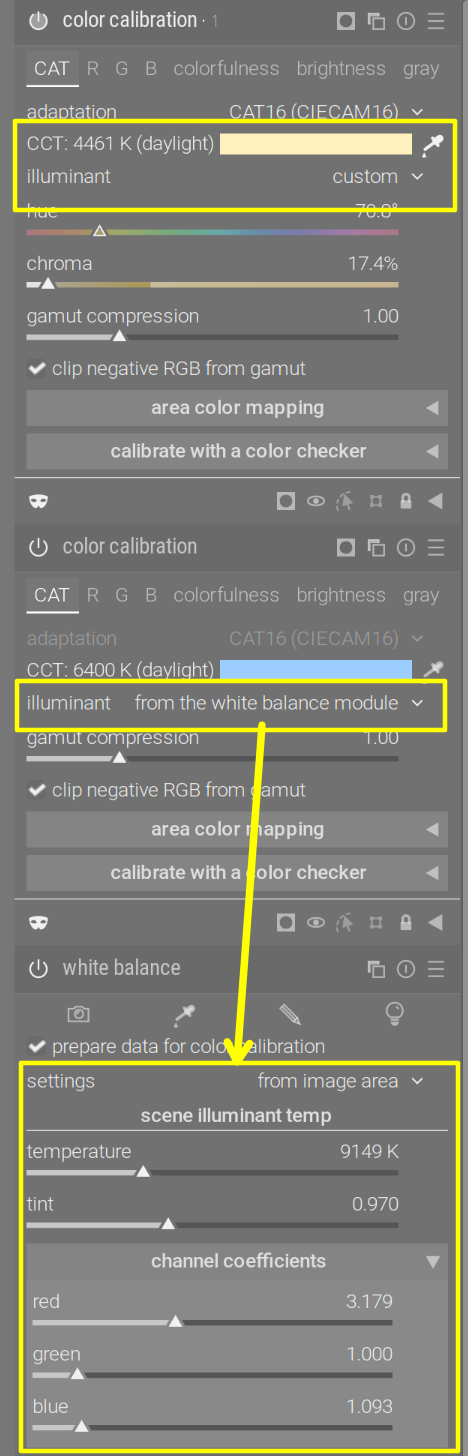
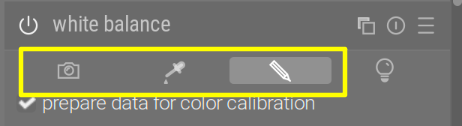
The most visible change is that color calibration’s new default illuminant setting is ‘from the white balance module’. When in this mode, it will follow whatever you set in white balance (the option should not be used with the ‘camera reference’ WB mode). At the same time, white balance gained a new checkbox, ‘prepare data for color calibration’. Having that ticked tells input color profile to perform the same kind of preparation that it did for ‘as shot to reference’, but is now available for any white balance setting (except for ‘camera reference’, where it would do nothing, ‘converting’ reference to reference, so is hidden). Most controls of white balance are only available if color calibration uses the from white balance module illuminant setting, in order to reduce confusion regarding where white balance parameters are actually set.
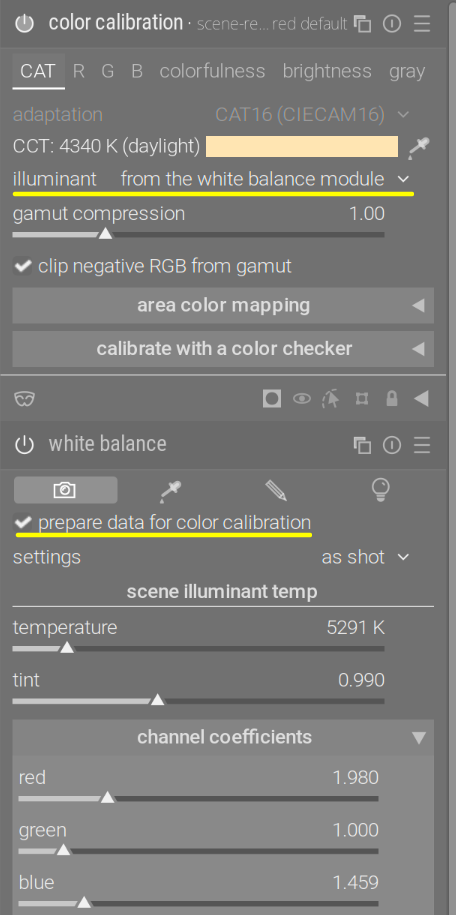
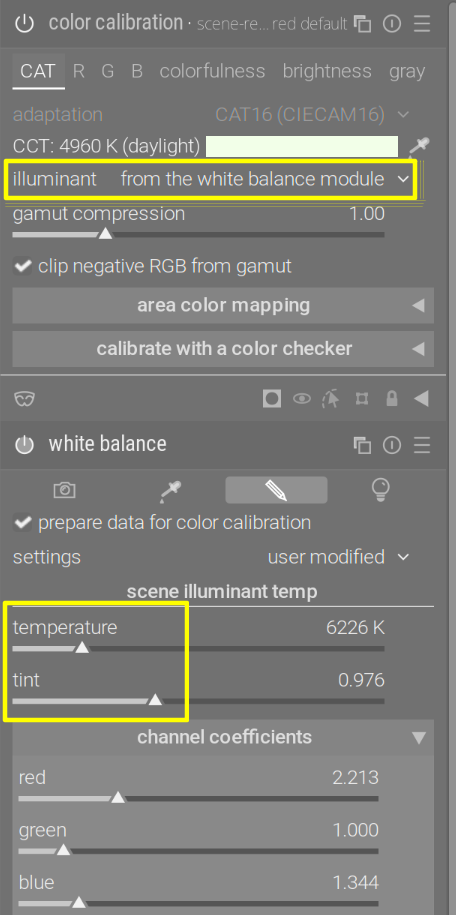
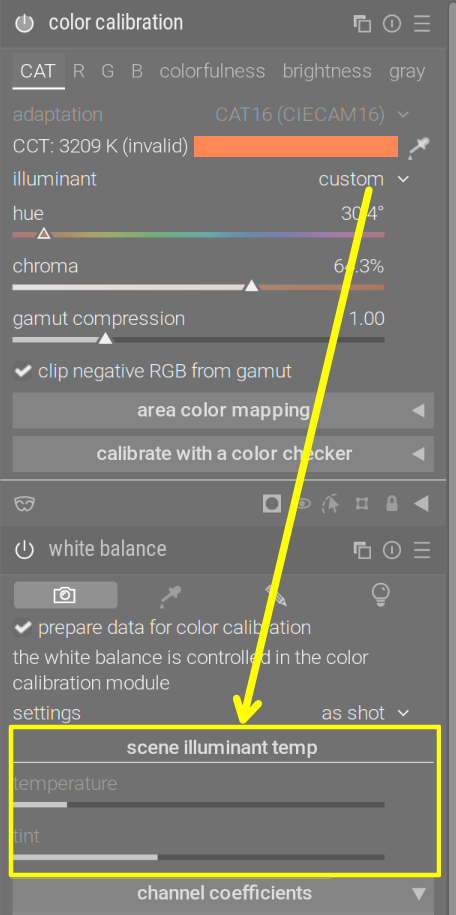
There’s a new warning to remind you to tick prepare data for color calibration if you forget:
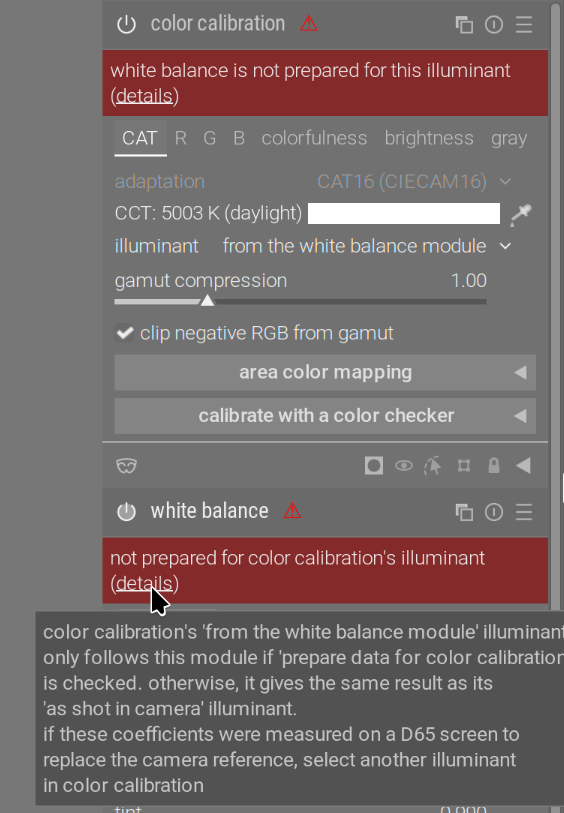
It is still possible to combat a wrong camera profile (the ‘caveat’ mentioned in the user manual). Your saved presets (including any matrix fix preset) should continue to work. To create such a preset:
- turn off color calibration - this enables all white balance controls, and disables (and hides) the prepare data for color calibration checkbox
- pick your white balance from a shot of a D65 calibrated screen
- save the preset
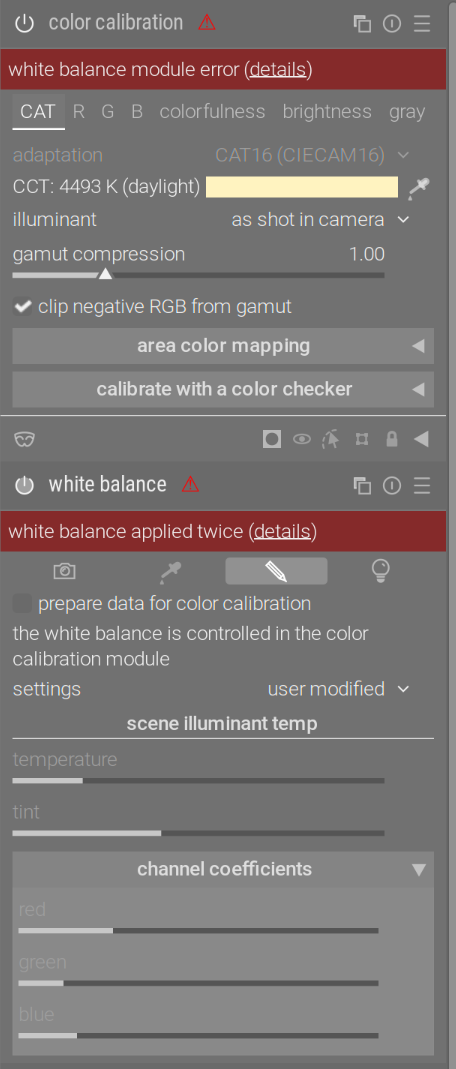
You can then apply the preset to any photo; color calibration must not be in from white balance module mode, as now the RGB coefficients in white balance are used not to balance the image, but to replace the wrong ‘reference’ multipliers:
Now, the technical side: some modules, such as highlight reconstruction and denoise (profiled), work better if the the image is properly white balanced (in the sense that neutrals are correct). This was the reason as-shot to reference was introduced: the camera’s estimate of illuminant is better than a fixed D65 reference value. This change simply takes it one step further: you can now choose (pick from the image) what the correct illuminant is.
What I’d like to ask from you is to test: do you experience weird colour shifts compared to previous exports? Usability issues? Wrong warnings? Anything you find confusing and should be modified on the UI, or very carefully explained? Highlight reconstruction, denoising, raw chromatic aberration suppression not working as it should (as it used to)? Please provide sidecars for darktable 5.6.x and for the new version, so I can have a look - it would be impossible to fix an issue like ‘it does not look as it used to’.
Thanks in advance,
Kofa