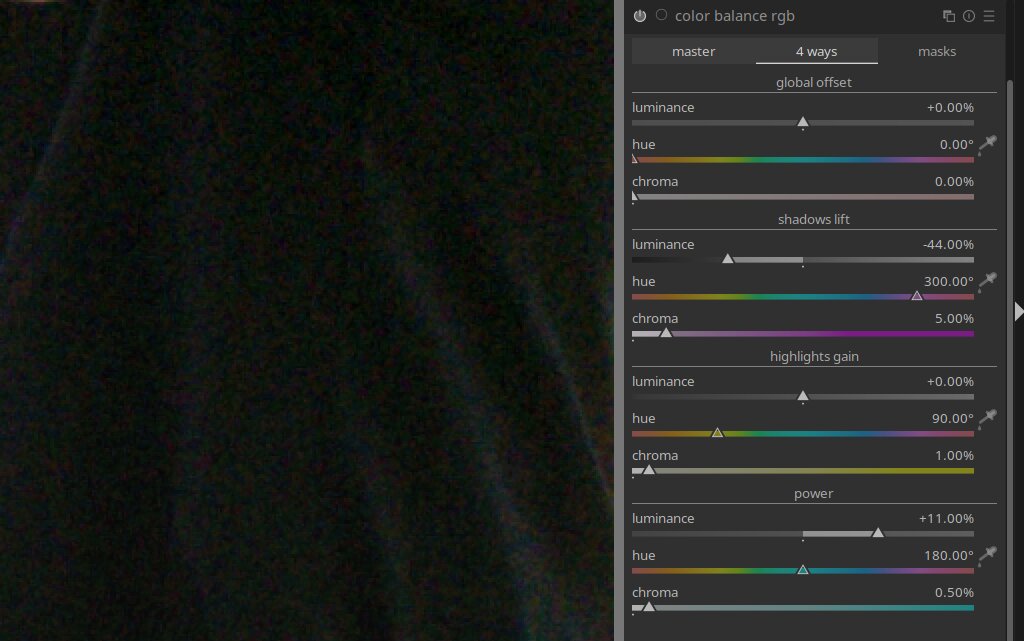
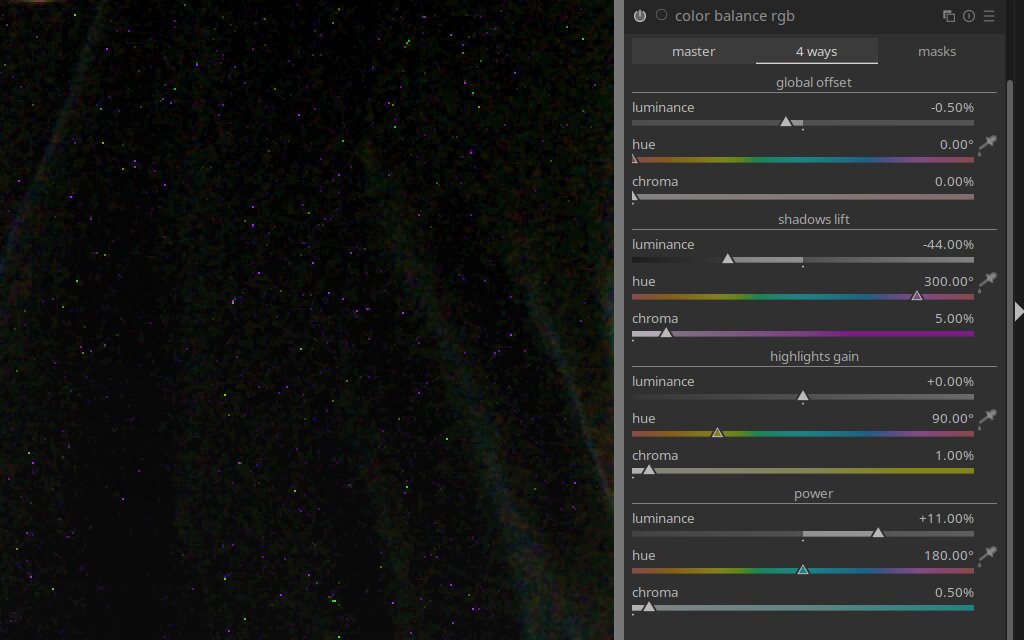
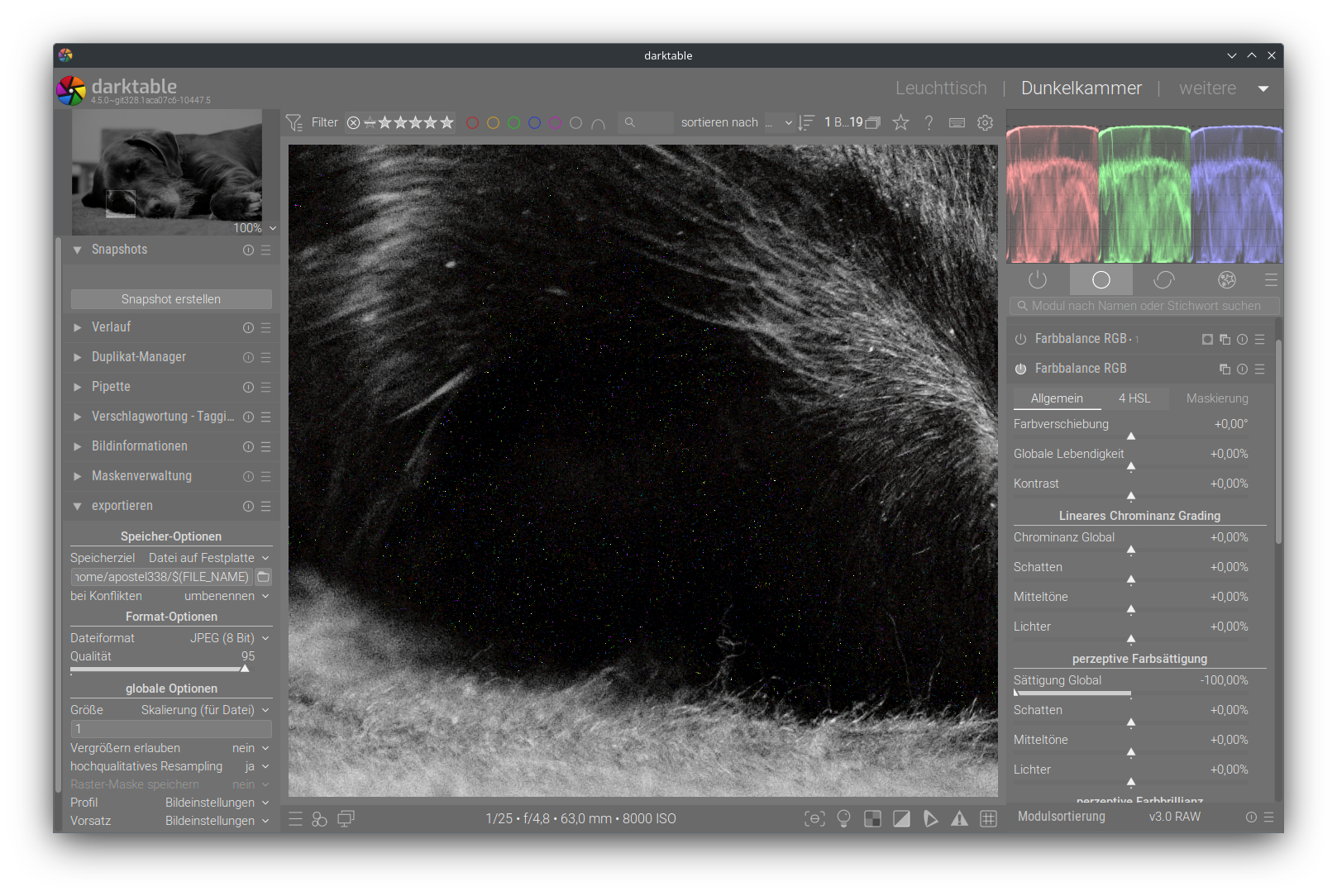
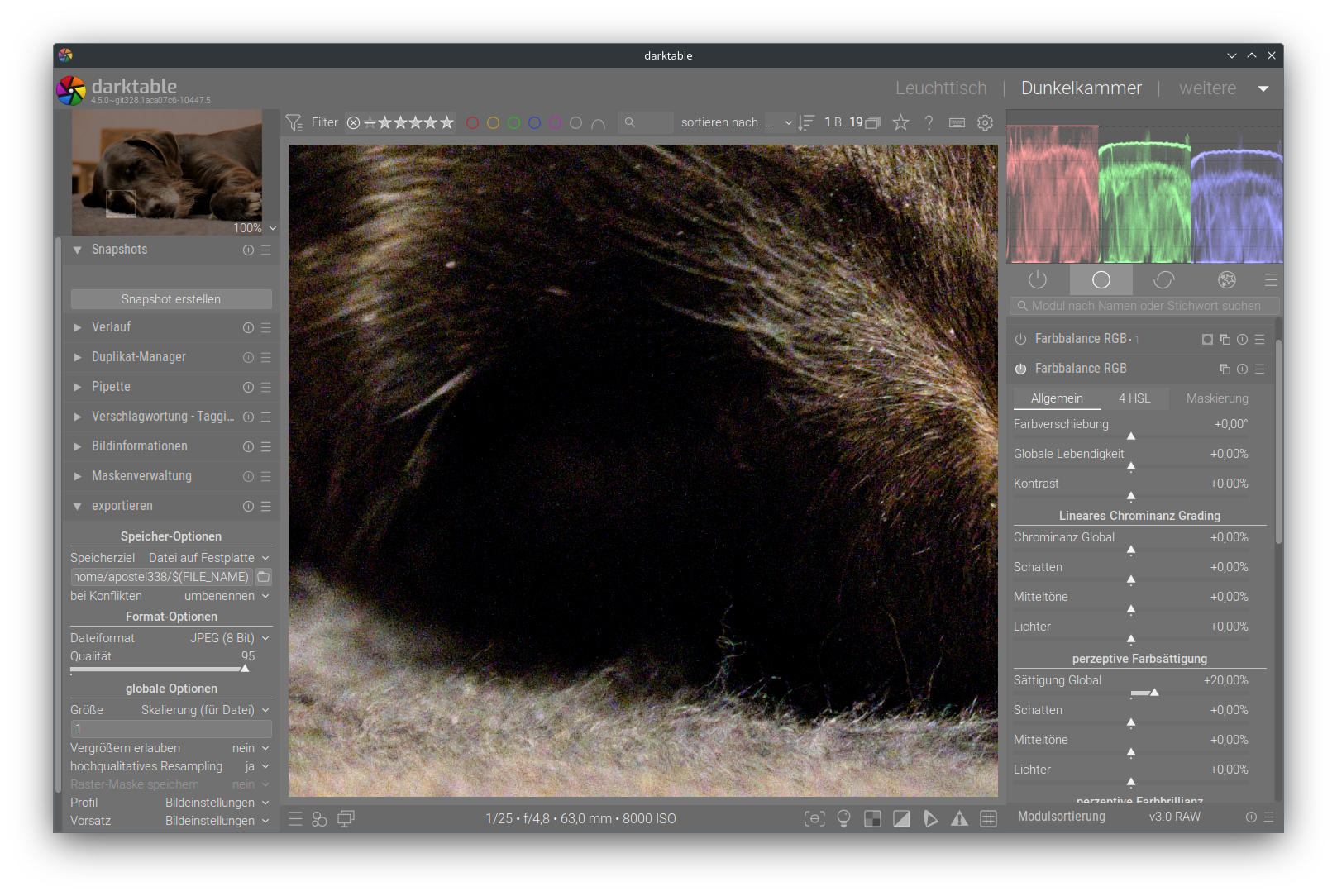
darktable 4.2.1 – Since I currently can not upgrade to the newer version I am asking here if these artefacts are still present in dt >= 4.4
Luckily they show rather well on the fit-to-screen view, screenshots are taken at 100%.
Any denoise tools that one might suspect to influence this have been tested. They change the places where the pixels appear, but not their existence or general amount.
What am I doing wrong or does this also fall under the “this is expected because I am asking for it” rule of scene-referred workflow?
I do not speak enough rawtherapeean to know if they have a ColorBalanceRGB tool that introduces noise when using about a 1/20 of the range of the luminance slider …
I’m on my phone so I can’t really see what you have presented…will go to my PC but one thing are you setting the tonal mask in the module and if you do does that help??
Nice find with the global saturation of the perceptual saturatio grading.
That one I can not confirm - profiled denoise just moves the pixels around but does not get rid of them. I tried different ISOs and they seem to influence the result. So maybe on some combo they don’t show?
I present single pixels similar to hotpixels when reducing the luminance on the global offset in the 4-ways tab.
Nice hint with the tonal mask … setting the saturation formula to JzAzBz (2021) gets rid of the pixels. All the other settings in that tab do not change a thing.
Yes, how good this works seems to depend on the camera. I’m probably lucky with the Z50 profile. Also, avoid may be the wrong term, but it helps a lot. When lowering the luminance slider even more, colorfull pixels become weakly visible.