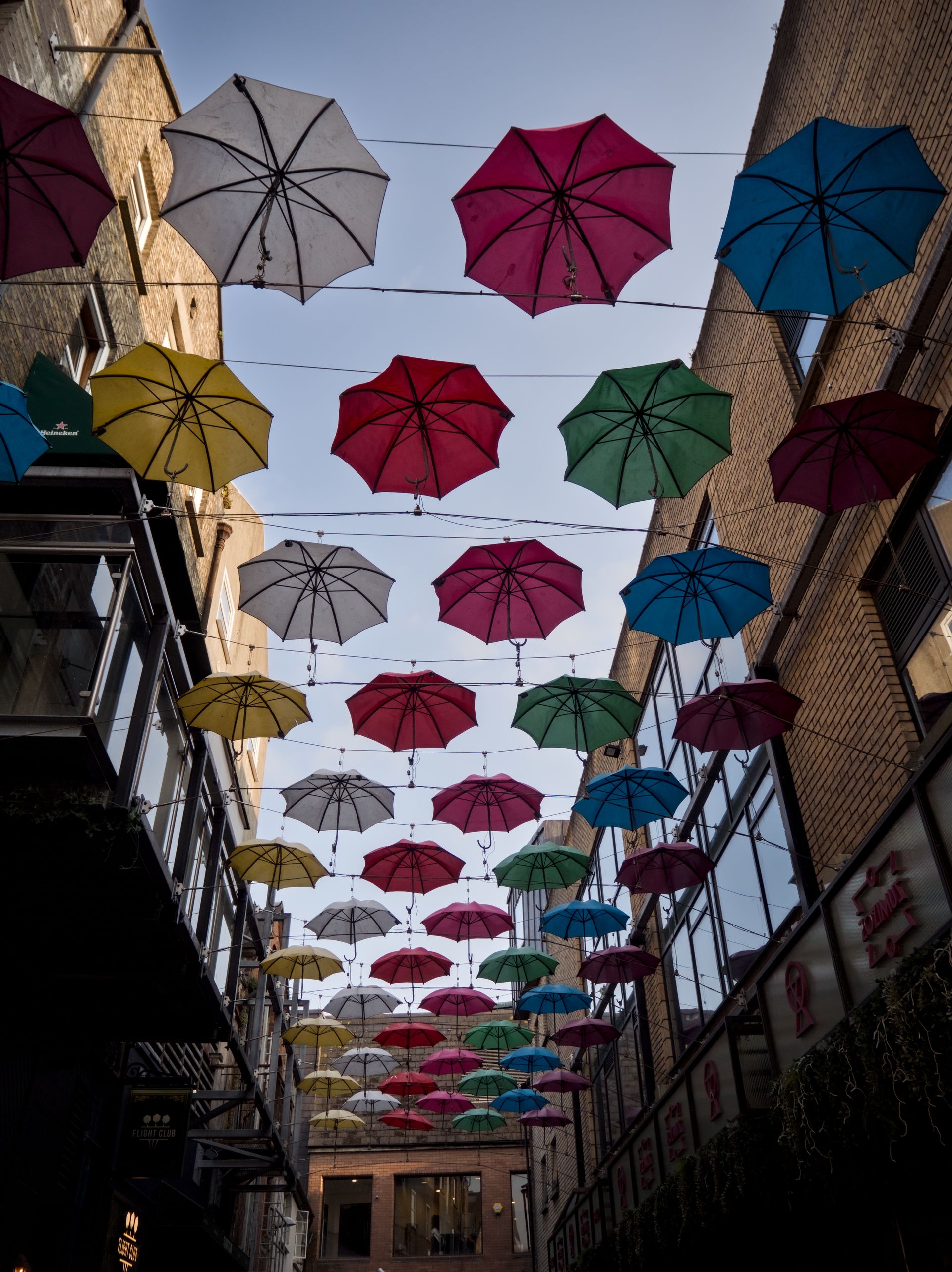
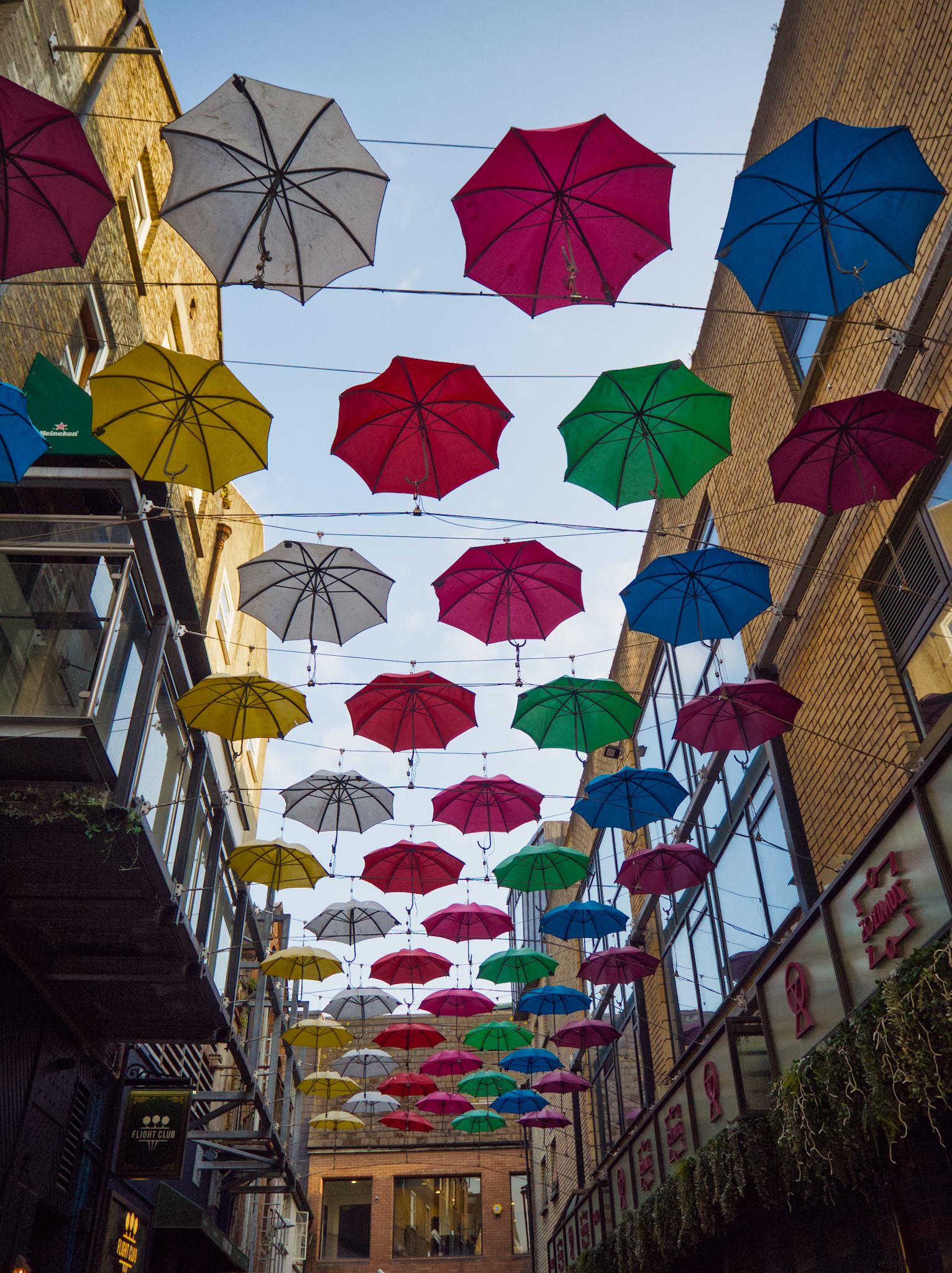
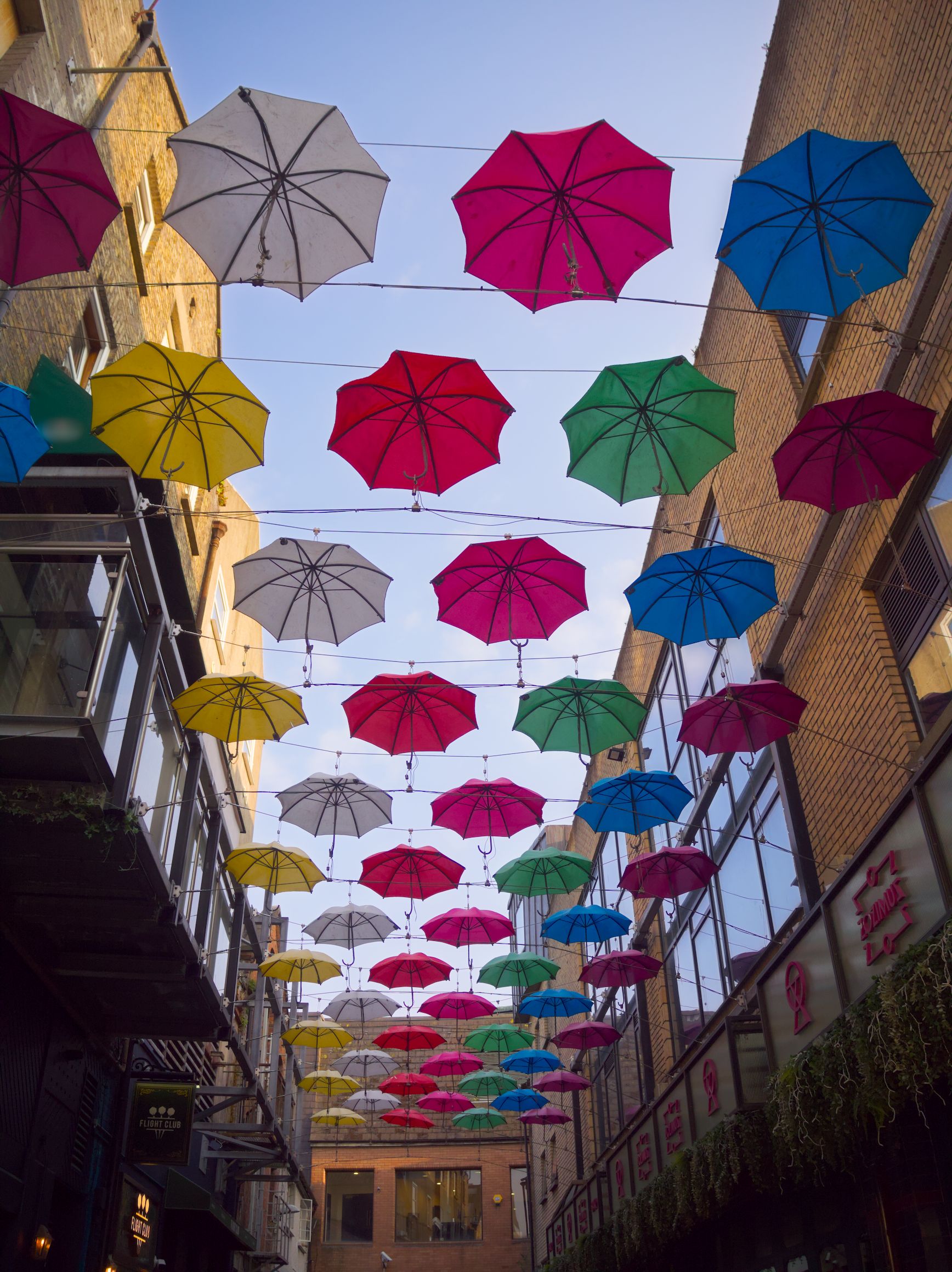
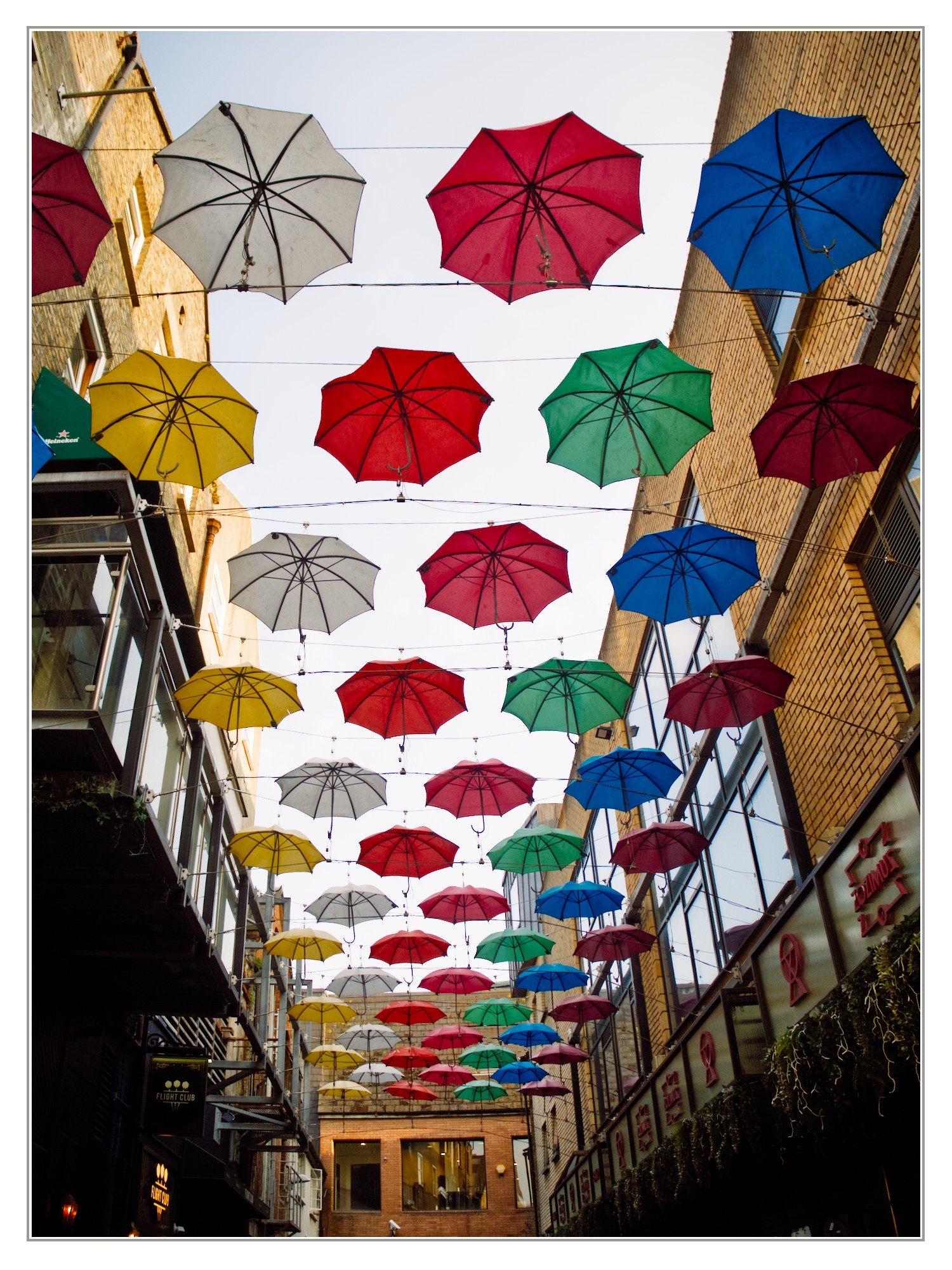
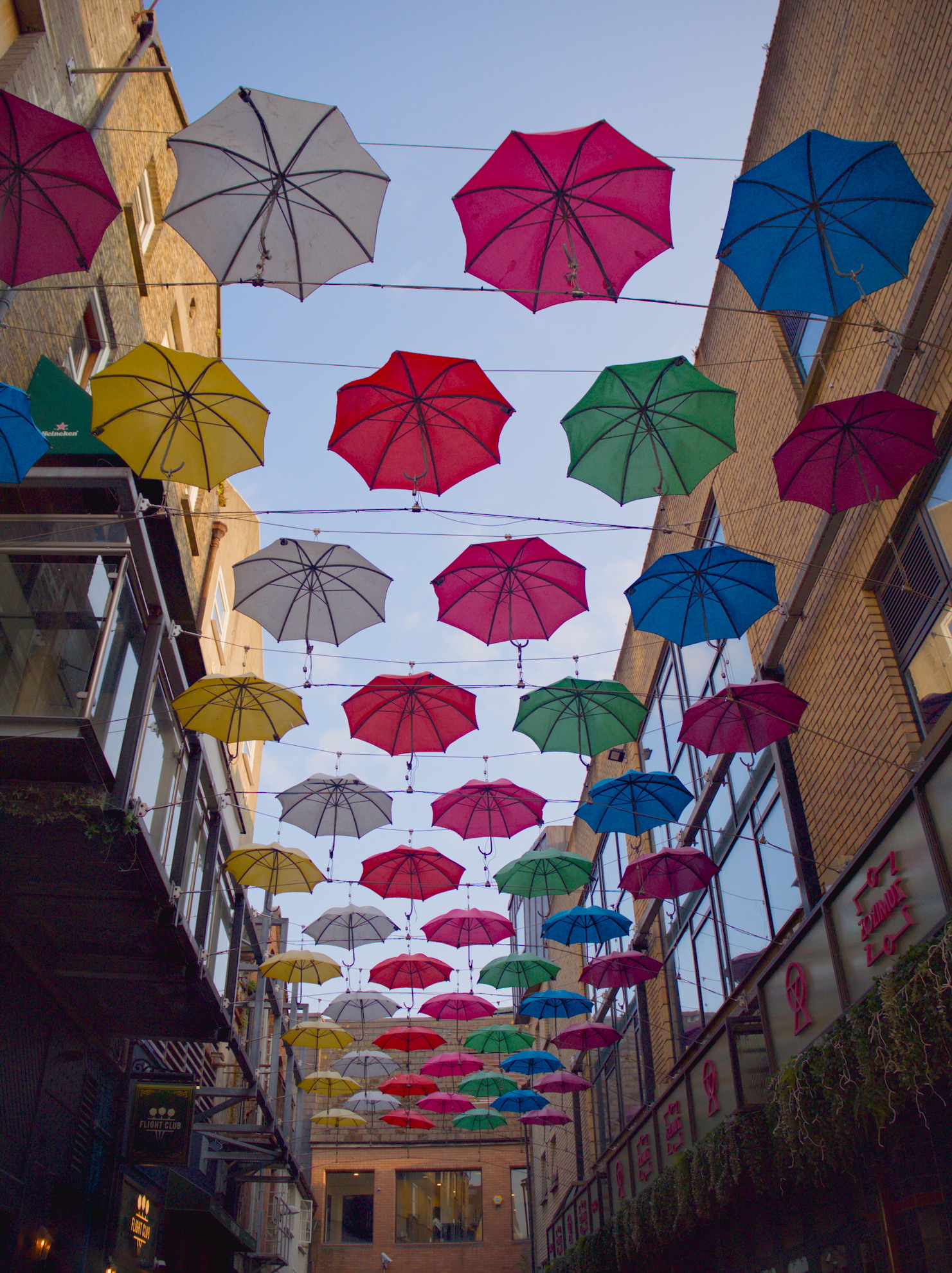
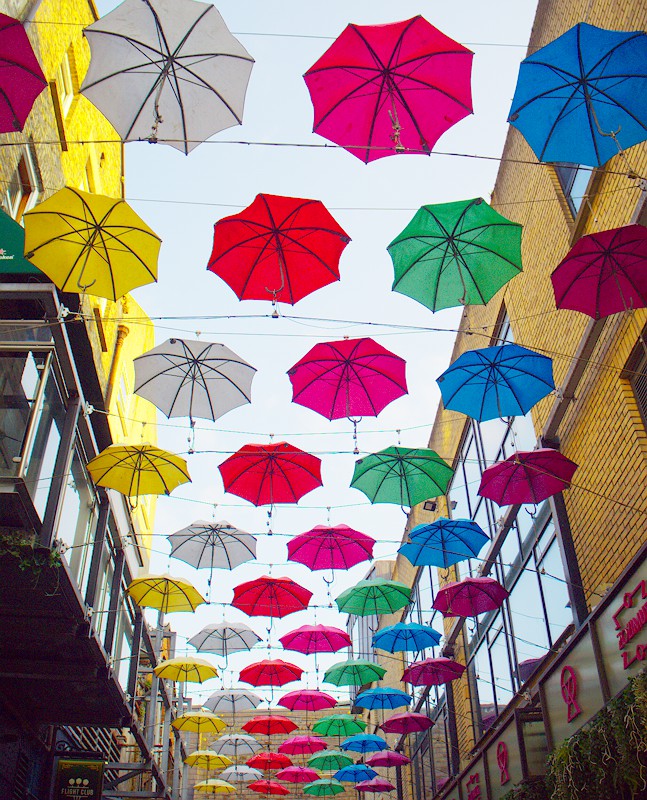
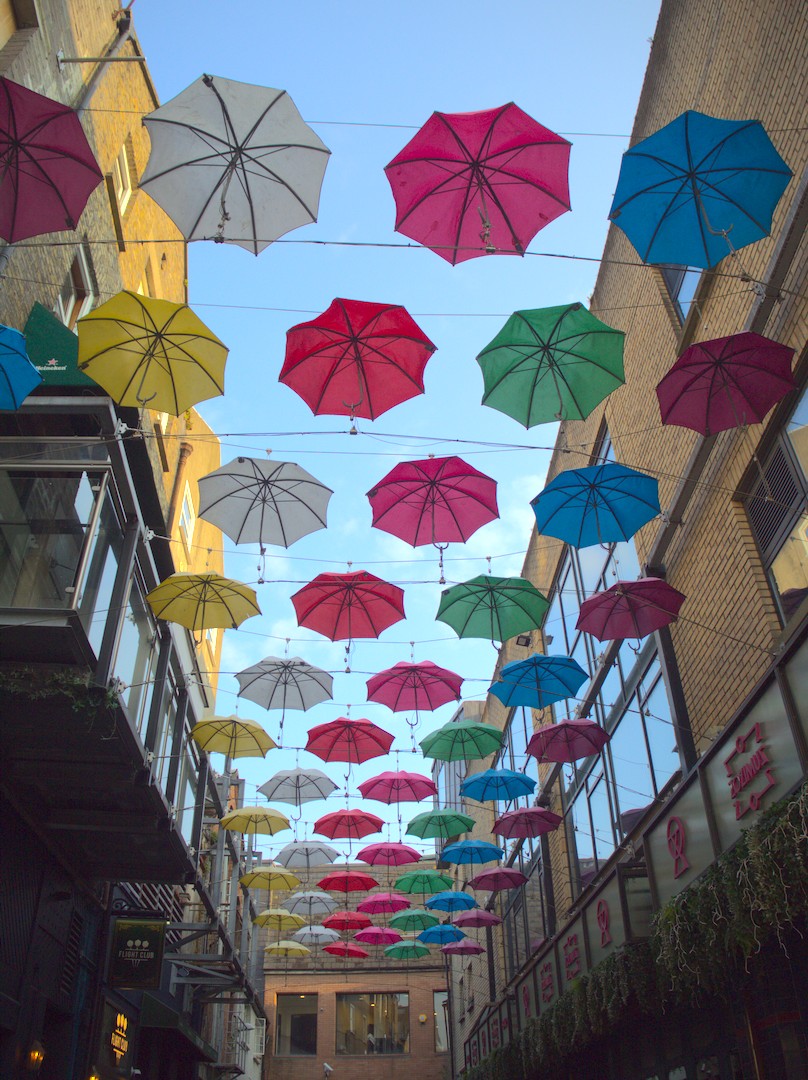
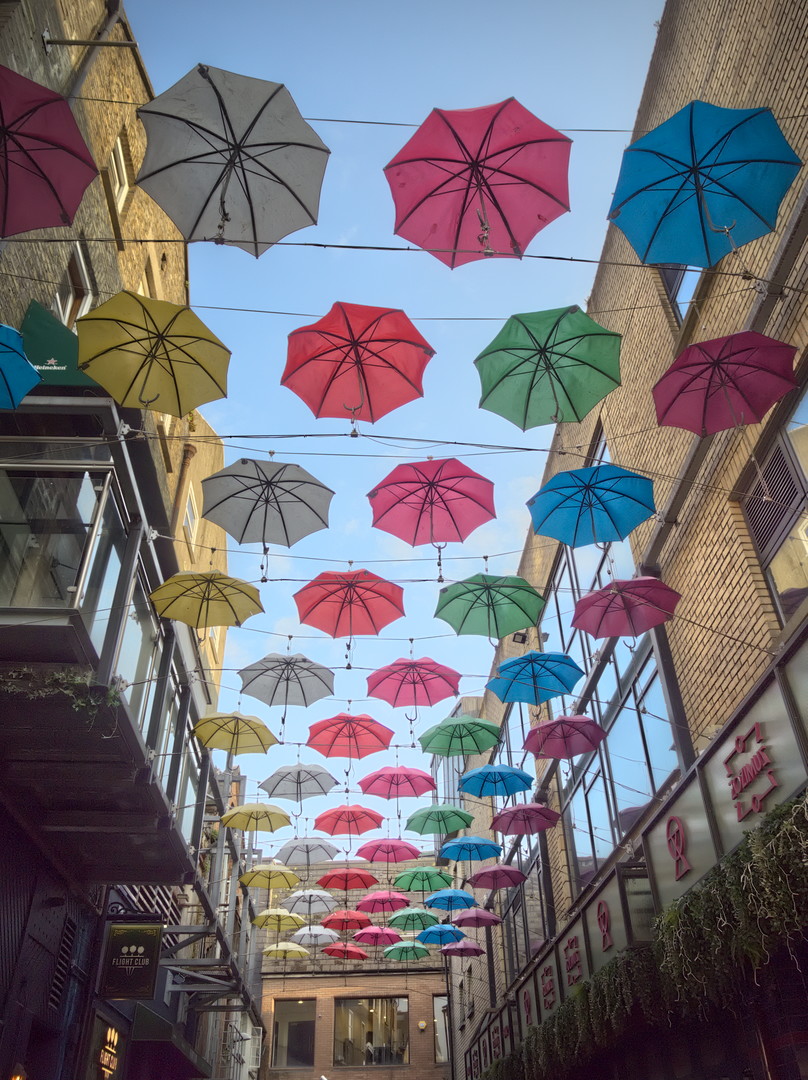
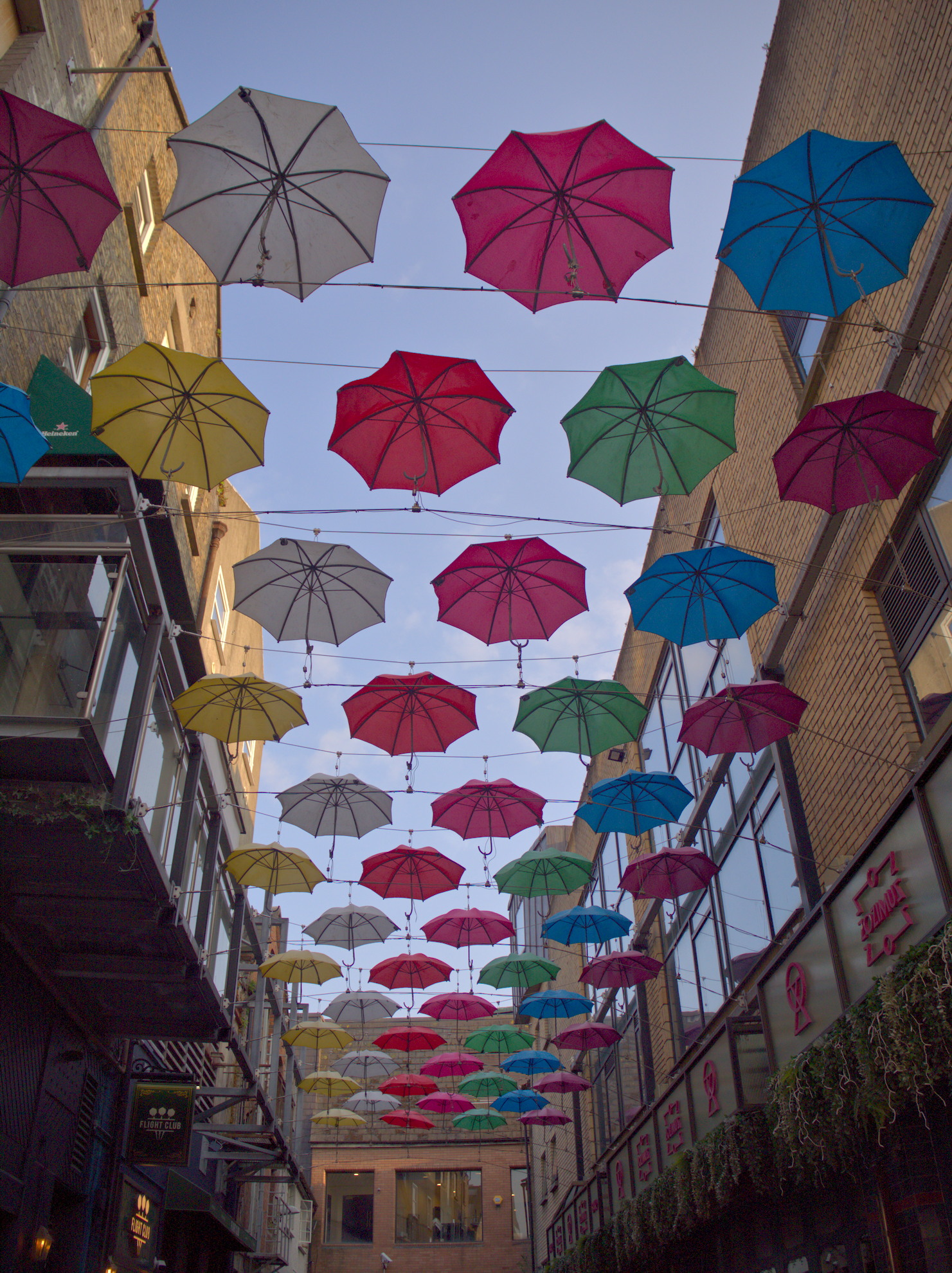
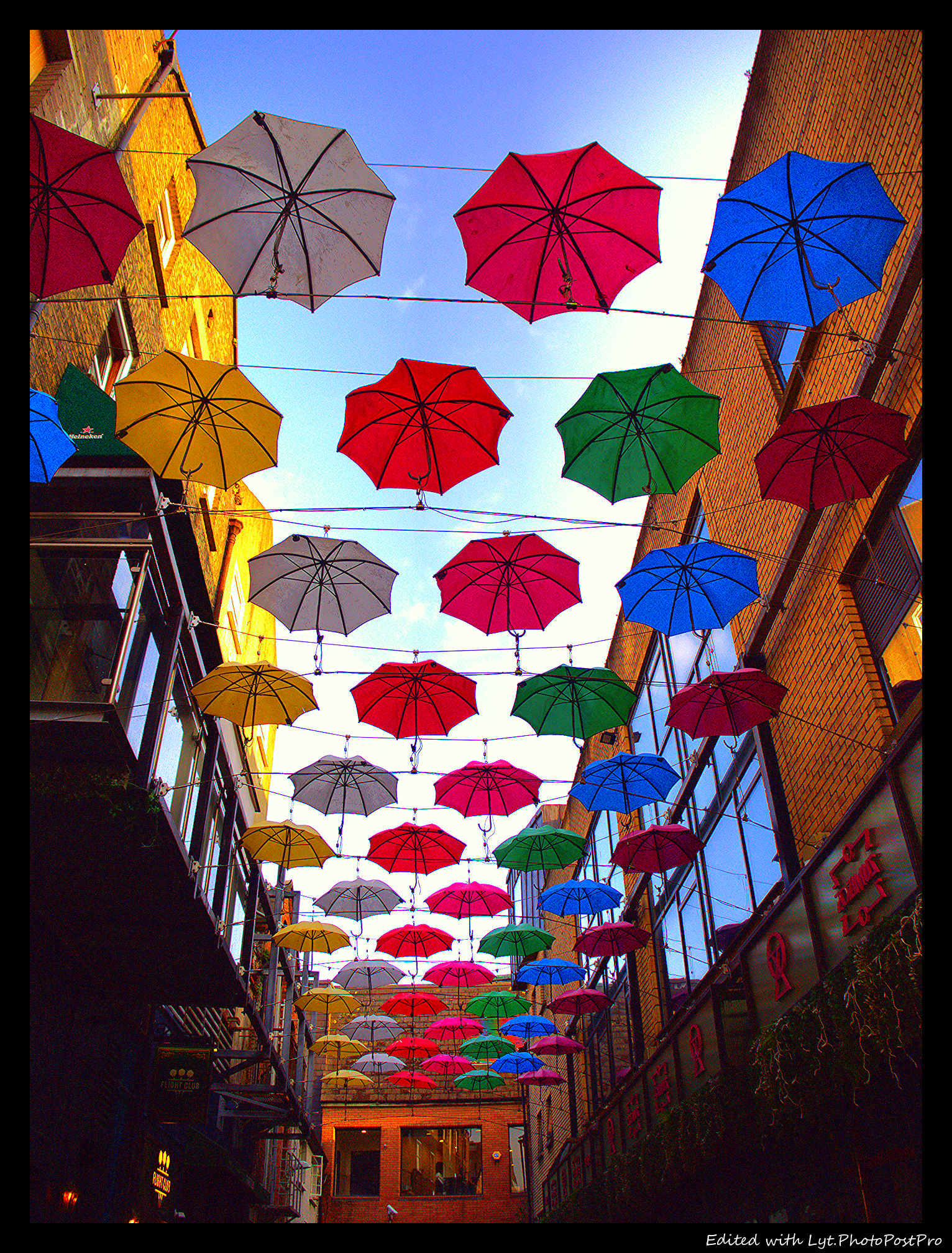
I made this picture in an alley during an afternoon. I’ve tried to not blow out the sky, which made the alley pretty dark. Not really happy. How would you do edit? Light and airy? Bold and vibrant?
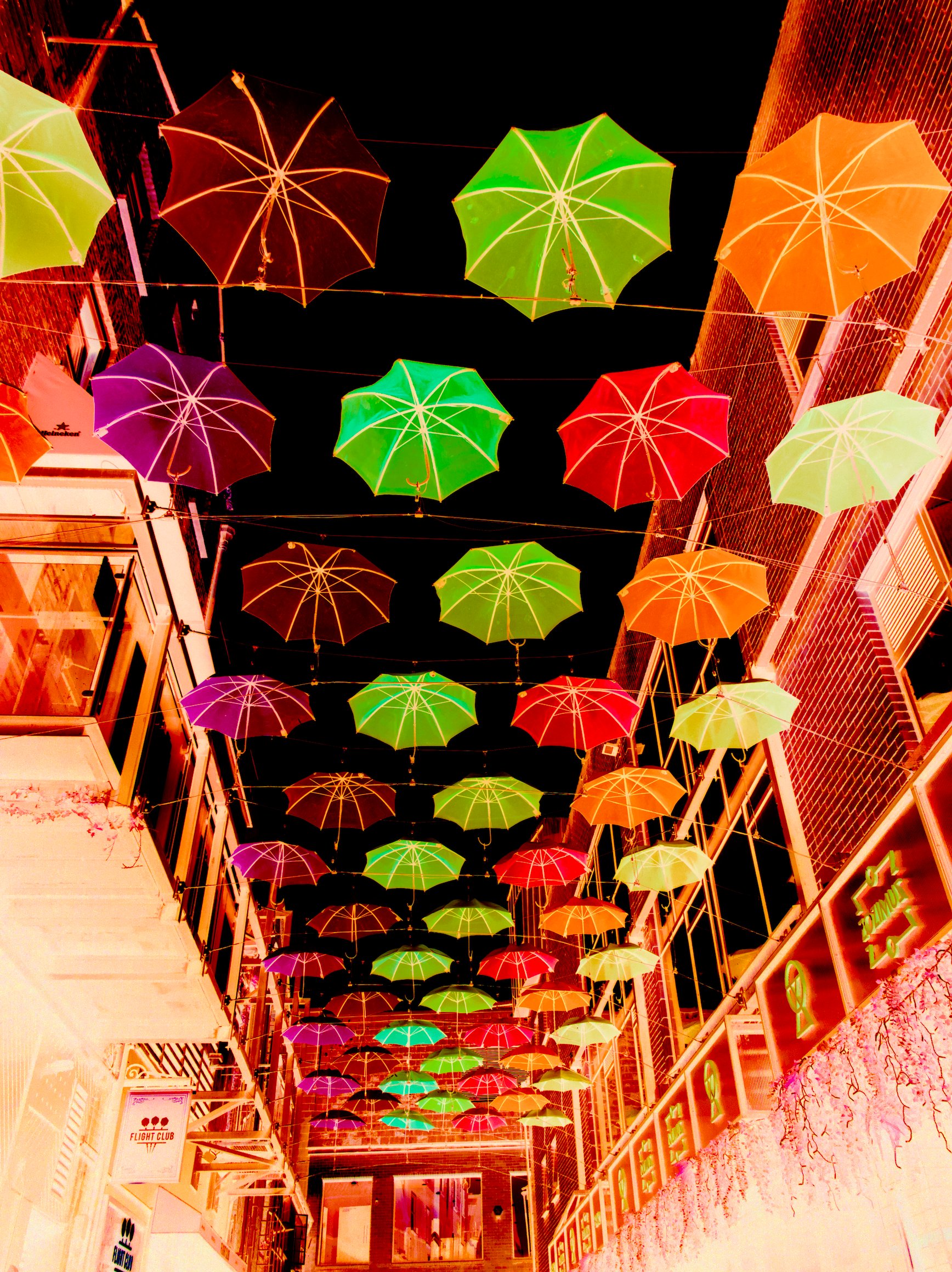
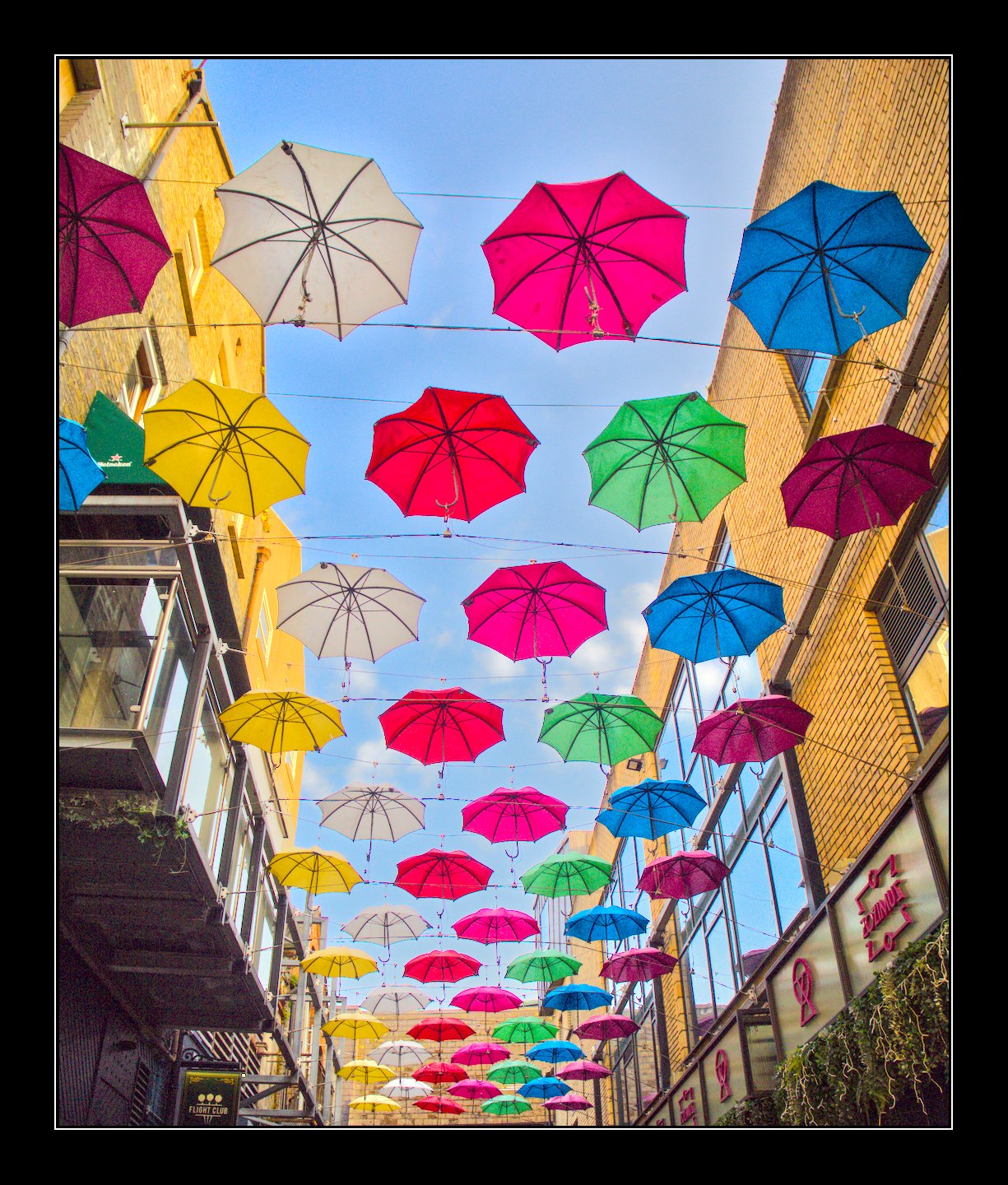
In this order, I just dialed HSV saturation to ludicrous, sucked it out of the depths with a rather aggressive tone curve, and cropped a bit to make the umbrellas the sole focus of the image:
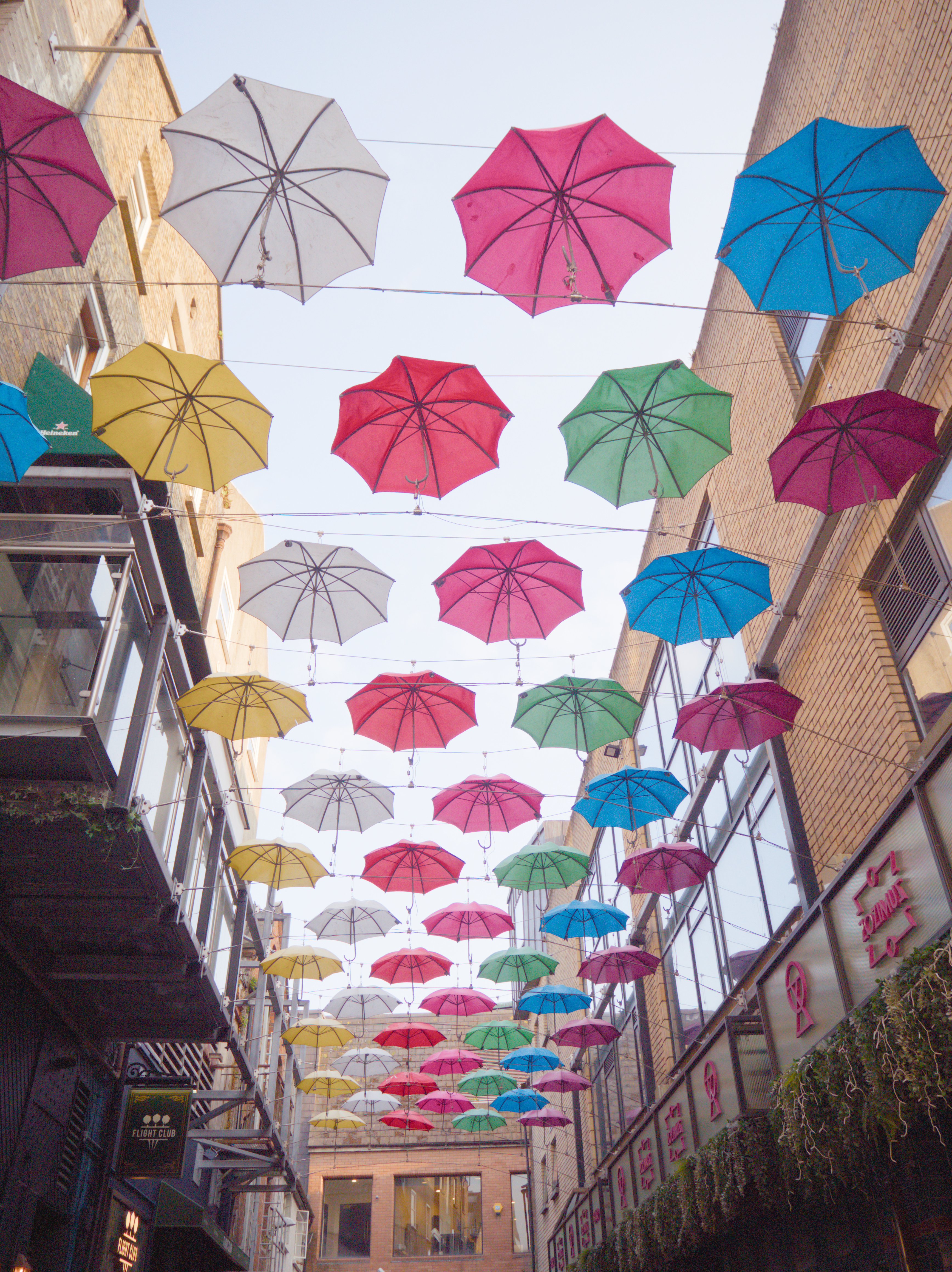
This is one of the cases where tone mappers kill the bright mood by desaturating bright colors and especially the sky. And thanks to Chiara Talia (a Lightroom user, therefore not adapted to the look that DarkTable imposes by default) for letting me learn about this failure mode.
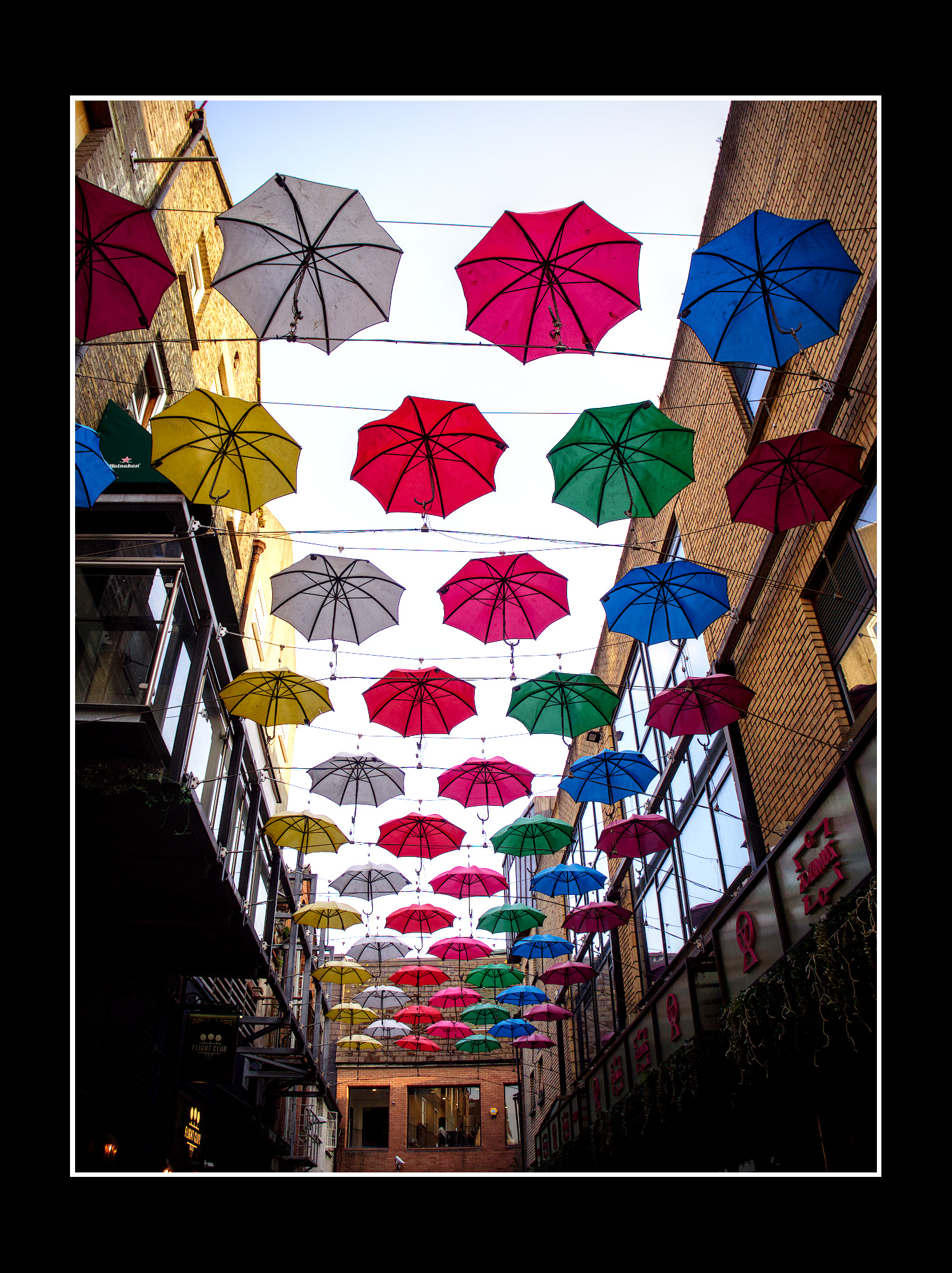
So, here is a no-tonemapper edit, even though they are frowned upon by DarkTable users in general.
That’s an interesting comment…I’ll always see if I can edit without them and just work with a few key modules and the tone eq…It mostly depends in DT where you end up with your middle gray expisure… But I guess people just get used to working with them
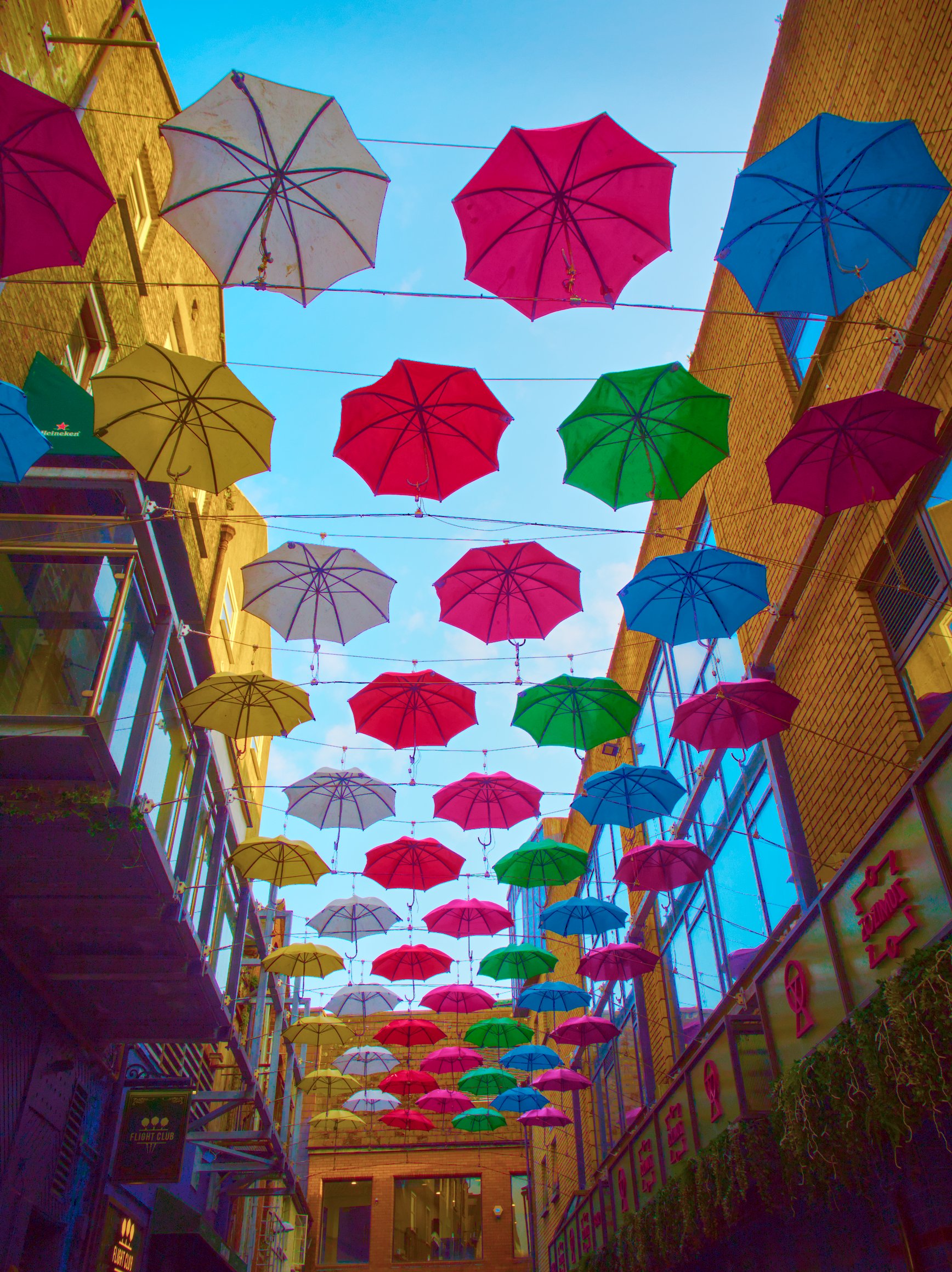
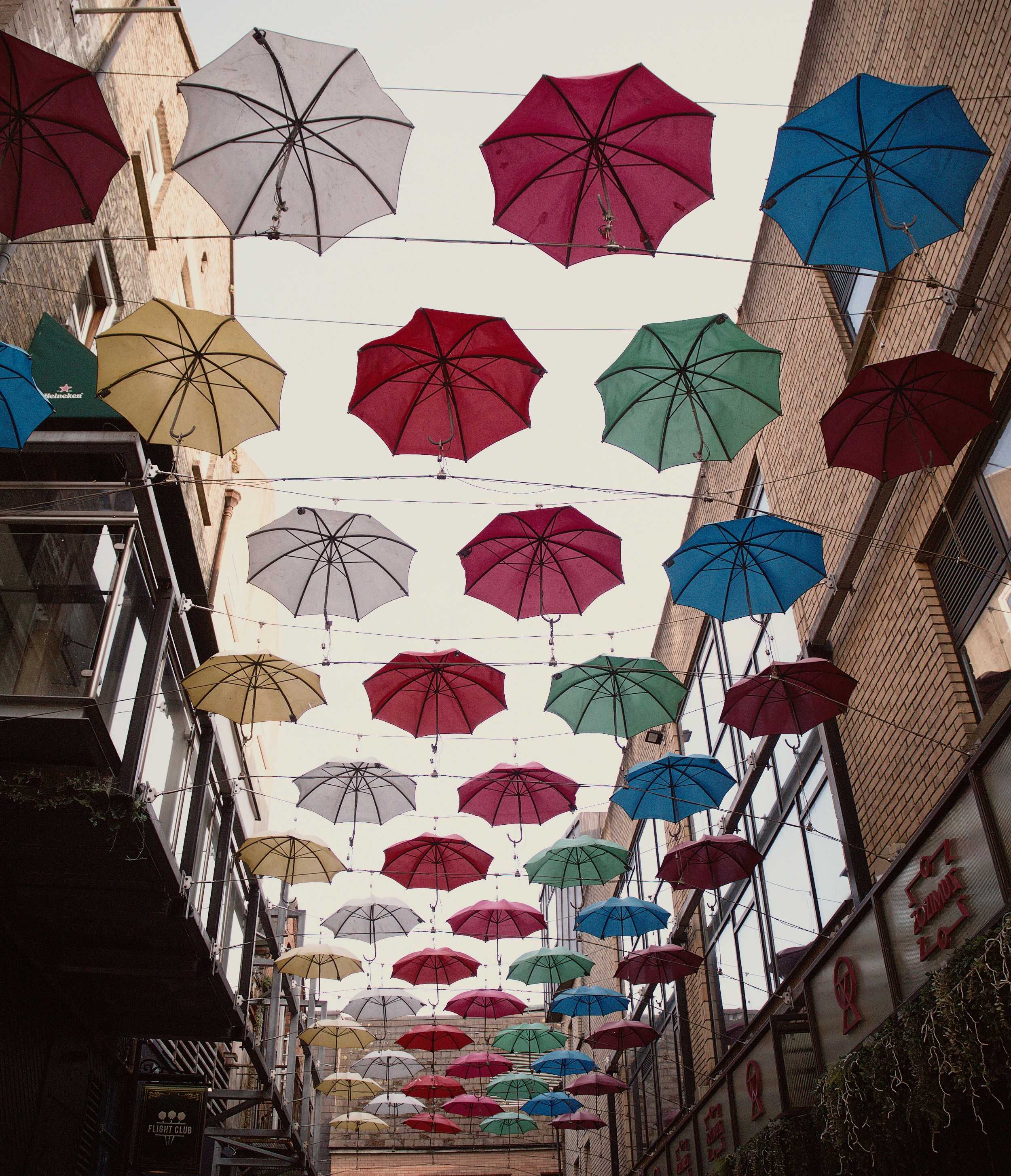
For me the point of interest was the umbrellas so I set exposure module for them and didn’t care about the blue sky or the buildings in shadow. I also used a Fujifilm Velvia style as my starting point because it has insane color saturation out of the box. I am happy with the result. P6100017.ORF.xmp (14.8 KB)