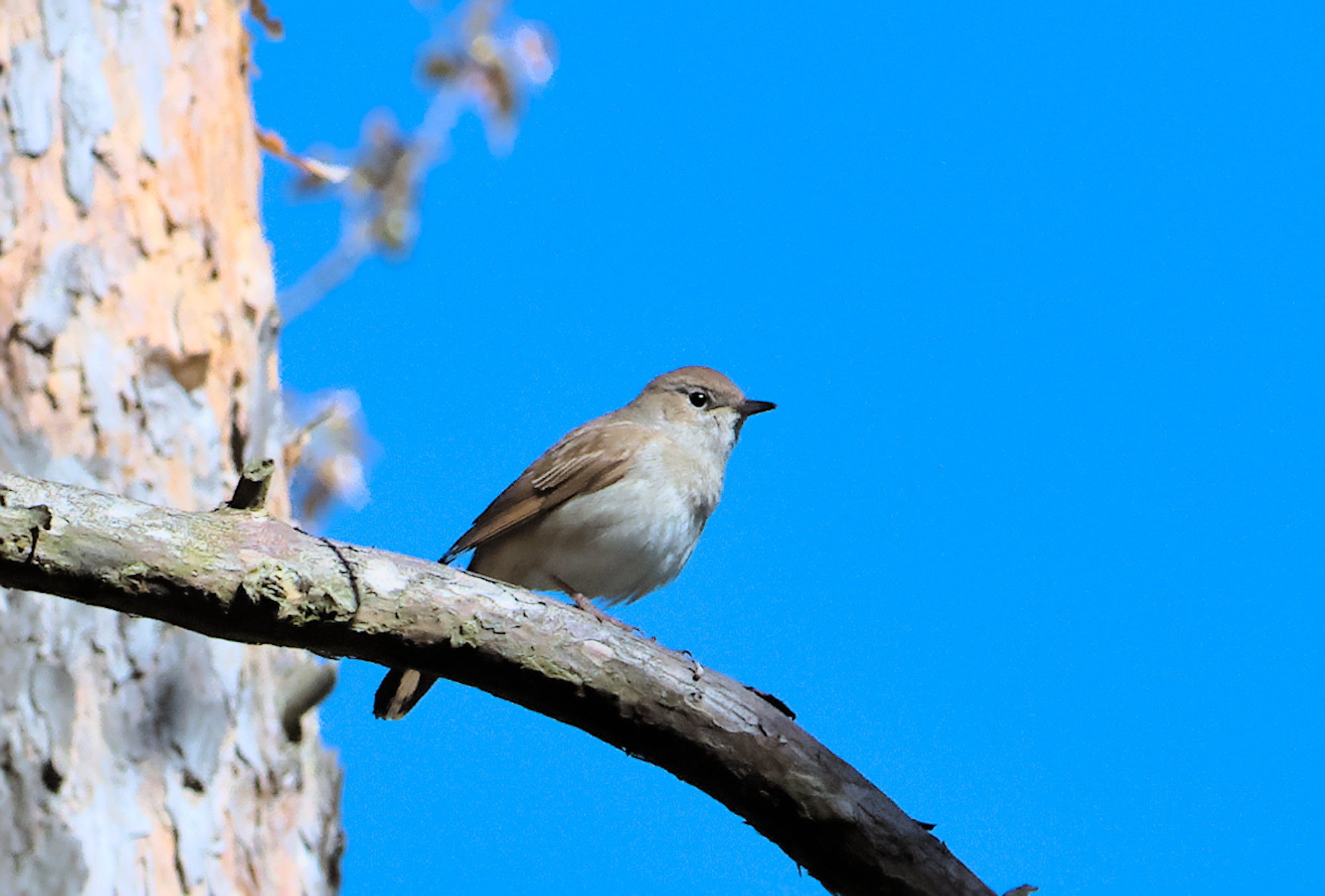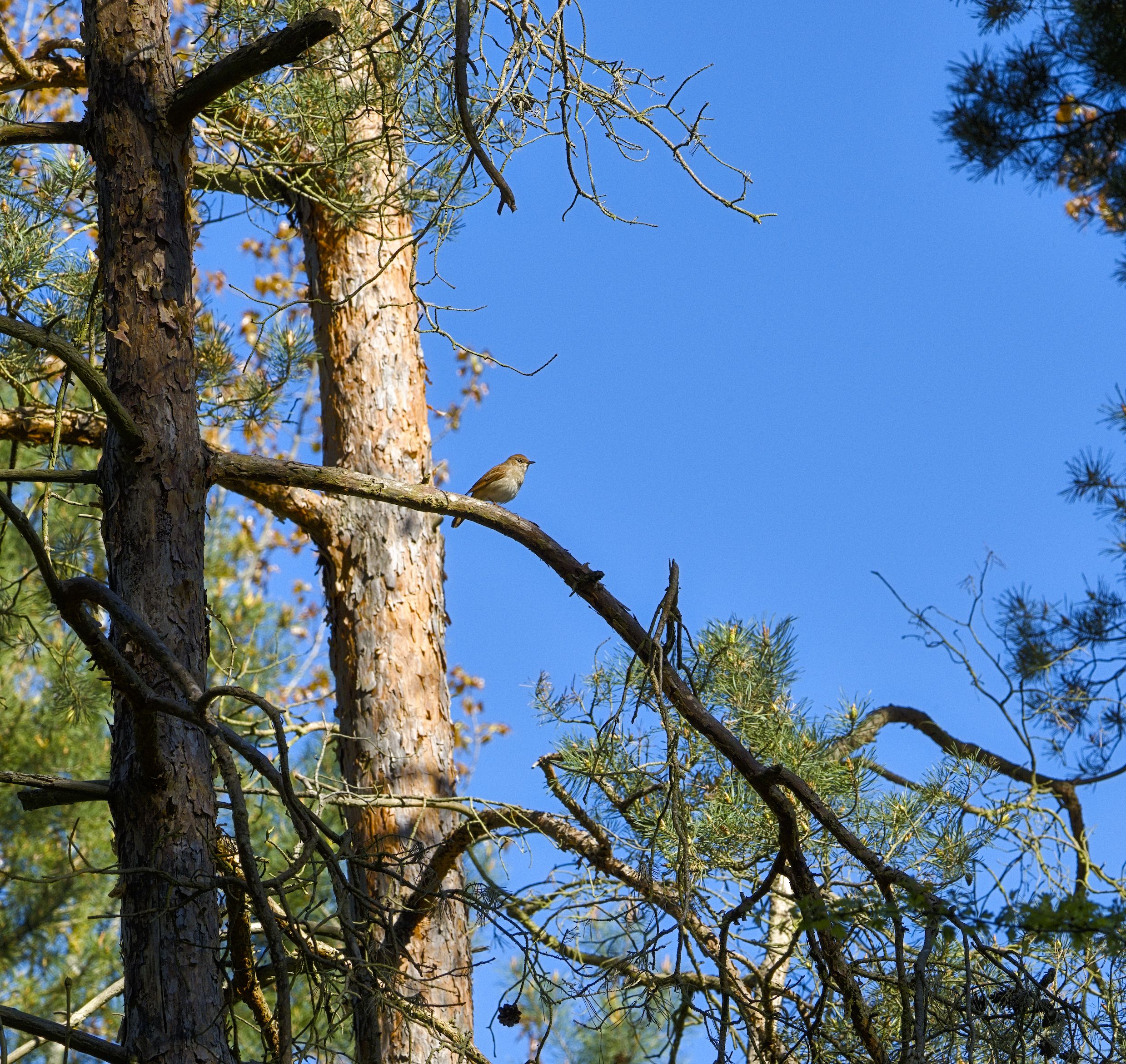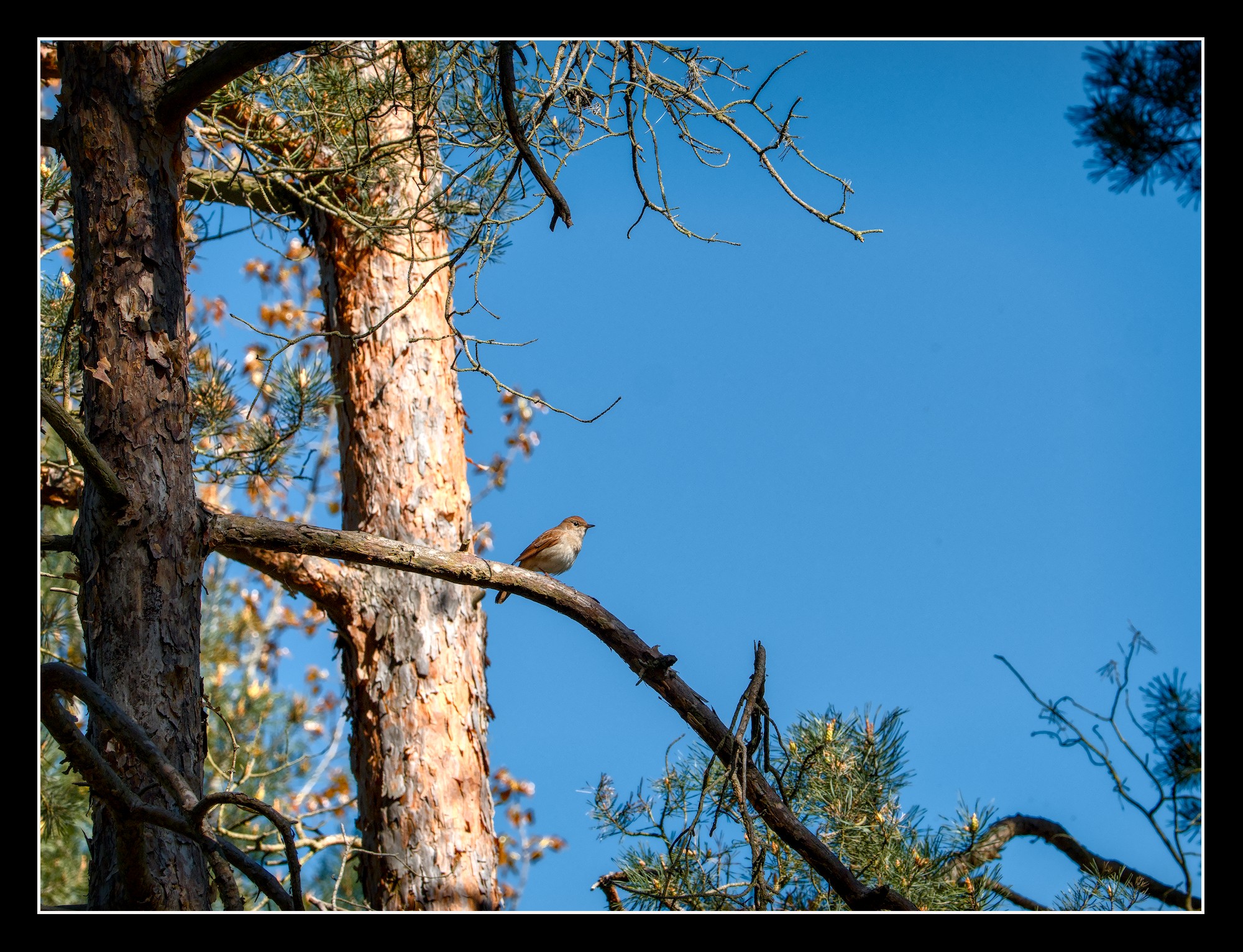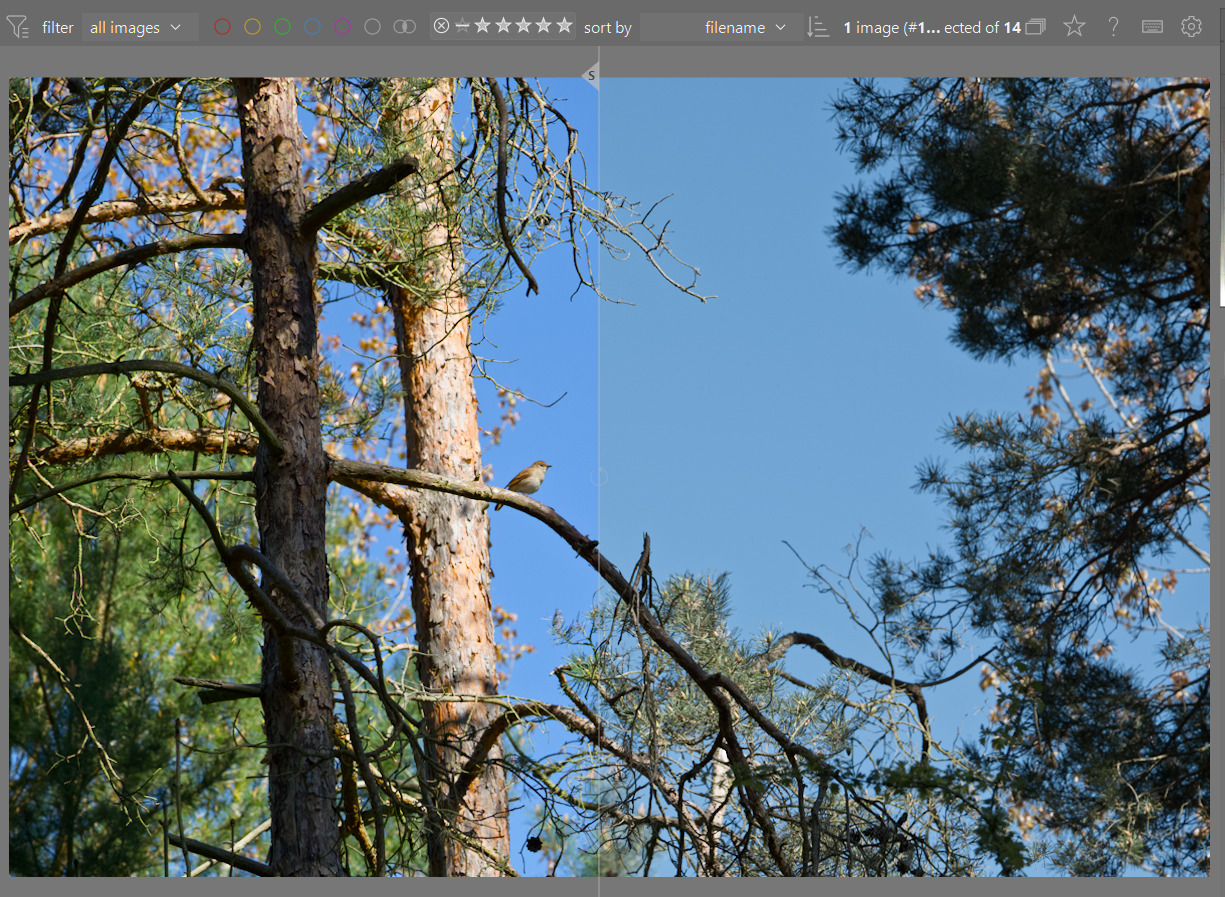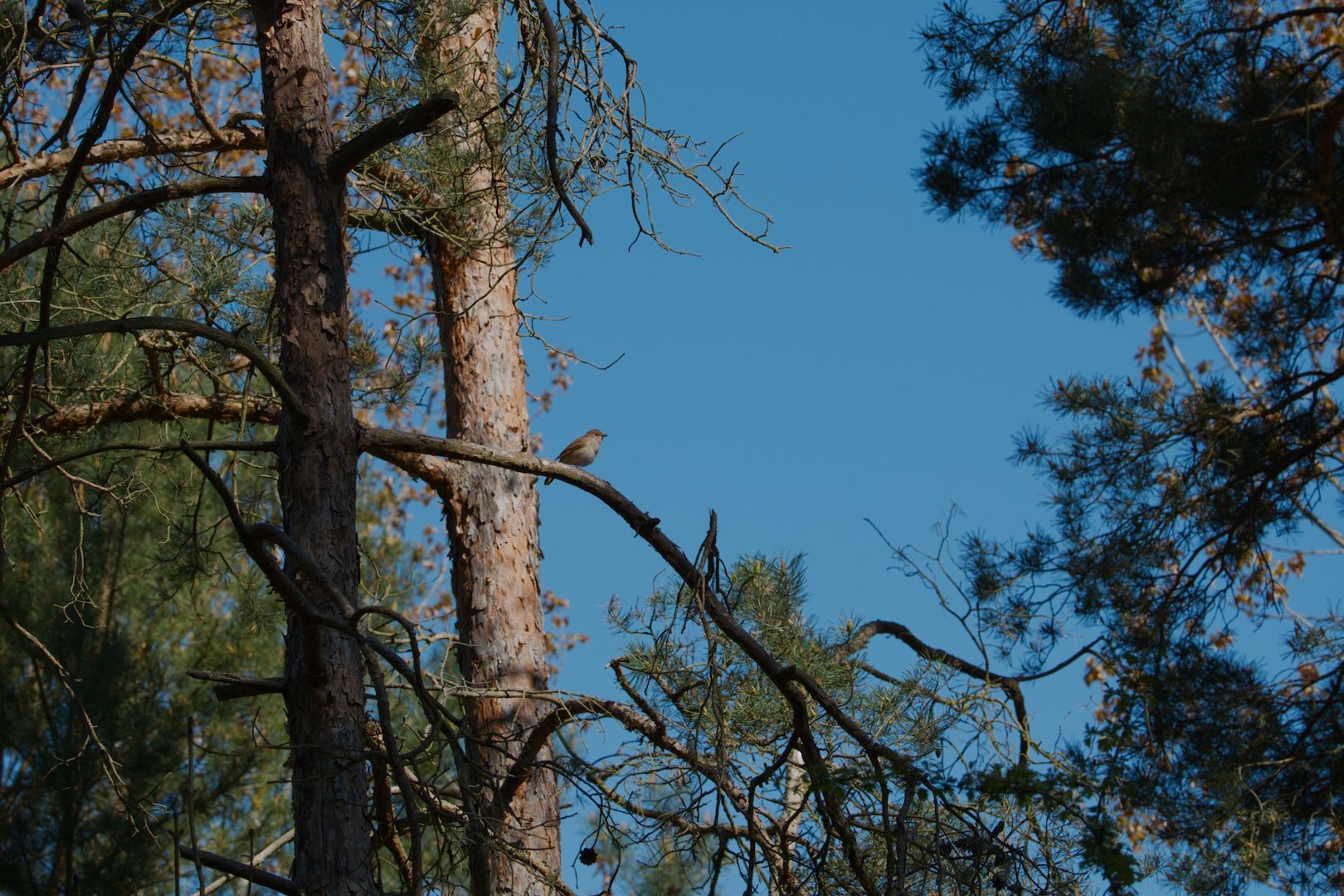
DSCF110377.RAF (83,4 MB)
ebird.org (https://ebird.org/species/comnig1)
This file is licensed Creative Commons, By-Attribution, Share-Alike.
DSCF110377.RAF (83,4 MB)
ebird.org (https://ebird.org/species/comnig1)
This file is licensed Creative Commons, By-Attribution, Share-Alike.
Did this one with Christian’s experimental Libre Fork…
Side car no good unless you have that I guess…
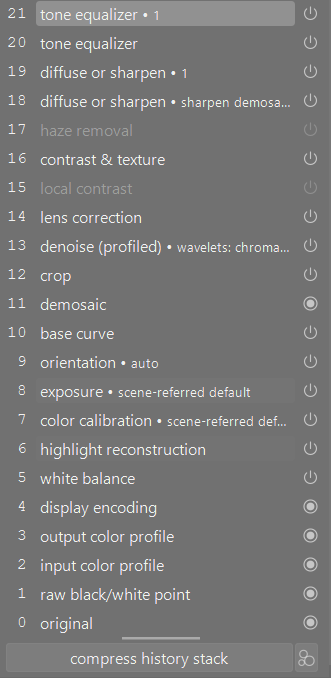
Hi Todd. Is it possible to include an xmp file. I am looking at Christians Libre Fork and feel a bit overwhelmed looking at his base curve module and how to start getting a good image. It makes filmic look so simple 
If you are using the fork then I suspect you can do as you do in DT…load my jpg as a sidecar in Libre…
I have sidecars turned off so I wasnt’ generating them out of the gate and even if I had them I figured someone would try to use it in a regular version and maybe crash it…
If my suggestion doesn’t work…I can manually save one and send it when I am at home…
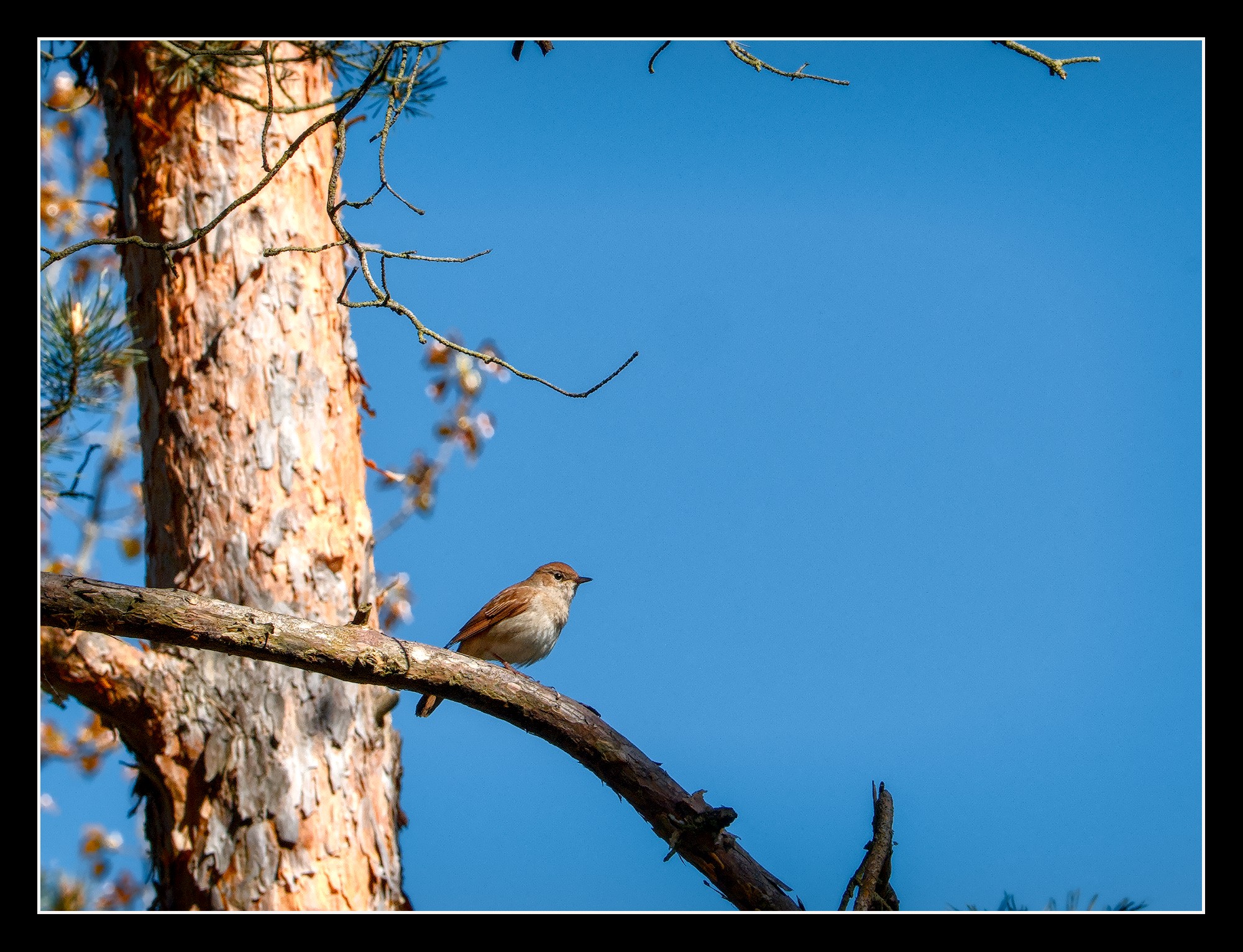
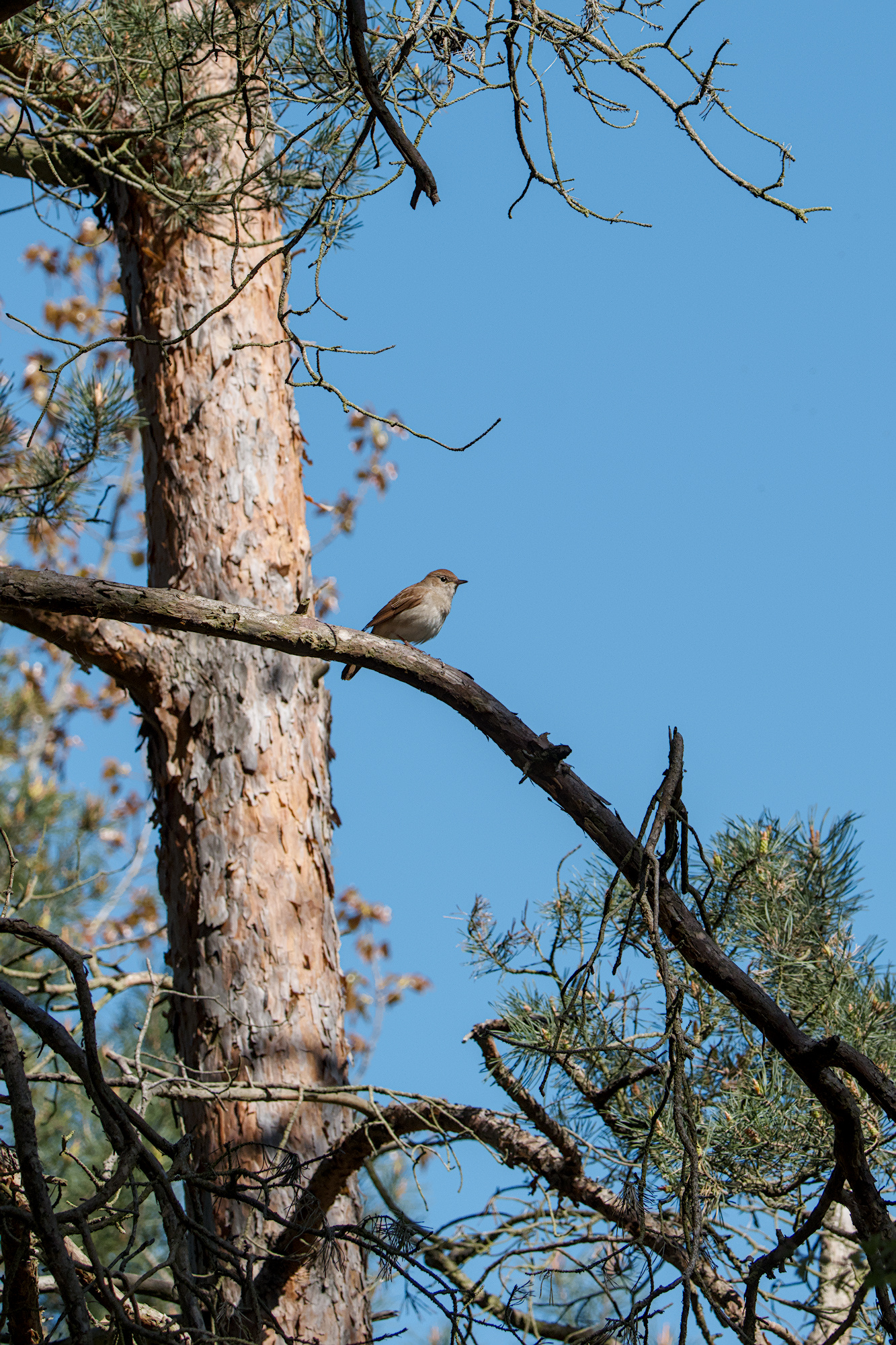
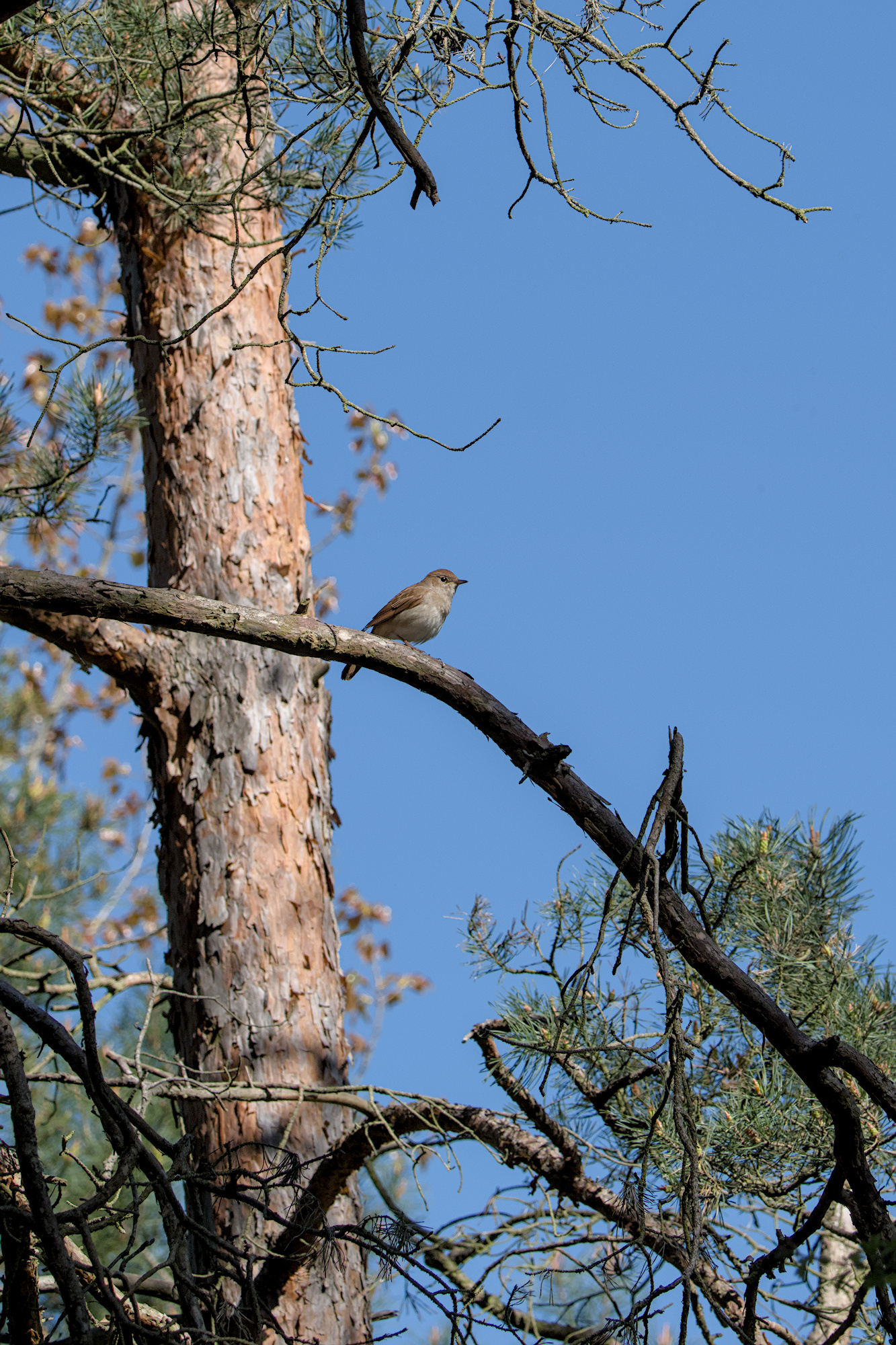
I decided to do three versions to compare tone mappers. One difference between filmic and AgX that stands out to me is the color of blue skies. I wonder which is more correct or preferred?
Here is the AgX version with a little extra blue boost in the primaries tab.
DSCF110377.RAF.xmp (10.8 KB)
here is the filmic version with color balance rgb preset for basic colorfulness
DSCF110377.RAF.xmp (12.4 KB)
here is Sigmoid with no user intervention
DSCF110377.RAF.xmp (12.9 KB)
Hi Todd I wasn’t able to load the jpg as a sidecar file. I for one would be interested in looking at your edit. Do you find the base curve method easy or hard to work with?
You have to change the file filter to all files was that your stumbling block or did it just not work??
As for those tonemappers in your edits above, while the blue might be correct it just comes out drab and dull looking to me so I recall playing with my tone eq blue channel tweak and or the old color contrast module can be great for amping up and getting a nice blue sky…you might have to mask but it is a very quick way to a really nice blue sky…
Christian’s basecurve has a nice “blue sky” look that I like the look of sometimes too…
that worked.
Interesting that you got that different colours. I usually alter colours anyway a bit, so I was not aware of the differences between the mappers. What were your setting on colour preservation on the AGX module?
currently defaults for colour preservation. However, in primaries I often set blue purity boost slightly high as shown. That was one change I made.
Filmic V5 with no chrominance preservation is also a very different beast to filmic V7.
For this current shot I want to highlight the different rendition of the blue sky between AgX and the filmic or sigmoid. I will let the viewer decide which blue sky they prefer. That is one big difference with AgX for me.
There is a hue slider in AGX, that might be what @popanz is asking about…it was set at 0 as a default originally but the new default is 60% …I think sometimes it can make a difference but I do think if memory serves that in the AGX thread or one related people ran some comparisons and filmic held on to more color out of the gate in the skies than AGX which tended to offer a more desaturated render toward white…
I did note that the default in AGX is also not rotating back the hues so when you set that to 100 or 200 from 0 in the case of this image the sky gets a bit more blue as it looks like some green is removed so less influence of green and its darker…
So from defaults on the right to tweaking the master sliders in the post tonemapping primaries…all other defaults in that sections…no extra blue boost… you would see this difference…and you could adjust to taste…
This was one of the reasons I posted all three tone mappers to make people aware of the difference. I will look at your suggestions for rotation. It is easy enough to create my own default in styles to match my camera.
It could be a bit of a per image thing but with the rotation some of the green was removed and then with a boost to the master purity the blue also gets enhanced…but its just worth noting what the defaults are and when you might want to explore a different option…