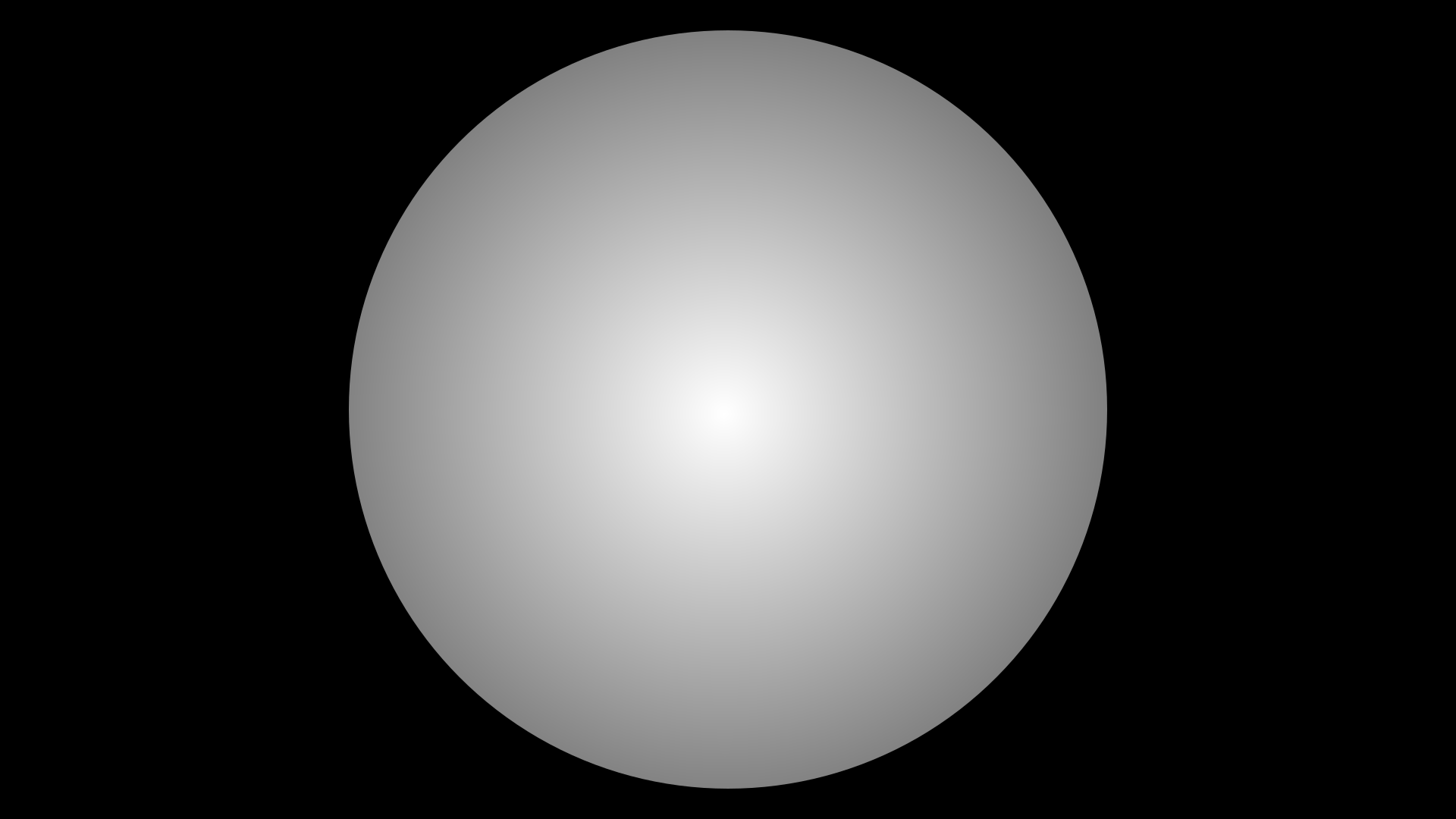
I installed GIMP and MyPaint a few days ago and cannot figure out the following. I would like to draw a white circle on a black background. In full-screen mode the white circle should cover most of the screen. The circle should be homogenous with the white-level uniform across the circle. This is part one and likely easy. Now the tricky part 2: the circle should now have a gradient with a centre-region with white-level as in part 1 and then decreasing linearly towards the limb. Basically, I would like to simulate the so-called “limb-darkening” effect (Limb darkening - Wikipedia) as seen for our Sun: bright at the centre and darker towards the limb. The limb-darkening effect can be simulated using different brightness-profile laws for the brightness change (linear, quadratic, square-root, log. etc). If we can start with the linear part and then add complexity that would be cool.
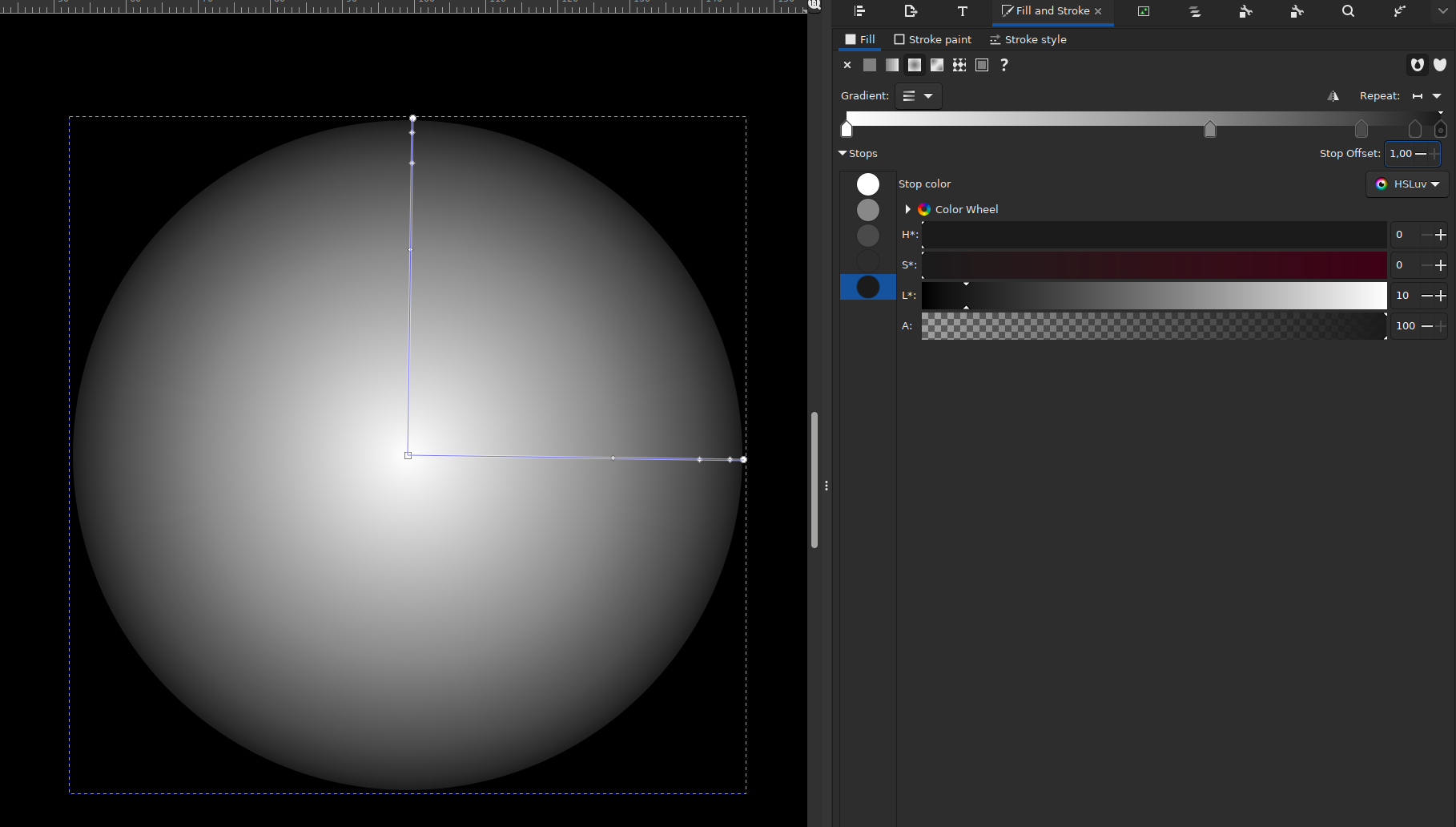
Thank you. Yes, vector graphics makes sense in order to scale the image to larger format, I guess. Any idea how to to it in inkscape. I just installed inkscape on my linux box.
wow. that is exactly what I am looking for. In some more detail and now with a link:
Basically, I would like to simulate the so-called “limb-darkening” effect (Limb darkening - Wikipedia) as seen for our Sun: bright at the centre and darker towards the limb. The limb-darkening effect can be simulated using different brightness-profile laws for the brightness change (linear, quadratic, square-root, log. etc). If we can start with the linear part and then add complexity that would be cool. https://phys.libretexts.org/Bookshelves/Astronomy__Cosmology/Stellar_Atmospheres_%28Tatum%29/06%3A_Limb_Darkening/6.01%3A_Introduction._The_Empirical_Limb-darkening The final project should deliver instructions for me on how to generate pictures that simulates the limb-darkening effect for various laws.
In the link there is figure VI.2 which plots the linear limbdarkening law for u = 1.0. That would be a good case to plot. The overall exercise is to plot the star (white circle with LD effect) on my laptop and then physically push a small sphere in front of the screen. The small sphere simulates a planet that transits the star on the screen (hanging from a thin thread possibly). A light measuring device then makes a recording of light for each position of the sphere in front of the screen. Its part of a physics lab / school-class experiment that I have in my mind. If it works I don;t know. Once I have a u = 1.0 linear LD law, then I could test my idea and go forward with other LD laws.
Hi Boris, thank you so much for your help. I will try and follow-up on the approach proposed by snibgo which seems more general. I might come back to this discussion at a later time. Thank you for your time!!
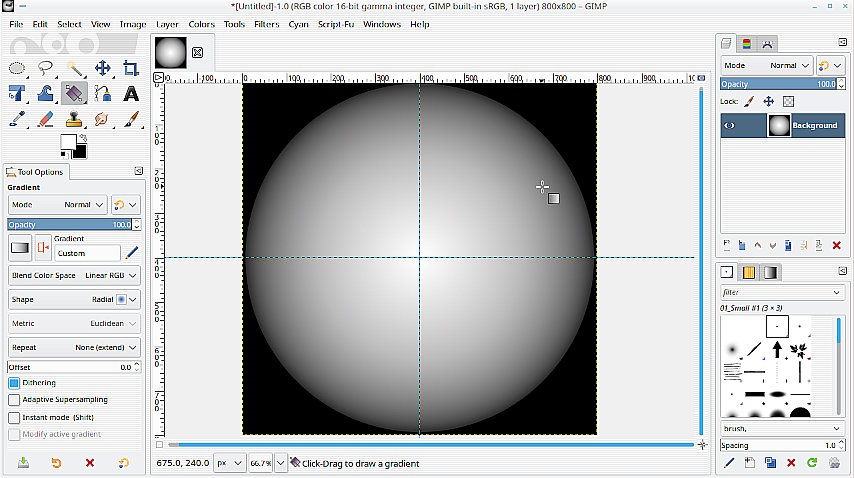
Very easy using Gimp. One thing I would advise regardless of application is avoid 8 bit rendering. That will give banding in the gradient. Bump up to 16 bit. Then
A circular selection, expand from center.
A gradient, white to black, color space = linear, shape = radial. adjust it to suit.