Module headers contain an icon that means ‘reset parameters’
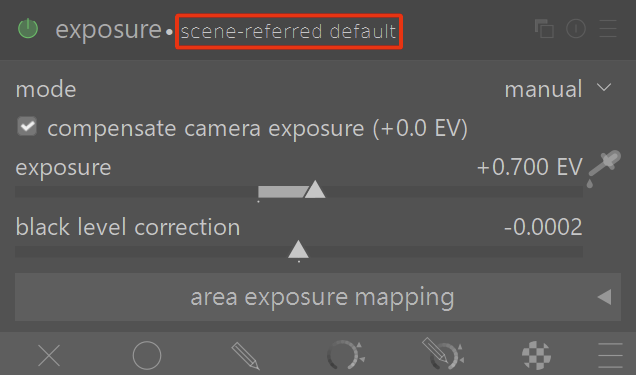
 which, when clicked, simply resets the module to the default settings:
The manual (and the dropdown help when hovering over the ‘reset parameters’ icon) state that one can ctrl + click to reapply any automatic presets.
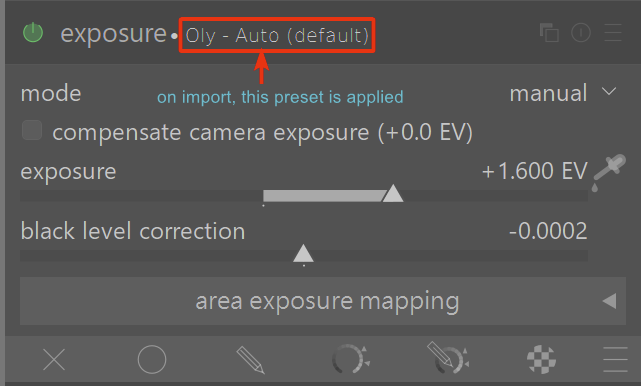
I have an automatic preset for my Olympus lens which on import, or discarding the history, are correctly applied automatically:
However, when I ctrl + click on the ‘reset parameters’ icon, only the default settings are applied:
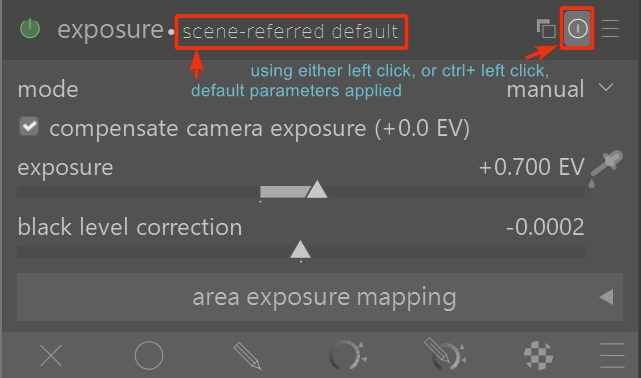
All of the other modules that I have automatic presets for work just fine with the ctrl + click, but the exposure and agx modules do not.
Is that a bug, or a feature? If it is a feature, why? And, does it says so in the manual? (I looked, but couldn’t find anything about it in the manual, on PIXLS.US or GitHub…but my looking skills are not the best.)
Windows 11
Darktable nightly build 20251109 ; 5.3.0+787~gf9e050a0bb