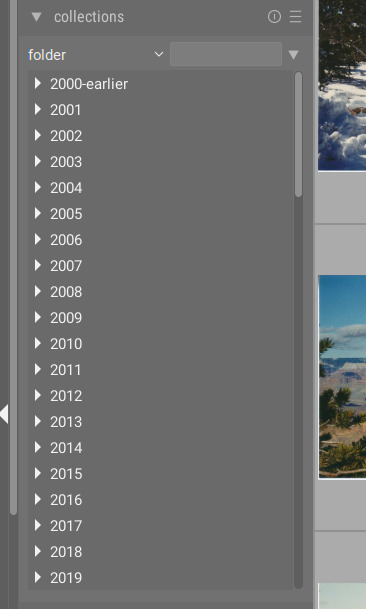
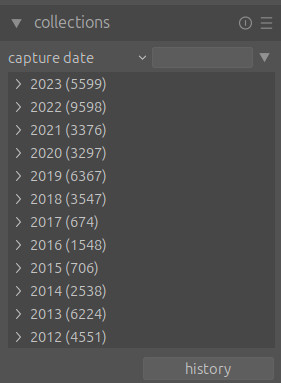
I’ve just updated to darktable 4.6 and I’m a little confused why my folders are suddenly in reverse order in the collections module. I use the folder view exclusively because I organize my images using the filesystem, not darktable. I’ve got folders by year, then months with event names. In the collections module this used to be list like this screenshot (from darktable 4.4):
But with darktable 4.6 I am back to this sort order:
Which is a pain, because I have scroll to the bottom to find the most recent images, which is what I want 99.9999% of the time. I’ve read through the documentation and played with the new settings under the collections module preferences, but I can’t seem to get the old sort order back for the folder view. Can anyone point out where I’ve gone wrong here?