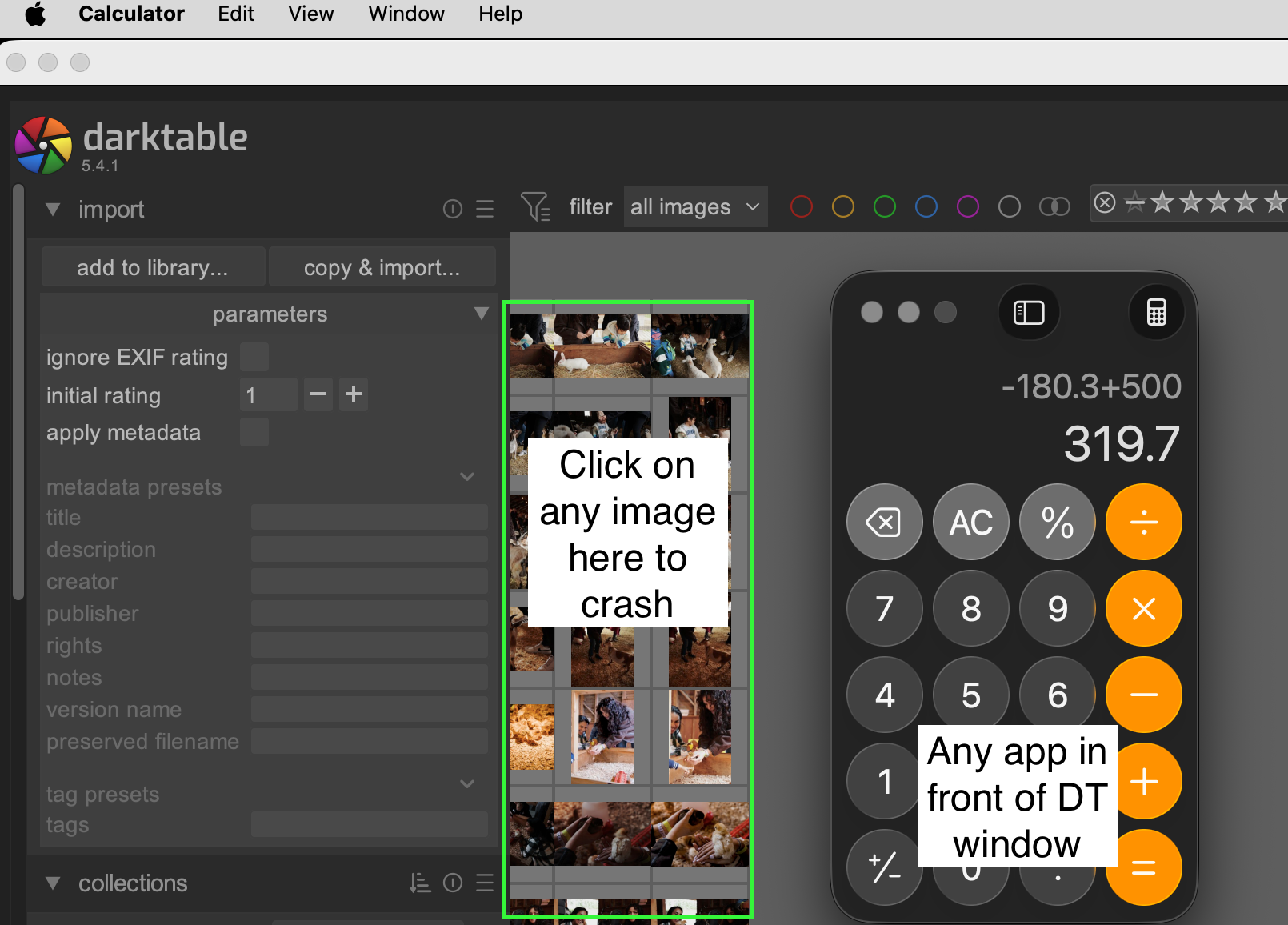
Hello everyone! I recently switched to Darktable and I’m really enjoying it, but the app keeps crashing intermittently.
Crashes typically when I am in lightable and click/move photos around in zoomable lightable layout. Sometimes crashes when I switch between windows. Used to crash when I choose Style to apply.
Software/hardware info
Darktable 5.4.1 on a Mac Mini M2 Pro (macOS Tahoe 26.3.1). Installed via command “brew install --cask darktable”.
Using google suggested settings for mac:
processing:
- darktable resources: large (tried default too)
- OpenCL GPU acceleration: turned everything off
general: - theme: darktable
- use system fonts: no
- GUI controls and text DPI: -1
Terminal logs:
Log1
- (darktable:3414): Gtk-CRITICAL **: 18:13:51.348: gtk_widget_set_visible: assertion ‘GTK_IS_WIDGET (widget)’ failed
- (darktable:3414): Gtk-CRITICAL **: 18:13:51.349: gtk_widget_set_visible: assertion ‘GTK_IS_WIDGET (widget)’ failed
- (darktable:3414): Gtk-CRITICAL **: 18:13:51.383: gtk_widget_set_visible: assertion ‘GTK_IS_WIDGET (widget)’ failed
- (darktable:3414): Gtk-CRITICAL **: 18:13:51.384: gtk_widget_set_visible: assertion ‘GTK_IS_WIDGET (widget)’ failed
- (darktable:3414): Gtk-CRITICAL **: 18:13:51.384: gtk_widget_set_visible: assertion ‘GTK_IS_WIDGET (widget)’ failed
7308.4137 [dt_iop_reload_defaults] defaults reloaded for filmicrgb - (darktable:3414): Gtk-CRITICAL **: 18:13:51.391: gtk_widget_set_visible: assertion ‘GTK_IS_WIDGET (widget)’ failed
- (darktable:3414): Gtk-CRITICAL **: 18:13:51.391: gtk_widget_set_visible: assertion ‘GTK_IS_WIDGET (widget)’ failed
- (darktable:3414): Gtk-CRITICAL **: 18:13:51.391: gtk_widget_set_sensitive: assertion ‘GTK_IS_WIDGET (widget)’ failed
- (darktable:3414): Gtk-CRITICAL **: 18:13:51.391: gtk_widget_set_visible: assertion ‘GTK_IS_WIDGET (widget)’ failed
- (darktable:3414): Gtk-CRITICAL **: 18:13:51.391: gtk_widget_set_visible: assertion ‘GTK_IS_WIDGET (widget)’ failed
- (darktable:3414): Gtk-CRITICAL **: 18:13:51.391: gtk_widget_set_sensitive: assertion ‘GTK_IS_WIDGET (widget)’ failed
- (darktable:3414): Gtk-CRITICAL **: 18:13:51.391: gtk_widget_set_visible: assertion ‘GTK_IS_WIDGET (widget)’ failed
- (darktable:3414): Gtk-CRITICAL **: 18:13:51.391: gtk_widget_set_visible: assertion ‘GTK_IS_WIDGET (widget)’ failed
- (darktable:3414): Gtk-CRITICAL **: 18:13:51.391: gtk_widget_set_sensitive: assertion ‘GTK_IS_WIDGET (widget)’ failed
7308.4211 [dt_iop_reload_defaults] defaults reloaded for agx
7308.4340 [dt_iop_reload_defaults] defaults reloaded for basecurve
zsh: segmentation fault /Applications/darktable.app/Contents/MacOS/darktable -d common
log2
2939x2939 sc=1.000; IOP_CS_LAB → IOP_CS_RGB linear Rec2020 RGB' 3243.4114 process CL0 [export] crop 3000 (84/494) 2939x2939 sc=1.000 --> (0/0) 2939x2939 sc=1.000; IOP_CS_RGB 276.4MB 3243.4254 process CL0 [export] channelmixerrgb 3400 (0/0) 2939x2939 sc=1.000; IOP_CS_RGB 276.4MB 3243.4340 transform colorspace CL0 [export] atrous 4300 (0/0) 2939x2939 sc=1.000; IOP_CS_RGB -> IOP_CS_LAB linear Rec2020 RGB’
3243.4342 process CL0 [export] atrous 4300 (0/0) 2939x2939 sc=1.000; IOP_CS_LAB 1520.2MB
3243.7464 process CL0 [export] colorbalancergb 5300 (0/0) 2939x2939 sc=1.000; IOP_CS_RGB 276.4MB
3243.7652 process CL0 [export] finalscale 8400 (0/0) 2939x2939 sc=1.000 → (0/0) 2291x2291 sc=0.780; IOP_CS_RGB 291.3MB
3243.7653 clip_and_zoom_roi CL0 [export] finalscale 8400 (0/0) 2939x2939 sc=1.000 → (0/0) 2291x2291 sc=0.780; device=0
3243.7790 transform colorspace CL0 [export] colorout 8500 (0/0) 2291x2291 sc=0.780; IOP_CS_RGB → IOP_CS_LAB linear Rec2020 RGB' 3243.7794 process CL0 [export] colorout 8500 (0/0) 2291x2291 sc=0.780; IOP_CS_LAB -> IOP_CS_RGB 168.0MB 3243.7902 process CL0 [export] borders 9000 (0/0) 2291x2291 sc=0.780 --> (0/0) 3296x2546 sc=0.780; IOP_CS_RGB 348.9MB 3243.8018 cache report [export] 2 lines (important=0, used=0, invalid=0). Using 349MB, limit=0MB. Hits/run=0.00. Hits/test=0.000 3243.8018 pipe finished CL0 [export] (0/0) 3296x2546 sc=0.780; 'F491B59F-9A38-442A-95BF-FCD60B8986D3.jpeg' ID=4757 3243.9577 [export_job] exported to /Users/Pictures//Volumes/SDD1/2030/My pets/F491Print_02.tif’
zsh: segmentation fault /Applications/darktable.app/Contents/MacOS/darktable -d common
log3
- 0.0031 [dt starting]
/Applications/darktable.app/Contents/MacOS/darktable -d common
0.0036 application_directory: /Applications/darktable.app/Contents/MacOS
0.0036 darktable.datadir: /Applications/darktable.app/Contents/Resources/share/darktable
0.0037 darktable.plugindir: /Applications/darktable.app/Contents/Resources/lib/darktable
0.0037 darktable.localedir: /Applications/darktable.app/Contents/Resources/share/locale
0.0037 darktable.sharedir: /Applications/darktable.app/Contents/Resources/share
0.0038 darktable.configdir: /Users/user/.config/darktable
0.0038 darktable.cachedir: /Users/user/.cache/darktable
0.0039 darktable.tmpdir: /private/var/folders/gx/9qx0mv4j24nb466fr7hhstm40000gn/T
0.0039 new_xdg_data_dirs: (null)
0.3101 [dt_worker_threads] using 7 worker threads
0.3923 [dt_configure_runtime_performance] found a sufficient 64-bit system with 16384 Mb ram and 10 cores
0.3923 [dt_get_sysresource_level] switched to `large’
0.3923 total mem: 16384MB
0.3923 available mem: 11200MB
0.3923 singlebuff: 256MB
0.3923 mipmap cache: 2048MB
0.4152 [opencl_init] opencl disabled via darktable preferences
0.4153 [opencl_init] opencl library ‘/System/Library/Frameworks/OpenCL.framework/Versions/Current/OpenCL’ found on your system and loaded, preference ‘default path’
0.4153 [opencl_init] found 1 platform
0.4262 [check platform] platform ‘Apple’ with key ‘clplatform_apple’ is NOT active
[opencl_init] found 0 device
0.4262 [opencl_init] FINALLY: opencl PREFERENCE=OFF is NOT AVAILABLE and NOT ENABLED.
0.5262 [dt_worker_threads] using 7 worker threads - (darktable:1944): Gtk-CRITICAL **: 20:27:22.604: gtk_window_add_accel_group: assertion ‘GTK_IS_WINDOW (window)’ failed
zsh: segmentation fault /Applications/darktable.app/Contents/MacOS/darktable -d common