darktable 5.6.0 released

Darktable 5.6.0 is now built for Debian and Ubuntu too (https://build.opensuse.org/package/show/graphics:darktable/darktable).

Please note that NO AI feature has been enabled yet. This need lots more work (onnxruntime) before we can enable that option.

6 Likes

Out of curiosity: it someone now installs 5.6 and you eventually rebuild with AI enabled - will they then get an update?

yes

This is also the case on openSUSE, it is awaiting onnx being built and put in the appropriate repository.

In the meantime, I am using the appImage. This works quite nicely, except for the fact that the AI features only use the CPU. As a result, run times are long, and load averages are high.

1 Like

This shouldn’t be caused by the AppImage as far as I know? Did you work thorugh the instructions from the docs?

It is statically linked, with onnx within the image.

Happy to be shown that I am wrong on this.

As far as I know ONNX in the AppImage is part of the necessary backend but the ONNX Runtimes always have to be installed/activated on top.

What OS/GPU are you running? Did you try the Install scripts in the linked docs?

I had the same problem with the flatpak. I was going to wait to see and copy your approach. :slight_smile:

Testing this view to add it to dt.org

https://repology.org/badge/vertical-allrepos/darktable.svg?exclude_unsupported=1&columns=3&exclude_sources=modules,site&header=darktable

3 Likes

It’s a good idea, with less distros :smiley: Ubuntu 14?

It already filters out obsolete distros. Ubuntu 14 has a valid_till='2029-04-27". That right there with the folks still using Windows 95 and complaining why dt doesn’t run.

1 Like

5.6 is still not in the Arch Linux repositories. :persevere:

1 Like

Maybe additionally filter it for the last 3-4 versions of dt.

This is a standard badge from repology.org. I dont have all the edit options. It just shows what the current version is for the distros.

2 Likes

Hello Dev team and all Supporters,

thank you All for your Good Work.

herzliche Greetings.

4 Likes

OpenSUSE Tumblweed, with and NVIDIA CPU.

Yes, though it is somewhat more complicated than that.

I upgraded the NVIDIA drivers, to include CUDA. There are a whole stack of conflicting instructions on how to do this, how many of them are AI slop I don’t know. There is an openSUSE page that I eventually followed which, after a reboot, reduced the resolution of my screen to 640x480. It took me a while to fix this.

An automatic install of ONNX failed, because it couldn’t find a GPU driver, so I installed it manually.

The AI configuration now detects an ONNX runtime, but I had to set the GPU acceleration to NVIDIA CUDA explicitly, rather than leave it at “auto”.

However, openCL is no longer available and hence not enabled, even though the CUDA version of the library is installed.

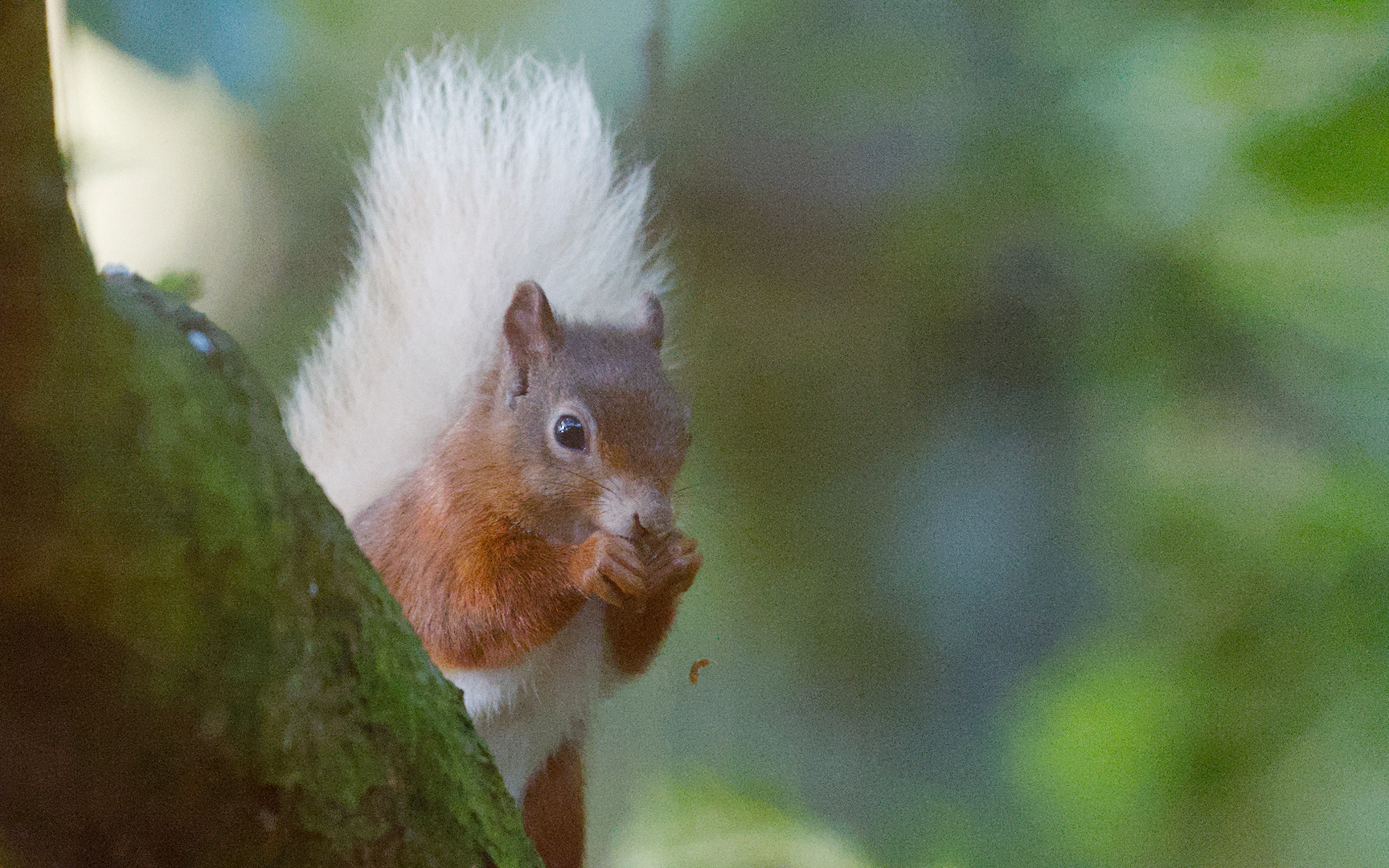
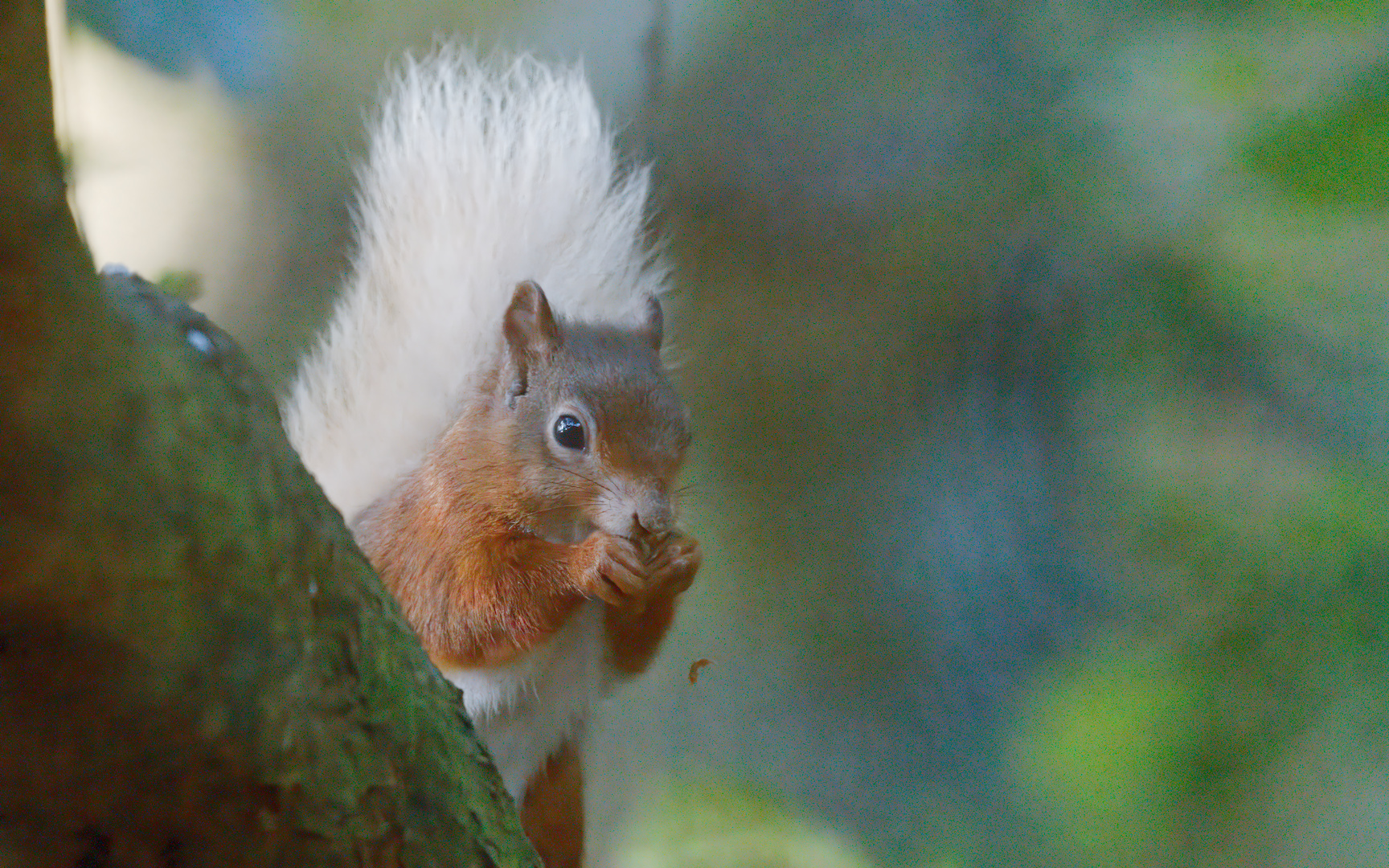
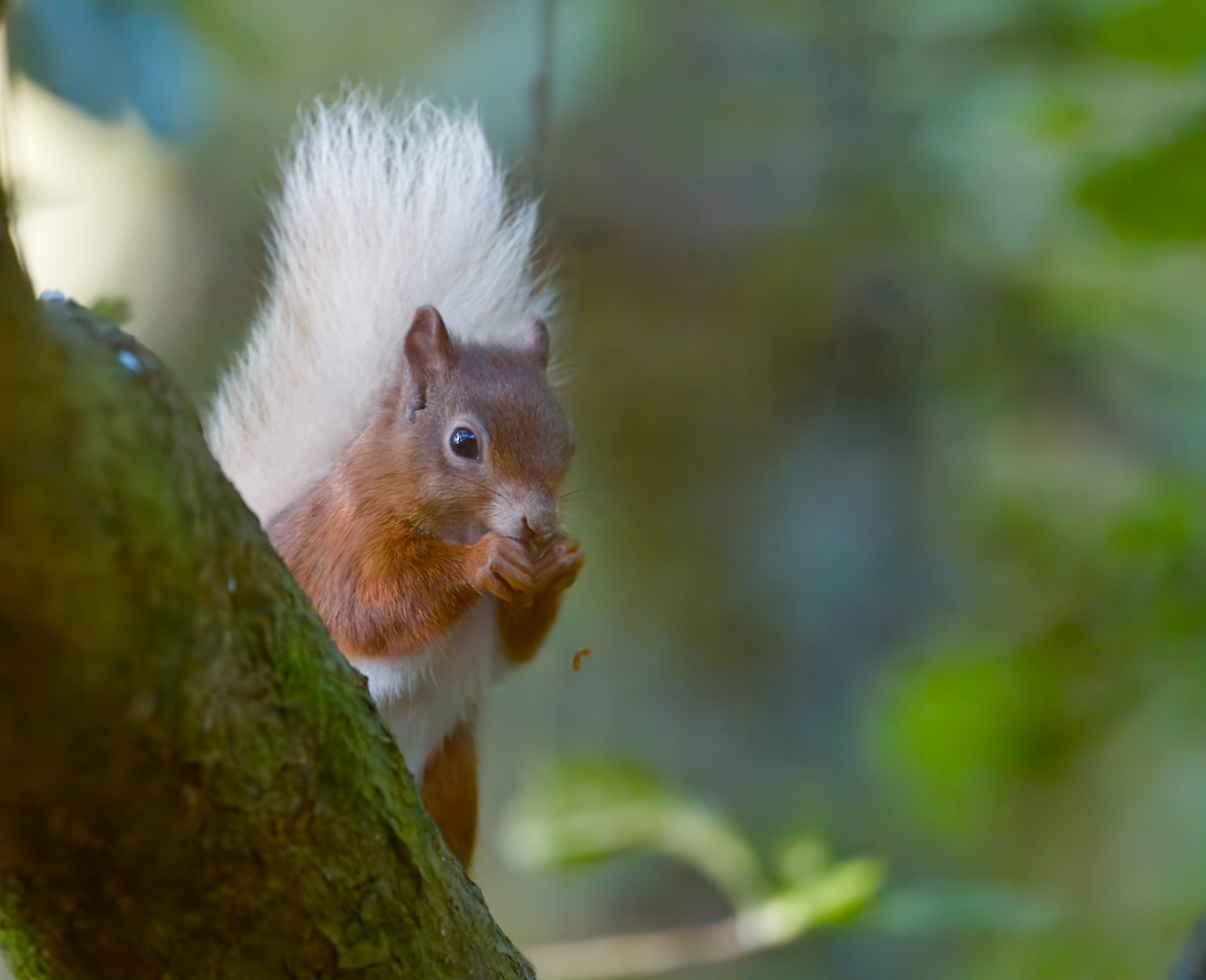
Not a great experience in many ways. However, here are some images:

The first is without the AI denoising, the second with AI denoise model (not the banding), and the last with raw denoise.

EDIT: running darktable-cltest not only shows the openCL isn’t available, but also has AI set to disabled.

3 Likes

First is best :smiley:

2 Likes

I prefer the third one.

The second one is definitely in last place. Lots of banding in the background. The third one brings out more texture in the tree, which I like, and in the background, which I’m not thrilled with.

1 Like

Agreed.

I might just try AI masking and see what can be done with the background.