You could use the contrib/ext_editor script and start NIK Silver Efex from there. ext_editors should handle the export to tiff and importing the result which should result in an updated thumbnail in lighttable.
darktable doesn’t have a live view of the filesystem. If your source file is abc.raw and your intermediate file is abc.tif, you have to re-import the folder to make darktable aware of the new file. it should auto group abc.raw and abc.tif together after the second import. You may have to make the group leader the tif file, so it shows on top when viewing the lightable grouped.
Thanks for the response but darktable doesn’t recognize the changes - see my points 4 and 5 above. I need to make a small edit then lighttable “sees” the change made in Silver Efex.
I did a system restart - to be on the save side and tried this with several pictures and it is always the same. Lighttable doesn’t show the external changes. Only after I made a “dummy” change in darktable and go back to lighttable is the change from Silver Efex visible in lighttable.
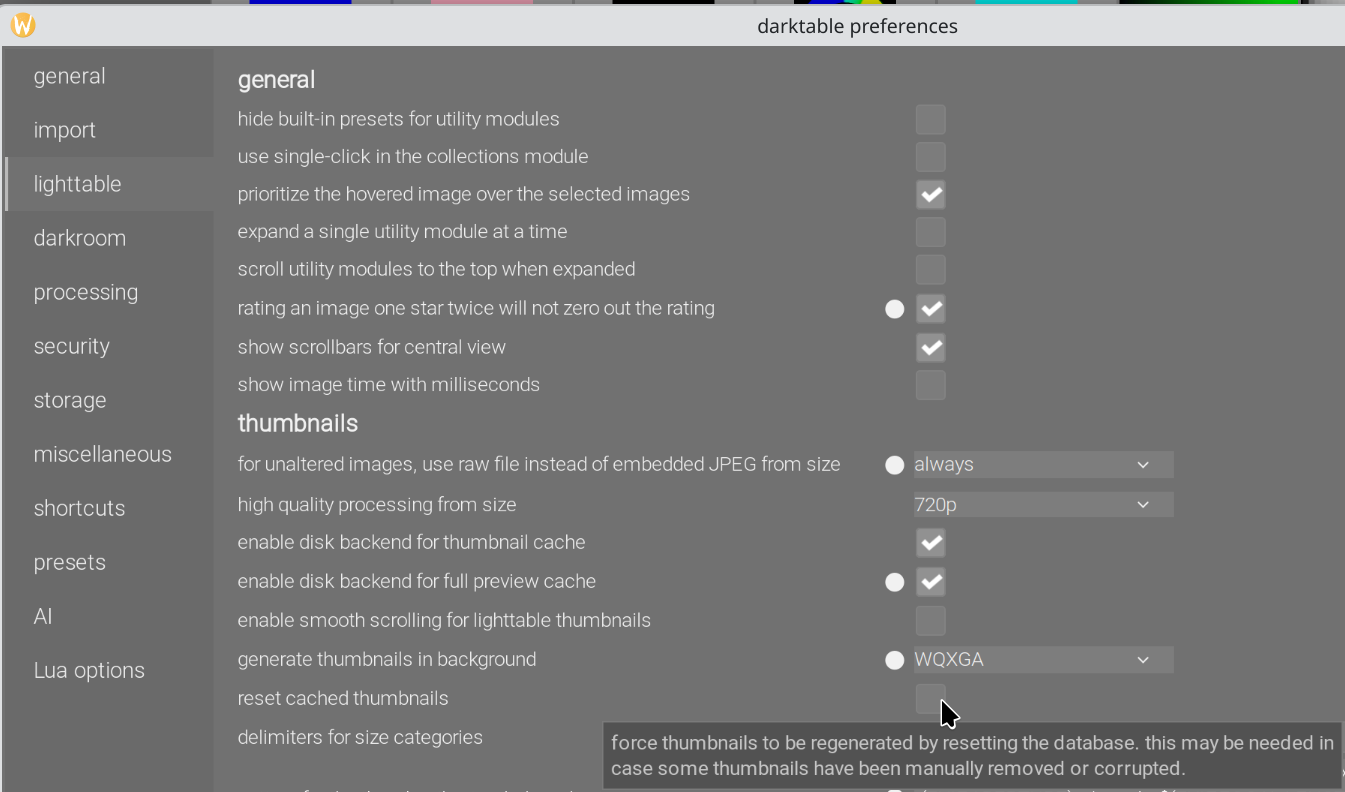
As this is a recurring problem, the regeneration of all thumbnails is the solution.
Of course that works. But as @kofa said, that’s a rather blunt tool.
When returning to darktable, after editing in Nik, darktable doesn’t “see” any change (as it doesn’t read the file until you open it in the darkroom), so has no reason to update the thumbnails. Removing the TIFF and re-importing it forces darktable to create a new thumbnail.
Or perhaps create a dummy style (with just an export module at +0EV) and apply that to the changed TIFFs (in append mode to be safe)? That can be done from the light table view.
But this is exactly what is not happening. As I wrote in my original post
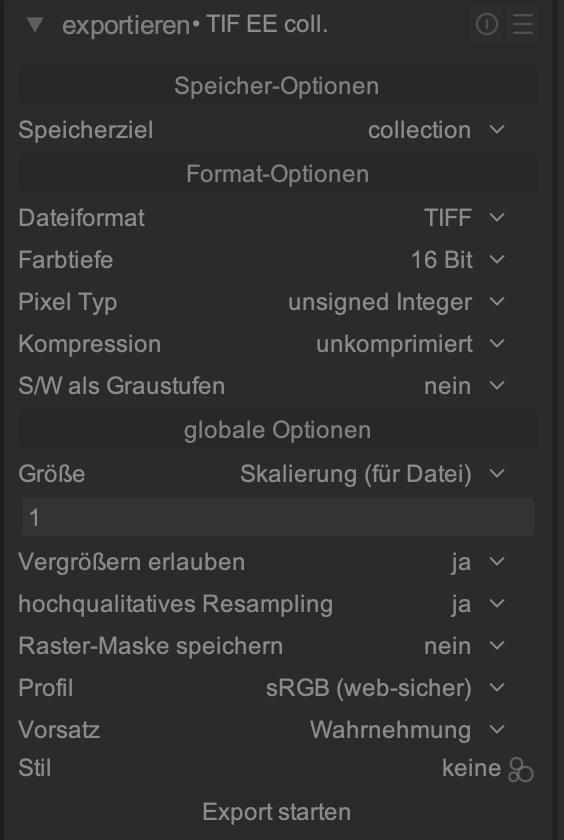
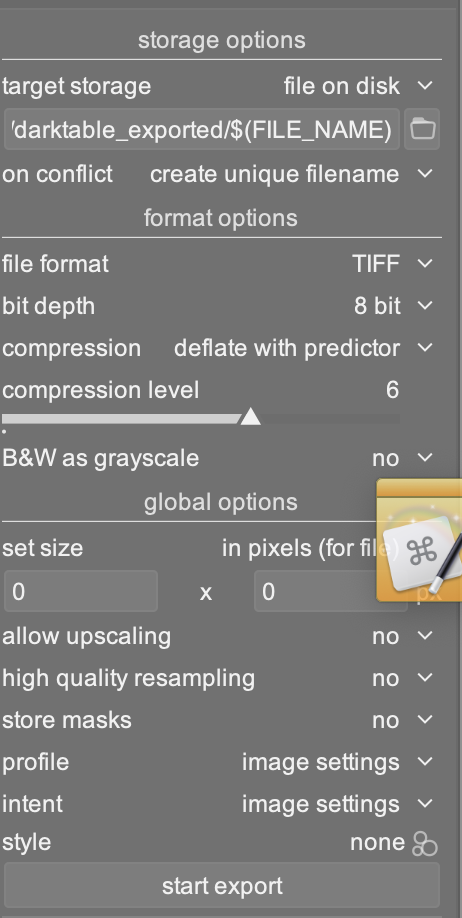
Export raw file as tiff
Go to Finder and open tiff with NIK Silver Efex
Make changes and save
Add tiff to DT
Lighttable does not display the changes made after the import
As darktable is not adding the exported tiff to its catalog the import in 4) adds the NIK-tiff to the database (which is a completely new tiff) and darktable does not create a new thumbnail.
I am not questioning the regeneration of all thumbnails. What I am saying is that it is not a sensible solution to do this after every import of a tiff file.
Of course. I assume that “does not create a new thumbnail” refers to the thumbnail for the raw file?
Why should darktable assume the TIFF you import after editing in NIK has any relation with the raw file? And in any case, the TIFF would always get its own thumbnail, and the raw thumbnail (with the dt edits) would not be updated.
I totally agree on all you are saying in regard to the raw file
there are no changes to the thumbnail as there is no need to
the imported tiff (after Silver Efex changes) is not related to the raw file
I see now that I wasn’t absolutely clear in my choice of words. Appologies. In my mind the tiff has a “thumbnail” after the export from darktable. I know this isn’t correctly described, but bear with me. Now I do the changes in SE and then import the file (which is completely independent of the raw file) to darktable. The thumbnail which is now shown is of the tiff before the SE changes.
I hope this is clearer.
But my general point I try to understand is. Do I need all the steps I mentioned originally to get an image processed externally and back into darktable.
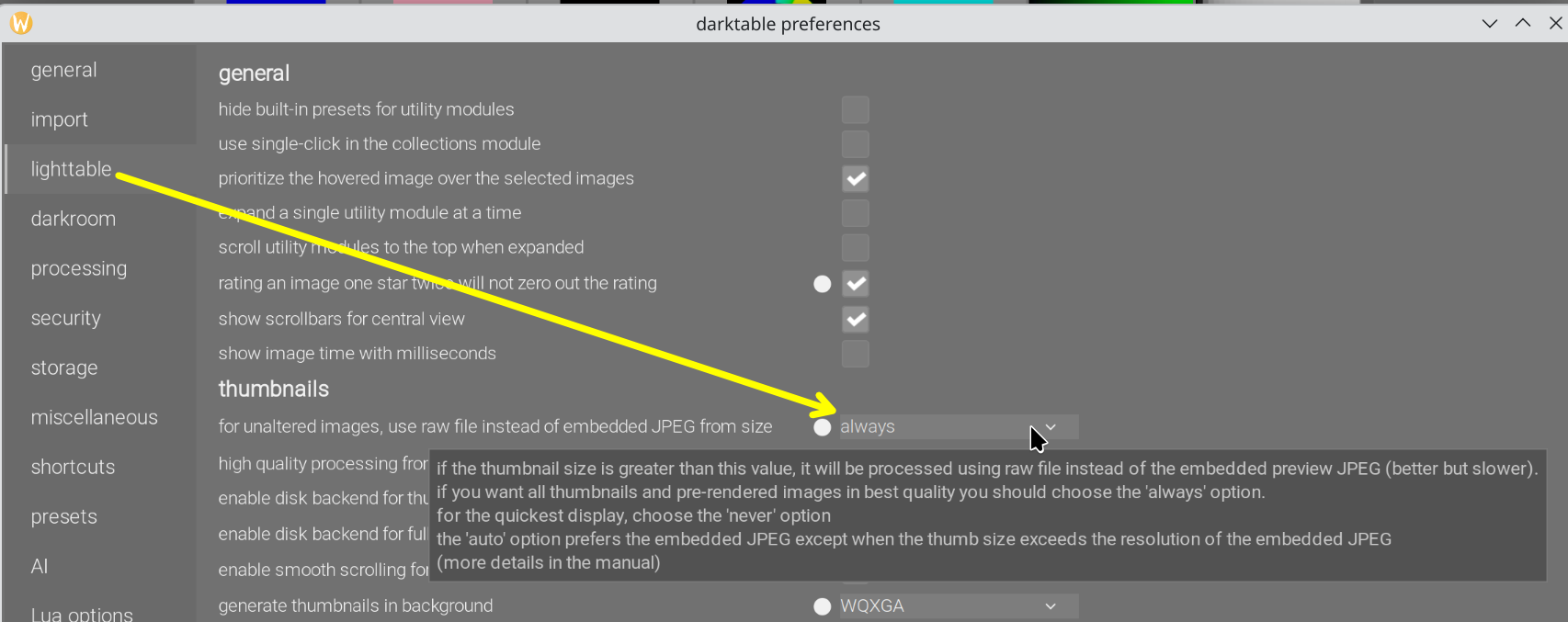
Could the imported TIFF have an embedded JPG thumbnail (like a raw file does), which still holds the pre-SilverEfex changes (TIFF is a complex format, I’m just guessing)? Darktable has a setting that will use the embedded thumbnail for raw files until they are opened in the darkroom. Could you flip that like this?
You are correct that the tiff has an embedded jpg thumbnail. When I open the tiff file via Finder in Preview I see the two jpg’s (before SE and after).
Finder (with preview enabled on the right) shows the jpg-after, same as Adobe Bridge and XnView only darktable shows the jpg-before in lighttable.
I know that there are ways to manually get lighttable to “refresh” the thumbnail but it would save a step from my eight listed initially if I don’t have to do that.
I played around with the preset change but this didn’t help. I assume this is only working with raw files and not with tiff’s.
The screen shot from your initial export shows a darktable_exported folder.
Real question is when you export from Nik Silver Efex, where are you exporting? The folder where your original is or the darktable_exported folder.
I don’t think grouping works cross-folder. Even if you re-import recursively, the original original and the Nik Silver Efex output being in different folders wouldn’t be related.