Darktable Denoise on ORF raw washed out result

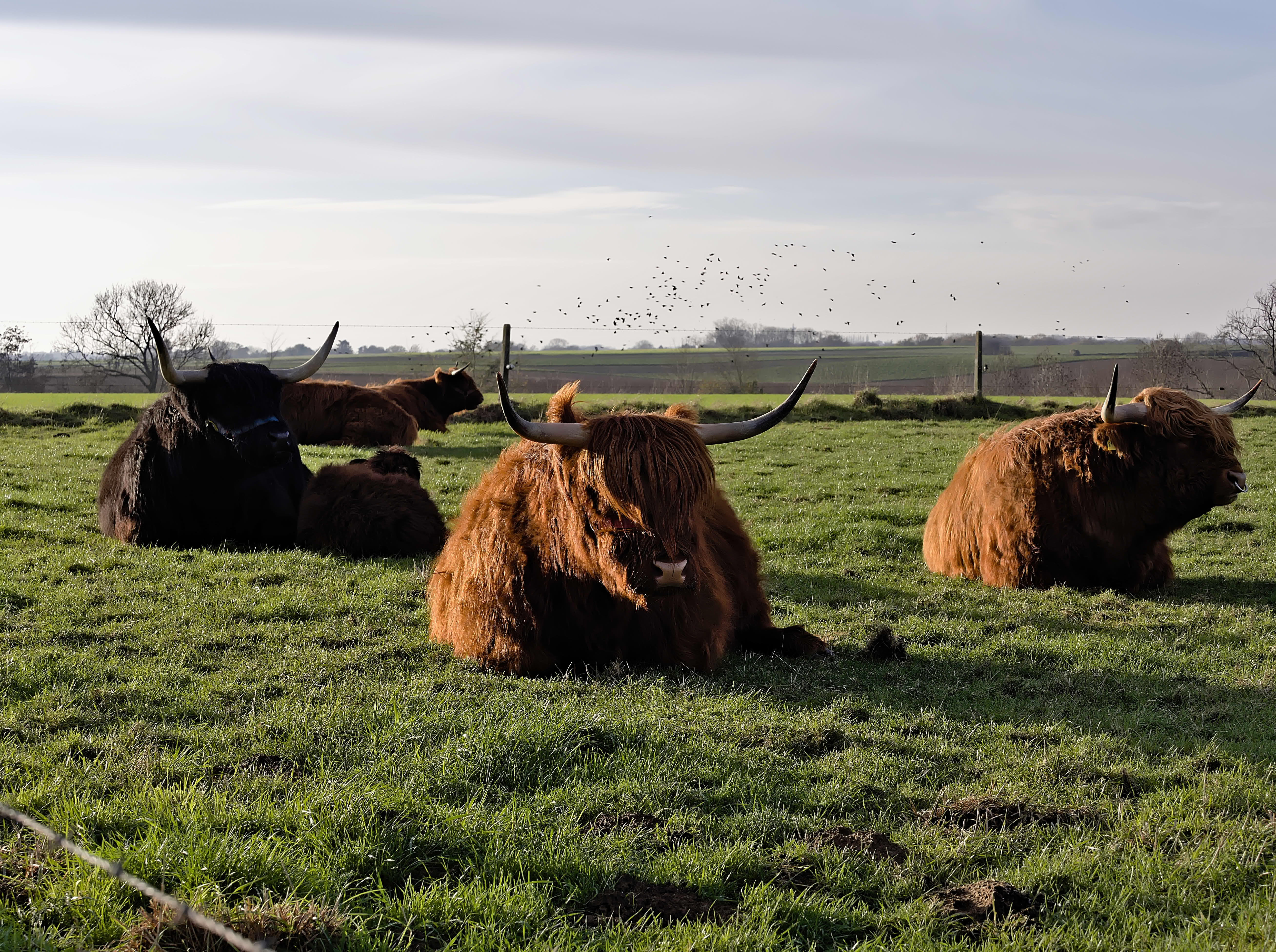
When I use the denoise or raw denoise module my ORF raw file is washed out, certainly in the shadow areas.
I only observed that with those olympus files, not with canon files.
Solution is not to denoise, or change strength and preserve shadows.
Is this expected behavior or just sensor data style of doing its own thing?

File for reference:
PB220629.ORF (19.5 MB)

The darker colored cow will directly show that effect.

Shared file free for educational usage and on this forum!

just curious: is this meant for the play raw category?

Good question, its both, why the processing is not I think it is and everyone can play with it indeed. Should I move it?

Darktable doesn’t have a noise profile for this camera, so it uses some generic stuff:

IMHO you will not get usable results without the correct noise profile, especially regarding luma noise.

There is an article on how to create profiles:

3 Likes

Darktable should have a noise profile for the Olympus E-M1 III - that camera has the same sensor and readout circuitry as the E-M1X of the OP. It looks like my E-M5 III belongs to this group as well, but I have no source for this other than this graph at photonstophotos.

I don’t know how to use the noise profile of a different camera in Darktable, but there must be a way for that.

I could try to edit the exif data to the E-M1 III or E-M5 III.
@alpinist do yo have a random ORF file to share so I can compare the exif data?

I coud edit the noiseprofiles.json file and add one for my model based on E-M1 II or III.
They of course both already exist in that file:
“comment”: “Olympus OM-D E-M1 Mk.II profiled by Dawid Loubser (dawid.loubser@ibi.co.za)”,
“model”: “E-M1MarkII”,
“comment”: “E-M1 Mark III contributed by tuomas”,
“model”: “E-M1MarkIII”,

This one for example: Band of slightly darker pixels along one border of raw image

Raw files for most cameras can be also found at DPreview.

Thank you all for your input.
Editing the noiseprofiles file made darktable apply a denoise profile, probably not 100% accurate but enough for me.

Be careful, don’t take the E-M1 II. Please read the post I linked to. It explains that while the E-M1 II has the same sensor, it is driven differently, which results in a different noise profile.
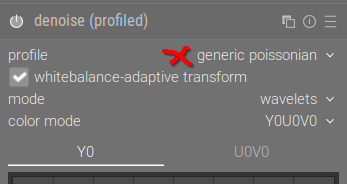
Yes indeed, I copied the values from Mark III.
There are more ISO values known (for Mark III) compared to the Mark II.

ART and GIMP

1 Like