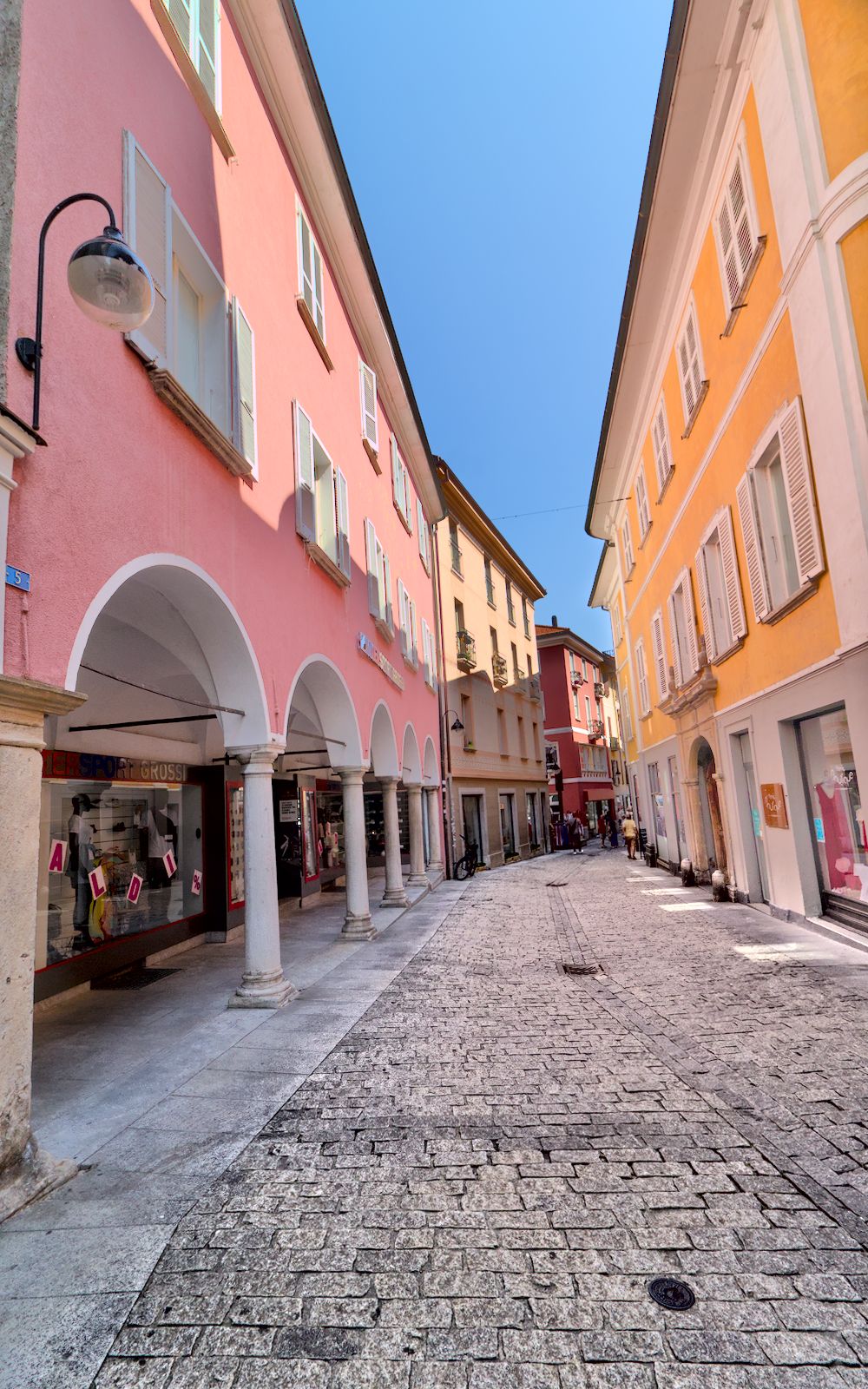

Thanks @garibaldi, this is an excellent series that I was not aware of. I will make sure to go through all your tutorials!
One nitpick about this last episode. I would love to see a more step-by-step exemplification of how to use wavelet decomposition. The manual (to which you point) explains it very well, but it could use a concrete example, and your tutorial could be the perfect complement.
Kudos!
The blog post has a couple of examples… And 2 decent videos are here…
What else would you like to see specifically? It currently discussed each control and shows an example of what each layer looks like. Maybe it’s best for the reader to use that general guidance and then try it out on their own image?
What I don’t get, probably because I didn’t have enough time to pay with it, is how one attacks the problem, when it makes sense to use different frequencies, how to decide how many layers to use and which layers to combine. That is, assuming that the answer is not just trial and error and there is a principled approach that can be generalized.
I think you look at the different frequency layers, and if you see something there, then you use the tool to remove it.
That’s what I would do. I think it is just some trial and error to see what works for your specific image.
The blog post is excellent, thanks!
This was published in 2018 and it’s about DT 2.6. Many people who find such pieces of documentation may just skip them because they assume that they are too old or release specific (it was 3 major versions ago…).
Maybe there should be an effort to go through these old docs, find all the great content in there that is still up-to-date with current release and copy them somewhere more prominent where their association with the latest releases is more obvious.
The blog posts were excellent and were a part of new releases to explain the features. I often tell people to go back and read some of them…It has been a challenge to keep that going. It can also be a problem to tell people to go and look at older content because most older videos/content are dated and not relevant but there are a few that are great…
For example one of the best videos for the contrast eq comes from when it was simply the equalizer module …Robert Hutton made a great video…
Even here searching the forum there are so many great threads (like this one and Boris and others have several loaded with great stuff) if people do a little poking around… but for a new person that is just starting out I admit it must be a bit intimidating to determine what constitutes a solid starting point and what information is accurate. That’s why I encourage everyone on FB for example to join and particpate here and to ask questions…hopefully it can save them going down a rabbit hole, once or twice anyway 
It won’t be for everyone but poking around in the Github discussions can also be really helpful…
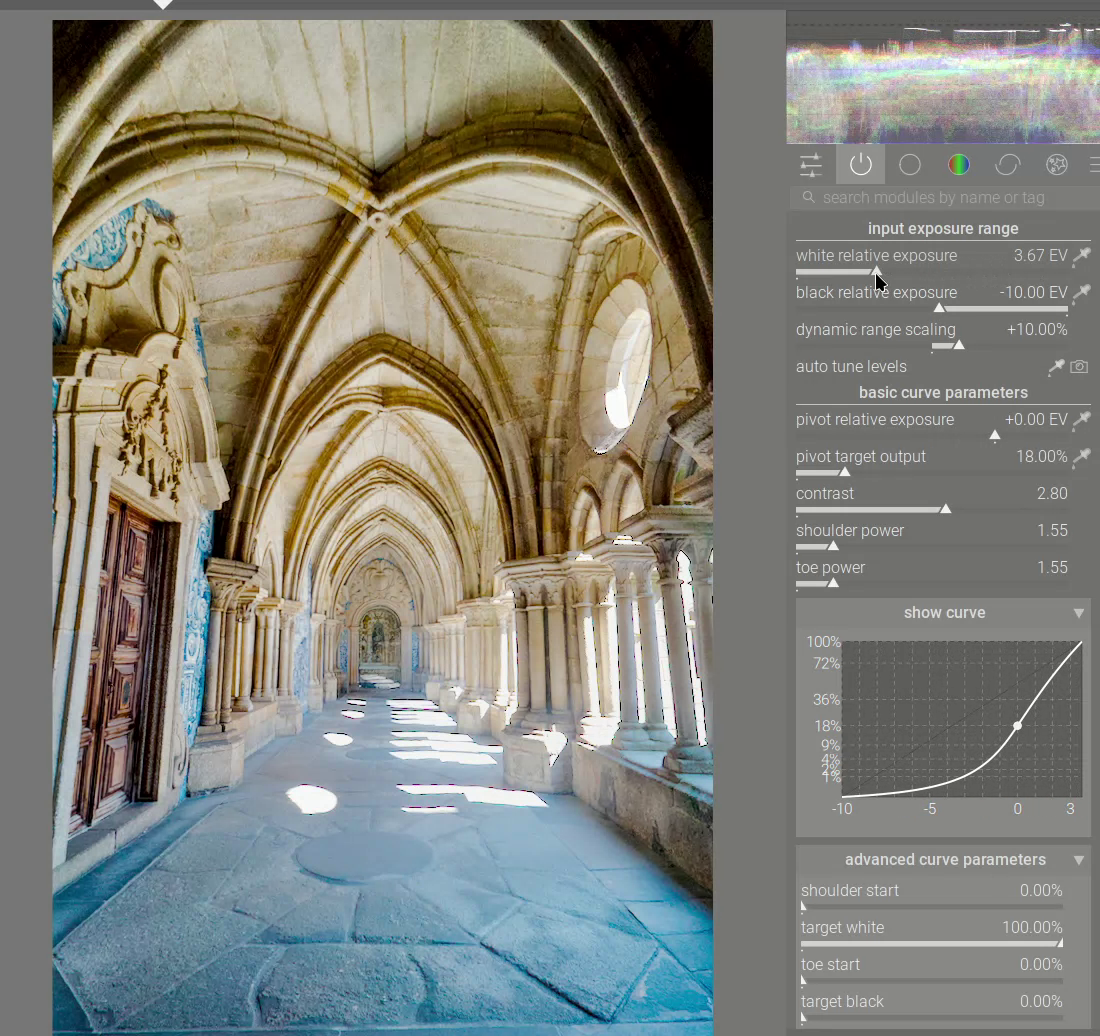
In anticipation of the upcoming 5.4 release, I try to cover just one aspect of AgX and why it’s a big deal
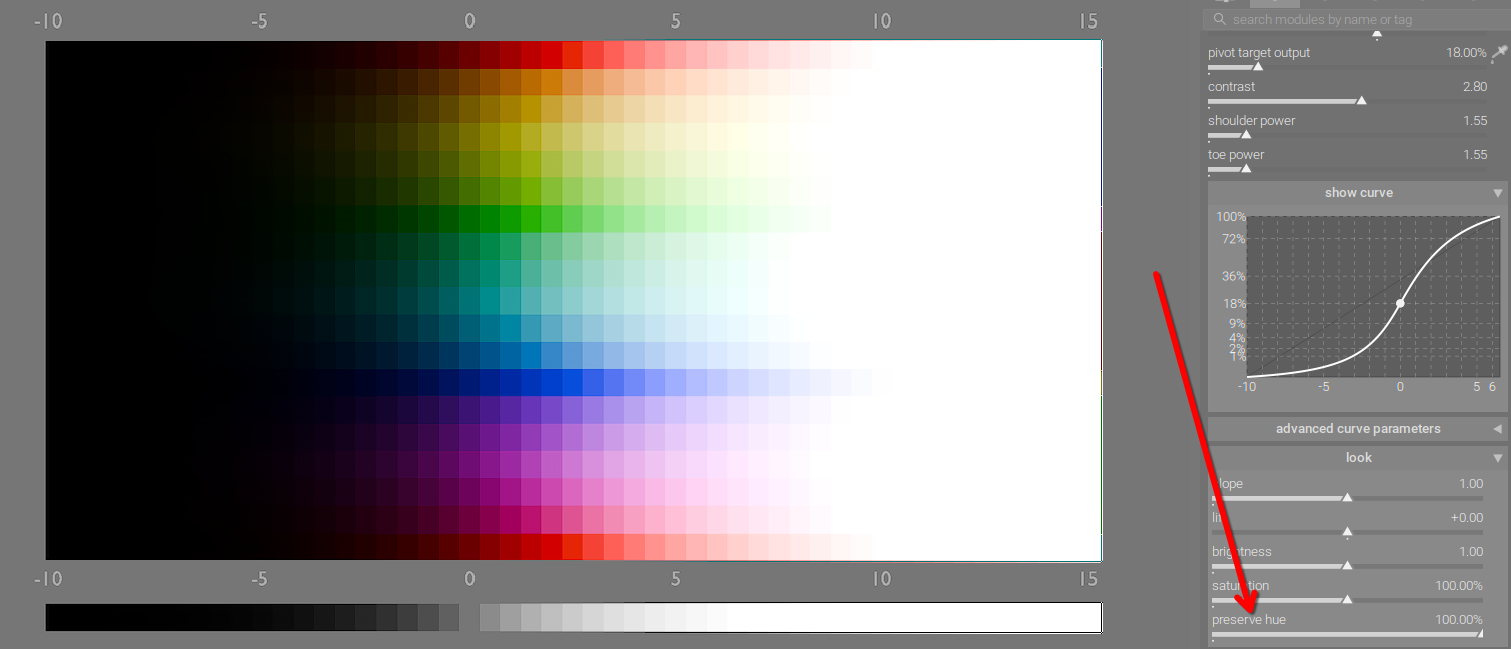
Excellent and helpful!
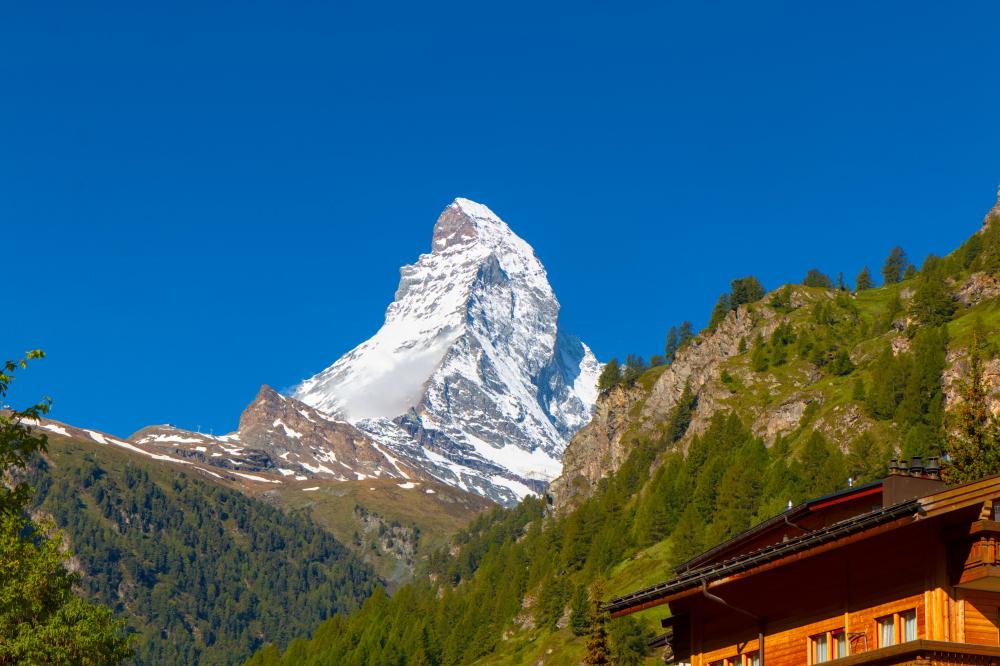
Very nice tutorial. Every piece of information about Darktable is important. Everyone learns differently.
Thanks for your tutorial Andrew. I am sure many people would find it very helpful. I feel if the reader could download and adjust this same image themselves it might be even more engaging. Just a thought. All these different tutorials are so helpful.
You can, see here:
https://www.patreon.com/posts/darktable-scene-146401844

Hi Andrew,
another excellent example demonstrating many of the important AgX controls. Well done.