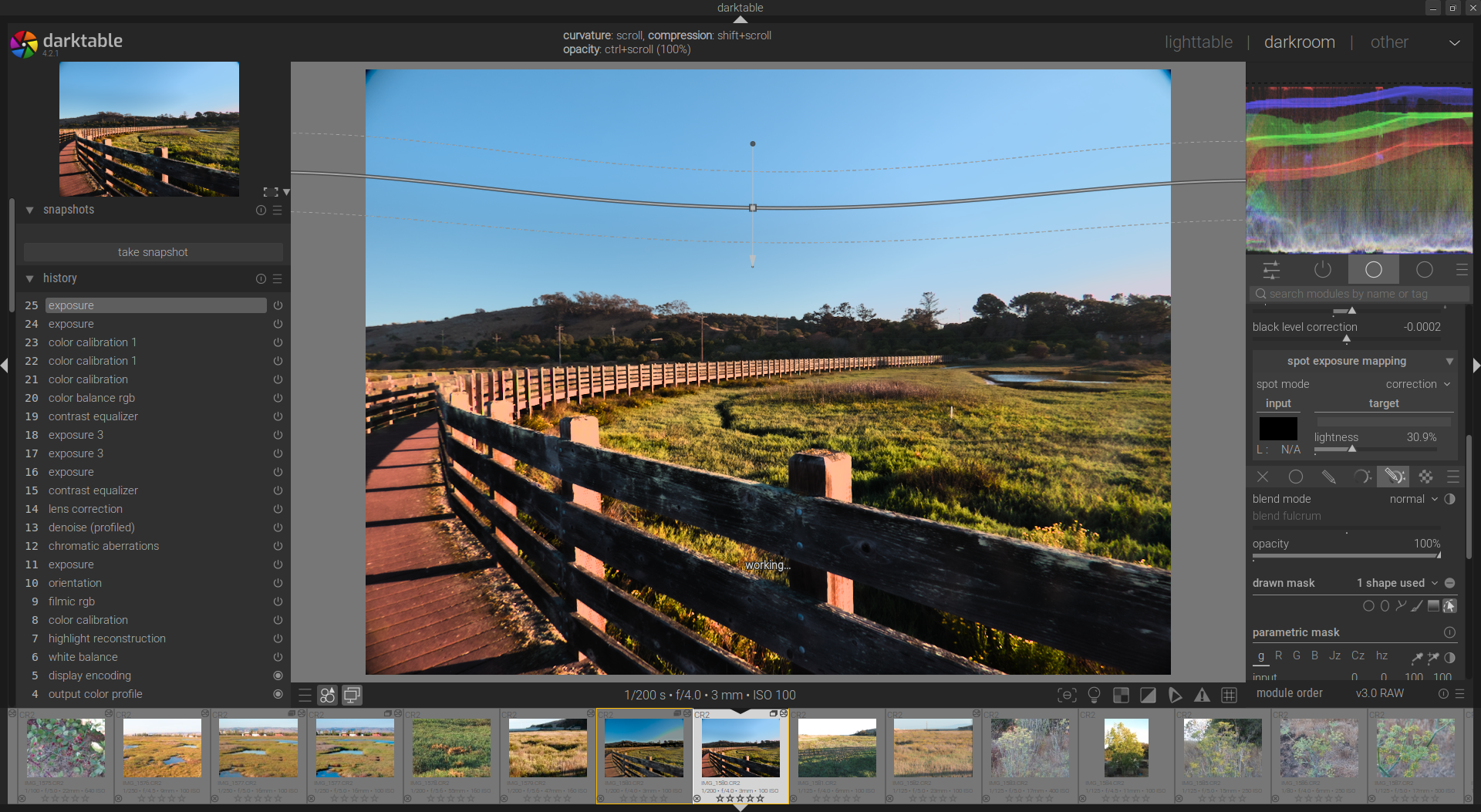
Just noticed that if I drag gradient vertically up or down, it starts curving automatically. If I am (what appears to be) at center of the image, line is straight, dragging line down, it starts curving down and dragging up, it starts curving up.
Is this my monitor issue or a feature? Tried reading the manual, but did not find this information.
How do I get straight gradient line regardless of vertical position?
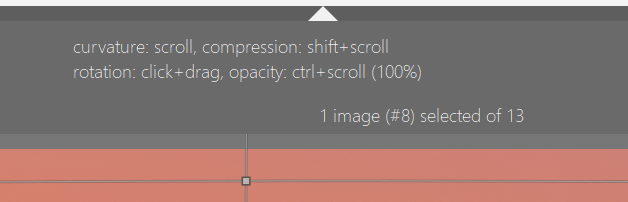
The answer lies in what you are really doing when dragging the gradient. See image of guide that appears on top of the screen and refer to user manual if more info needed. darktable 4.4 user manual - darktable Good luck with it. It is an awesome tool.
I can’t reproduce that on Windows… I have never seen that only curves when you use the scroll wheel… interesting observation… others will like report if they see it…
It seems to be specific to one image. I could not reproduce it on few other images. This is what I get when curvature is zero. If I move the mask line exactly at center, the line will become straight.
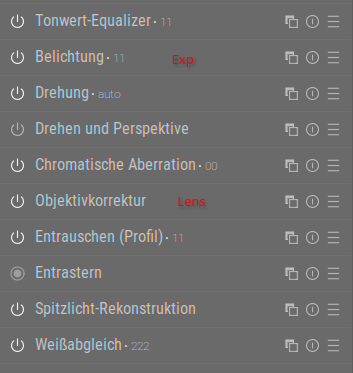
exposure comes before lens correction. The masks are processed the same way as the image itself, so their pixels get shifted the same way as those of the photo. Try toggling lens correction to verify if that is the case.
I am glad it is solved. I presume you could force it back into a straight line if desired by using the scroll button. This might be desirable after the lens correction is applied on some images.
I think the order doesn’t matter in this case. Lens correction will impact (gradient-) masks in every module whereever they are in the pipe. That’s probably the reason for the curvature option.
Also, I wonder about your module order? My lens correction has always been first by default.