Darktable Negadoctor: I must be holding it wrong. Any advice?

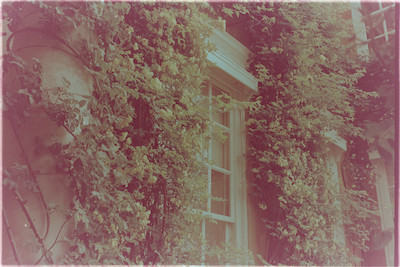
I am unable to get a satisfactory result out of negadoctor on one of my colour negative films – not even close in fact. I’m confident that the module is not defective, so it is either user error or a ‘bad’ raw file (whatever that means). Could others have a try on a sample frame from this film and let me see the results?

I’m DSLR scanning film strips using a Nikon D610/ Micro Nikkor 60mm f/2.8D with a JJC slide/film copying attachment. Photographing the light source diffuser screen with no media in the slide or film holder give me a shot which the colour calibration module tells me equates to 6400 deg K ( JJC says their light source is at 6500 deg K, so that’s reasonably close). I have accordingly set the camera white balance as close to this temperature as is possible (6250 deg K).

One immediate problem of using the ‘blank’ shot to set the white balance correctly in dt, using the ‘from image area’ option, as recommended by the dt manual, is that I have to copy that setting from the history stack of the ‘blank’ shot and paste it into the history stack of a shot of a valid film strip frame. There are two options for the paste: ‘append’ and ‘overwrite’. The manual does not mention this nor, therefore, which to use. They give wildly different results, neither of them acceptable.

I chose instead to use the ‘temperature’ and ‘tint’ options under my camera name in the settings option of the white balance module. Inevitably I got the ‘white balance set twice’ warning (not mentioned in the manual); I ‘fixed’ it by choosing ‘none’ as the CAT method in the colour calibration module.

Following the dt manual instruction on how to set the film base colour in the negadoctor module, I found that the JJC film holder completely obscures the non-exposed part of the film strip. To get a reading of the film base colour I moved the film strip so that it was mis-aligned by half a frame, allowing me then to capture a shot with the film border (a few mms wide) down the centre of the image. The shot is attached.

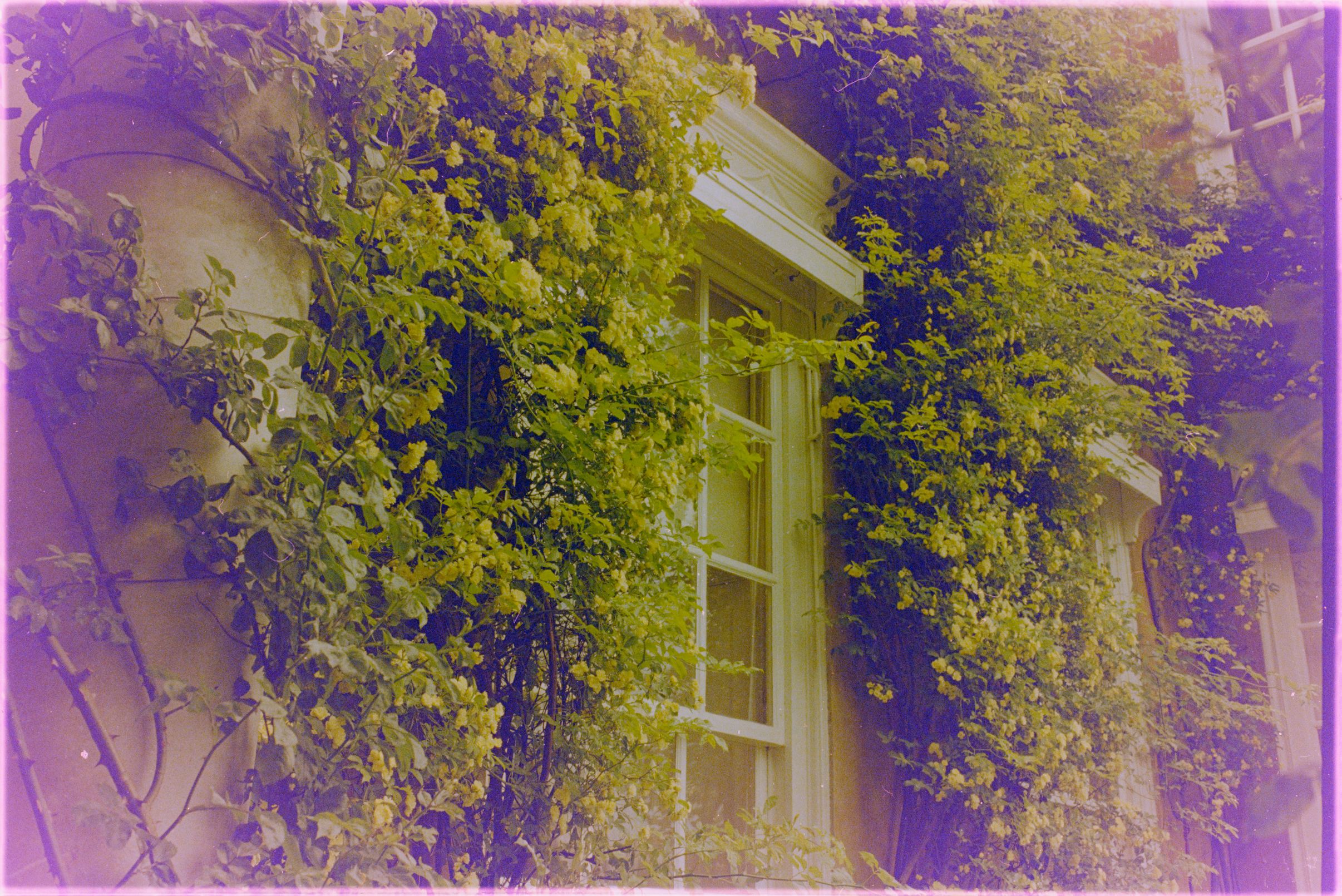
The next problem with the process described in the dt manual is that as soon as I selected the eye dropper for the ‘colour of the film base’ part of the negadoctor module, the image became totally dark. I was able to find the unexposed strip between adjacent frames only by increasing the exposure by a large amount. The unexposed strip remained black. Having sampled it, the module then displayed the base colour in a lime green colour, completely different to the lemon yellow that the strip appears in the the lighttable…

Using the three samplers to set the red, green and blue Dmins resulted in a wildly wrong appearance of the image. One thing that I notice is that setting Dmin blue to the smallest increment above zero – i.e. 0.01 – made the whole frame immediately and distinctly blue. This seems to suggest that there is a problem with the film.

Could others please try with this frame, as attached, along with the shot for the unexposed base and the blank shot for the colour temprature of the source.

_DSC2072.NEF (19.7 MB)

_DSC2071.NEF (22.8 MB)

_DSC2067.NEF (25.8 MB)

This file is licensed Creative Commons, By-Attribution, Share-Alike.
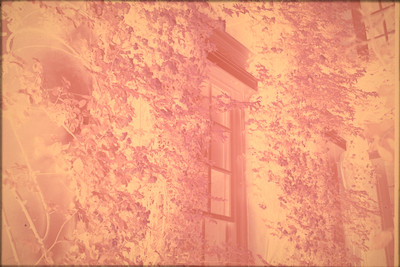
Negadoctor can be quite moody, the color pickers and sliders interact and stack upon each other, so if the first thing you see after adding an instance of negadoctor is a very underexposed image, the pickers meters work off of that and overcorrect…

(first step - disable AgX, or whatever default tone mapper you have set)

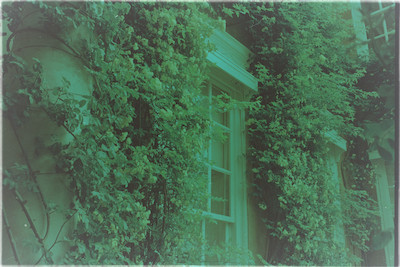
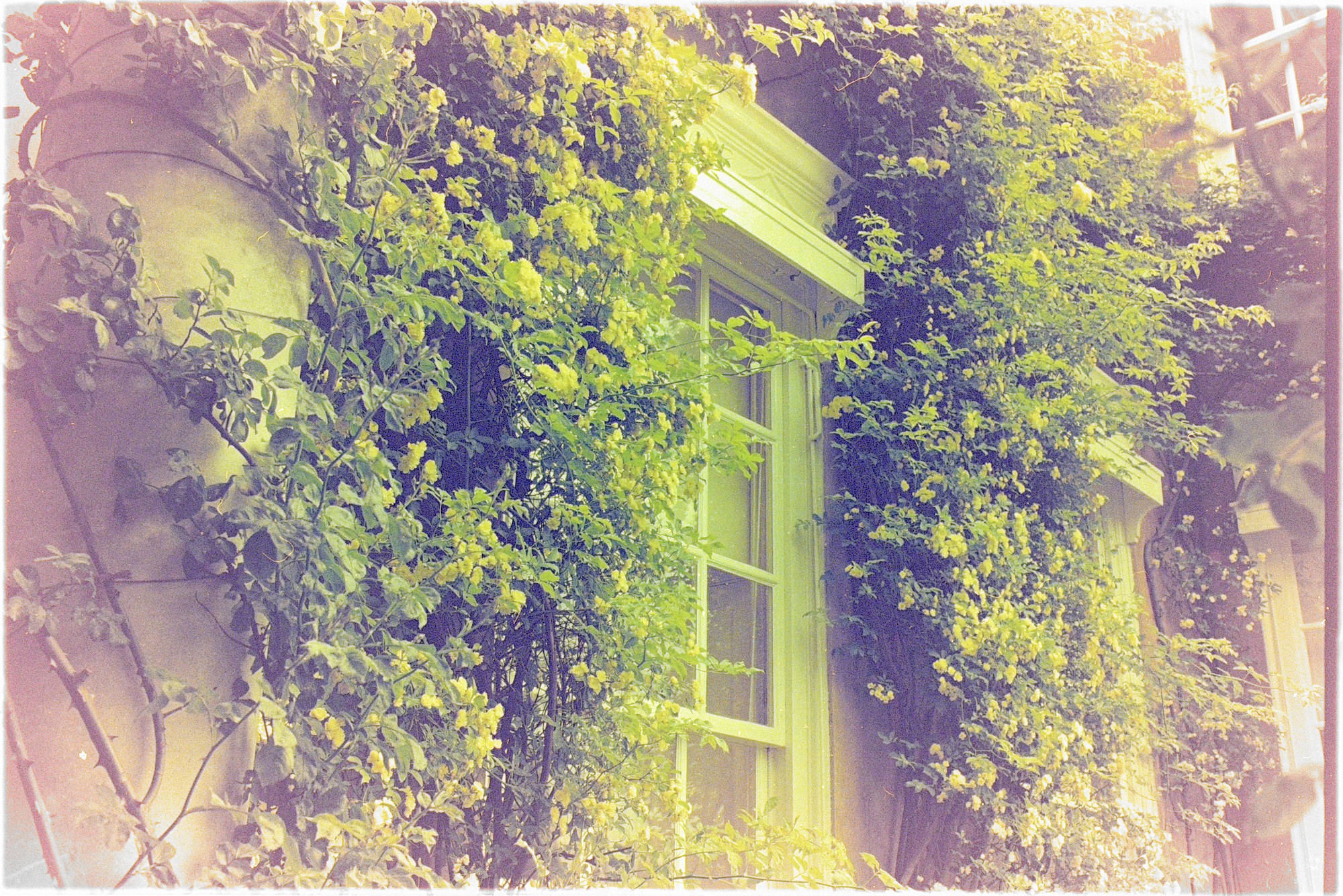
Your image had a very unusual color for a negative, in my opinion - so I used the color calibration module to push some yellow/green to the colors, now it felt more familiar.

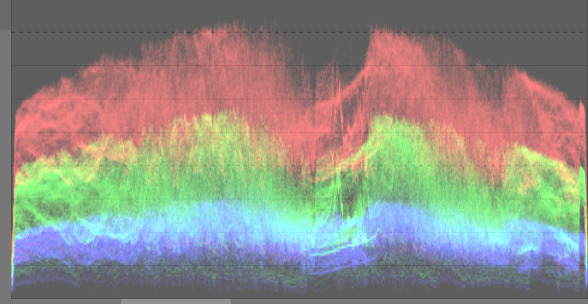
After that - my usual workflow would start with the exposure module - set the exposure so that youre covering as much of the histogram/waveform as possible, so that negadoctor has as much info as possible (without too much clipping on both ends)

Only after that I add the negadoctor module. My first step there is to play around with the scan exposure bias + paper black + print exposure adjustment - until you have an image that feels somewhat correct regarding the dynamic range. (not perfect, just, not too underexposed, not too overexposed)

Only then I start playing with the color of the film base picker/D min sliders, I usually dont bother with the “clicking on the base of the film” step, I just find the darkest point of the image and click into it - but if I click on the right part of the film base in your picture, I get this.

And now the dance between the corrections tab and the print properties tab start, I usually do this by eye - try to get the contrast and casts under as much control as possible - usually the color pickers for these tools will work now, since you should have a relatively neutral image by now - and only as a final step I touch the D max slider. I never touch the scan exposure bias slider after the initial setting in step one.

_DSC2067.NEF.xmp (7.8 KB)
(watch out - I am on darktable 5.7.0+, if youre on a stable 5.6.2/5.6.1 version, this xmp will crash your darktable)

The next step would be to fix the purple vignette, but thats outside of negadoctors abilities.

Edit: Triple CAT applied. I am more of a dog person but sometimes you gotta do what you gotta do.


_DSC2067.NEF.xmp (14.3 KB)

1 Like

I think you need to add 2EV more worth of shutter speed for these - I can push exposure up 1.8 before hitting display white. You might have a bit more headroom after that in the camera raw. I think that’s making the blue channel too dark and noisy to get a good result.

I am finding this a bit harder than the Lyon negative shared here recently.

However, I’ve had a go with your raws. I used ‘camera reference’ white balance in the WB module and then measured the white frame with colour calibration, then copied those ‘custom’ illuminant numbers to the other pictures.

I tried to measure and re-use the slide colour, but it wasn’t giving me a satisfactory result, so I tweaked it while using the window border (I assume that’s pure white?) and looking at the vectorscope (Dmin is like another white balance step).

Dmax picker result was a bit heavy, I think because of the blue channel.
Shadows correction picker was not giving a good result.


_DSC2067.NEF.xmp (7.1 KB) (made with dt 5.6.2)

I think 5.6.2 fixed this? I loaded an xmp the other day and it said ‘highlights has unknown version 5, reverting to default’

I wouldnt risk it - I tried running 5.6.2 and it still crashed on loading into lighttable, so, just to be safe.

Oh yeah it might be the new masking or modules as well at this point.

1 Like

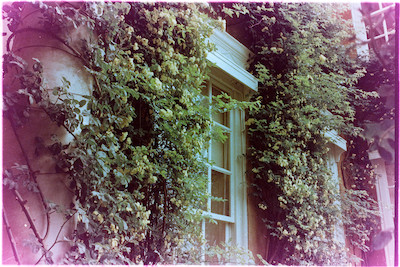
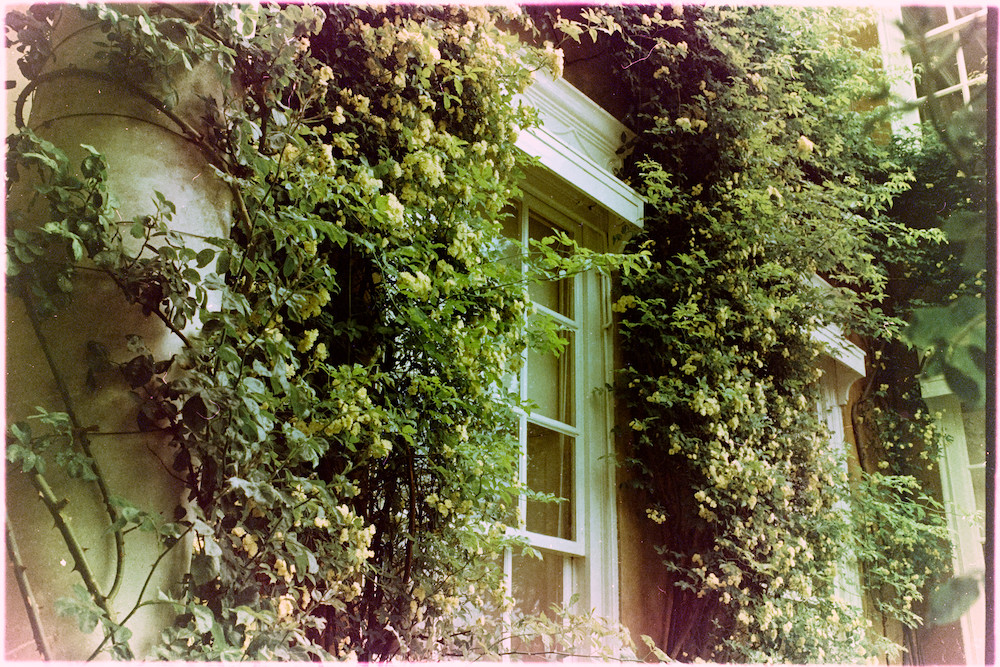
I just did a quick conversion in RapidRaw and can see this negative has degraded over the years and will be very challenging to get a nice result from. @bazdesh has done a good job in my view and explained it well.

1 Like

I hadn’t thought of trying this image in Rapidraw; I will do so.

It seems like this is not a suitable negative for inversion and retention - under exposed, bands of colour, and generally degraded. If I remember correctly I took this photo around mid-year 2010, so long enough for age related effects to occur.

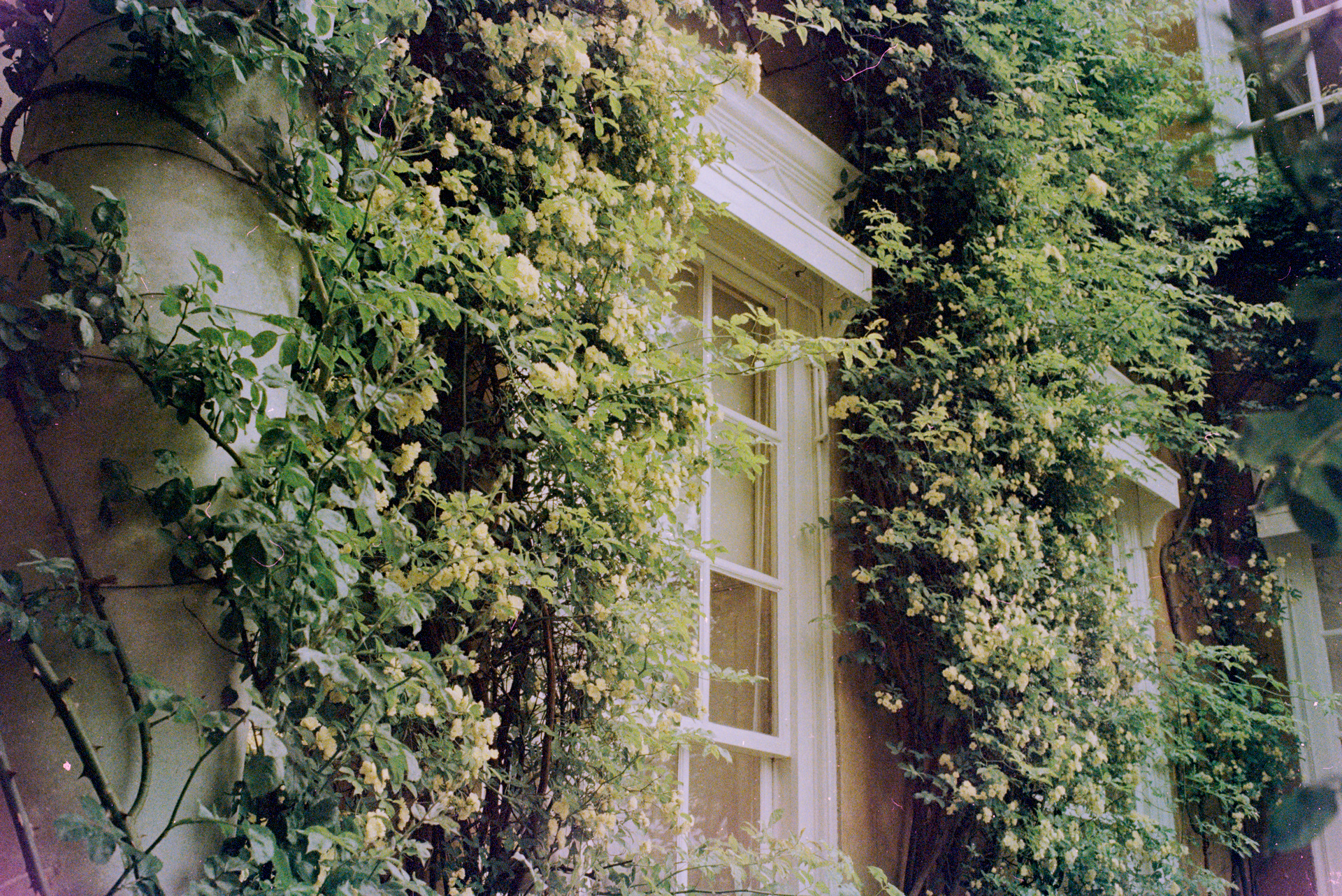
The intent of the photograph was not my usual ‘take a snap’ approach: the foliage around this window had an impressive and most attractive contrast between the leaves and the flowers, making the whole place seem a highly desirable place to live (which it was). None of that emotion comes across in any of the inversion attempts I, or others, have been able to coax out of the raw images I supplied. Yes, the work by @bazdesh is the closest I have seen to what I had hoped to create by taking the photo.

In my original post I posited that the problem could also be ‘user error’. What is the collective view of the ‘readership’ on this?

My opinion is that your processing lab f…ked up and their chemistry was not in good condition causing the dyes in the film to be unstable. I state this as an owner of processing labs in the past. Not your fault. You may be able to scan the original print for better result.

When scanning the film you should try to get as much light onto the sensor without clipping the highlights - so you have maximum dynamic range without any extra noise coming from boosting the exposure later - thats the only user error imo.
The film looking a bit cooked is probably not on you - you said you took the photo mid 2010, but when was it developed, how was it stored? The yellow color of the negative is unusual.
And as for the negadoctor steps… It is a lot of clicking back and forth, the manual talks about everything but looking at it now the process itself isnt really described there, right?

This is a tough one. The blue channel always seems crushed and lacking information in these old negatives. Maybe it is the degradation of the negative.
The only thing that i can advise which I also learned here in pixls is that a simple vignette correction before negadoctor can pull the bordering colours back to almost normal. Here an additional blue vignette was also neccessary.
Maybe further playing with rgb curves could separate the yellow flower s from the leaves even more.


_DSC2067_02.NEF.xmp (18.7 KB)

1 Like