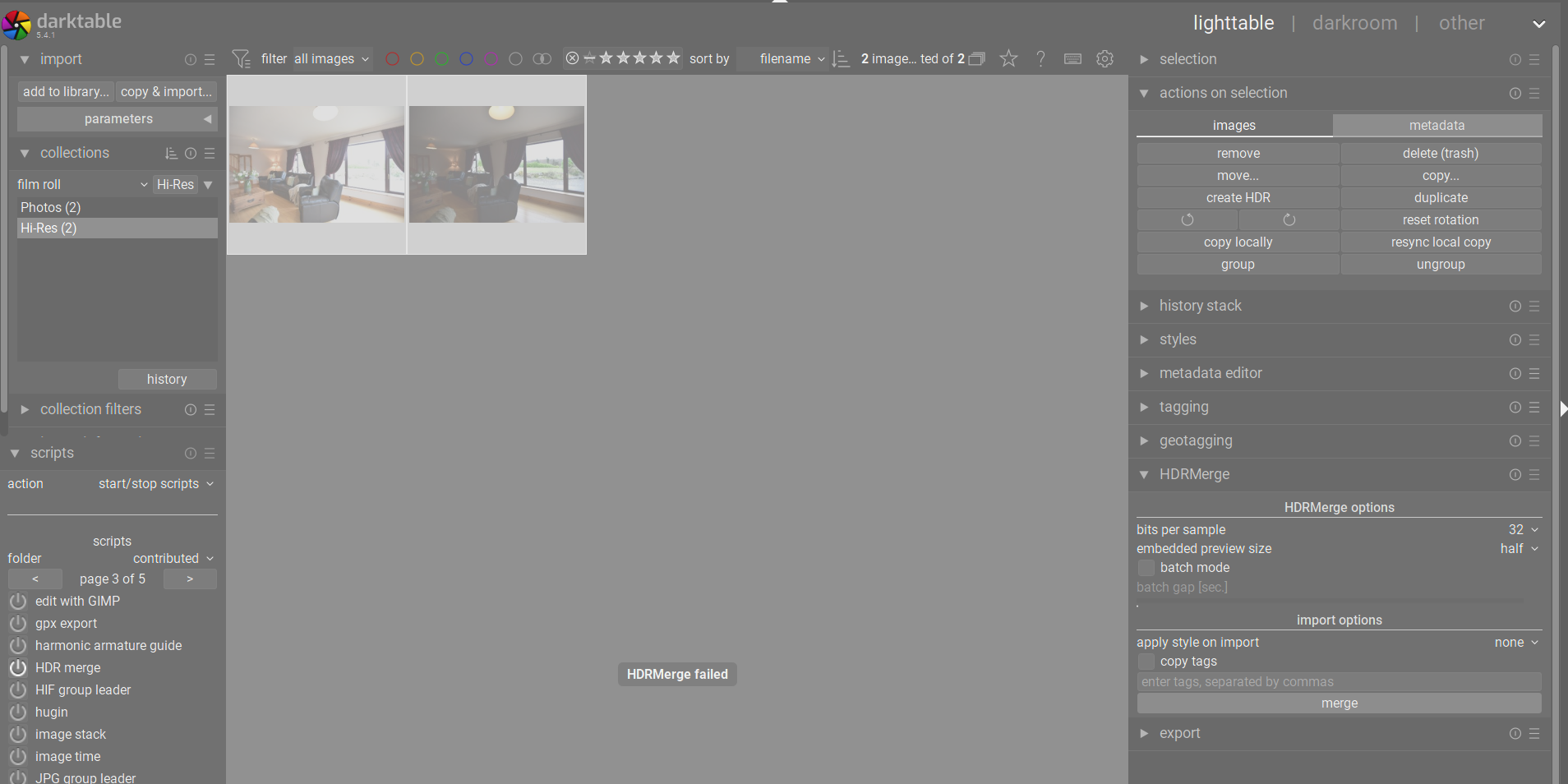
Hi,
I am new here and new to Darktable so please excuse me if this is something basic.
I installed the windows binaries for HDRMerge then installed it via the LUA script option. I started it and pointed it to the HDRMerge executable as instructed. Then I chose 2 JPG hi-res files that are almost aligned with different exposures. I also tested on the two NEF files for these (I use a Nikon camera). However, in both sets, the HDRMerge failed.
I don’t know how to begin to debug this or why it is happening. Screenshot attached. I am on Windows 11. Thank you for any help.
I use a Nikon D750, not really a new camera, but it does use it’s own version of digital negatives (NEF files). I will try converting and test again in DNG format. Thanks
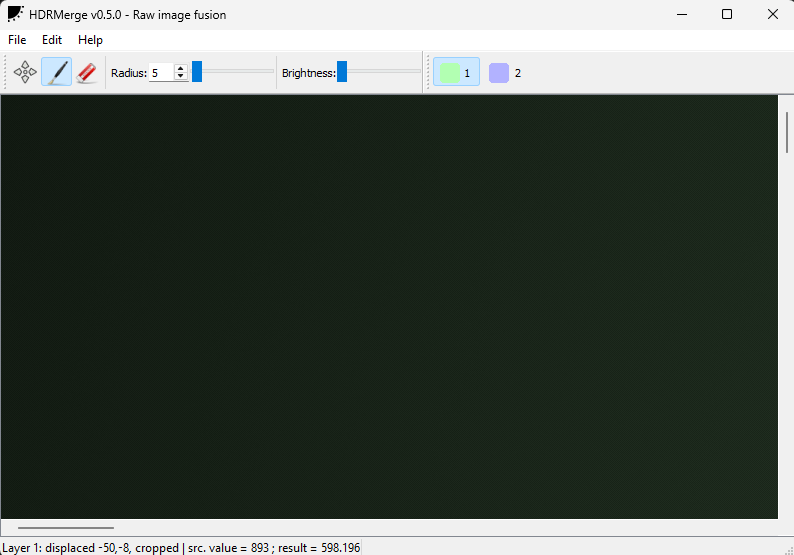
I tried with JPG, NEF and converting to DNG using the Adobe DNG Converter tool. None worked. Maybe I configured something wrong? What should I check? I tried the NEF and DNG directly in the app as well as in Darktable. Same issue, black screen in HDRMerge and error in Darktable.
I can send the files to my cloud drive if that helps.
Do the images have any kind of compression applied by the camera? I know darktable often doesn’t support compressed raws from manufacturers because the compression algorithm is a black box.
I wouldn’t think so. I believe I turned off all compression to have full-size files on the camera and then I can edit them in post. I know the NEF files don’t have any compression. I also tried converting to DNG and no go.
I can only confirm, that I have been able to merge both nef and dng files without problems, using a Windows version, called HDRMerge_master_gaanedv0.6_release_64.
(No darktable or lua scripts used.)
Maybe it is my setup that is wrong. Where do I download that version? Github? I will try to find it and install it and see. I have v0.5 here. I tried in the app itself with out Darktable, and same error.