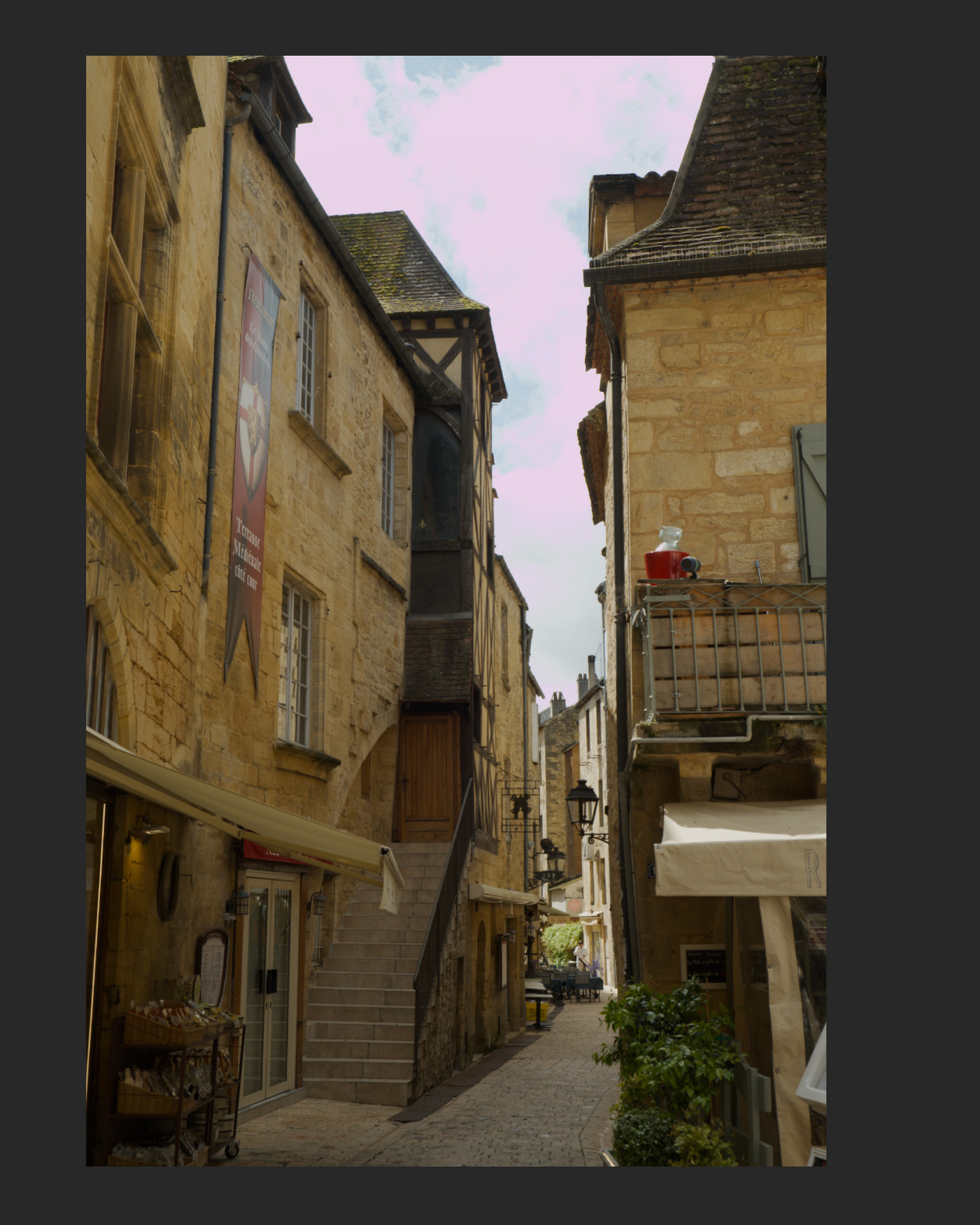
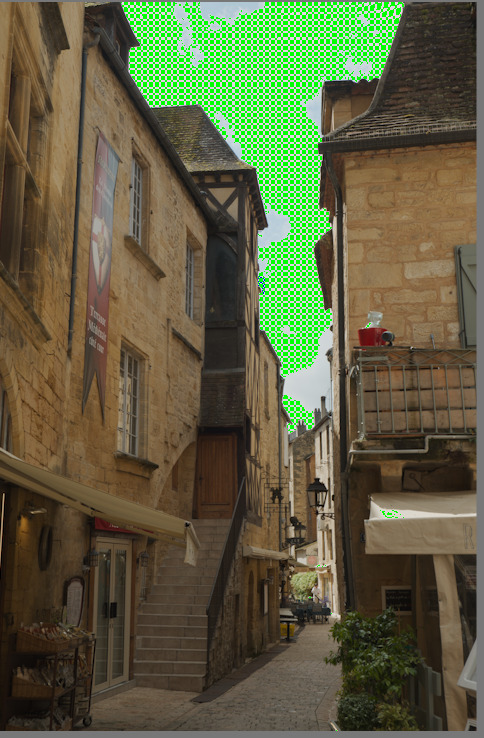
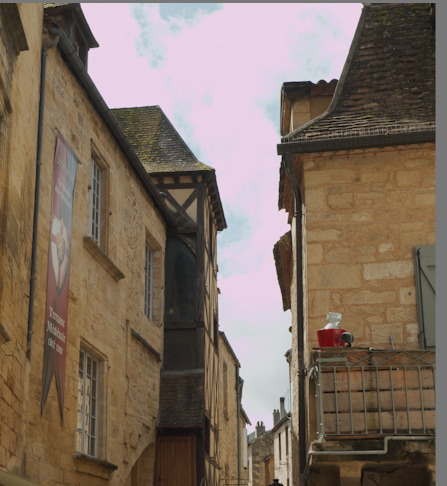
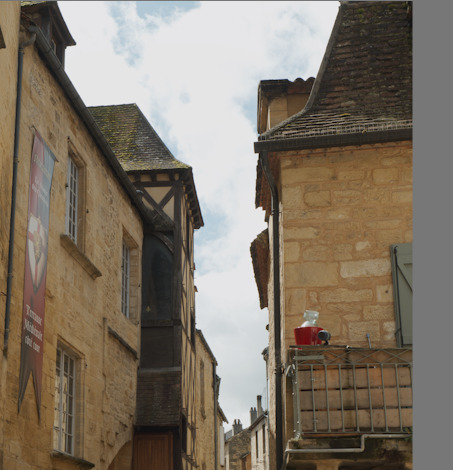
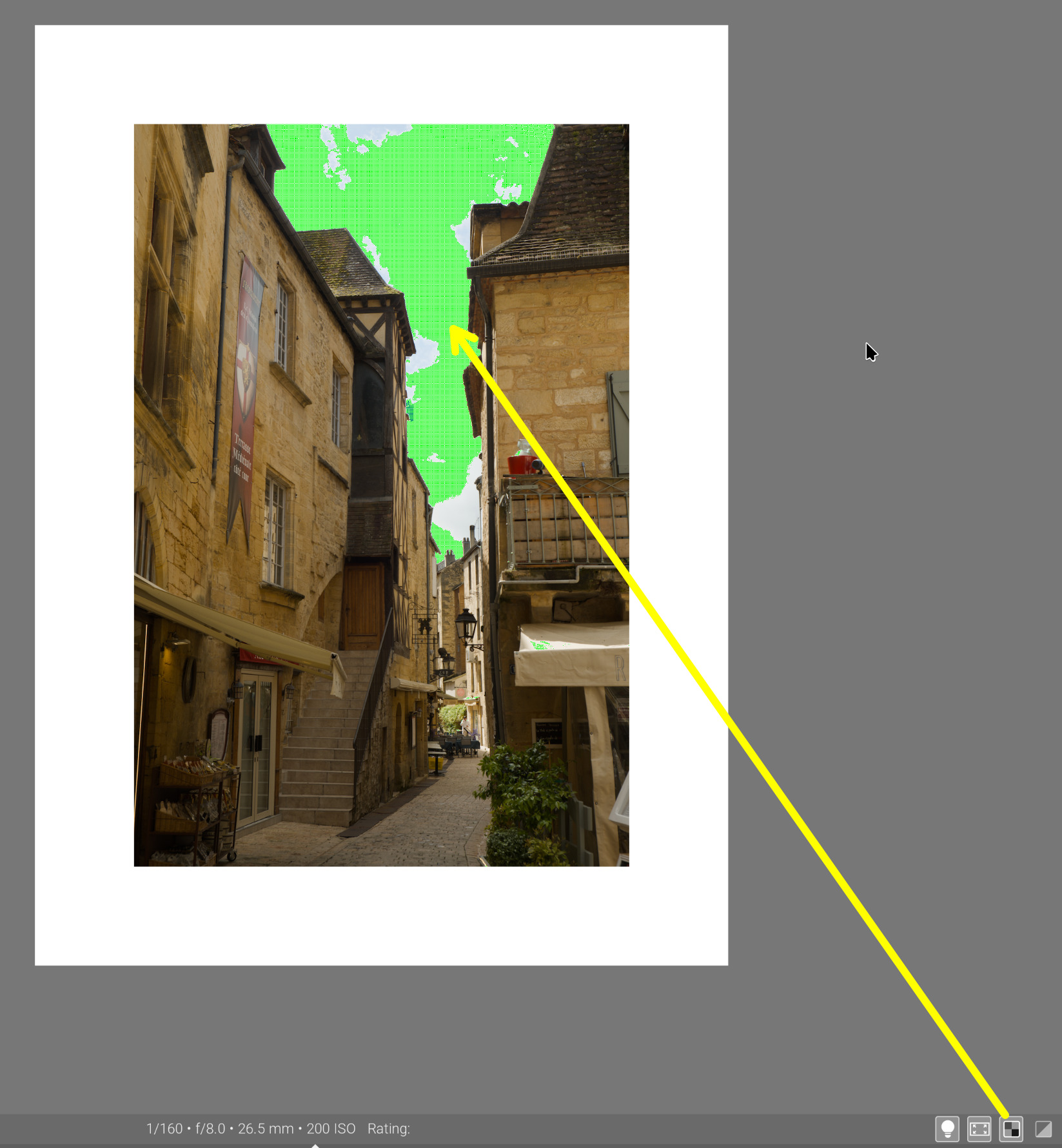
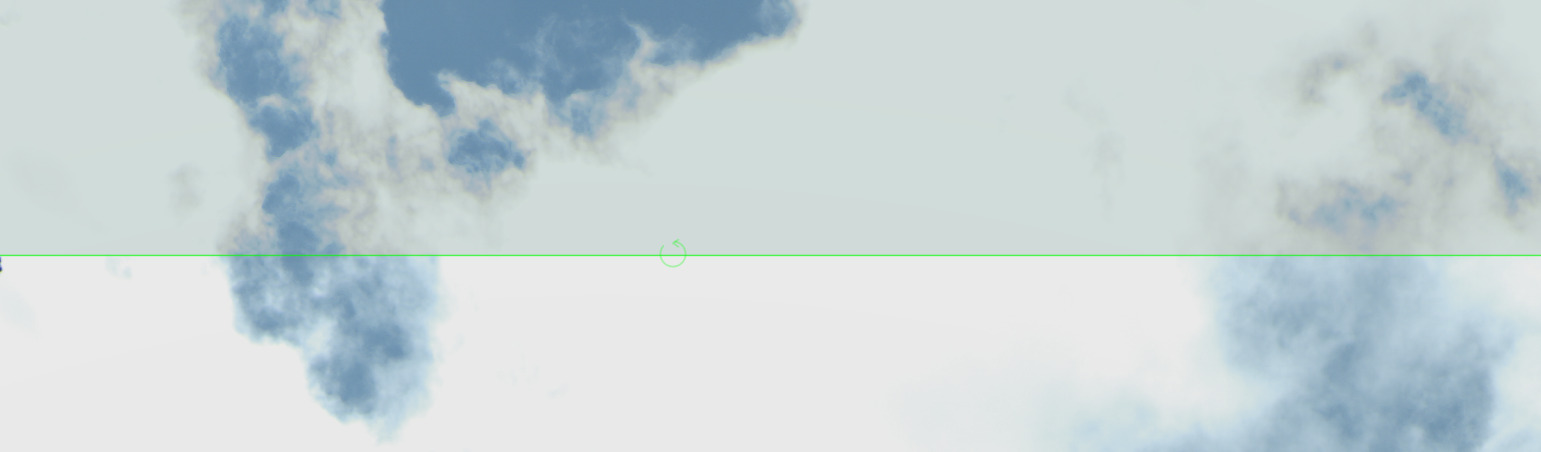
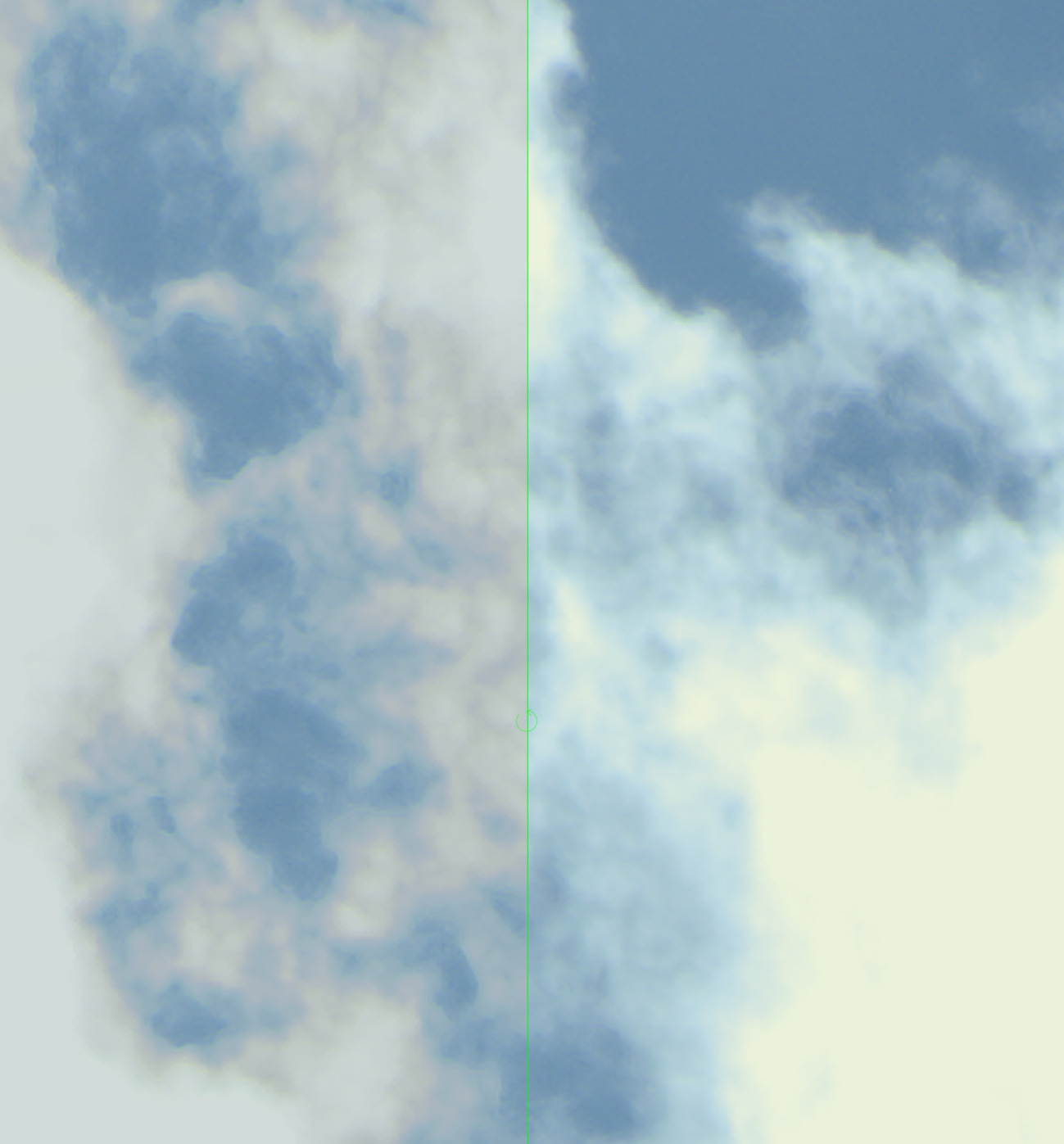
ich habe meinen Darktable Workflow nach Standard-Workflow - darktable.info – Die deutsche Seite zu Darktable eingerichtet. Allerdings bekomme ich jetzt bei vereinzelt bei Landschaftsbilder einen Rosa Himmel. Auch wenn ich alle Module ausschalte bekomme ich den rosa Touch nicht weg. Kann mir einer ein Tip geben, was ich falsch gemacht habe?
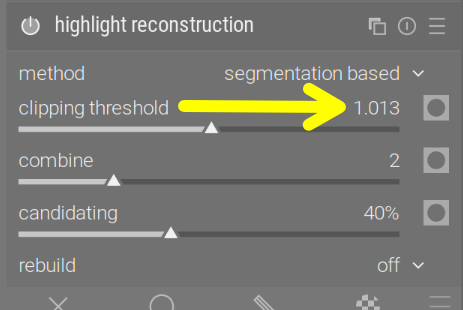
Vermutlich ist der raw white point deiner Kamera falsch erkannt. Senke den white point bis der ausgebrannte Himmel weiß ist.
Das habe ich gelegentlich bei Smartphone-Bildern gesehen, die ein bisschen kreativ mit ihren DNG-Dateien umgehen, oder bei Dateiformat-Konvertern die den Weißpunkt ungewöhnlich abspeichern.
Magenta highlights are typically the result of overexposure (sensor-level clipping): green is more sensitive than the others. At the sensor level, a grey surface may be 60% red, 100% green, 50% blue. Once you apply white balance multipliers (1/0.6, 1, 1/0.5), you get R = G = B = neutral. If brighter → red and blue can still increase, but green is maxed out → colours distort. The complementary colour of green is magenta (you cannot add more green, but you can add red + blue = magenta).
Darktable itself is not limited to 0…1 during processing, but your sensor cannot record more light, and saturates (clips).