Hi,
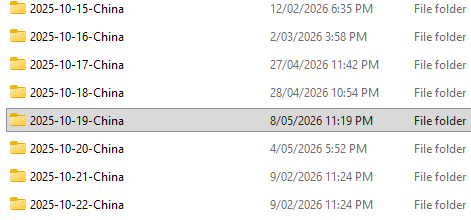
The photos in my existing collection are organised into directories named after the location/event I am at. Inside each one, i have a dir for my exported jpegs, and a dir containing the raws, which is always just named “raw”. So my directory structure looks something like this:
└── Photos/
    ├── Some event/
    │   ├── jpeg/
    │   └── raw/
    └── Some other event/
        ├── jpeg/
        └── raw/
            └── DSC_XXXX.NEF, etc
The problem is, that when I import the raws in darktable, the name of the fimroll automatically corresponds to the directory name and there is seemingly no way to change this. This means that in the collections module, I have a huge list of identically named fimrolls all called “raw”.
I tried selecting the parent dir when importing, using recursive search, and ignoring non-raw images to prevent importing existing exported jpegs, but it still creates a film roll for the deeper “raw” dir.
Is there another approach I should be using to import images to prevent this problem?