Yes, I also hate the isolated hot and dark pixels. I prefer more uniform noise. As I rarely reduce luma noise, I don’t have a good method for it.
1 Like
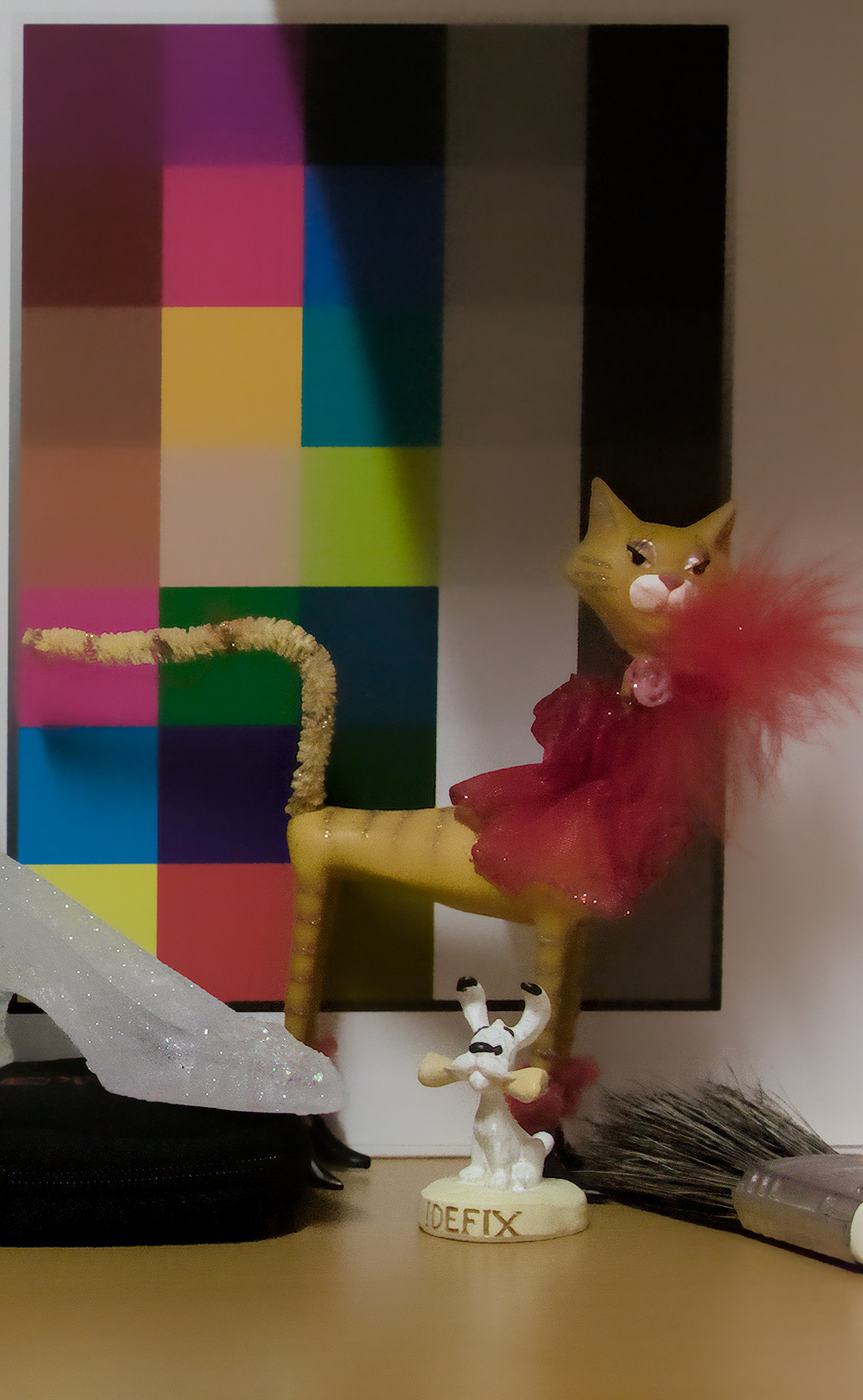
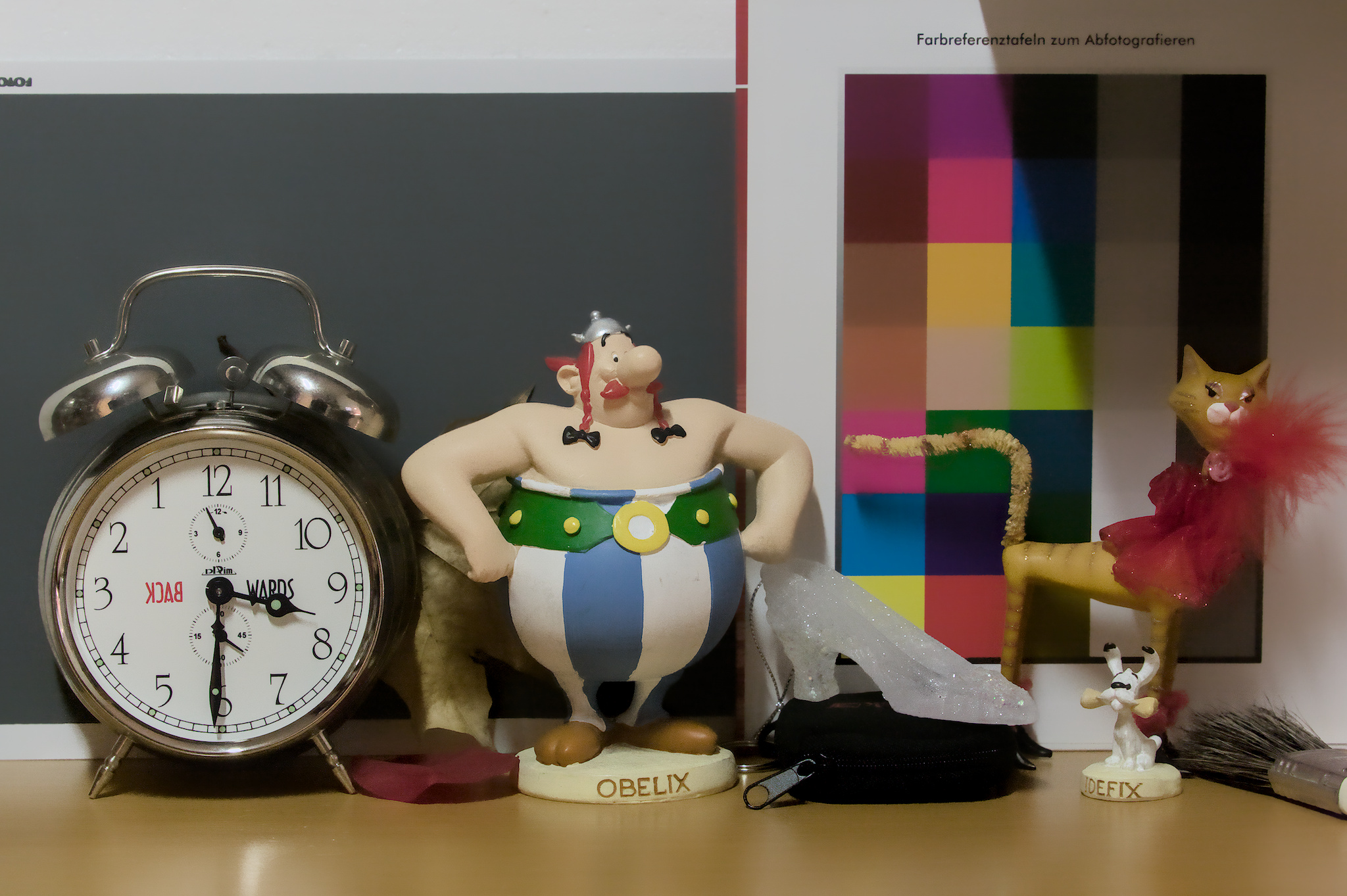
Now, this is way overdone. I think the remaining bright pixels are some kind of glitter, not hot pixels – compare with the original.
1D3_6400.CR2.xmp (33.3 KB)
4 Likes
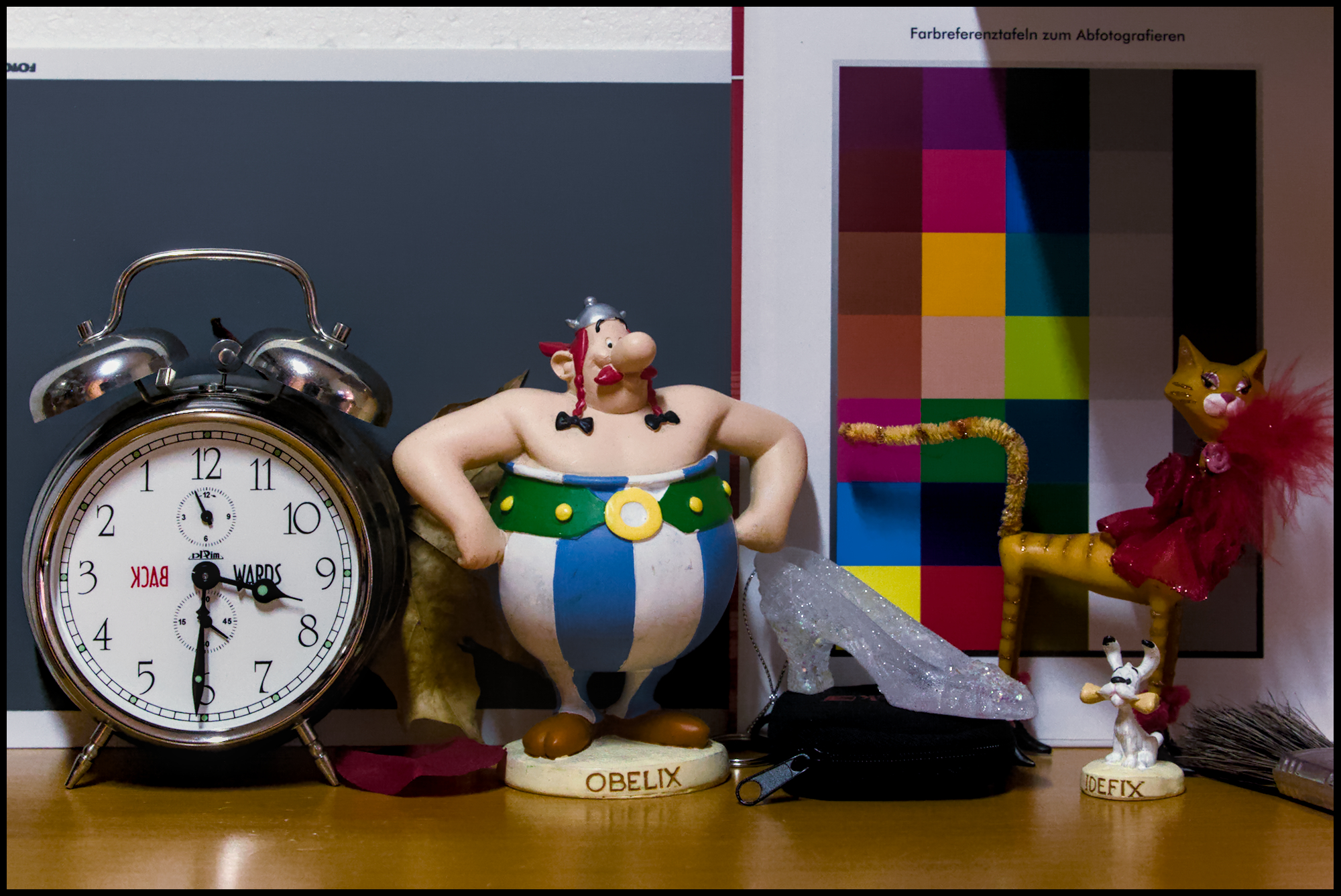
That’s a very good result!
1 Like
Thank you…I am honoured to hear that from you.
2 Likes
@Iain Iain 2019, Gimp


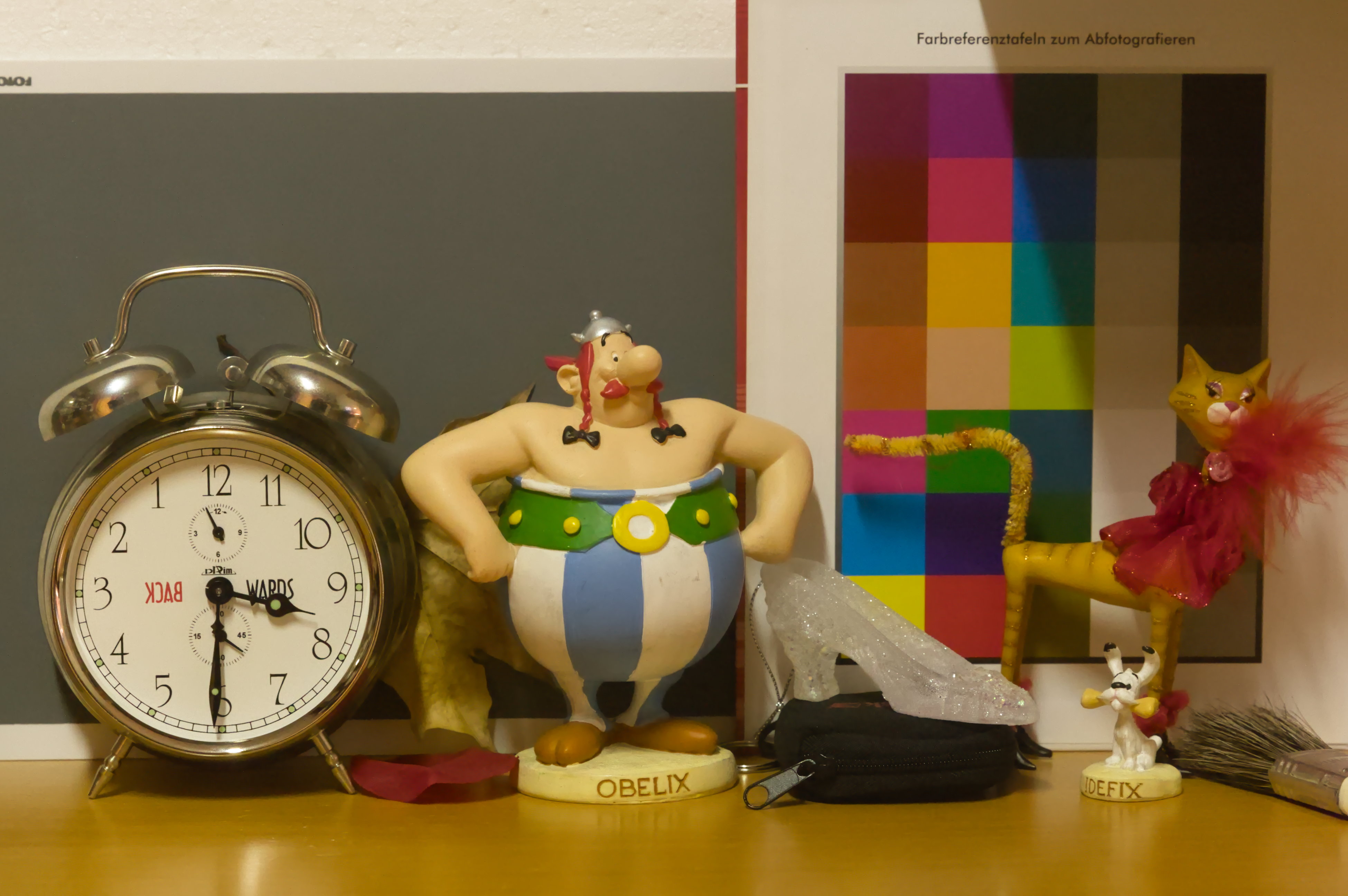
I didn’t add sharpening or local contrast, so it looks a bit less contrasty than the others, but I think it’s a very good result. I’m not familiar with this tool, so I’m sure others could do much better; I pretty much yanked up most of the sliders to max. 
I’ve just found there’s a topic for this filter: Test a new noise reduction filter
And there’s another: Preview of my upcoming denoising filter
2 Likes
The flat areas are indeed impressive. And the separation between them are by far cleaner than I could achieve. When it comes to the red feather and this glittery red thing on this cat, your edit lacks a bit of detail, but our edits have all there downsides. I have to dive deeper in your edit as well.
It’s really fun to share and compare edits with you all!
1 Like
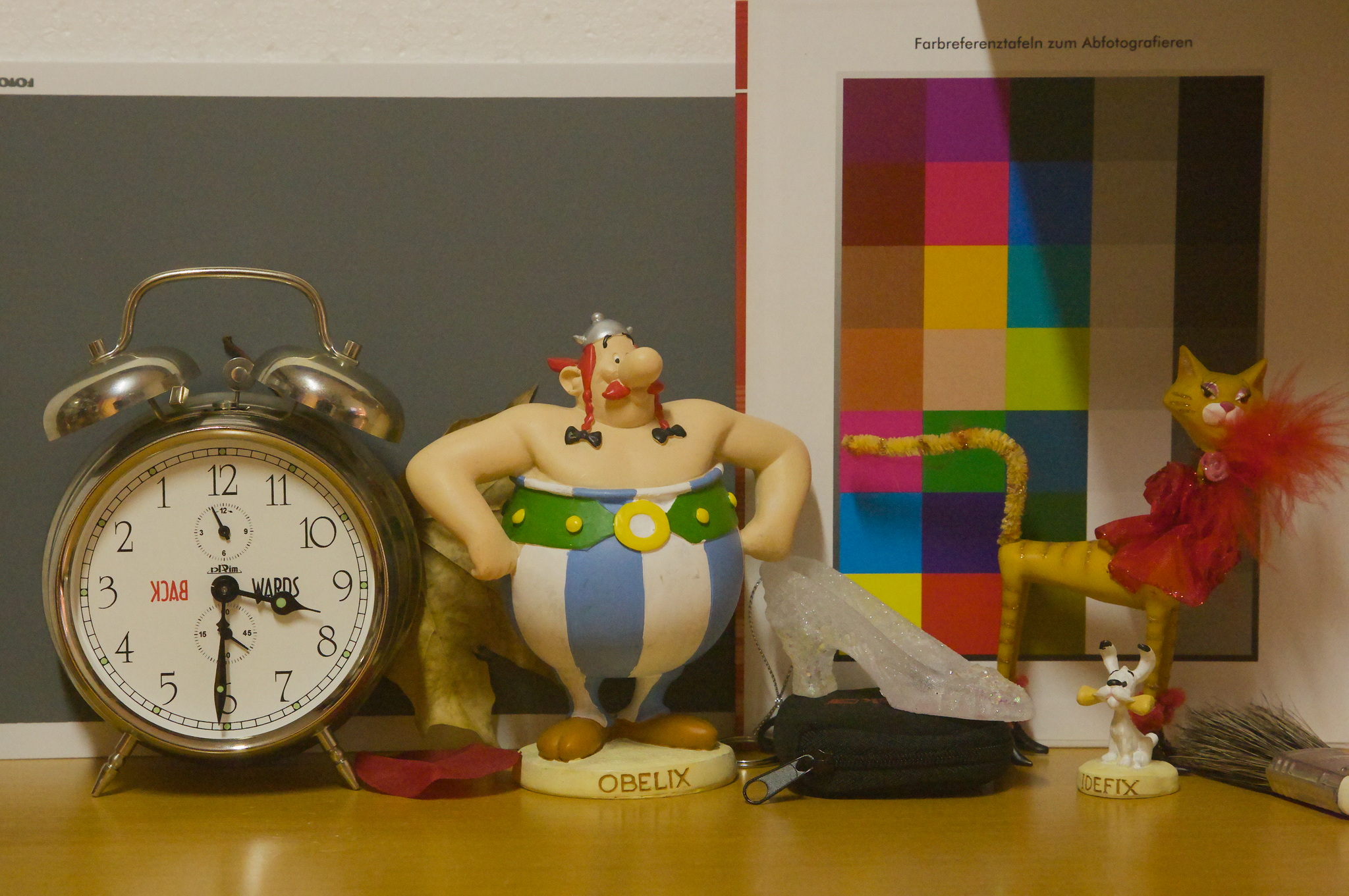
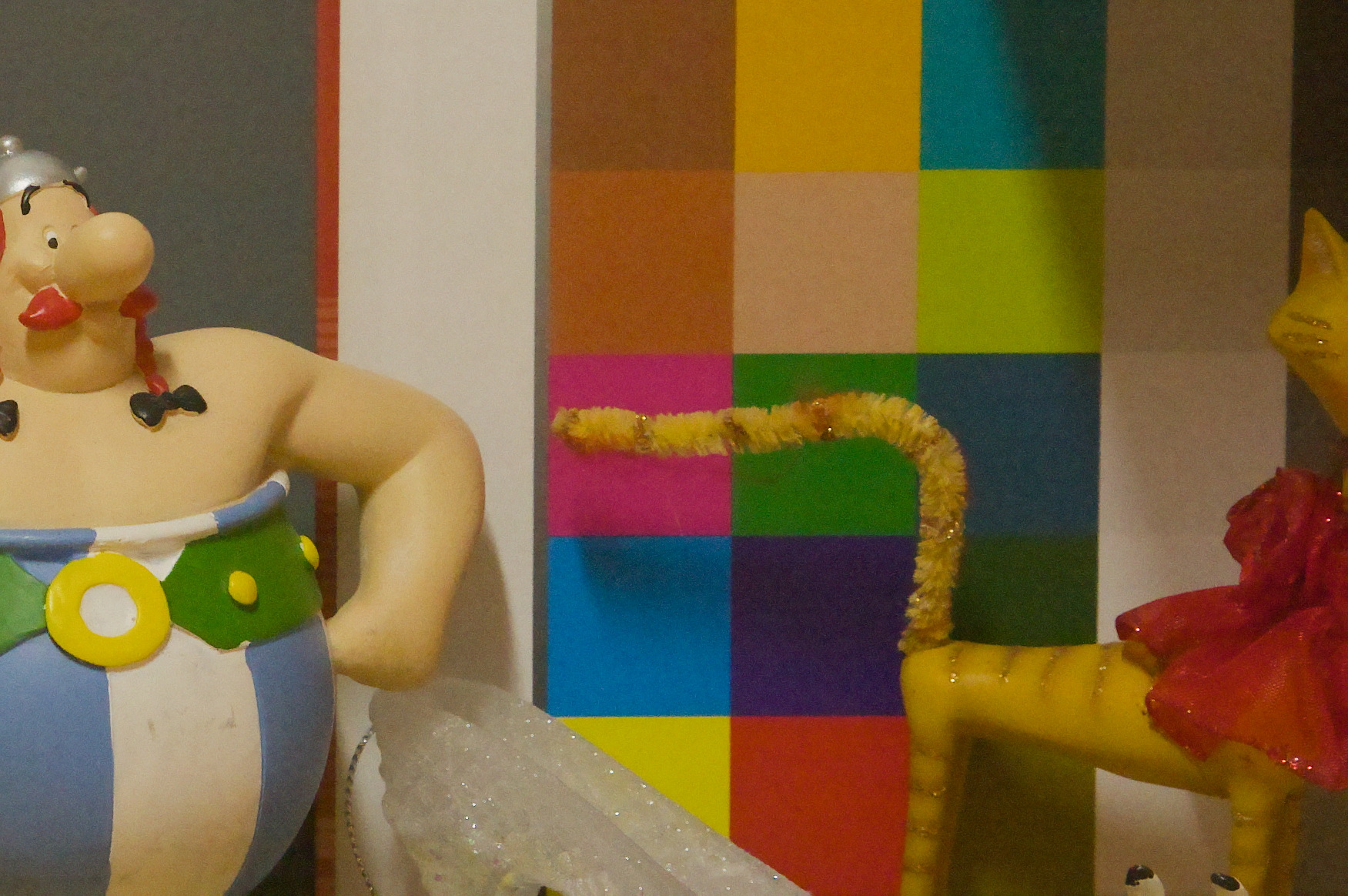
1 Like
And this is simply darktable’s profiled denoise, in non-local means mode.

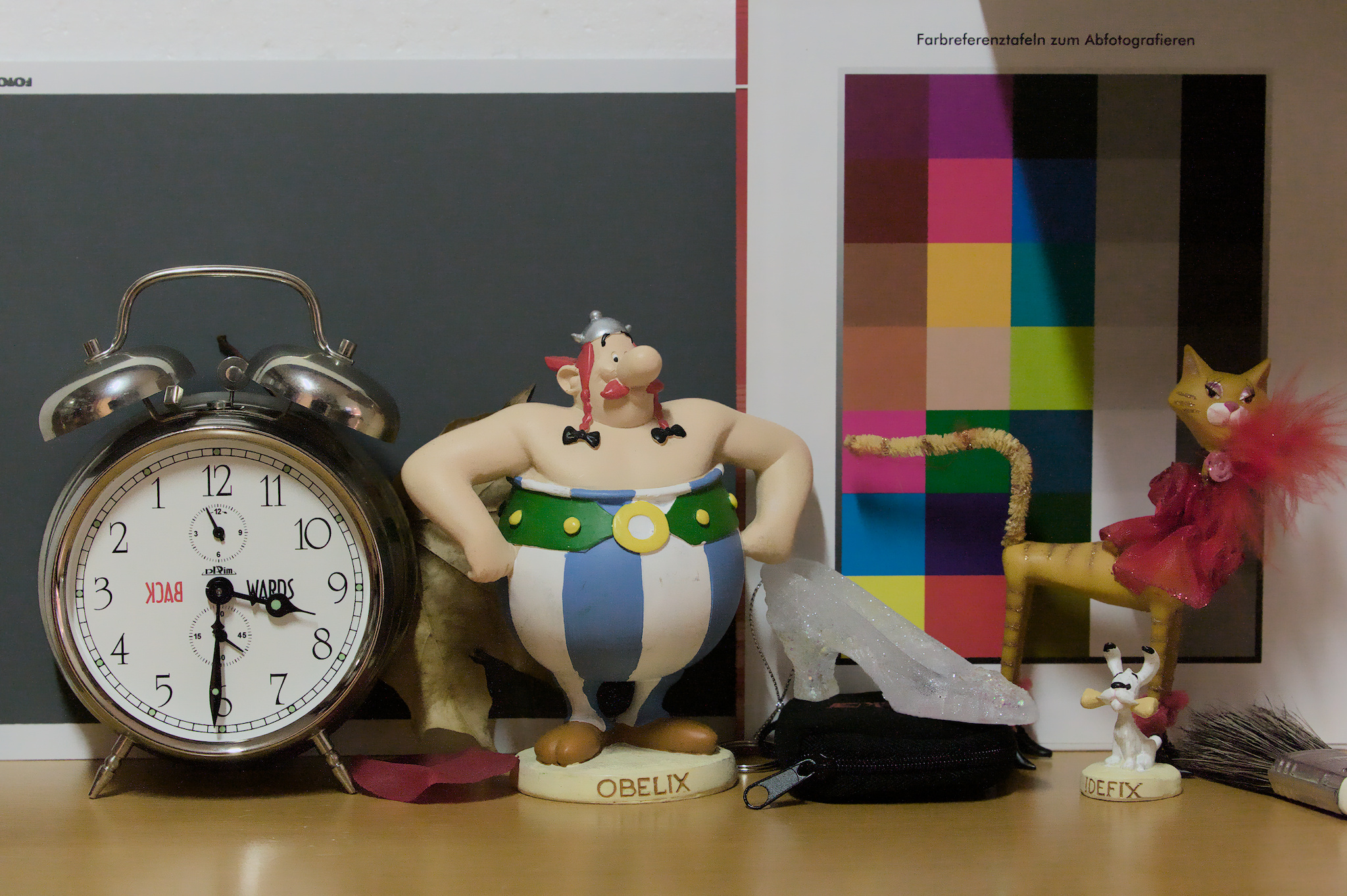
1D3_6400_03.CR2.xmp (75.5 KB)
1 Like
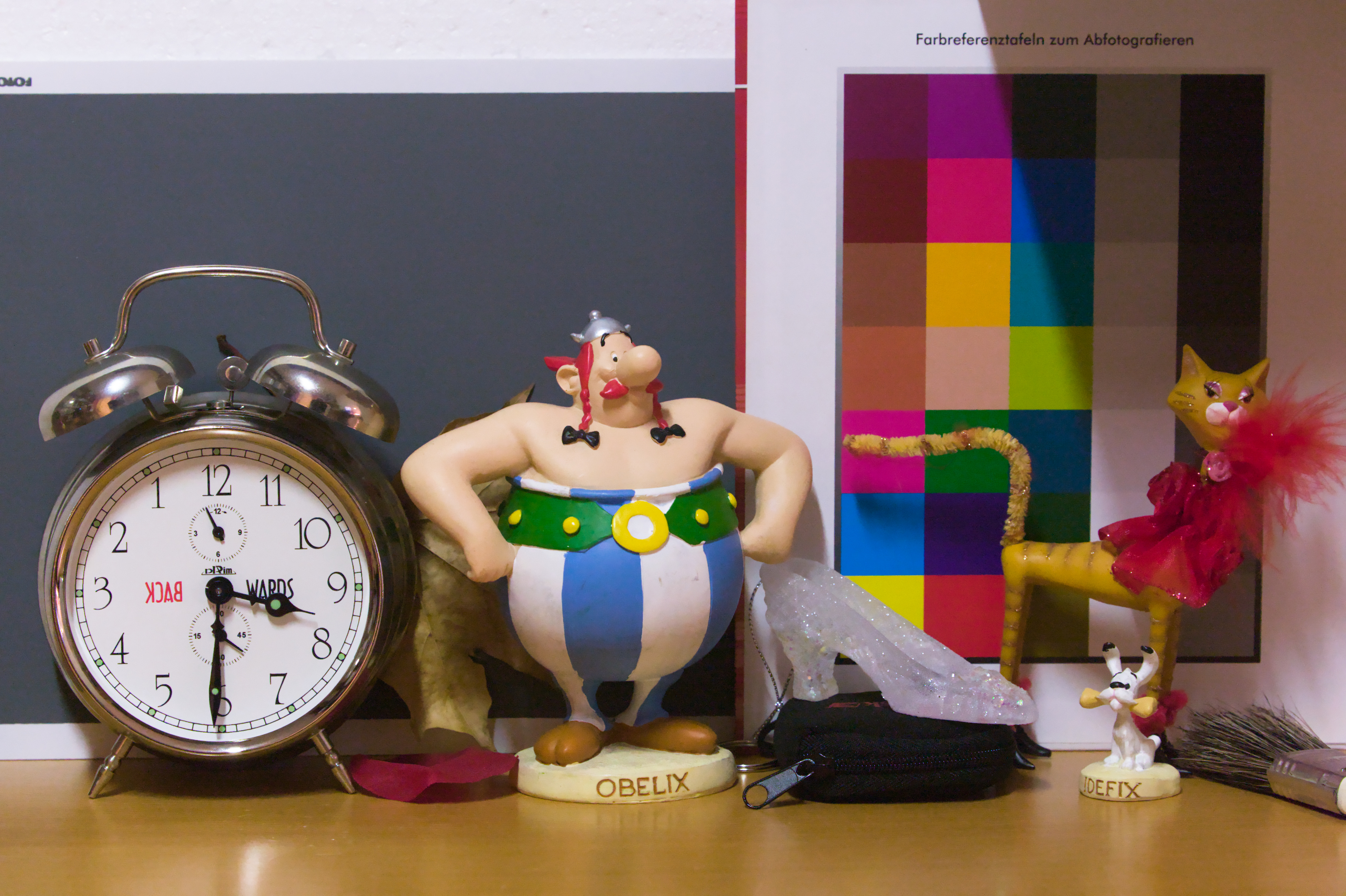
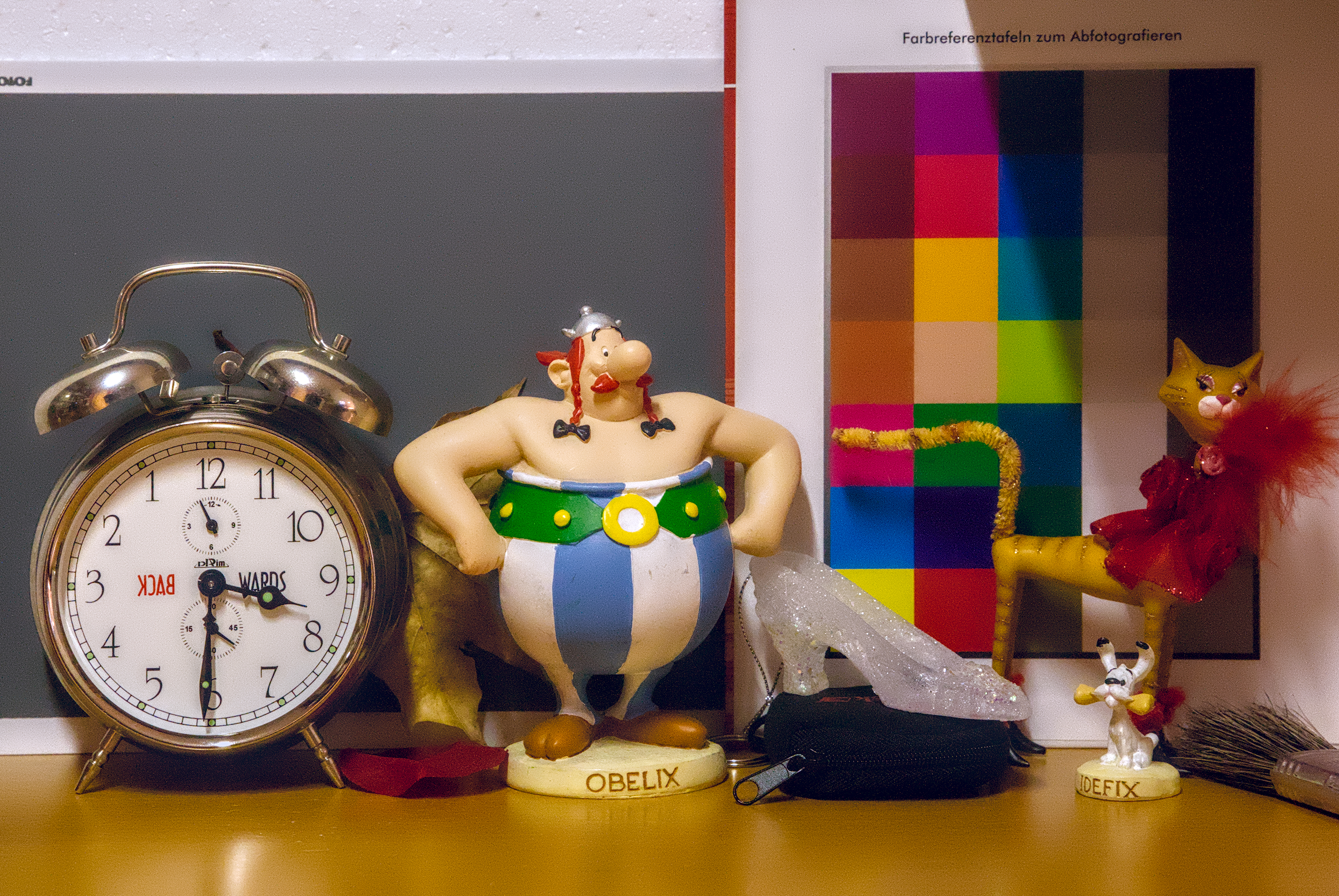
1 Like
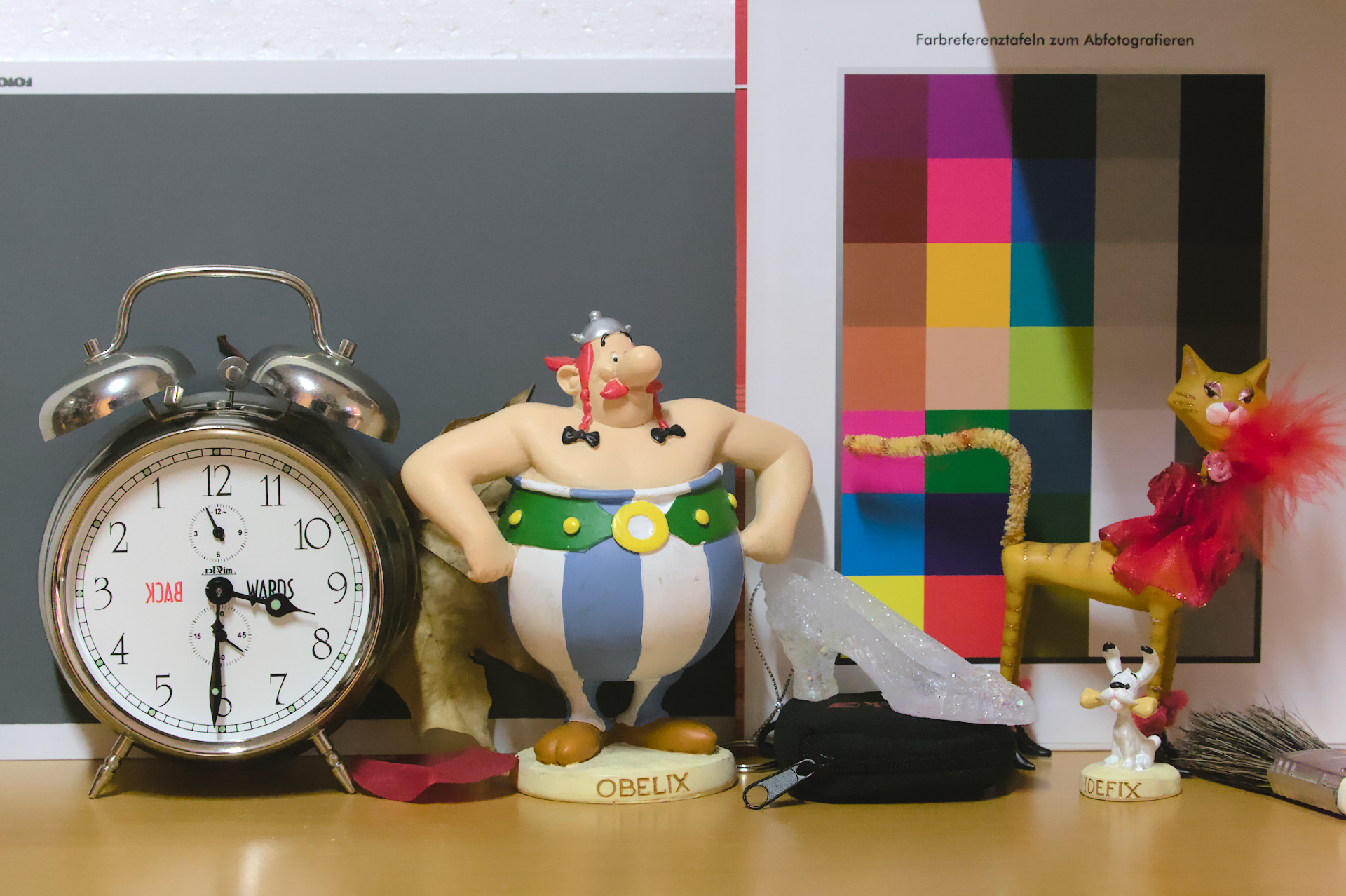
1 Like
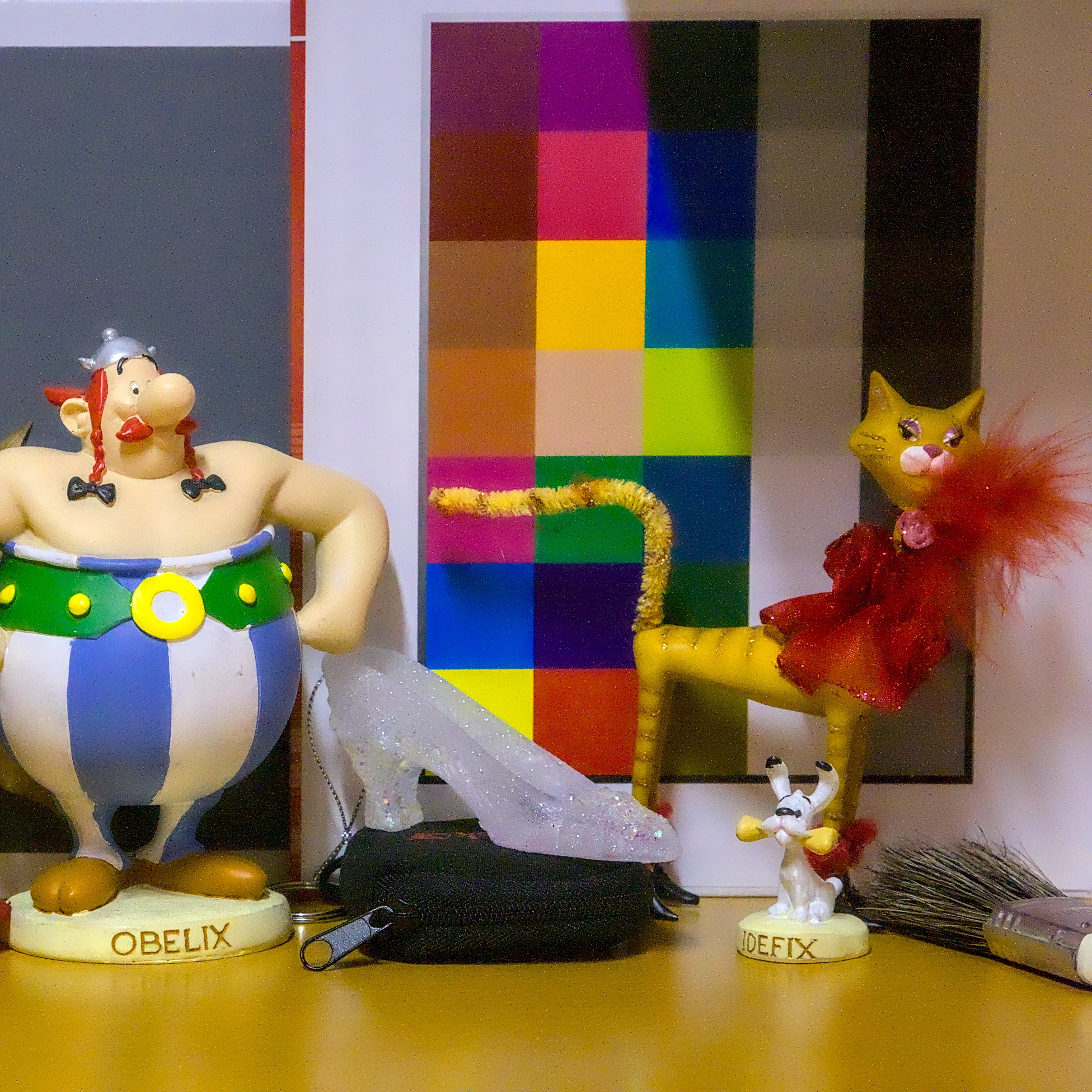
1 Like
@Popanz try to update the page…
Nah, doesn’t help. Is yor file really just 6.7KB? What modules have you used?
Denoise (two or three instances), hot pixels, astro denoise, color balance rgb, tone equalizer and d&s… No tonemapping.
I shutted down the pc now, have you tried to load the .jpg as sidecar?
I’ll take a look at it tomorrow morning, sorry. 
Here is my attempt and I am more than satisfied with what DT has done with the noise here. I have probably reduced the noise more than I feel needed for this shot but for the exercise I wanted to maximise denoising without blurring the details.
   1. Denoise (profiled) default settings
2. Sharpening using the diffuse or sharpen module with a details threshold mask to limit sharpening to details.
3. Astrophoto denoise to default settings using a details threshold mask set to protect the details from denoising.
4. A second instance of the diffuse or sharpen module using the preset denoise: coarse using a details threshold mask set to protect the details from denoising.
5. Hot pixels module set to detect by three pixels.
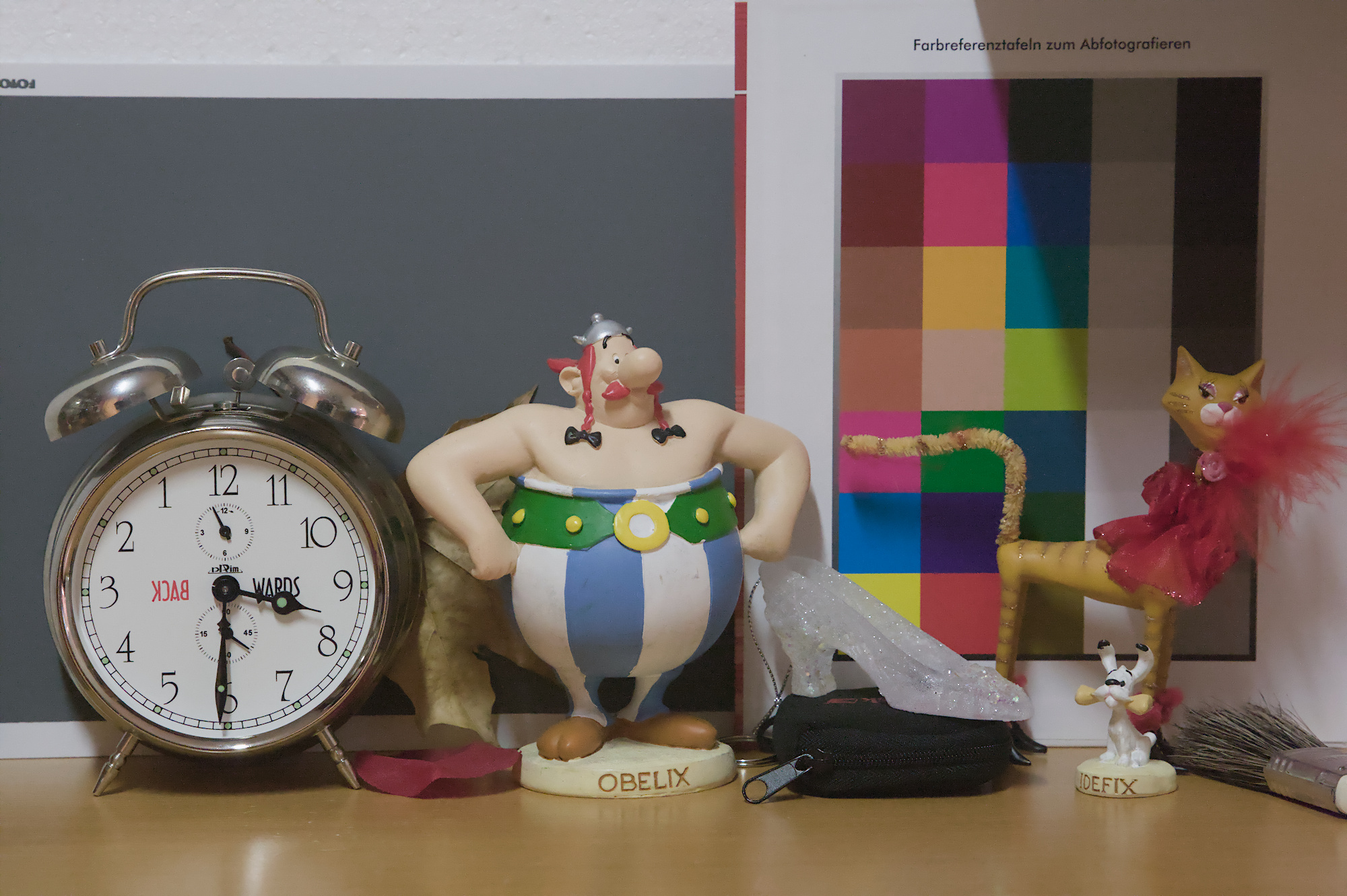
1D3_6400.CR2.xmp (15.8 KB)
1 Like
Not as good as the others but with some quick fiddling here are HQR and standard exports…
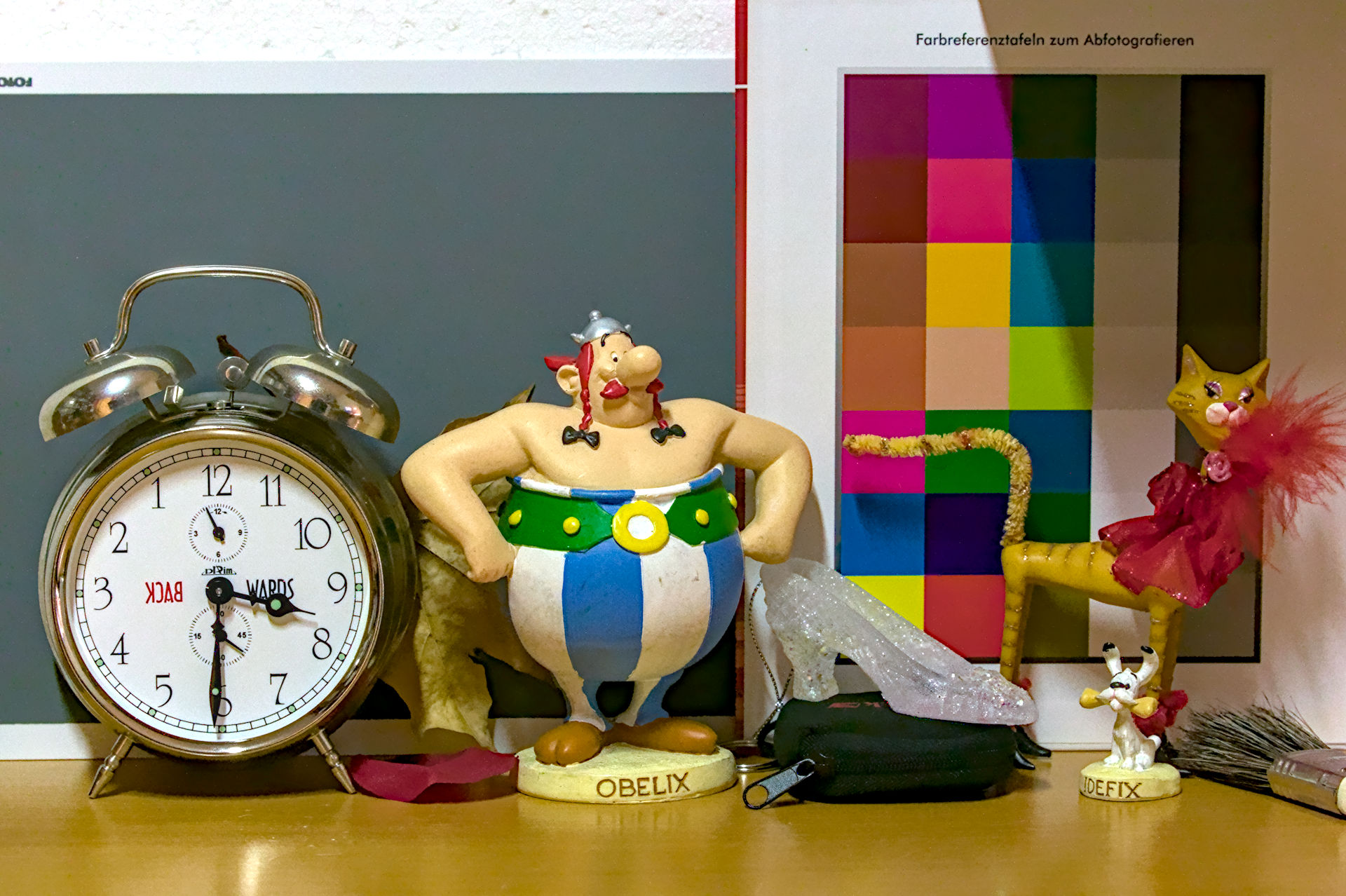
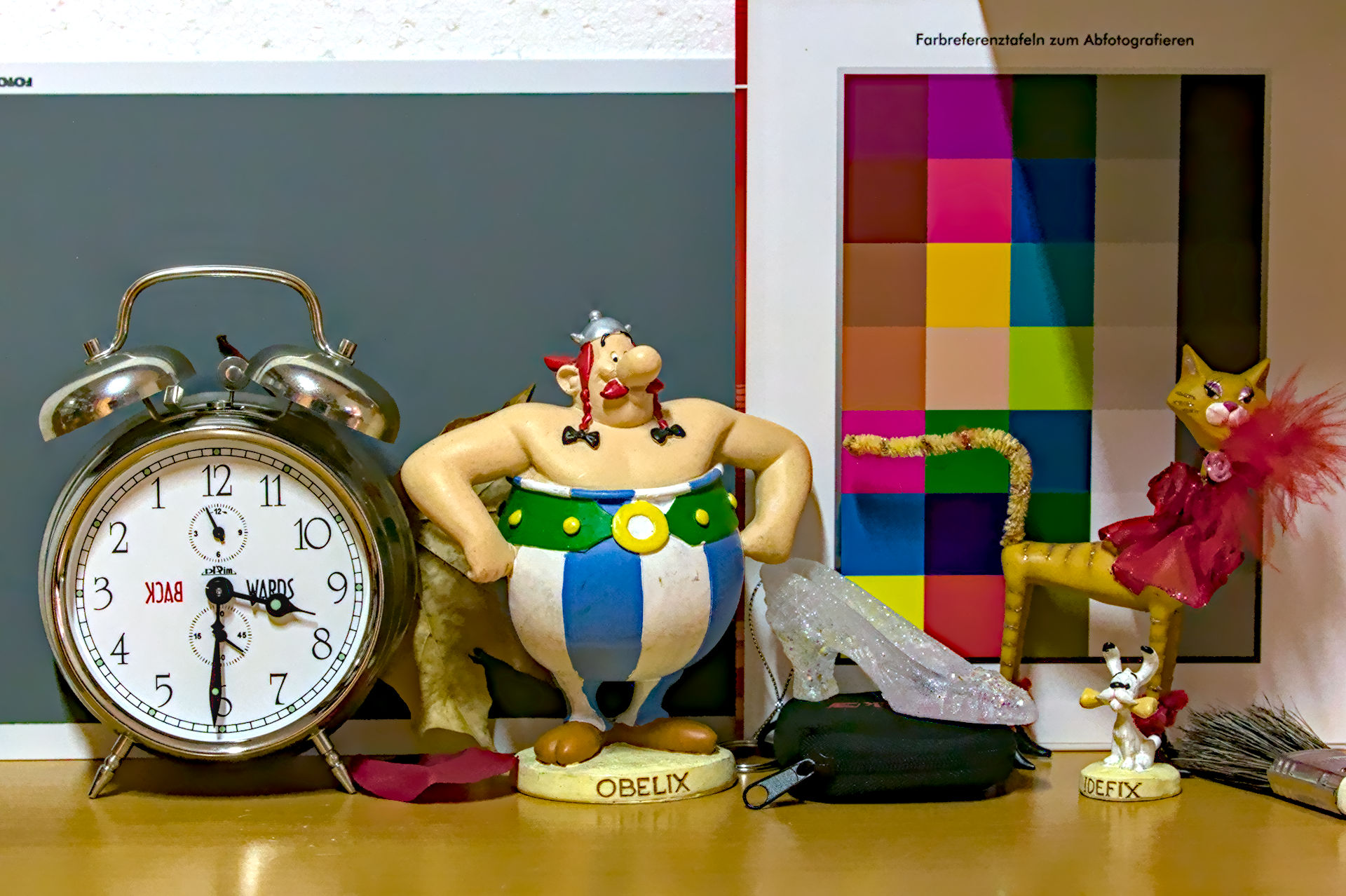
1D3_6400.CR2.xmp (16.2 KB)
2 Likes
@Popanz
I updated the .xmp file.
2 Likes