I noticed a new flatpac version for DisplayCal few day 3.9.18 was released.
There are few sites and they all point to different versions. Looks like development changed a few times but under the same name.
The original 3.8.9.3
The newer one 3.9.5
And the latest 3.9.17
What is everybody using today for calibration (specifically on Linux)?
Displaycal.net is the original site, but the author seems to have vanished some time ago. His version of displaycal uses python2, which is old.
The github projects was forked from the original version and updated to python3.
Displaycal.org looks like a nice site, but it is suspect that of doesn’t link to any source code repo. For the Linux download, it just links to a random tar.gz file. I wouldn’t trust it.
Trying to run the latest AppImage of DisplayCal (ver 3.9.19) on Ubuntu 22.04.
However get “GLIBC_2.38 not found”
I appear to have ver 2.35 as its 22.04 (I dont want to upgrade to 24.x, happy where I am )
Does anybody know if there is a version of DisplayCal App Image that runs on 22.04?
As a follow up I did an dist upgrade from Kubuntu 24.04 to 26.04 (although technically this upgrade path isn’t released yet, so I had to do a dist-upgrade -d)
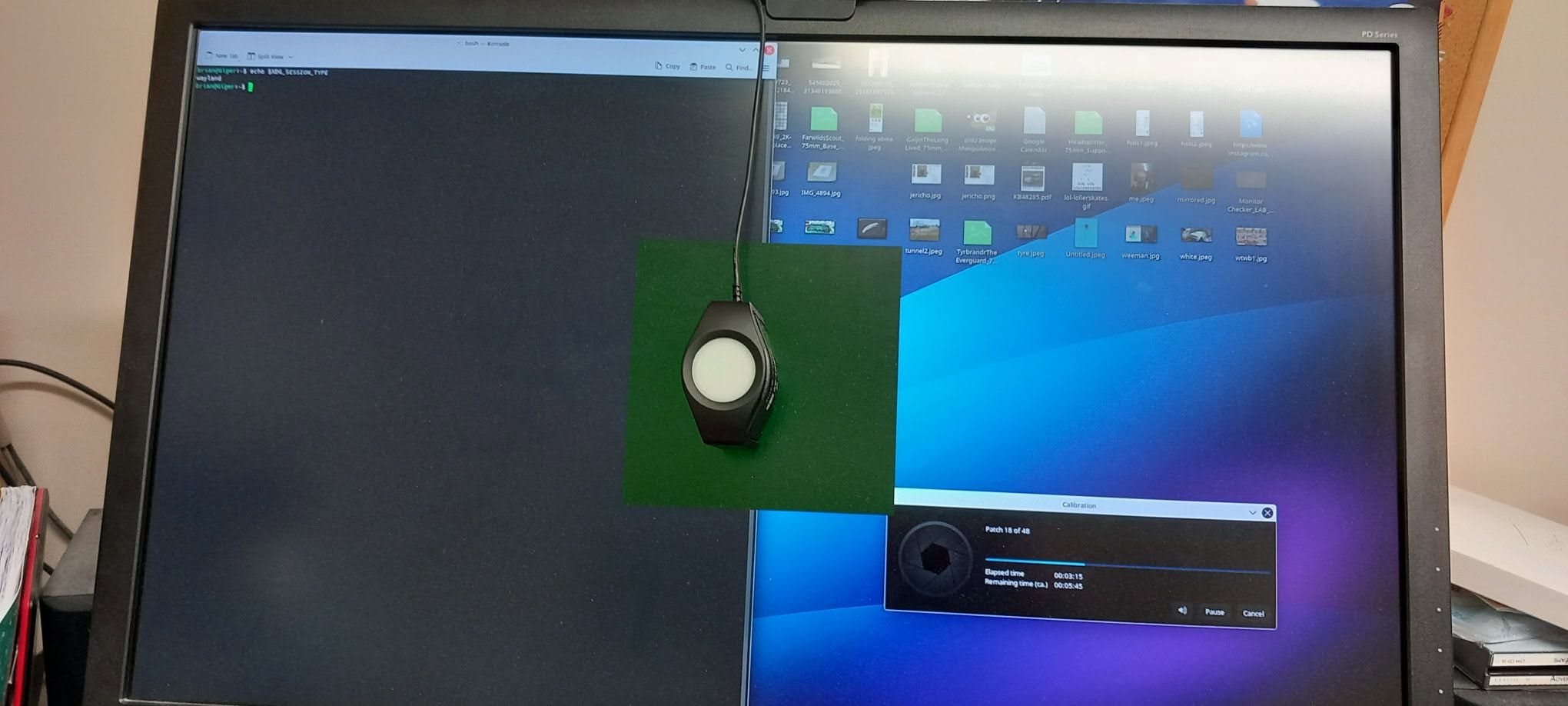
Booting into Kubuntu 26.04 with Wayland, I was able to get the appimage version of Displaycal 3.9.19 to run, and it seems to be calibrating using my Calibrite DisplaySL.
However I do think I’ll be heading back to Linux Mint soon as lately I find KDE and Kubuntu to be very fiddly and with over complicated options for preferences for settings.
@Brian_Innes profiling with displaycal works on wayland. The calibration part still doesnt. Depends on if you actually need the calibration part.
For a very basic color managed workflow profiling only is enough. If you have a hardware calibradted screen, profiling with displaycal after hardware calibration is enough, too. If you need a specific white point and cannot set it with the displays buttons, you need calibration curves, also if some shades of grey have a visible color cast.
You are lucky with Kubuntu 26.04 since you can still install the x11 session. On arch this wont be possible any more with the next version of KDE Plasma, the will remove the x11 session completely.
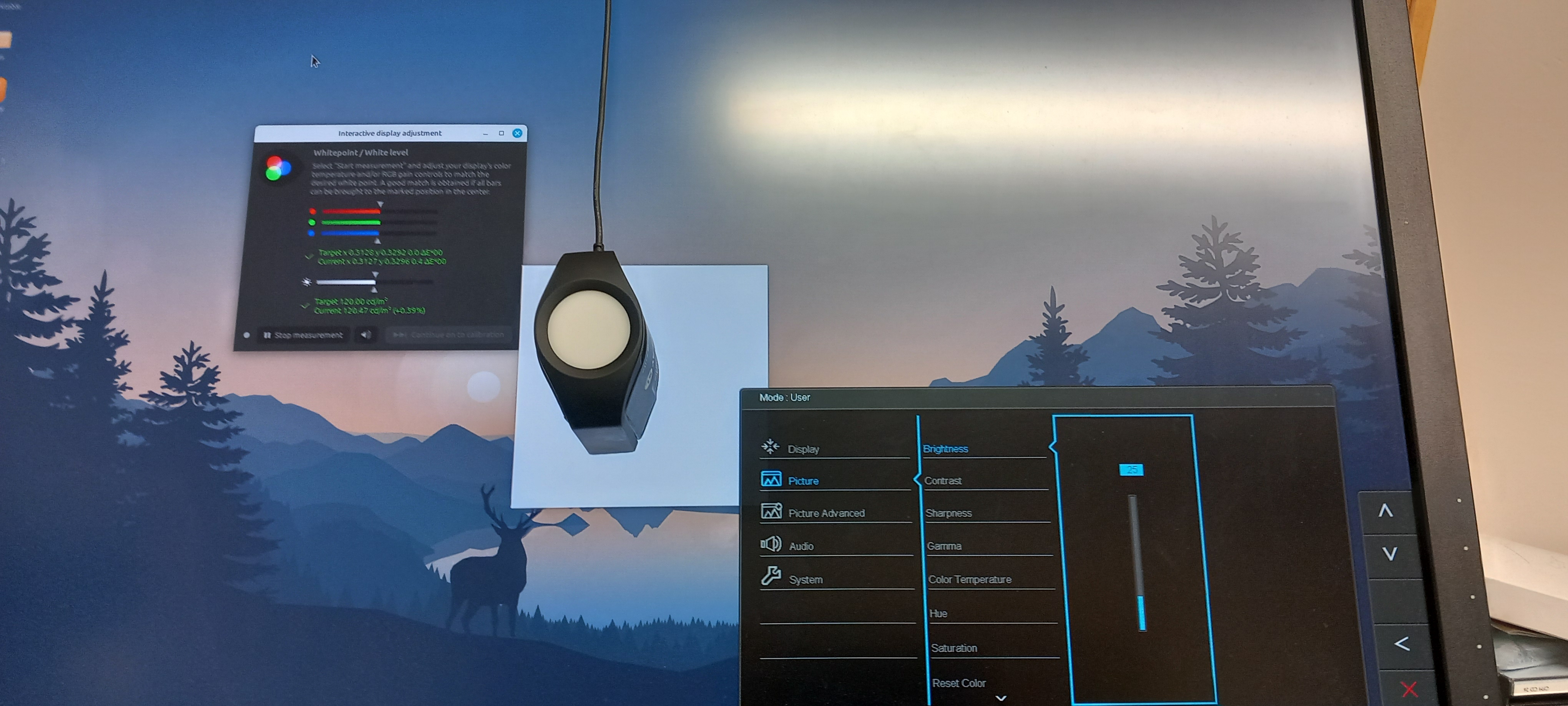
Calibration seemed to work, a window popped up showing RGB levels along side a varying colour square. I then ised the monitor hardware colour temp controls to bring the r,g,b levels into the middle along with screen brightness.
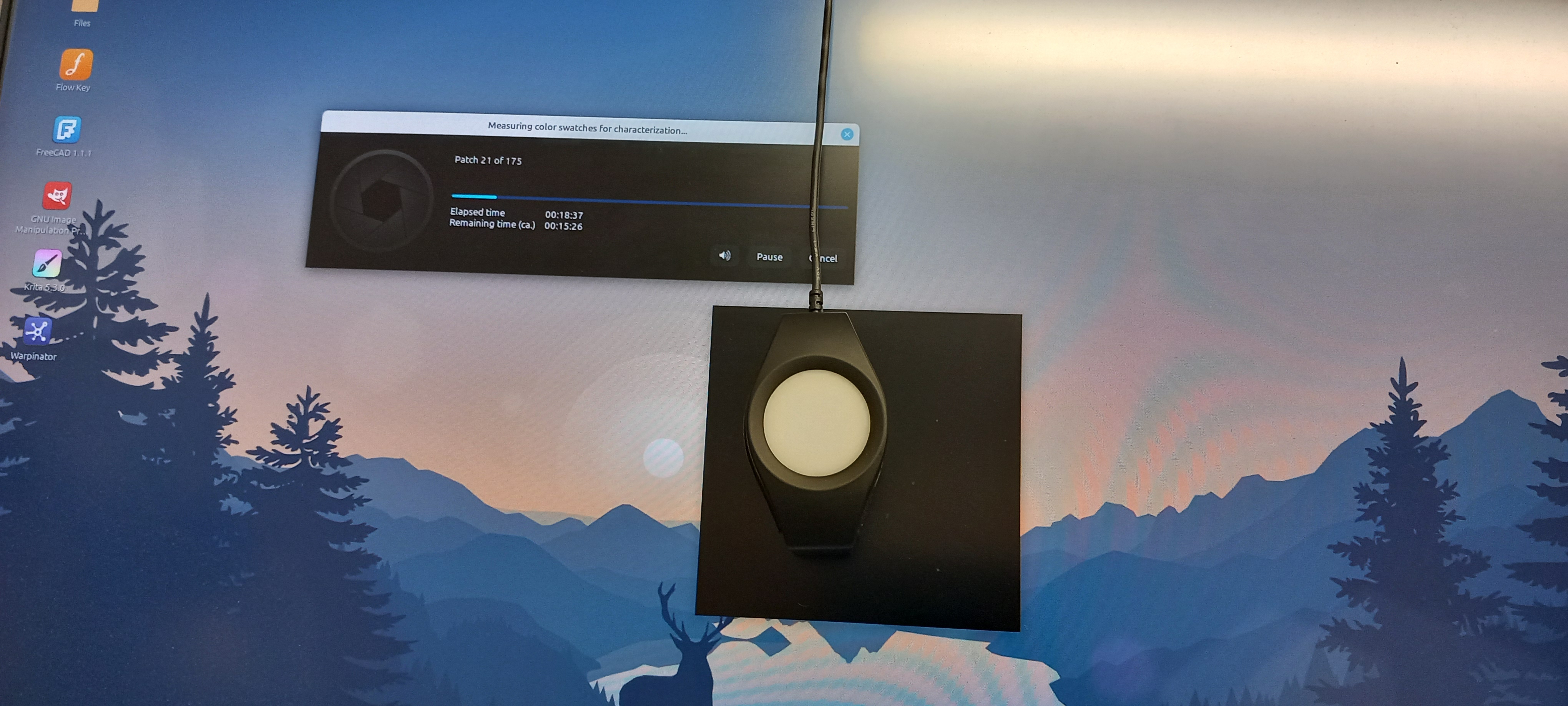
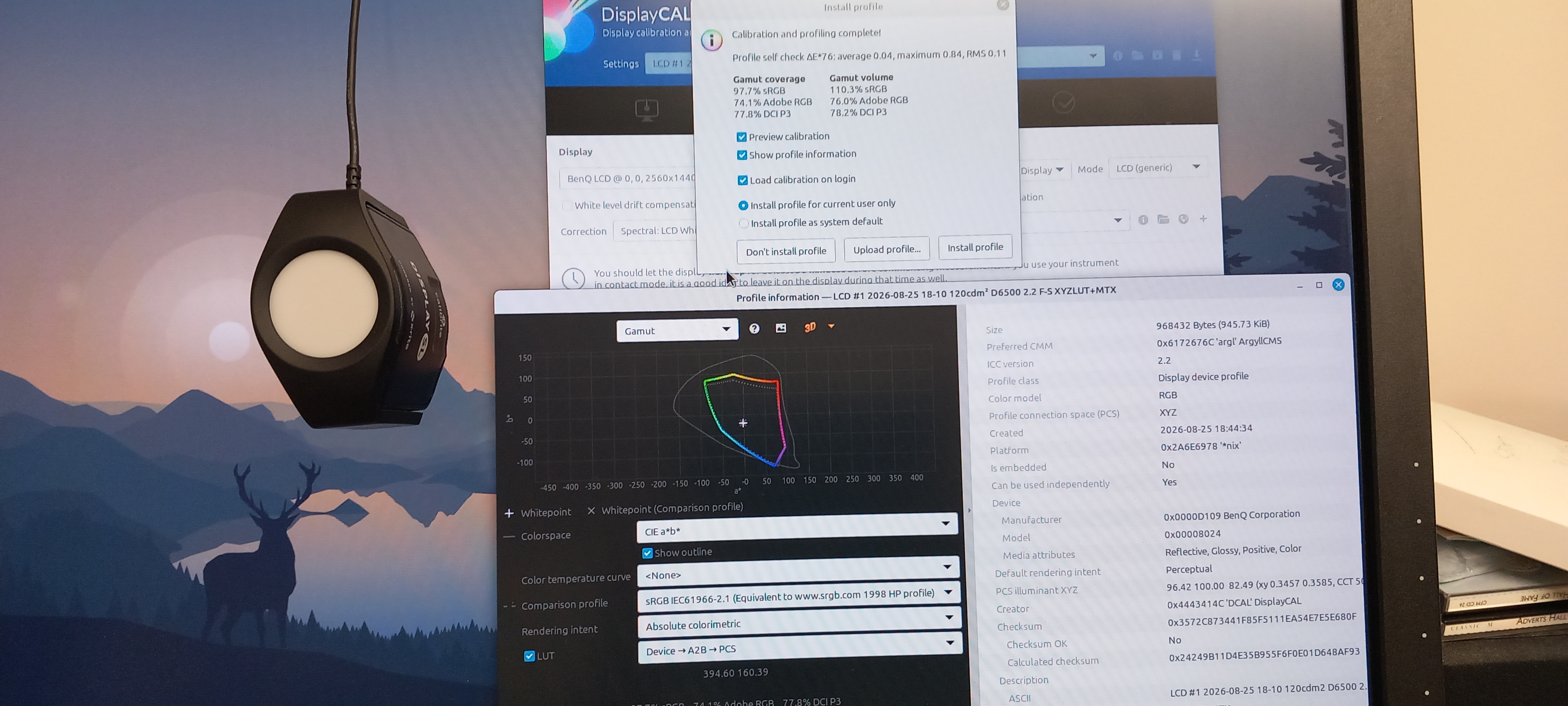
Display then put up various coloured squares to profile the display resulting in an icc profile
I’m not sure if there is anything else Displaycal should have done?
The calibration part definitely does not work on wayland, be sure to switch off the tone curve. The curves can be created but they cannot beloaded before/during profiling.

 )