I tend to initially use freeform crop to try to find what I think is the ideal crop for a given image, then find the most similar “well known” aspect ratio, and finally see if the well known aspect ratio can give me results I like. I used to just stick with the freeform crop, but I now have delusions of printing and framing.
Despite the fact that I am sitting at a computer, I have to break out a calculator to determine the aspect ratio of my freeform crop.
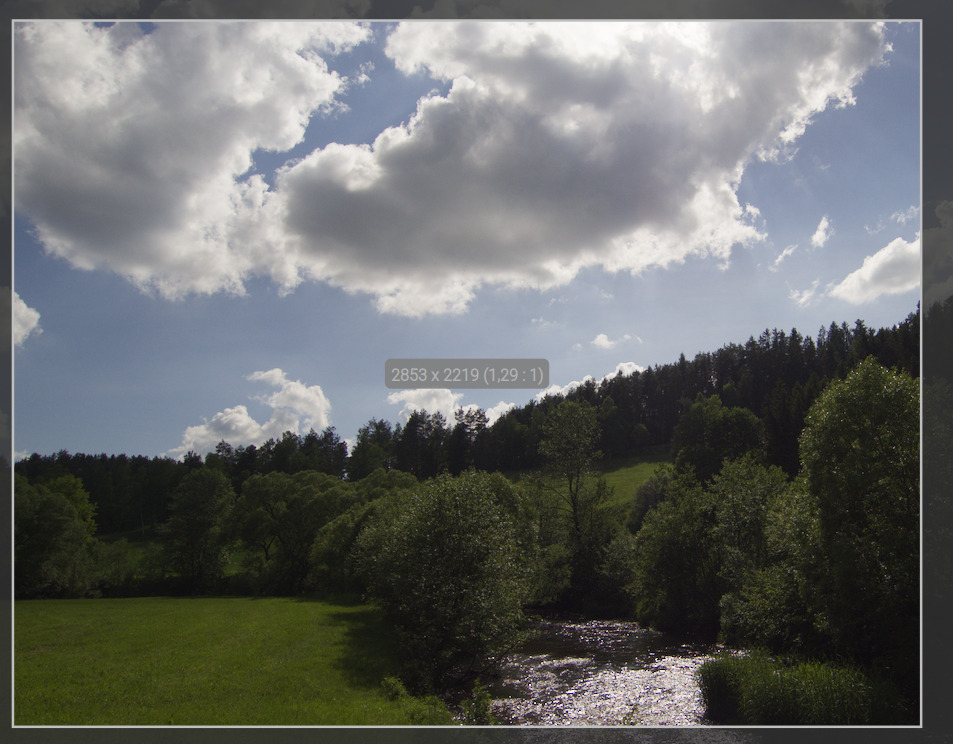
While the crop module is active, the width and height of the crop area are displayed in the middle of the image while the left mouse button is pressed (whether actually altering the crop or not), for example: 4280 x 1583. It would be easy to add the aspect ratio of the crop area to this display, for example 4280 x 1583 (2.704:1). Would others find this useful, and would a PR implementing it have a chance of being accepted?
I think this is a great idea. I normally pick one of the preset ratios, but I can definitely see switching to starting with freeform if I can see what the aspect ratio is first before choosing the closest matching one.
You should be able to do this show this part. Use these variables
$(WIDTH.CROP)              image width in pixels at the end of the pixelpipe, but before export resize
$(HEIGHT.CROP)             image height in pixels at the end of the pixelpipe, but before export resize