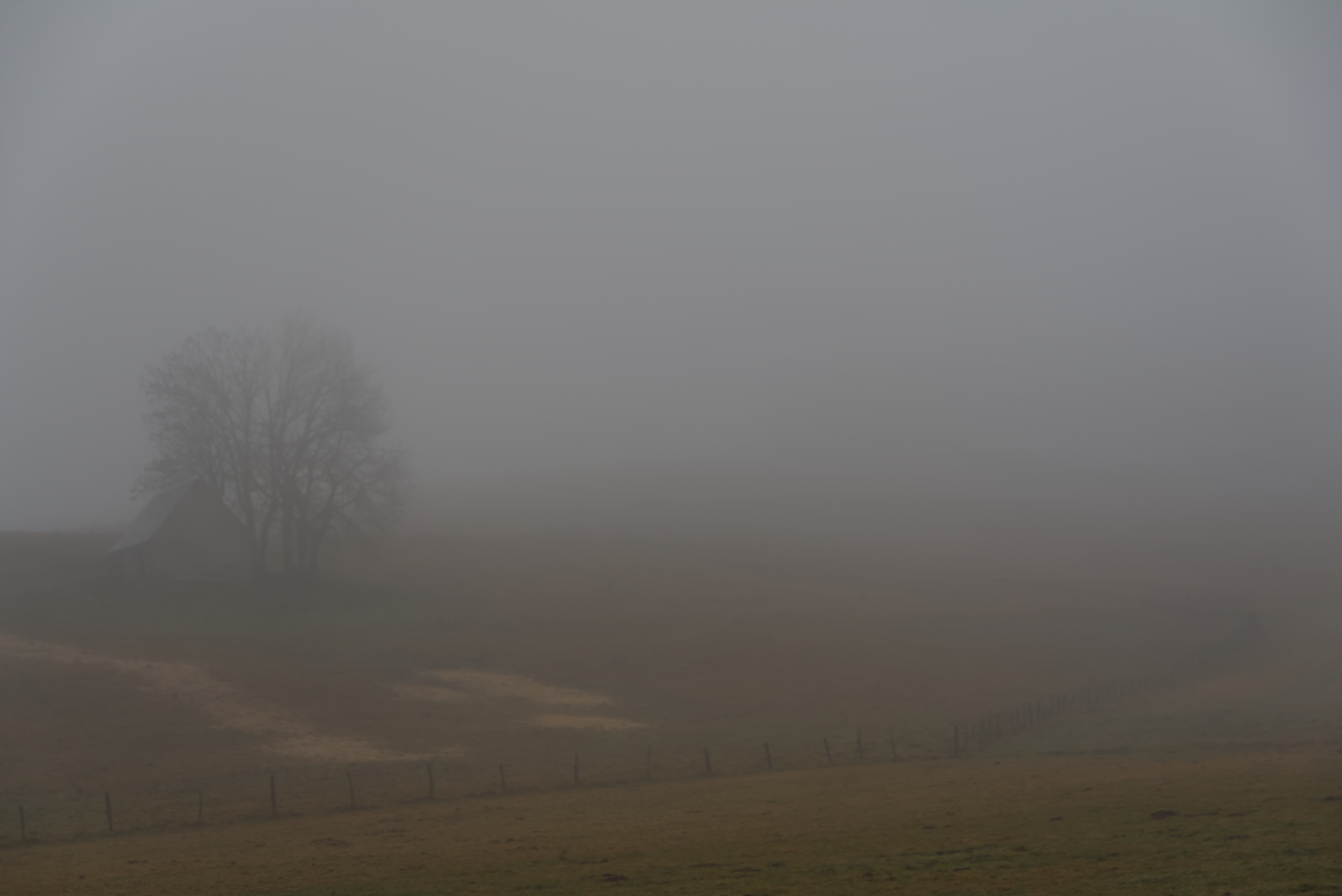
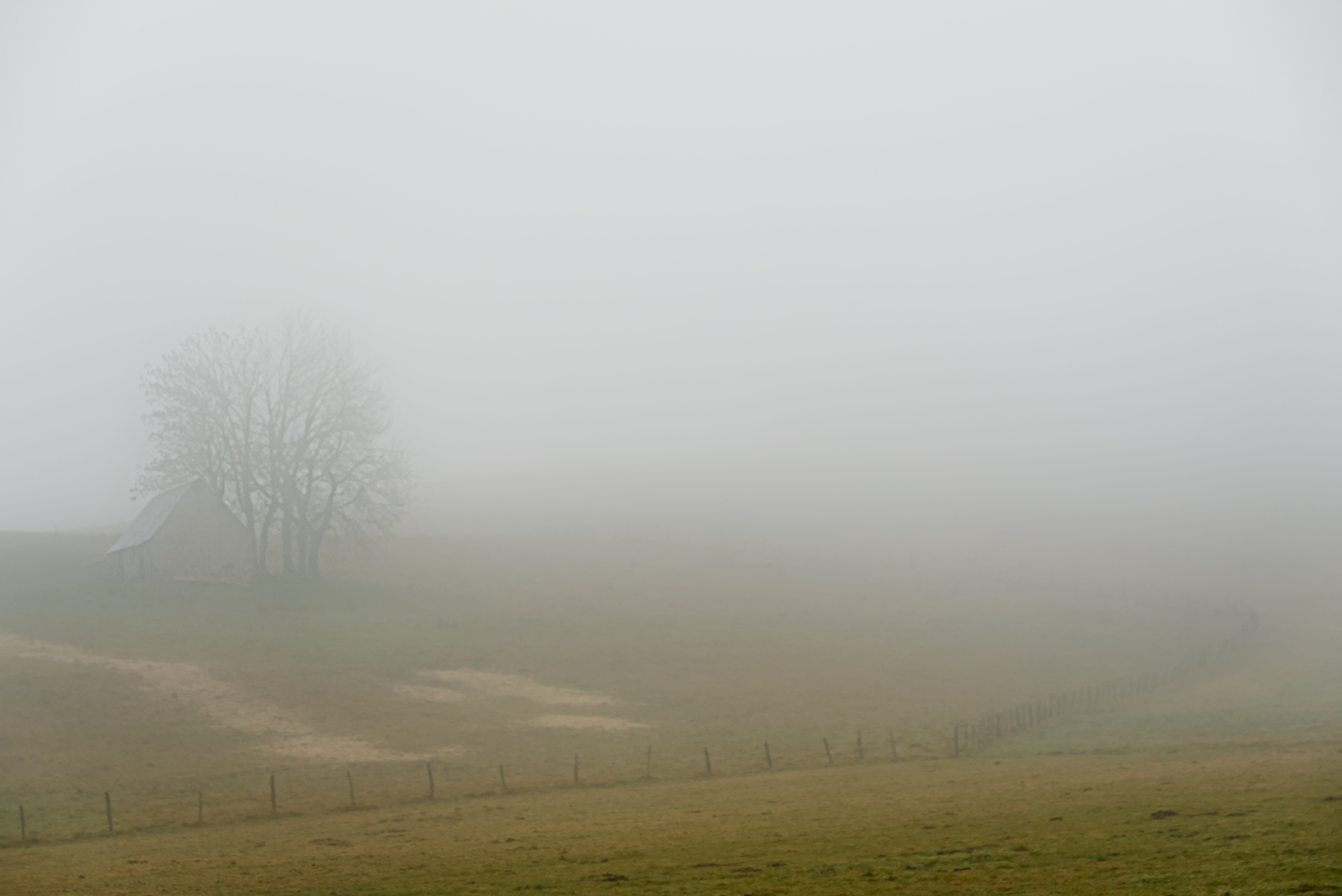
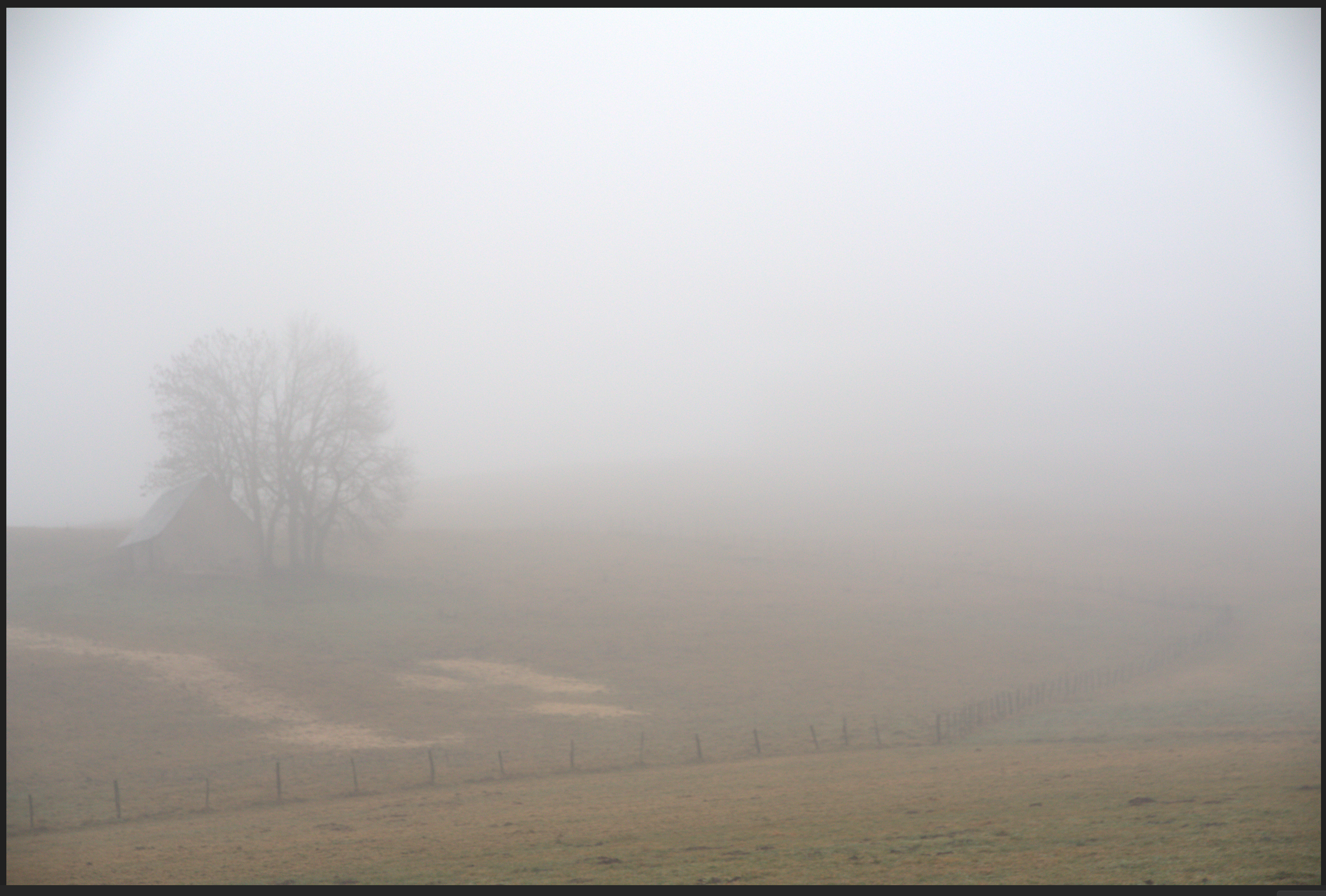
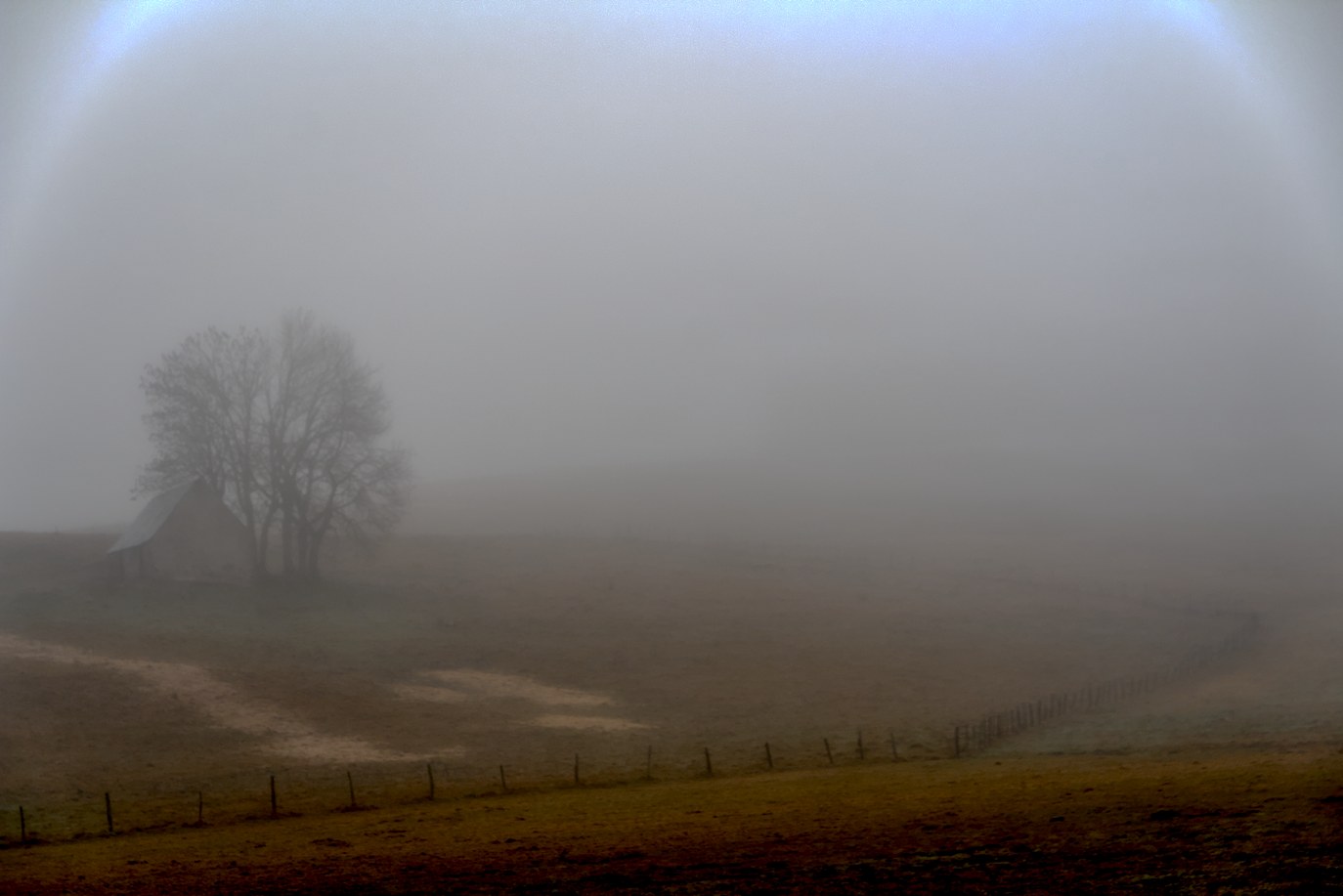
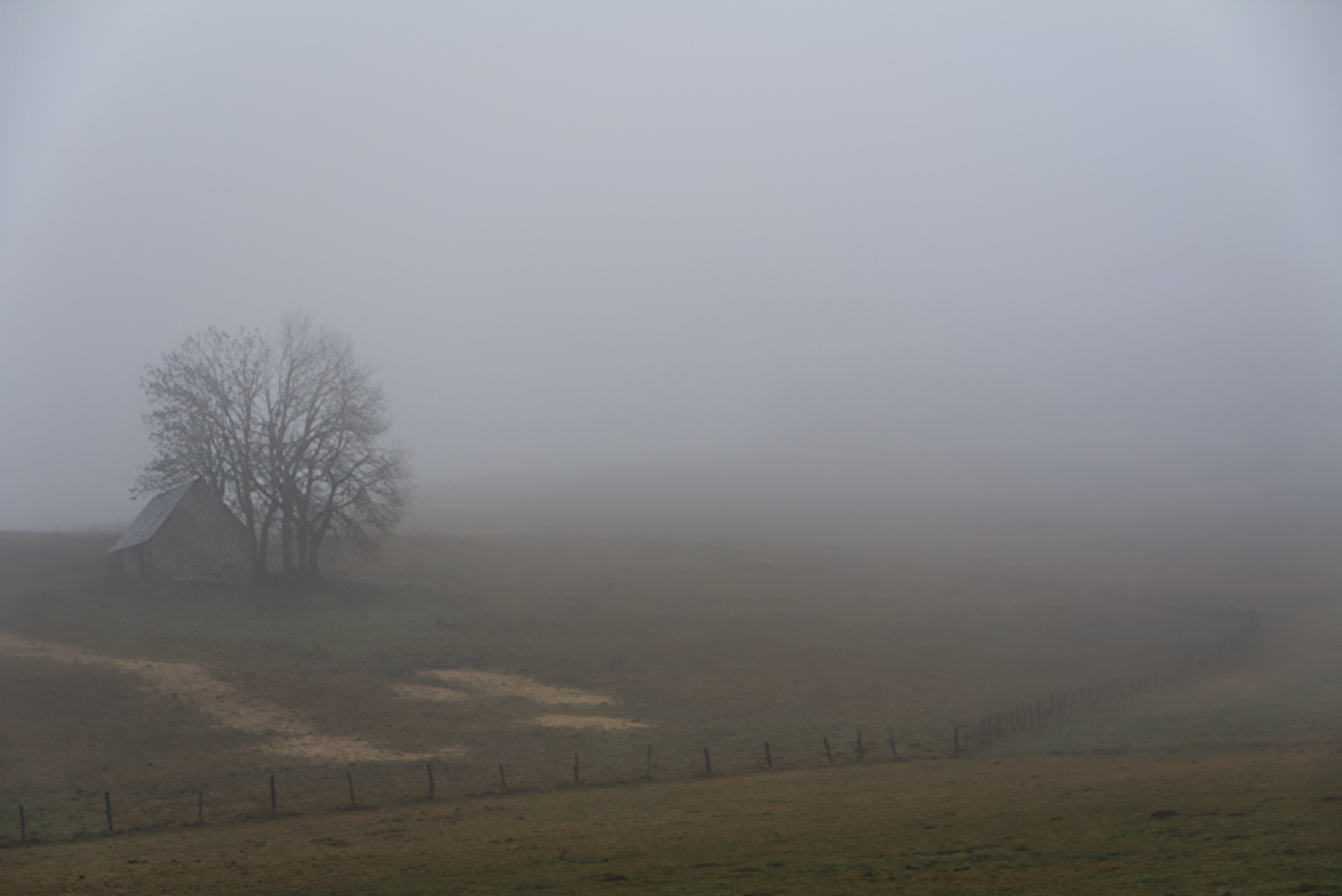
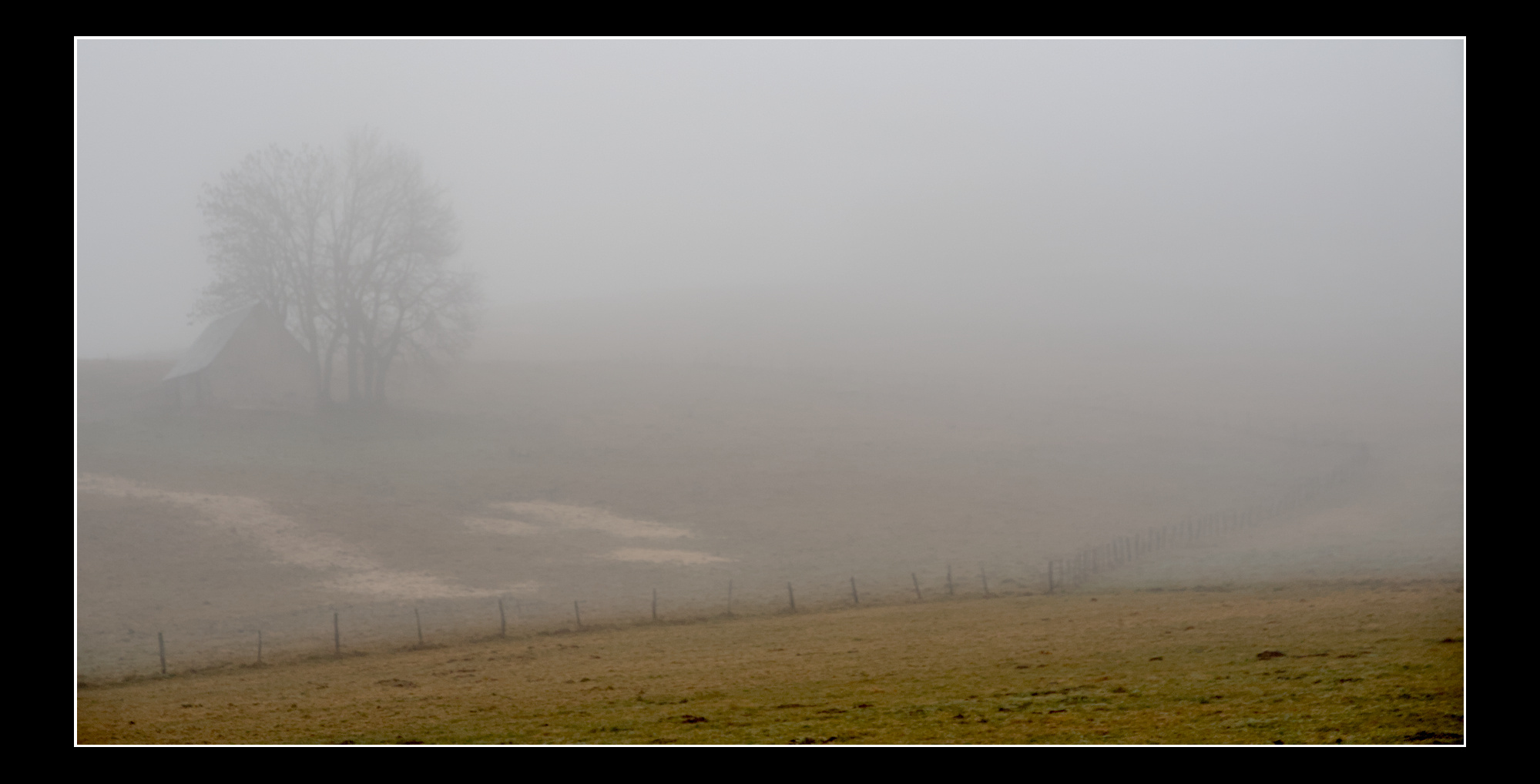
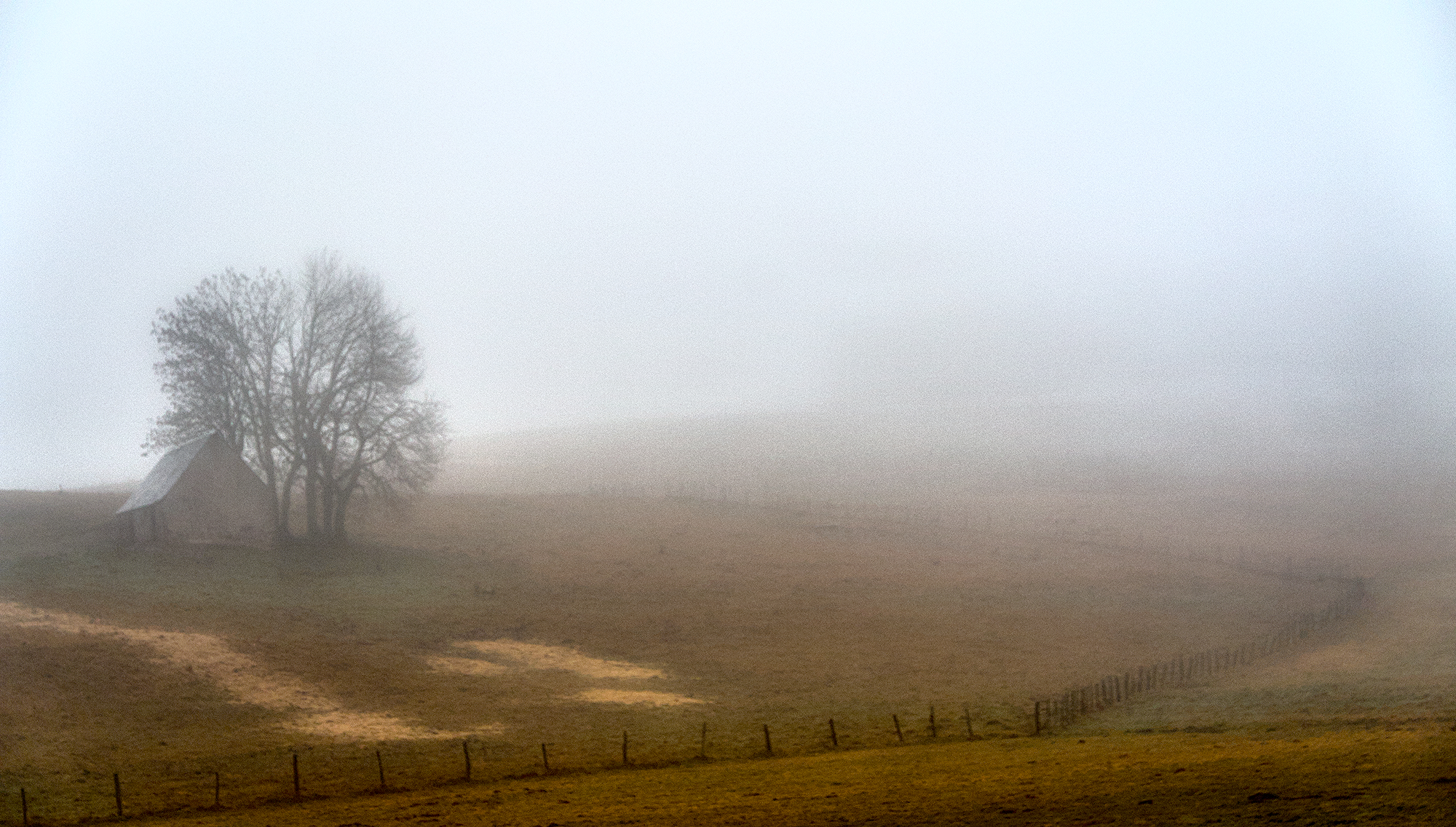
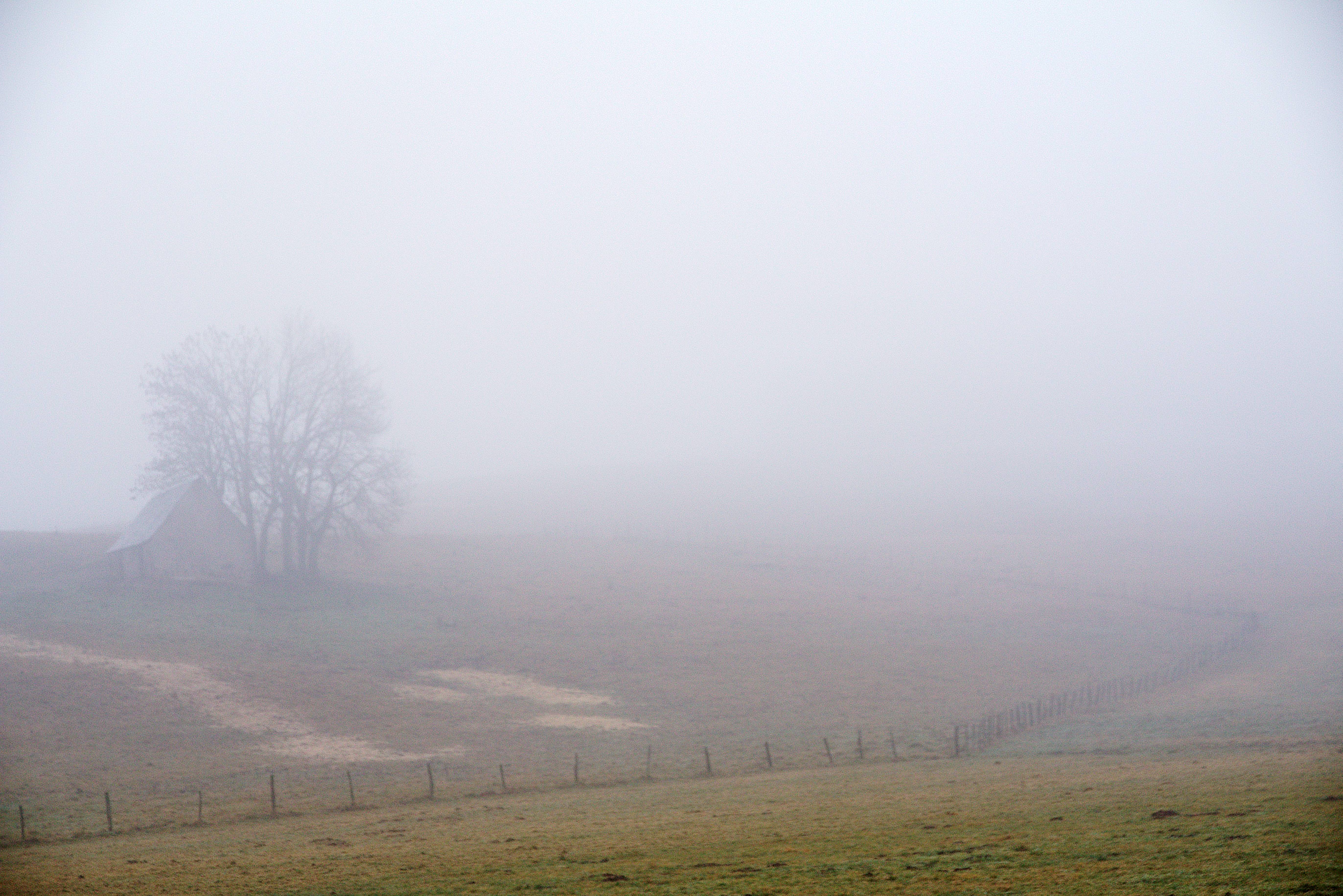
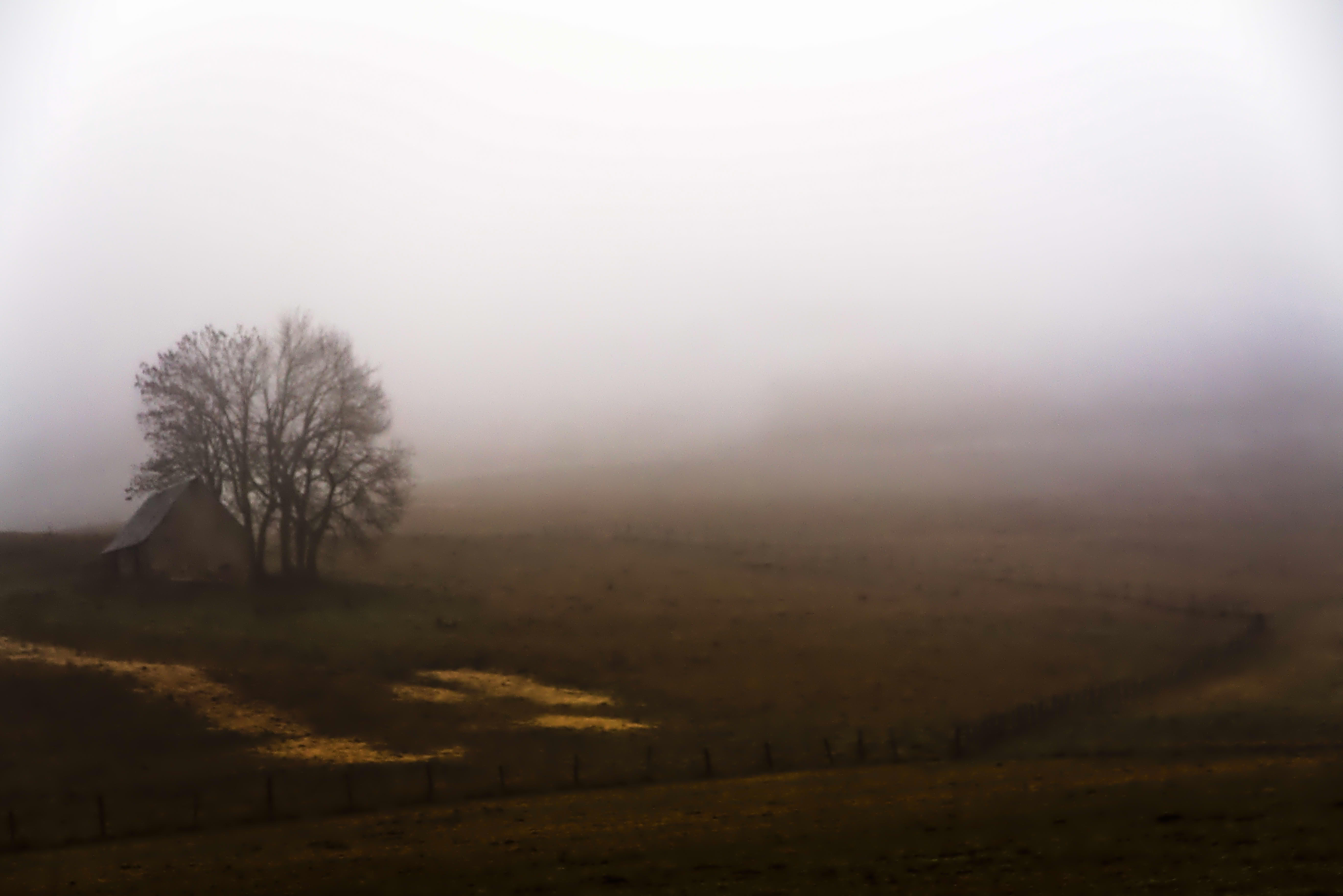
Fog is tricky. You need to include some un-fogged foreground. Ideally, but your subject there. Without that context, fog just lowers contrast, and looks like a defect.
I feel the edit you have done is about as nice as you will get. I agree with the comment that a foreground point of interest less affected by the fog would add interest. Maybe a road or fence line disappearing into the fog. I have done some heavy dehazing on the foreground to add contrast to the images foggy background. IMG_1391.CR2.xmp (12.6 KB)
BTW, in DT 5.4 auto tune levels in AgX handled the fog fairly well whereas auto tune levels in filmic doesn’t work well with fog. Obviously work very differently.
Nice picture, i often try myself foggy pictures! Tried with art, usually with fog i like bluish and cold tones. Often is better to manual focus, the tree seems a bit out of focus. with my mirrorless i usually choose infinity.