Hi,
When creating small resolution exports for the web using GIMP, I used to apply a small filter on the resized image, before saving, to improve sharpness.
Is there a way, in Darktable, to automatically apply a sharpness filter (or any filter, in fact) on export to get the same result ?
Best regards,
Thierry
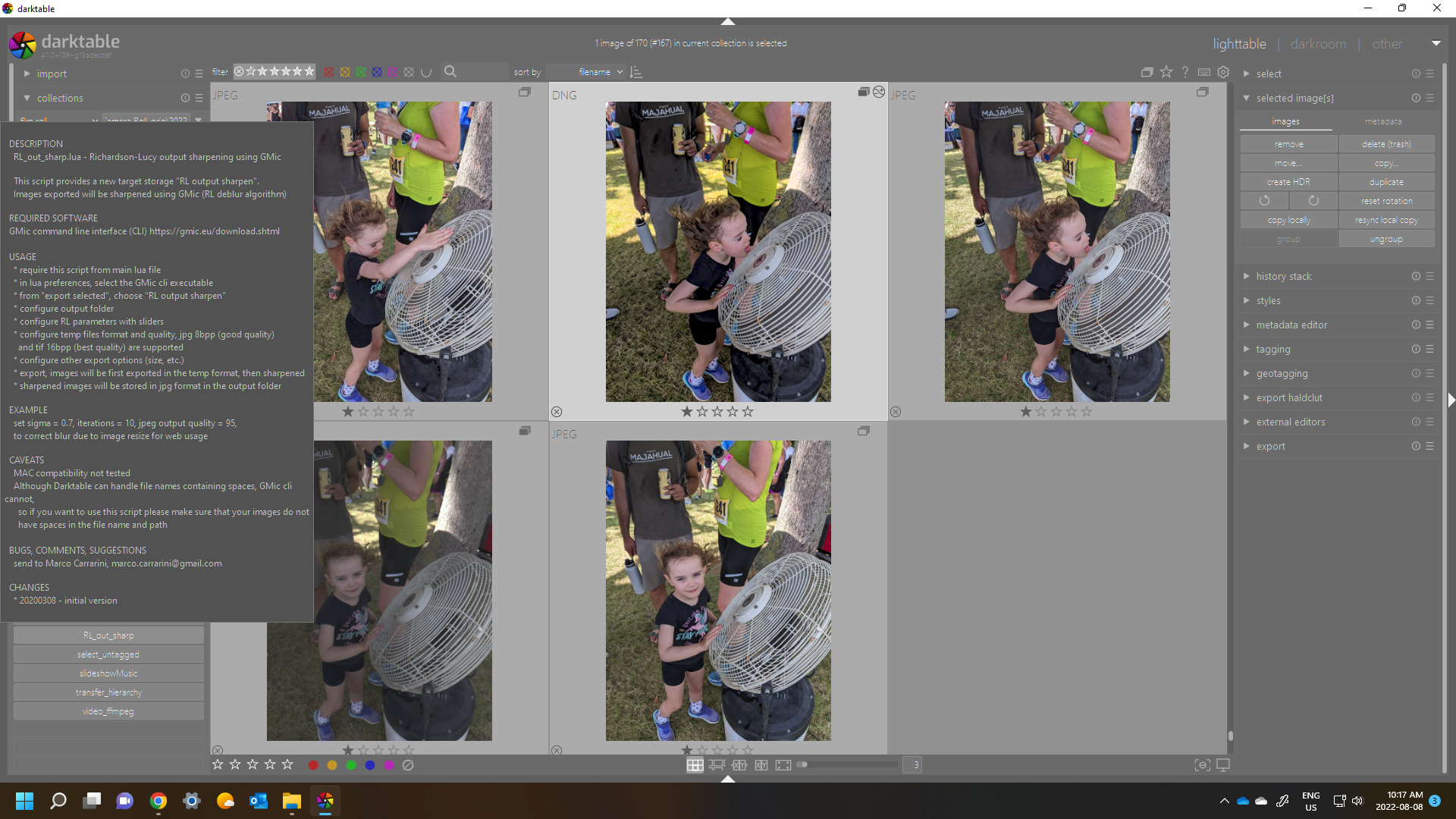
The easiest way is to create a style with the sharpening (and watermark). Apply the style (via append) to the export in the export module. You can have different styles (web export vs print export) and use preset to select them.
I tried this before posting this message.
But it’s not exactly the same behaviour that I’m looking for! As far as I understand it, the “export” style is applied on the “original” image, like during “development”; what I’m looking for is a kind of style which could be applied on the “final” resized image, for which a small sharpness filter can sometimes be a good option…
Do you mean the script or what @g-man proposed…note the script saves the image to a temp file and then sharpens so I think this is what you want… when you run it you get a new export option…
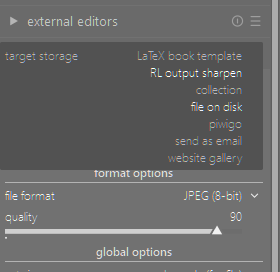
Ho sorry, I missed @priort answer before responding!
I’m going to check, is this script in standard Darktable distribution?
It is but you would need to be sure to have lua in place to be able to use it…
I installed GMIC cli and did a checkout of DT scripts!
It works perfectly and the script is exactly what I was looking for, many thanks!! 
Just a hint: I had to modify the generated “luarc” script to remove double quotes, otherwise the scripts didn’t load…