‘reconstruct color’ seems to work well enough. But it is just a large blown-out portion, so don’t know what to make more of it.
IMG_6799.CR3.xmp (25.4 KB)
The usual: Load file with filmic, color calibration, highlight reconstruction disabled. Use exiftool to check what it reports as white level, and make sure Darktable uses the same value (which it does for me).
Reset white-balance to ‘as shot’. I do this since ‘color calibration’ and the modern color-workflow often doesn’t work for my Sony.
Lower exposure, so low that you see ‘room’ in the histogram…
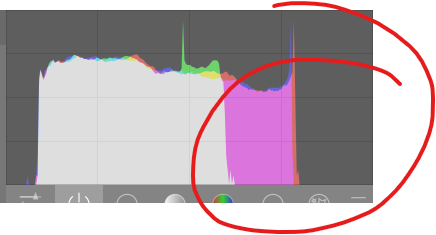
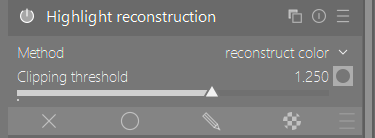
…so you know you’re looking at everything. Now go toy with ‘highlight reconstruction’ to see what you get. But as I said, ‘reconstruct color’ seems to work well for me. I even raised the clipped-threshold, to just below where the purple is gone.
Then raise exposure to where it should be (ignoring any clipping! That’s for filmic to handle later).
Focus on shadows and mids.
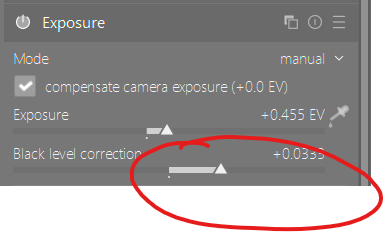
What I see is a very weird black-level. I don’t see this often, but might be normal for your camera? Or just the scene…

So I adjust the black-level-correction till I think it’s where it should be.
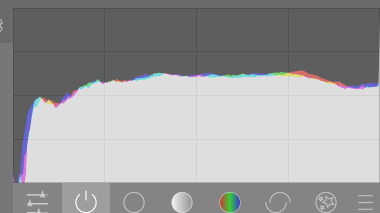
Now enable filmic, and hit the ‘auto select white level’ thing to set it.

I enabled the vibrant-color preset in ‘color balance rgb’ to get some color going:
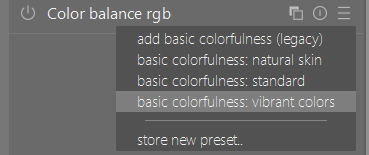
And enabled the ‘local contrast’ module at default settings.
In the xmp I posted I used the ‘tone equalizer’ to get the highlights a bit lower, but I don’t feel it did much.
I also used an earlier instance of local-contast in an extreme bilateral mode, masked for the highlights - to try to make some details more visible in the highlights.
Then enable lens correction /chromatics if you think it needs it, same for sharpening (I used some heavy diffuse).
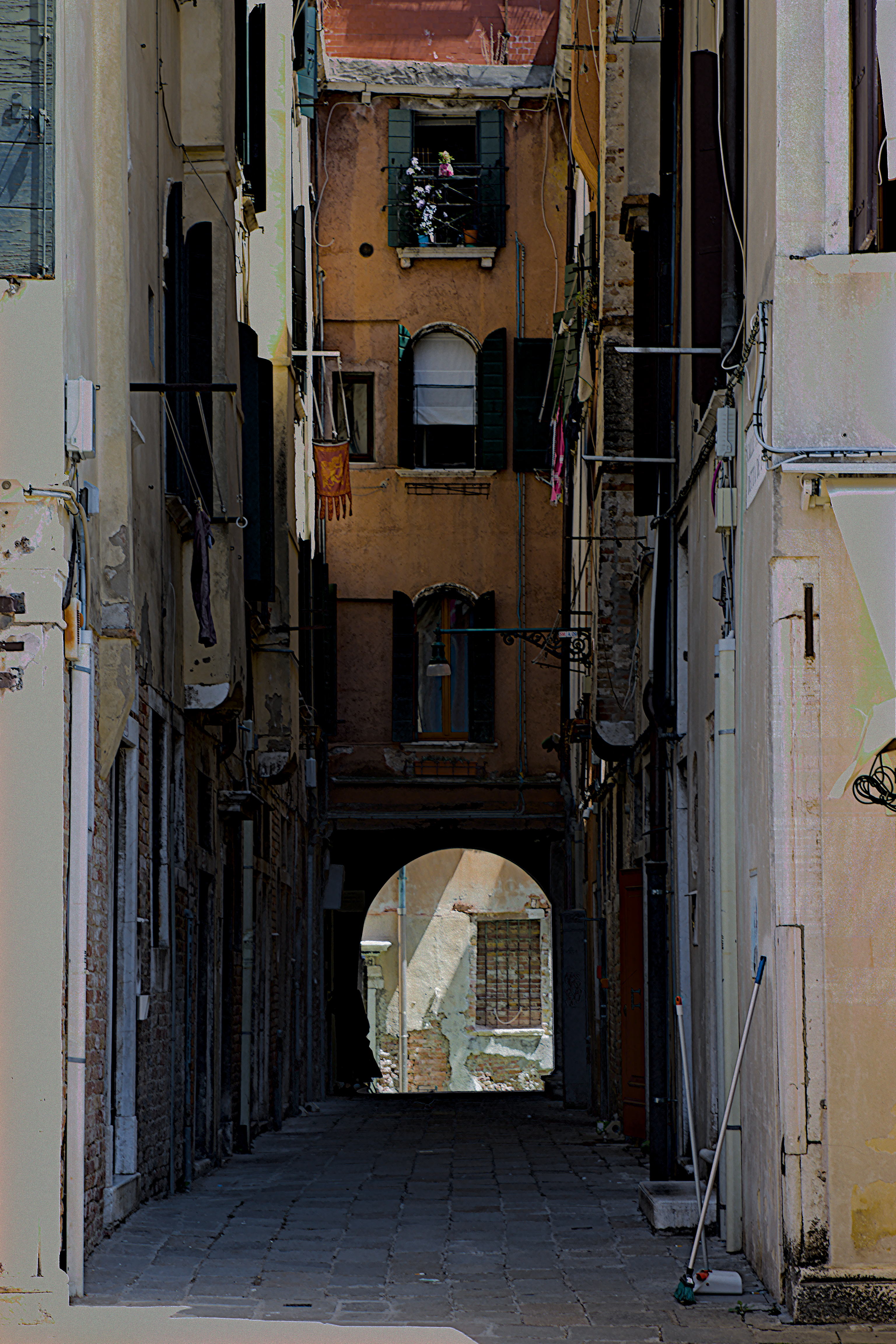



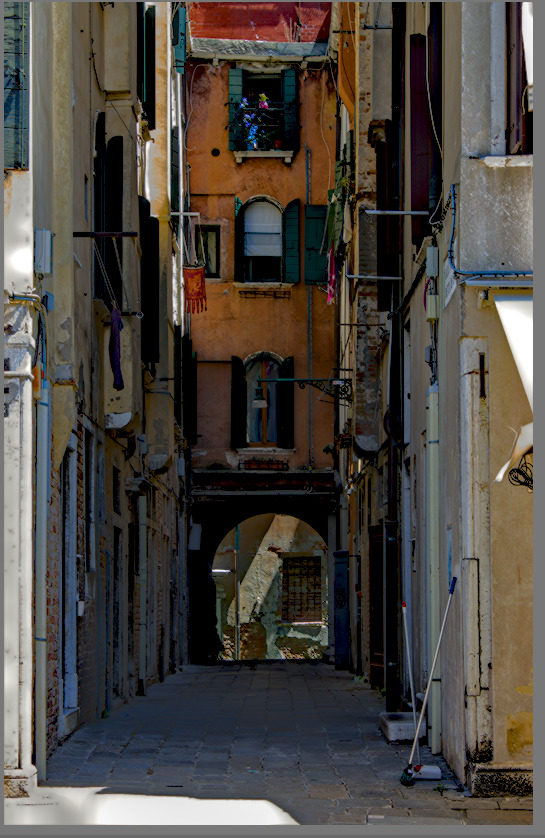
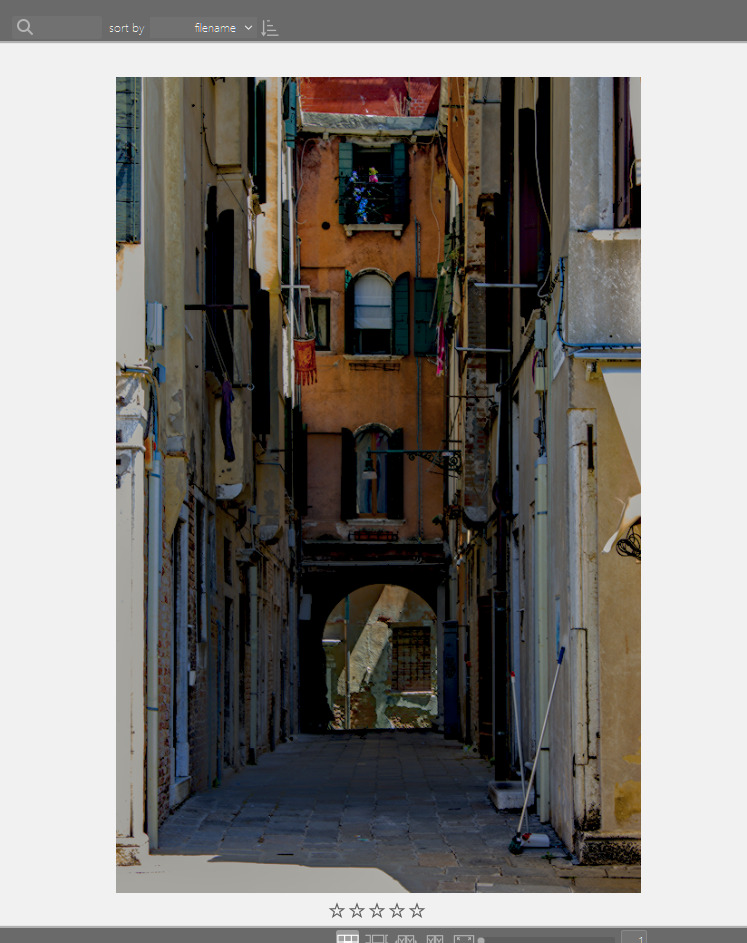
 .
.