Nice, glad that @jssfr also showed up telling he is also busy working on something.
But for uploads i heavily validated that what was uploaded was a valid .dtstyle. And that was about all. It then got placed in a queue, and i ran cronjob on the queue every 10 minutes or so to generate the images.
There was an option to reupload a style, but i don’t think anyone found that functionality.
Long time ago i’ve pondered about rewriting it all, and might have used something like oauth against maybe discuss.pixls.us (never asked if that would be possible. because. well i didn’t make anything yet). I kinda didn’t want a database sitting on my server with personal information, in regard leaking data etc.
Another idea i had was using samples of different camera’s and more different type of shots. I just used some of my own shots. In hindsight i should never used that photo of the girl, as i never asked permission.
I wrote some code which extracts the module names + paramter versions supported in each darktable version and from that detects the minimum darktable version required for a given style
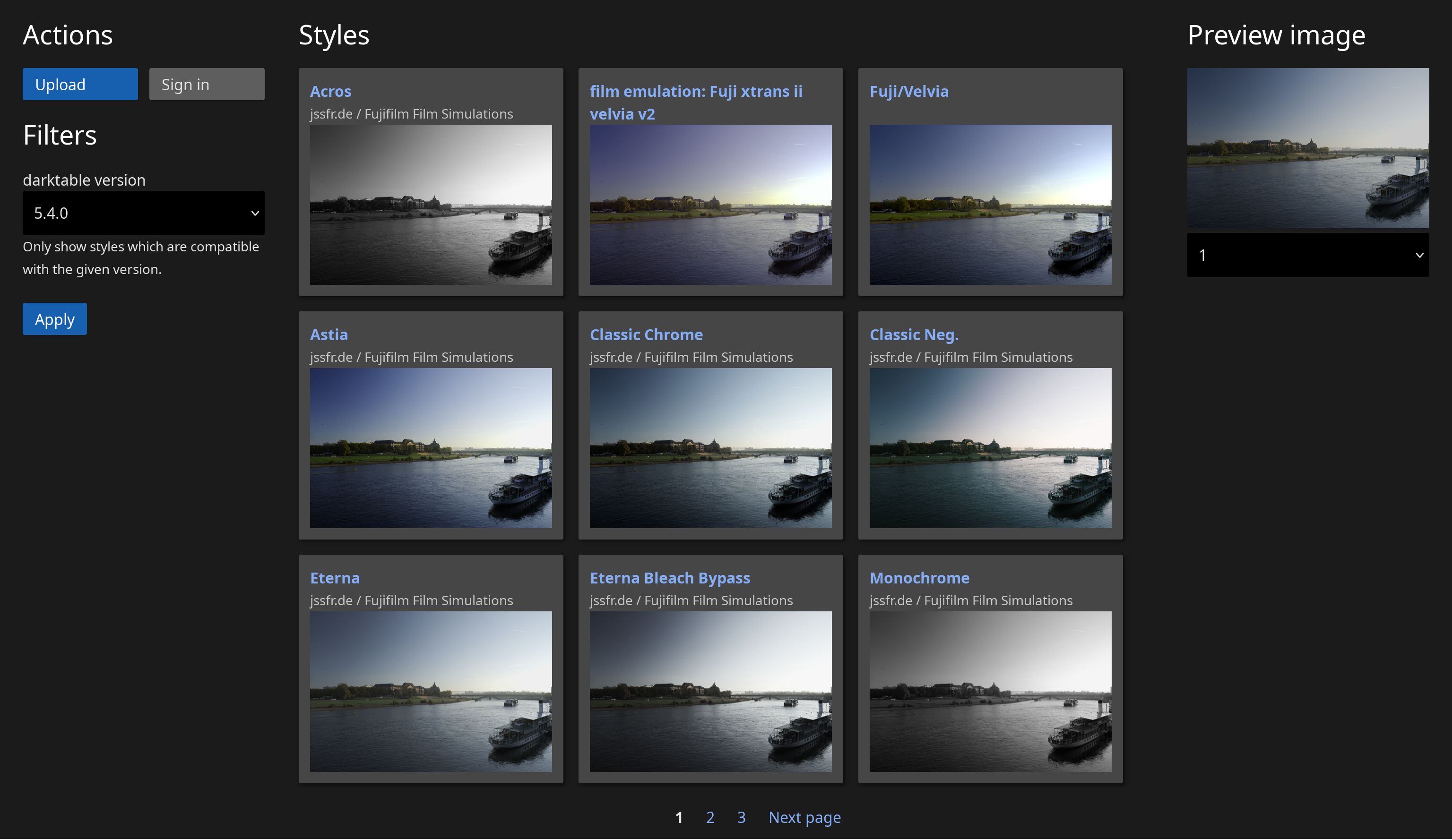
That’s what feeds the filter box in my screenshot above.
I quite liked the idea of seeing the results done with different darktable versions. It’s not something i considered. Although around darktable 1.6 (i think) i did a comparison between 1.4 and 1.6 for @hanatos (eons ago). Nor did i record what version was used for creating the images.
yeah i was thinking about “revisions” as well but decided against it for now
i get that… that’s why i went with email + displayname + pw only
was thinking about that as well… that would be awesome! Currently i have e-mail based registration in place as well as oauth for github (could be extended easy to support different providers)
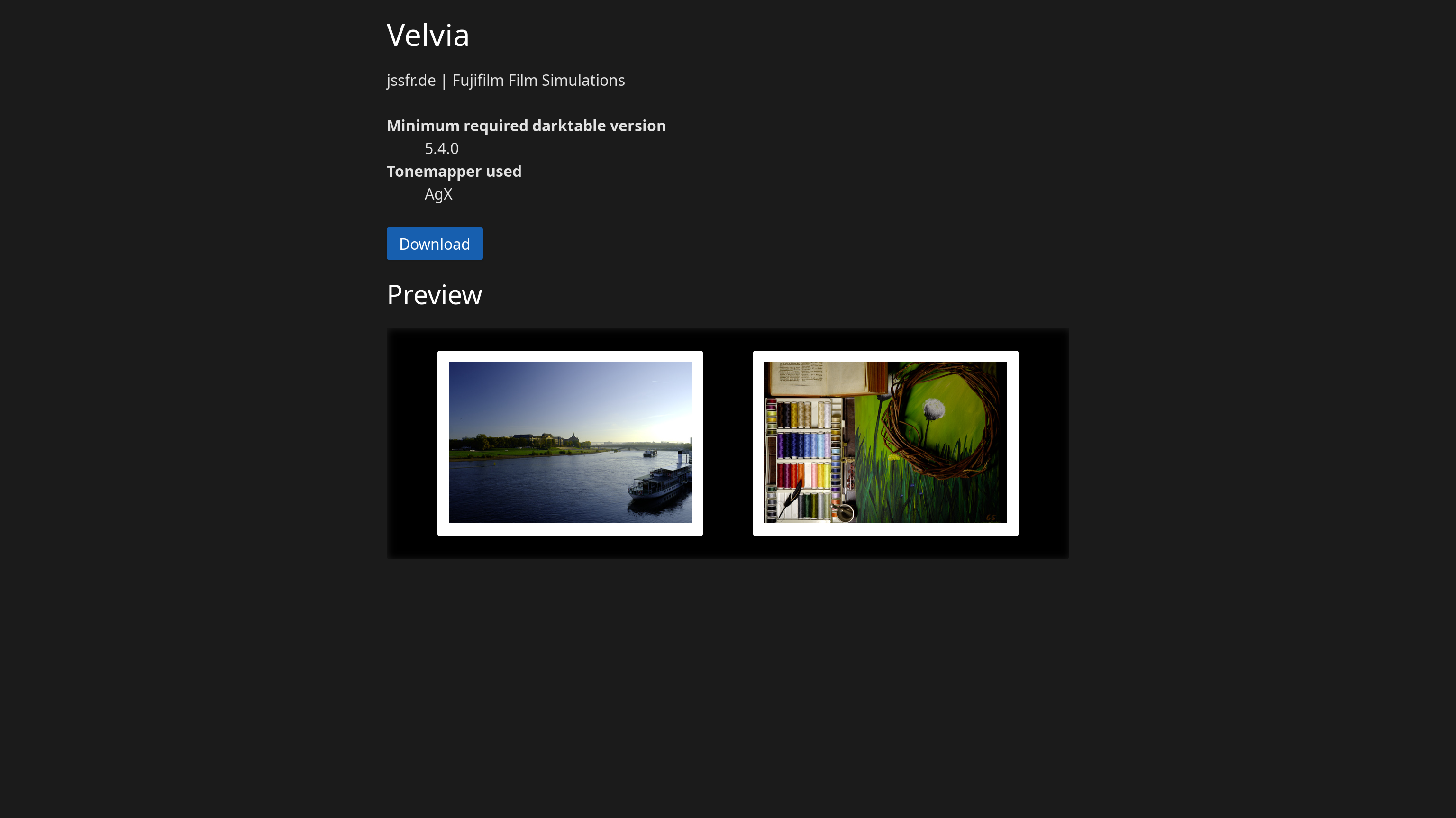
i got that done already i guess. i liked your approach of having a scroll list to “quickly” check a style out. since i have an detail page implemented which shows bigger previews… i’ve added the option to add more preview images that will only show up on the detail page
do versions differ that much in how the output looks? i was expecting the output to be more or less the same when using never versions.
never thought about doing multiple versions of the images… and even if… where do you make the cut? one for every major release? go for minor releases as well? managing all those versions sounds like a nightmare
Versions shouldn’t affect the output. That’s why they keep old modules still in the codebase. But with seeing which modules are used you could determinate for what version it is made.
Well, there’s the source code. That + git + a couple lines of python gives me a JSON file which maps module + version to the first darktable release where that module + version was supported.
 .
.

